
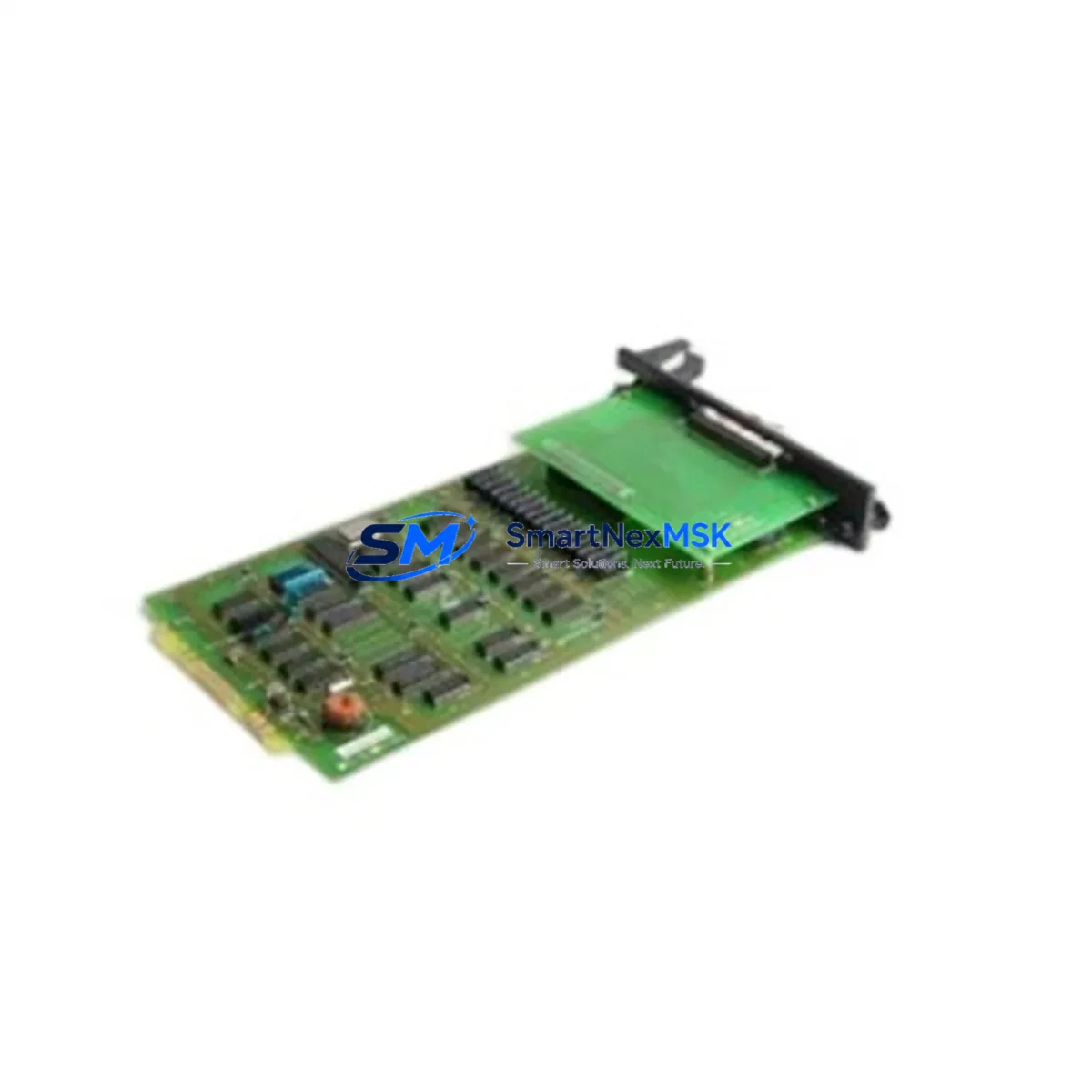
YOKOGAWA ST3*D AS S9181AQ-0 Maintenance-Ready Spare for CENTUM VP Automation
The YOKOGAWA ST3*D AS S9181AQ-0 is an original multi-status input card designed for the CENTUM VP Distributed Control System (DCS) platform. As a critical I/O component within the CENTUM VP field control station, this module handles discrete status signal acquisition from field devices — including valve position feedback, motor run/stop signals, interlock status, and equipment health indicators. For maintenance engineers managing aging CENTUM VP installations, securing a verified original spare of this card is a foundational step in any planned or emergency maintenance strategy.
Industrial facilities operating CENTUM VP systems — including refineries, chemical plants, power generation units, and offshore platforms — depend on the uninterrupted function of every status input channel. A failed or degraded ST3*D AS S9181AQ-0 card can result in loss of process visibility, spurious interlock trips, or undetected equipment faults. Maintaining at least one verified spare in the control room or warehouse is standard practice for any site with a mean time to repair (MTTR) target under 4 hours.
This listing provides an original YOKOGAWA ST3*D AS S9181AQ-0 sourced from authorized supply channels, tested prior to shipment, and backed by a 12-month warranty. Each unit is inspected for firmware compatibility, connector integrity, and channel isolation before dispatch.
Spare Maintenance Table
| Parameter | Specification |
|---|---|
| SKU / Part Number | ST3*D AS S9181AQ-0 |
| Brand | YOKOGAWA |
| Series / Platform | CENTUM VP DCS |
| Module Type | Multi-Status Input Card |
| Signal Type | Discrete / Digital Status Input |
| Mounting | CENTUM VP Field Control Station Backplane |
| Origin | Japan (Original YOKOGAWA) |
| Compatibility | CENTUM VP R4.x / R5.x / R6.x Field Control Stations |
| Operating Temperature | 0°C to 55°C (standard industrial range) |
| Application Environment | Process industries: refining, chemical, power, O&G |
| Maintenance Recommendation | Replace on channel failure, signal drift, or scheduled 5-year overhaul |
| Warranty | 12 Months from date of shipment |
| Pre-Shipment Testing | Channel isolation, connector check, firmware verification |
| Lead Time | In stock — ships within 2 business days |
Maintenance Planning for Continuous Operation
When replacing the ST3*D AS S9181AQ-0 in a CENTUM VP field control station, a thorough maintenance engineer will treat the card swap as an opportunity to audit the surrounding I/O environment. The CENTUM VP architecture distributes I/O across multiple node units, and a single degraded card can mask upstream or downstream faults that only become apparent after the primary fault is cleared.
Begin by verifying the CENTUM VP Node Unit power supply module (such as the PW481 or equivalent) — a marginal power rail is a common root cause of intermittent status input errors and can damage replacement cards if not corrected first. Next, inspect the field terminal assembly (FTA) associated with the ST3*D AS S9181AQ-0 slot; corroded or loose terminal connections on the FTA are a frequent source of false status signals that are misdiagnosed as card failures.
Check the CENTUM VP communication bus coupler and Vnet/IP network interface cards for any logged communication errors during the fault window — a degraded bus coupler can cause multiple I/O cards to report faults simultaneously. If the control station houses analog input cards (such as the AAI141 or AAI543 series) in adjacent slots, verify their channel health as well, since backplane power distribution issues affect all cards in the node.
For sites using CENTUM VP safety instrumented system (SIS) integration, confirm that the ProSafe-RS I/O modules associated with the same process loop are functioning correctly — a status input failure in the basic process control layer can trigger unnecessary SIS demands if the logic is not properly isolated. Review the CENTUM VP HIS (Human Interface Station) alarm history for any correlated alarms in the 24–72 hours preceding the card failure, as this often reveals whether the fault was sudden or progressive.
Additionally, inspect signal isolators and barriers on the field wiring side — particularly for intrinsically safe loops where Zener barriers or galvanic isolators may have degraded. Check field junction boxes for moisture ingress, and verify that cable shields are properly grounded at the panel end only. For older CENTUM VP installations, also review the condition of the CENTUM VP engineering workstation (EWS) connection and any OPC server interfaces that rely on the status input data for historian or MES integration.
Site Replacement Workflow
The ST3*D AS S9181AQ-0 is a hot-swap-capable module within the CENTUM VP architecture, allowing replacement without a full field control station shutdown in most configurations. However, site-specific safety procedures must always be followed before any card removal.
Step 1 — Pre-replacement verification: Confirm the replacement card’s firmware revision matches or is compatible with the target field control station’s system software version. YOKOGAWA CENTUM VP R5.x and R6.x systems may require specific firmware levels for full channel functionality. Cross-reference the system’s hardware configuration file (HCF) in the CENTUM VP engineering environment before insertion.
Step 2 — Field signal isolation: Where process safety permits, isolate the field signals connected to the faulty card’s FTA before removal. This prevents spurious status changes from propagating to the control logic during the swap. Coordinate with the control room operator to place affected loops in manual or bypass mode.
Step 3 — Card removal and insertion: Follow YOKOGAWA’s ESD precautions. Remove the faulty ST3*D AS S9181AQ-0 by releasing the card ejector levers and sliding it clear of the backplane. Insert the replacement card firmly until the ejectors lock. The CENTUM VP system will automatically detect the new card and begin channel initialization.
Step 4 — Channel verification: From the CENTUM VP HIS, navigate to the I/O module status display and confirm all channels on the replacement card show healthy status. Verify field signal values match expected process states before returning loops to automatic control.
Step 5 — Documentation: Record the replacement in the site maintenance management system (CMMS), including the old card’s serial number, fault symptoms, and the replacement card’s serial number and warranty start date. Update the spare parts inventory to trigger reorder of a replacement spare.
Spare Parts Support FAQ
Q1: Is the ST3*D AS S9181AQ-0 compatible with all CENTUM VP field control station generations?
The ST3*D AS S9181AQ-0 is designed for CENTUM VP platform field control stations. Compatibility across R4.x, R5.x, and R6.x generations is generally maintained, but firmware revision alignment should be verified against your specific system configuration file before installation. Contact our technical team with your FCS model and system software version for confirmation.
Q2: What is included in the 12-month warranty?
The 12-month warranty covers manufacturing defects, channel failure under normal operating conditions, and connector integrity. Each unit is tested prior to shipment for channel isolation and basic functionality. Warranty claims are supported with replacement dispatch within 5 business days of fault confirmation.
Q3: How do you verify the card is original YOKOGAWA and not a counterfeit?
All units are sourced from authorized distribution channels or decommissioned OEM installations with full traceability. Each card carries original YOKOGAWA part markings, date codes, and board revision identifiers. We provide a certificate of origin and pre-shipment test report upon request.
Q4: Can you supply multiple units for a spare parts kitting program?
Yes. We support bulk spare parts procurement for planned maintenance programs, turnaround kits, and long-term service agreements. Volume pricing is available for orders of 3 or more units. Contact [email protected] with your required quantity and delivery schedule.
© 2026 SMARTNEXMSK. All rights reserved.
Original Source: https://smartnexmsk.com
Contact: [email protected] | +86 18259474341



