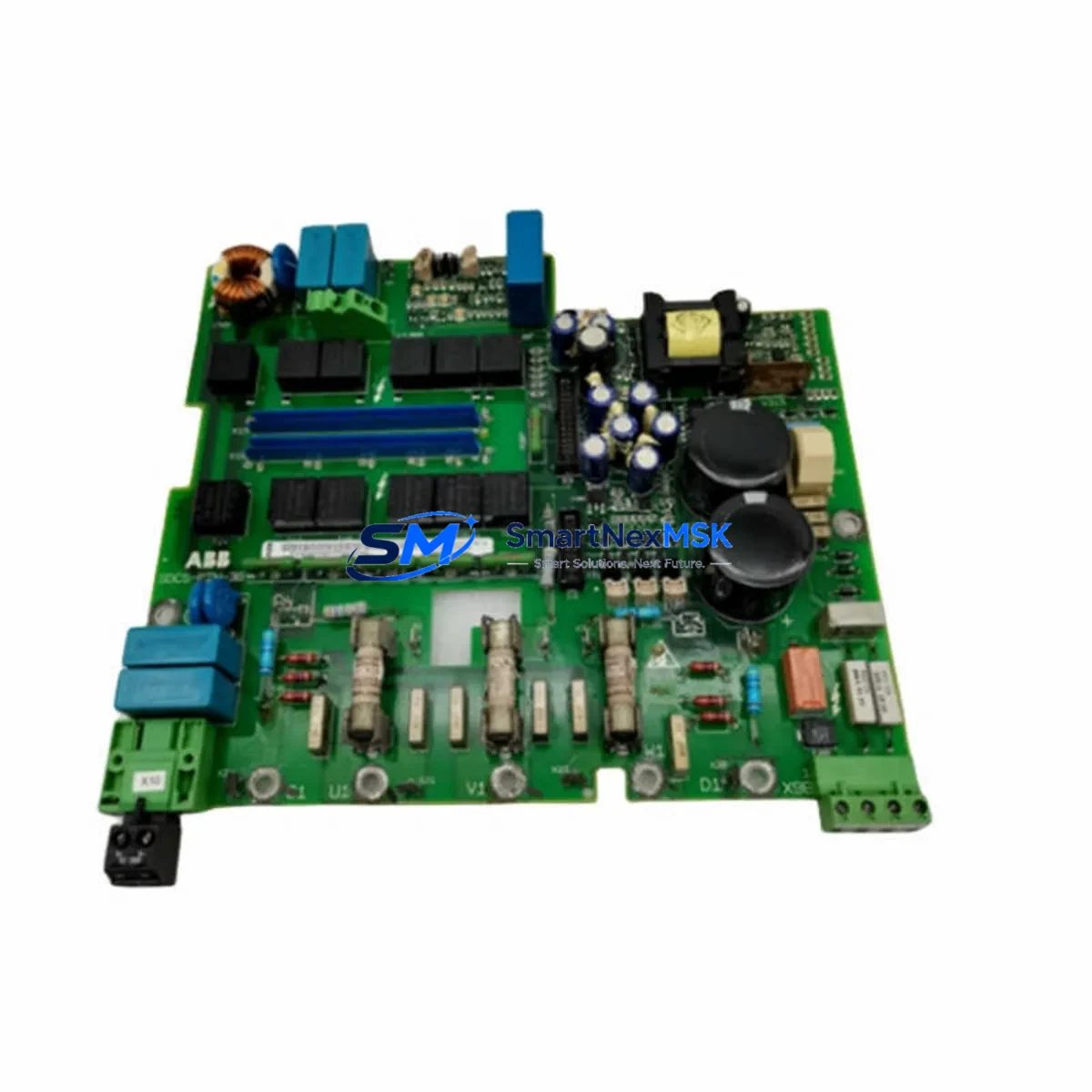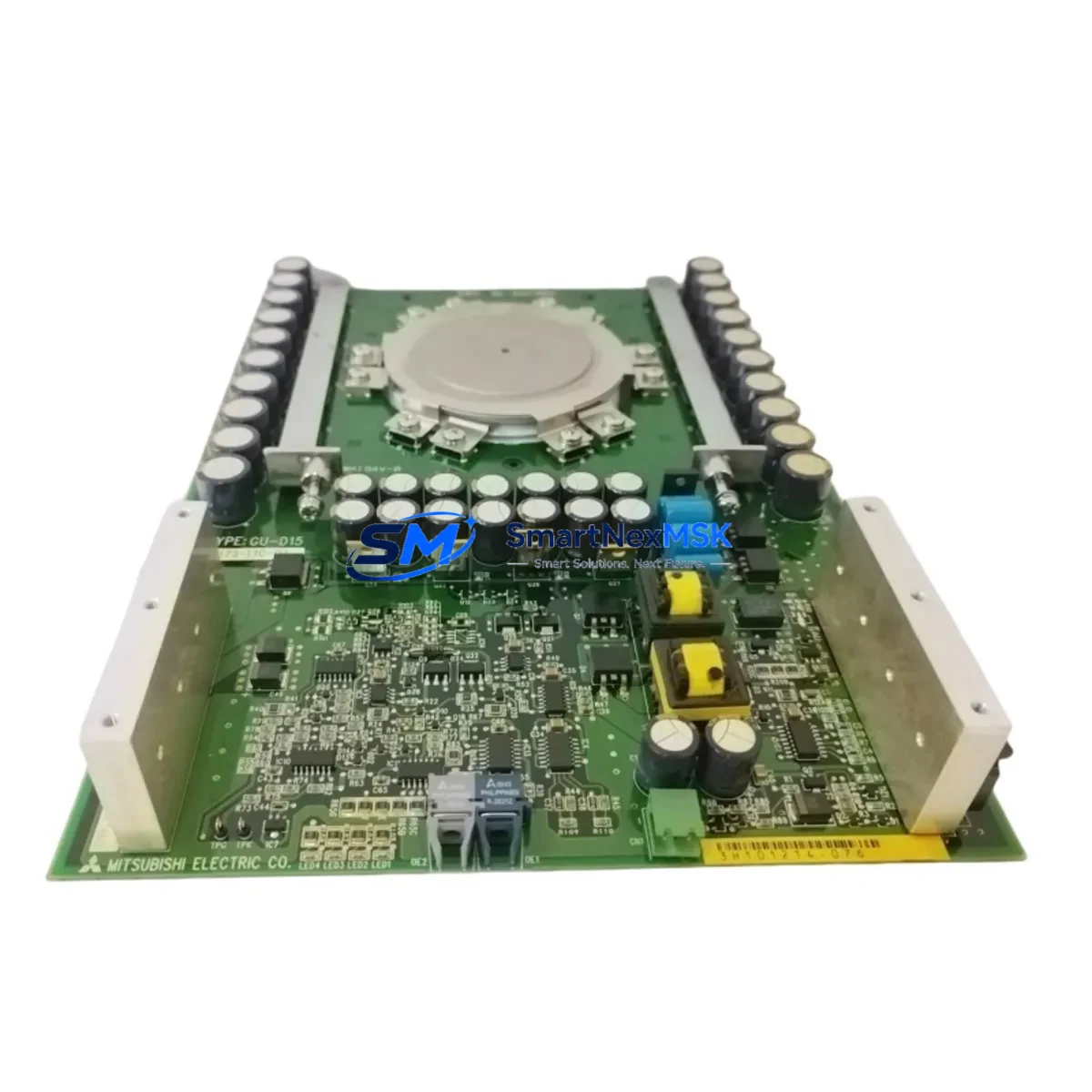
ABB 80173-110-02-3 Retrofit-Ready CPU Module for AC500 Control Systems
The ABB 80173-110-02-3 is a retrofit-ready CPU module engineered for seamless integration into existing AC500 control system architectures. Whether you are replacing a discontinued spare, upgrading an aging control cabinet, or migrating a legacy automation line to a more maintainable platform, this module delivers the compatibility, reliability, and verified performance that industrial engineers demand. SMARTNEXMSK maintains in-stock inventory of the 80173-110-02-3 with full pre-shipment testing and a 12-month warranty on every unit.
The AC500 platform from ABB is widely deployed across process automation, machine control, and infrastructure applications. As original equipment reaches end-of-life, sourcing verified replacement modules becomes a critical bottleneck for maintenance teams. The 80173-110-02-3 addresses this directly — it is wiring-compatible with the original backplane pinout, preserves existing I/O addressing, and supports the same communication protocols used in the installed base, minimizing re-engineering effort during changeover.
Upgrade Compatibility Table
| Parameter | Details |
|---|---|
| SKU / Part Number | 80173-110-02-3 |
| Brand / Series | ABB / AC500 |
| Module Type | CPU / Control Module |
| Backplane Interface | Compatible with AC500 standard backplane bus |
| Communication Protocols | PROFIBUS-DP, Modbus RTU/TCP, CANopen (series-dependent) |
| Installation Requirement | DIN-rail mount; standard AC500 rack slot |
| Wiring Compatibility | Terminal layout matches original AC500 CPU footprint |
| Replacement Recommendation | Direct drop-in for discontinued AC500 CPU variants |
| Commissioning Notes | Program upload via PS501 Control Builder; verify I/O mapping before restart |
| Warranty | 12 Months — covers manufacturing defects and functional failure |
Retrofit Planning for Existing Automation Systems
A successful retrofit of the 80173-110-02-3 into an operational AC500 system requires systematic pre-work across several engineering domains. Begin by auditing the existing power supply module — the PM573 or PM583 series power modules must deliver sufficient rail capacity to support the replacement CPU alongside any co-installed communication modules such as the CM572-DP PROFIBUS master or CM589-PNIO PROFINET interface card. Undersized power budgets are a leading cause of intermittent faults after module swap.
Next, document the existing terminal wiring on the I/O modules. The DI581 digital input modules and DO581 digital output modules retain their wiring during a CPU swap, but their channel assignments must be verified against the original hardware configuration file in PS501 Control Builder. If the system uses analog I/O — such as the AI531 or AO531 modules — confirm that the scaling parameters and engineering unit conversions are preserved in the restored program image.
For systems with HMI integration, verify that the CP600 operator panel or third-party HMI retains its communication link to the new CPU. Panel variable bindings, alarm tag addresses, and screen navigation logic should be validated in simulation before live commissioning. If the site uses a TB521 or TB541 terminal base for field wiring, no rewiring is required — the base remains in place and the new module seats directly into the existing slot.
Communication link integrity is equally important. If the control network uses PROFIBUS-DP, confirm that the GSD file version and station address settings are preserved. For Modbus TCP installations, verify that the IP address, subnet mask, and gateway parameters are re-entered correctly after the CPU replacement, as these are stored in the module’s non-volatile memory and may reset during a cold swap.
Downtime Control During System Migration
Minimizing production downtime during a CPU module replacement requires a structured changeover protocol. Before removing the 80173-110-02-3’s predecessor, perform a full program backup using PS501 Control Builder and store the project archive — including hardware configuration, variable lists, and communication settings — on an offline engineering workstation. Photograph or document all terminal connections on adjacent I/O modules and the backplane slot assignment of each installed card.
During the physical swap, power down the rack in the correct sequence: disable field outputs first, then remove 24 VDC I/O power, and finally remove the CPU supply. Seat the replacement 80173-110-02-3 into the same backplane slot. On power-up, the CPU will perform a self-test; confirm that the RUN/STOP LED and diagnostic indicators match expected behavior before restoring the program. Download the archived project, verify the hardware configuration matches the physical rack, and perform a controlled I/O force test on non-critical channels before releasing the system to automatic operation. This sequence typically allows a trained engineer to complete the changeover within a planned two-hour maintenance window.
Retrofit Support FAQ
Q: Is the 80173-110-02-3 a direct replacement for my existing AC500 CPU without program modification?
A: In most AC500 retrofit scenarios, the 80173-110-02-3 accepts the original program archive without modification. However, if the predecessor module used a different firmware revision, a minor hardware configuration update in PS501 Control Builder may be required. SMARTNEXMSK recommends verifying the firmware version compatibility before shipment.
Q: What wiring changes are needed when installing this module?
A: No field wiring changes are required when replacing a same-series AC500 CPU. The terminal base and backplane connector remain in place. Only the CPU module itself is swapped. Confirm that the power supply rail voltage and current capacity meet the replacement module’s specifications before energizing.
Q: How is the module tested before shipment?
A: Every 80173-110-02-3 unit shipped by SMARTNEXMSK undergoes a functional power-on test, communication port verification, and visual inspection for connector and board integrity. A test report is available upon request. All units are covered by a 12-month warranty from the date of shipment.
Q: Can this module be used in a system that also has third-party I/O or communication devices on the same PROFIBUS network?
A: Yes. The AC500 CPU supports multi-vendor PROFIBUS-DP networks using standard GSD file integration. Third-party devices — including drives, remote I/O stations, and field instruments — remain fully compatible provided their GSD files are correctly imported into the hardware configuration and station addresses are preserved from the original project.
© 2026 SMARTNEXMSK. All rights reserved.
Original Source: https://smartnexmsk.com
Contact: [email protected] | +86 18259474341