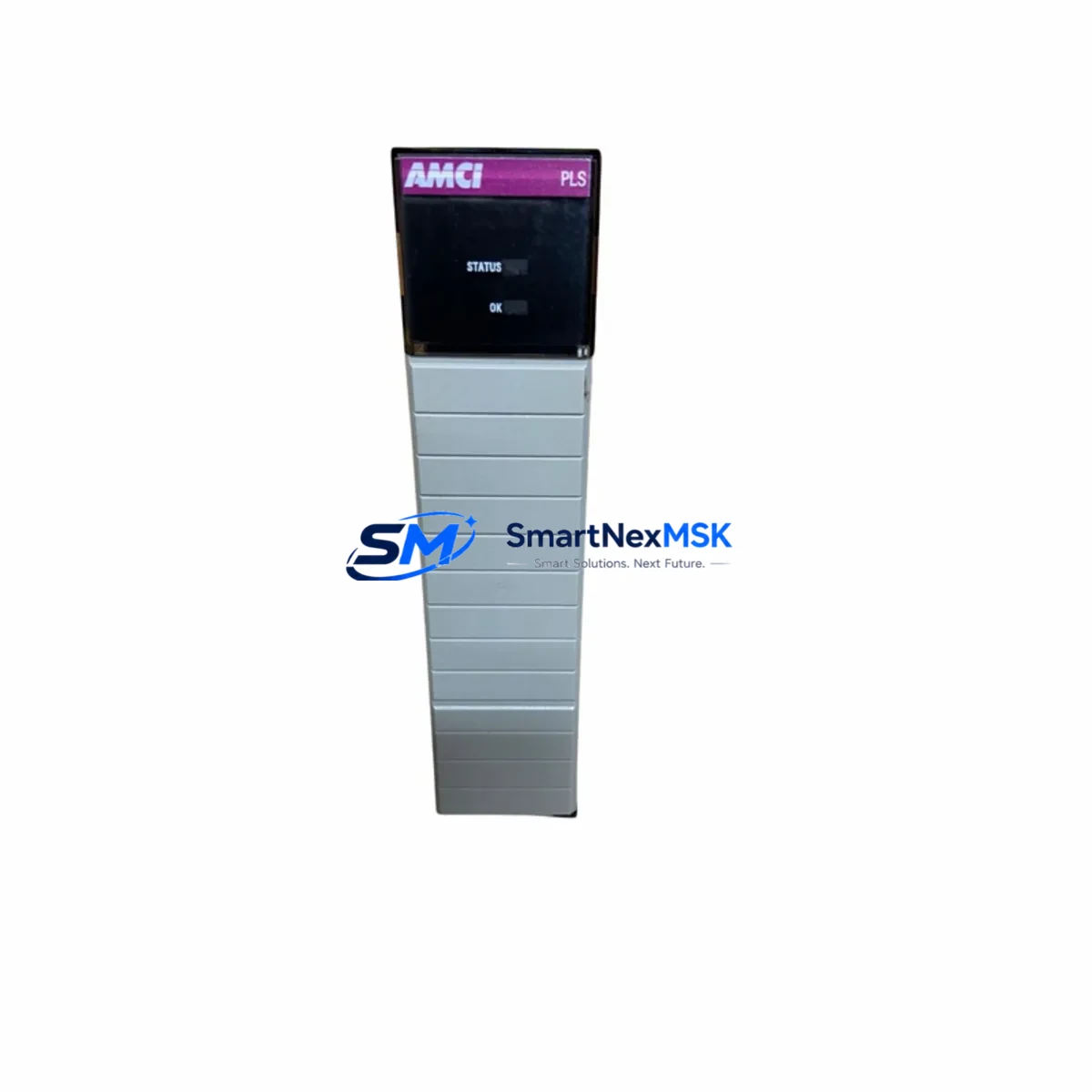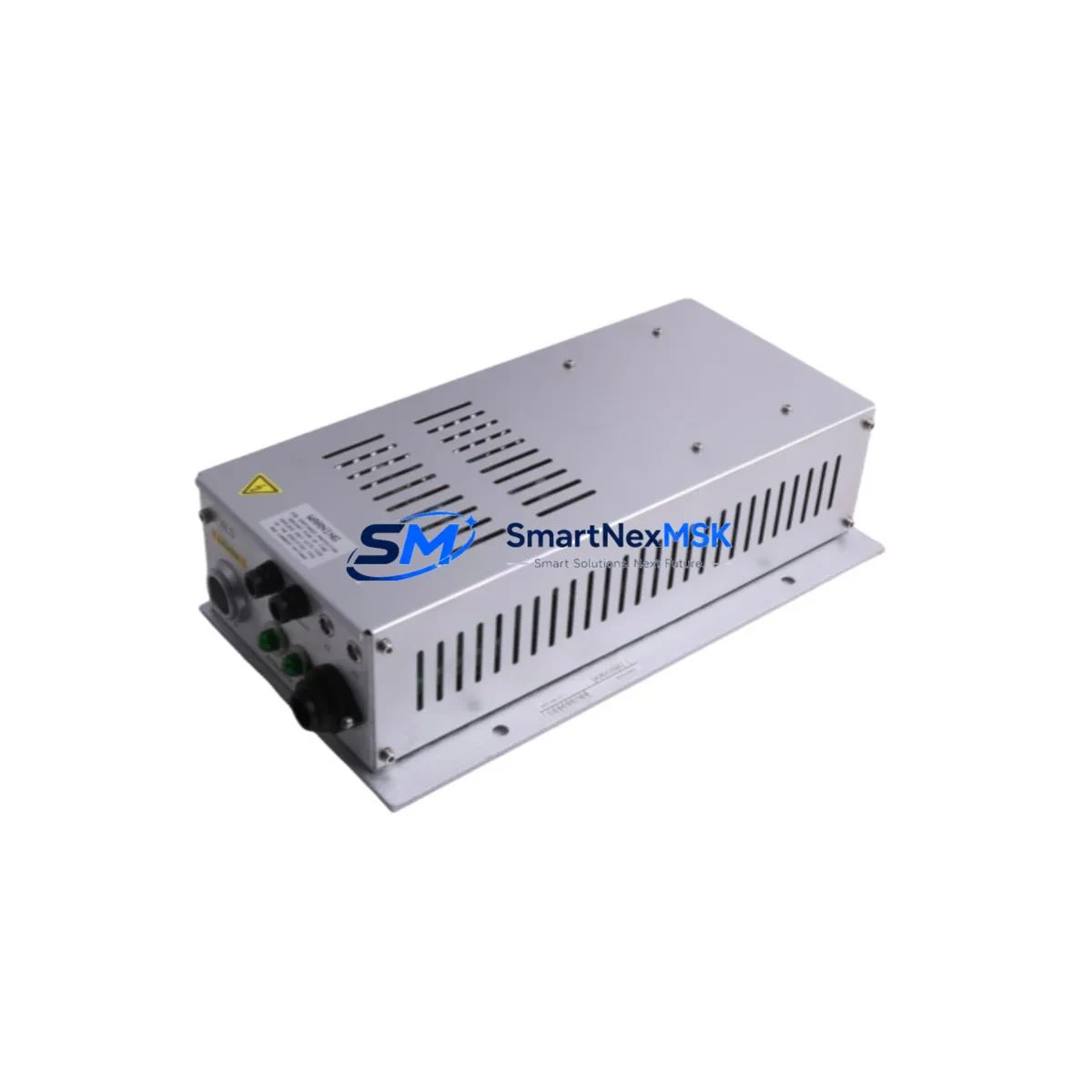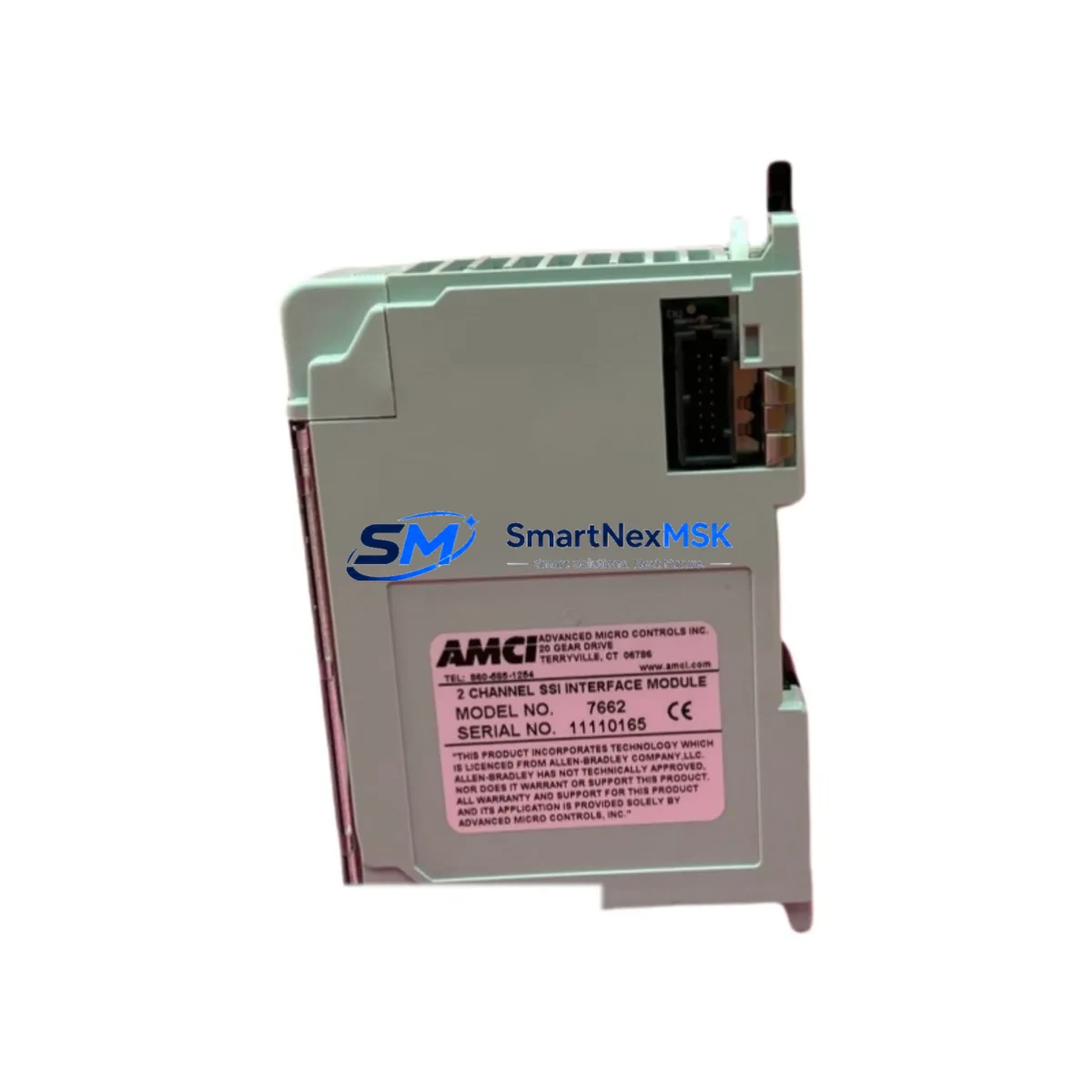
AMCI 7662 Maintenance-Ready Spare for 7600 Series Automation
The AMCI 7662 is a dual-output power supply module engineered for the AMCI 7600 Series modular automation platform. For maintenance engineers managing aging PLC-based control systems, unplanned power supply failure is one of the highest-risk single points of failure in a control cabinet. Stocking a verified, original AMCI 7662 spare eliminates the critical gap between fault detection and system restoration — reducing unplanned downtime from days to hours.
This module provides regulated DC power to the 7600 Series backplane and connected I/O modules. Its dual-output design supports simultaneous powering of logic-side and field-side circuits, making it a foundational component in any 7600 Series control cabinet. When this module degrades or fails, the entire rack loses power — halting all PLC scan cycles, I/O updates, and communications. Rapid replacement with a pre-tested, shelf-ready spare is the only reliable recovery path.
Each AMCI 7662 unit supplied by SMARTNEXMSK is sourced from authorized channels, individually tested prior to shipment, and backed by a 12-month warranty covering manufacturing defects and functional performance. Long-term supply continuity is maintained for legacy system support.
Spare Maintenance Table
| Parameter | Specification / Detail |
|---|---|
| Part Number | AMCI 7662 |
| Brand | AMCI (Advanced Micro Controls Inc.) |
| Series | 7600 Series Modular Automation Platform |
| Module Type | Dual-Output Power Supply Module |
| Output Configuration | Dual regulated DC outputs (logic + field power) |
| Backplane Compatibility | AMCI 7600 Series backplane (7600, 7601, 7602 series racks) |
| Installation | Direct slot insertion into 7600 Series rack; no tools required |
| Application Environment | Industrial control panels, PLC cabinets, machine automation enclosures |
| Operating Temperature | 0°C to 60°C (typical industrial panel range) |
| Maintenance Recommendation | Inspect annually; replace proactively at first sign of output voltage drift or thermal anomaly |
| Origin | USA |
| Warranty | 12 Months — covers manufacturing defects and functional performance |
| Pre-Shipment Testing | Yes — each unit individually tested before dispatch |
| Lead Time | In-stock units ship within 1–3 business days |
Maintenance Planning for Continuous Operation
When a 7662 power supply module is flagged during routine control cabinet inspection or fails during operation, the replacement procedure should be treated as a full cabinet health audit — not an isolated swap. Maintenance engineers should use this event as a trigger to inspect the entire 7600 Series rack and its associated electrical infrastructure.
Begin by verifying the incoming AC supply to the cabinet and checking the primary fuse or circuit breaker feeding the power supply. A blown fuse or upstream voltage sag is frequently the root cause of premature power supply failure. Inspect the terminal blocks on the power input side for signs of oxidation, loose crimps, or thermal discoloration — these are common failure precursors in high-cycle industrial environments.
Next, audit the 7600 Series backplane itself. The AMCI 7601 backplane and AMCI 7602 expansion rack should be checked for bent connector pins, contamination, or signs of arcing at the power supply slot. A damaged backplane connector can cause repeated power supply failures even after module replacement.
With the new 7662 installed, verify output voltages at the backplane test points before re-enabling field power. Then systematically check each I/O module seated in the rack — including any AMCI 7650 digital input modules, AMCI 7660 digital output modules, and AMCI 7670 analog input modules — for correct LED status and proper field wiring continuity. Loose field wiring on I/O terminal blocks is a frequent secondary fault discovered during power supply replacement events.
If the 7600 Series rack includes a communications module — such as an AMCI 7685 Ethernet or AMCI 7680 serial communications module — confirm that the module re-establishes its network link after power restoration. Communication timeouts during restart can trigger upstream PLC faults or SCADA alarms that require manual acknowledgment.
For cabinets with signal isolation requirements, inspect any DIN-rail mounted signal isolators or loop-powered transmitter barriers in the same enclosure. These components are sensitive to power quality and may exhibit drift or offset errors if the replacement power supply has a slightly different output characteristic during the burn-in period.
Finally, update the cabinet’s maintenance log with the replacement date, the failed module’s serial number, and any upstream fault conditions identified. This record supports future predictive maintenance scheduling and spare parts budget planning.
Site Replacement Workflow
Step 1 — Isolate and de-energize. Follow site LOTO (Lockout/Tagout) procedures. Confirm zero-energy state at the cabinet before opening the rack.
Step 2 — Document current configuration. Photograph the rack layout, note module slot positions, and record any DIP switch or jumper settings on adjacent modules before removal.
Step 3 — Remove the failed 7662. The module slides out of the 7600 Series rack without tools. Inspect the backplane connector for damage before inserting the replacement.
Step 4 — Insert the replacement AMCI 7662. Seat firmly until the connector is fully engaged. Secure the module latch if present.
Step 5 — Restore power and verify outputs. Energize the cabinet and measure DC output voltages at the backplane test points. Confirm both logic-side and field-side outputs are within specification before enabling field devices.
Step 6 — Confirm system recovery. Verify PLC scan cycle resumes, all I/O modules report healthy status, and communications modules re-establish network connections. Clear any latched faults in the PLC or SCADA system.
Step 7 — Return to service and log. Document the replacement in the maintenance management system. Order a replacement spare to restore your buffer stock.
This workflow is compatible with direct replacement of earlier AMCI 7600 Series power supply variants. No firmware changes or configuration uploads are required for a like-for-like 7662 swap.
Spare Parts Support FAQ
Q1: Is the AMCI 7662 still available for legacy 7600 Series systems that are no longer in production?
Yes. SMARTNEXMSK maintains long-term supply of the AMCI 7662 specifically to support legacy system continuity. Many 7600 Series installations remain in active service well beyond the product’s standard lifecycle, and we stock this module to ensure maintenance teams are not forced into full system upgrades due to a single unavailable spare.
Q2: How is each unit tested before shipment?
Every AMCI 7662 unit undergoes functional power-on testing prior to dispatch. Output voltage levels are verified against specification, and the module is inspected for physical integrity. A test record is maintained for each unit. The 12-month warranty covers any functional defect that emerges after installation under normal operating conditions.
Q3: Can the AMCI 7662 replace an older power supply variant in the same rack without reconfiguration?
In most cases, yes. The 7662 is designed for direct slot-compatible replacement within the 7600 Series rack family. However, we recommend confirming the output voltage and connector pinout against your specific rack revision before installation, particularly for very early 7600 Series hardware revisions. Our technical team can assist with compatibility verification prior to order.
Q4: What is the recommended spare parts stocking strategy for the AMCI 7662?
For facilities operating multiple 7600 Series racks, we recommend maintaining a minimum of one 7662 spare per three racks, with a reorder trigger set at the time of any replacement event. For critical production lines where downtime cost is high, a dedicated hot-spare per cabinet is advisable. SMARTNEXMSK supports blanket order arrangements for customers requiring guaranteed stock allocation.
© 2026 SMARTNEXMSK. All rights reserved.
Original Source: https://smartnexmsk.com
Contact: [email protected] | +86 18259474341