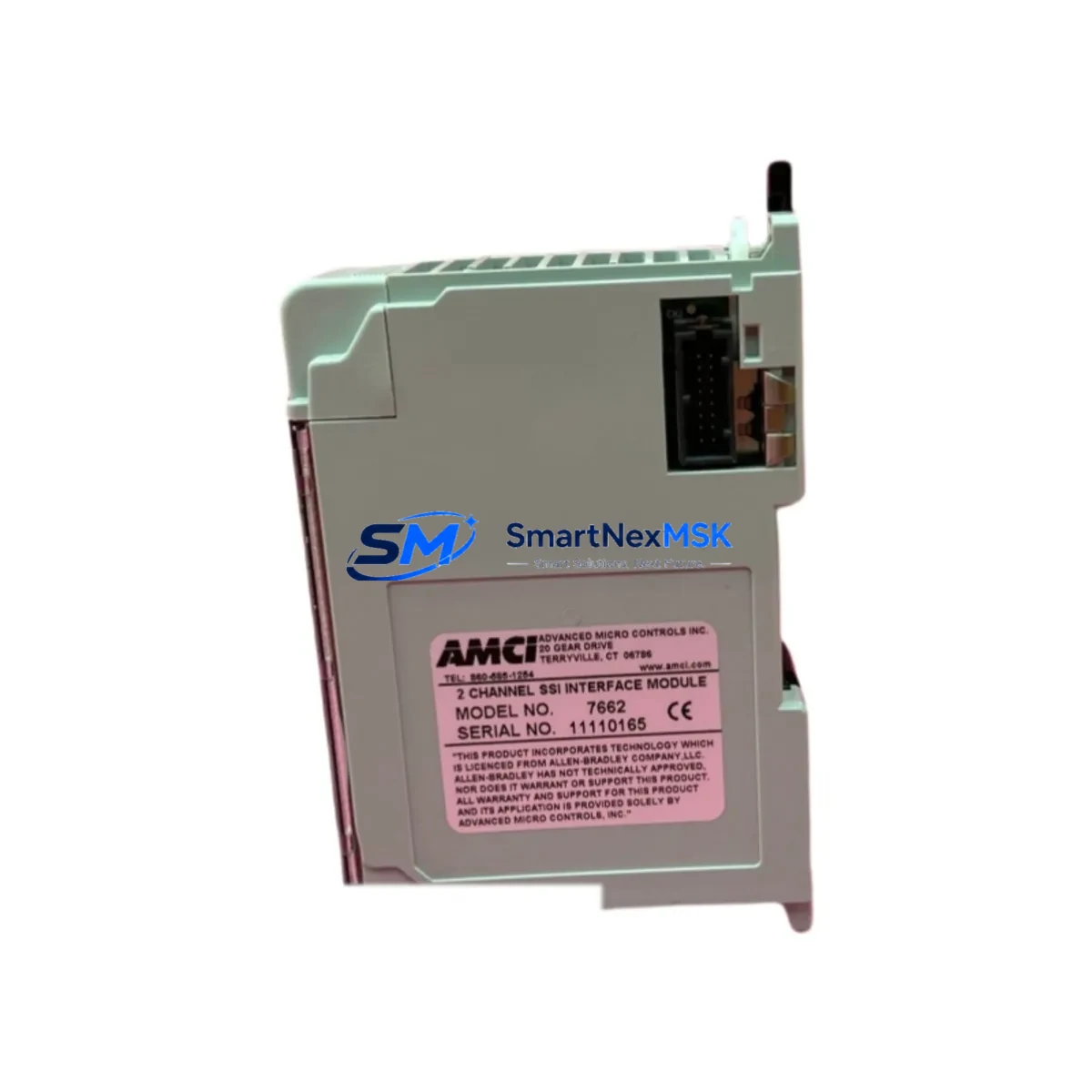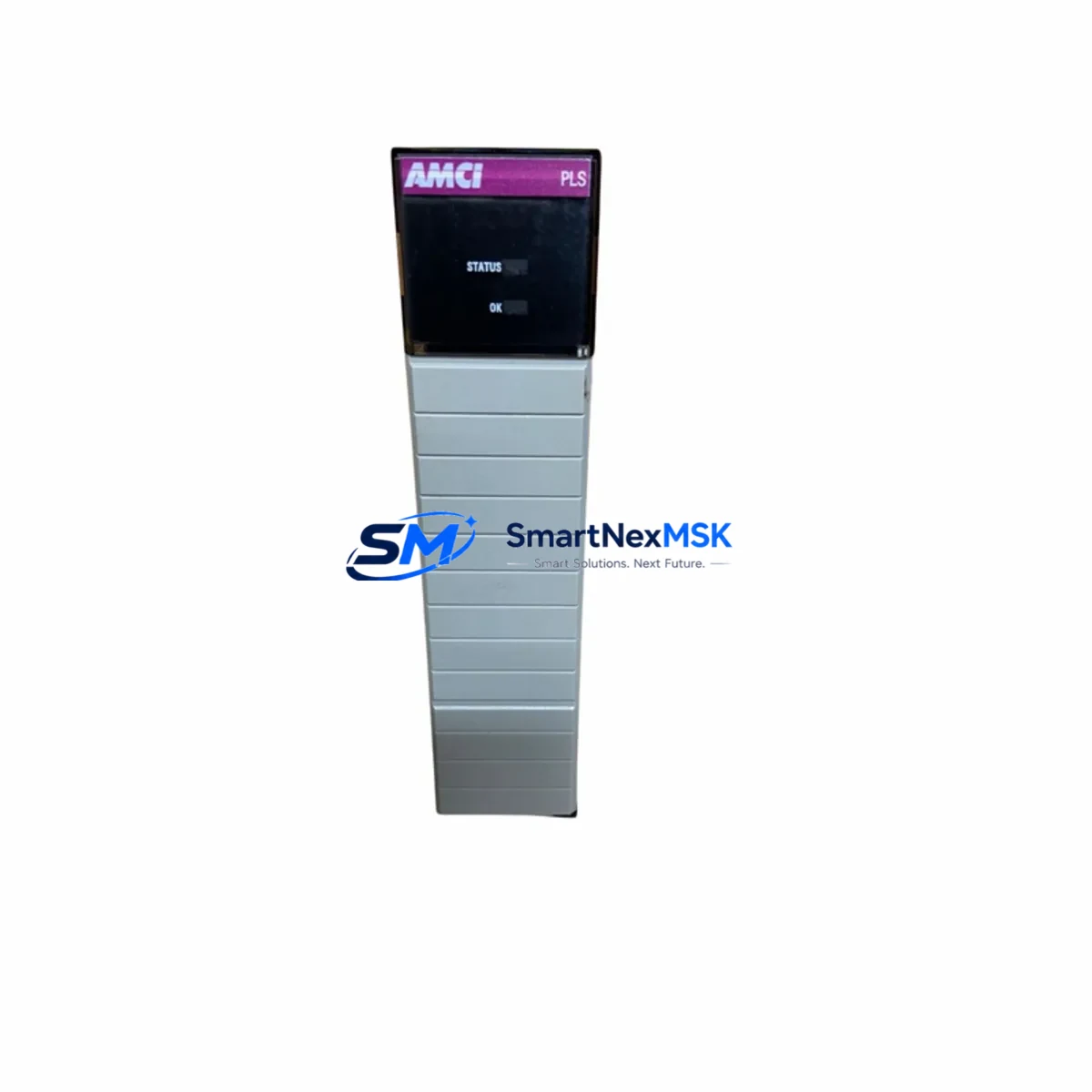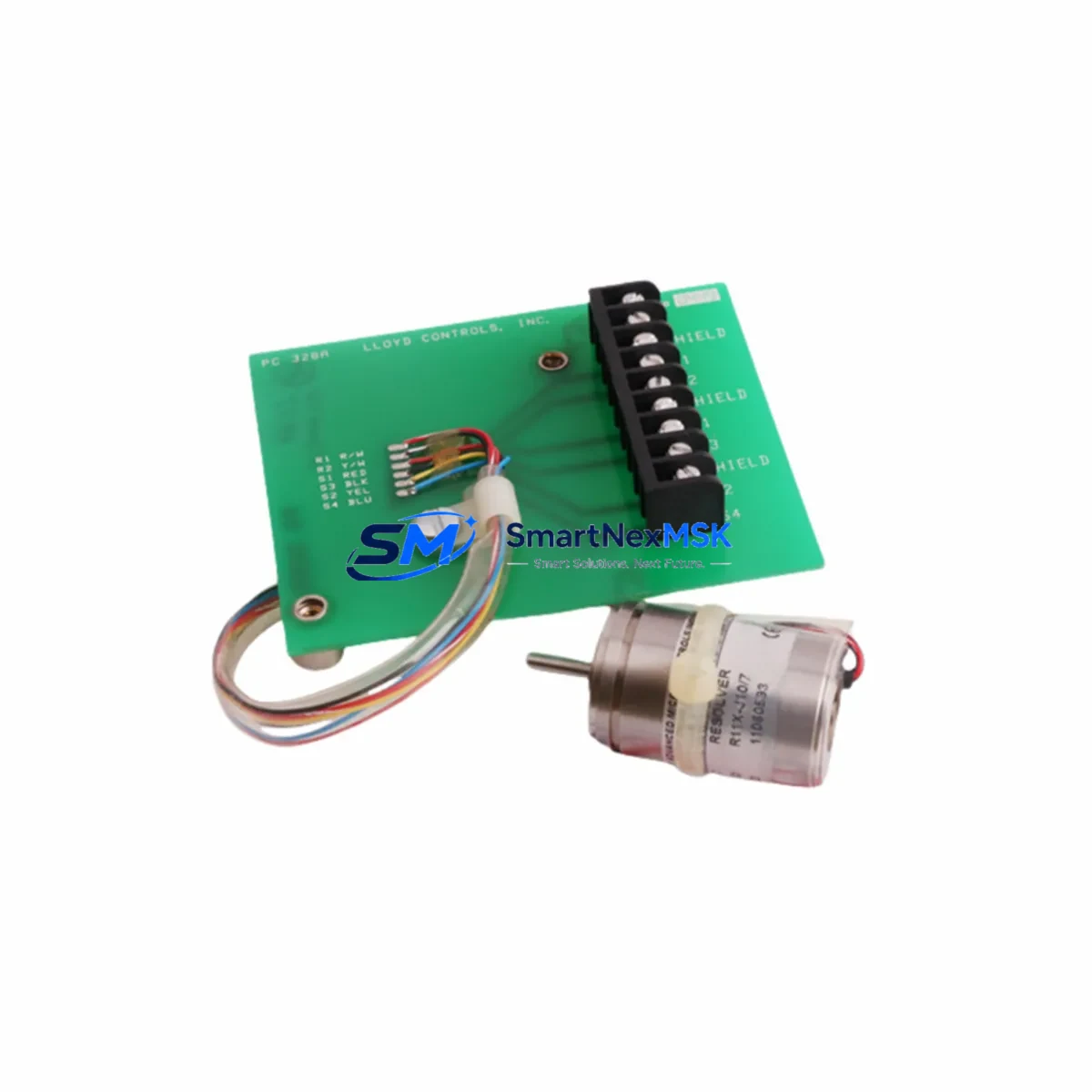
AMCI R11X-J10/7 Maintenance-Ready Spare for R11X Automation
The AMCI R11X-J10/7 is a 7-axis absolute encoder interface module designed for the R11X series of advanced motion control and industrial automation systems. As a maintenance-ready original spare, this module is sourced, inspected, and dispatched to support rapid downtime recovery in manufacturing, packaging, material handling, and process automation environments. Whether you are executing a planned shutdown, responding to an unscheduled fault, or building a strategic spare parts inventory, the R11X-J10/7 delivers the compatibility, reliability, and traceability that maintenance engineers and procurement teams require.
AMCI’s R11X platform is widely deployed in multi-axis servo and stepper motion applications where absolute position feedback is critical to process integrity. The R11X-J10/7 interfaces directly with AMCI’s networked motion controllers, providing real-time encoder data over standard industrial protocols. Replacing a failed or degraded encoder interface module with a verified original spare eliminates the risk of parameter mismatch, firmware incompatibility, and signal integrity issues that can arise from non-original substitutes.
Spare Maintenance Table
| Parameter | Specification |
|---|---|
| Part Number / SKU | R11X-J10/7 |
| Brand | AMCI (Advanced Micro Controls Inc.) |
| Series | R11X Absolute Encoder Interface Series |
| Axis Count | 7-Axis Absolute Encoder Interface |
| Encoder Type Compatibility | Absolute Multi-Turn / Single-Turn Encoders |
| Communication Interface | Compatible with AMCI networked motion controllers (EtherNet/IP, Modbus TCP — verify with system config) |
| Power Supply | 24 VDC nominal (verify with system documentation) |
| Mounting | DIN rail / panel mount per R11X series standard |
| Operating Temperature | 0°C to 55°C (industrial standard) |
| Application Environment | Industrial automation, motion control, packaging, material handling |
| Condition | Original spare — inspected and function-tested prior to dispatch |
| Compatibility | R11X series motion control systems; verify firmware revision before installation |
| Warranty | 12 Months from date of shipment |
| Lead Time | In stock — typically ships within 1–3 business days |
| Origin | USA |
Maintenance Planning for Continuous Operation
When the R11X-J10/7 encoder interface module is identified as a fault point during routine diagnostics or an unplanned shutdown, experienced maintenance engineers know that a single-component replacement rarely tells the whole story. A thorough inspection of the surrounding electrical circuit and control cabinet is essential to prevent repeat failures and ensure full system restoration.
Begin by verifying the 24 VDC power supply module feeding the R11X rack — a degraded or noisy power rail is a common root cause of encoder interface faults that can damage a replacement module if left unaddressed. Inspect the AMCI NX3A1 or NX3E1 networked motion controller (or equivalent R11X-compatible controller) for firmware version compatibility with the replacement R11X-J10/7, as mismatched firmware can cause axis configuration errors after module swap.
Check all encoder feedback cables and M12 connectors on each of the 7 axes — cable insulation breakdown, connector corrosion, or shield grounding faults are frequent contributors to encoder signal errors that may have accelerated the original module failure. Inspect the terminal blocks and DIN rail grounding bars within the control cabinet for loose connections or oxidation, particularly on the encoder signal commons.
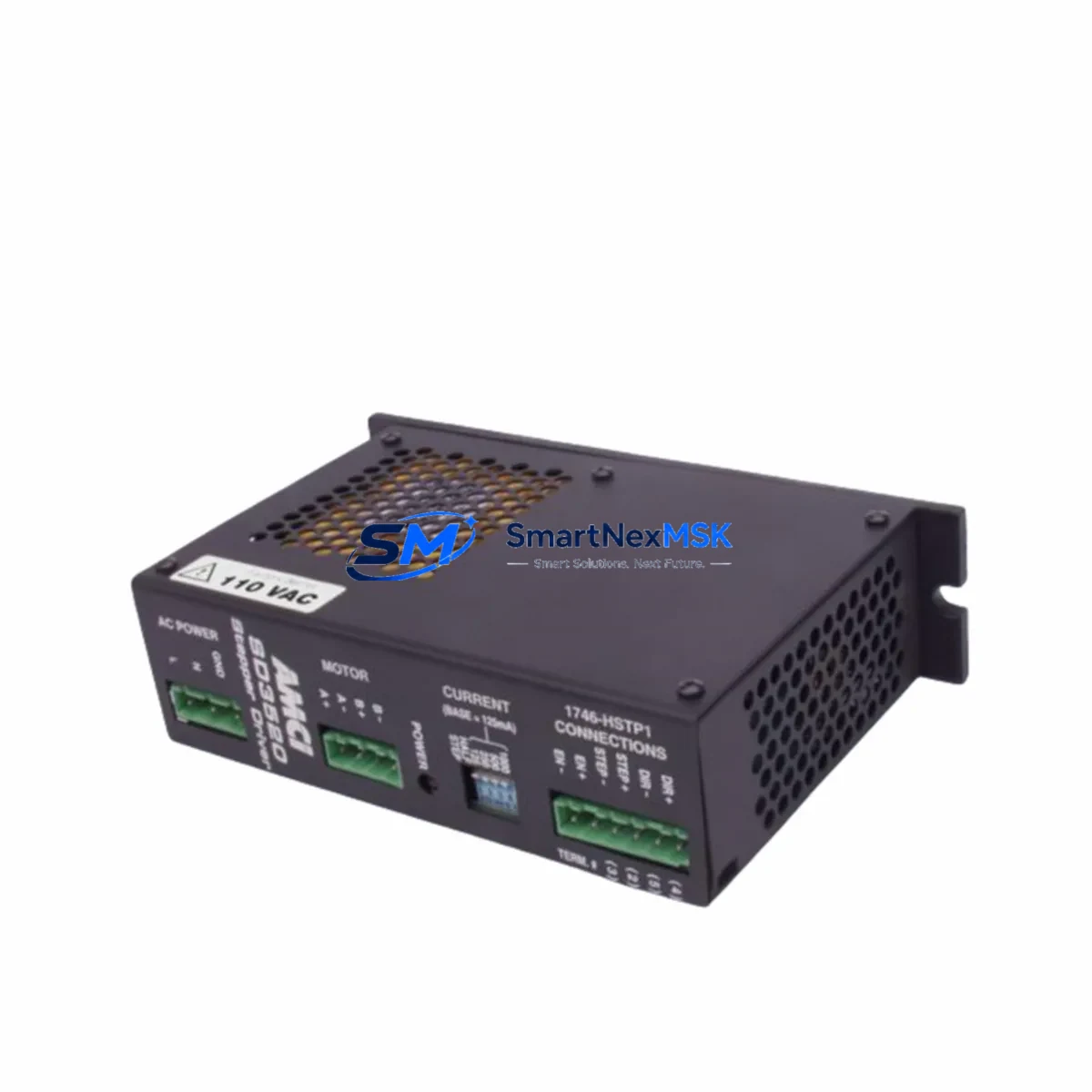
If the system includes AMCI SD17060E stepper drives or SD31045 servo drives on the same motion network, verify their status and parameter integrity — a corrupted axis configuration in the drive can cause the replacement encoder interface to report position errors immediately after installation. Review the EtherNet/IP or Modbus TCP communication module (such as an AMCI ANX or compatible gateway) for network health; a degraded network switch port or excessive packet loss can mimic encoder interface faults at the PLC level.
For systems with signal isolation requirements, inspect any signal isolators or surge protection devices on the encoder lines — particularly in environments with variable-frequency drives (VFDs) or high-current switching loads nearby. Finally, review the PLC I/O module receiving motion status data from the R11X controller to confirm that no latched fault bits or corrupted configuration data will prevent the restored axis from returning to automatic mode after the spare is installed.
Proactive spare parts planning for R11X-based systems should include the R11X-J10/7 encoder interface module alongside compatible power supplies, communication modules, and drive components to minimize mean time to repair (MTTR) across the full motion control architecture.
Site Replacement Workflow
Step 1 — Isolate and de-energize: Follow your site LOTO (Lockout/Tagout) procedure. Disconnect the 24 VDC supply to the R11X rack and remove all encoder feedback cables from the J10/7 module, labeling each connector by axis number to ensure correct reconnection.
Step 2 — Document existing configuration: Before removing the failed module, record (or export via the AMCI programming software) the axis configuration parameters for all 7 channels — encoder type, resolution, preset values, and any scaling factors. This data is essential for commissioning the replacement module.
Step 3 — Physical replacement: Remove the R11X-J10/7 from its DIN rail or panel mount position. Install the replacement module, ensuring the backplane connector is fully seated. Reconnect all encoder cables in the correct axis order.
Step 4 — Configuration restore and firmware check: Power up the rack and connect via the AMCI programming utility. Verify that the replacement module’s firmware is compatible with the networked controller. Restore the saved axis configuration parameters. Confirm that all 7 axes report valid absolute position data before releasing the system to automatic control.
Step 5 — Functional test: Perform a controlled jog or homing sequence on each axis to verify encoder feedback integrity. Monitor for any position deviation alarms or communication faults. Document the replacement in your maintenance management system (CMMS) and update the spare parts inventory record.
This workflow is designed to minimize downtime and ensure that the replacement R11X-J10/7 is fully validated before the system returns to production — reducing the risk of a secondary fault event caused by incomplete commissioning.
Spare Parts Support FAQ
Q1: Is the R11X-J10/7 an original AMCI component or a third-party replacement?
A: The R11X-J10/7 supplied by SMARTNEXMSK is an original AMCI spare part, not a clone or third-party substitute. Each unit is inspected and function-tested prior to shipment to confirm electrical integrity and compatibility with R11X series systems.
Q2: What is the warranty coverage and what does it include?
A: All R11X-J10/7 modules carry a 12-month warranty from the date of shipment. The warranty covers manufacturing defects and verified functional failures under normal operating conditions. Each unit ships with a test record. Contact [email protected] for warranty claims or technical support.
Q3: How do I confirm compatibility before ordering?
A: Provide your existing R11X controller model number, firmware version, and the number of encoder axes in your system. Our technical team will verify compatibility and advise on any firmware update requirements before dispatch. We recommend confirming the exact module revision if your system was commissioned before 2018.
Q4: Can you support long-term or blanket orders for ongoing maintenance programs?
A: Yes. SMARTNEXMSK supports scheduled spare parts programs, blanket purchase orders, and consignment stock arrangements for maintenance teams managing multiple R11X installations. Long-term supply agreements are available to ensure continuous availability of the R11X-J10/7 and associated R11X series components throughout your system’s operational lifecycle.
© 2026 SMARTNEXMSK. All rights reserved.
Original Source: https://smartnexmsk.com
Contact: [email protected] | +86 18259474341