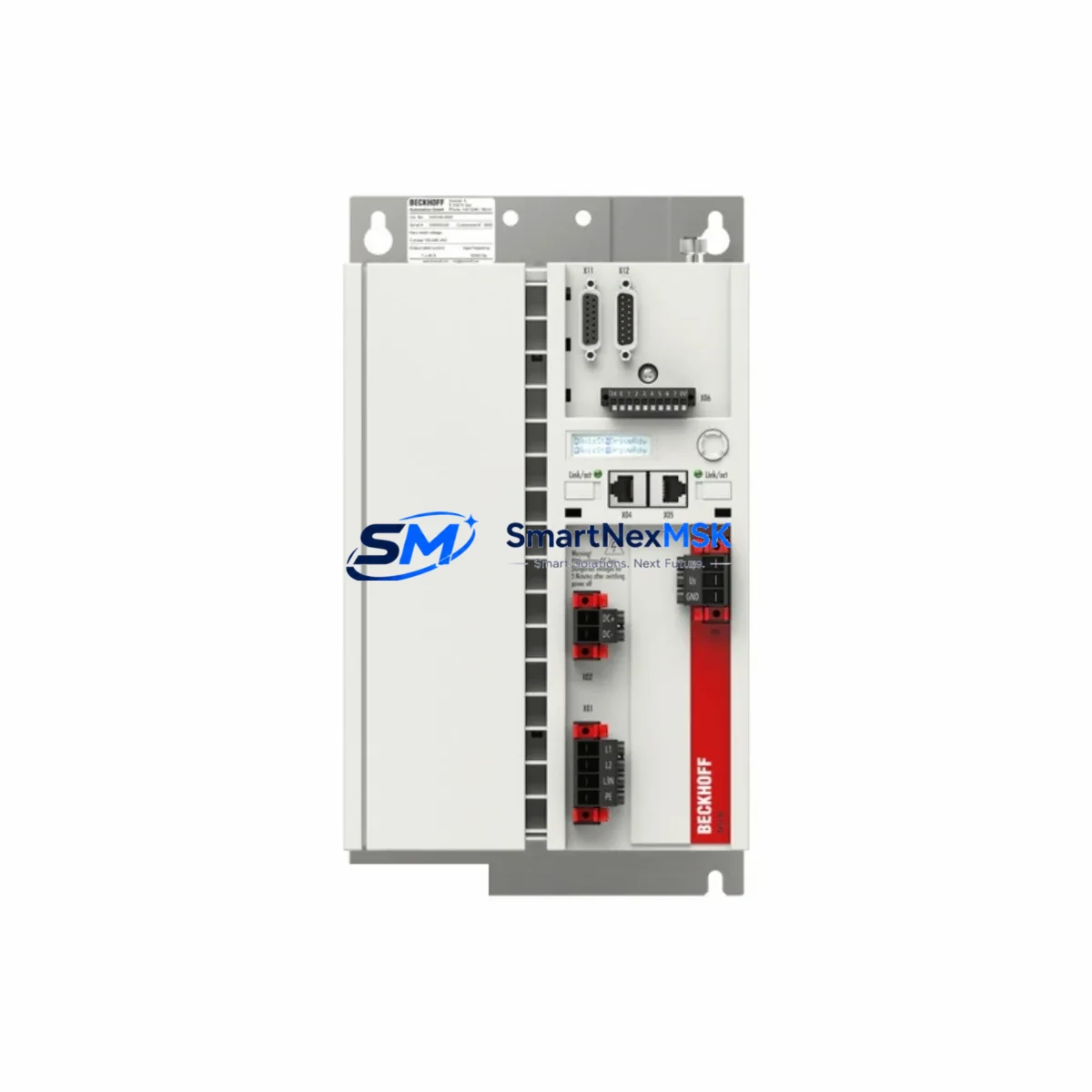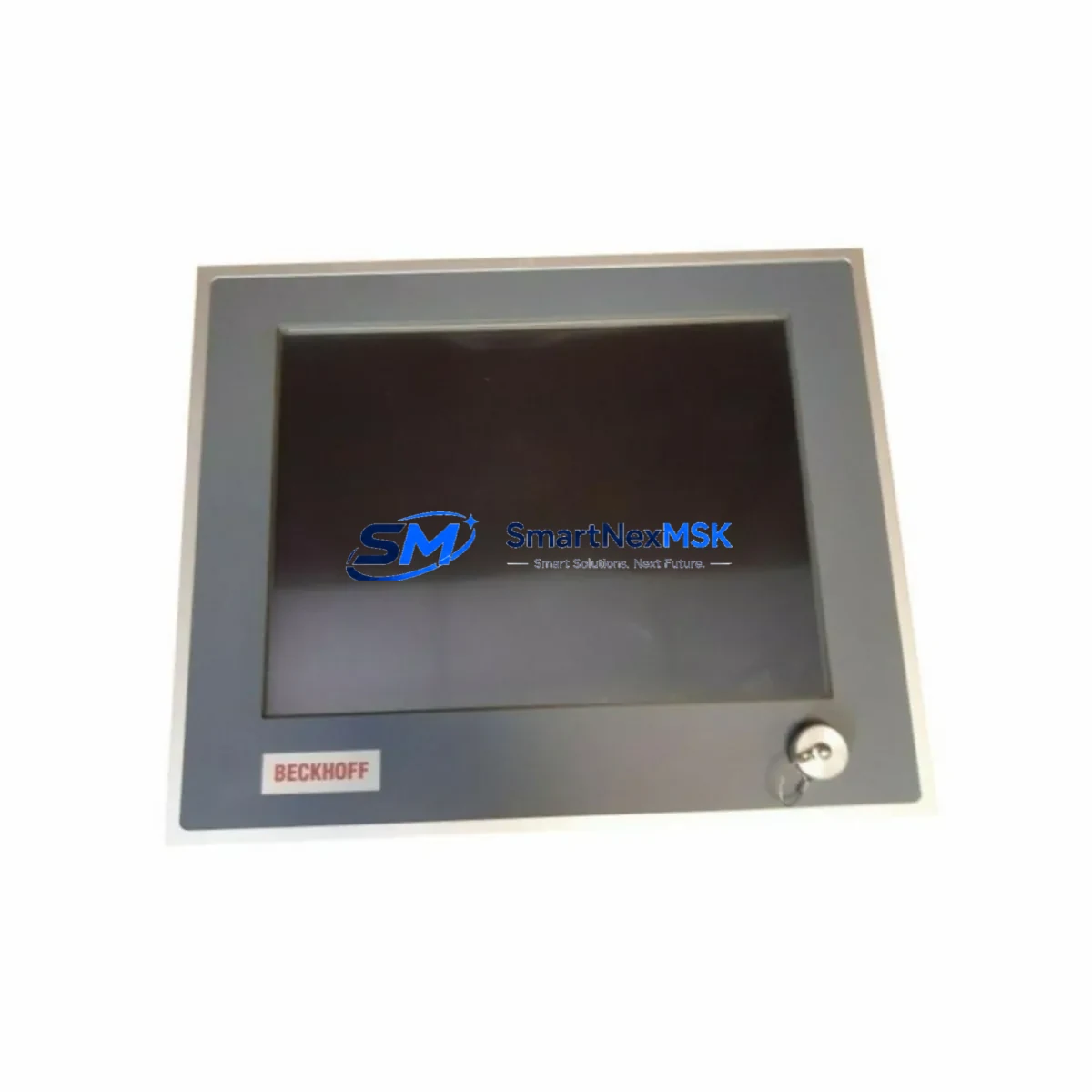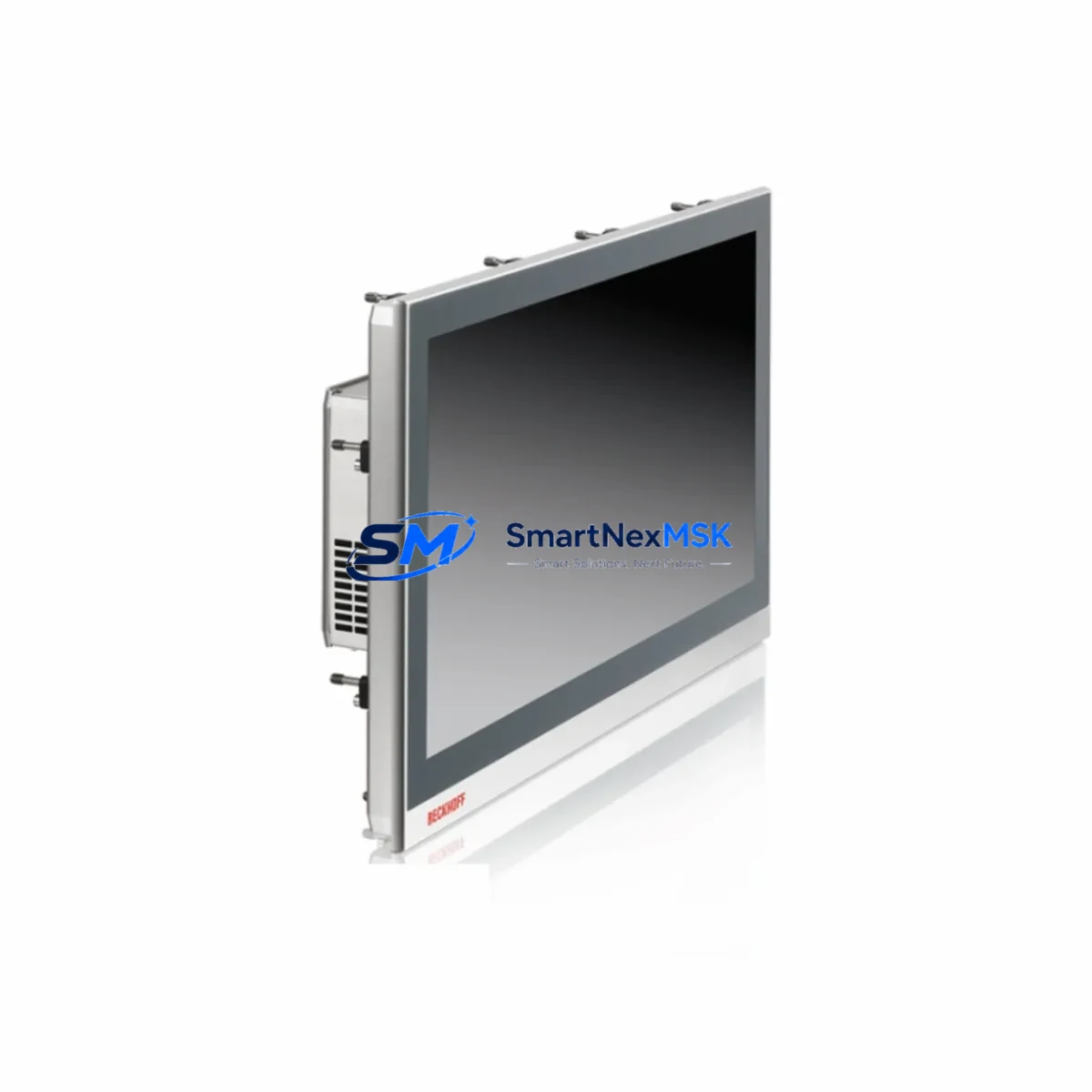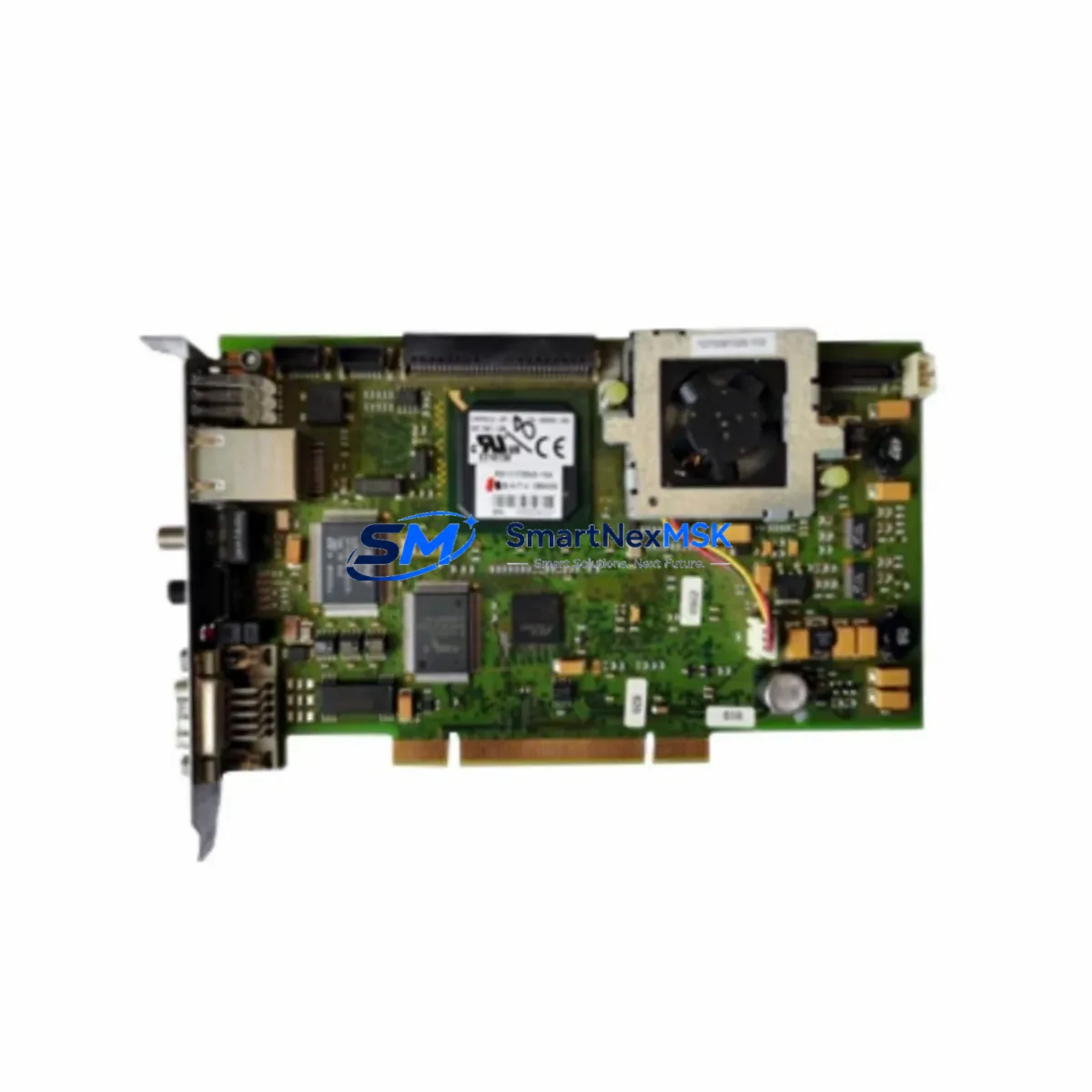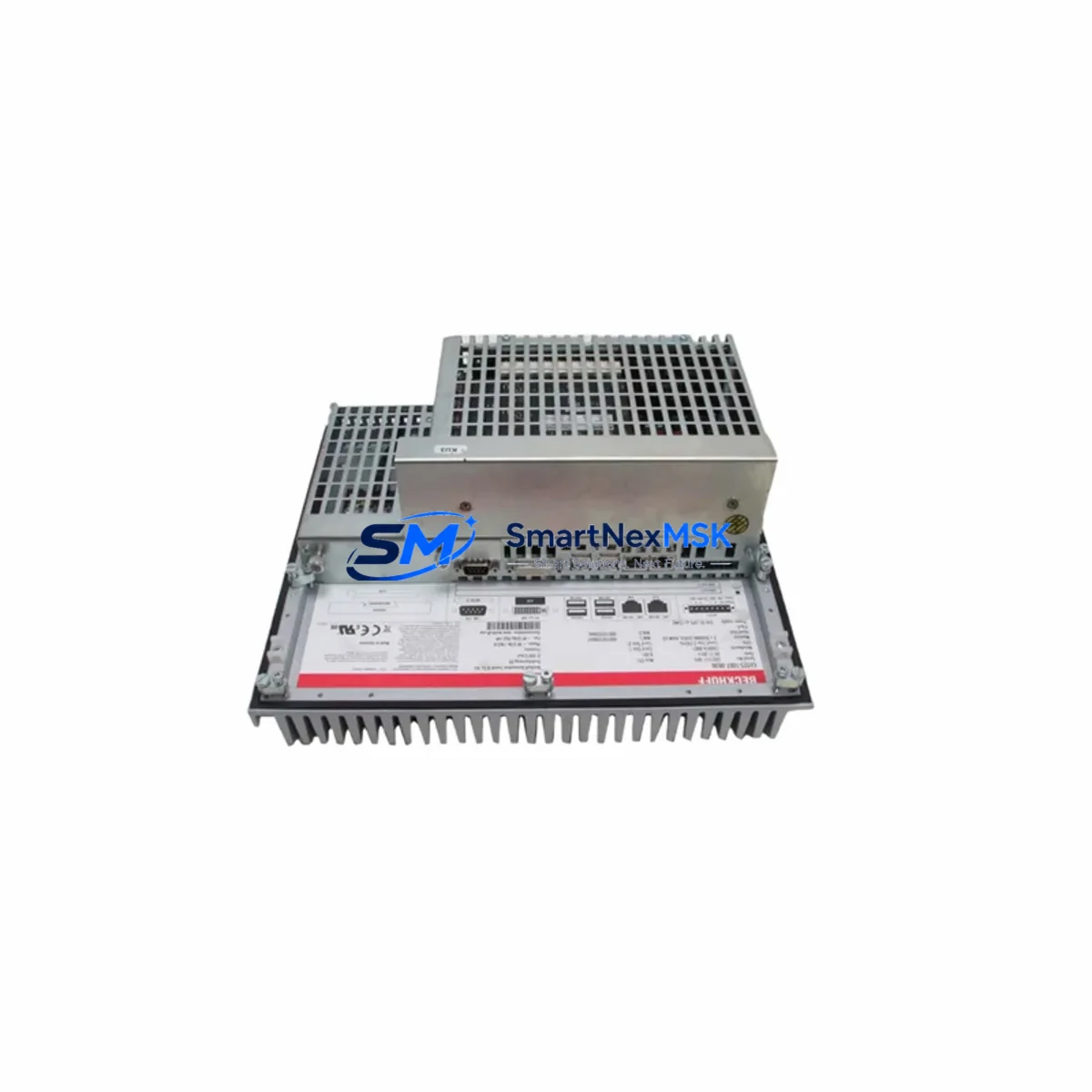
Beckhoff C6525-1007-0030 Maintenance-Ready Spare C6525 IPC
The Beckhoff C6525-1007-0030 is an original spare component for the C6525 series control cabinet Industrial PC (IPC), engineered for demanding industrial automation environments. When a C6525 IPC fails on the production floor, every minute of unplanned downtime translates directly into lost output and escalating recovery costs. Stocking a verified C6525-1007-0030 spare ensures your maintenance team can execute a rapid board-level or module-level swap without waiting weeks for a factory repair cycle.
Designed for integration into Beckhoff’s C6525 control cabinet IPC platform, this component supports the high-performance computing demands of modern PLC and PC-based control architectures running TwinCAT 2 and TwinCAT 3 runtime environments. The C6525 series is widely deployed in machine tool control, press automation, packaging lines, and process control panels where continuous operation is non-negotiable. Maintaining a ready spare of the C6525-1007-0030 is a fundamental element of any serious predictive maintenance or MRO (Maintenance, Repair, and Operations) strategy for these systems.
Each unit supplied by SMARTNEXMSK undergoes functional verification and visual inspection prior to shipment. All C6525-1007-0030 spares are backed by a 12-month warranty, giving procurement and maintenance engineers confidence in long-term supply continuity and post-installation support.
Spare Maintenance Table
| Part Number / SKU | C6525-1007-0030 |
| Brand | Beckhoff |
| Series | C6525 Control Cabinet IPC |
| Product Type | Industrial PC Spare Part |
| Compatible Platform | Beckhoff C6525 Series Control Cabinet PC |
| Runtime Compatibility | TwinCAT 2 / TwinCAT 3 |
| Origin | Germany (DE) |
| Operating Temperature | 0 °C to +55 °C (typical IPC cabinet range) |
| Mounting | Control cabinet panel mount, DIN-rail compatible enclosure |
| Application Environment | Industrial automation, machine control, process panels, packaging lines |
| Maintenance Recommendation | Replace at first sign of boot failure, thermal shutdown, or communication loss; inspect annually during planned shutdowns |
| Pre-Shipment Testing | Functional verification and visual inspection performed on every unit |
| Warranty | 12 Months |
| Supply Lead Time | In-stock; express worldwide shipping available |
Maintenance Planning for Continuous Operation
Replacing the C6525-1007-0030 in a live production environment is rarely an isolated task. Experienced maintenance engineers know that an IPC failure in a C6525 control cabinet is often accompanied by — or can trigger — secondary faults in adjacent components. A thorough site inspection during the replacement window should cover the following areas:
Power Supply: Verify the 24 VDC panel power supply feeding the C6525 IPC. Beckhoff CX-series or third-party 24 V DIN-rail PSUs should be load-tested; a degraded power supply is a common root cause of IPC instability and can damage a replacement board if not addressed first.
EtherCAT and Fieldbus Communication: Inspect EtherCAT couplers (such as the EK1100 or EK1101) and terminal blocks connected to the IPC’s EtherCAT master port. A faulty EK1100 EtherCAT coupler or damaged Cat5e/Cat6 patch cable can prevent the replacement IPC from establishing a clean fieldbus scan after restart.
I/O Terminals: Check Beckhoff EL-series I/O terminals — particularly digital input terminals (EL1008, EL1809) and digital output terminals (EL2008, EL2809) — for error LEDs, loose spring-clamp wiring, or overtemperature conditions. A shorted output terminal can cause repeated IPC watchdog trips.
Relay and Contactor Outputs: Inspect any relay output terminals (EL2624 or similar) and downstream contactors in the control cabinet. Welded relay contacts or coil failures can create feedback conditions that stress the IPC’s I/O subsystem.
Signal Isolation: If the system uses analog signal isolators or barriers between field instruments and the IPC’s analog I/O (EL3xxx series terminals), verify isolation integrity. A ground loop introduced through a failed isolator can corrupt analog readings and cause erratic PLC behavior even after the IPC spare is installed.
HMI and Operator Panel: Confirm that the connected HMI — whether a Beckhoff CP-series panel PC or a third-party touch panel — is communicating correctly via ADS or OPC UA after IPC replacement. Panel firmware mismatches can prevent runtime reconnection.
UPS and Battery Backup: Check the cabinet UPS module and its battery condition. An aging UPS that fails to hold voltage during a brief mains interruption is a leading cause of IPC filesystem corruption, which can make a perfectly good spare appear faulty.
Terminal Blocks and Wiring: Inspect Phoenix Contact or Weidmüller terminal blocks for loose connections, corrosion, or thermal discoloration. Re-torque all control voltage terminals before powering up the replacement IPC.
Addressing these surrounding components during the same maintenance window maximizes the value of the C6525-1007-0030 replacement and significantly reduces the probability of a repeat callout.
Site Replacement Workflow
Step 1 — Isolation and Backup: Place the machine in a safe state, apply LOTO (Lockout/Tagout), and back up the TwinCAT project and boot project from the existing IPC via ADS or USB. Document all IP addresses, AMS Net IDs, and fieldbus configurations before powering down.
Step 2 — Compatibility Confirmation: Verify that the C6525-1007-0030 spare matches the hardware revision of the installed unit. Check the label on the existing component for revision suffix and compare against the spare’s documentation. SMARTNEXMSK provides part verification support prior to shipment on request.
Step 3 — Physical Swap: Remove the faulty component following Beckhoff’s C6525 service documentation. Install the C6525-1007-0030 spare, ensuring all connectors, PCIe or internal interfaces, and mounting hardware are fully seated. Reconnect all cables in the original routing.
Step 4 — Software Restore: Restore the TwinCAT boot project to the replacement IPC. Confirm AMS Net ID assignment and re-establish EtherCAT master configuration. Perform a full I/O scan to verify all slave devices are detected.
Step 5 — Functional Test: Run the machine through a controlled test cycle before returning to production. Monitor CPU temperature, EtherCAT cycle time jitter, and I/O response for at least 30 minutes under load. Log the replacement date and component serial number in the site maintenance record.
This structured workflow minimizes total downtime, preserves system compatibility, and creates an auditable maintenance trail — critical for ISO-certified production facilities and regulated process industries.
Spare Parts Support FAQ
Q1: Is the C6525-1007-0030 a new original part or a refurbished unit?
All C6525-1007-0030 units supplied by SMARTNEXMSK are original Beckhoff spare components. Each unit is individually inspected and functionally tested before shipment. A 12-month warranty is provided from the date of delivery, covering manufacturing defects and functional failures under normal operating conditions.
Q2: How do I confirm compatibility with my installed C6525 system before ordering?
Provide your existing unit’s full part number including any revision suffix (e.g., C6525-1007-0030 Rev. B) and your TwinCAT runtime version. Our technical team will cross-reference hardware revision compatibility and confirm suitability before the order is processed. We recommend keeping a photo of the existing component label for reference.
Q3: What is the recommended spare parts inventory strategy for C6525 IPC systems?
For production lines with a single C6525 IPC, maintaining at least one C6525-1007-0030 spare on-site is strongly recommended. For multi-machine facilities, a shared pool of two to three spares per IPC model reduces per-unit holding cost while ensuring coverage for simultaneous failures. Spares should be stored in anti-static packaging in a climate-controlled environment and rotated into service within 24 months of procurement.
Q4: What pre-shipment checks are performed, and what documentation is included?
Every C6525-1007-0030 unit undergoes visual inspection for physical damage, connector integrity verification, and a functional power-on test where applicable. Shipments include a packing list with part number and serial number. A test report or inspection certificate can be provided on request for quality-controlled procurement processes. Express shipping with full tracking is available for urgent breakdown recovery orders.
© 2026 SMARTNEXMSK. All rights reserved.
Original Source: https://smartnexmsk.com
Contact: [email protected] | +86 18259474341