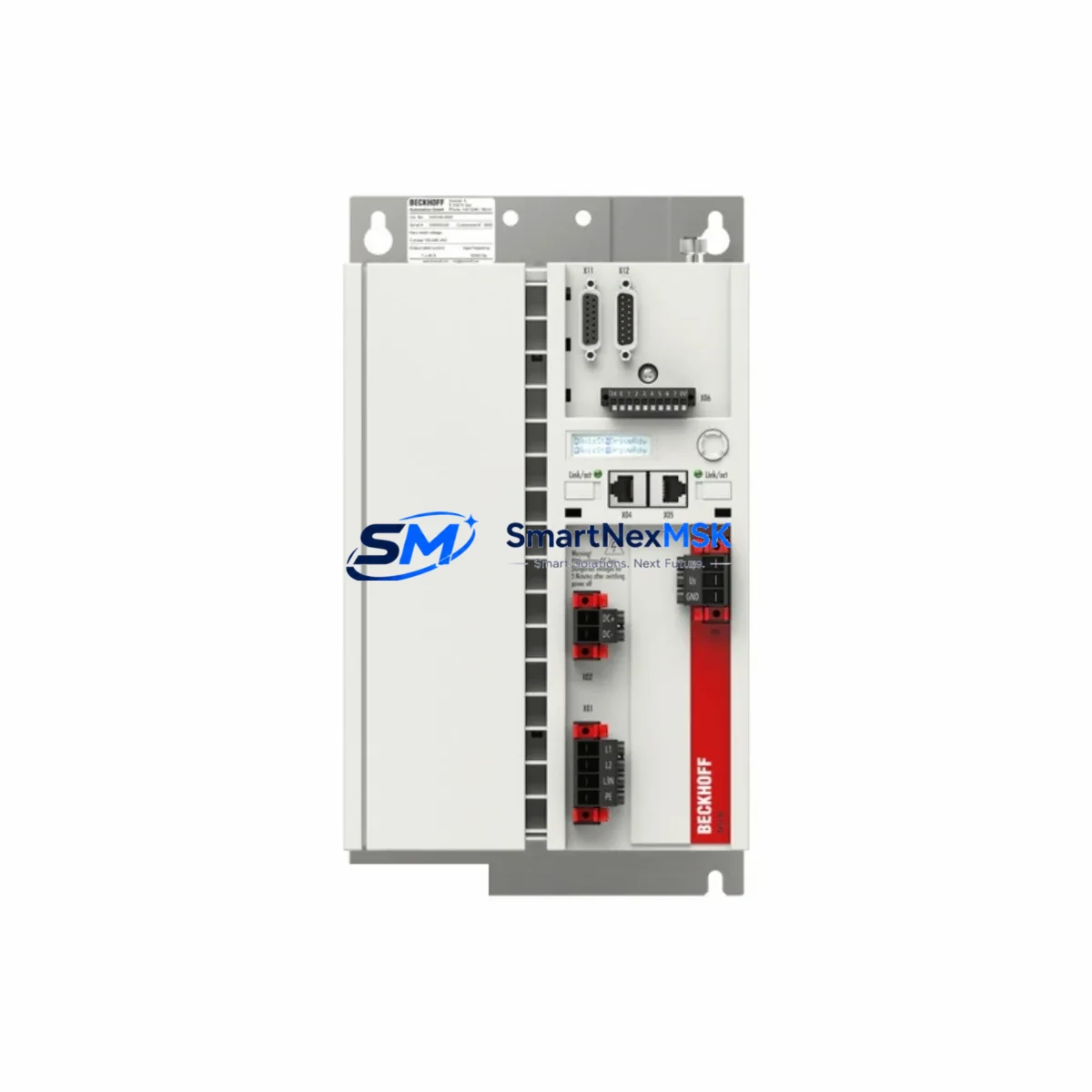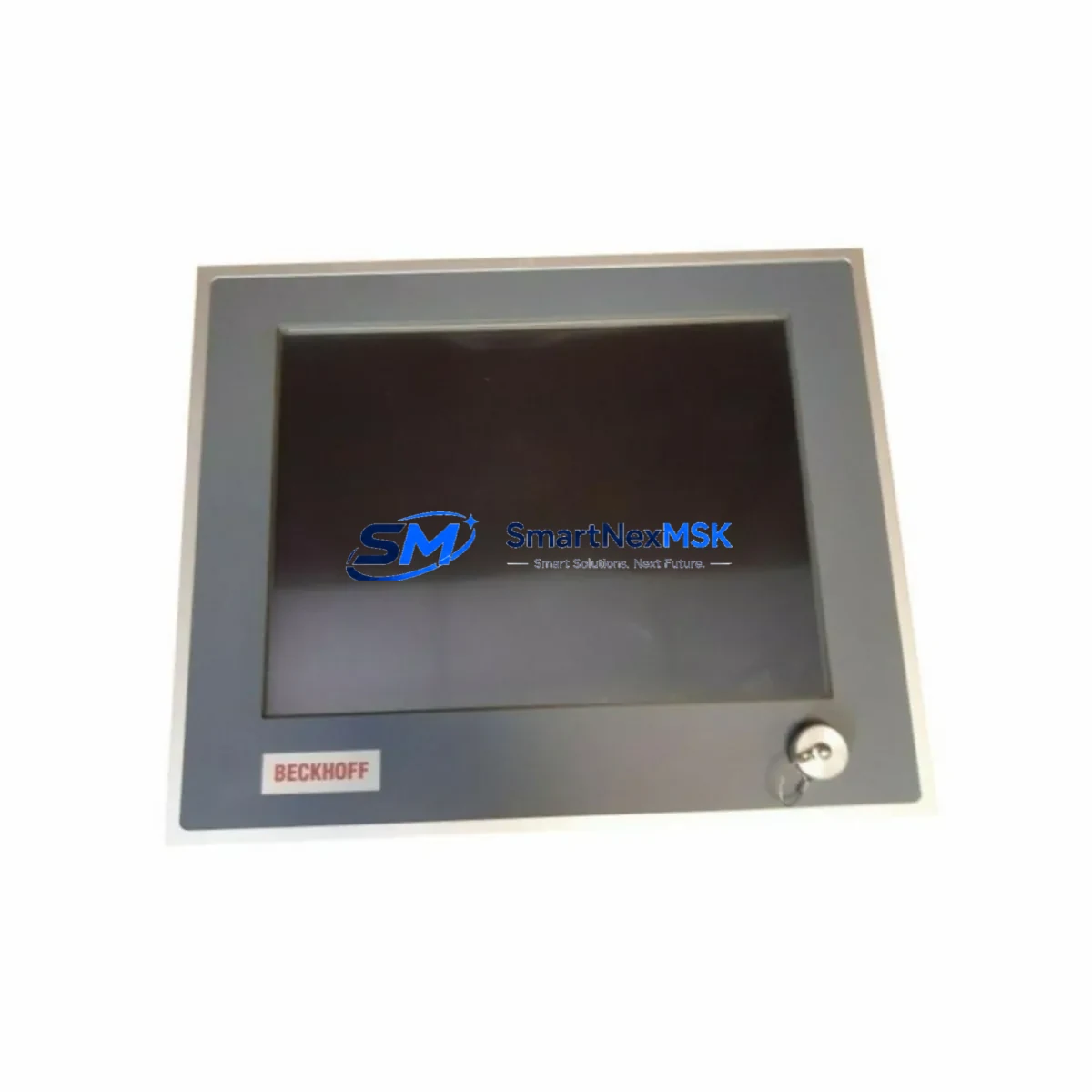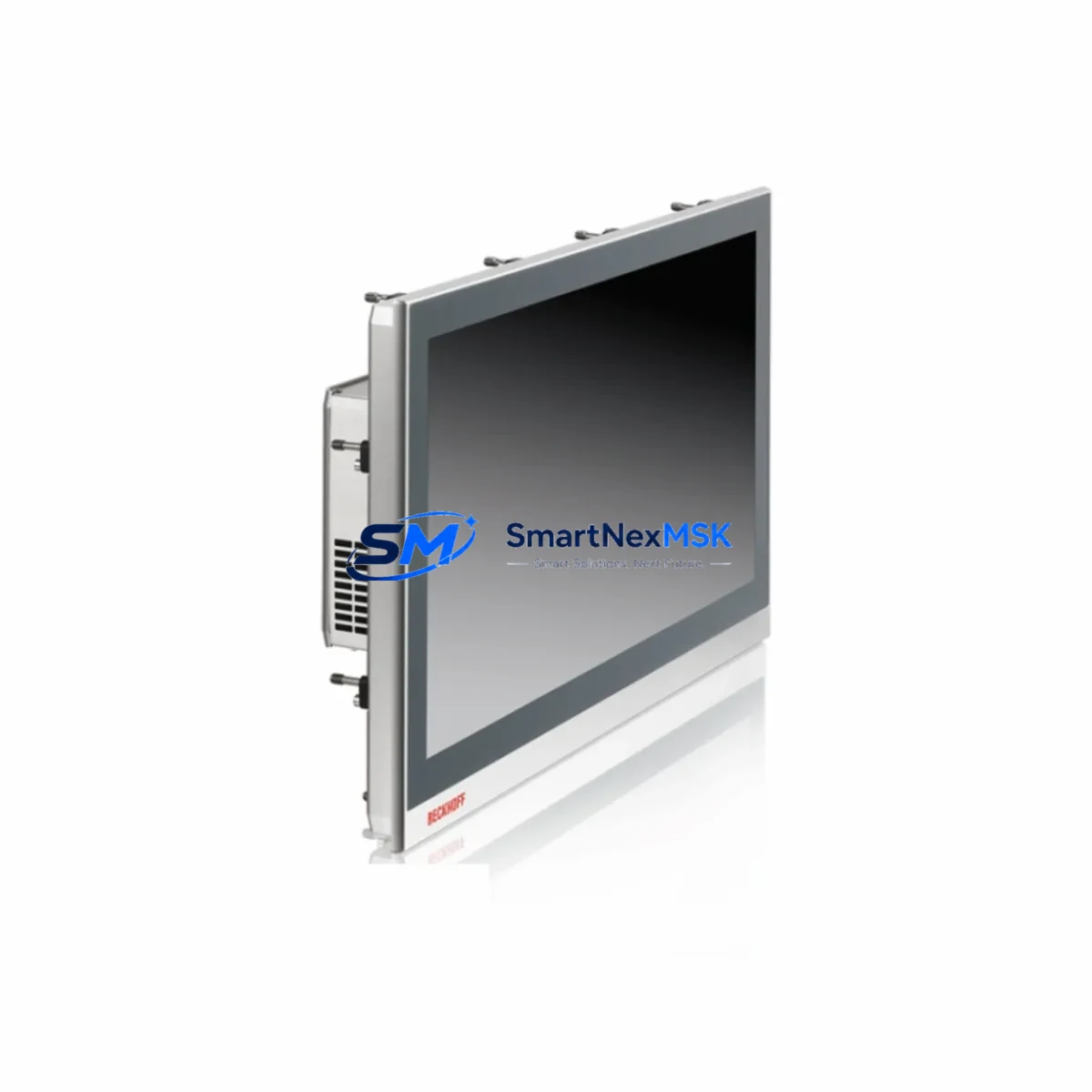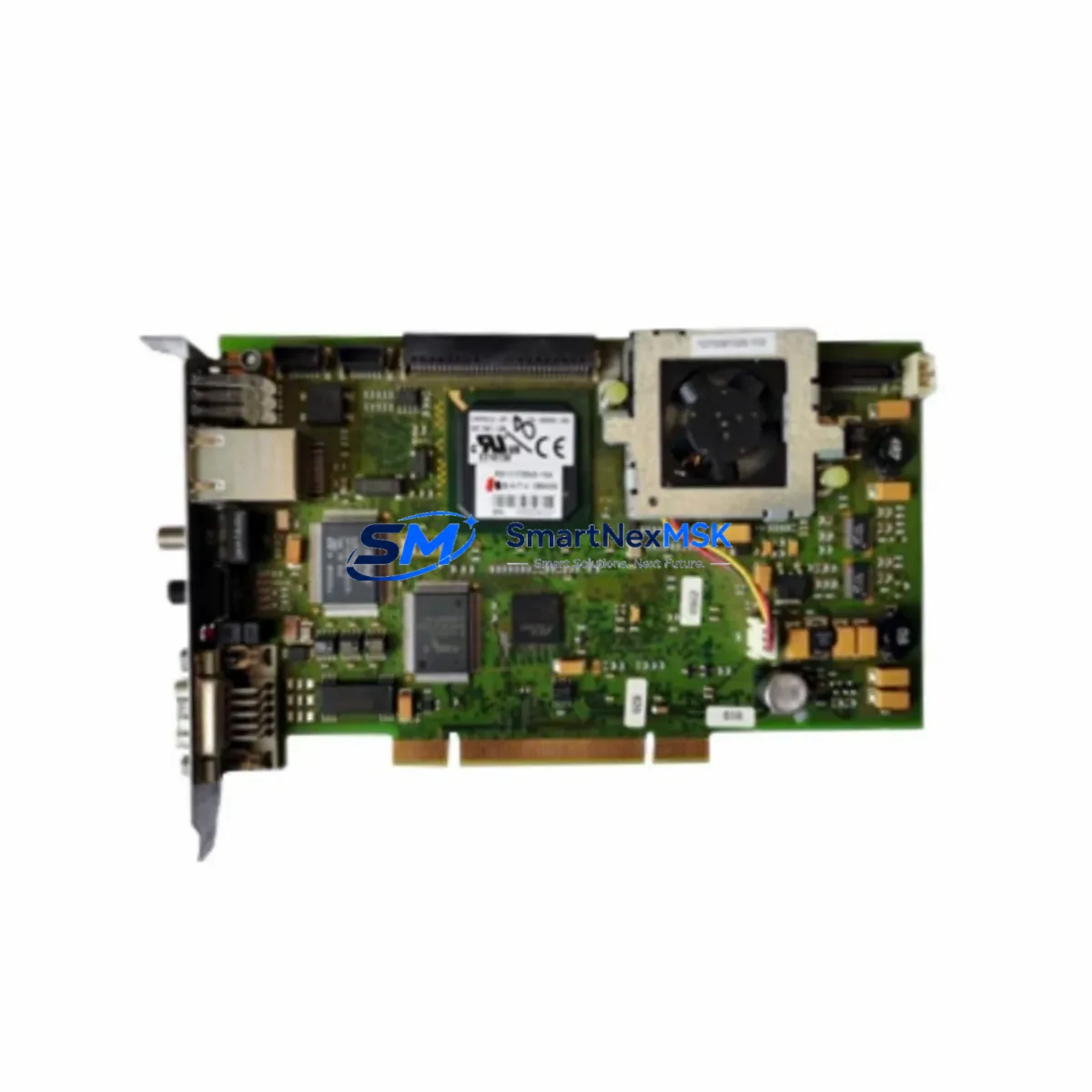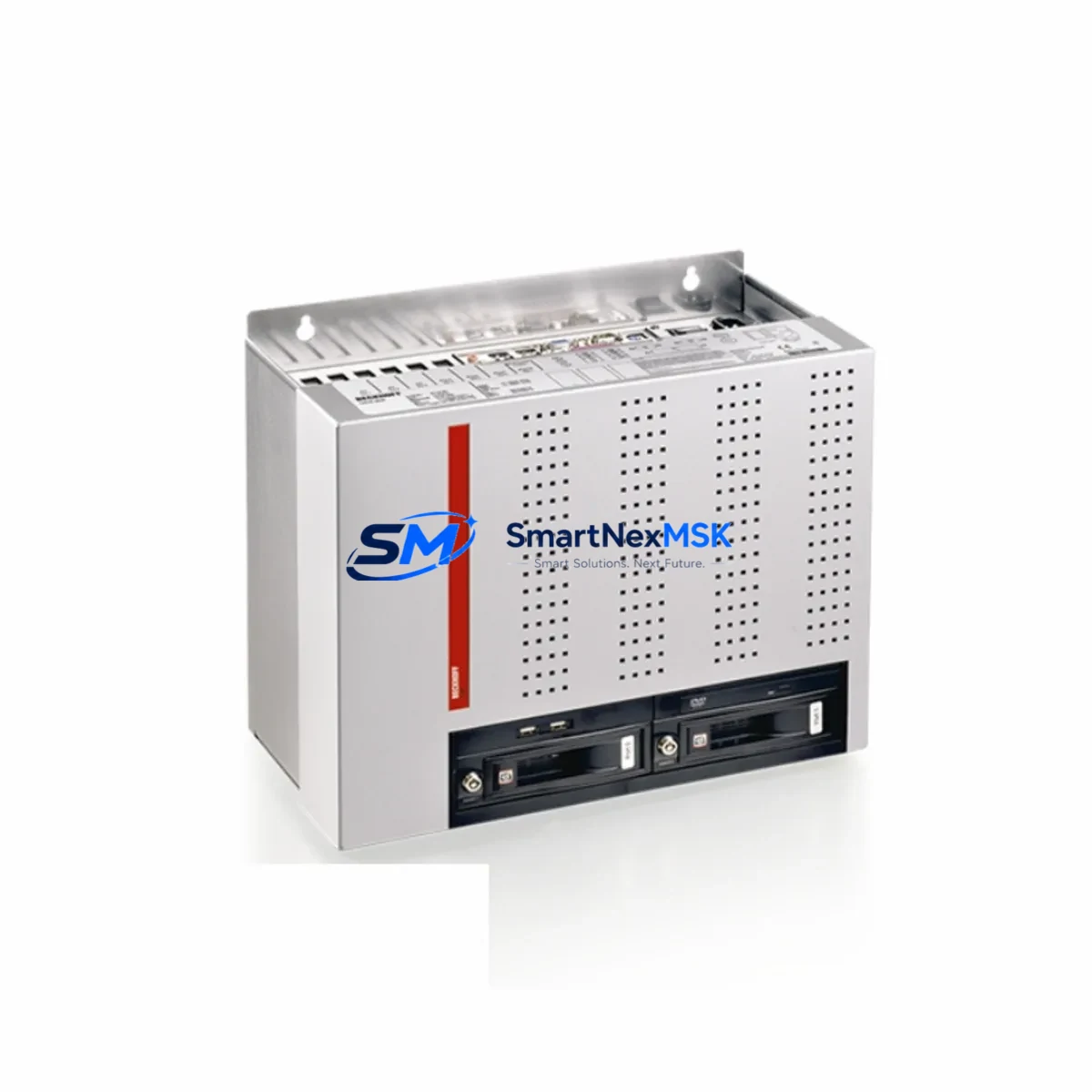
Beckhoff C6640-0010 Retrofit-Ready IPC for C6640 Control Systems: Compatible Modernization and Smooth Legacy Upgrade
The Beckhoff C6640-0010 is a high-performance Control Cabinet Industrial PC (IPC) engineered for demanding automation environments. As legacy C6640 series units approach end-of-life or become increasingly difficult to source, the C6640-0010 serves as the definitive retrofit-ready replacement — preserving existing TwinCAT 3 program logic, EtherCAT network topology, and control cabinet wiring while delivering a measurable performance upgrade. Whether you are managing a planned system modernization or responding to an unplanned hardware failure, the C6640-0010 provides a reliable, specification-matched path forward with minimal disruption to production continuity.
Designed for direct installation into standard 19-inch control cabinet racks, the C6640-0010 maintains the same mechanical footprint and terminal block layout as earlier C6640 variants, significantly reducing rewiring time during replacement. Engineers familiar with the C6640 series will find the commissioning process straightforward: existing TwinCAT 3 projects can be transferred directly via USB or network share, and the onboard EtherCAT master interface ensures seamless re-integration with downstream I/O modules such as the EK1100 EtherCAT Coupler and EL-series terminal modules already installed in the field.
Before initiating a C6640-0010 swap, site engineers should verify several critical parameters. Power supply capacity must be confirmed — the C6640-0010 requires a stable 24 VDC supply with sufficient current headroom; existing CP-series or PS-series 24 VDC power supply modules should be load-tested prior to cutover. Terminal block wiring assignments must be cross-referenced against the original C6640 wiring diagram, paying particular attention to digital I/O signal routing and any analog expansion cards connected via the internal PCIe slot. If the legacy system used a CX-series Embedded PC as a co-controller or gateway, communication parameters including IP addressing and AMS Net ID assignments must be updated in TwinCAT System Manager before going live.
For sites running PROFIBUS or PROFINET alongside EtherCAT, fieldbus coupler modules such as the EL6731 PROFIBUS Master Terminal or EL6631 PROFINET IO Device Terminal should be re-addressed and tested independently before full system restart. HMI screens built on CP-series Control Panels or third-party SCADA systems connected via OPC UA or ADS protocol will require a connection re-validation step to confirm that variable mappings remain intact after the IPC swap. This is particularly important in multi-axis motion control applications where the NC/PTP axis configuration in TwinCAT must be verified against the new hardware profile.
Backplane and rack compatibility should also be confirmed. The C6640-0010 is designed for standard DIN rail or 19-inch rack mounting; if the existing cabinet uses a custom mounting bracket from an earlier C6640 revision, adapter plates may be required. Module addressing — particularly for any EL-series I/O terminals connected downstream — does not change with an IPC swap, as addressing is determined by physical slot position on the EtherCAT segment rather than the master IPC itself. This simplifies the migration considerably and eliminates the need to re-flash or reconfigure terminal modules during the replacement procedure.
Outgoing testing prior to shipment includes functional power-on verification, EtherCAT port continuity check, and TwinCAT runtime initialization confirmation. Each C6640-0010 unit is covered by a 12-month warranty against manufacturing defects, with stock available for immediate dispatch to support urgent production recovery scenarios. Lead times for in-stock units are typically 3–7 business days for international destinations.
Upgrade Compatibility Table
| Parameter | Legacy C6640 (Prior Revision) | C6640-0010 (Current) | Retrofit Notes |
|---|---|---|---|
| Mounting Format | 19-inch Control Cabinet | 19-inch Control Cabinet | Direct mechanical fit; verify bracket revision |
| Power Supply | 24 VDC (external) | 24 VDC (external) | Confirm supply current capacity before cutover |
| EtherCAT Interface | Onboard EtherCAT Master | Onboard EtherCAT Master | No re-addressing of EL terminals required |
| TwinCAT Compatibility | TwinCAT 2 / TwinCAT 3 | TwinCAT 3 (recommended) | TwinCAT 2 projects may require migration wizard |
| Communication Protocols | EtherCAT, ADS, OPC UA | EtherCAT, ADS, OPC UA, PROFINET (via coupler) | Fieldbus couplers retain existing configuration |
| HMI Connectivity | CP-series / DVI / HDMI | DVI / HDMI / DisplayPort | Verify HMI cable type; adapter may be needed |
| I/O Expansion | PCIe + EtherCAT terminals | PCIe + EtherCAT terminals | EL-series I/O modules fully compatible |
| Installation Requirement | Standard cabinet wiring | Standard cabinet wiring | Cross-reference terminal block assignments |
| Warranty | — | 12 Months | Covers manufacturing defects from ship date |
Retrofit Planning for Existing Automation Systems
A successful C6640-0010 retrofit begins with a thorough audit of the existing control architecture. In most C6640-based installations, the IPC operates as the central TwinCAT 3 runtime host, coordinating motion control, PLC logic, and EtherCAT I/O management simultaneously. The downstream I/O infrastructure — typically built around EK1100 EtherCAT Couplers, EL1008 digital input terminals, EL2008 digital output terminals, and EL3062 analog input modules — does not require any reconfiguration during an IPC swap, as the EtherCAT segment topology is self-describing and automatically re-enumerated by the new master on first boot.
For systems that include a CX5130 or CX5140 Embedded PC operating as a secondary controller or remote I/O gateway, the AMS Net ID routing table must be updated in TwinCAT System Manager to reflect the new IPC’s network identity. Similarly, if the control system communicates with a third-party SCADA or DCS platform via OPC UA, the server endpoint URL and security certificate must be re-validated after the IPC replacement. Sites using an FC310x PROFIBUS Master PCI card or an FC9004 Ethernet card installed in the legacy IPC’s PCIe slot should confirm physical card compatibility with the C6640-0010 chassis before ordering.
Power distribution within the control cabinet should be reviewed as part of the retrofit plan. If the existing 24 VDC rail is shared between the IPC, EtherCAT terminals, and field devices, a dedicated PS2000 or equivalent 24 VDC power supply module for the IPC is recommended to prevent voltage sag during high-load conditions. Grounding and shielding of signal cables — particularly for analog I/O and encoder feedback lines — should be inspected and re-terminated if necessary to meet EMC requirements with the new hardware.
Downtime Control During System Migration
Minimizing production downtime during a C6640-0010 swap requires a structured pre-cutover preparation process. The recommended approach is to pre-configure the replacement IPC offline: install TwinCAT 3, load the existing project archive (.tnzip), configure the EtherCAT master scan, and perform a simulated I/O activation test before the unit is brought to site. This offline preparation typically reduces on-site cutover time to under two hours for standard single-controller installations.
Before powering down the legacy C6640, a full backup of the TwinCAT project, PLC variable persistent data, NC axis parameters, and any custom HMI configuration files should be exported and stored on an external USB drive or network share. If the system uses retain variables or recipe data stored on the IPC’s local SSD, these must be explicitly exported using TwinCAT’s backup utility — they are not automatically preserved during a hardware swap. Once the new C6640-0010 is installed and powered on, the EtherCAT network should be scanned and compared against the stored configuration to confirm all downstream modules — including any EL6731 PROFIBUS couplers or EL6631 PROFINET terminals — are detected correctly before the PLC runtime is activated.
Field control continuity can be maintained during the transition by placing downstream safety relays and field devices in a safe hold state prior to IPC removal. For process lines where a brief controlled stop is preferable to an unplanned shutdown, coordinating the IPC swap during a scheduled maintenance window — even a short 4-hour window — is strongly recommended. Post-cutover, a structured commissioning checklist covering I/O signal verification, motion axis homing, HMI screen navigation, and communication link status confirmation ensures the system is returned to full production readiness with confidence.
Retrofit Support FAQ
Q: Is the C6640-0010 a direct drop-in replacement for earlier C6640 revisions?
A: In most cases, yes. The C6640-0010 shares the same 19-inch control cabinet form factor and 24 VDC power input as earlier C6640 variants. Minor differences in rear-panel connector layout or PCIe slot configuration may exist between hardware revisions; we recommend confirming the exact revision of your legacy unit before ordering to ensure full mechanical compatibility.
Q: Can I transfer my existing TwinCAT 3 project directly to the C6640-0010 without modification?
A: Yes, TwinCAT 3 projects are fully portable between compatible Beckhoff IPC platforms. Export your project as a .tnzip archive from the legacy system, install TwinCAT 3 on the C6640-0010, and import the archive. An EtherCAT network scan should be performed after import to confirm all I/O modules are correctly mapped. TwinCAT 2 projects require migration using the TwinCAT 3 migration wizard before deployment.
Q: What pre-shipment testing is performed on each C6640-0010 unit?
A: Each unit undergoes power-on functional verification, EtherCAT port continuity testing, and TwinCAT runtime initialization confirmation before dispatch. Units are shipped with a 12-month warranty covering manufacturing defects from the date of shipment. Warranty claims are processed with priority turnaround to minimize production impact.
Q: How should I handle wiring differences between the old and new IPC during installation?
A: Cross-reference the terminal block wiring diagram from your original C6640 installation documentation against the C6640-0010 terminal layout before beginning the swap. Pay particular attention to 24 VDC power input terminals, digital I/O signal wiring, and any analog expansion connections. If the original wiring diagram is unavailable, our technical support team can assist with terminal identification based on the unit’s serial number and hardware revision.
© 2026 SMARTNEXMSK. All rights reserved.
Original Source: https://smartnexmsk.com
Contact: [email protected] | +86 18259474341