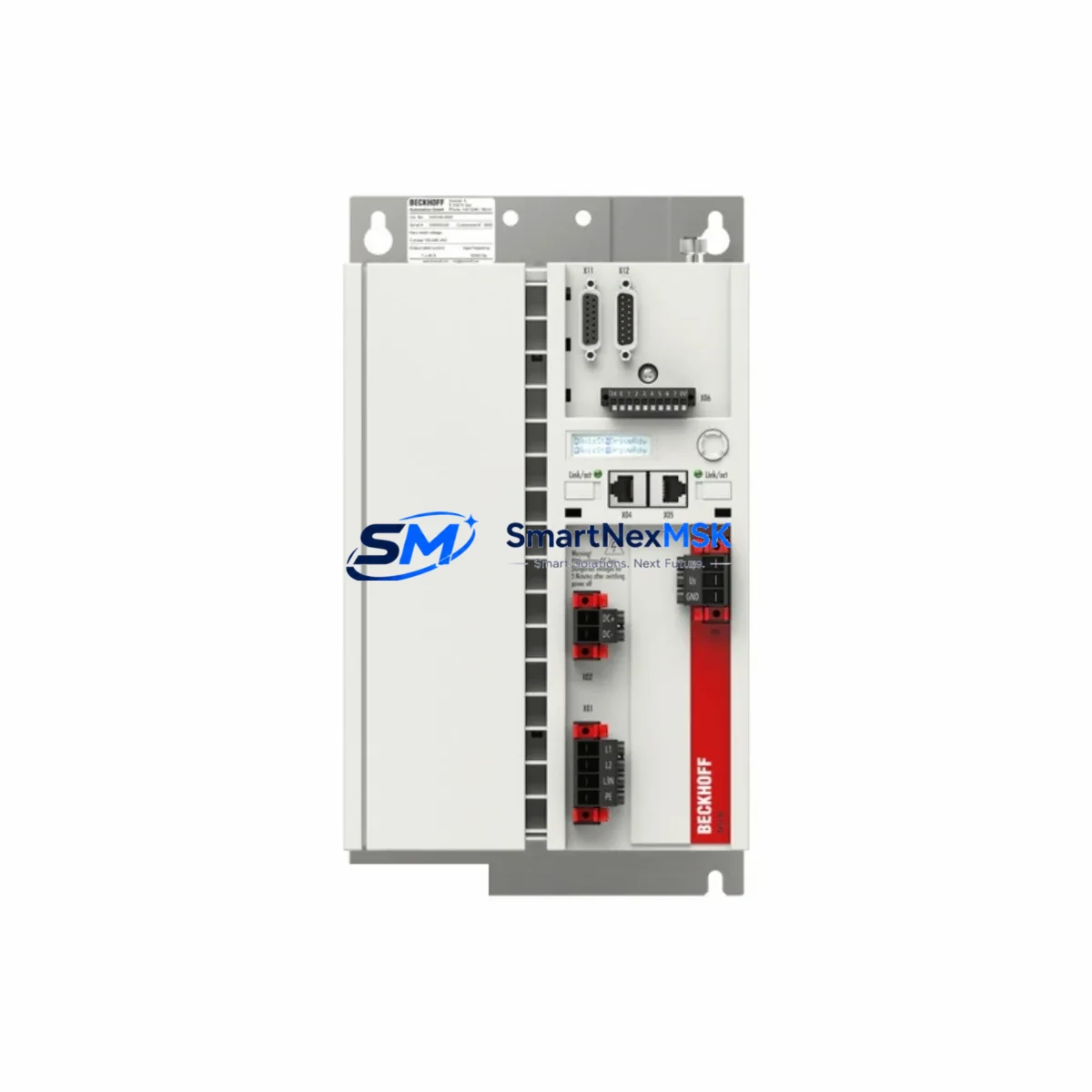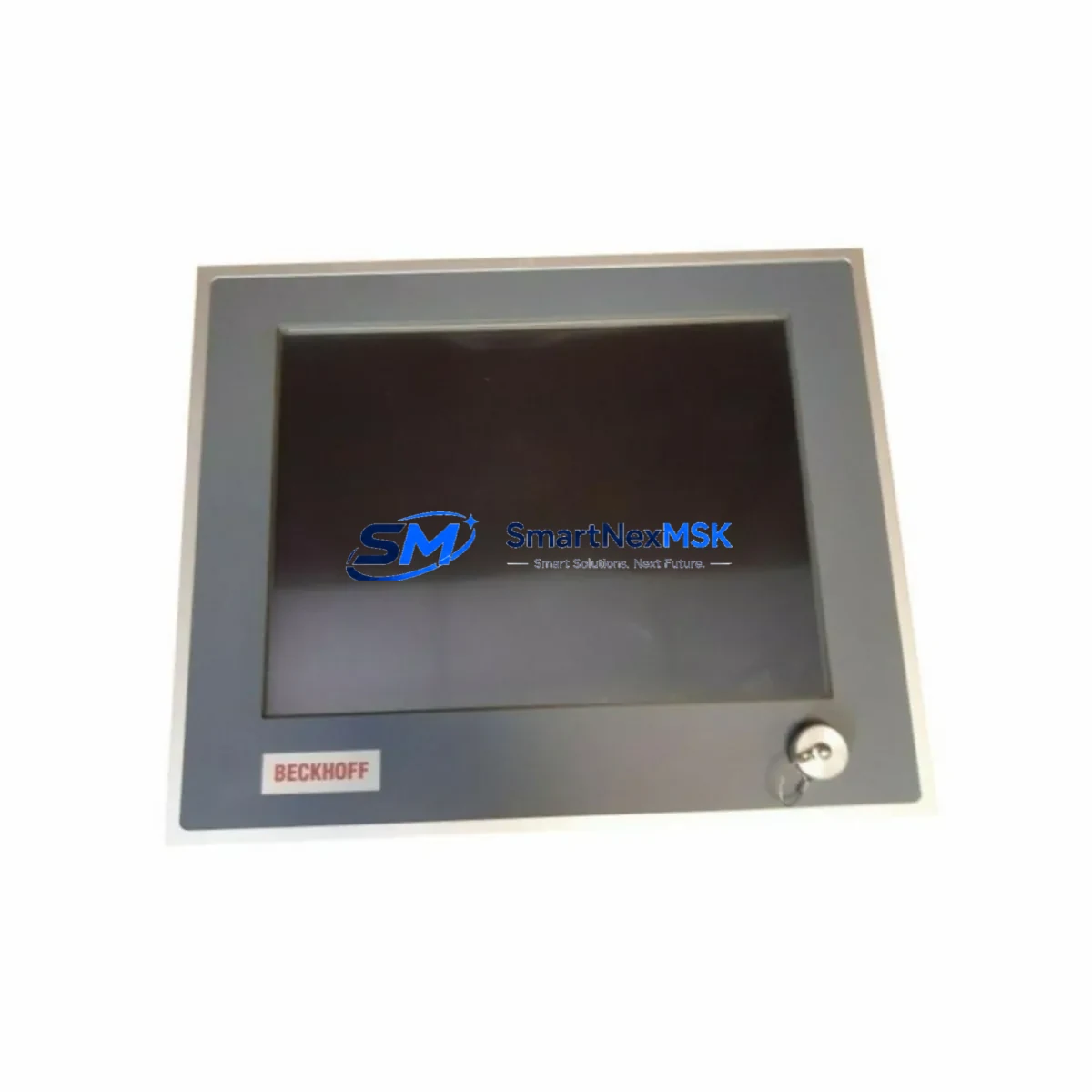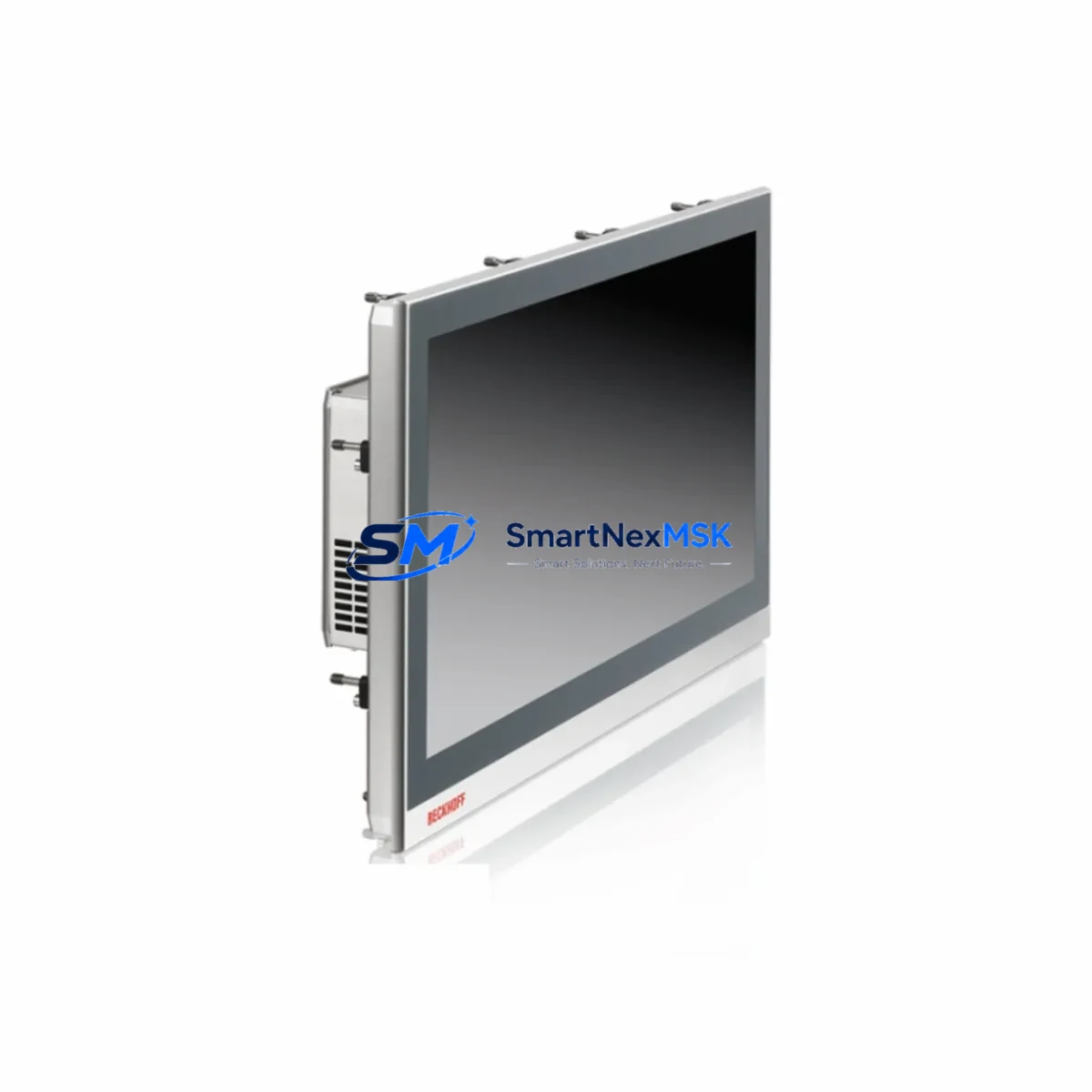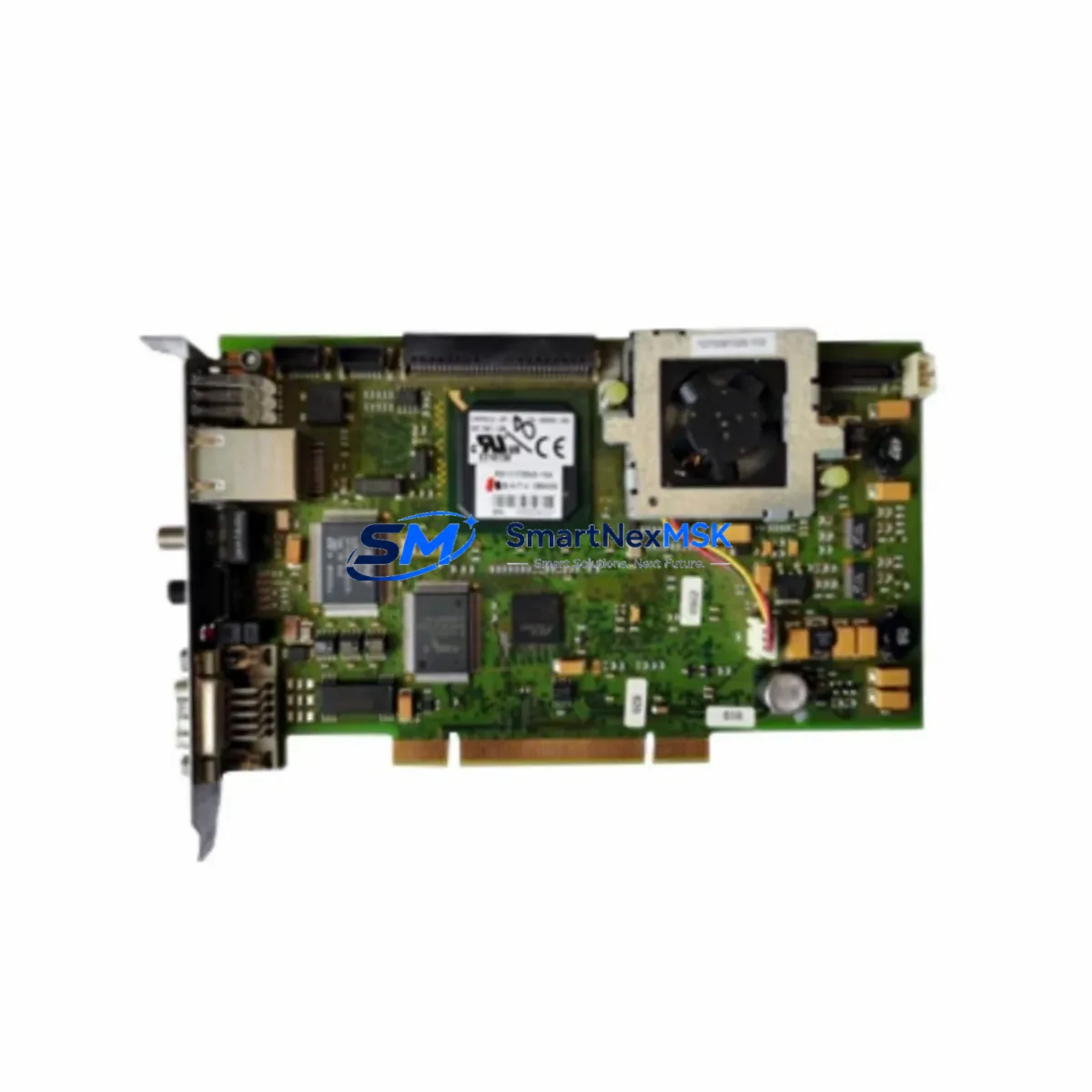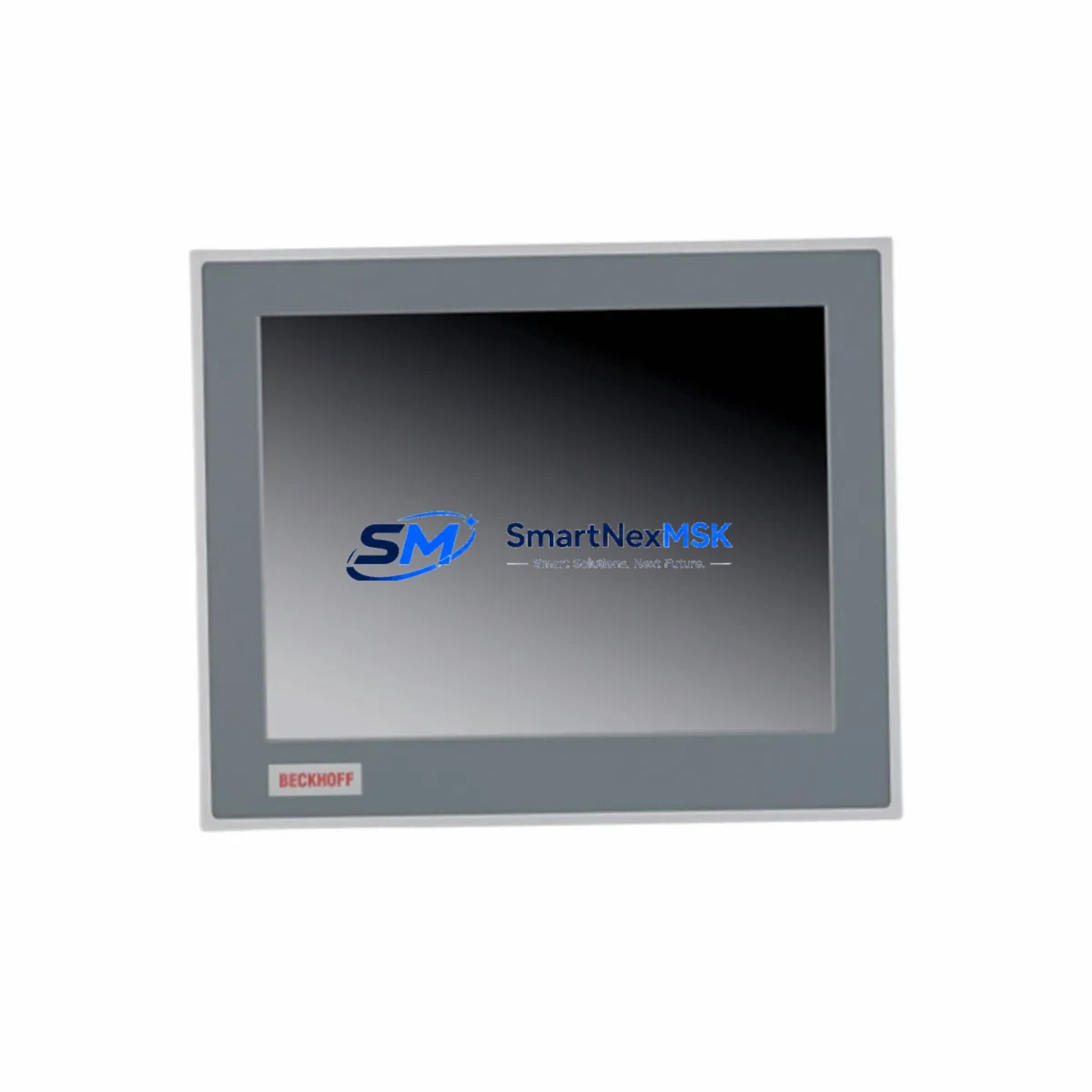
BECKHOFF CP6203-0021-0010 Spare for CP6203 Automation: Downtime Control & Spare Parts Replacement
The BECKHOFF CP6203-0021-0010 is a ruggedized industrial Panel PC designed for demanding automation environments. As a maintenance-ready spare, it serves as a direct replacement for aging or failed CP6203-series HMI units integrated into TwinCAT-based control architectures. With an IP65-rated front panel, fanless design, and full compatibility with BECKHOFF’s EtherCAT and TwinCAT 3 runtime environments, this unit is a critical component in minimizing unplanned downtime across process control, machine automation, and building management systems.
For maintenance engineers managing aging BECKHOFF control cabinets, sourcing a verified CP6203-0021-0010 spare is the fastest path to restoring operator visibility and system control. This unit supports standard DVI/DisplayPort signal inputs and integrates directly with existing BECKHOFF IPC infrastructure, eliminating the need for software reconfiguration or driver updates in most replacement scenarios. Procurement engineers can rely on our pre-shipment functional testing and 12-month warranty to reduce risk in critical spare parts purchasing decisions.
Spare Maintenance Table
| Parameter | Specification |
|---|---|
| SKU / Part Number | CP6203-0021-0010 |
| Brand | BECKHOFF |
| Series | CP6203 |
| Product Type | Industrial Panel PC (Fanless) |
| Display Size | 21.5″ Widescreen (inferred from -0021 suffix) |
| Protection Rating | IP65 (front panel) |
| OS Compatibility | Windows Embedded / TwinCAT 3 Runtime |
| Communication | EtherCAT, Ethernet, USB |
| Mounting | Panel / Control Cabinet Front Mount |
| Origin | Germany |
| Application | Machine HMI, Process Visualization, TwinCAT SCADA |
| Maintenance Role | Direct replacement for failed/aging CP6203 HMI units |
| Compatibility | BECKHOFF TwinCAT 2 / TwinCAT 3, EtherCAT networks |
| Pre-Shipment Test | Power-on, display, I/O port functional verification |
| Warranty | 12 Months |
Maintenance Planning for Continuous Operation
When replacing a CP6203-0021-0010 in a live control cabinet, a thorough inspection of surrounding components is essential to prevent repeat failures and ensure system stability. Maintenance engineers should begin by verifying the 24 VDC panel power supply — units such as the BECKHOFF CX2100-0004 power supply module or equivalent DIN-rail PSU should be checked for output voltage stability and ripple before powering the new Panel PC.
The EtherCAT communication chain connected to the CP6203 should be inspected end-to-end. This includes verifying the integrity of EtherCAT patch cables (Cat5e or Cat6 shielded), checking the BECKHOFF EK1100 EtherCAT coupler for link status LEDs, and confirming that downstream I/O terminals — such as the EL1008 digital input terminal and EL2008 digital output terminal — are responding correctly in TwinCAT System Manager. Any I/O terminal showing a red error LED should be replaced as part of the same maintenance window.
For systems using analog signal acquisition, the EL3062 analog input terminal (0–10 V) or EL3004 (4–20 mA) should be tested for signal accuracy before and after the Panel PC replacement. Signal isolators installed between field sensors and the EtherCAT I/O rack should also be inspected, as degraded isolation can cause ground loops that corrupt analog readings and trigger false alarms on the HMI.
Communication modules such as the BECKHOFF EL6001 serial interface terminal or EL6021 RS422/RS485 terminal — commonly used for legacy device integration — should be verified for correct baud rate configuration after the Panel PC is restored. If the system includes a BECKHOFF CX5130 or CX5140 Embedded PC as the TwinCAT runtime host, confirm that the ADS routing table is updated to reflect the new Panel PC’s AMS Net ID before going live.
Fuse protection for the control cabinet’s 24 VDC bus should be inspected, including blade fuse holders or electronic circuit breakers protecting the Panel PC’s power input. Terminal blocks and cable ferrules on the power and signal wiring should be checked for corrosion or loosening, particularly in high-vibration or high-humidity environments. Replacing the CP6203-0021-0010 without addressing these upstream and downstream components risks a repeat failure within weeks of restoration.
Site Replacement Workflow
Step 1 — Identify and Document: Before removal, photograph the existing CP6203-0021-0010 wiring, connector positions, and mounting orientation. Record the TwinCAT AMS Net ID and any custom display calibration settings stored on the unit.
Step 2 — Safe Isolation: De-energize the control cabinet following LOTO (Lockout/Tagout) procedures. Disconnect the 24 VDC power input, USB peripherals, DVI/DisplayPort signal cable, and EtherCAT communication cable from the Panel PC.
Step 3 — Mechanical Removal: Release the panel mounting clamps or screws securing the CP6203-0021-0010 to the cabinet cutout. Carefully extract the unit from the front of the panel.
Step 4 — Install Replacement Unit: Insert the new CP6203-0021-0010 spare into the panel cutout. Secure mounting clamps evenly to maintain IP65 sealing. Reconnect all cables in reverse order of removal, verifying connector locking mechanisms are fully engaged.
Step 5 — Power-On and Verification: Restore 24 VDC power. Confirm the Panel PC boots to the Windows/TwinCAT runtime environment. Verify EtherCAT network topology in TwinCAT System Manager — all slave devices should appear in OP (Operational) state. Test all HMI screens, alarm displays, and operator input functions before returning the system to production.
Step 6 — Documentation Update: Update the maintenance log with the replacement date, new unit serial number, and any configuration changes. Add the replaced unit to the spare parts register for potential refurbishment evaluation.
This workflow is designed to minimize mean time to repair (MTTR) and restore full operator control with zero software reconfiguration in standard replacement scenarios. Compatibility between CP6203-series units of the same display size and OS variant is high, making this one of the most straightforward HMI replacements in the BECKHOFF product family.
Spare Parts Support FAQ
Q1: Is the CP6203-0021-0010 a direct drop-in replacement for an existing CP6203 unit in my TwinCAT system?
In most cases, yes. Units within the same CP6203 display size and OS variant are designed for direct replacement without TwinCAT software reconfiguration. You may need to update the AMS Net ID in the ADS routing table if your system uses fixed IP/AMS addressing. We recommend confirming the OS version and TwinCAT runtime version before ordering to ensure full compatibility.
Q2: What pre-shipment testing is performed on this spare?
Every CP6203-0021-0010 unit undergoes power-on verification, display function check, USB and communication port testing, and visual inspection for physical damage before shipment. Units are packed in anti-static ESD-safe packaging with foam protection to prevent transit damage. A test report is available upon request for critical infrastructure procurement.
Q3: How should I manage CP6203-0021-0010 inventory for a multi-site operation?
For facilities running multiple BECKHOFF TwinCAT systems with CP6203-series HMIs, we recommend maintaining at least one cold-standby unit per 5–10 installed panels. Given the typical 4–8 week lead time for new BECKHOFF Panel PCs through standard distribution channels, holding verified spare stock eliminates the risk of extended production downtime. Our long-term supply program supports blanket orders with staged delivery for multi-site spare parts programs.
Q4: What does the 12-month warranty cover, and what is the claims process?
The 12-month warranty covers manufacturing defects, component failures under normal operating conditions, and DOA (Dead on Arrival) units. It does not cover physical damage caused by incorrect installation, overvoltage, or environmental exposure beyond IP65 ratings. To initiate a warranty claim, contact our sales team with the order number, unit serial number, and a description of the fault. Replacement or repair is typically processed within 5–10 business days.
© 2026 SMARTNEXMSK. All rights reserved.
Original Source: https://smartnexmsk.com
Contact: [email protected] | +86 18259474341