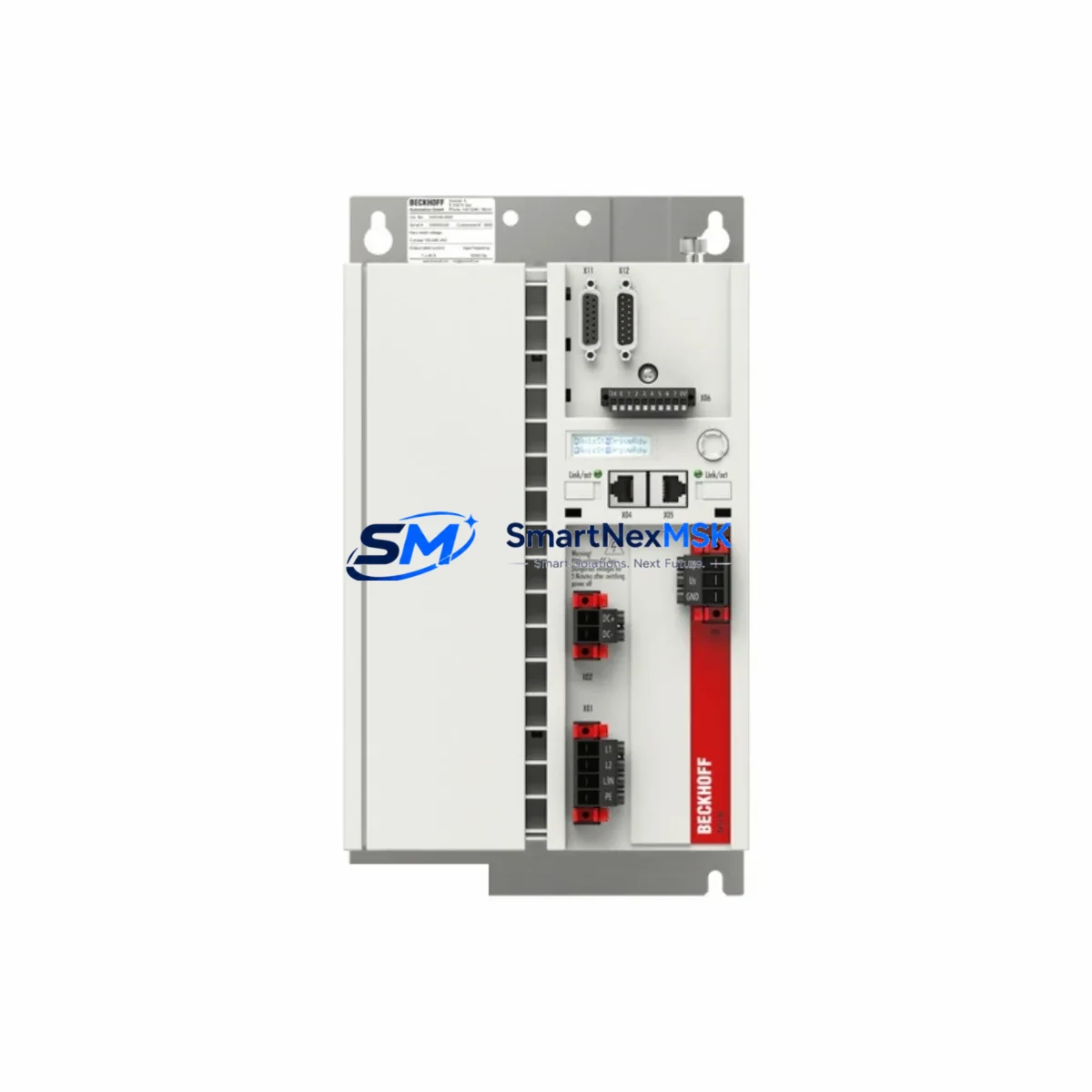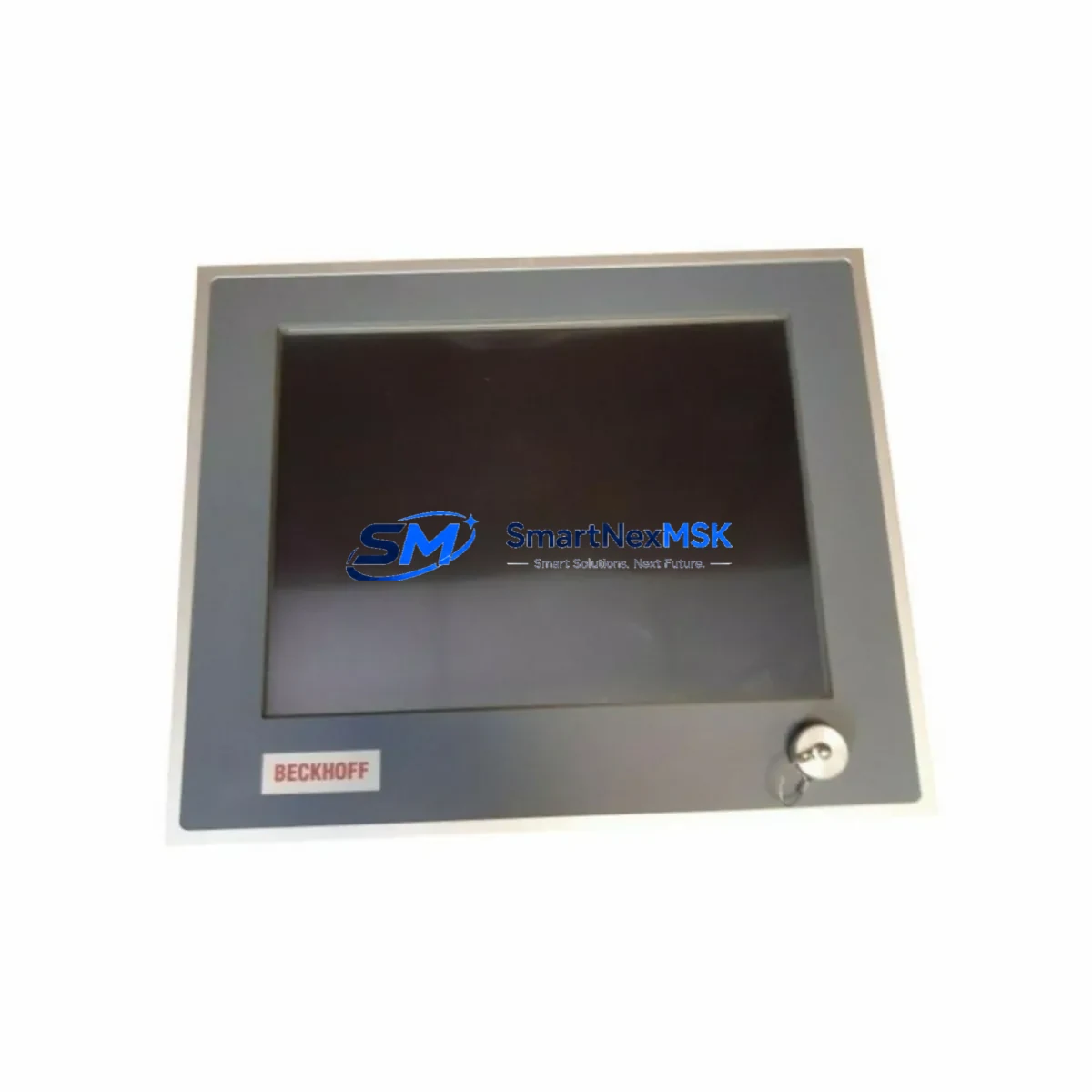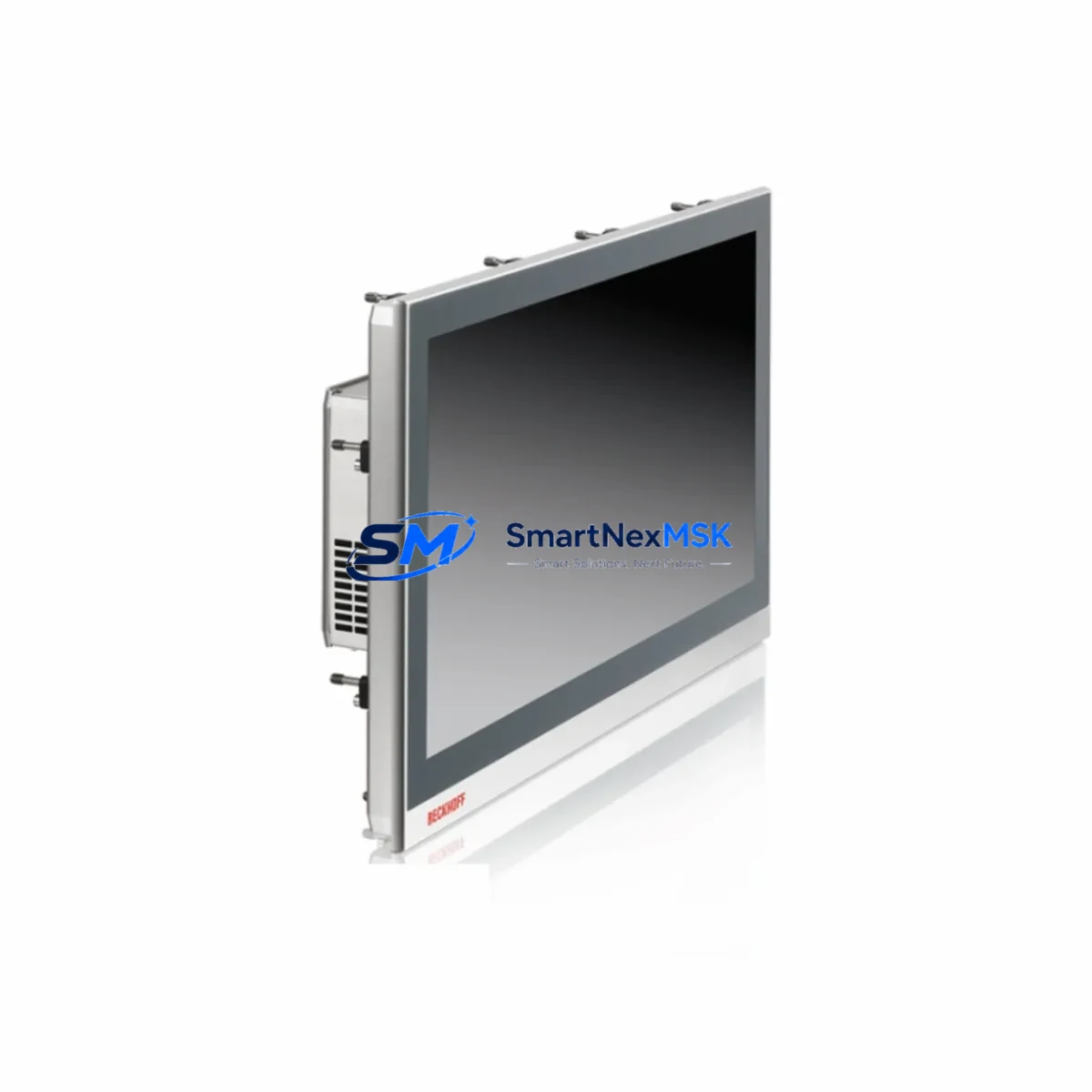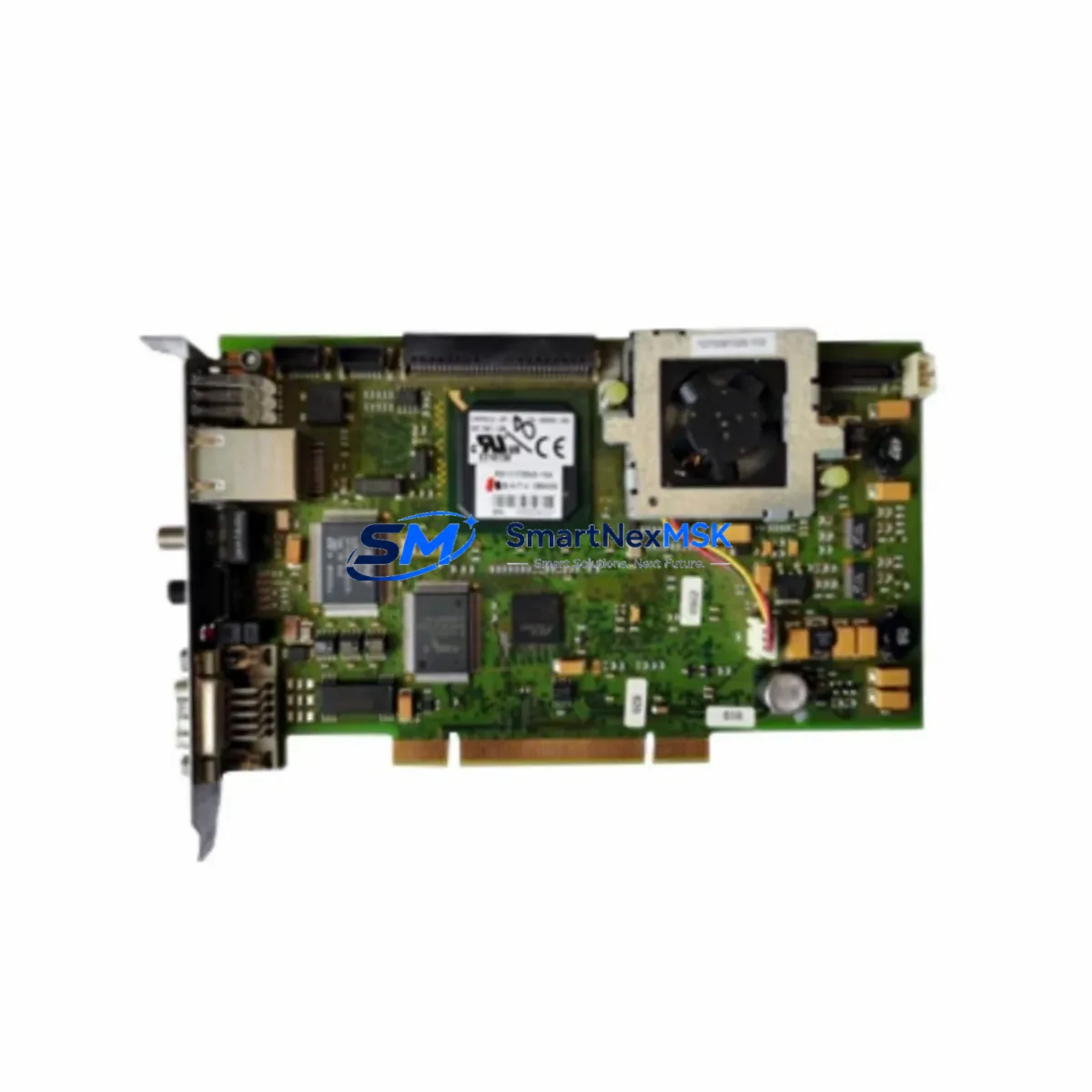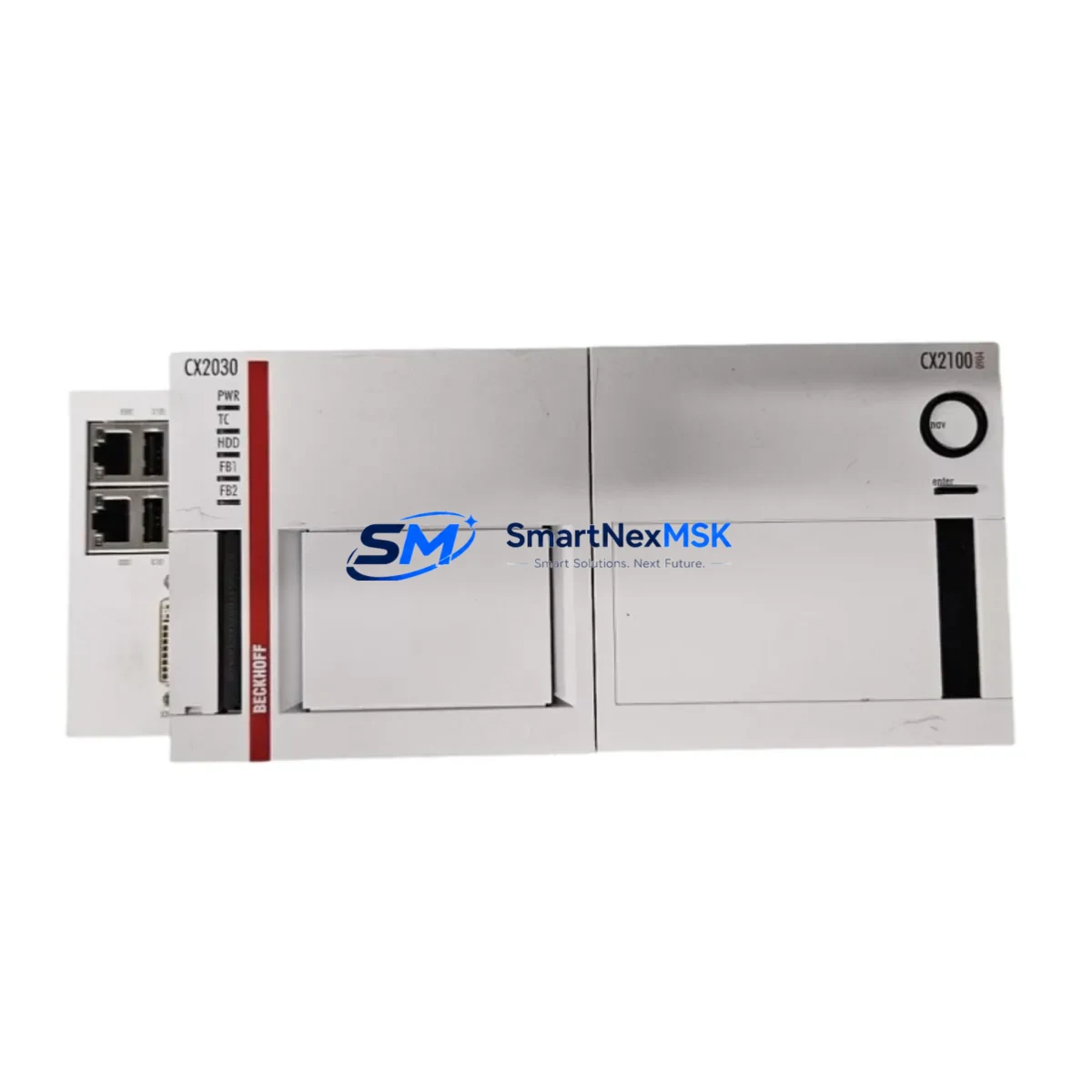
BECKHOFF CX2500 Retrofit-Ready Embedded PC for CX Series Control Systems
The BECKHOFF CX2500 is a high-performance Embedded PC designed for seamless integration into existing CX Series control architectures. As legacy CX2030 and CX2550 units reach end-of-life, the CX2500 provides a validated, drop-in upgrade path that preserves existing TwinCAT runtime logic, EtherCAT network topology, and field wiring — minimizing engineering rework and unplanned downtime during system modernization.
Whether you are replacing a failed CX2030 on a packaging line, upgrading a CX2100 power supply unit in a control cabinet, or migrating an entire CX Series rack to a higher-performance platform, the CX2500 delivers the processing headroom, I/O flexibility, and communication compatibility required for modern industrial environments. Its DIN-rail form factor and standard CX backplane interface allow direct substitution in most existing cabinet layouts without mechanical modification.
Upgrade Compatibility Table
| Parameter | Legacy Model | CX2500 (Replacement) | Notes |
|---|---|---|---|
| Replaced Models | CX2030, CX2550, CX2100 | CX2500 | Direct retrofit candidate |
| Backplane Interface | CX Standard Backplane | CX Standard Backplane | Compatible — no adapter required |
| Communication Protocol | EtherCAT, PROFIBUS, ADS | EtherCAT, PROFIBUS, ADS | Full protocol continuity via EK1110 coupler |
| TwinCAT Runtime | TwinCAT 2 / TwinCAT 3 | TwinCAT 3 (TC2 compatible) | Program migration required for TC2 projects |
| Power Supply | CX2100-0004 / 0014 | CX2100-0004 / 0014 | Existing PSU reusable |
| I/O Expansion | EL series terminals | EL series terminals | Full EL6070, EL1008, EL2008 compatibility |
| Installation Format | DIN Rail | DIN Rail | Same footprint — no cabinet rework |
| Commissioning Tool | TwinCAT System Manager | TwinCAT XAE (Visual Studio) | Project import and rebuild required |
| Warranty | — | 12 Months | Covered from date of shipment |
Retrofit Planning for Existing Automation Systems
A successful CX2500 retrofit begins with a thorough audit of the existing control cabinet. Engineers should document the current CX2030 or CX2550 CPU slot position on the backplane, verify the CX2100 power supply module output capacity (typically 24 VDC, 2.5 A), and confirm that all EL Series I/O terminals — including digital input modules such as the EL1008, digital output modules such as the EL2008, and analog modules — are listed in the new TwinCAT 3 hardware configuration before commissioning begins.
Communication continuity is a critical checkpoint. If the legacy system uses an EK1110 EtherCAT extension coupler to bridge remote I/O segments, verify that the coupler firmware is compatible with the CX2500’s EtherCAT master stack. Similarly, if PROFIBUS DP is in use via a CX2500-B310 fieldbus card, confirm that the slave device GSD files are imported into the new TwinCAT project and that the DP master address assignments match the original configuration.
For systems that include an EL6070 software license terminal, the license key must be transferred or re-activated on the new CX2500 unit prior to runtime startup. Failure to do so will prevent licensed TwinCAT function libraries from loading. Coordinate with your BECKHOFF regional office or authorized distributor to obtain a license transfer authorization before the scheduled cutover window.
Terminal wiring on the existing EL Series I/O rail typically does not require modification, as the CX2500 inherits the same EtherCAT terminal bus architecture. However, engineers should verify terminal addresses in the TwinCAT variable mapping table and confirm that any HMI screens — whether running on a CP Series panel PC or a third-party SCADA system — reference the correct ADS Net ID of the new CX2500 controller. Updating the ADS routing table on all connected visualization clients is a mandatory step before live handover.
Downtime Control During System Migration
Minimizing production interruption during a CX Series migration requires a structured parallel-preparation approach. Before the scheduled maintenance window, pre-configure the replacement CX2500 offline: load the TwinCAT 3 project, assign the correct ADS Net ID, configure EtherCAT topology, and perform a full I/O scan simulation using the existing hardware configuration export from the legacy CX2030 or CX2550.
On cutover day, the recommended sequence is: power down the control cabinet, remove the legacy CPU module from the CX backplane, seat the CX2500 in the same slot, reconnect the CX2100 power supply, and power up. The EtherCAT bus should auto-enumerate all connected EL terminals within seconds. Activate the TwinCAT 3 runtime, verify all I/O states against the pre-shutdown baseline, and confirm HMI communication before releasing the line to production. Total mechanical swap time is typically under 15 minutes; the majority of cutover time is consumed by software verification and operator sign-off.
For critical processes where even brief interruption is unacceptable, consider staging a hot-standby CX2500 with a synchronized TwinCAT project image, enabling near-instantaneous failover if the primary unit requires replacement. This approach is particularly effective in continuous-process industries where the cost of an unplanned stop far exceeds the cost of a redundant controller.
Retrofit Support FAQ
Q1: Is the CX2500 a direct drop-in replacement for the CX2030 and CX2550?
In most installations, yes. The CX2500 uses the same CX backplane connector and DIN-rail form factor as the CX2030 and CX2550. The primary engineering task is migrating the TwinCAT project and updating ADS routing. Physical wiring on the EL terminal rail does not require modification in standard configurations.
Q2: What commissioning steps are required after installing the CX2500?
After seating the module, engineers must: (1) assign the correct ADS Net ID, (2) activate the TwinCAT 3 runtime, (3) perform a full EtherCAT bus scan to confirm all EL terminals are detected, (4) verify I/O variable mapping, (5) update HMI ADS routing, and (6) conduct a functional test of all control loops before returning the system to automatic mode.
Q3: Can the existing EL6070 license terminal be reused with the CX2500?
Yes, the EL6070 license terminal is hardware-bound and remains on the EtherCAT terminal rail. However, the TwinCAT license must be re-activated on the new CX2500 host. Contact BECKHOFF support or your authorized distributor to initiate a license transfer before the cutover date.
Q4: What does the 12-month warranty cover?
All CX2500 units supplied by SMARTNEXMSK carry a 12-month warranty from the date of shipment, covering manufacturing defects and functional failures under normal operating conditions. Each unit undergoes pre-shipment functional testing including power-on verification, EtherCAT bus enumeration, and runtime activation checks. Warranty claims are processed directly through our technical support team.
© 2026 SMARTNEXMSK. All rights reserved.
Original Source: https://smartnexmsk.com
Contact: [email protected] | +86 18259474341