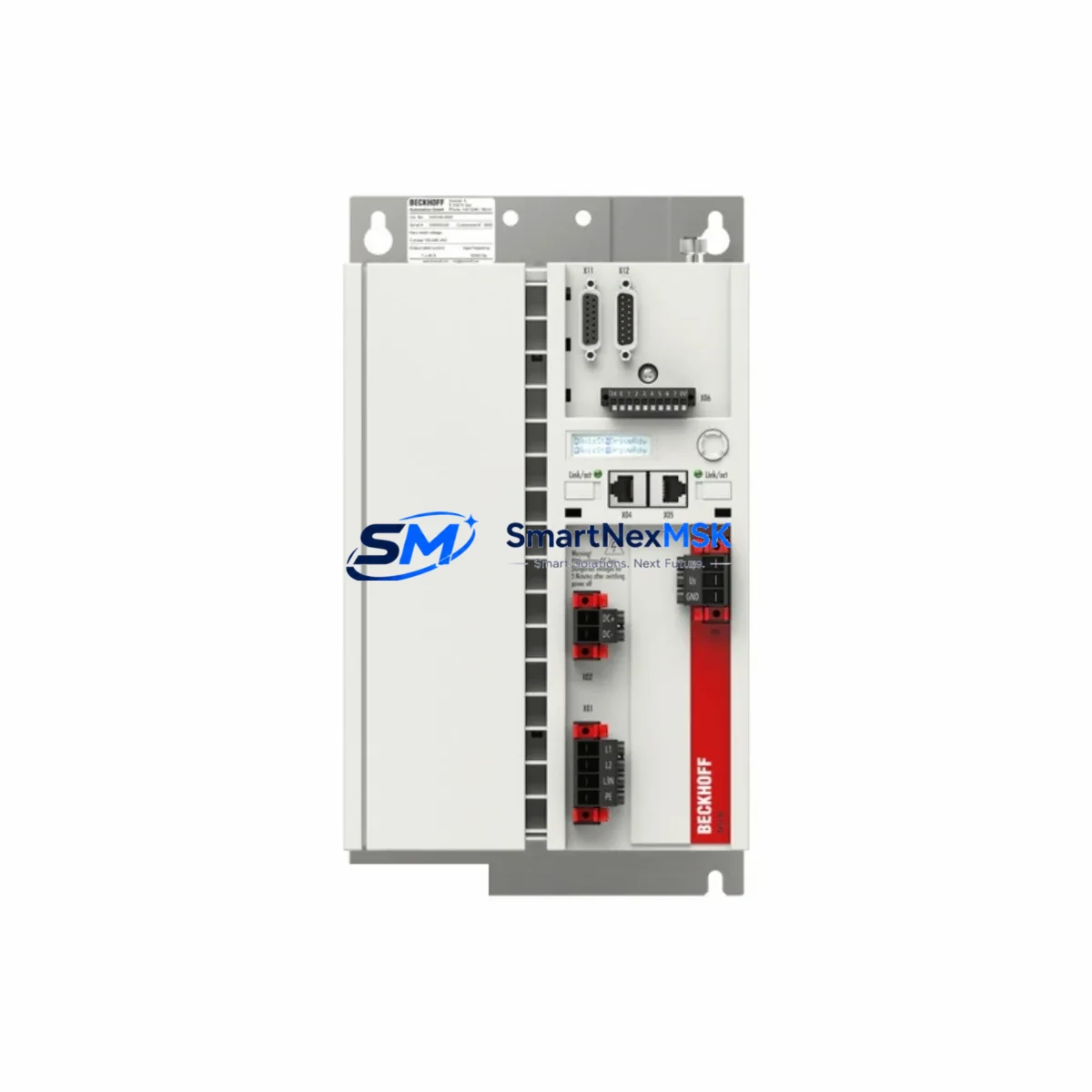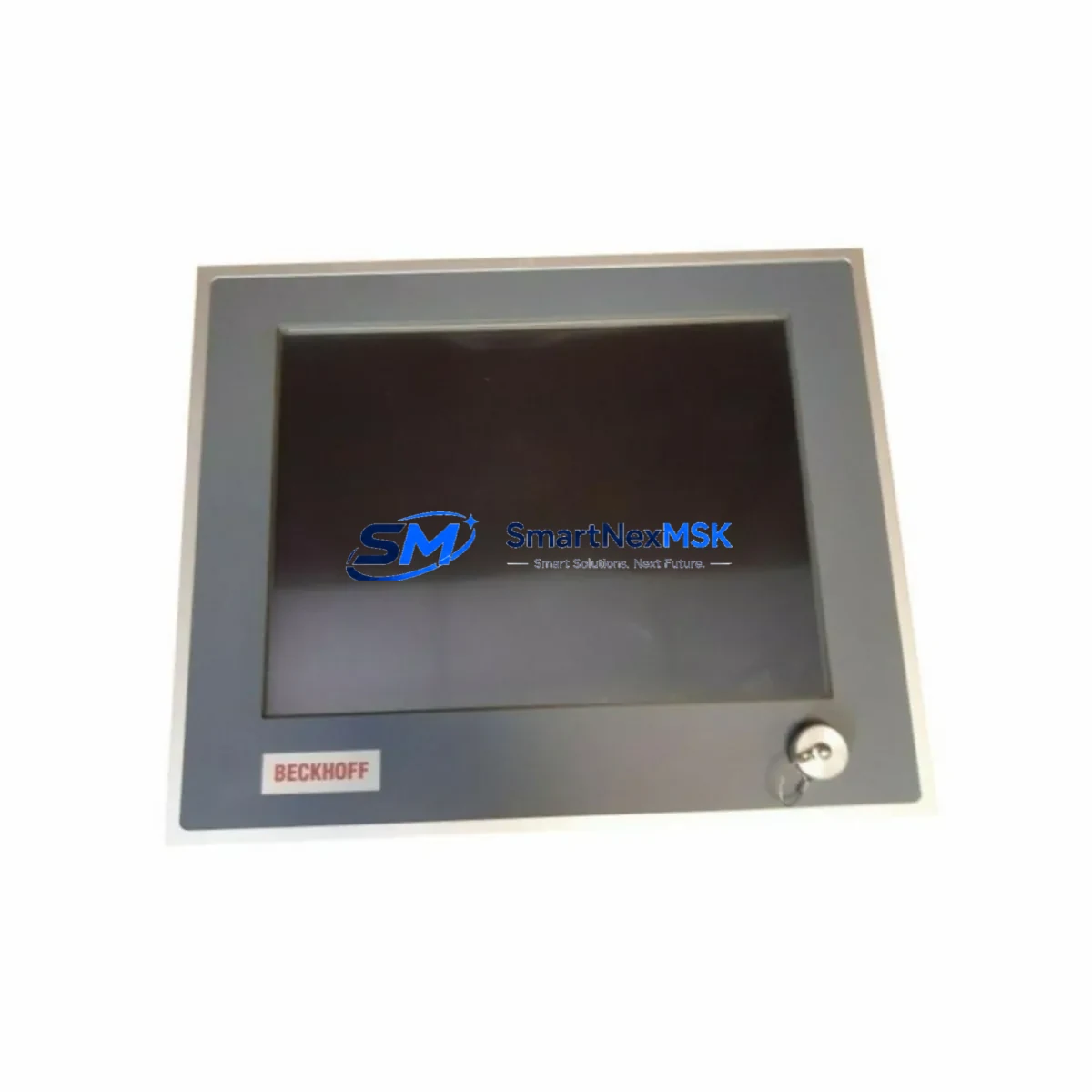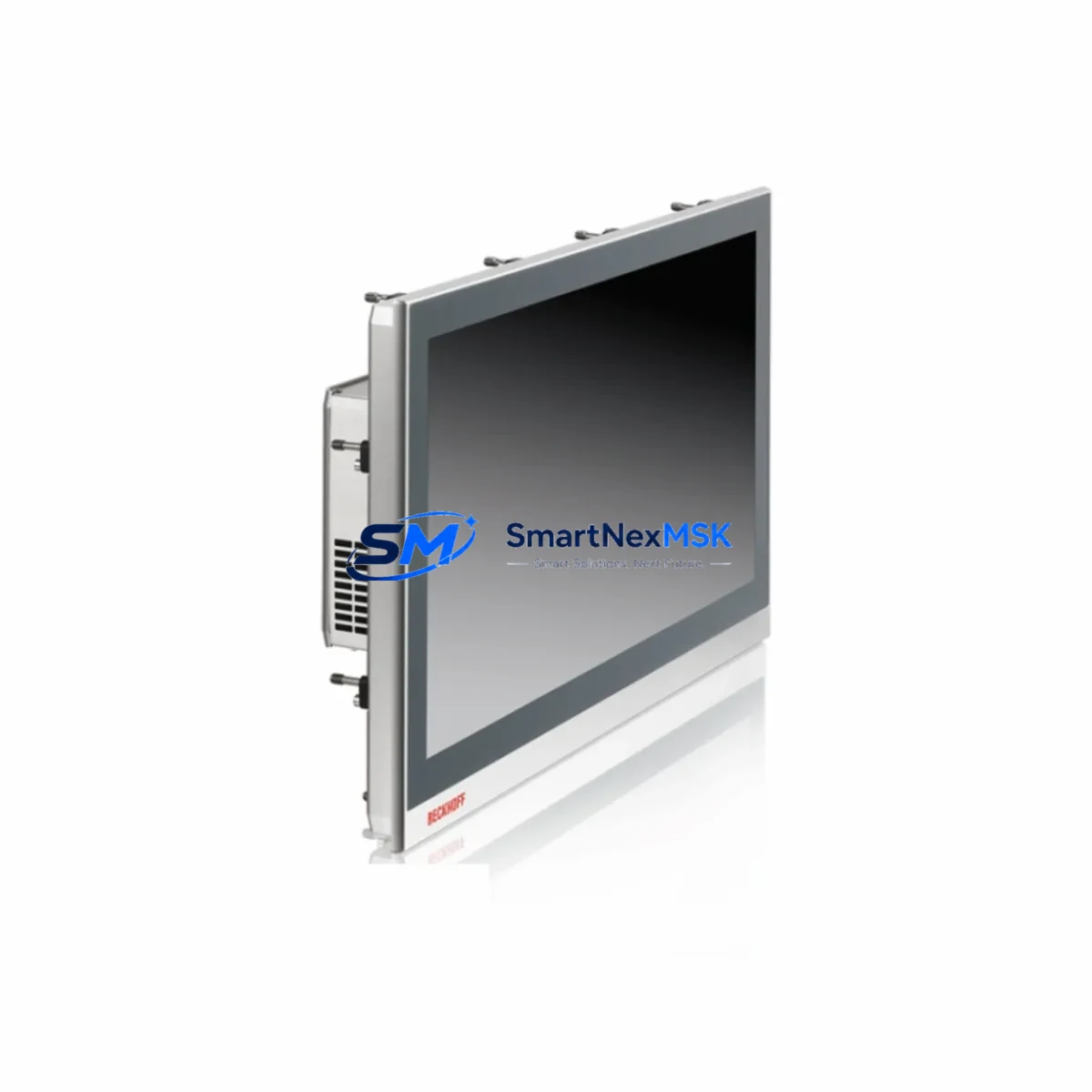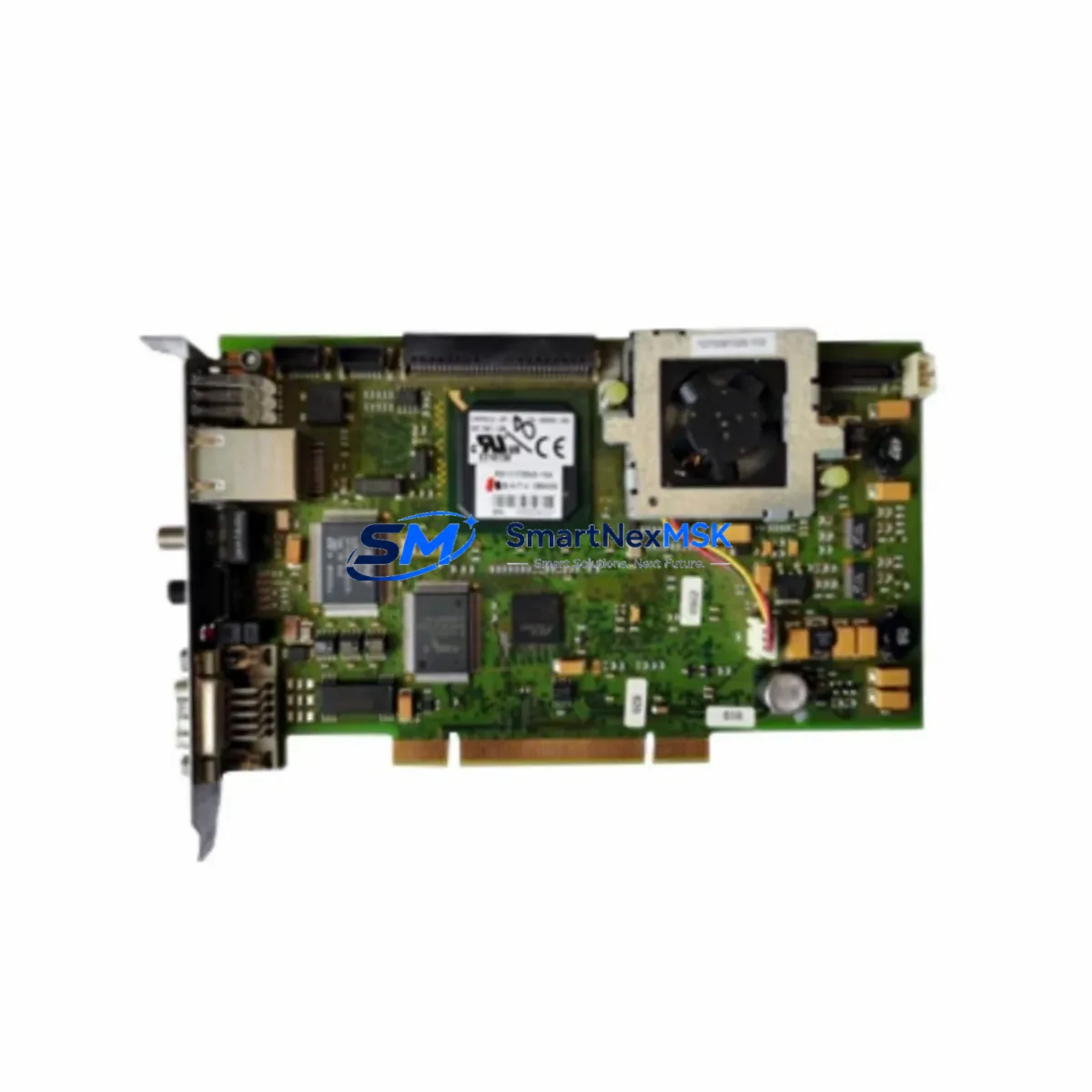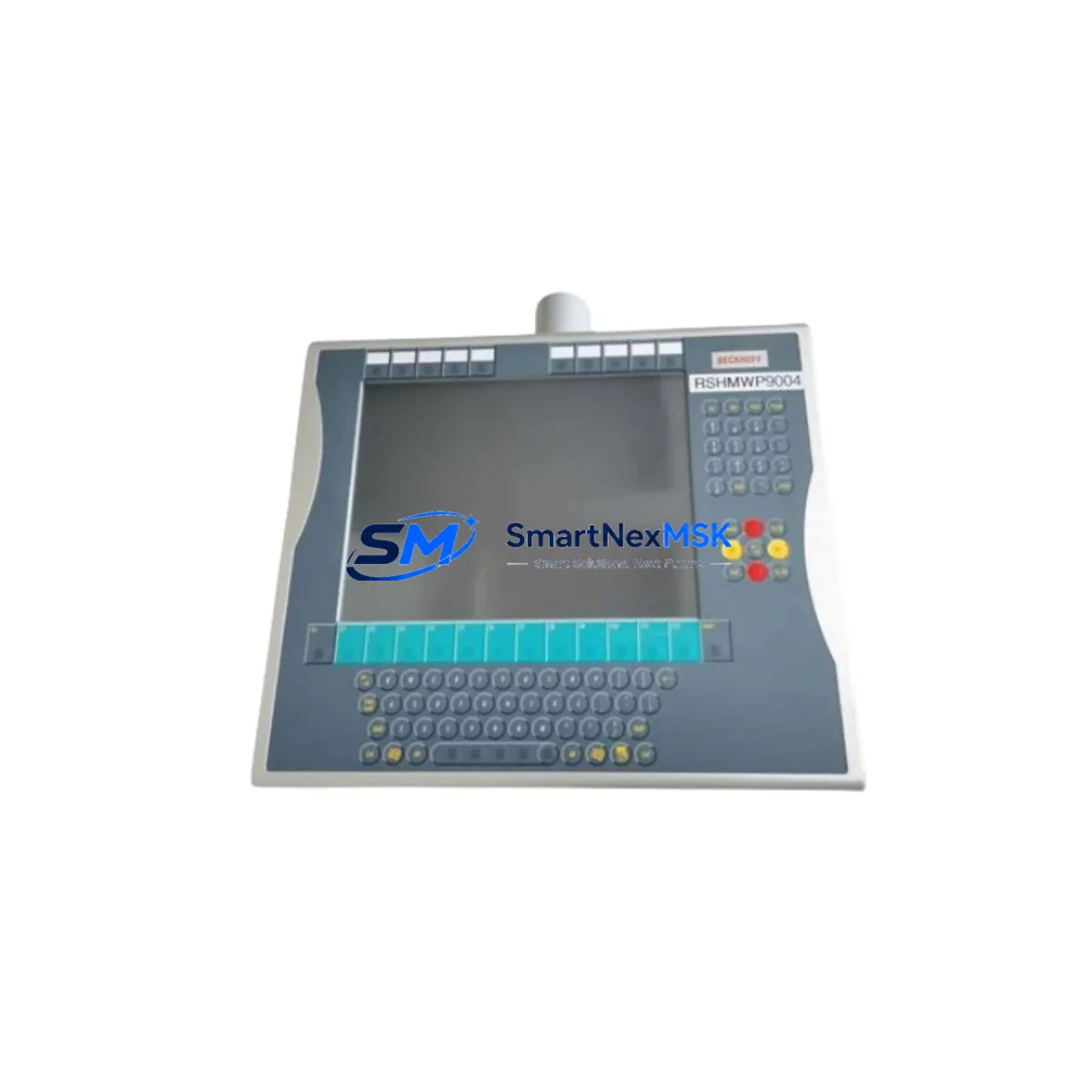
Beckhoff CP7132-0001-0050 Spare for CP7132 Automation: Spare Replacement & Industrial Downtime Risk Control
The Beckhoff CP7132-0001-0050 is an original Economy Panel PC designed for demanding industrial automation environments where continuous HMI availability is non-negotiable. As a maintenance-ready spare for the CP7132 series, this unit supports TwinCAT runtime environments and integrates seamlessly into existing Beckhoff control architectures — making it a critical component in any proactive spare parts strategy for production lines, process control rooms, and machine tool cabinets.
For maintenance engineers managing aging Beckhoff systems, the CP7132-0001-0050 represents a direct, validated replacement that eliminates the risk of extended downtime caused by HMI failure. Its compact panel design, industrial-grade display interface, and compatibility with standard Beckhoff software stacks mean that replacement can be completed during a planned maintenance window without requiring system reconfiguration or software migration.
Procurement engineers sourcing spare parts for multi-site facilities will appreciate that the CP7132-0001-0050 is available from stock, ships with full functional testing documentation, and is backed by a 12-month warranty. Maintaining at least one unit in your on-site spare parts inventory is strongly recommended for any facility running CP7132-based operator stations in critical process control or safety-adjacent roles.
Spare Maintenance Table
| Parameter | Specification |
|---|---|
| Brand | Beckhoff |
| SKU / Part Number | CP7132-0001-0050 |
| Series | CP7132 Economy Panel PC |
| Product Type | Industrial Panel PC / HMI |
| Display Size | 12.1-inch TFT LCD (typical for CP7132 series) |
| Operating System | Windows Embedded / TwinCAT 2 / TwinCAT 3 compatible |
| Communication Interfaces | Ethernet, USB, RS232 (series-standard) |
| Power Supply Input | 24 V DC (nominal, series-standard) |
| Operating Temperature | 0 °C to +55 °C |
| Protection Rating | IP65 front panel |
| Mounting | Panel cut-out, flush mount |
| Country of Origin | Germany |
| Compatibility | Beckhoff TwinCAT PLC/CNC/Motion systems, CP7132 series drop-in replacement |
| Warranty | 12-Month Warranty — tested before shipment |
| Availability | In stock — ready for immediate dispatch |
Maintenance Planning for Continuous Operation
When scheduling a replacement of the CP7132-0001-0050 in a live control cabinet, experienced maintenance engineers know that the HMI unit rarely fails in isolation. A thorough inspection of the surrounding electrical environment is essential to prevent repeat failures and ensure the replacement unit operates reliably from day one.
Begin by verifying the 24 V DC power supply module feeding the panel PC — voltage ripple or transient spikes are a leading cause of premature HMI failure. If the cabinet uses a Beckhoff CX series Embedded PC (such as the CX2020 or CX5130) as the runtime controller, confirm that the TwinCAT project version is compatible with the CP7132-0001-0050 before powering up. Check the EtherCAT coupler (e.g., EK1100) and associated EL series I/O terminals — particularly digital input modules like the EL1008 and analog input modules like the EL3062 — for any signs of terminal oxidation or loose wiring that could generate spurious signals after the HMI is restored.
Inspect the KL2408 or EL2008 digital output terminals connected to downstream actuators and verify that no output channels have been latched in fault state. If the system uses Beckhoff TwinSAFE safety I/O modules (such as the EL6900 safety controller or EL1904 safety digital inputs), confirm that the safety project is still valid and that no safety-relevant parameters were lost during the HMI outage. For cabinets with fieldbus communication via PROFIBUS or PROFINET, check the corresponding Beckhoff fieldbus master card or gateway module to ensure communication was not interrupted in a way that requires a manual restart.
Terminal blocks, cable ferrules, and DIN rail grounding bars should also be inspected during the replacement window. Loose connections at the 24 V distribution terminal strip or at the panel PC’s rear connector can cause intermittent boot failures that are difficult to diagnose after the fact. Finally, if the cabinet includes a UPS module for the panel PC power rail, test its battery capacity and replace it if it has not been serviced within the past two years.
Site Replacement Workflow
Replacing the CP7132-0001-0050 on-site is designed to be straightforward for qualified maintenance personnel. The following workflow minimizes downtime and ensures system compatibility is maintained throughout the process:
Step 1 — Pre-replacement verification: Confirm the replacement unit’s part number matches CP7132-0001-0050 exactly. Verify the firmware and TwinCAT runtime version requirements against your existing project. Back up the TwinCAT project from the existing HMI if it is still accessible.
Step 2 — Safe isolation: Follow your site’s lockout/tagout (LOTO) procedure. Isolate the 24 V DC supply to the panel PC. Do not de-energize the entire control cabinet unless required by your site safety plan, as this may affect other running processes.
Step 3 — Physical removal and installation: Disconnect all rear connectors (power, Ethernet, USB, serial). Remove the panel from the cut-out by releasing the mounting clamps. Install the CP7132-0001-0050 replacement unit, reconnect all cables in the correct sequence, and secure the mounting clamps to the specified torque.
Step 4 — Software restoration: Restore the TwinCAT project from backup. Verify all I/O mappings, safety parameters, and HMI screen configurations. Perform a controlled startup and confirm all process values are reading correctly before returning the system to automatic mode.
Step 5 — Post-replacement documentation: Record the replacement in your maintenance log, including the date, technician name, and the serial number of the replaced unit. Update your spare parts inventory to trigger a reorder of the CP7132-0001-0050 so that a replacement unit is always available for the next unplanned failure.
Spare Parts Support FAQ
Q1: What is the warranty coverage for the CP7132-0001-0050?
All units supplied by SMARTNEXMSK are covered by a 12-month warranty from the date of shipment. Each unit undergoes functional testing prior to dispatch, and a test report is available upon request. Warranty claims are handled directly and efficiently — contact [email protected] with your order reference and fault description.
Q2: Is the CP7132-0001-0050 a direct drop-in replacement for existing CP7132 installations?
Yes. The CP7132-0001-0050 is designed as a direct mechanical and electrical replacement within the CP7132 series. It uses the same panel cut-out dimensions, rear connector layout, and 24 V DC power input. Software compatibility depends on your TwinCAT version — we recommend verifying your project runtime version before installation. Our technical team can assist with compatibility confirmation prior to purchase.
Q3: How quickly can the CP7132-0001-0050 be shipped for emergency maintenance situations?
Units in stock are available for same-day or next-business-day dispatch depending on order confirmation time. We understand that unplanned HMI failures create urgent downtime pressure, and our logistics process is optimized for rapid response. Contact +86 18259474341 for urgent spare parts inquiries.
Q4: Can SMARTNEXMSK support long-term supply of the CP7132-0001-0050 for multi-year maintenance contracts?
Yes. We maintain ongoing stock of CP7132 series components and can support scheduled procurement for facilities with annual or multi-year maintenance plans. We also advise on minimum stock levels based on your installed base and mean time between failures (MTBF) data. Reach out to [email protected] to discuss a tailored spare parts supply agreement.
© 2026 SMARTNEXMSK. All rights reserved.
Original Source: https://smartnexmsk.com
Contact: [email protected] | +86 18259474341