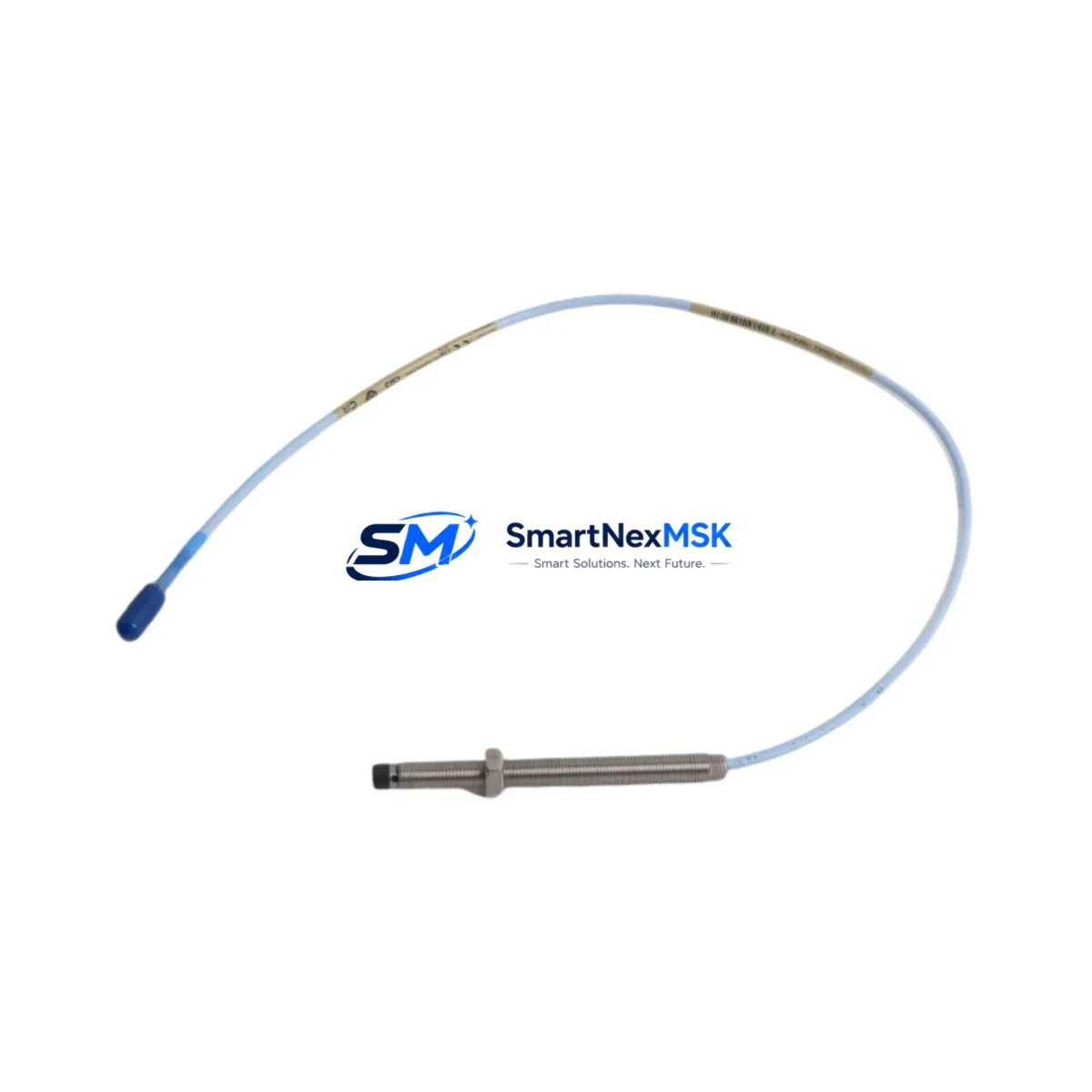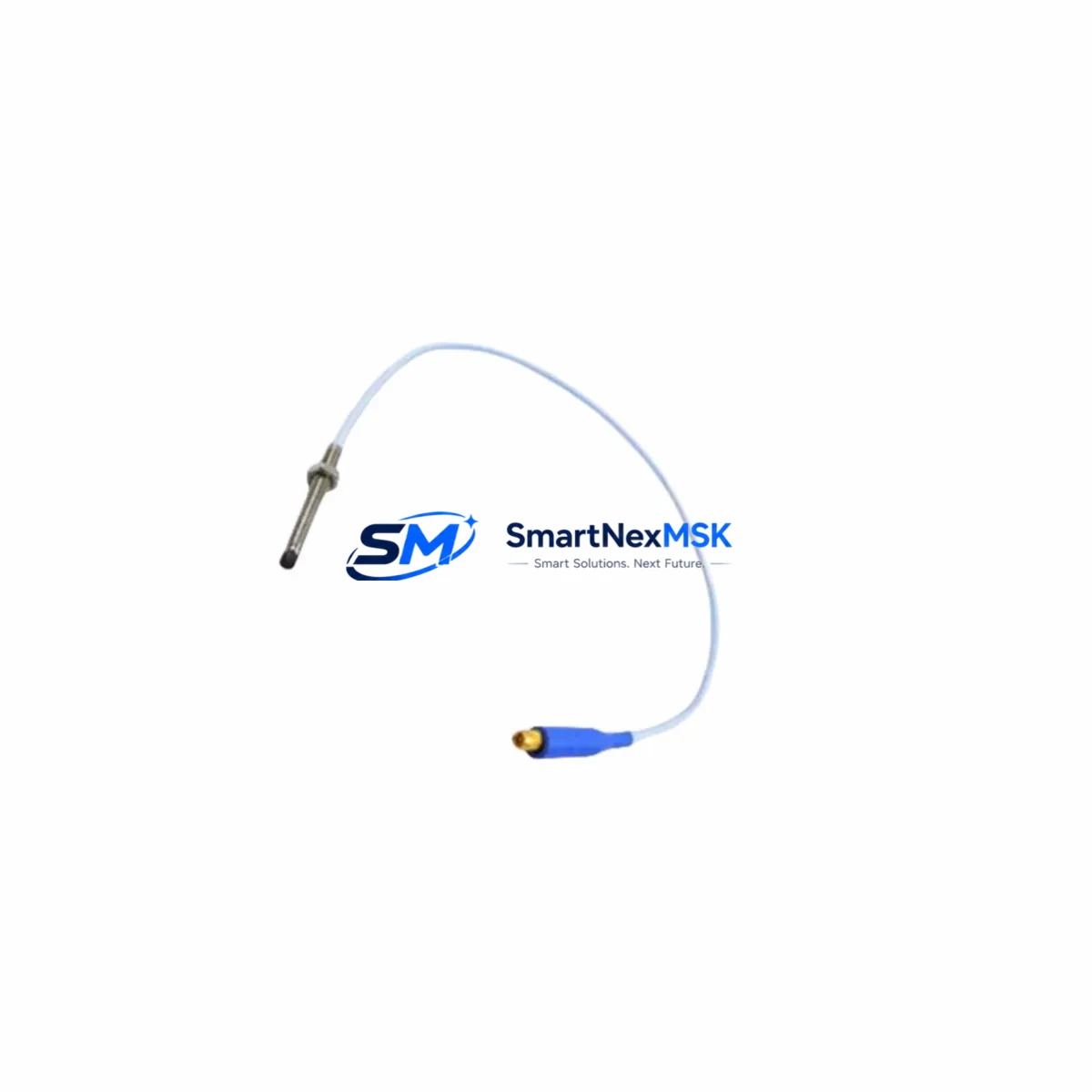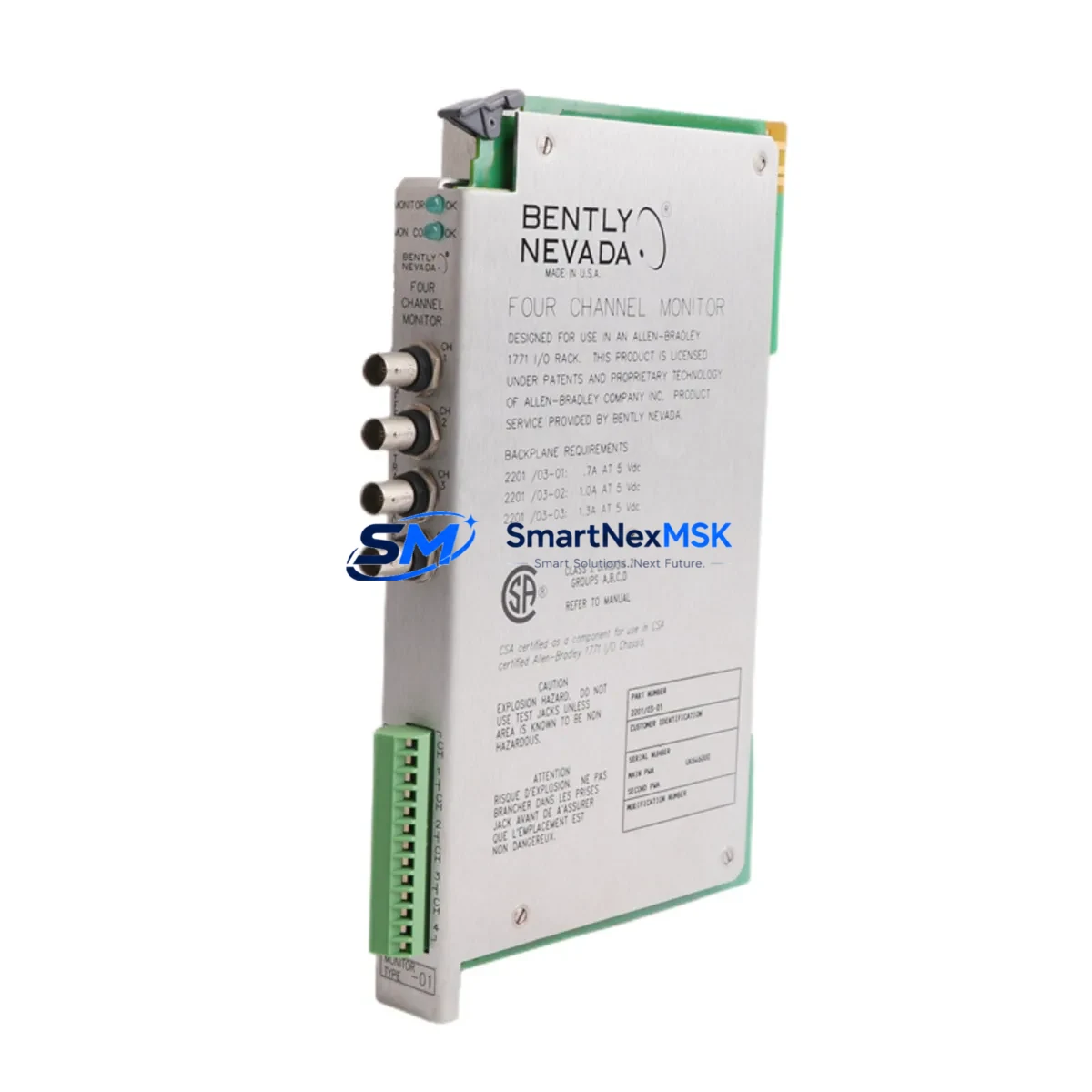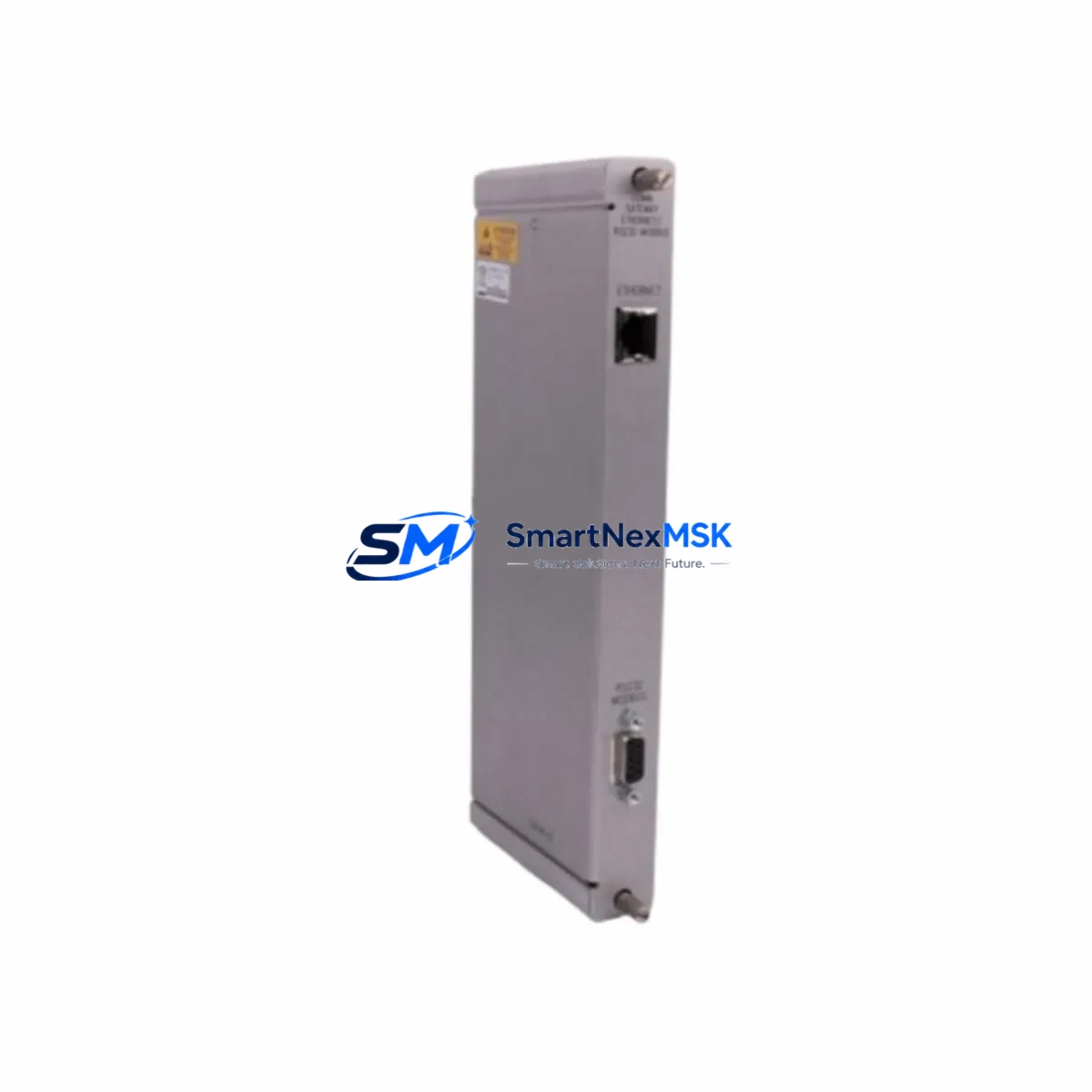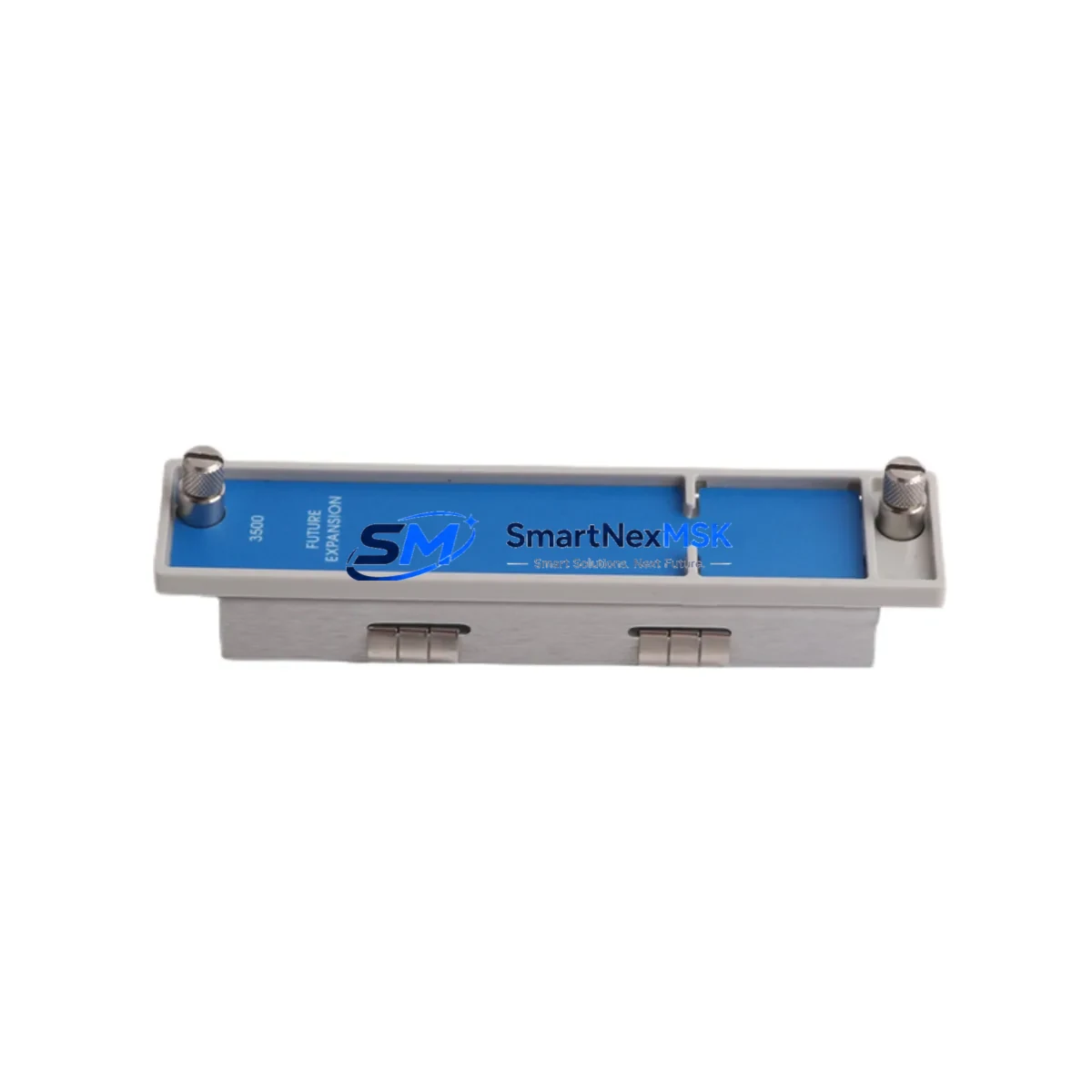
Bently Nevada 128276-01E Spare for 3500 Automation: Spare Replacement & Industrial Downtime Risk Control
The Bently Nevada 128276-01E is an original Half Expansion Panel designed for the 3500 Series Machinery Protection System — one of the most widely deployed vibration monitoring and protection platforms in rotating equipment applications including turbines, compressors, pumps, and generators. When this panel fails or reaches end-of-service life, the entire rack’s I/O expansion capability is compromised, directly threatening continuous monitoring integrity and triggering unplanned shutdowns.
Stocking a verified original 128276-01E as a maintenance-ready spare is a fundamental risk-control measure for any facility running 3500 Series racks. This unit ships fully tested, with a 12-month warranty, and is available for fast worldwide dispatch to support both planned maintenance windows and emergency replacement scenarios.
Spare Maintenance Table
| Parameter | Specification / Detail |
|---|---|
| Part Number | 128276-01E |
| Brand | Bently Nevada |
| Series | 3500 Series Machinery Protection System |
| Module Type | Half Expansion Panel |
| Application | Rack I/O expansion for vibration, position, and process monitoring modules |
| Compatibility | 3500 Series rack systems; compatible with 3500/20, 3500/22, 3500/25, 3500/40, 3500/42, 3500/44, 3500/45, 3500/50, 3500/60, 3500/70 modules |
| Installation | Mounts into 3500 Series rack chassis; no firmware configuration required for panel itself |
| Operating Environment | Industrial control room / machinery skid enclosure; standard DIN-rail or rack-mount environment |
| Condition | Original, fully tested before shipment |
| Warranty | 12 Months |
| Lead Time | In stock — ships within 1–3 business days |
| Origin | United States |
Maintenance Planning for Continuous Operation
When a maintenance or reliability engineer schedules replacement of the 128276-01E Half Expansion Panel, the inspection scope should extend beyond the panel itself. The 3500 Series rack is an integrated system, and a panel swap is the ideal opportunity to audit adjacent components that share the same backplane, power bus, and signal paths.
Begin with the 3500/15 Power Supply Module — verify output voltage stability and check for capacitor aging or thermal stress indicators. A degraded power supply is a common root cause of intermittent panel faults and should be replaced proactively if the unit has been in service for more than five years. Alongside the power supply, inspect the 3500/20 Rack Interface Module (RIM), which manages communication between the rack and the host DCS or historian; connector oxidation or firmware mismatch can cause false trips after a panel replacement.
Check all 3500/42 Proximitor/Seismic Input Modules seated in the rack — these are the primary signal-conditioning modules for eddy-current proximity probes and seismic sensors. Confirm that each module’s channel configuration matches the current machine protection setpoints and that no alarm inhibit flags are active. Similarly, inspect the 3500/40 Proximitor/Seismic Monitor for any latched fault conditions that may have been masked by the panel issue.
During the panel swap, also verify the integrity of 3500 Series I/O terminal blocks and field wiring termination panels. Loose or corroded terminations at the I/O interface are a frequent source of signal noise that gets misattributed to module failure. If the rack includes a 3500/22 Transient Data Interface (TDI), confirm its buffer memory is intact and that the Ethernet or RS-232 communication link to the plant historian is re-established after the panel is seated.
For facilities using the 3500/70 Communications Gateway Module (such as the 133323-01 variant) to bridge Modbus, FOUNDATION Fieldbus, or Profibus networks, verify that the gateway’s network configuration is preserved and that no address conflicts arise after the rack is powered back up. Finally, inspect the 3500/60 Temperature Monitor if installed — thermocouple or RTD input channels should be re-verified against process baseline readings after any rack disturbance.
Maintaining a small buffer stock of the 128276-01E alongside one spare power supply module and one spare RIM covers the majority of unplanned 3500 Series rack outage scenarios and is consistent with best-practice spare parts inventory strategies for critical rotating equipment protection systems.
Site Replacement Workflow
Step 1 — Pre-replacement verification: Confirm the replacement 128276-01E revision suffix (-01E) matches the installed unit. Cross-reference the rack’s system configuration record and note any custom jumper or DIP-switch settings on adjacent modules before de-energizing.
Step 2 — Safe de-energization: Follow site LOTO (Lockout/Tagout) procedures. The 3500 rack must be powered down before removing the expansion panel. Notify the control room to inhibit alarms on affected channels to prevent spurious trips during the swap.
Step 3 — Panel removal and inspection: Remove the existing 128276-01E by releasing the front-panel latch and sliding the unit out of the chassis. Inspect the backplane connector for bent pins or contamination before inserting the replacement.
Step 4 — Installation and power-up: Seat the new 128276-01E firmly until the latch engages. Restore power and observe the rack’s system status LEDs. All modules should return to normal operating state within the standard boot sequence (typically under 60 seconds).
Step 5 — Functional verification: Confirm all monitoring channels are active and reading within expected ranges. Re-enable alarm channels in the control room and document the replacement in the site maintenance management system (CMMS). Retain the removed unit for failure analysis if applicable.
This workflow minimizes rack downtime to under 30 minutes for a prepared maintenance team and ensures system compatibility is maintained without requiring re-configuration of the 3500 rack’s monitoring parameters.
Spare Parts Support FAQ
Q1: Is the 128276-01E still available as a new original spare, or only as a refurbished unit?
A: We supply original Bently Nevada 128276-01E units sourced from authorized channels. Each unit undergoes functional testing prior to shipment. If you require documentation of test results or a certificate of conformance, please contact our sales team before ordering.
Q2: How do I verify compatibility with my existing 3500 Series rack before ordering?
A: The 128276-01E Half Expansion Panel is compatible with standard 3500 Series rack chassis. Confirm your rack model and the revision of your existing expansion panel (visible on the front-panel label). If you are unsure, provide your rack serial number and we will confirm compatibility before dispatch.
Q3: What does the 12-month warranty cover, and what is the replacement process?
A: The 12-month warranty covers manufacturing defects and functional failure under normal operating conditions. If a unit fails within the warranty period, contact [email protected] with your order reference and a description of the fault. We will arrange a replacement or repair at no additional cost.
Q4: Can I stock multiple units for a multi-rack installation, and do you offer volume pricing?
A: Yes. For facilities operating multiple 3500 Series racks, we recommend stocking at least one 128276-01E per rack group. Volume pricing is available for orders of three or more units. Contact our procurement team for a formal quotation with lead-time confirmation.
© 2026 SMARTNEXMSK. All rights reserved.
Original Source: https://smartnexmsk.com
Contact: [email protected] | +86 18259474341