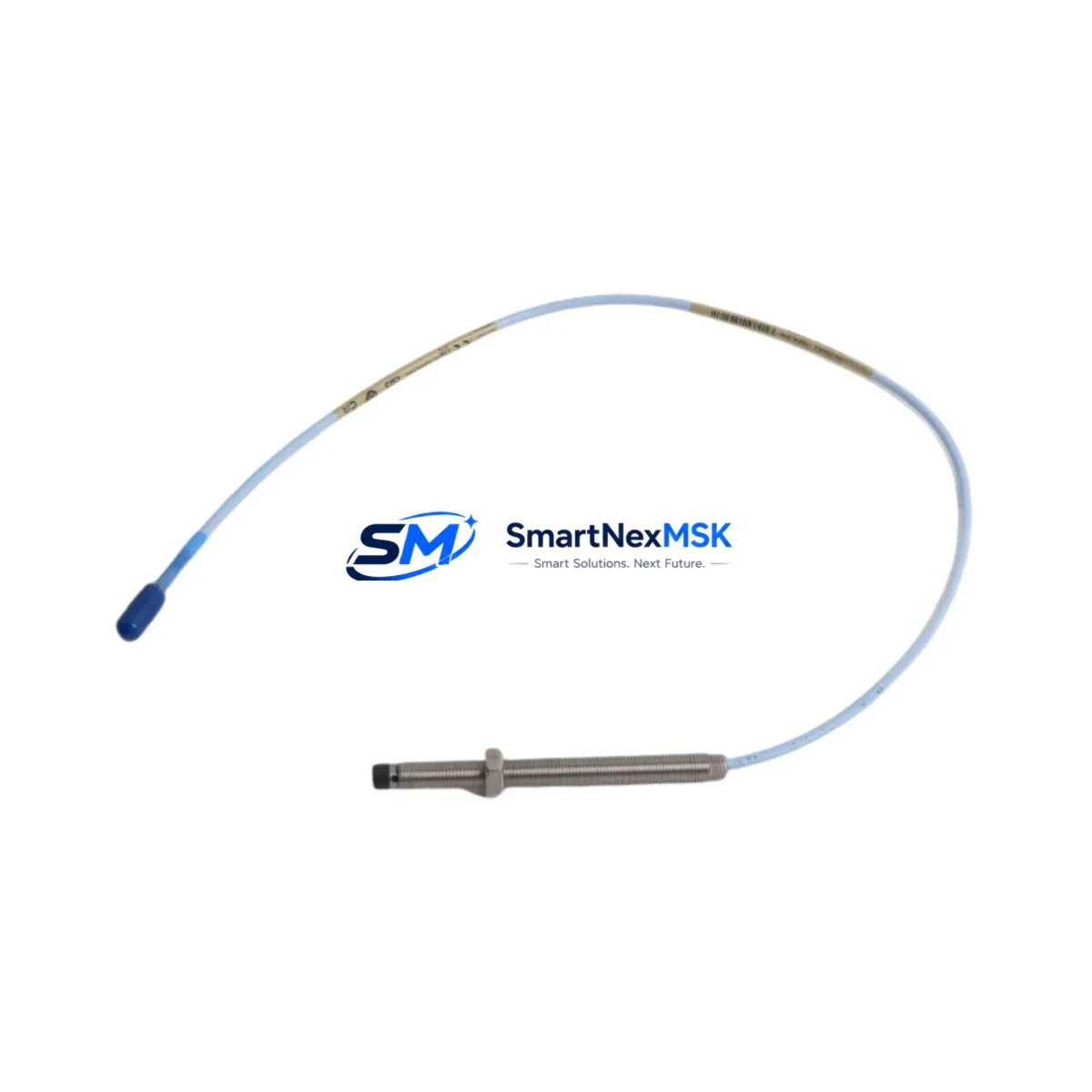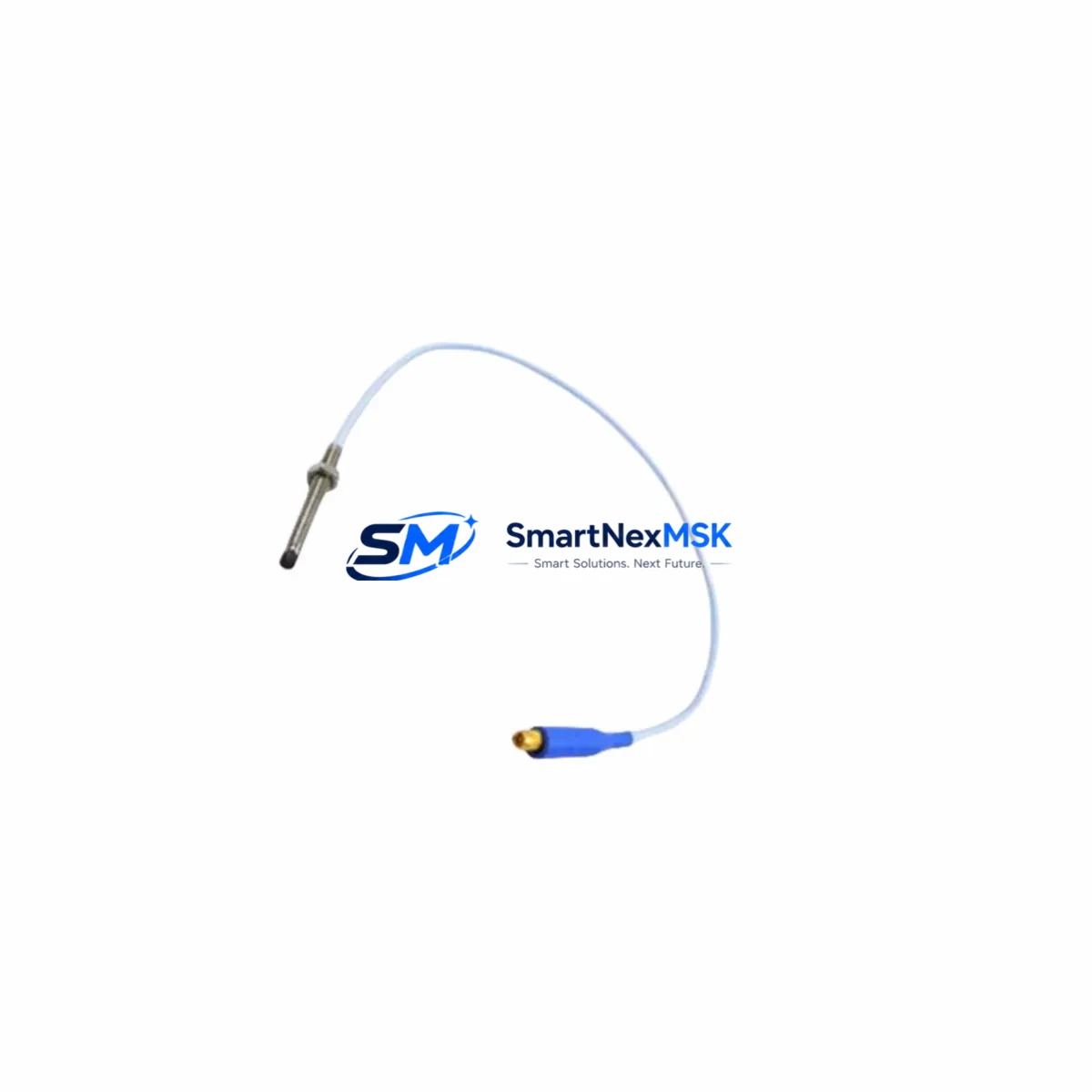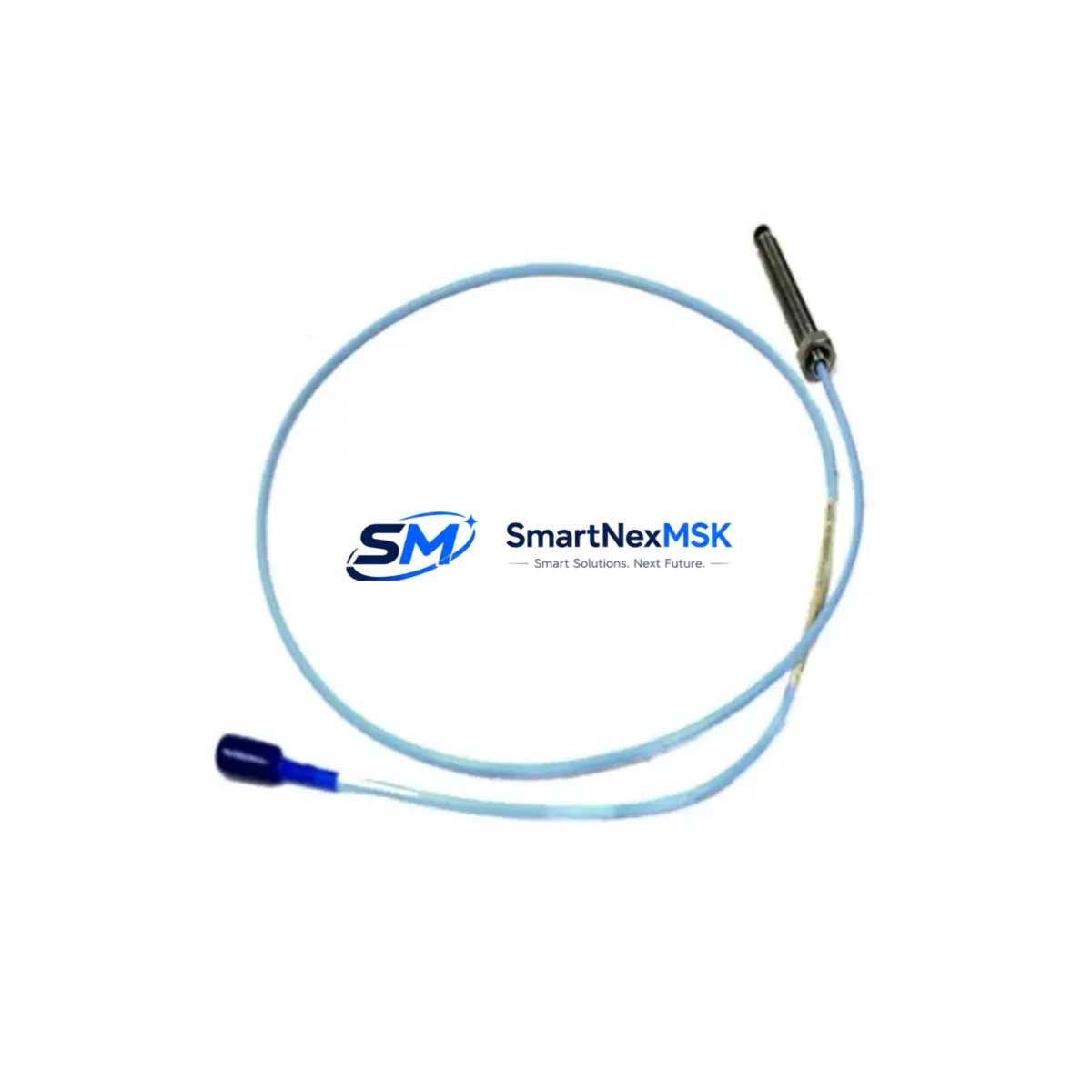
Bently Nevada 16710-15 Retrofit-Ready Interconnect Cable for 3300/7200 Control Systems
The Bently Nevada 16710-15 is a 15-foot proximity system interconnect cable engineered for seamless integration into legacy 3300 Series and 7200 Series vibration monitoring architectures. As aging control infrastructure reaches end-of-service milestones, the 16710-15 serves as a verified drop-in replacement that preserves signal integrity, eliminates rewiring risk, and restores full system functionality without requiring firmware changes or monitor reconfiguration. Whether you are executing a planned control cabinet upgrade, recovering from an unplanned cable failure, or modernizing a rotating machinery protection loop, the 16710-15 delivers the dimensional accuracy, shielding performance, and connector compatibility that Bently Nevada proximity systems demand.
In retrofit scenarios, the 16710-15 connects the proximity probe — typically a 330101, 330103, or 330105 series eddy-current probe — to the corresponding 3300 XL 8mm or 3300 NSv proximitor sensor. The cable carries the raw oscillator signal from the probe tip back to the proximitor, which conditions the output into a DC voltage proportional to the gap between the probe and the observed shaft or thrust collar. Any degradation in this cable — whether from insulation breakdown, connector oxidation, or mechanical fatigue — directly corrupts the vibration and position readings fed into the 3500 Series rack-based monitoring system or the standalone 7200 Series monitor. Replacing the 16710-15 with a verified OEM-equivalent unit is therefore a critical step in any system restoration or upgrade workflow.
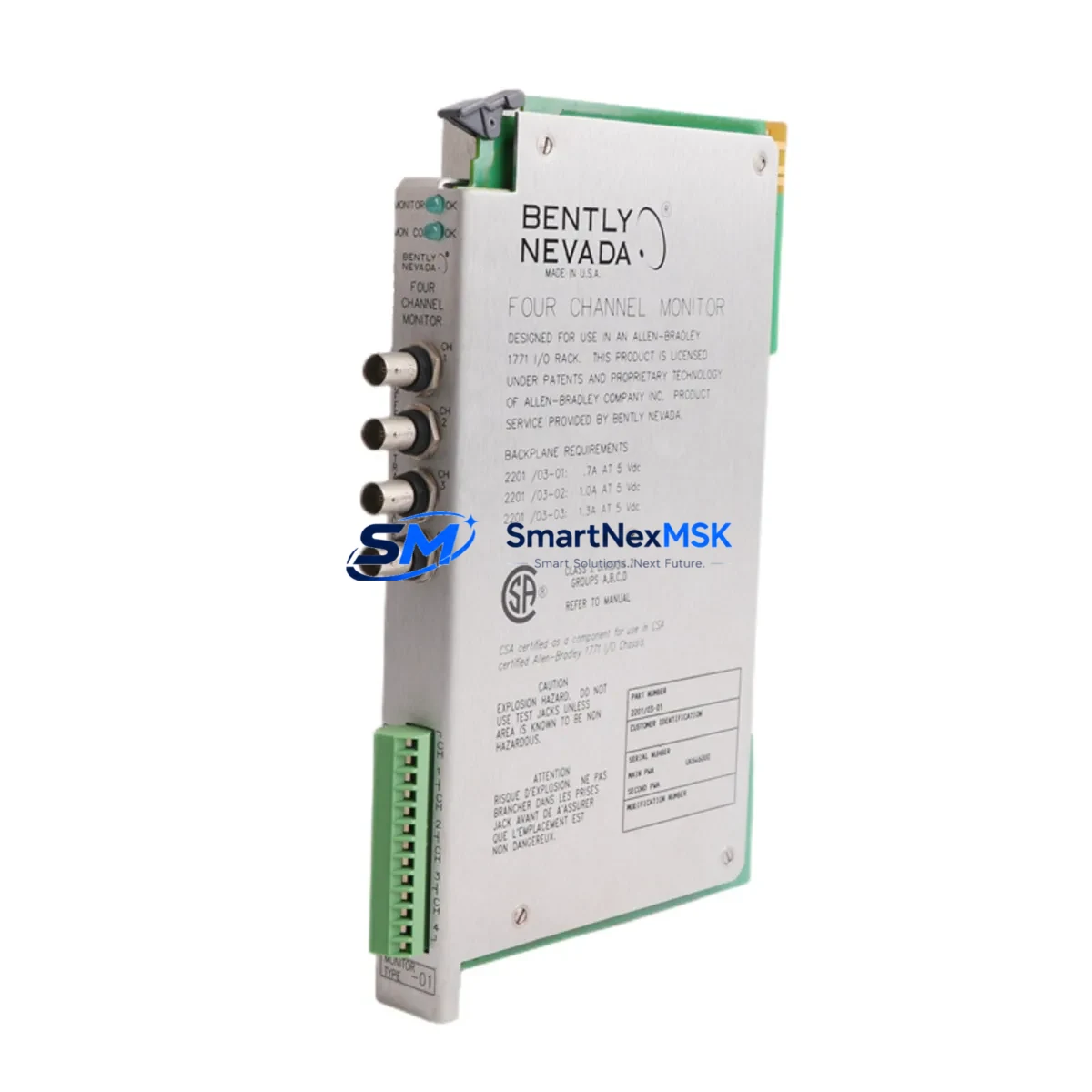
When planning a retrofit around the 16710-15, engineers must confirm several key parameters before committing to installation. Power supply compatibility is the first checkpoint: the proximitor sensor powered through this cable requires a regulated −24 VDC supply, typically sourced from a 3500/15 Power Supply module or an equivalent rack power conditioner. Terminal wiring at both the junction box and the proximitor barrier must be inspected for correct polarity and shield grounding — improper grounding introduces common-mode noise that can trigger false high-vibration trips on the 3500/42M Proximitor Monitor or the 3500/40M Proximitor Monitor. Backplane interface integrity should also be verified if the proximitor feeds into a 3500 rack: the rack’s I/O module slot assignment and channel address must match the configuration stored in the System 1 condition monitoring software or the legacy Data Manager 2000 historian.
For sites migrating from older 7200 Series standalone monitors to the integrated 3500 rack platform, the 16710-15 cable remains compatible across both generations, making it a valuable bridging component during phased migration. During such migrations, it is common to temporarily run parallel monitoring loops — one through the legacy 7200 monitor and one through the new 3500/42M — to validate signal correlation before decommissioning the old hardware. The 16710-15 supports this parallel topology without modification, provided the junction box terminal strip has sufficient capacity for dual terminations.
HMI screen updates are another consideration during retrofit. If the plant’s DCS or SCADA system — whether a Honeywell Experion PKS, an Emerson DeltaV, or a Yokogawa CENTUM VP — displays vibration trend data sourced from the 3500 rack via Modbus TCP or OPC DA, the engineering team must confirm that the channel tag mapping remains consistent after the cable swap. A mislabeled or swapped channel can cause the HMI to display shaft vibration data on the wrong bearing position, which is a safety-critical error in turbomachinery protection applications. Pre-commissioning loop checks using a Bently Nevada 330180 proximitor calibrator or equivalent signal simulator are strongly recommended before returning the machine to service.
All units supplied by SMARTNEXMSK are subject to pre-shipment functional verification, including continuity testing, insulation resistance measurement, and connector seating inspection. Each 16710-15 ships with a 12-month warranty covering manufacturing defects and signal performance. Inventory is maintained in bonded stock to support urgent MRO requirements, with same-day dispatch available for in-stock orders placed before the daily cutoff.
Upgrade Compatibility Table
| Parameter | Detail |
|---|---|
| Compatible Probe Series | 330101, 330103, 330105 (3300 XL 8mm Proximity Probes) |
| Compatible Proximitor | 3300 XL 8mm Proximitor, 3300 NSv Proximitor, 7200 Series Proximitor |
| Compatible Monitor Rack | Bently Nevada 3500 Series (3500/42M, 3500/40M); 7200 Series Standalone |
| Cable Length | 15 ft (4.57 m) — suffix “-15” denotes length |
| Supply Voltage Requirement | −24 VDC regulated (via 3500/15 Power Supply or equivalent) |
| Connector Interface | Standard Bently Nevada coaxial push-on (OEM-equivalent) |
| Installation Requirement | No backplane reconfiguration required; direct drop-in replacement |
| Communication Compatibility | Analog DC output; compatible with Modbus TCP and OPC DA via 3500 rack gateway |
| Retrofit Recommendation | Verify shield grounding at junction box; inspect proximitor barrier terminals |
| Commissioning Note | Perform gap voltage calibration after installation (target: −10.0 VDC at nominal gap) |
| Warranty | 12 months from date of shipment — manufacturing defects and signal performance |
Retrofit Planning for Existing Automation Systems
A successful 16710-15 retrofit begins with a thorough audit of the existing proximity loop. Start by documenting the current probe model, extension cable routing, junction box terminal assignments, and proximitor mounting location. In most 3300 Series installations, the extension cable — often a 330130 or 330180 series armored extension — connects the probe to the proximitor via the junction box. The 16710-15 occupies the final segment of this signal chain, from the junction box to the proximitor input. Confirm that the junction box barrier strip is rated for the signal levels involved and that the shield drain wire is grounded at one end only to prevent ground loops.
If the retrofit is part of a broader control cabinet upgrade — for example, replacing a legacy 7200 Series standalone monitor with a 3500/42M Proximitor Monitor card seated in a 3500 rack — the engineer must also account for the rack’s I/O module addressing. The 3500 rack uses a slot-based channel addressing scheme; each 3500/42M card supports four proximity channels, and the channel-to-slot mapping must be reflected in the rack configuration software before the system goes live. The 3500/15 Power Supply module must be sized to support the total proximitor load across all populated slots, particularly if the upgrade adds new channels that were not present in the legacy system.
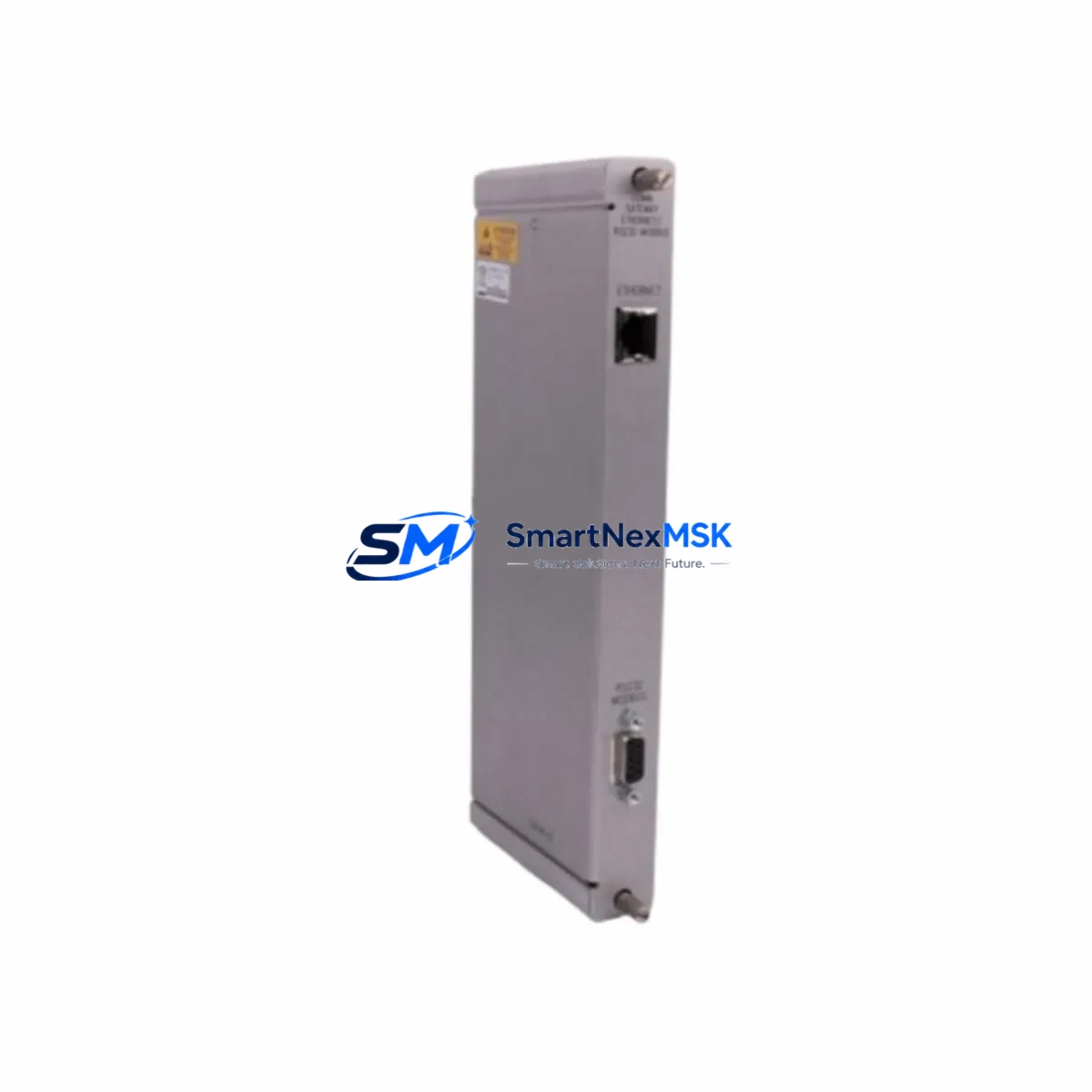
For I/O expansion projects where additional bearing positions are being added to an existing 3500 rack, the 16710-15 is the standard interconnect for each new proximity loop. Each new loop also requires a matched 330101 or 330105 probe, a 330130 armored extension cable, and a 3300 XL 8mm Proximitor. The rack’s System 1 software configuration must be updated to include the new channel tags, alarm setpoints, and trend storage parameters before the new loops are commissioned. If the plant uses a Bently Nevada 3500/92 Communication Gateway, the Modbus register map must also be updated to expose the new channel data to the DCS or SCADA historian.
Downtime Control During System Migration
Minimizing unplanned downtime during a proximity system cable replacement requires a structured pre-outage preparation protocol. Before the maintenance window opens, the replacement 16710-15 should be bench-tested using a signal simulator to confirm continuity and insulation integrity. All terminal assignments should be documented and photographed, and the replacement cable should be pre-labeled to match the existing junction box termination scheme.
During the outage, the original program logic stored in the 3500 rack configuration should not be modified — the cable swap is a hardware-only intervention that does not require any changes to the rack’s trip multiply settings, alarm setpoints, or OK relay configuration. After the new 16710-15 is installed and terminated, perform a gap voltage check at the proximitor output: the DC output should read approximately −10.0 VDC at the nominal probe-to-shaft gap specified in the original installation drawing. If the output is outside the acceptable range (typically −2 VDC to −18 VDC), inspect the probe gap, connector seating, and shield grounding before returning the machine to service.
For critical turbomachinery applications where continuous monitoring is required, consider using a portable Bently Nevada 3500 rack in bypass mode to maintain trip protection on adjacent channels while the affected channel is being serviced. This approach preserves the plant’s safety instrumented system (SIS) coverage and avoids the need for a full machine shutdown in multi-bearing monitoring configurations. Once the replacement cable is verified and the gap voltage is confirmed, the channel can be returned to normal monitoring mode without restarting the rack or interrupting protection on other channels.
Retrofit Support FAQ
Q: Is the 16710-15 a direct replacement for the original Bently Nevada part, or does it require adapter hardware?
A: The 16710-15 is a direct drop-in replacement. It uses the same OEM-equivalent coaxial push-on connectors and cable geometry as the original Bently Nevada part, requiring no adapter hardware, no rewiring of the junction box terminal strip, and no changes to the proximitor mounting bracket.
Q: What commissioning steps are required after installing the 16710-15?
A: After installation, perform a gap voltage measurement at the proximitor output with the machine stationary. The output should read approximately −10.0 VDC at the nominal probe-to-shaft gap. Verify that the OK relay on the 3500/42M or 7200 Series monitor is energized, confirming that the signal is within the valid measurement range. Log the as-found and as-left gap voltages in the maintenance record before returning the machine to service.
Q: Can the 16710-15 be used in both 3300 Series and 7200 Series proximity systems?
A: Yes. The 16710-15 is compatible with both the 3300 XL 8mm Proximitor used in 3500 rack-based systems and the standalone 7200 Series Proximitor. This cross-series compatibility makes it particularly useful during phased migrations from 7200 Series standalone monitors to integrated 3500 rack platforms, where both monitor generations may be operating in parallel during the transition period.
Q: What does the 12-month warranty cover, and what is the process for warranty claims?
A: The 12-month warranty covers manufacturing defects and signal performance failures under normal operating conditions. It does not cover damage resulting from incorrect installation, overvoltage, or mechanical abuse. To initiate a warranty claim, contact SMARTNEXMSK at [email protected] with the order number, a description of the fault, and photographic evidence of the installation. Replacement units are dispatched within 3 business days of claim approval.
© 2026 SMARTNEXMSK. All rights reserved.
Original Source: https://smartnexmsk.com
Contact: [email protected] | +86 18259474341