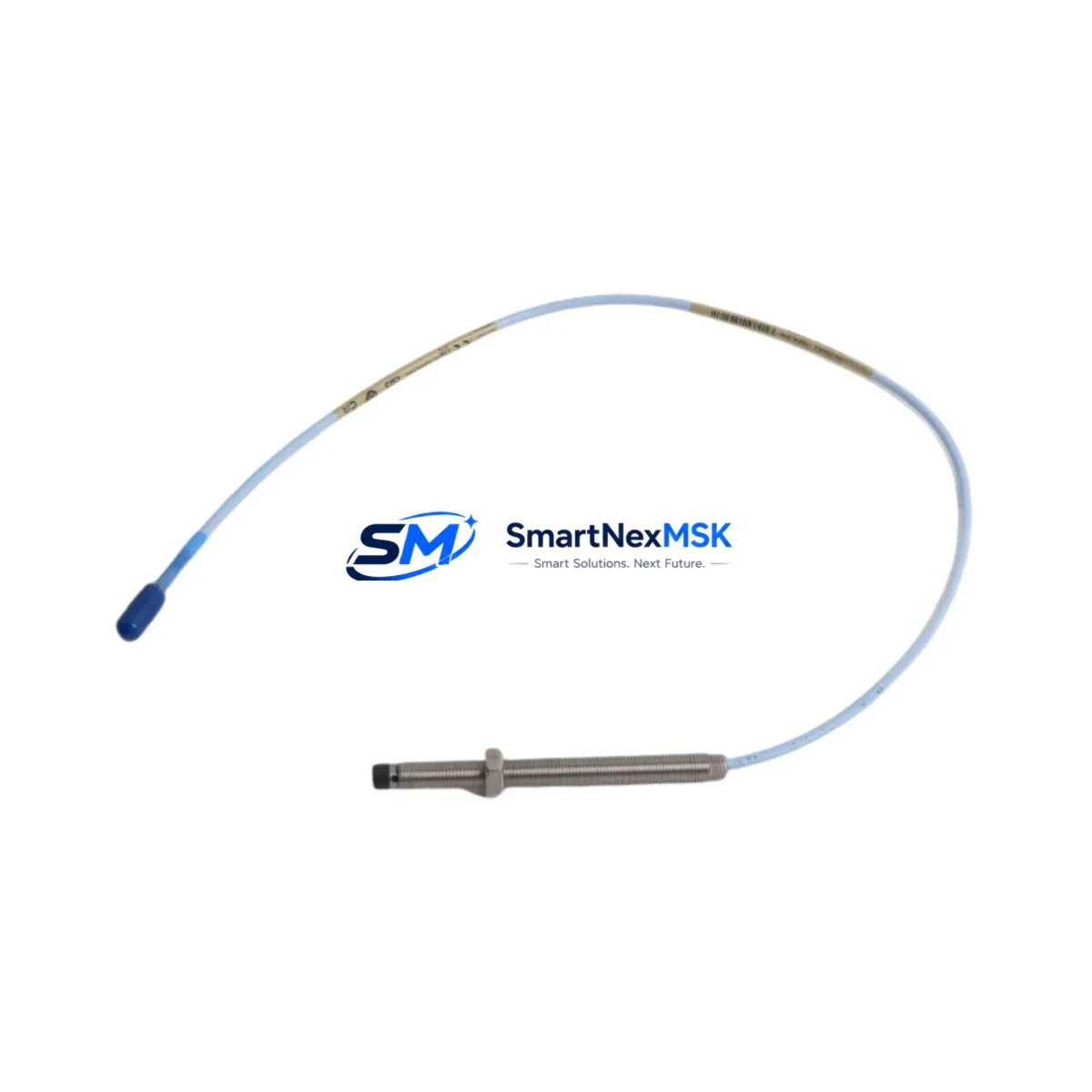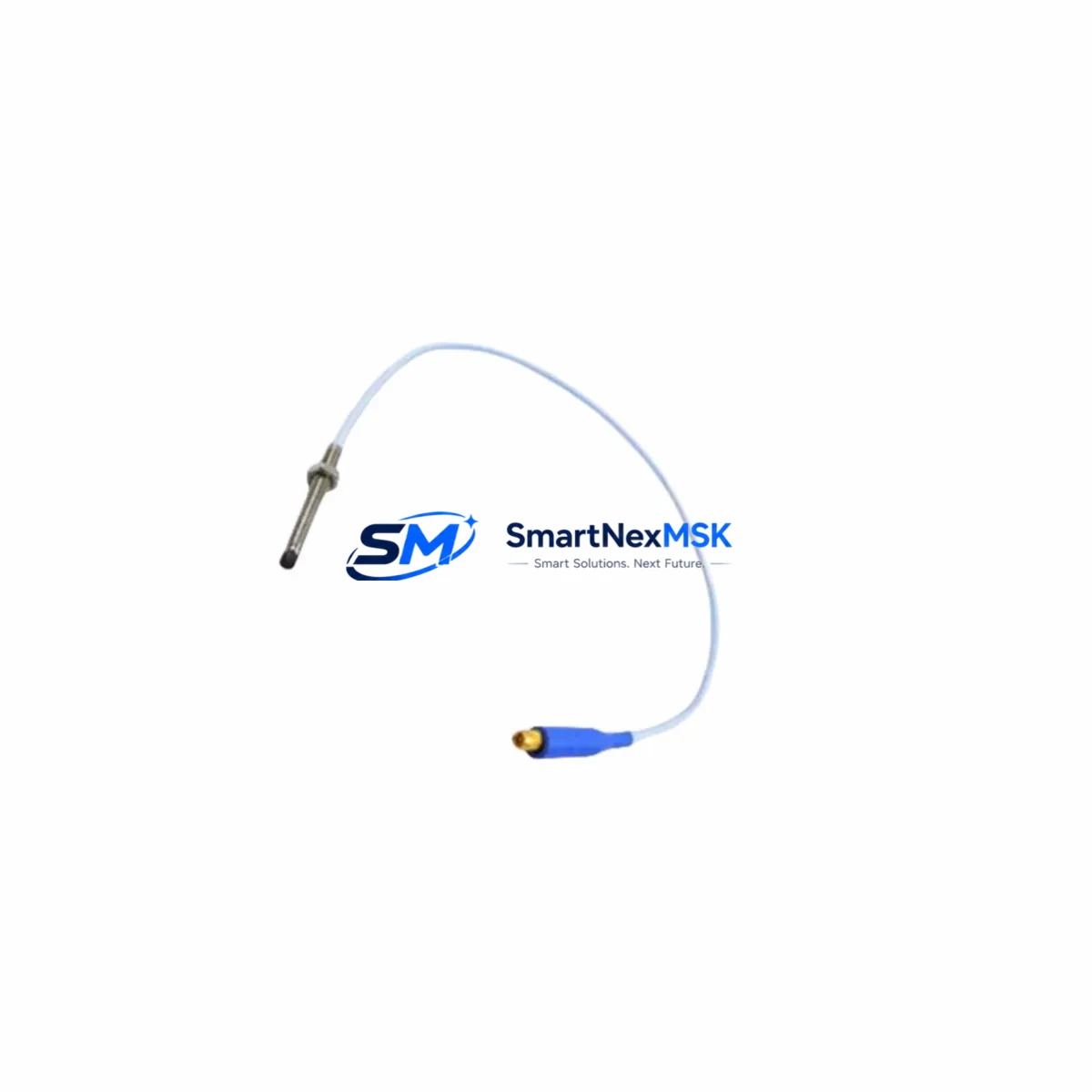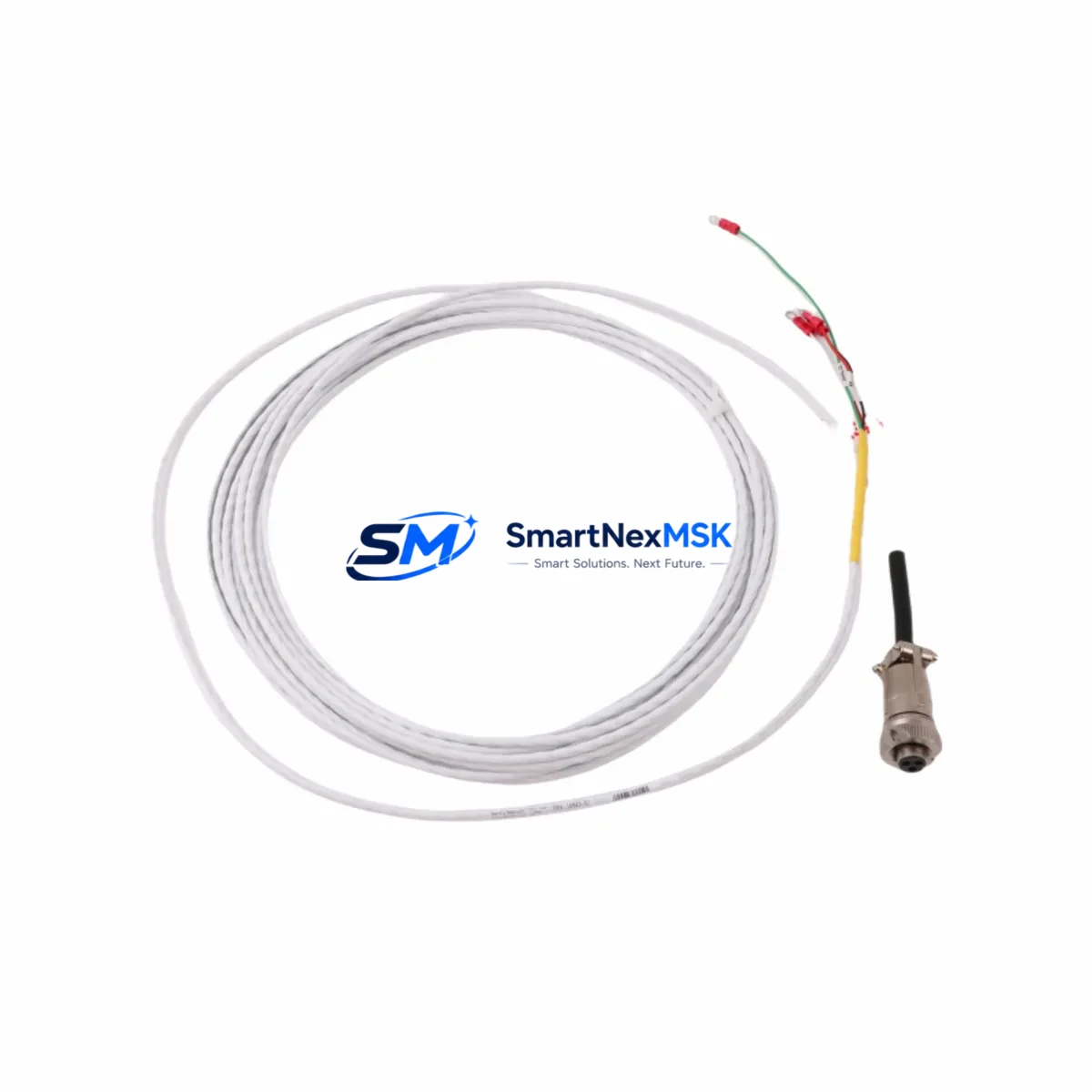
Bently Nevada 16925-30 Retrofit-Ready Interconnect Cable for 3300 Series Control Systems
The Bently Nevada 16925-30 is a precision-engineered interconnect cable designed for seamless integration into 3300 Series vibration monitoring and machinery protection systems. As legacy Bently Nevada installations approach end-of-life or require component-level replacement, the 16925-30 serves as a direct retrofit solution — preserving existing wiring infrastructure, signal integrity, and system architecture without requiring panel redesign or software reconfiguration.
Industrial facilities operating rotating machinery — including turbines, compressors, pumps, and gearboxes — rely on the 3300 Series platform for continuous vibration, position, and speed monitoring. When interconnect cables degrade due to mechanical stress, chemical exposure, or connector fatigue, the 16925-30 provides a verified drop-in replacement that restores full system functionality with minimal downtime. Its connector geometry and cable length are matched to the original specification, ensuring compatibility with 3300 XL proximity transducer systems and associated signal conditioning modules.
For sites transitioning from older Bently Nevada 7200 Series or 3500 Series architectures, the 16925-30 is frequently used as part of a phased migration strategy — maintaining operational continuity on 3300 Series racks while adjacent systems are upgraded. Engineers coordinating such migrations should verify cable routing clearances, connector seating torque, and shield grounding continuity at the junction box before commissioning.
Upgrade Compatibility Table
| Parameter | Details |
|---|---|
| Compatible Platform | Bently Nevada 3300 Series Vibration Monitoring System |
| Replaces / Upgrades | OEM 16925-30 and functionally equivalent legacy cables |
| Connector Interface | Matched to 3300 XL proximity transducer and monitor module connectors |
| Installation Requirement | No panel modification required; direct plug-in replacement |
| Communication Compatibility | Passive signal cable; compatible with 4–20 mA and voltage output transducers |
| Cross-Reference | Compatible with 3300 XL 8mm, 11mm, and 14mm proximity transducer systems |
| Retrofit Recommendation | Inspect connector pins and shield termination before installation |
| Commissioning Focus | Verify gap voltage, signal noise floor, and alarm setpoint after replacement |
| Warranty | 12-Month Warranty — covers manufacturing defects and connector integrity |
Retrofit Planning for Existing Automation Systems
Successful deployment of the 16925-30 in a live plant environment requires systematic pre-installation planning. Begin by auditing the existing cable routing from the proximity probe — typically a 3300 XL 8mm or 11mm transducer — through the field junction box to the 3300 Series monitor rack. Confirm that the replacement cable length matches the installed run; the 16925-30 is rated for standard extension cable configurations and should not be spliced in the field.
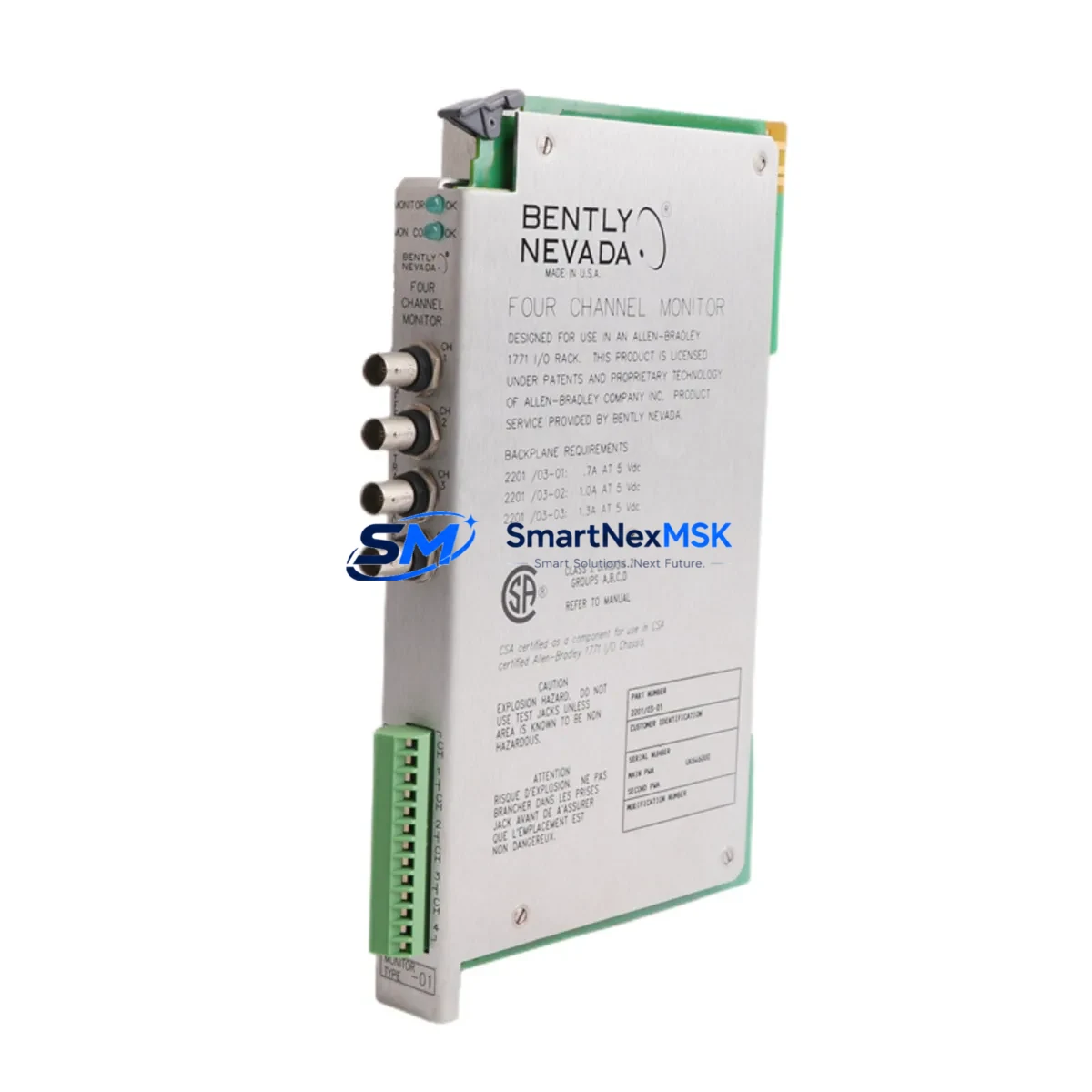
At the monitor rack, identify the target slot occupied by the 3300/16-24-01 or 3300/20 monitor module. Verify that the module’s input channel configuration — including OK mode, gap range, and full-scale range — is documented before disconnecting the existing cable. These parameters are stored in the monitor module itself and are not affected by cable replacement, but should be confirmed post-installation using a Bently Nevada 3300 Series configuration worksheet or the System 1 software interface.
For facilities also managing Bently Nevada 3500 Series racks in adjacent machinery trains, note that the 3500/42M position monitor and 3500/40M proximitor I/O module use different cable termination standards. Do not interchange 3300 Series cables with 3500 Series wiring without consulting the respective installation manuals. Similarly, if the control system includes a Rockwell Automation ControlLogix or CompactLogix PLC receiving 4–20 mA signals from the 3300 Series monitors, verify that the analog input module — such as a 1756-IF16 or 1769-IF4 — is correctly scaled after cable replacement to avoid false alarm conditions.
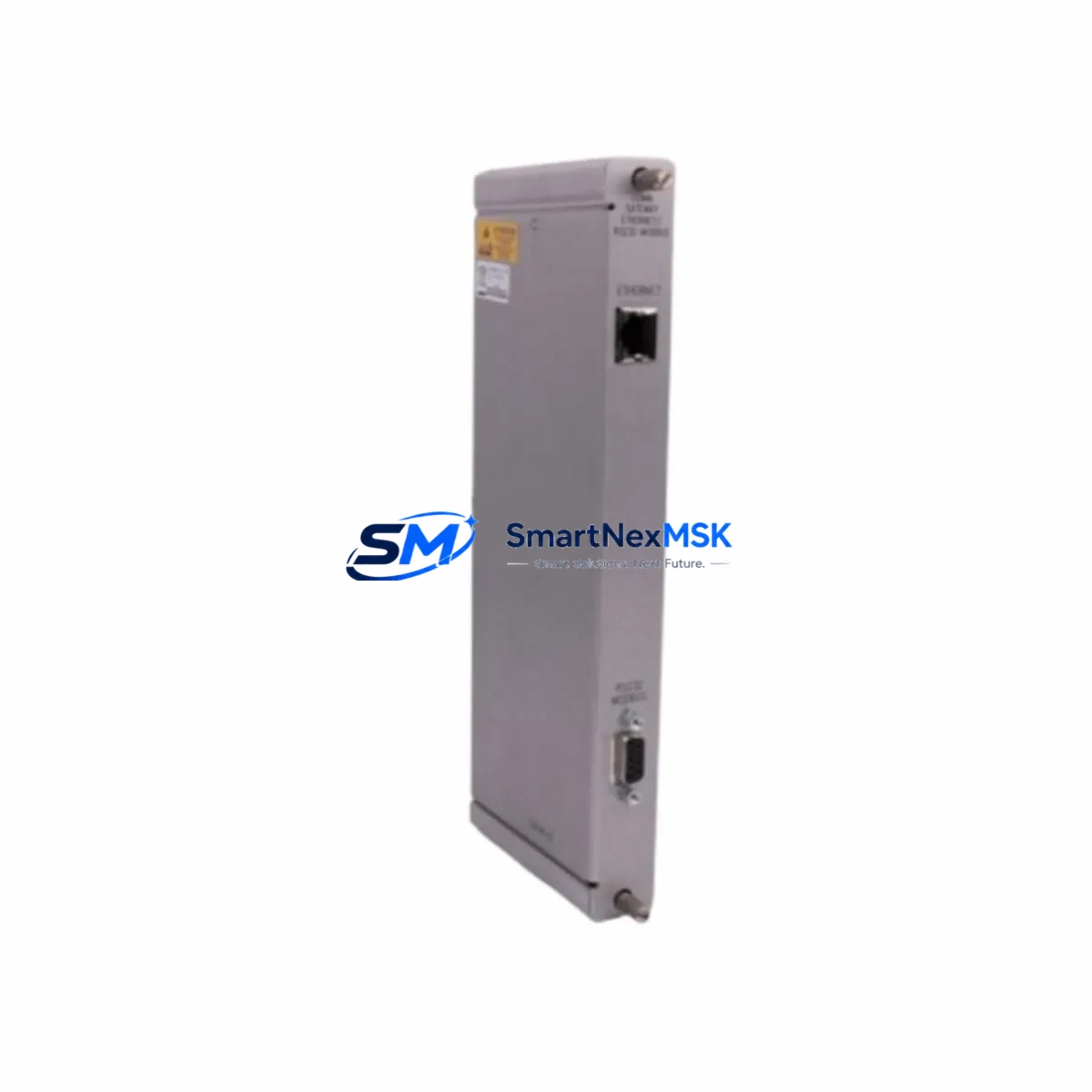
In DCS-integrated environments where the 3300 Series feeds a Honeywell Experion PKS or Emerson DeltaV system via HART or hardwired I/O, confirm that the signal loop integrity is maintained after cable swap. Use a loop calibrator to verify the 4–20 mA output at the DCS marshalling cabinet before returning the machinery train to service. If the facility uses a Bently Nevada 3500/92 communication gateway for Modbus or Ethernet/IP integration, no protocol reconfiguration is required following a cable-only replacement.
Weight: 340 g. Origin: CN. All units are function-tested prior to shipment.
Downtime Control During System Migration
Minimizing unplanned downtime during cable replacement is a primary concern for maintenance teams operating continuous-process machinery. The 16925-30 is designed to support hot-swap replacement procedures where plant safety protocols permit. In practice, most facilities schedule cable replacement during planned maintenance windows — typically aligned with turbine outages, compressor overhauls, or annual inspection cycles.
To protect original program logic and alarm configurations, export the 3300 Series monitor configuration using System 1 software or the Bently Nevada Configuration Manager before beginning any hardware work. This ensures that gap voltage setpoints, danger and alert thresholds, and channel enable/disable states can be restored immediately if the replacement cable introduces unexpected signal anomalies.
During the replacement window, maintain field control continuity by keeping adjacent machinery trains online and ensuring that the DCS or safety instrumented system (SIS) is informed of the maintenance bypass status for the affected channel. If the facility operates a Triconex or Yokogawa ProSafe SIS, coordinate with the safety team to apply the appropriate maintenance override before disconnecting the transducer cable. Restore the override only after gap voltage has been verified within the acceptable window — typically –10 VDC ± 1 VDC for standard 3300 XL proximity systems — and the monitor module has returned to OK status.
Post-installation, perform a full channel functional test: confirm OK LED status on the monitor module, verify gap voltage at the proximitor, check vibration signal response using a calibrated shaker or by observing live machinery vibration, and confirm that alarm outputs are correctly routed to the DCS or annunciator panel. Document all findings in the plant maintenance management system (CMMS) before closing the work order.
Retrofit Support FAQ
Q1: Is the 16925-30 a direct replacement for the original Bently Nevada cable, or are there wiring modifications required?
The 16925-30 is a direct drop-in replacement for the original OEM cable. No wiring modifications, panel rework, or software changes are required. Connector geometry, cable length, and shield configuration are matched to the 3300 Series specification. Simply disconnect the existing cable, inspect the connector pins for contamination or damage, and install the replacement.
Q2: How do I verify compatibility with my specific 3300 Series monitor module?
The 16925-30 is compatible with the full range of 3300 Series monitor modules, including the 3300/16-24-01, 3300/20, and 3300/25 configurations. Confirm the transducer type (8mm, 11mm, or 14mm XL proximity) and the extension cable length specified on the original installation drawing. If the existing cable is a non-standard length, contact our technical team before ordering.
Q3: What commissioning checks are required after installation?
After installing the 16925-30, verify gap voltage at the proximitor output (target: –10 VDC ± 1 VDC for standard 3300 XL systems), confirm OK status on the monitor module front panel, and check that vibration signal levels are within expected baseline range for the machinery train. If the monitor is integrated with System 1 software, confirm that the channel is reporting correctly in the trend display before releasing the machinery to operations.
Q4: What does the 12-month warranty cover, and what is the return process?
The 12-month warranty covers manufacturing defects, connector integrity failures, and cable insulation faults under normal operating conditions. It does not cover damage resulting from incorrect installation, mechanical abuse, or exposure to chemicals outside the cable’s rated environmental specification. To initiate a warranty claim, contact [email protected] with the order number, installation date, and a description of the fault. Replacement units are dispatched within 3 business days of claim approval.
© 2026 SMARTNEXMSK. All rights reserved.
Original Source: https://smartnexmsk.com
Contact: [email protected] | +86 18259474341