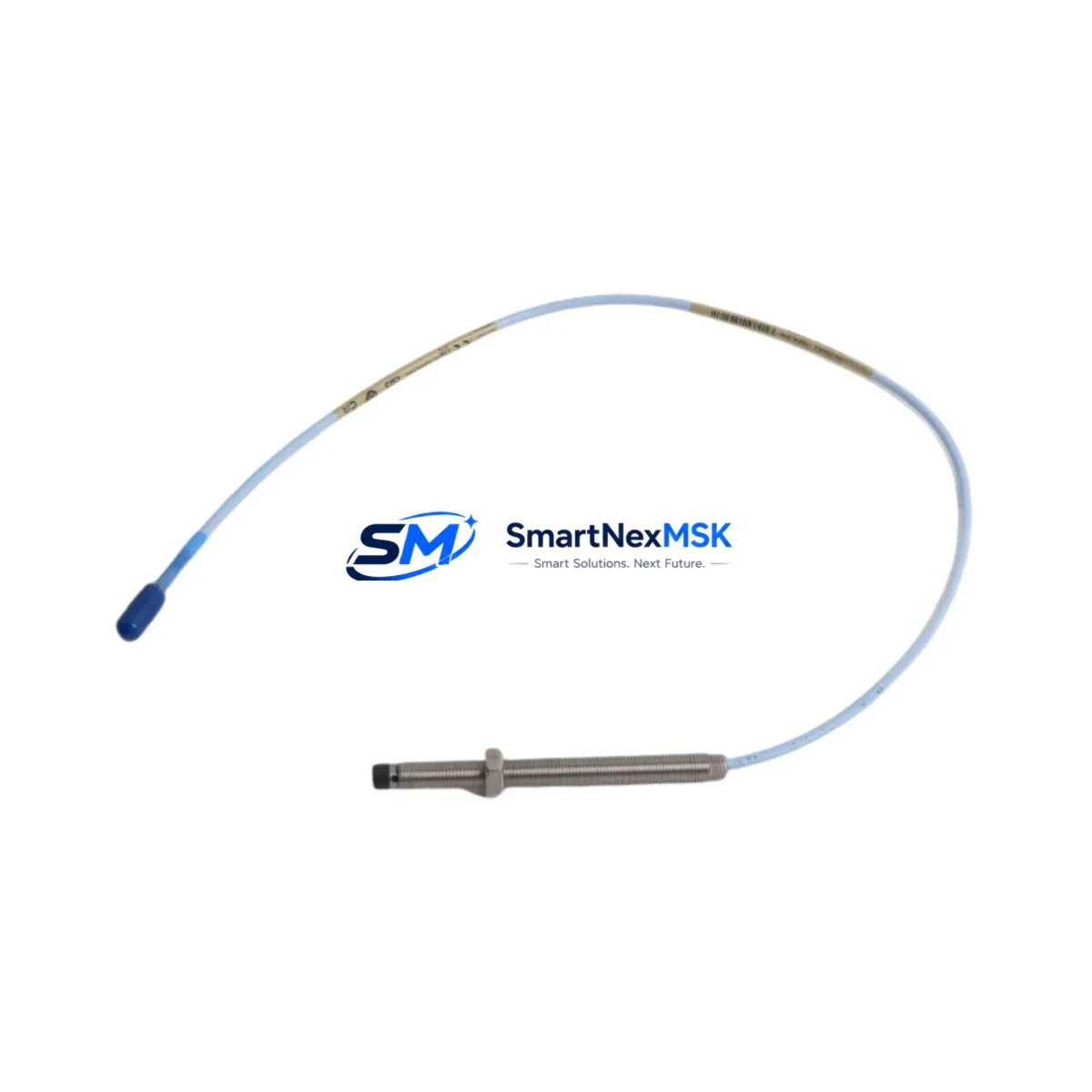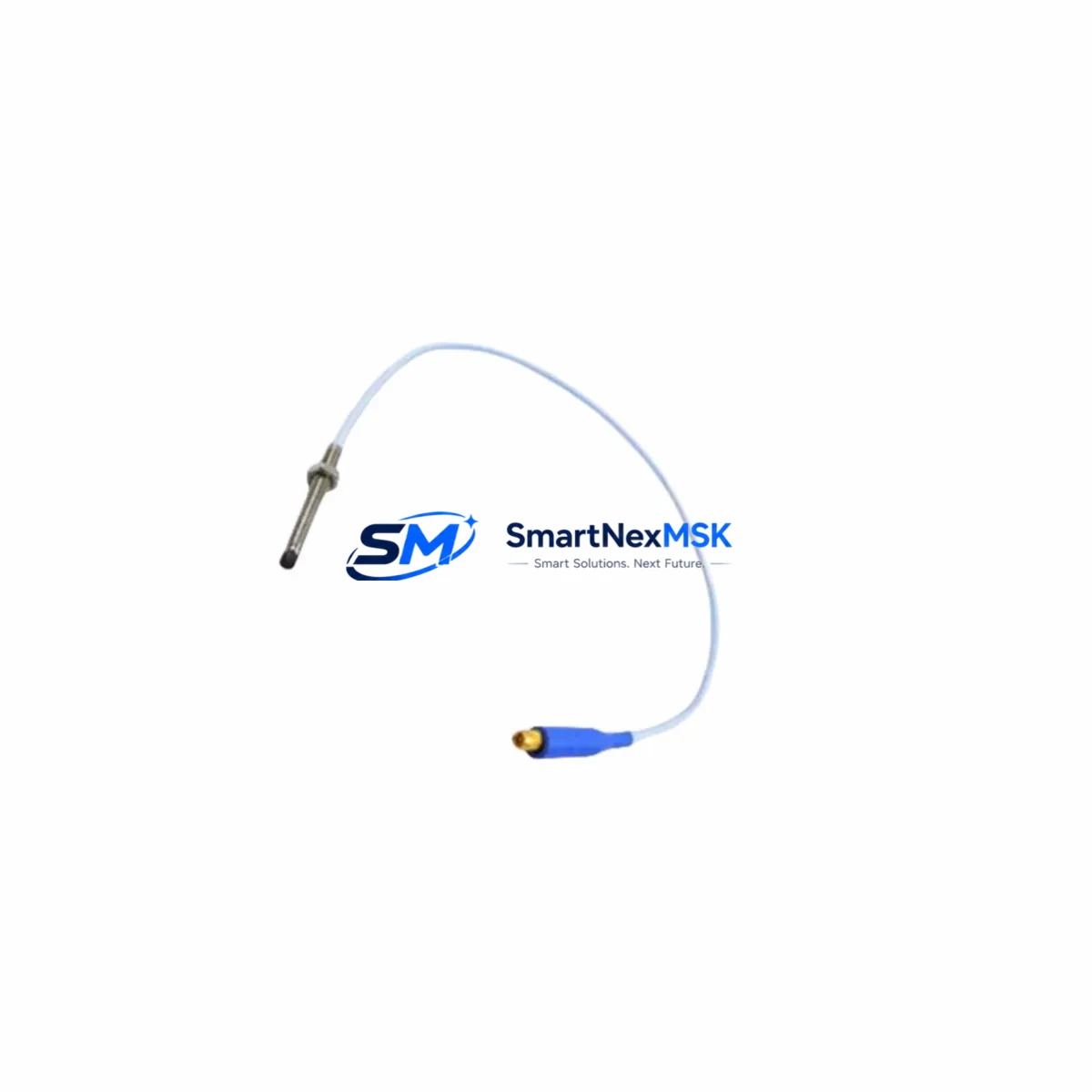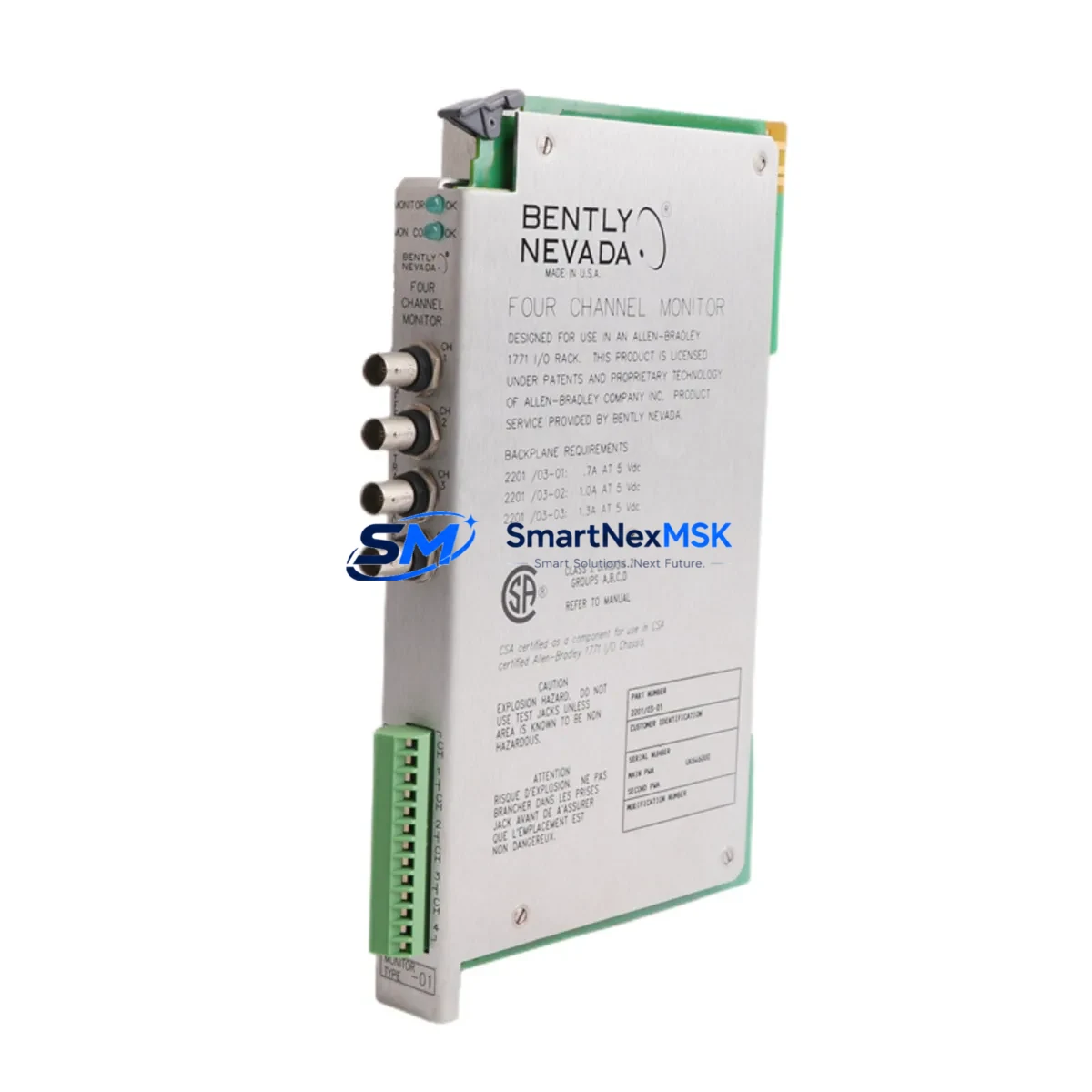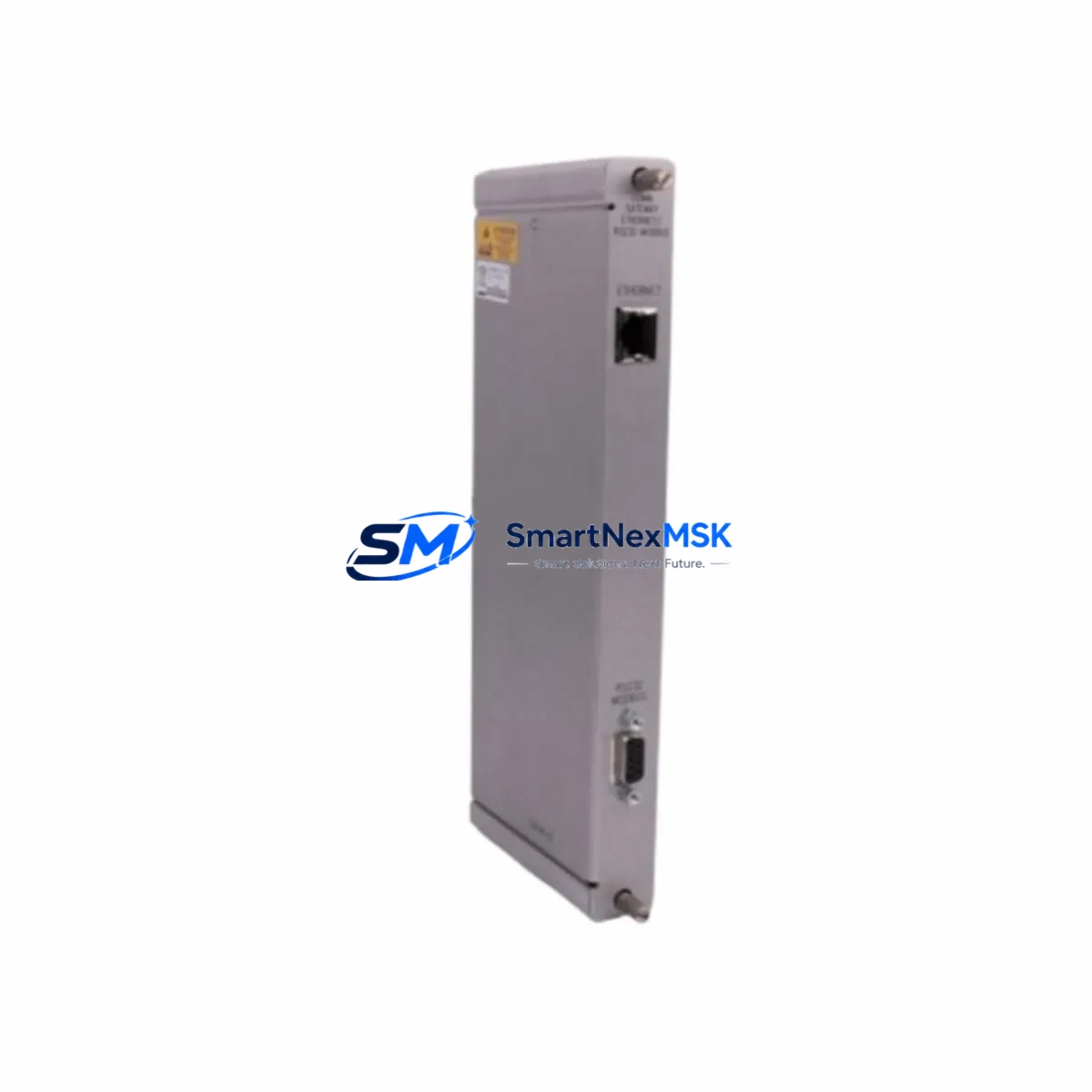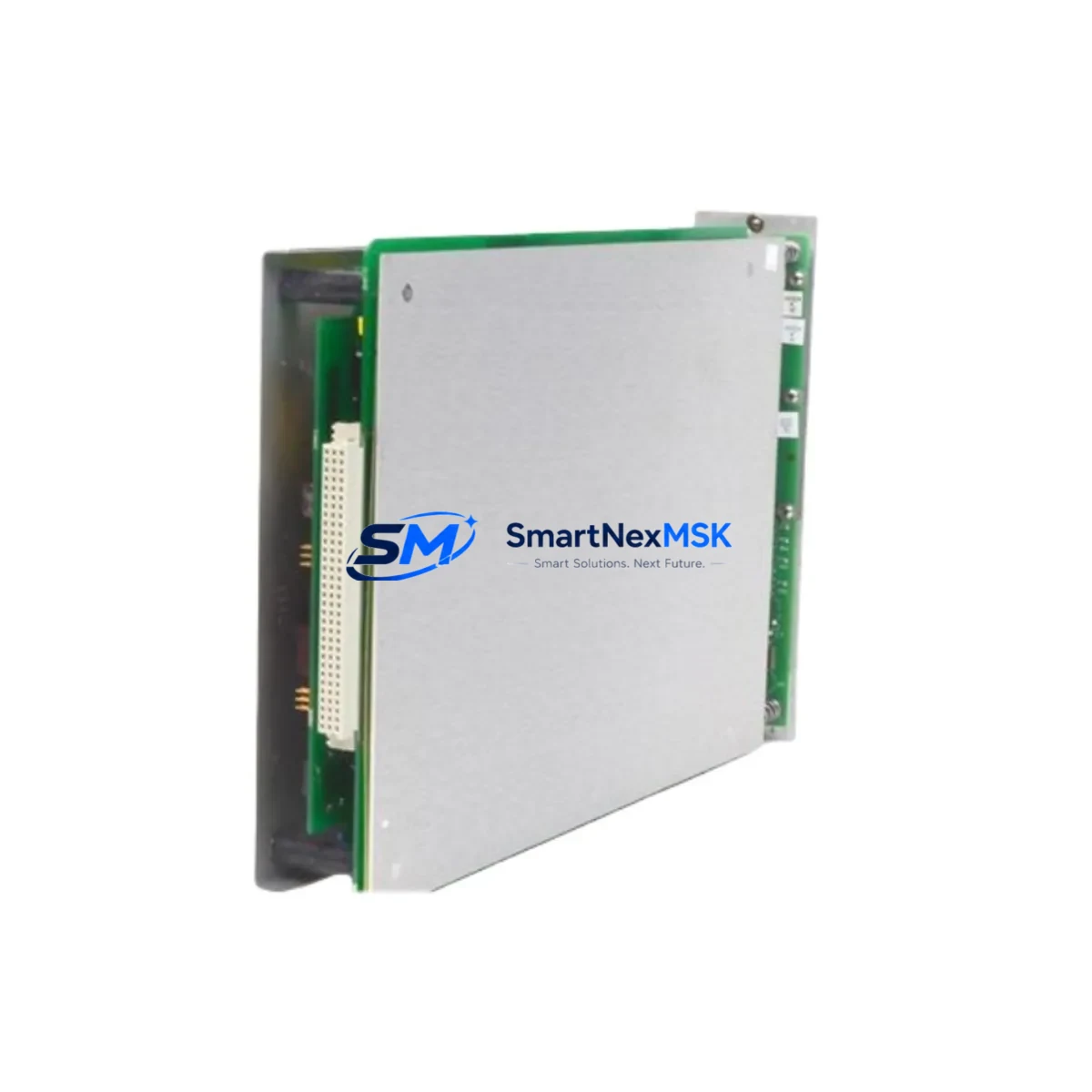
Bently Nevada 3300/55 Maintenance-Ready Spare for 3300 Series Automation
The Bently Nevada 3300/55-01-04-12-12-00-00-07-00 is a Dual Velocity Monitor designed for continuous machinery protection within the Bently Nevada 3300 Series condition monitoring system. As a critical component in turbine, compressor, pump, and rotating equipment protection panels, this module monitors shaft velocity signals and triggers protective relay outputs when velocity thresholds are exceeded. For maintenance engineers managing aging DCS or machinery protection systems, maintaining a verified spare of this module is essential to minimizing unplanned downtime and protecting high-value rotating assets.
This unit is supplied as an original spare part, fully tested prior to shipment, and backed by a 12-month warranty. It is suitable for direct replacement in existing 3300 Series racks without firmware reconfiguration in most standard configurations. Each unit undergoes functional verification before dispatch to ensure field-ready reliability.
Spare Maintenance Table
| Parameter | Specification / Detail |
|---|---|
| Part Number / SKU | 3300/55-01-04-12-12-00-00-07-00 |
| Brand | Bently Nevada |
| Series | 3300 Series Machinery Protection System |
| Module Type | Dual Velocity Monitor |
| Input Signal | Velocity transducer (seismic / velocity probe) |
| Output | Relay contact outputs for alarm and danger thresholds |
| Power Supply | Compatible with 3300 Series rack power (24 VDC typical) |
| Mounting | 3300 Series standard rack / backplane slot |
| Application Environment | Industrial plant: turbines, compressors, pumps, fans |
| Compatibility | Bently Nevada 3300 Series racks and I/O backplanes |
| Origin | USA |
| Condition | Original spare, pre-shipment tested |
| Warranty | 12 Months |
| Lead Time | In stock — ships within 1–3 business days |
Maintenance Planning for Continuous Operation
When replacing the 3300/55-01-04-12-12-00-00-07-00 Dual Velocity Monitor in a live machinery protection panel, a disciplined maintenance approach requires inspecting the surrounding system components to prevent repeat failures and ensure the replacement module operates within a healthy electrical environment.
Begin by verifying the 3300 Series rack power supply module — typically a 3300/20 or equivalent — to confirm stable 24 VDC output with no ripple or voltage sag under load. A degraded power supply is a common root cause of monitor module faults and should be checked before the new spare is inserted. Alongside the power supply, inspect the 3300 Series I/O terminal block and field wiring connections for corrosion, loose terminations, or insulation breakdown, particularly on the velocity transducer signal leads.
The velocity transducer itself — often a Bently Nevada 9000 Series or 330500 Series seismic transducer — should be tested for correct sensitivity (mV/mm/s or mV/in/s) and cable continuity before reconnecting to the replacement monitor. A faulty transducer will generate false readings or nuisance trips even with a new monitor installed. Similarly, verify the Keyphasor module (e.g., 3300/25) if the system uses phase reference for vector measurements, as Keyphasor signal integrity directly affects velocity channel accuracy.
For systems integrated with a Bently Nevada 3500 Series or legacy 7200 Series rack in the same control cabinet, confirm that relay output wiring from the 3300/55 to the DCS or safety PLC input cards is intact and correctly mapped. Relay contact ratings should be verified against the connected load — particularly if the outputs drive interposing relay modules or feed directly into a Triconex or Yokogawa safety system input card.
During planned shutdowns, it is also advisable to inspect the 3300 Series communication gateway or data acquisition module if the rack feeds vibration data to a plant historian or condition monitoring software. Communication faults at the gateway level can mask monitor alarms and create blind spots in the predictive maintenance program. Finally, review the rack backplane connector for pin damage or oxidation, as poor backplane contact is a frequent cause of intermittent monitor faults that are misdiagnosed as module failure.
Site Replacement Workflow
Step 1 — Isolation: Coordinate with the control room to inhibit the velocity channel alarm and danger outputs before removing the existing 3300/55 module. Document the current setpoint configuration (alarm level, danger level, time delay) from the existing module or system documentation.
Step 2 — Module Removal: With the rack powered (hot-swap capable in most 3300 configurations), carefully extract the faulty module from its slot. Inspect the backplane connector pins for damage before inserting the replacement unit.
Step 3 — Spare Installation: Insert the 3300/55-01-04-12-12-00-00-07-00 replacement module into the correct rack slot. Confirm the module option switches or DIP settings match the original configuration — particularly channel mode (single or dual), transducer type, and relay latch/non-latch selection.
Step 4 — Signal Verification: With the transducer reconnected, verify live velocity readings on the monitor front panel or via the system software. Compare against baseline values from the plant historian to confirm the replacement module is reading correctly before re-enabling alarm outputs.
Step 5 — Return to Service: Re-enable alarm and danger relay outputs, remove inhibits in the DCS, and document the replacement in the maintenance management system (CMMS). Update the spare parts inventory to trigger reorder of a replacement spare to maintain minimum stock levels.
Spare Parts Support FAQ
Q: Is the 3300/55-01-04-12-12-00-00-07-00 a direct drop-in replacement for other 3300/55 variants?
A: The 3300/55 family shares a common form factor and backplane interface, but option codes in the full part number define channel configuration, relay type, and transducer input range. Always verify the option code string matches your existing module or confirm compatibility with your system documentation before installation. We can assist with cross-reference verification prior to shipment.
Q: What does the 12-month warranty cover?
A: The 12-month warranty covers manufacturing defects and functional failure under normal operating conditions. Each unit is tested prior to shipment. Warranty claims are supported with replacement or repair, subject to inspection of the returned unit. Physical damage caused by incorrect installation or electrical overstress is excluded.
Q: How quickly can this spare be shipped, and is expedited delivery available?
A: In-stock units ship within 1–3 business days via standard international freight. Expedited air freight options are available for urgent breakdown situations — contact our sales team directly to arrange priority dispatch.
Q: How should this spare be stored if not immediately installed?
A: Store in the original anti-static packaging in a dry, temperature-controlled environment (typically 0–55°C, <95% RH non-condensing). Avoid exposure to strong electromagnetic fields or corrosive atmospheres. Inspect the module and connector pins before installation if stored for more than 12 months.
© 2026 SMARTNEXMSK. All rights reserved.
Original Source: https://smartnexmsk.com
Contact: [email protected] | +86 18259474341