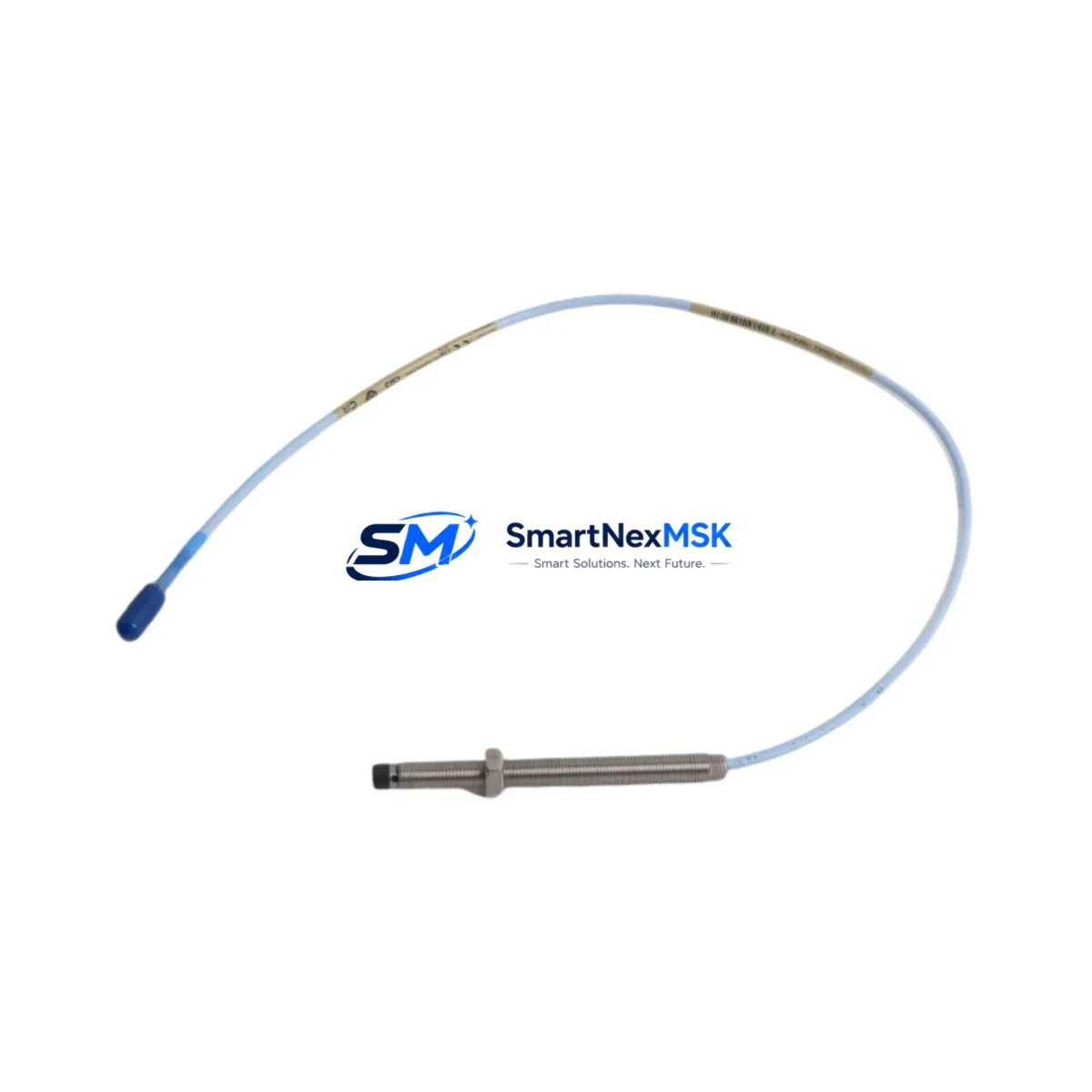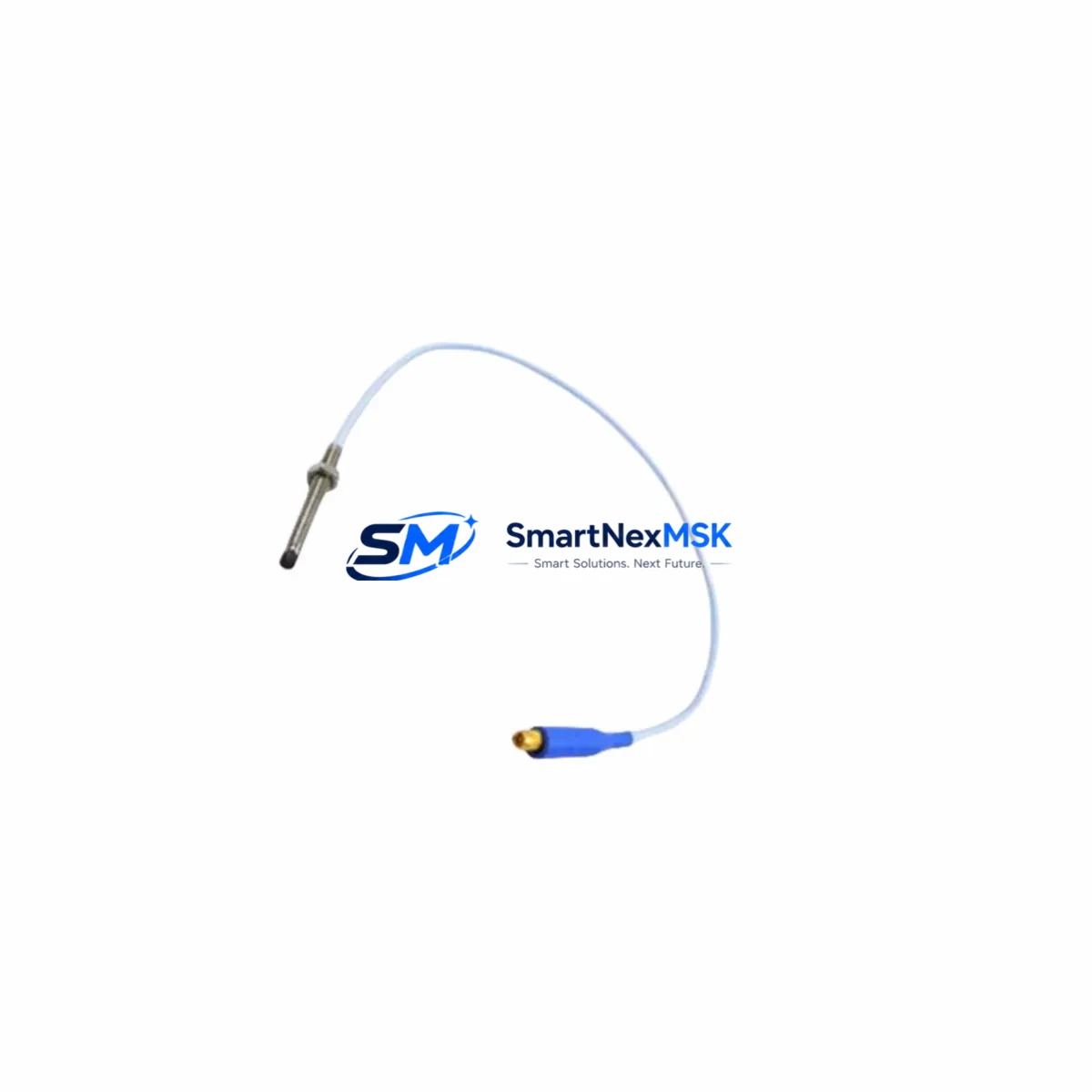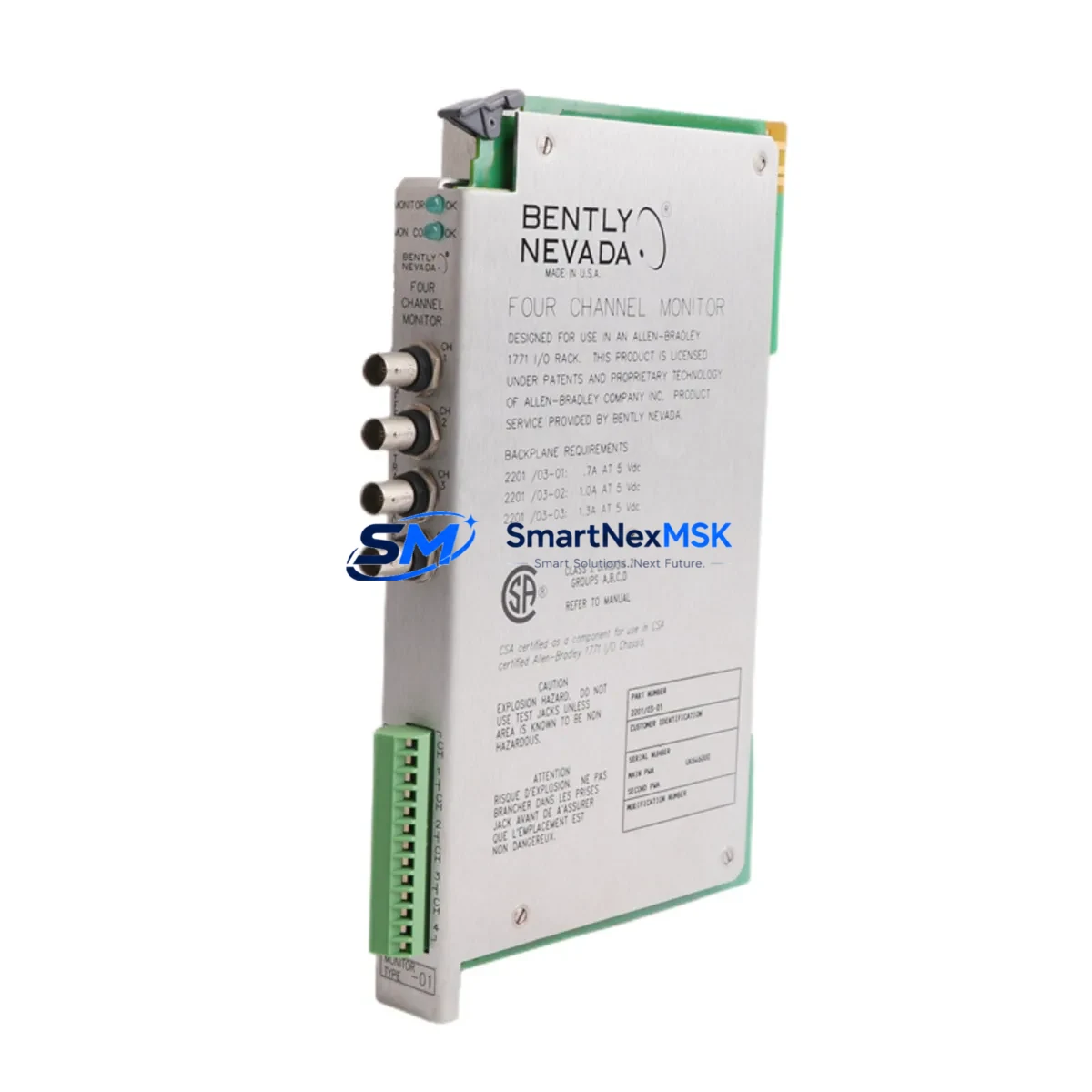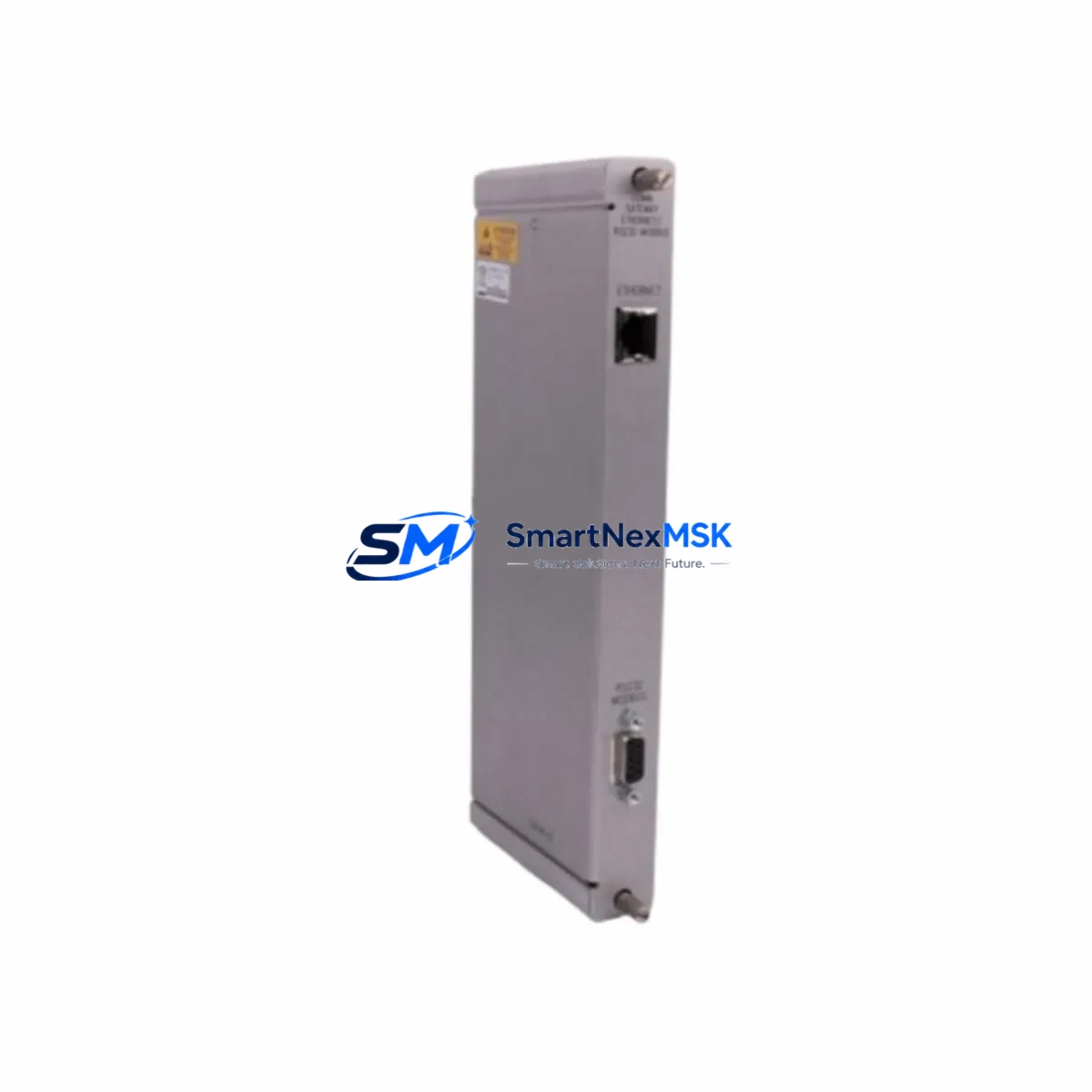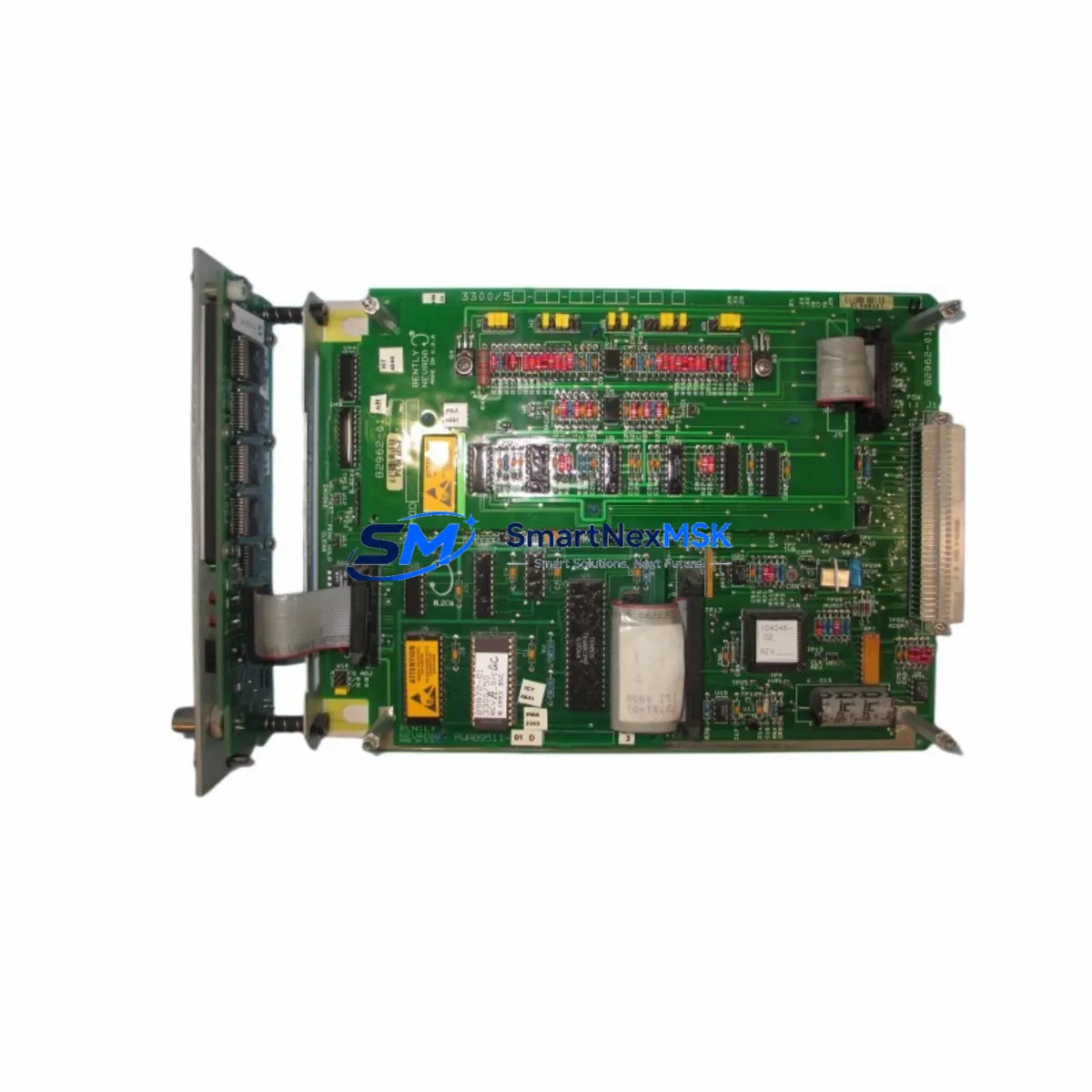
Bently Nevada 3300/65 Retrofit-Ready Proximity Monitor for 3300 Series Control Systems
The Bently Nevada 3300/65 is a dual-channel proximity probe monitor engineered for continuous shaft vibration and position measurement in rotating machinery protection systems. As a retrofit-ready replacement module for the legacy Bently Nevada 3300 Series platform, the 3300/65 is widely deployed in turbine protection panels, compressor control cabinets, and critical rotating equipment monitoring racks across oil & gas, power generation, and petrochemical industries.
When your existing 3300 Series rack requires a channel replacement, a spare module for cold standby, or a full panel modernization, the 3300/65 provides a verified drop-in solution. Its dual-channel architecture supports simultaneous radial vibration and axial position monitoring, making it a cornerstone module in any 3300 Series machinery protection system. Engineers planning a retrofit must confirm the existing 3300/05 power supply module output capacity, as the 3300/65 draws from the shared rack bus — insufficient headroom after adding channels is a common oversight during panel upgrades.
Before installation, verify the 3300/15 rack or 3300/20 rack backplane slot assignment and confirm that the module address DIP switches are configured to match the original channel mapping. Mismatched channel addresses will cause the System 1 or Rack Configuration Software to fail recognition of the new module, requiring a full re-scan and potential re-commissioning of alarm setpoints. If the existing system uses a 3300/93 communication gateway for Modbus or FOUNDATION Fieldbus integration, confirm that the gateway firmware supports the 3300/65 channel type before cutover.
Upgrade Compatibility Table
| Parameter | Details |
|---|---|
| SKU / Part Number | 3300/65 |
| Brand | Bently Nevada |
| Series | 3300 Series Machinery Protection System |
| Module Function | Dual-Channel Proximity Probe Monitor (Radial Vibration & Axial Position) |
| Rack Compatibility | 3300/15 Rack, 3300/20 Rack (4-slot and 8-slot configurations) |
| Power Supply Requirement | Supplied via 3300/05 Power Supply Module (shared rack bus) |
| Communication Interface | Compatible with 3300/93 Gateway (Modbus RTU, FOUNDATION Fieldbus) |
| Probe Compatibility | 3300 XL 8mm, 3300 XL 11mm Proximity Probe Systems |
| Installation Type | Direct backplane slot insertion — no rewiring of field terminals required for like-for-like replacement |
| Replacement Recommendation | Drop-in replacement for failed or end-of-life 3300/65 units; compatible with existing 3300 Series wiring and configuration |
| Commissioning Note | Verify DIP switch channel address, alarm setpoints, and OK relay logic after installation |
| Warranty | 12-Month Warranty — covers manufacturing defects and functional failure under normal operating conditions |
Retrofit Planning for Existing Automation Systems
A successful 3300/65 retrofit begins well before the module arrives on site. Start by auditing the full rack assembly: confirm the 3300/15 or 3300/20 rack has an available slot or that the failed module slot is correctly identified. Pull the existing wiring schedule and verify that field cable terminations at the 3300/65 terminal block match the replacement unit’s pinout — Bently Nevada maintained consistent terminal assignments across production runs of the 3300 Series, but third-party retrofits or previous field modifications may have introduced deviations.
Check the 3300/05 power supply load budget. Each 3300/65 dual-channel module adds to the rack’s total current draw. If the rack is near capacity — particularly in 8-slot configurations with multiple 3300/50 temperature monitors or 3300/55 speed monitors also installed — a power supply upgrade or load redistribution may be required before the new module can be safely energized.
For systems that include a 3300/93 communication gateway linking the protection rack to a DCS or SCADA platform via Modbus, confirm that the gateway’s channel table is updated to reflect the new module’s slot position and channel type. Failure to update the gateway configuration will result in stale or missing data on the operator HMI, which can mask alarm conditions during the post-retrofit commissioning window.
If the plant uses System 1 Evolution software for online machinery diagnostics, re-import the rack configuration file after module replacement and verify that trend data continuity is maintained. For older installations still running System 1 Classic, a manual channel re-assignment may be required. Coordinate with the control room operator to suppress non-critical alarms during the commissioning window to avoid nuisance trips while the new module stabilizes.
Where the retrofit involves migrating from an older 3300/25 monitor or 3300/35 monitor to the 3300/65, document the original alarm setpoints (Alert and Danger thresholds) before removal. These values must be re-entered manually in the replacement module’s configuration, as they are stored locally and are not retained in the rack backplane. Bring a calibrated proximitor/oscillator and a laptop loaded with the Bently Nevada configuration utility to complete on-site gap voltage verification and OK relay testing before returning the system to service.
Downtime Control During System Migration
Minimizing unplanned downtime during a 3300/65 replacement requires a structured hot-swap or planned-outage strategy. For non-redundant single-channel configurations, coordinate the replacement during a scheduled maintenance window and notify the control room to place the associated machinery protection channel in bypass mode — using the rack’s built-in bypass relay or the DCS bypass interlock — before removing the failed module.
For dual-channel redundant configurations, the second channel typically remains active during module swap, providing continuous vibration monitoring on the protected machine. Confirm with the site safety plan whether a single-channel monitoring condition requires a formal Management of Change (MOC) approval before proceeding.
Pre-stage the replacement 3300/65 module with DIP switches pre-configured to match the original channel address. This eliminates configuration time at the rack and reduces the window during which the machine operates without full protection coverage. Have the terminal block wiring diagram on hand and use a torque screwdriver to re-terminate field cables to the correct specification — loose terminations are a leading cause of intermittent OK relay faults after module replacement.
After installation, perform a full functional test: apply a known gap voltage to each proximity probe input, verify the OK relay energizes within specification, confirm Alert and Danger relay outputs respond at the correct setpoints, and validate that the 3300/93 gateway is transmitting live channel data to the DCS. Document all test results before releasing the system from bypass. Ship-tested units from our inventory include a pre-dispatch functional verification report, reducing on-site commissioning time.
Retrofit Support FAQ
Q1: Is the 3300/65 a direct drop-in replacement for my existing 3300 Series slot?
Yes. The 3300/65 uses the standard 3300 Series backplane connector and terminal block format. For like-for-like replacements within the same rack, no rewiring of field cables is required. Confirm the DIP switch channel address matches the original module before insertion.
Q2: What commissioning steps are required after installing the 3300/65?
After physical installation, verify gap voltage on each proximity probe channel, re-enter Alert and Danger alarm setpoints, test OK relay output, and confirm communication data is live at the 3300/93 gateway or DCS interface. For System 1 users, re-import the rack configuration and validate trend data continuity.
Q3: Can the 3300/65 replace older 3300/25 or 3300/35 monitor modules?
The 3300/65 is functionally compatible as an upgrade path from earlier single-function 3300 Series monitors. Wiring pinouts are consistent across the series, but alarm setpoints and channel address DIP switches must be reconfigured to match the original installation. Consult the Bently Nevada 3300/65 installation manual for full cross-reference details.
Q4: What does the 12-month warranty cover?
All 3300/65 units supplied by SMARTNEXMSK carry a 12-month warranty covering manufacturing defects and functional failure under normal operating conditions. Each unit undergoes pre-shipment functional testing. Warranty claims are supported by our technical team — contact [email protected] with your order reference and fault description.
© 2026 SMARTNEXMSK. All rights reserved.
Original Source: https://smartnexmsk.com
Contact: [email protected] | +86 18259474341