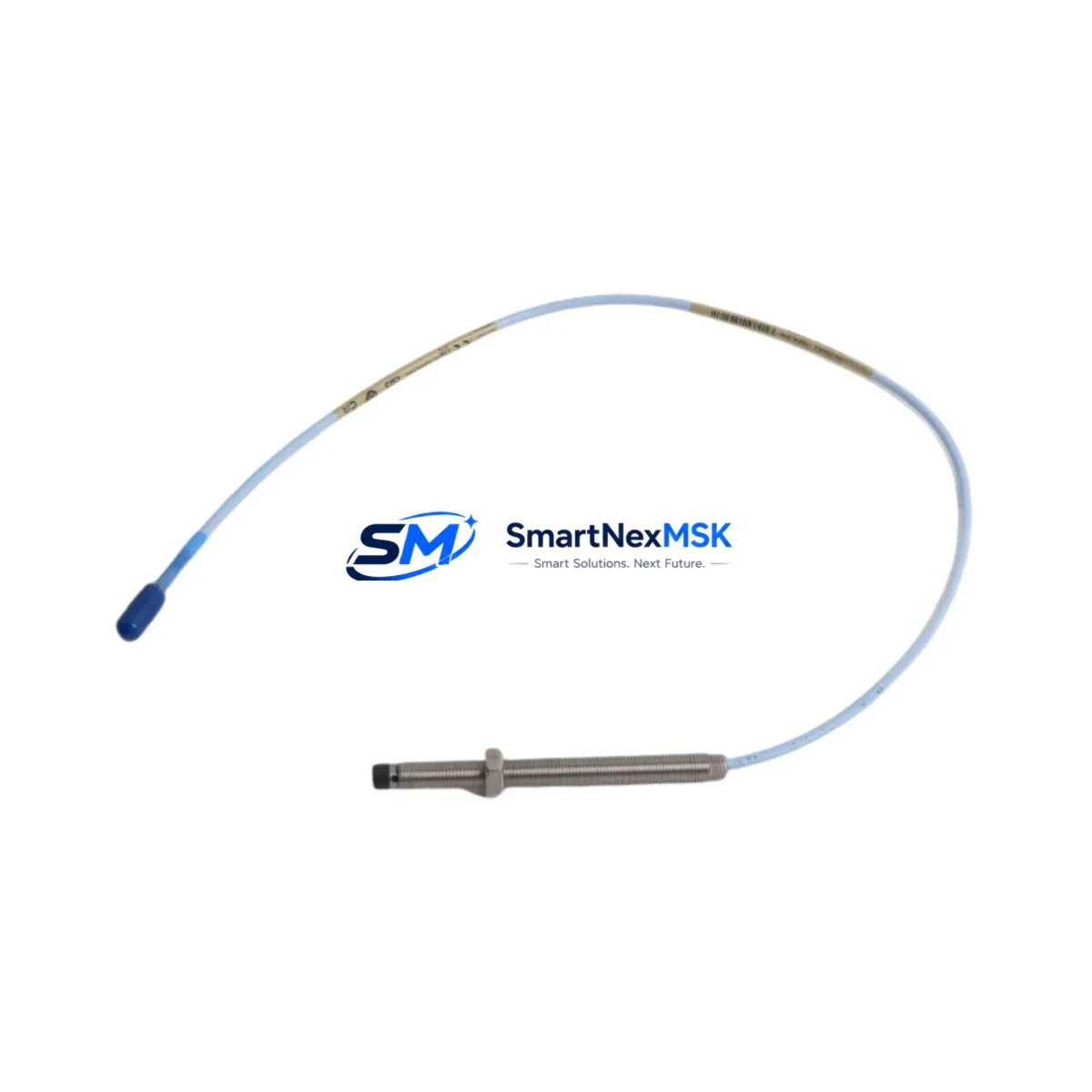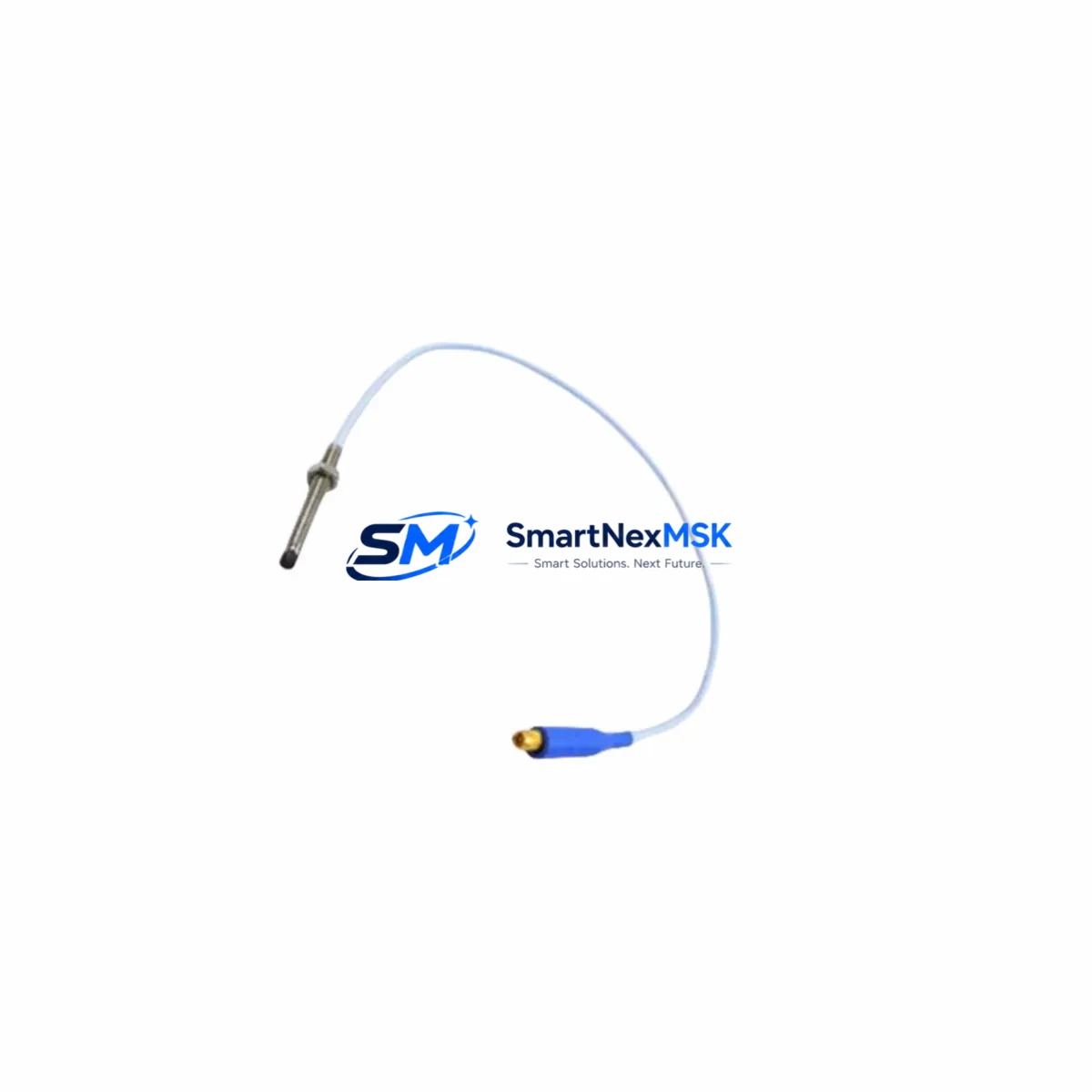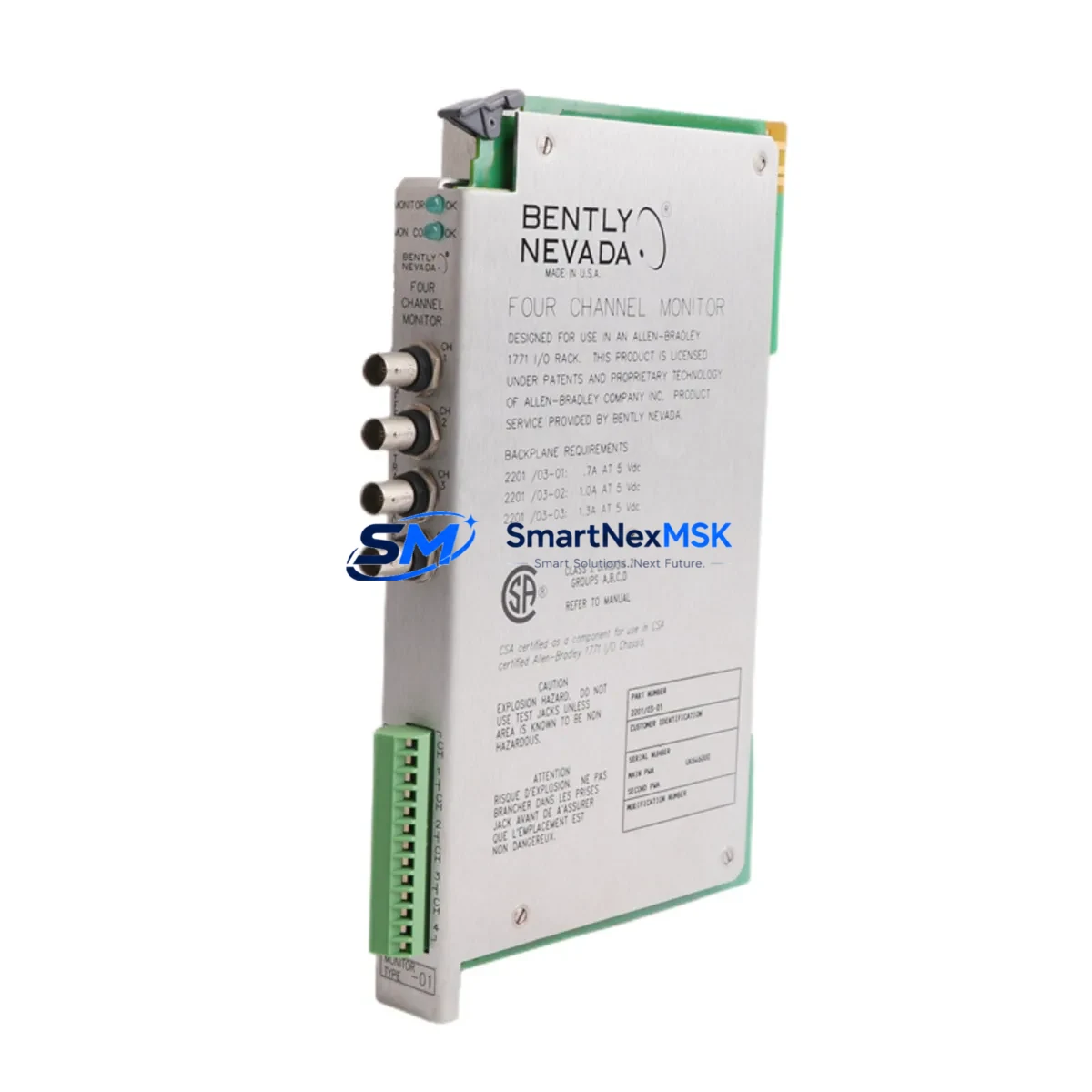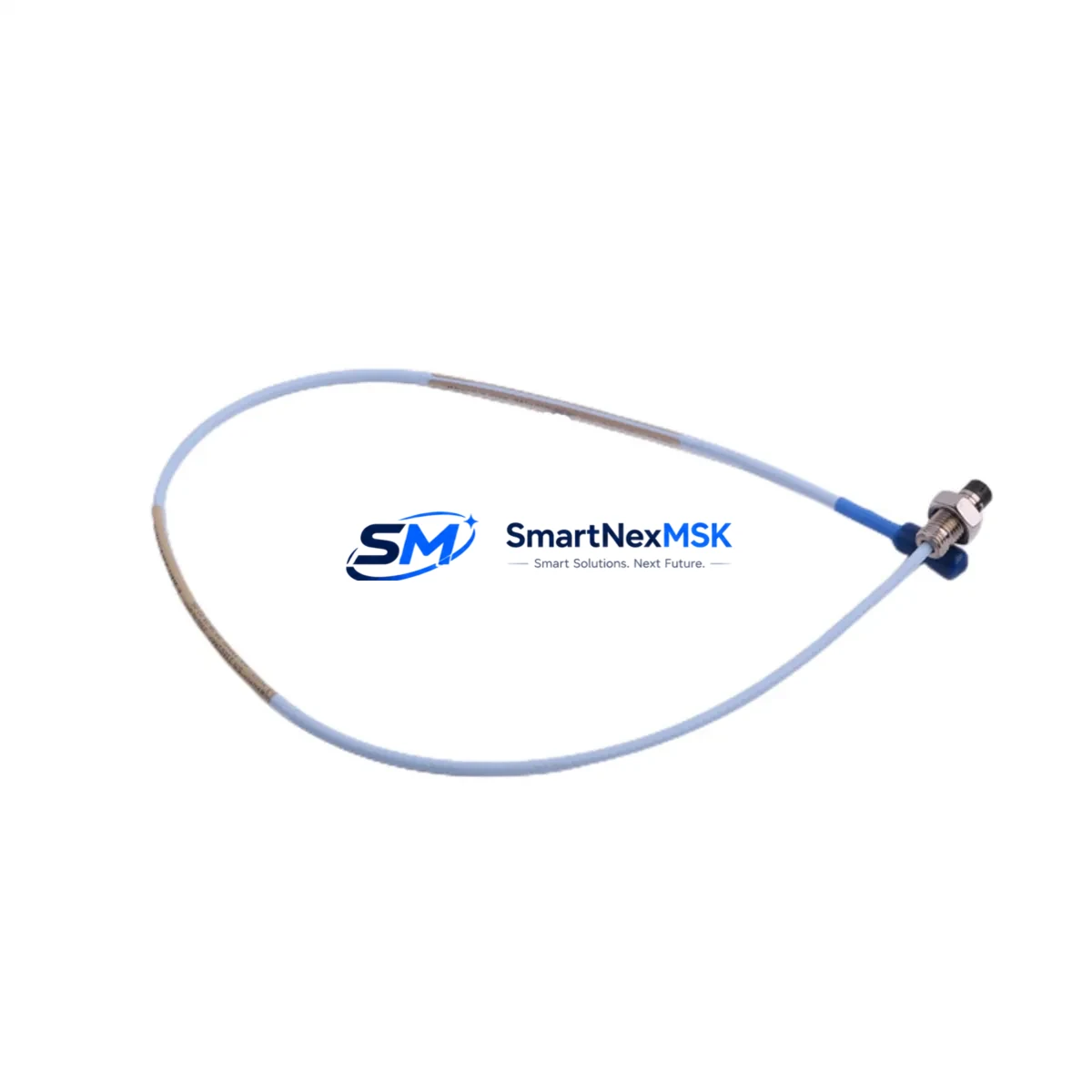
Bently Nevada 330101-00-08-05-02-05 Retrofit-Ready Proximity Sensor for 3300 XL Control Systems
The Bently Nevada 330101-00-08-05-02-05 is an 8mm proximity transducer designed for seamless integration into Bently Nevada 3300 XL continuous vibration monitoring systems. As legacy machinery protection infrastructure ages and OEM support for older sensor generations is phased out, this unit serves as a verified drop-in replacement that preserves signal chain integrity without requiring firmware changes, rack reconfiguration, or HMI screen remapping. Whether you are executing a planned control system upgrade or responding to an unplanned sensor failure, the 330101-00-08-05-02-05 is engineered to restore full monitoring capability with minimal downtime.
This proximity sensor operates as part of the Bently Nevada Proximitor system, working in conjunction with the 3300 XL 8mm Extension Cable and the 3300 XL Proximitor Sensor to deliver a calibrated output signal to the 3300/16 or 3300/20 monitor modules installed in the rack. When replacing a failed or end-of-life unit, engineers must verify that the existing Proximitor driver module — typically a 3300 XL Proximitor — is compatible with the replacement transducer’s gap voltage range and sensitivity specification (nominally −7.87 V/mm). Failure to confirm this before installation can result in false trip signals or missed alarm thresholds.
Before committing to a retrofit, the following parameters must be confirmed against the existing system documentation: supply voltage to the Proximitor (typically −24 VDC from the rack power supply), terminal block wiring at the I/O junction box, cable length and extension cable part number, and the target gap distance specified in the original machinery protection setpoint record. The 330101-00-08-05-02-05 uses a standard 5-meter armored cable, and any deviation from the original cable length will require recalibration of the gap voltage at the Proximitor output.
For facilities running mixed-generation Bently Nevada hardware — for example, a rack that includes both 3300/25 and 3500/22M monitor cards — it is critical to isolate which channel the replacement sensor feeds before pulling the old unit. Removing the wrong transducer from an active rack without first placing the channel in bypass mode will trigger a danger alarm and may initiate an automatic machine trip. Always coordinate with the control room operator and confirm bypass status via the 3500 Rack Configuration Software or the local keypad before proceeding.
Upgrade Compatibility Table
| Parameter | 330101-00-08-05-02-05 (This Unit) | Notes / Retrofit Guidance |
|---|---|---|
| Sensor Diameter | 8 mm | Matches standard 3300 XL 8mm probe series |
| Cable Length | 5 m (armored) | Must match original; recalibrate if changed |
| Sensitivity | −7.87 V/mm (nominal) | Verify against Proximitor driver spec sheet |
| Supply Voltage | −24 VDC | Confirm rack power supply output before swap |
| Output Signal | DC voltage (gap-proportional) | Compatible with 3300/16, 3300/20, 3500/22M |
| Mounting Thread | M10 × 1 | Check existing probe holder/bracket |
| Compatible Monitor Cards | 3300/16, 3300/20, 3500/22M | No firmware change required |
| Communication Protocol | Analog (4–20 mA / DC voltage) | No protocol migration needed |
| Installation Type | Direct replacement | No rack modification required |
| Warranty | 12 Months | Covered from date of shipment |
Retrofit Planning for Existing Automation Systems
Successful retrofit of the 330101-00-08-05-02-05 into an operating machinery protection system requires a structured pre-installation review. Begin by pulling the rack layout drawing to confirm the slot assignment of the monitor card that receives this sensor’s signal. In a typical 3300 XL rack, the monitor cards — such as the 3300/16 Dual Voting or 3300/20 Dual Voting — are positioned in fixed slots, and each channel is wired to a specific terminal block on the I/O module at the rear of the rack.
Next, review the extension cable routing. The 3300 XL 8mm Extension Cable connecting the probe to the Proximitor driver must be the correct length to maintain the system’s calibrated sensitivity. If the original extension cable is damaged or missing its part number label, measure the physical length and cross-reference against the Bently Nevada cable catalog to select the correct replacement. Using a mismatched extension cable is one of the most common causes of post-retrofit calibration failure.
For facilities that also operate Bently Nevada 3500 series racks alongside legacy 3300 XL hardware, the retrofit plan should include a review of the 3500/20 Rack Interface Module and any associated Modbus or RS-232 communication links to the plant DCS or SCADA system. If the replaced sensor feeds a channel that is also monitored by a 3500/42M Proximitor I/O Module, confirm that the I/O module’s configuration in the 3500 Rack Configuration Software reflects the correct transducer type and cable length before re-enabling the channel.
Where the control system includes a Bently Nevada 3300/55 Keyphasor Module, verify that the Keyphasor signal source is unaffected by the proximity sensor swap. The Keyphasor reference signal is used for phase and speed measurements across multiple channels, and any disruption during the swap window can corrupt trend data in the System 1 condition monitoring software. Schedule the sensor replacement during a planned maintenance window and coordinate with the System 1 operator to suspend data collection on the affected asset for the duration of the swap.
Finally, confirm that the local HMI — whether a Wonderware InTouch panel, a Rockwell FactoryTalk View display, or a third-party SCADA terminal — has the correct tag mapping for the replaced channel. In most installations, the HMI tag reads the analog output from the monitor card rather than directly from the sensor, so no HMI reconfiguration is required. However, if the channel was previously in a faulted or bypassed state, the HMI alarm summary may need to be acknowledged and reset after the new sensor is commissioned.
Downtime Control During System Migration
Minimizing unplanned downtime during a proximity sensor replacement on a live machinery protection system requires careful sequencing. The recommended approach is to place the affected monitor channel in bypass mode using the 3300 XL or 3500 rack’s front-panel keypad or via the rack configuration software before disconnecting the old sensor. This prevents a spurious danger alarm from triggering an automatic machine trip while the sensor is open-circuit.
Once the channel is bypassed, disconnect the armored cable at the junction box — not at the Proximitor — to preserve the Proximitor’s gap voltage calibration reference. Install the replacement 330101-00-08-05-02-05, reconnect the cable, and verify the gap voltage at the Proximitor output using a calibrated digital multimeter. The target gap voltage for an 8mm probe at the nominal 1.0 mm gap is approximately −7.87 VDC. Adjust the probe position in the bracket until the gap voltage is within the specified range, then tighten the locknut and re-check the voltage.
After confirming the gap voltage, remove the channel bypass and observe the monitor card’s OK LED and the System 1 trend display for at least five minutes before returning the machine to normal operation. If the channel does not return to OK status, re-enter bypass mode and re-examine the cable connections, extension cable length, and Proximitor supply voltage before escalating to a full system diagnostic. This structured approach typically limits the active swap window to under 30 minutes for a single-channel replacement, preserving production continuity and protecting the original program logic stored in the monitor card’s non-volatile memory.
Retrofit Support FAQ
Q1: Is the 330101-00-08-05-02-05 a direct drop-in replacement for other 3300 XL 8mm proximity probes?
Yes. The 330101-00-08-05-02-05 is dimensionally and electrically compatible with other Bently Nevada 3300 XL 8mm proximity transducers of the same cable length. Confirm the cable length suffix in the part number of the unit being replaced before ordering. If the original part number differs only in the cable length or connector suffix, a recalibration of the gap voltage will be required after installation.
Q2: What wiring changes are needed when installing this sensor in an existing terminal block?
No wiring changes are required for a like-for-like replacement. The 330101-00-08-05-02-05 uses the same three-conductor shielded cable configuration (positive, negative, and shield/drain) as the standard 3300 XL probe series. Reconnect the conductors to the same terminals as the original unit, verify shield grounding at one end only, and confirm continuity before powering the channel.
Q3: How is compatibility with the 3500 series monitor cards verified before installation?
Open the 3500 Rack Configuration Software and navigate to the channel configuration for the affected slot. Confirm that the transducer type is set to “8mm Proximity” and that the cable length matches the replacement unit. If the configuration was set for a different probe diameter or cable length, update the parameters and download the configuration to the rack before installing the new sensor. No hardware modification to the 3500/22M or 3500/42M I/O module is required.
Q4: What does the 12-month warranty cover, and what is the process for a warranty claim?
The 12-month warranty covers manufacturing defects, premature failure under normal operating conditions, and out-of-specification output at the time of delivery. Each unit is function-tested before shipment. To initiate a warranty claim, contact [email protected] with the order number, installation date, and a description of the observed fault. Replacement units are dispatched within 3 business days of claim approval.
© 2026 SMARTNEXMSK. All rights reserved.
Original Source: https://smartnexmsk.com
Contact: [email protected] | +86 18259474341