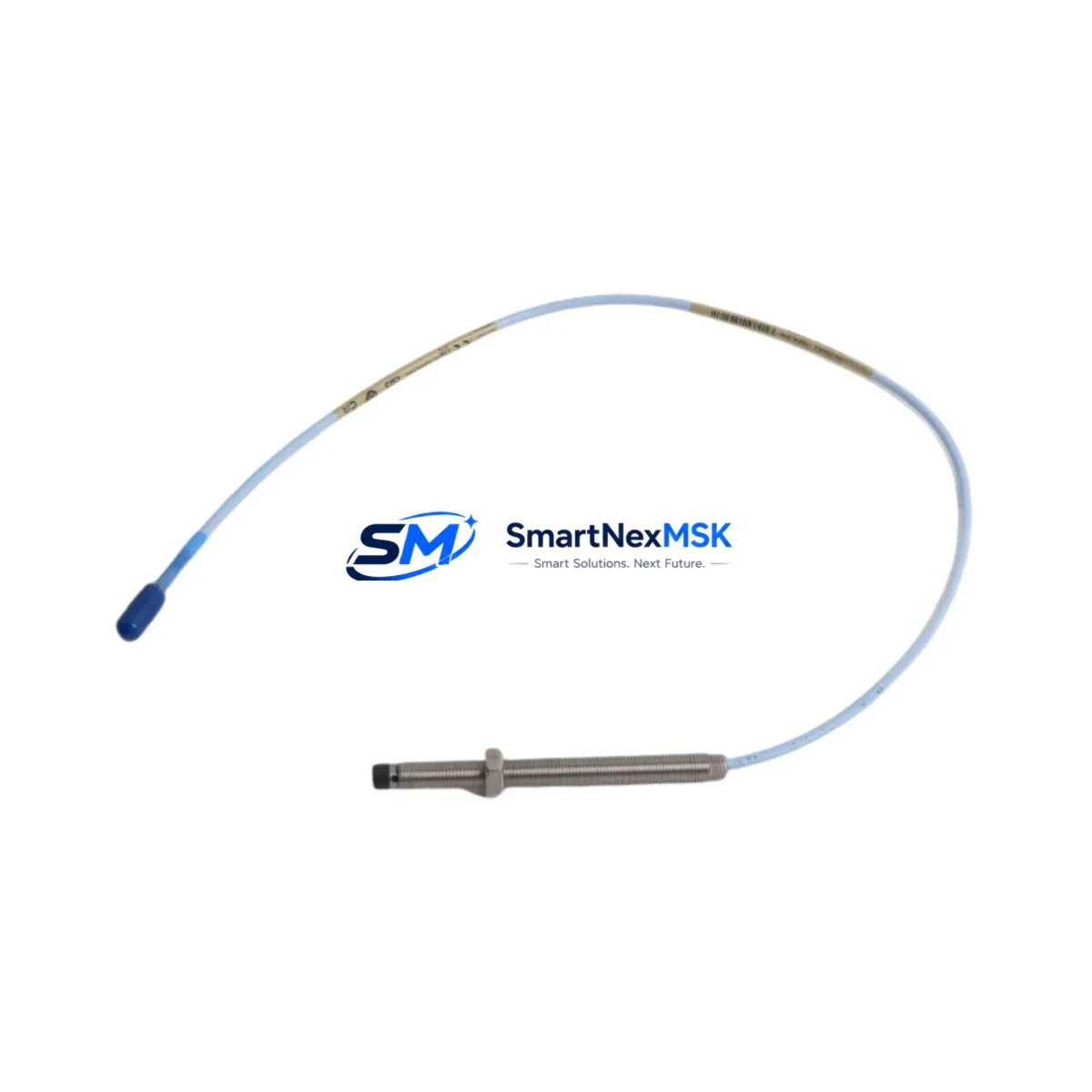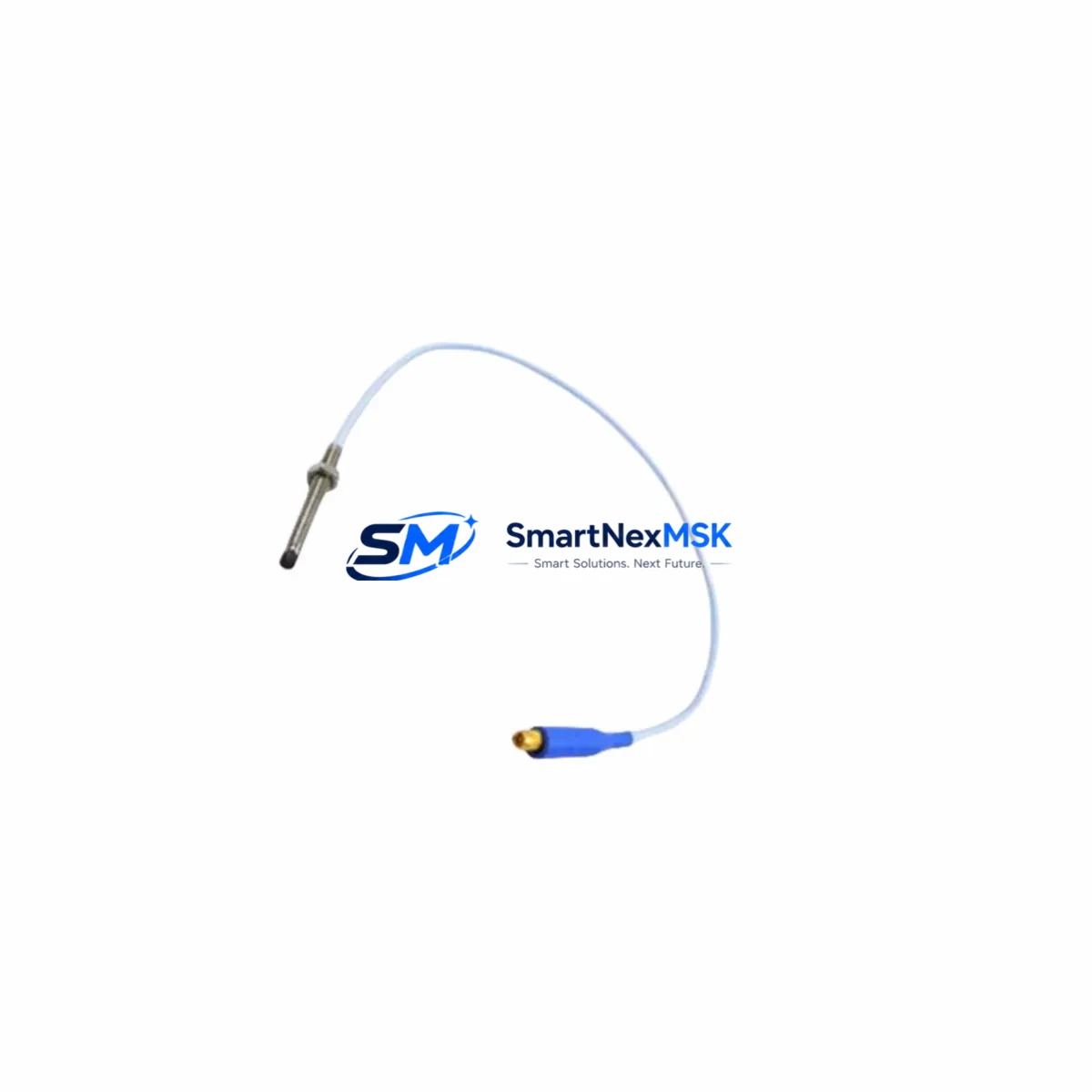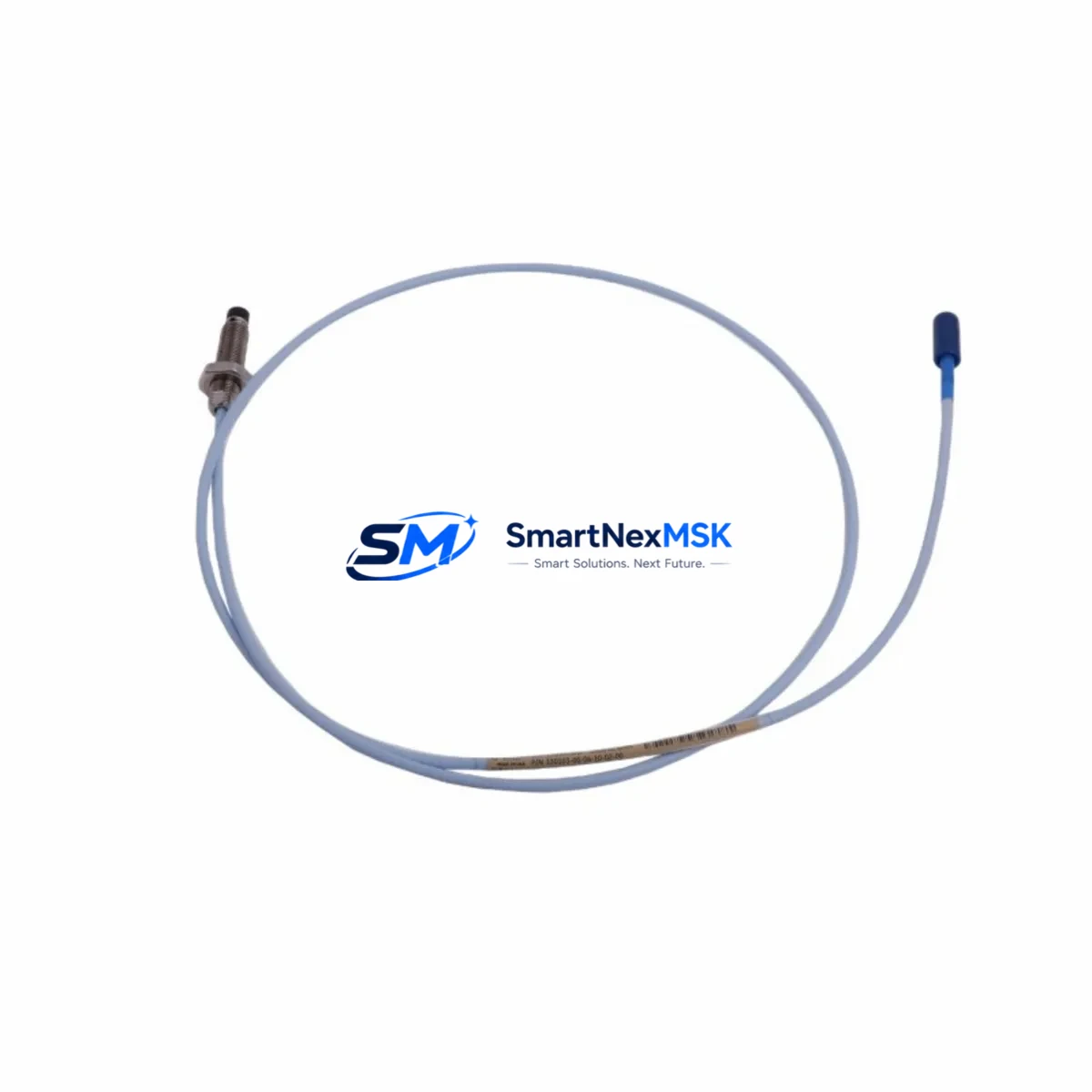
Bently Nevada 330103-00-04-10-02-CN 3300 XL Probe: Compatible Retrofit & Smooth System Upgrade
The Bently Nevada 330103-00-04-10-02-CN is an 8mm eddy-current proximity probe engineered for the Bently Nevada 3300 XL continuous vibration monitoring platform. As legacy machinery protection systems age and OEM support windows close, this probe remains a critical retrofit component for plants operating turbines, compressors, pumps, and rotating equipment that depend on the 3300 XL architecture for real-time shaft vibration, axial position, and eccentricity measurement.
SMARTNEXMSK maintains verified stock of the 330103-00-04-10-02-CN to support urgent replacement, planned turnaround maintenance, and long-cycle capital upgrade projects. Every unit ships with a 12-month warranty and passes pre-shipment functional verification covering sensitivity output, gap voltage linearity, and cable continuity.
Upgrade Compatibility Table
| Parameter | 330103-00-04-10-02-CN | Retrofit Notes |
|---|---|---|
| Probe Diameter | 8 mm | Verify existing probe boss bore; no machining required for standard 3300 XL installations |
| Cable Length | 1.0 m (probe) + extension | Pair with Bently Nevada 330130 or 330131 extension cable to reach driver; confirm total system length matches driver calibration |
| Driver Compatibility | 3300 XL 8mm Proximitor® Sensor | Compatible with 3300/16 and 3300/20 monitor cards; confirm slot addressing before hot-swap |
| Communication Protocol | Analog 4–20 mA / voltage output via Proximitor | No protocol migration required; DCS/PLC analog input cards read signal directly |
| Installation Interface | M8 threaded tip, armored cable | Re-use existing conduit and junction box; inspect connector pins on Proximitor driver before reconnection |
| Replacement Candidates | 330103-00-04-10-02-CN (direct), 330103-00-04-05-02-CN (0.5 m variant) | Confirm suffix digits for cable length and connector type before ordering |
| Commissioning Check | Gap voltage: –10 VDC ± 0.5 V at nominal gap | Use Bently Nevada calibration fixture or portable gap meter; document baseline before restart |
| Warranty | 12 months from shipment date — covers manufacturing defects, sensitivity drift, and connector failure | |
Retrofit Planning for Existing Automation Systems
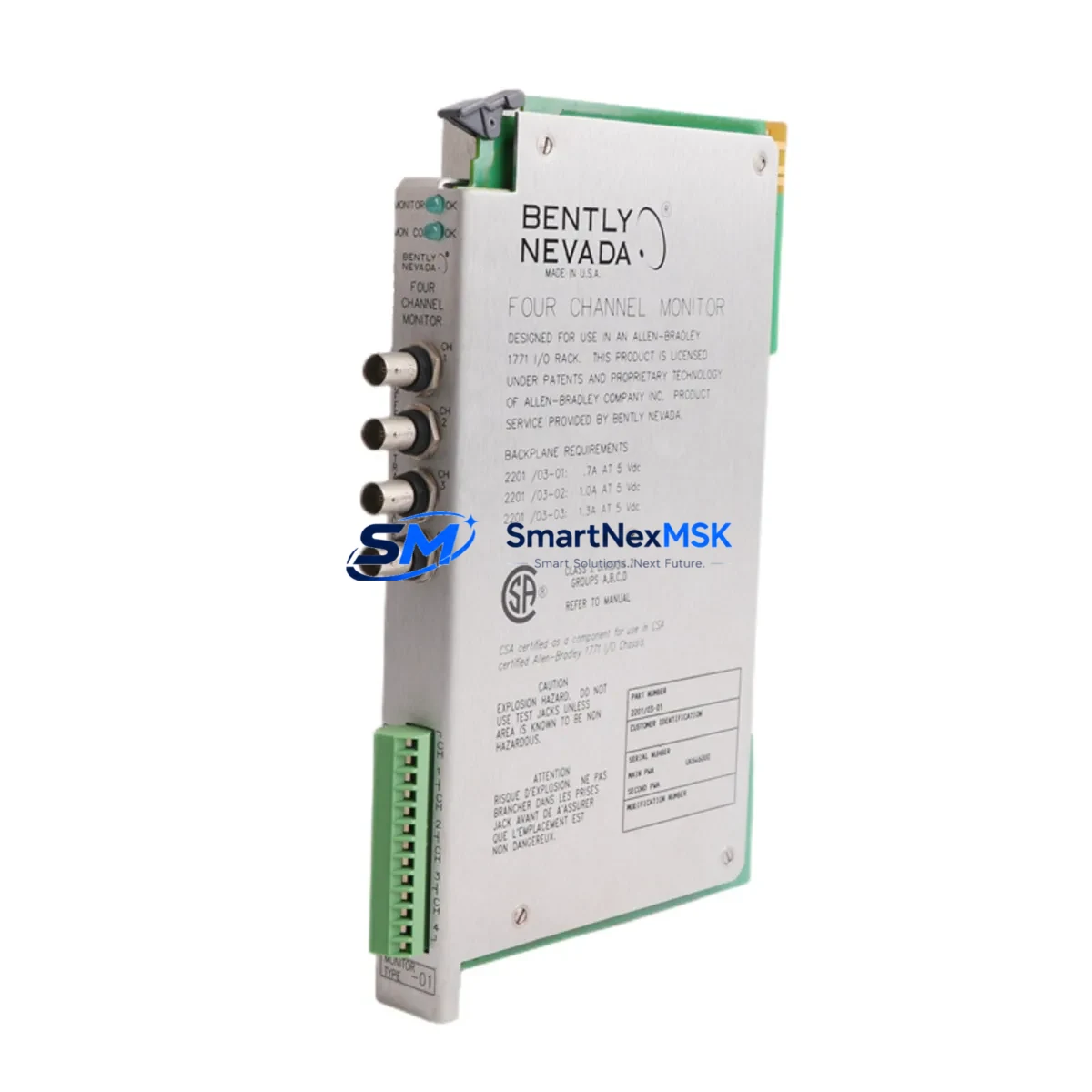
A successful retrofit of the 330103-00-04-10-02-CN begins well before the maintenance window opens. Engineers should pull the existing Bently Nevada 3300/16 or 3300/20 monitor card configuration from the rack and verify that the channel assigned to the replaced probe retains its alert and danger setpoints. The 3300 XL rack itself — typically a 19-inch, 4U or 7U chassis — should be inspected for backplane connector wear, especially on high-vibration installations where fretting corrosion can degrade signal integrity even after a probe swap.
Power supply health is equally important. The Bently Nevada 3300/15 power supply module provides regulated DC to the Proximitor sensors; a marginal supply can cause erratic gap voltage readings that mimic probe failure. Confirm output voltage under load before attributing faults to the probe itself. If the rack is also running 3300/25 keyphasor modules for phase reference, verify that the keyphasor signal is stable and that its channel is not sharing a noisy common ground with the new probe circuit.
For plants migrating from older Bently Nevada 7200 series probes to the 3300 XL platform, the probe boss geometry and thread pitch differ — adapter sleeves are available but must be torqued to specification to avoid micro-movement under vibration. The 330130 series extension cables used in 7200 installations are not interchangeable with 3300 XL Proximitor drivers; new extension cables must be ordered to match the total system length required by the driver’s calibration curve.
Where the control system interfaces with a DeltaV DCS or a Siemens S7-400 PLC via analog input cards, the 4–20 mA or voltage signal from the Proximitor driver feeds directly into the AI module. No protocol conversion is needed, but the engineering unit scaling in the DCS/PLC tag database must reflect the probe’s sensitivity (200 mV/mil or 7.87 V/mm) to ensure accurate vibration amplitude display on the HMI — whether that is a Wonderware InTouch panel, a Siemens WinCC station, or a dedicated Bently Nevada System 1 software console. Update the HMI faceplate engineering unit label and alarm limits to match the new probe’s calibration certificate before returning the machine to service.
I/O expansion considerations arise when a plant adds measurement points during the retrofit. The 3300/55 dual-channel monitor card can accommodate an additional probe channel without requiring a new rack, provided an open slot exists. If the rack is fully populated, a secondary 3300 XL expansion rack with its own power supply and communication interface to System 1 may be required. Coordinate with the control room team to ensure the new rack’s Modbus or OPC-DA data path to the historian is configured before commissioning.
Downtime Control During System Migration
Minimizing unplanned downtime during a probe replacement on a live rotating machine requires a structured pre-outage checklist. Before the machine is taken offline, capture a full vibration trend snapshot from System 1 or the DCS historian — this baseline documents normal operating amplitude, phase, and DC gap voltage and serves as the acceptance criterion after the new 330103-00-04-10-02-CN is installed.
During the outage, follow a parallel-path approach: while one technician removes the old probe and routes the new armored cable through the existing conduit, a second technician verifies the Proximitor driver’s internal calibration resistor setting and cleans the driver’s BNC connector. This parallel workflow typically reduces probe swap time to under 90 minutes on accessible installations.
After mechanical installation, perform a static gap check with the shaft stationary before energizing the monitor card. Confirm the gap voltage falls within the –10 VDC ± 0.5 V acceptance band. Only then should the monitor card channel be re-enabled and the machine brought to operating speed. Monitor the vibration trend for the first 30 minutes of operation and compare amplitude and phase against the pre-outage baseline. If values are within ±5% of baseline, the retrofit is complete. Document the as-found and as-left gap voltages, cable routing changes, and calibration certificate number in the plant’s maintenance management system before closing the work order.
For critical machines where even a brief unmonitored period is unacceptable, a temporary portable vibration analyzer — such as a CSI 2140 or equivalent — can be clamped to the bearing housing to provide continuous monitoring while the permanent probe circuit is being reconfigured. This approach preserves control-room visibility and satisfies safety instrumented system bypass management procedures without requiring a full machine shutdown extension.
Retrofit Support FAQ
Q1: Is the 330103-00-04-10-02-CN a direct drop-in replacement for the 330103-00-04-05-02-CN?
The two part numbers differ only in cable length (1.0 m vs. 0.5 m probe section). The tip geometry, thread pitch, sensitivity, and Proximitor driver compatibility are identical. Before substituting, confirm that the longer cable can be routed without excess slack that could vibrate and fatigue the armor. If the total system length (probe + extension) changes, re-verify the driver’s calibration range.
Q2: What wiring checks are required before reconnecting the Proximitor driver?
Inspect the driver’s barrier terminal block for corrosion, loose screws, and correct wire gauge. Verify shield continuity from the probe connector through the junction box to the driver’s shield terminal — a broken shield on an 8mm eddy-current system is the most common source of high-frequency noise that triggers false danger alerts. Confirm that the driver’s power supply input is within the specified 18–30 VDC range before applying power.
Q3: How do I confirm compatibility with my existing 3300 XL monitor card firmware?
The 330103-00-04-10-02-CN is compatible with all firmware revisions of the 3300/16 and 3300/20 monitor cards. No firmware update is required for a like-for-like probe replacement. If you are also upgrading the monitor card itself — for example, replacing a 3300/16 with a 3300/55 — download the latest System 1 configuration file from your historian backup and re-import channel parameters after the card swap to avoid setpoint loss.
Q4: What does the 12-month warranty cover, and what is the claims process?
The 12-month warranty covers manufacturing defects, sensitivity drift beyond ±2% of the calibration certificate value, and connector or cable failure under normal operating conditions. To initiate a claim, contact SMARTNEXMSK with the shipment invoice number, a description of the fault, and the as-found gap voltage reading. Replacement units are dispatched within 3 business days of claim approval. Physical damage caused by over-torquing the probe tip or improper cable routing is excluded from warranty coverage.
© 2026 SMARTNEXMSK. All rights reserved.
Original Source: https://smartnexmsk.com
Contact: [email protected] | +86 18259474341