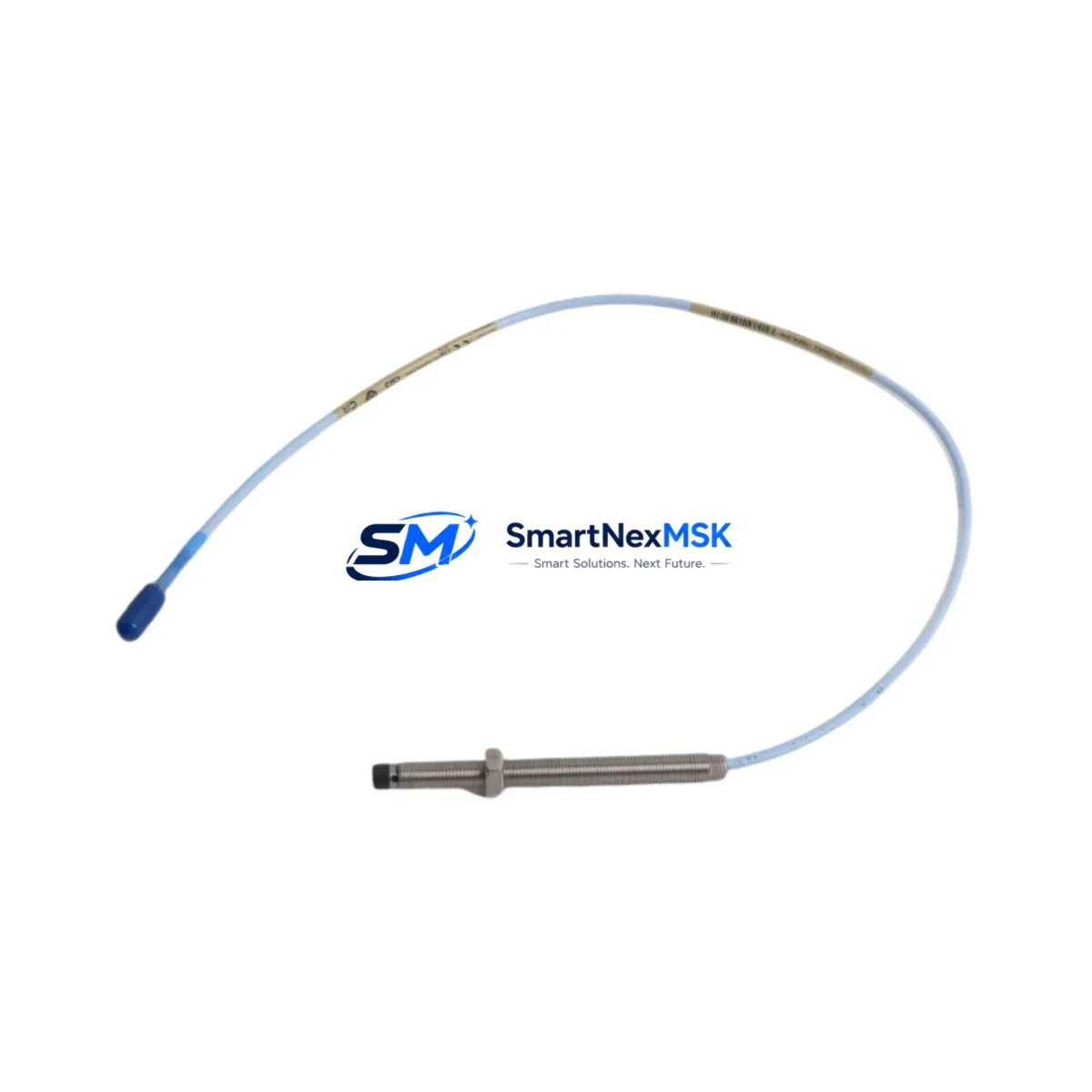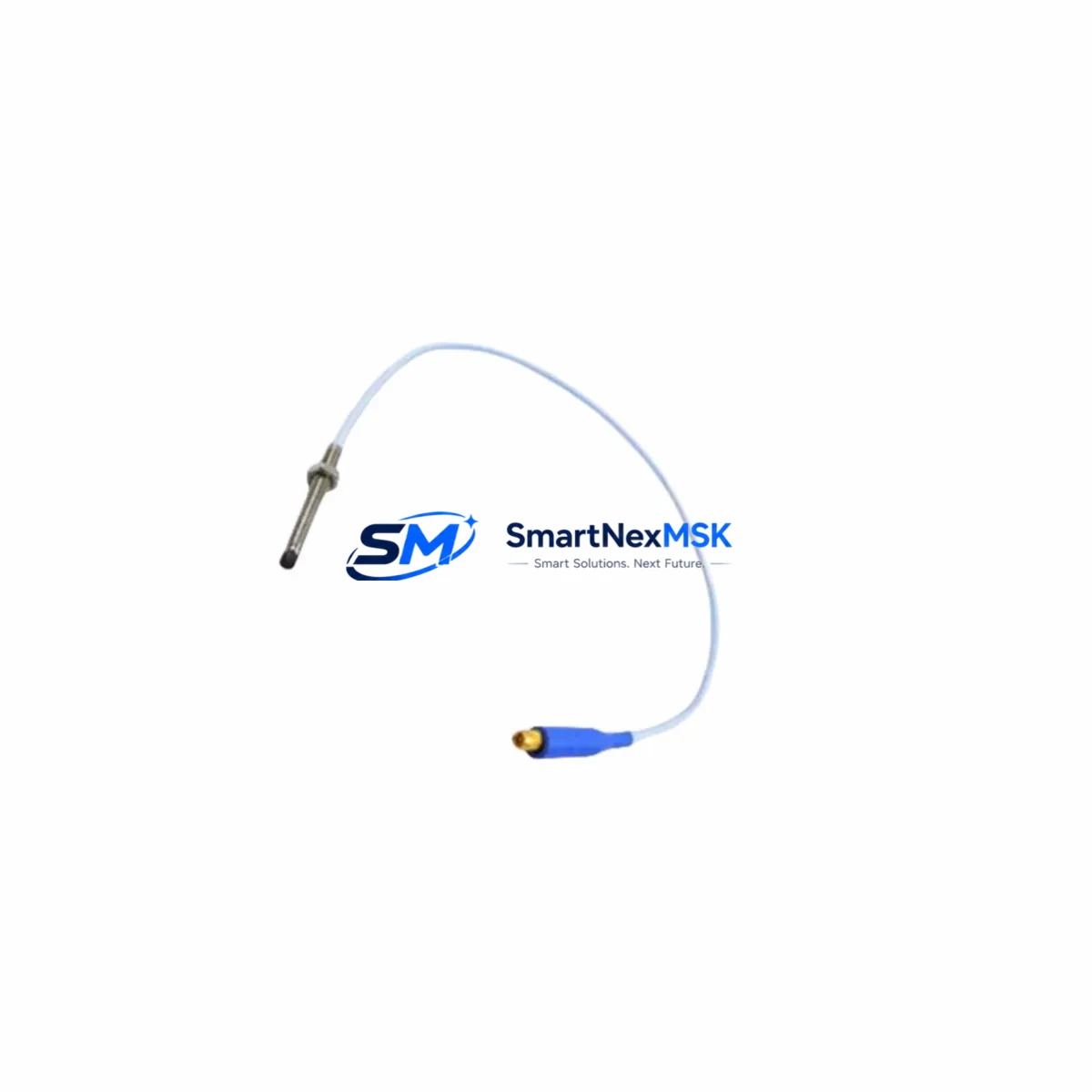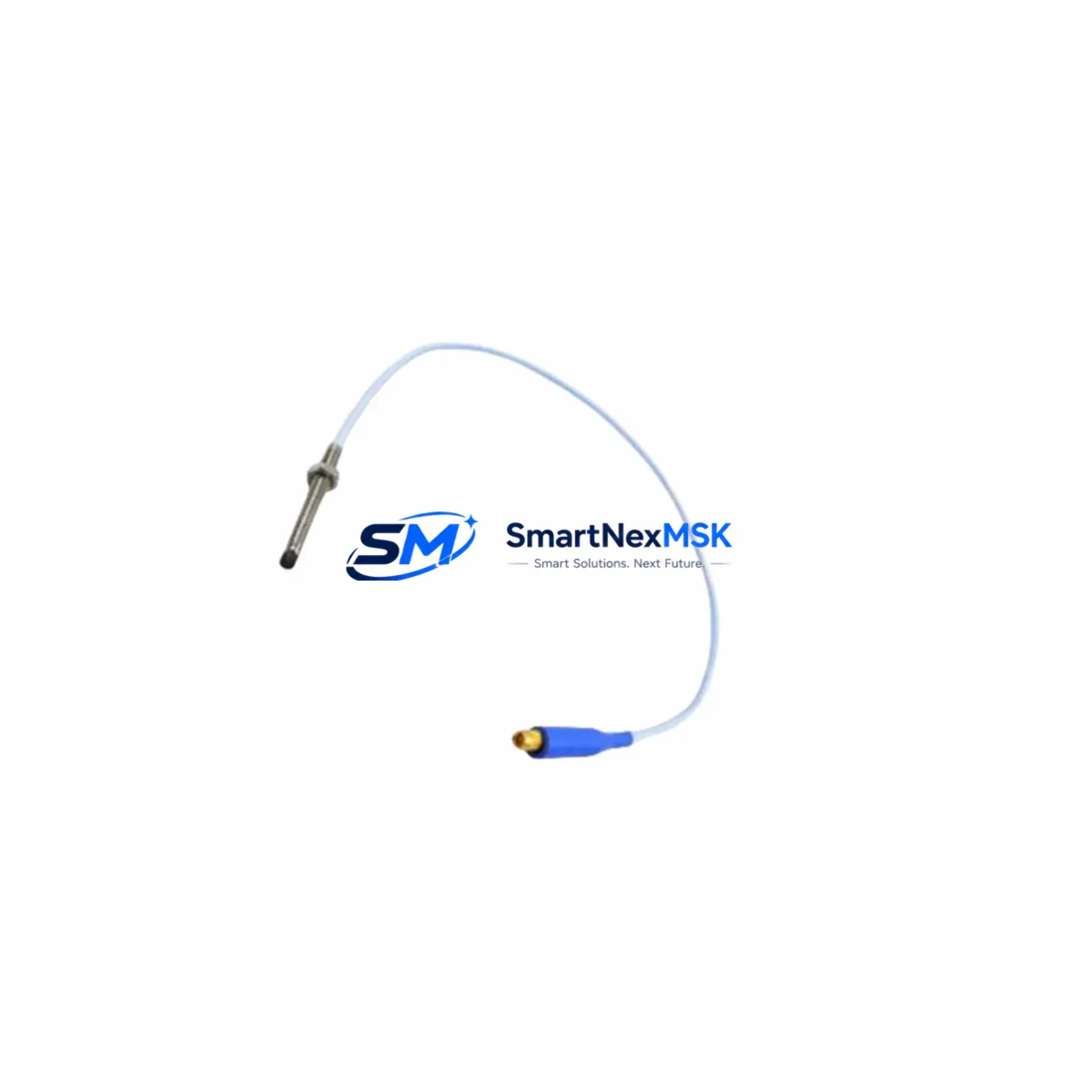
Bently Nevada 330930-040-03-00 Retrofit-Ready Proximitor Extension Cable for 3300 XL Control Systems
The Bently Nevada 330930-040-03-00 is a 40-foot Proximitor Extension Cable engineered for seamless compatibility with the 3300 XL Series vibration monitoring platform. As legacy machinery protection systems age and OEM support windows close, this cable serves as a direct, drop-in replacement that preserves signal integrity between the 3300 XL Proximitor/Seismic Monitor and the eddy-current proximity probe — without requiring rewiring, re-ranging, or software reconfiguration. Whether you are executing a planned outage upgrade, responding to an unplanned cable failure, or modernizing a control cabinet that has been in service for over a decade, the 330930-040-03-00 delivers the dimensional and electrical specifications your system demands.
Industrial facilities running Bently Nevada 3300 XL racks frequently encounter the challenge of sourcing extension cables that maintain the precise impedance and shielding characteristics required for accurate shaft displacement and vibration measurement. The 330930-040-03-00 meets those requirements with a coaxial construction rated for the full operating temperature range of typical turbine, compressor, and pump monitoring environments. Each unit shipped by SMARTNEXMSK is pre-tested against OEM electrical specifications and accompanied by a 12-month warranty covering workmanship and functional performance.
Upgrade Compatibility Table
| Parameter | 330930-040-03-00 Specification | Retrofit Notes |
|---|---|---|
| Cable Length | 40 ft (12.2 m) | Verify total probe-to-proximitor run; standard 3300 XL system supports up to 9 m probe + extension combinations |
| Connector Type | MIL-C-17 coaxial, push-on | Mates directly with 3300 XL Proximitor input and standard 7200/3300 series probe connectors |
| Impedance | 50 Ω nominal | Maintain consistent impedance across probe, extension, and driver to avoid signal offset errors |
| Installation Interface | Panel/conduit routed, no backplane slot required | No rack slot consumed; route alongside existing cable trays |
| Communication Compatibility | Analog signal (DC voltage, –24 V bias) | Compatible with 3300 XL Monitor inputs; no protocol conversion required |
| Replacement Recommendation | Direct OEM-equivalent replacement | No firmware update or address reassignment needed |
| Commissioning Focus | Gap voltage verification at proximitor input | Confirm –10 V to –18 V DC gap voltage after installation; adjust probe position if outside range |
| Warranty | 12 Months | Covers electrical performance and workmanship from date of shipment |
Retrofit Planning for Existing Automation Systems
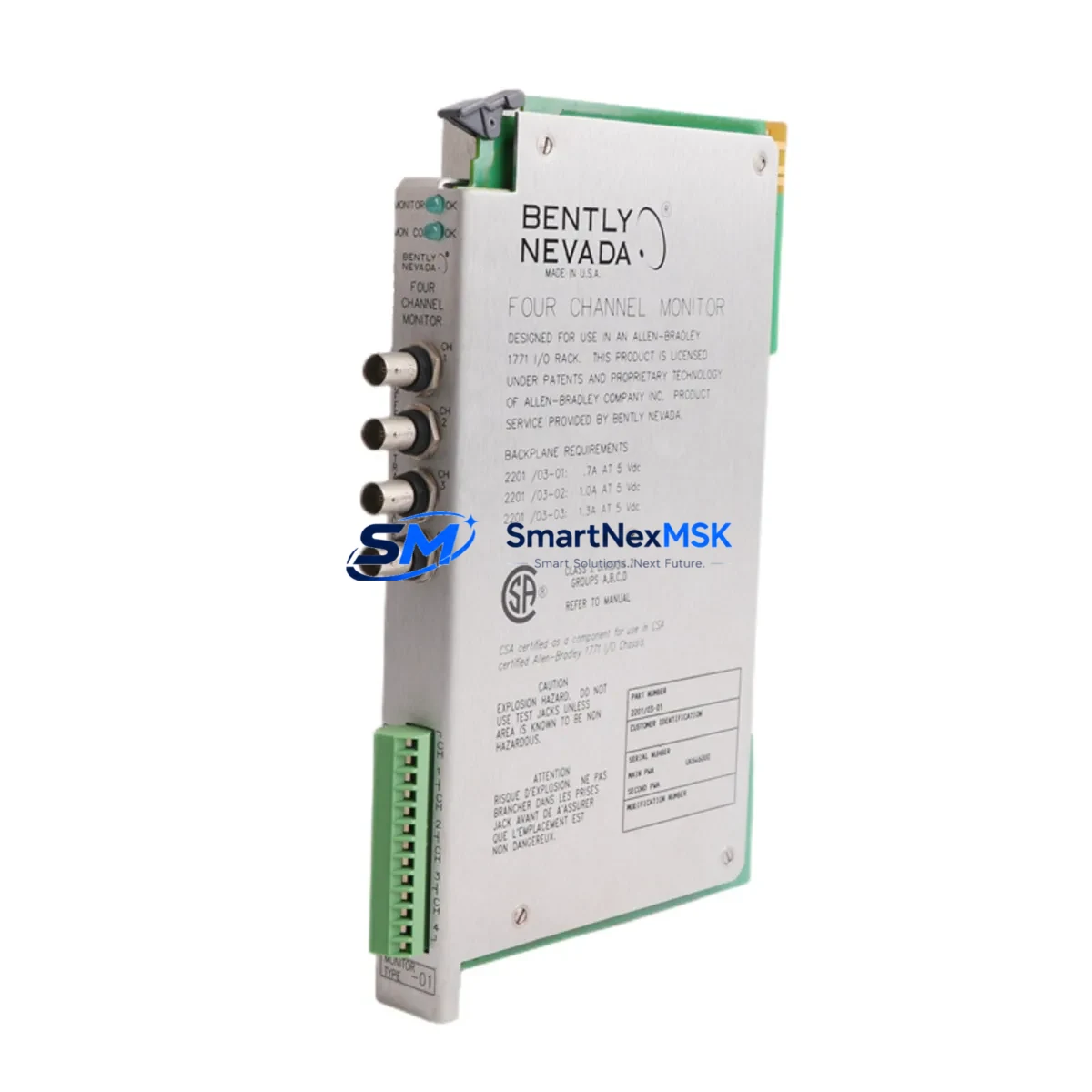
Replacing a Proximitor Extension Cable in an operating plant requires careful coordination across multiple system components. Before removing the existing 330930-040-03-00 or its predecessor, technicians should document the current gap voltage reading displayed on the 3300 XL Proximitor/Seismic Monitor — typically a 3300/16-channel or 3300/20-channel monitor card seated in a 3300 XL Rack. This baseline reading, combined with the probe’s sensitivity factor (commonly 7.87 V/mm for standard 8 mm probes), establishes the reference for post-installation verification.
The 3300 XL Rack itself should be inspected for available power headroom on the 3300 XL Power Supply before any module swap or cable replacement is scheduled. Power budgets tighten when racks are fully populated with I/O modules, communication cards, and monitor channels. If the rack is running a 3300/05 System Monitor, confirm that the system health status is nominal and that no latched alarms are masking pre-existing faults that could be misattributed to the new cable after installation.
For facilities that have already migrated portions of their monitoring infrastructure to the System 1 Evolution software platform, the cable replacement workflow integrates directly with the existing channel configuration. The 330930-040-03-00 does not alter the transducer type, sensitivity, or measurement range settings stored in the 3300 XL Monitor, so no System 1 database edits are required. However, if the plant is simultaneously upgrading from an older 3300 Series (non-XL) rack to the 3300 XL architecture, engineers should verify that the 3500/42M Proximitor I/O Module or equivalent is correctly mapped before the new extension cable is terminated.
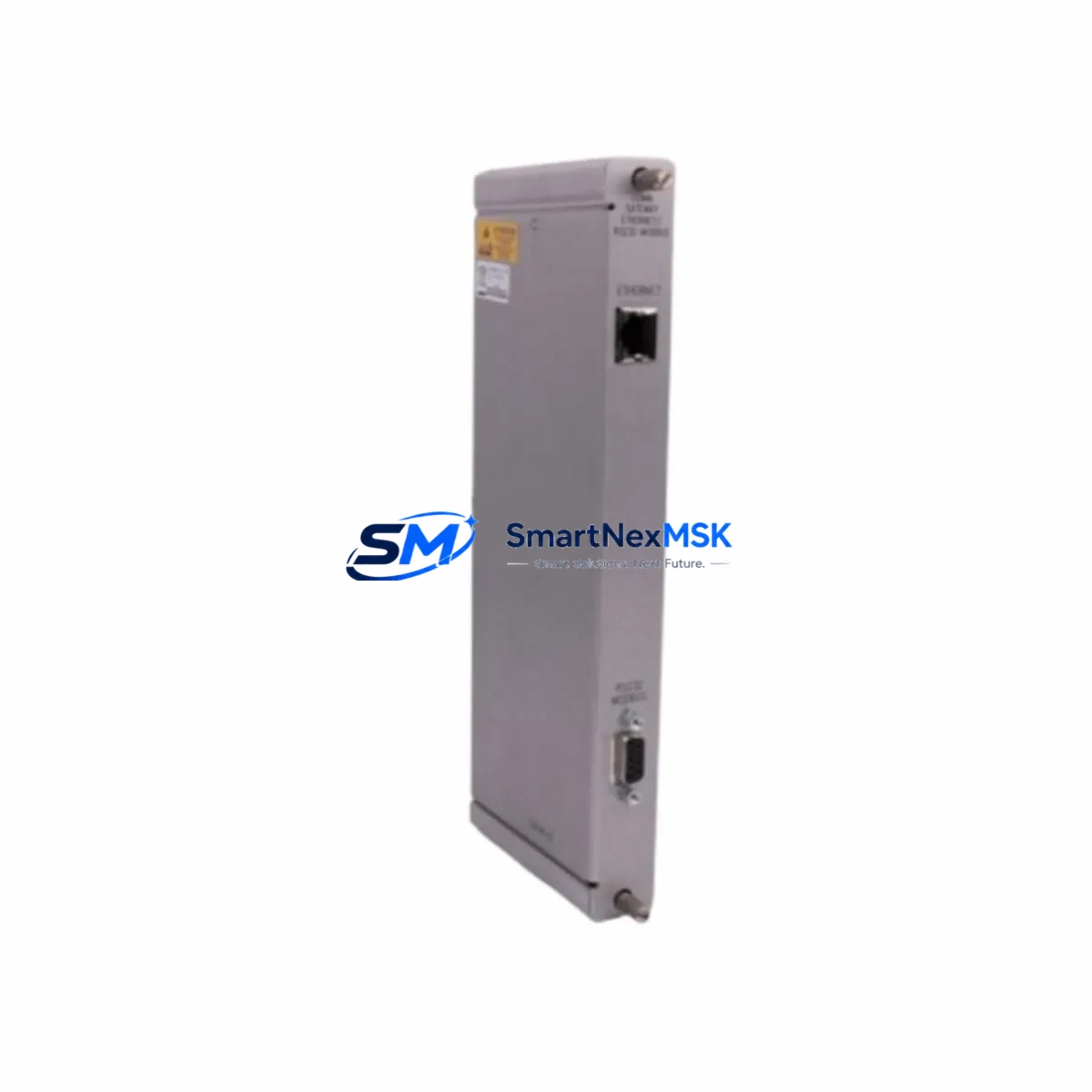
In control cabinets where the 3300 XL coexists with a DCS or safety system — such as a Triconex Tricon TMR controller or a Honeywell Safety Manager — the cable routing must maintain physical separation from high-voltage AC wiring and relay output circuits to prevent induced noise on the –24 V DC measurement loop. Shielded conduit or dedicated cable trays are recommended. If the facility uses a Modbus RTU or FOUNDATION Fieldbus gateway to relay vibration data to a DCS historian, confirm that the gateway’s polling cycle is not interrupted during the cable swap; most 3300 XL monitors retain their last valid measurement during a brief sensor open-circuit condition, but alarm setpoints may activate if the gap voltage falls outside the configured OK limits.
Technicians performing the termination should also confirm that the 330104-01 or 330130-series proximity probe at the field end is within its calibrated range and that the probe tip-to-target gap is set correctly before the extension cable is fully secured. A calibrated oscilloscope or the Bently Nevada 3300 XL Tester can be used to verify signal quality at the proximitor input terminal before the cabinet door is closed and the unit is returned to service.
Downtime Control During System Migration
Minimizing unplanned downtime during a Proximitor Extension Cable replacement begins with pre-staging. Before the maintenance window opens, verify that the replacement 330930-040-03-00 has been received, inspected, and bench-tested. SMARTNEXMSK ships each unit with a pre-shipment functional test report, reducing the risk of discovering a defective cable after the machine has been taken offline.
During the outage, follow a structured sequence: first, inhibit the alarm outputs on the affected 3300 XL Monitor channel to prevent spurious trips to the ESD or DCS while the loop is open. Record the current gap voltage, then disconnect the existing extension cable at both the proximitor input and the probe junction box. Install the 330930-040-03-00, verify connector seating, and restore the –24 V DC bias. Re-read the gap voltage and compare it to the pre-outage baseline. A deviation of more than ±0.5 V typically indicates a probe position shift or a connector seating issue rather than a cable defect.
If the facility’s control philosophy requires continuous monitoring during the swap — for example, on a critical compressor train where the API 670 standard mandates uninterrupted protection — consider using a portable Bently Nevada 3500 rack in bypass mode to maintain channel coverage while the permanent 3300 XL channel is reconfigured. Once the new cable is verified and the gap voltage is within specification, remove the inhibit, confirm that the System 1 trend data resumes cleanly, and close the work order. The entire process, when pre-staged correctly, can be completed within a single two-hour maintenance window, preserving production continuity and protecting the original control program logic without modification.
Retrofit Support FAQ
Q1: Is the 330930-040-03-00 a direct replacement for the original Bently Nevada cable, or does it require any adapter?
A: The 330930-040-03-00 is a direct OEM-equivalent replacement. The connector type, cable impedance, and overall length are identical to the original specification. No adapter, junction box modification, or re-termination of the probe side is required. The cable installs in the same physical path as the unit it replaces.
Q2: What commissioning checks are required after installing the new extension cable?
A: After installation, verify the gap voltage at the 3300 XL Proximitor input. The reading should fall within the OK band configured in the monitor — typically –10 V to –18 V DC for standard 8 mm probes. If the gap voltage is outside this range, adjust the probe-to-target gap mechanically before returning the channel to service. No software changes to the 3300 XL Monitor or System 1 database are needed.
Q3: Can this cable be used in a mixed 3300 Series and 3300 XL rack environment?
A: Yes. The 330930-040-03-00 is electrically compatible with both the legacy 3300 Series and the 3300 XL platform, provided the proximitor driver and probe combination are within the supported range. Always confirm the total cable length (probe cable + extension) does not exceed the system’s maximum supported run for the selected probe sensitivity.
Q4: What does the 12-month warranty cover, and how is a warranty claim processed?
A: The 12-month warranty covers electrical performance defects and workmanship failures from the date of shipment. If the cable fails to meet OEM electrical specifications under normal operating conditions within the warranty period, SMARTNEXMSK will provide a replacement unit at no charge. Contact [email protected] with your order number and a description of the fault to initiate a claim. Warranty does not cover damage resulting from incorrect installation, mechanical abuse, or use outside the rated operating environment.
© 2026 SMARTNEXMSK. All rights reserved.
Original Source: https://smartnexmsk.com
Contact: [email protected] | +86 18259474341