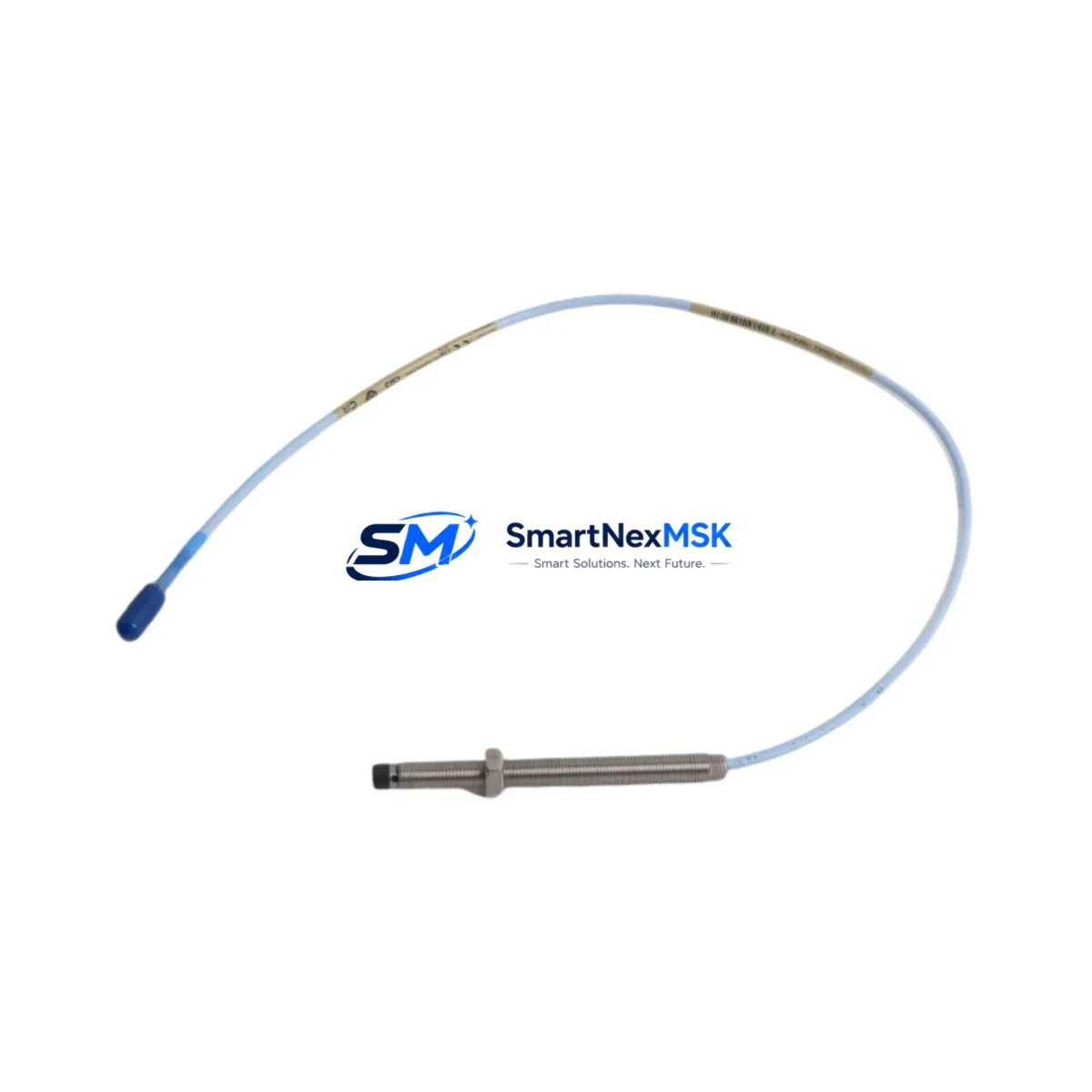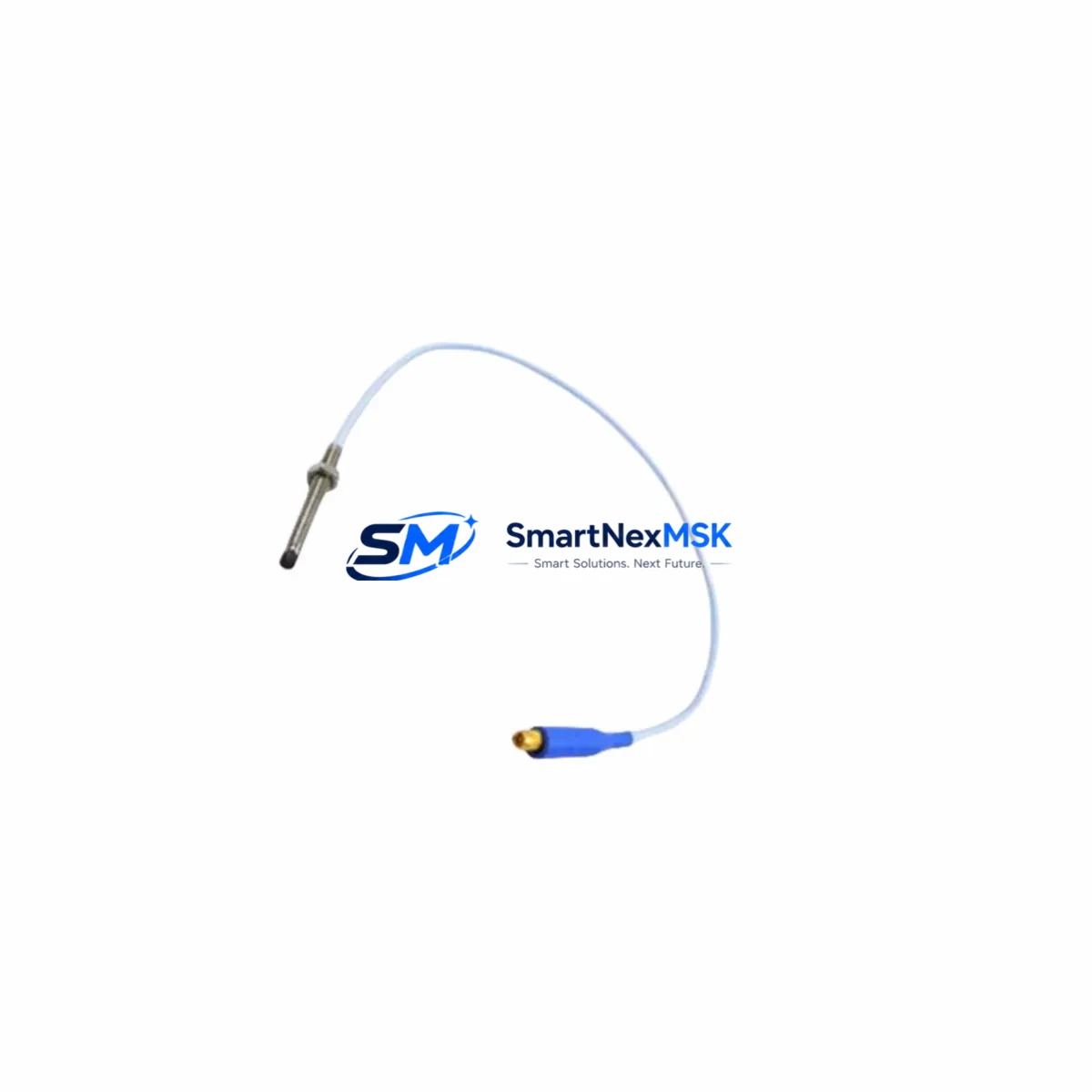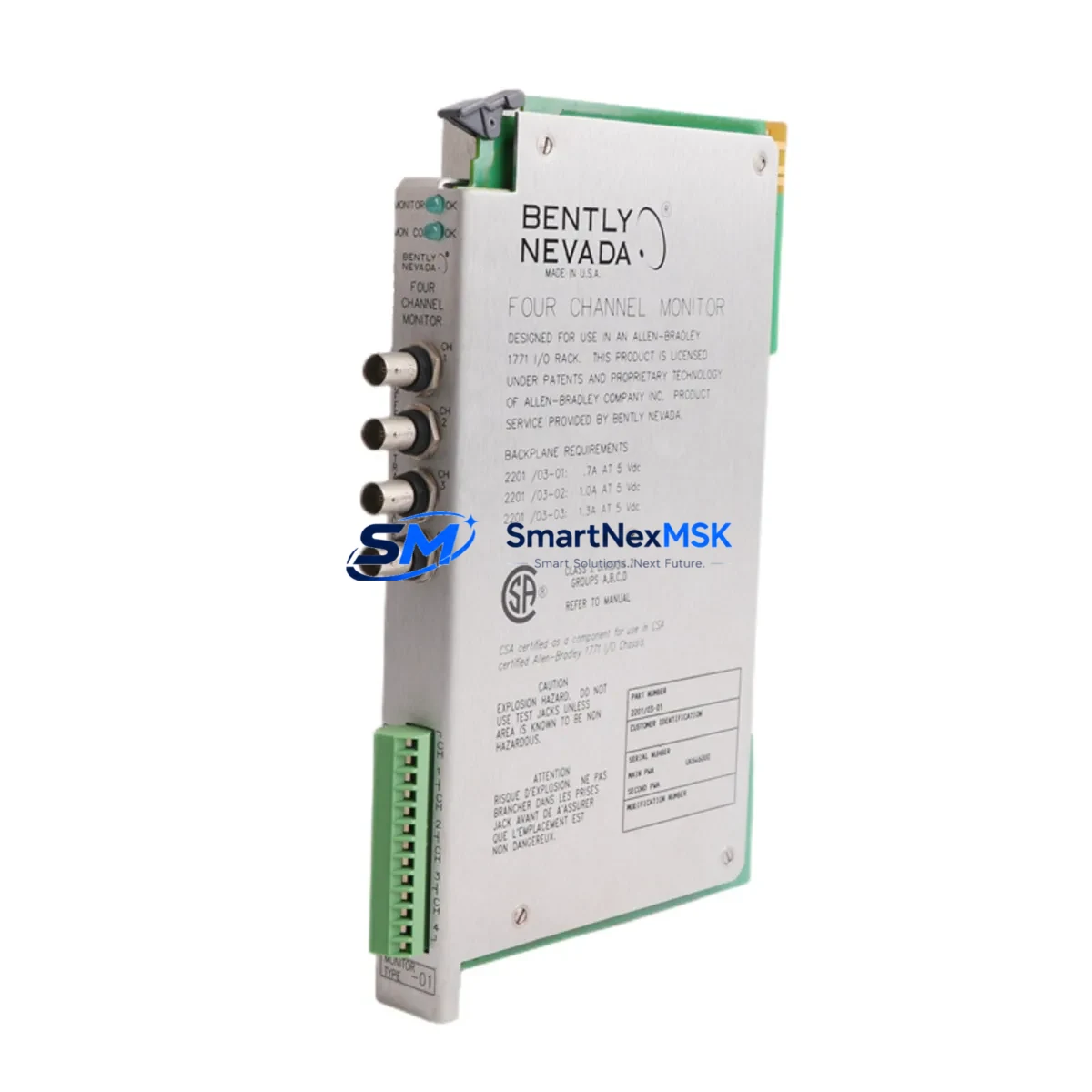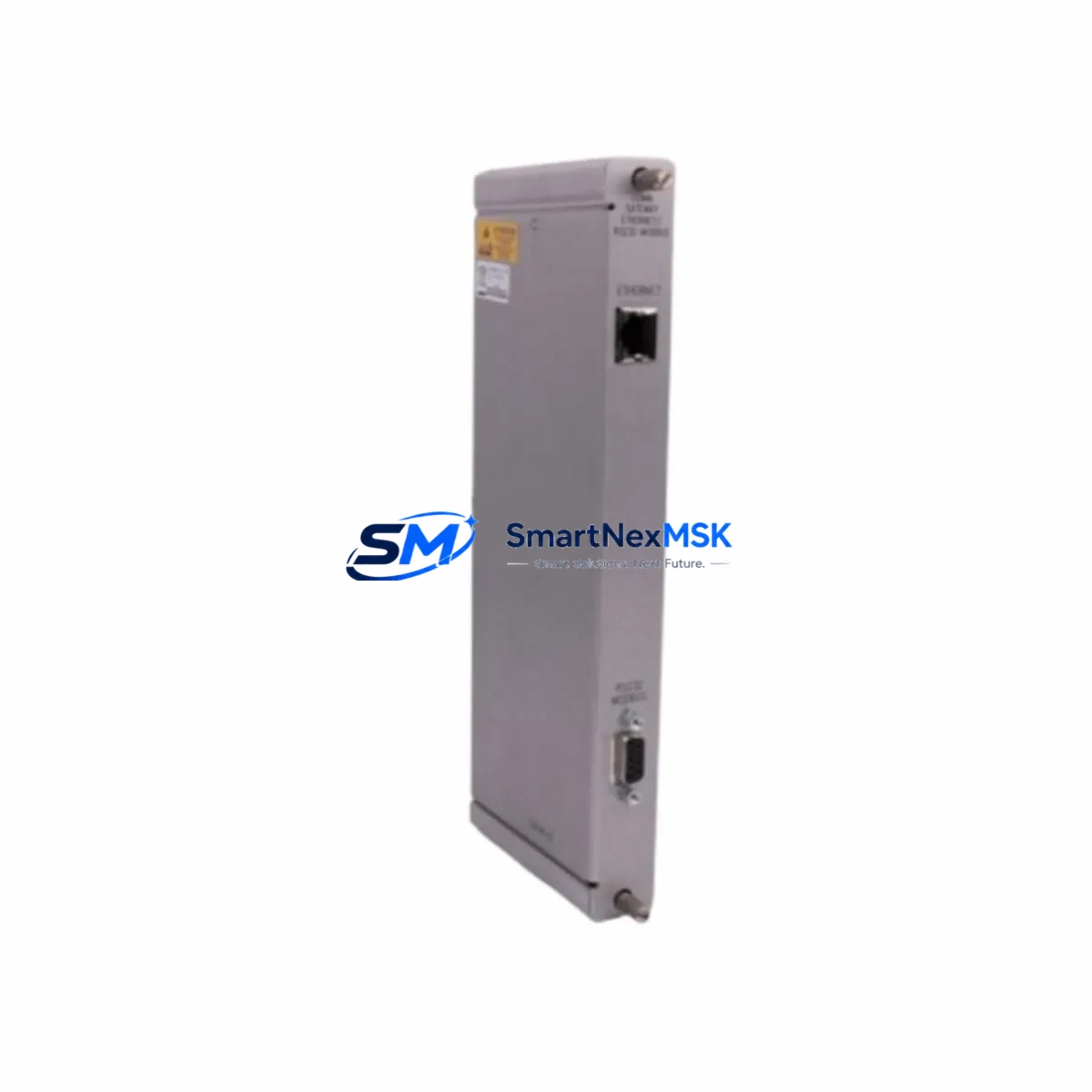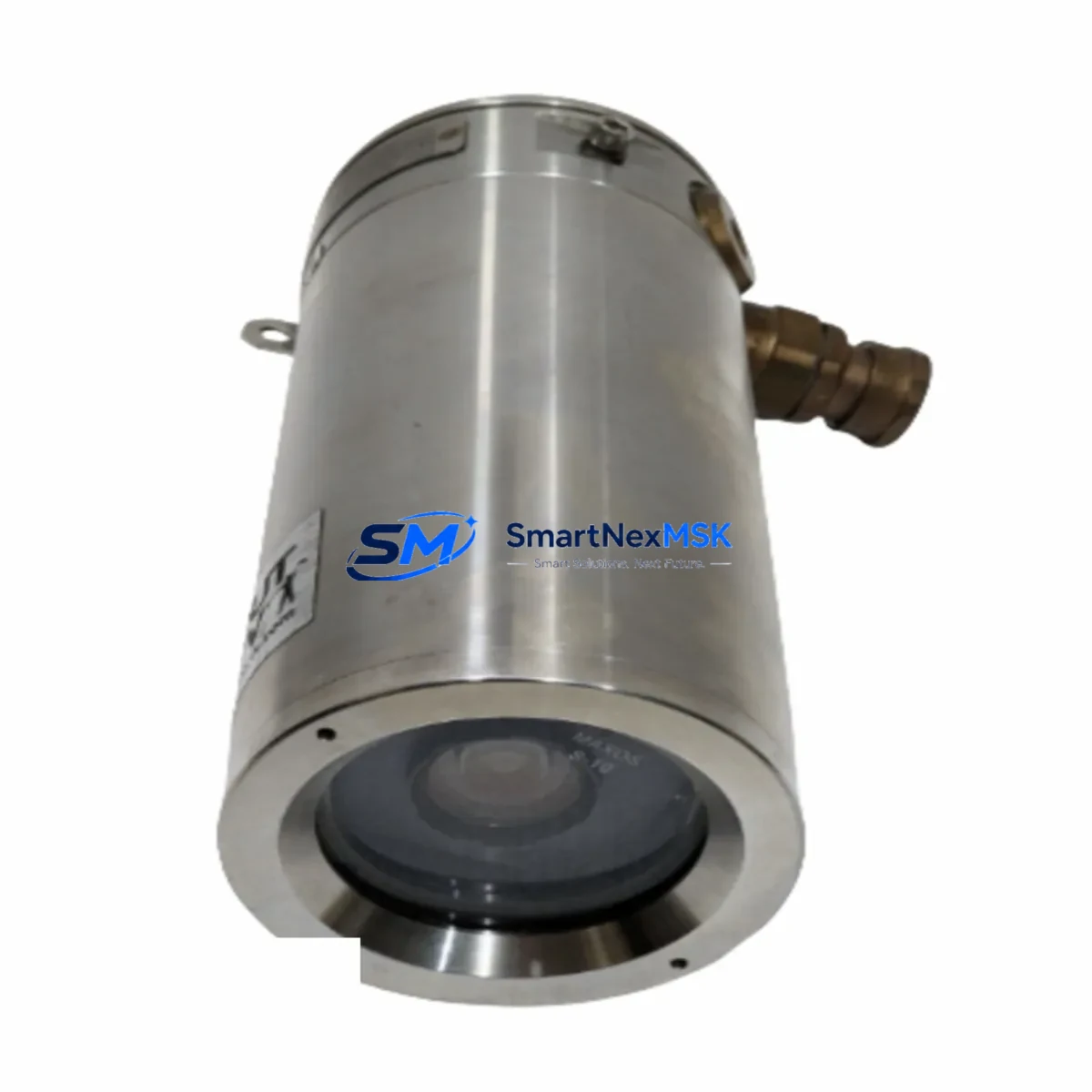
Bently Nevada SCOUT100-EX Maintenance-Ready Spare SCOUT100 Automation
The Bently Nevada SCOUT100-EX is a maintenance-critical portable vibration analyzer designed for hazardous-area condition monitoring in continuous process industries. As an original spare part sourced directly from authorized supply channels, this unit supports rapid field replacement in ATEX Zone 1 and IECEx-rated environments where downtime carries significant operational and safety risk. Whether your maintenance team is executing a planned turnaround, responding to an unplanned trip, or building a strategic spare parts inventory for aging rotating machinery assets, the SCOUT100-EX delivers the measurement accuracy and environmental robustness required for mission-critical vibration diagnostics.
Maintenance engineers and reliability teams operating Bently Nevada 3500 Series rack systems, System 1 condition monitoring software, or legacy 7200 Series proximity transducer loops will recognize the SCOUT100-EX as a natural field companion — enabling route-based data collection, bearing fault detection, and overall vibration trending without interrupting continuous online monitoring. Its compatibility with the broader SCOUT100 Series platform ensures that firmware, accessories, and calibration procedures remain consistent across your maintenance fleet.
Spare Maintenance Table
| Parameter | Specification / Detail |
|---|---|
| Part Number / SKU | SCOUT100-EX |
| Brand | Bently Nevada (Baker Hughes) |
| Series | SCOUT100 Series Portable Vibration Analyzer |
| Product Type | Portable Vibration Analyzer — Hazardous Area |
| Hazardous Area Certification | ATEX Zone 1 / IECEx (intrinsically safe) |
| Measurement Channels | Vibration (acceleration, velocity, displacement), temperature, speed |
| Sensor Compatibility | Accelerometers, velocity transducers, proximity probes (eddy current) |
| Communication / Data Transfer | USB, compatible with System 1 software data import |
| Power Supply | Rechargeable Li-ion battery pack (field-replaceable) |
| Operating Temperature | -20°C to +60°C (standard industrial range) |
| Ingress Protection | IP65 or better (dust-tight, water jet resistant) |
| Origin | USA (Bently Nevada / Baker Hughes) |
| Compatibility | SCOUT100 Series; integrates with 3500 Series rack monitoring systems |
| Installation | Handheld portable — no panel mounting required; magnetic base accessory available |
| Maintenance Recommendation | Calibration check every 12 months; battery replacement per cycle count; firmware update before deployment |
| Warranty | 12 Months — covers manufacturing defects; pre-tested before shipment |
| Condition | Original spare — new or refurbished-to-spec with full functional test |
Maintenance Planning for Continuous Operation
When the SCOUT100-EX is scheduled for replacement or first-time deployment, a thorough inspection of the surrounding measurement chain is essential to avoid repeat failures and ensure data integrity. Maintenance engineers should begin by verifying the condition of the accelerometer sensor cables and BNC/Lemo connectors — damaged coaxial cables are a leading cause of erratic vibration readings that can be misattributed to analyzer faults. If the unit is used with Bently Nevada 3300 XL or 3500/42M proximitor/seismic monitors, confirm that the rack-mounted monitor cards are within calibration and that gap voltages on proximity probes are within the –10 VDC to –18 VDC acceptance window.
For sites running Bently Nevada TK-3 or TK-81 proximity transducer systems, cross-check the extension cable lengths and driver module output before assuming the SCOUT100-EX reading is the reference baseline. Procurement engineers building a comprehensive spare parts kit should also stock Bently Nevada 330130 or 330180 Series proximity probes alongside the SCOUT100-EX, as these are the most common field-replaceable sensing elements in the same rotating machinery monitoring loop.
In control cabinet inspections, verify that the 24 VDC instrument power supply rails feeding the monitoring rack are within tolerance — a sagging supply voltage can cause false alarms that send technicians to the field with a replacement analyzer when the root cause is upstream. Similarly, inspect terminal blocks and DIN rail wiring in the junction box for corrosion, loose ferrules, or moisture ingress, particularly in outdoor or coastal installations. Where signal isolation is required between the field device and the DCS input card, confirm that signal isolators or galvanic isolators (such as those in the Phoenix Contact MACX or P-series) are functioning correctly and have not drifted out of range.
For sites integrating SCOUT100-EX data into a Bently Nevada System 1 condition monitoring platform, ensure the data collector firmware is compatible with the installed System 1 version before deployment. Incompatible firmware can prevent route uploads or corrupt trend data. If the plant also operates Bently Nevada 1900/65A general-purpose vibration monitors or 3500/40M proximitor monitors, include these in the annual calibration schedule alongside the portable analyzer to maintain a consistent measurement reference across online and offline monitoring assets.
Site Replacement Workflow
Step 1 — Pre-replacement verification: Confirm the failed or retiring unit’s SKU (SCOUT100-EX vs. SCOUT100 standard) and hazardous area certification requirements for the target zone. Do not substitute a non-EX variant in ATEX Zone 1 areas.
Step 2 — Data backup: If the outgoing unit contains stored route data or trend history, export all data to System 1 or a local PC before powering down. Use the USB interface and the SCOUT data manager utility.
Step 3 — Battery and firmware check: Before deploying the replacement SCOUT100-EX, charge the battery to full, verify firmware version compatibility with your route files, and update if necessary. A firmware mismatch is the most common cause of post-replacement route upload failures.
Step 4 — Sensor connection and zero-check: Connect the accelerometer or proximity probe input, perform a sensor check routine from the analyzer menu, and confirm signal levels are within expected range before taking the first measurement. This eliminates cable and connector faults as variables.
Step 5 — Route upload and baseline measurement: Upload the measurement route from System 1, collect a baseline vibration spectrum on the first machine in the route, and compare against the historical trend to confirm the replacement unit is reading consistently with the previous analyzer. Document the unit serial number change in your CMMS.
Step 6 — Return-to-service documentation: Record the replacement in your maintenance management system, update the spare parts inventory, and flag the next calibration due date (12 months from deployment). If the outgoing unit is repairable, initiate a repair/recalibration work order to restore it to spare status.
Spare Parts Support FAQ
Q1: Is the SCOUT100-EX a direct drop-in replacement for the standard SCOUT100?
The SCOUT100-EX shares the same measurement platform and route compatibility as the SCOUT100 but is specifically certified for use in ATEX Zone 1 and IECEx hazardous areas. It is a direct functional replacement for SCOUT100-EX units only. Using a non-EX variant in a classified hazardous area is a safety and compliance violation. Always verify the zone classification of your installation before ordering.
Q2: What is included in the 12-month warranty and pre-shipment testing?
Every SCOUT100-EX unit is functionally tested prior to shipment — including power-on self-test, sensor input verification, data storage check, and battery capacity confirmation. The 12-month warranty covers manufacturing defects and functional failures under normal operating conditions. It does not cover physical damage, unauthorized modification, or use outside the rated environmental specifications. Warranty claims are processed with return shipping coordination and replacement or repair within agreed lead times.
Q3: How should the SCOUT100-EX be stored as a long-term spare?
Store the unit in its original protective case in a dry, temperature-controlled environment (10°C to 30°C recommended). Remove or partially discharge the Li-ion battery pack if storing for more than 6 months to prevent deep discharge damage. Perform a power-on self-test and battery charge cycle every 6 months during storage. Label the unit with the storage start date and next inspection date in your spare parts management system.
Q4: Can compatibility with System 1 software be verified before shipment?
Yes. Provide your System 1 software version and existing route file format when placing your order. Our technical team will confirm firmware compatibility and, where possible, pre-load or verify the firmware version on the unit before dispatch. This service is included at no additional charge and significantly reduces the risk of post-delivery integration issues.
© 2026 SMARTNEXMSK. All rights reserved.
Original Source: https://smartnexmsk.com
Contact: [email protected] | +86 18259474341