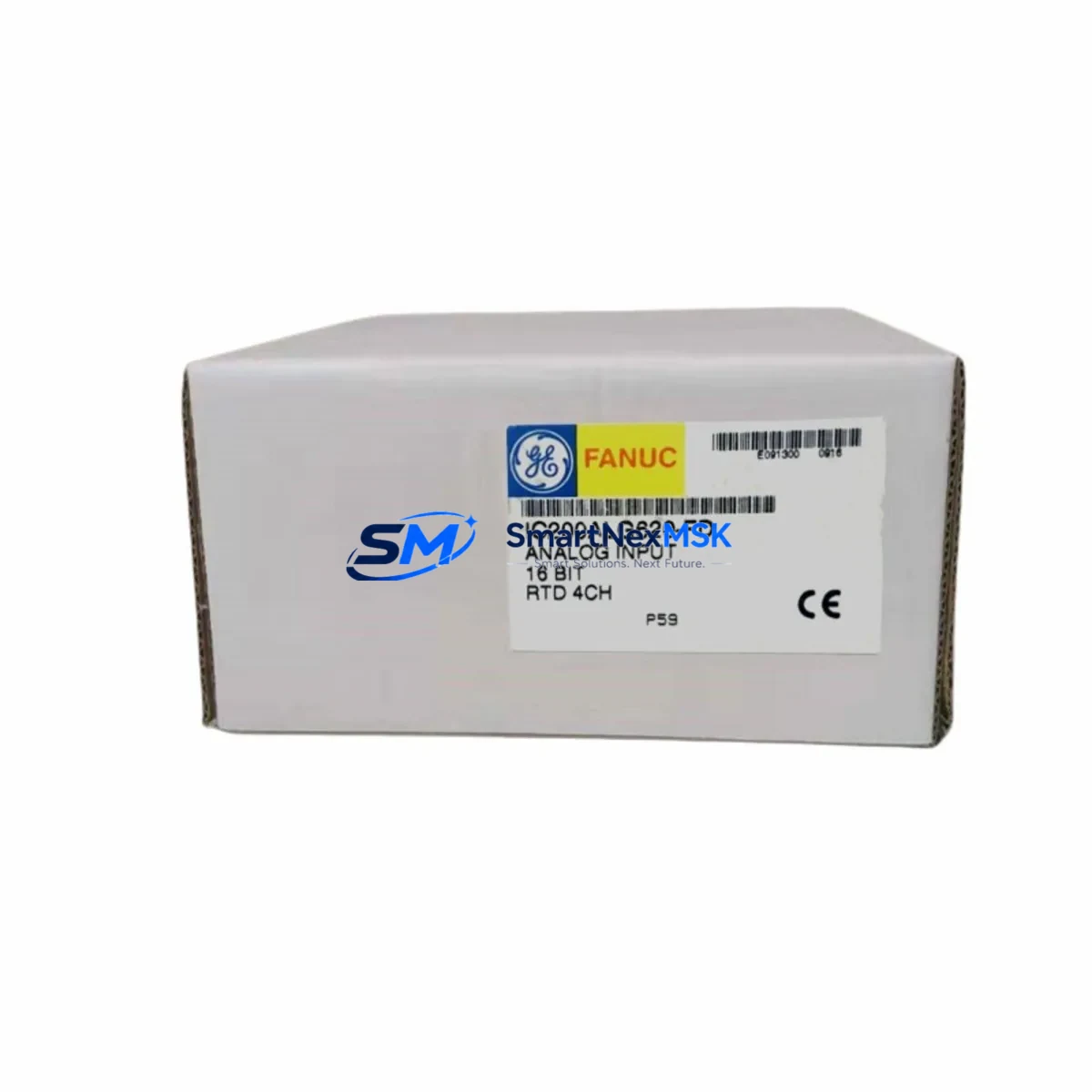
GE IC200ALG620-FD Maintenance-Ready Spare for VersaMax Automation
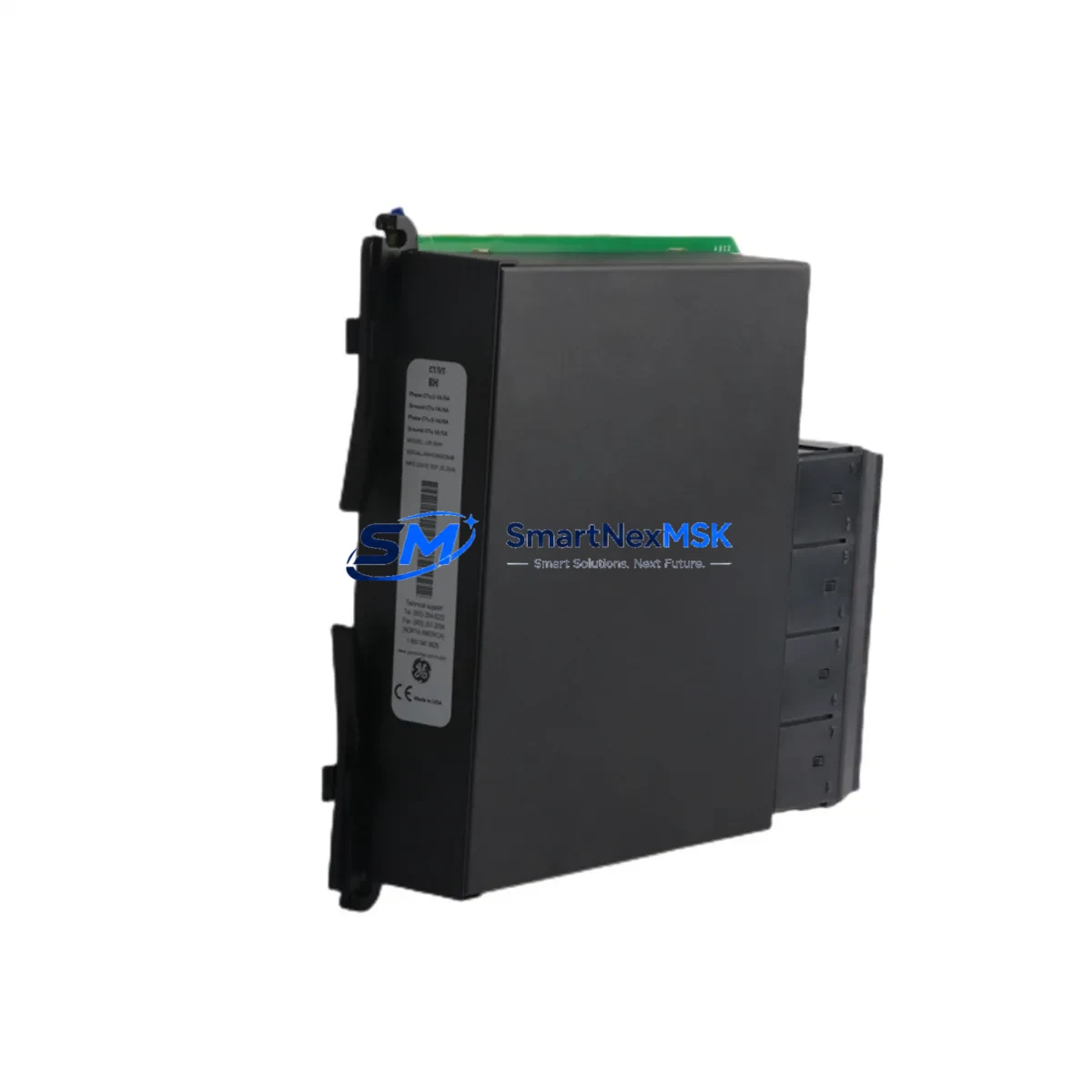
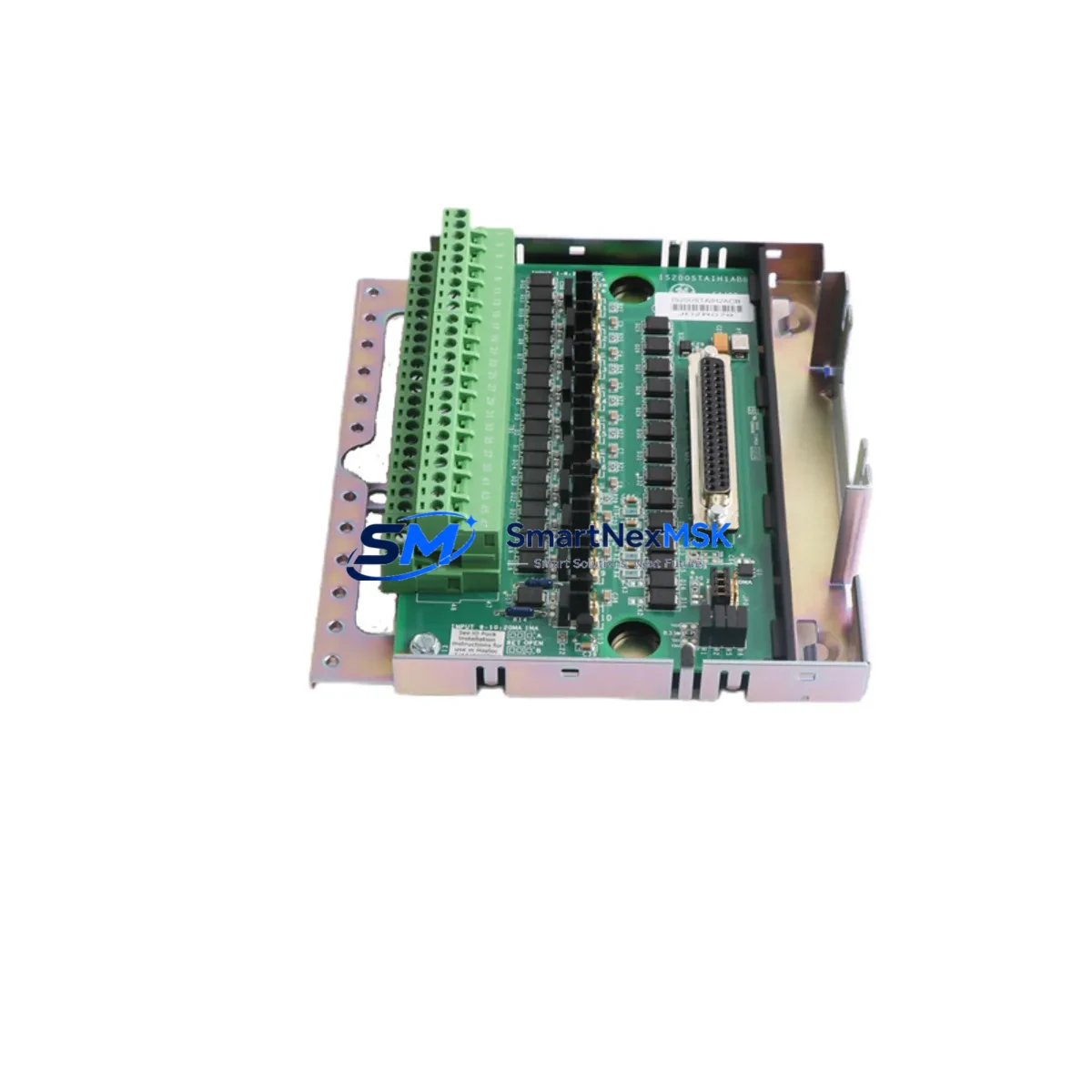
The GE IC200ALG620-FD is a 16-channel, 16-bit analog input module designed for the GE VersaMax modular PLC platform. As a maintenance-ready original spare, it is engineered to deliver direct drop-in replacement capability for aging or failed units in continuous-process, discrete manufacturing, and utility control environments. For maintenance engineers managing aging VersaMax systems, holding a verified IC200ALG620-FD in the spare parts cabinet is a proven strategy to reduce unplanned downtime from hours to minutes.
This module supports ±10 V, 0–10 V, 0–20 mA, and 4–20 mA input ranges, making it broadly compatible with field transmitters across temperature, pressure, flow, and level measurement loops. Its 16-bit resolution ensures signal fidelity that meets the demands of precision process control without requiring recalibration of upstream instrumentation after replacement.
Spare Maintenance Table
| Parameter | Specification |
|---|---|
| Part Number | IC200ALG620-FD |
| Brand / Manufacturer | GE (General Electric) / Emerson Automation |
| Series | VersaMax Modular PLC |
| Module Type | Analog Input Module |
| Number of Channels | 16 Channels |
| Resolution | 16-bit |
| Input Ranges | ±10 V, 0–10 V, 0–20 mA, 4–20 mA (software-configurable per channel) |
| Backplane Compatibility | VersaMax IC200CHS series backplanes |
| Power Consumption | Supplied via VersaMax backplane bus |
| Operating Temperature | 0°C to 60°C (32°F to 140°F) |
| Storage Temperature | -40°C to 85°C |
| Relative Humidity | 5% to 95% non-condensing |
| Isolation | 500 V DC channel-to-backplane isolation |
| Mounting | Direct slot insertion into VersaMax backplane — no tools required |
| Configuration | Via GE Proficy Machine Edition (ME) or compatible programmer |
| Condition | Original, new or refurbished-to-spec |
| Pre-shipment Testing | Full functional and electrical test performed |
| Warranty | 12 Months from date of shipment |
| Origin | USA |
Maintenance Planning for Continuous Operation
When replacing the IC200ALG620-FD in a live VersaMax control cabinet, a disciplined maintenance engineer will not stop at the module itself. A failed or degraded analog input module is frequently a symptom of broader electrical stress in the cabinet. Before returning the system to service, the following components in the same electrical circuit and backplane should be inspected or tested:
- IC200PWR002 / IC200PWR101 Power Supply Module: Verify output voltage stability under load. A sagging or noisy 24 VDC bus is a leading cause of analog module degradation and ADC drift.
- IC200CHS022 / IC200CHS014 Backplane: Inspect backplane connector pins for oxidation, mechanical damage, or intermittent contact — a damaged backplane slot will destroy a replacement module within weeks.
- IC200CPU001 / IC200CPU005 CPU Module: Confirm firmware version compatibility with the IC200ALG620-FD and verify that the I/O configuration table in Proficy ME matches the physical slot assignment.
- IC200MDL650 / IC200MDL740 Digital I/O Modules: Check adjacent digital modules for shared ground faults or wiring errors that may have contributed to the analog module failure.
- Signal Isolators (e.g., MTL or Phoenix Contact MACX series): Inspect loop-powered signal isolators on 4–20 mA circuits feeding the IC200ALG620-FD. A failed isolator can inject noise or reverse polarity into the analog input, causing module damage.
- Terminal Blocks and Field Wiring: Re-torque all screw terminals on the analog input wiring. Loose connections on milliamp loops cause intermittent faults that are difficult to diagnose and often misattributed to the module itself.
- Fuses and Circuit Protection: Replace any blown or weakened fuses on the 24 VDC supply rail feeding the VersaMax rack. Use time-delay fuses rated for the inrush current of the full backplane load.
- IC200ALG320 / IC200ALG430 Companion Analog Modules: If the cabinet contains analog output modules (AO) in the same rack, verify their calibration and output integrity — a shorted AO channel can backfeed into shared wiring and damage AI modules.
- IC200GBI001 Genius Bus Interface or IC200PBI001 Profibus Interface: If the VersaMax rack communicates via fieldbus, confirm that the communication module is error-free and that the network scan rate is correctly configured for the expanded I/O count after module replacement.
- Grounding and Shield Termination: Verify that cable shields on all analog field cables are terminated at one end only (typically at the panel) and that the cabinet earth ground is below 1 Ω. Poor shielding is the most common cause of recurring analog noise faults in industrial environments.
Procurement engineers should note that the IC200ALG620-FD is a long-lifecycle component with confirmed availability through authorized industrial spare parts distributors. Establishing a minimum stock level of one unit per VersaMax rack in critical process areas is a cost-effective insurance policy against extended production shutdowns.
Site Replacement Workflow
Step 1 — Pre-replacement verification: Before powering down the rack, document the current channel configuration (input range, scaling, alarm setpoints) from the Proficy ME project file. If no backup exists, use the online read function to extract the live configuration before shutdown.
Step 2 — Safe isolation: De-energize the VersaMax rack via the main disconnect. Verify zero energy with a calibrated multimeter on the 24 VDC bus before touching any module. Disconnect all field wiring from the analog input terminal block, labeling each wire by channel number.
Step 3 — Module extraction and inspection: Remove the failed IC200ALG620-FD by releasing the module latch and sliding it out of the backplane slot. Inspect the backplane connector for bent pins or carbon tracking. Clean with isopropyl alcohol if contamination is present.
Step 4 — Replacement installation: Insert the new IC200ALG620-FD into the same slot. Ensure the module is fully seated and the latch is engaged. Reconnect field wiring in channel order, verifying polarity on all current-loop inputs.
Step 5 — Configuration restore and commissioning: Power up the rack and download the verified Proficy ME configuration. Confirm that all 16 channels report expected engineering unit values within ±0.5% of the calibrated transmitter output. Log the replacement in the site maintenance record with the new module serial number and warranty start date.
This workflow minimizes rack downtime to under 30 minutes for a prepared maintenance team and eliminates the risk of configuration mismatch that can cause process upsets after module replacement.
Spare Parts Support FAQ
Q1: Is the IC200ALG620-FD still in production, and how long can I expect supply continuity?
The IC200ALG620-FD is a mature VersaMax platform component. While GE/Emerson has transitioned newer systems to the RX3i platform, the IC200ALG620-FD remains available through industrial spare parts specialists with long-term inventory commitments. We maintain stock specifically to support legacy system life extension programs, and can confirm availability before order placement.
Q2: How is the module tested before shipment?
Every IC200ALG620-FD unit undergoes a full functional test on a live VersaMax backplane prior to dispatch. Testing covers all 16 input channels across voltage and current input ranges, backplane communication integrity, and power consumption verification. A test report is available upon request. All units ship with a 12-month warranty from the date of shipment.
Q3: Can this module replace earlier revisions such as IC200ALG620 (without the -FD suffix)?
The -FD revision designation indicates a firmware or hardware revision level. In most VersaMax applications, the IC200ALG620-FD is backward-compatible with earlier revisions in the same slot. However, we recommend verifying the Proficy ME hardware catalog version used in your project to confirm compatibility before installation in safety-critical applications.
Q4: What is your lead time and do you support emergency orders?
Standard orders ship within 1–3 business days from confirmed stock. Emergency same-day dispatch is available for critical production shutdowns — contact our team directly with your site urgency details. We support global shipping with DHL Express, FedEx International Priority, and UPS Worldwide for fastest delivery to your facility.
© 2026 SMARTNEXMSK. All rights reserved.
Original Source: https://smartnexmsk.com
Contact: [email protected] | +86 18259474341