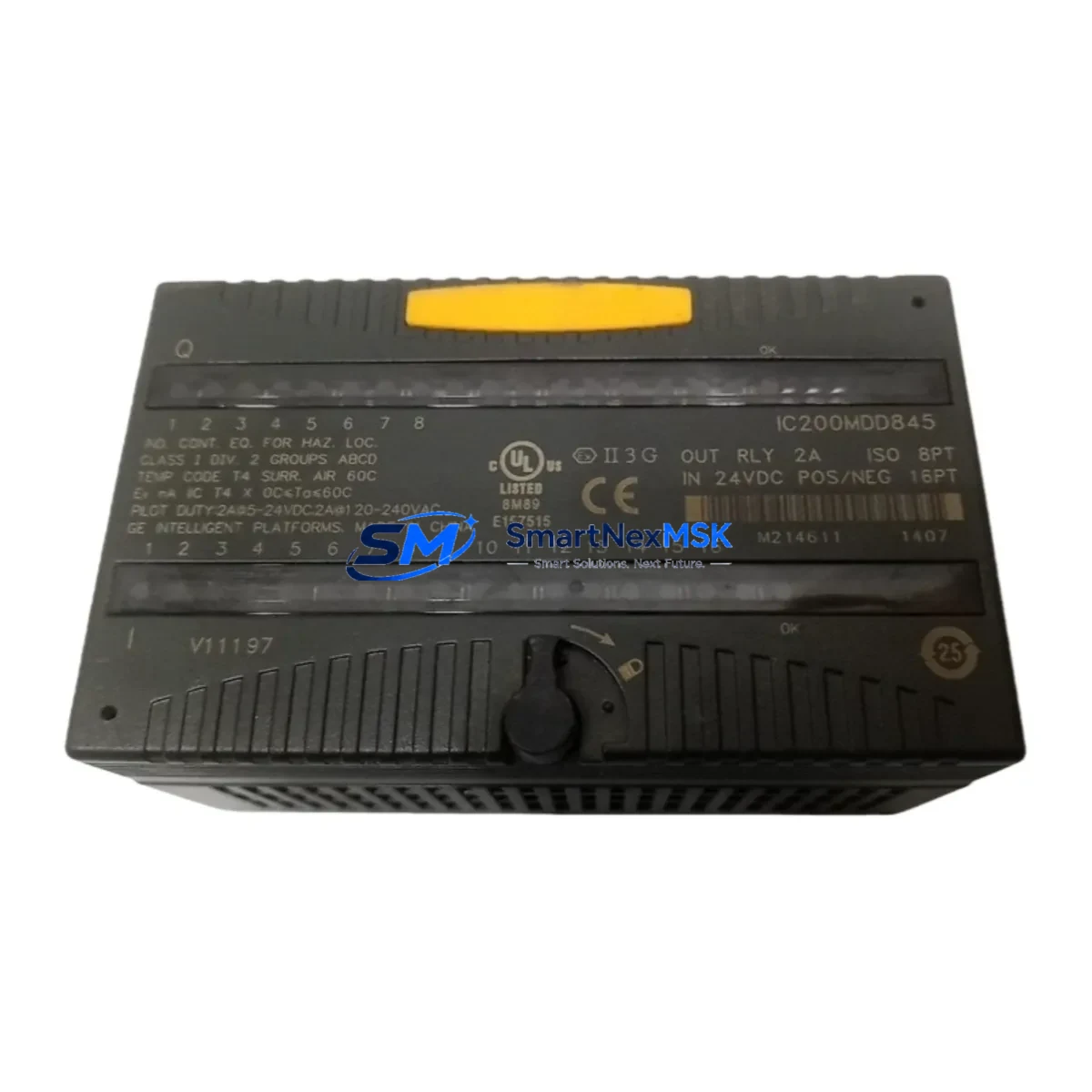
GE IC200MDD845 Spare for VersaMax Automation: Spare Replacement & Downtime Risk Control
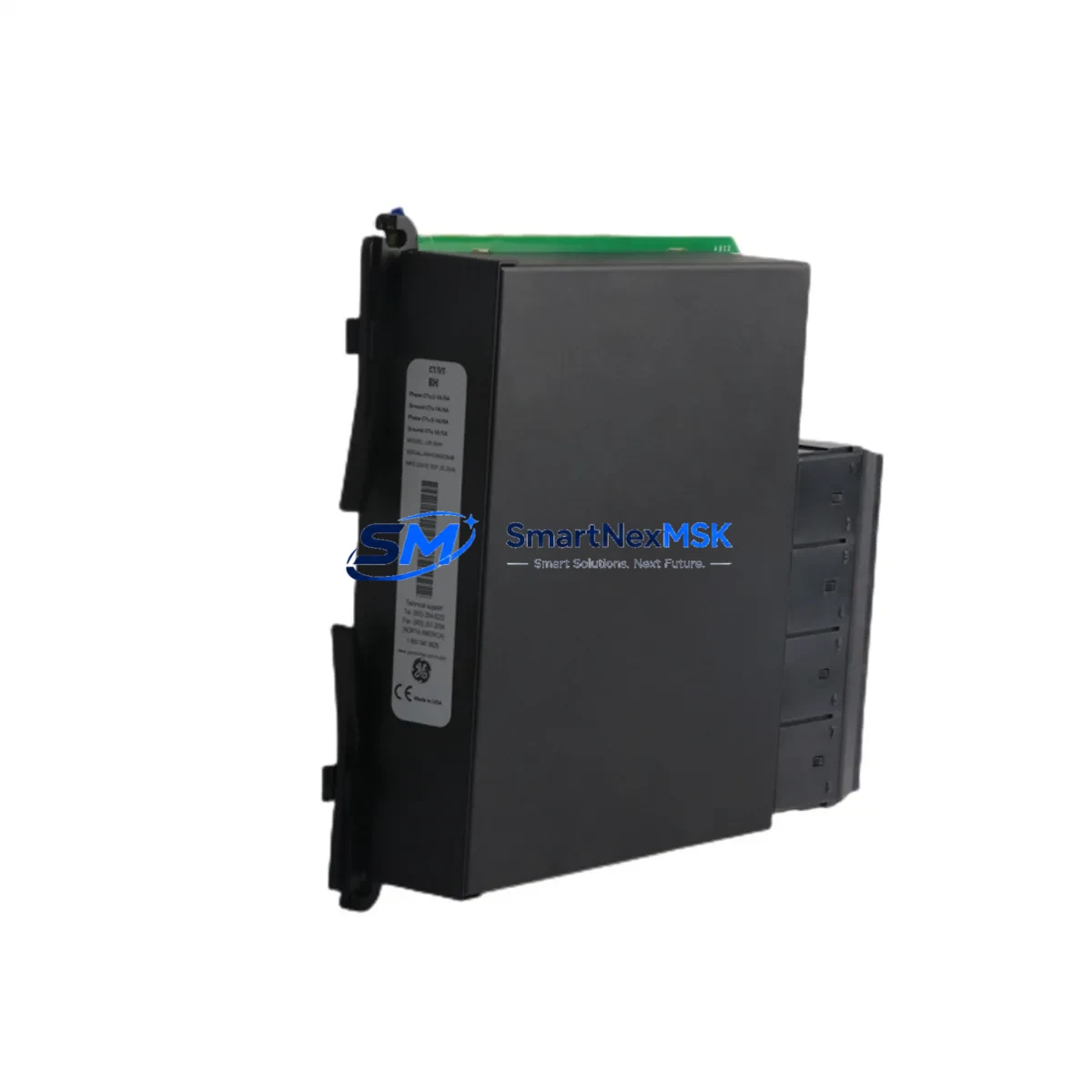
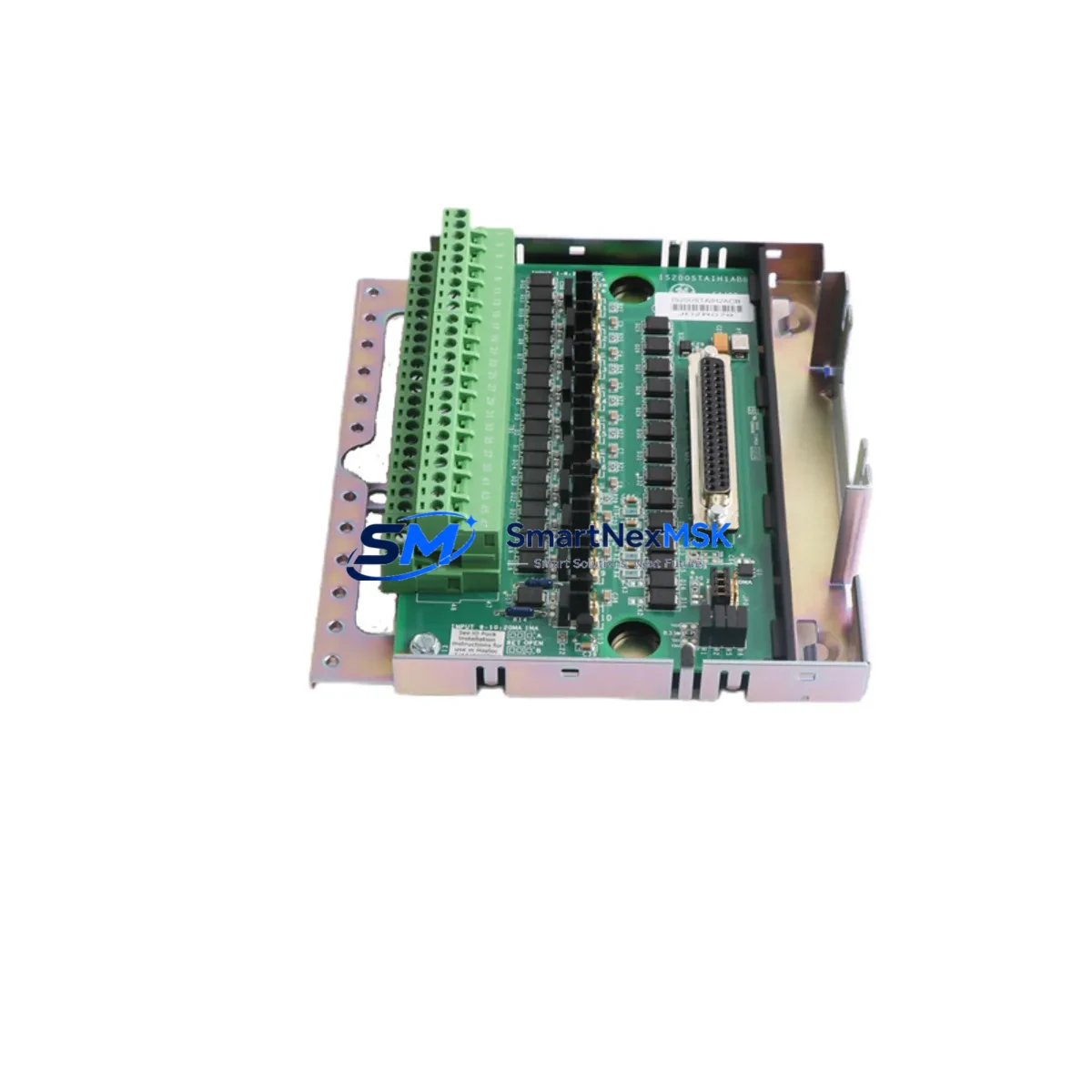
The GE IC200MDD845 is a mixed digital I/O module designed for the GE VersaMax series PLC platform, combining 16 discrete inputs and 12 discrete outputs in a single compact form factor. Operating at 24VDC, this module is a critical node in distributed control architectures across manufacturing, utilities, water treatment, and process automation facilities. When this module fails or degrades, the downstream impact on machine control, interlock logic, and field device communication can be immediate and severe. Maintaining a verified spare of the IC200MDD845 in your parts inventory is a fundamental element of any proactive maintenance strategy.
At SMARTNEXMSK, every IC200MDD845 unit is sourced as an original GE component, subjected to functional testing prior to shipment, and backed by a 12-month warranty. Our supply chain is structured to support both emergency replacement orders and planned procurement cycles, ensuring that maintenance engineers and procurement teams can access this module without extended lead times.
Spare Maintenance Table
| Parameter | Specification |
|---|---|
| Part Number | IC200MDD845 |
| Brand / Manufacturer | GE (General Electric) / Emerson Automation |
| Series | VersaMax |
| Module Type | Mixed Digital I/O (Discrete Input + Output) |
| Input Channels | 16 x 24VDC Discrete Inputs |
| Output Channels | 12 x 24VDC Discrete Outputs (Positive Logic) |
| Supply Voltage | 24VDC (Nominal) |
| Backplane Compatibility | VersaMax Local / Remote I/O Backplanes |
| Compatible CPUs | IC200CPUE05, IC200CPUE05-AE, IC200CPU001, IC200CPU002 and compatible VersaMax CPUs |
| Installation | DIN Rail / Panel Mount via VersaMax backplane slot |
| Operating Temperature | 0°C to 60°C |
| Application Environment | Industrial automation, discrete manufacturing, utilities, process control |
| Maintenance Recommendation | Inspect wiring harness, terminal block torque, and I/O LED status at each scheduled PM interval |
| Origin | USA (Original GE / Emerson manufactured component) |
| Warranty | 12 Months from date of shipment |
| Pre-shipment Testing | Functional I/O channel verification performed on every unit |
Maintenance Planning for Continuous Operation
Replacing the IC200MDD845 in a live VersaMax system is rarely an isolated task. Experienced maintenance engineers understand that a failed or degraded I/O module is often a symptom of broader electrical stress in the control cabinet. When scheduling a replacement of this module, a thorough site inspection should include the following associated components and subsystems:
Begin with the VersaMax backplane (such as the IC200CHS002 or IC200CHS022) — inspect the backplane connector pins for oxidation, mechanical damage, or intermittent contact that may have contributed to the module failure. Next, verify the 24VDC power supply module (e.g., IC200PWR002 or equivalent) output voltage under load; an under-voltage condition is a common root cause of I/O module faults and output channel failures.
Check the VersaMax CPU module (IC200CPUE05 or IC200CPU001) for active fault codes related to I/O bus communication errors. If the CPU has logged repeated I/O scan faults, the backplane or the module itself may have been operating in a degraded state for some time before the visible failure. Review the communications module if the VersaMax rack is configured as a remote I/O station — modules such as the IC200BEM003 (Genius Bus Interface) or IC200PBI001 (Profibus DP) should be inspected for correct addressing and communication health.
At the field wiring level, inspect all terminal blocks and wiring harnesses connected to the IC200MDD845’s I/O terminals. Loose terminations, corroded conductors, or undersized wire gauges are frequent contributors to channel-level faults. If the outputs drive inductive loads such as solenoid valves or motor contactors, verify that suppression diodes or RC snubbers are correctly installed across each load — missing suppression is a leading cause of premature output transistor failure in 24VDC discrete output modules.
For facilities running aging VersaMax systems, this replacement event is also an appropriate time to audit the IC200MDL640 or IC200MDL741 discrete input modules in adjacent slots, as well as any IC200ALG320 or IC200ALG260 analog I/O modules sharing the same backplane. Thermal cycling and vibration stress affect all modules in a rack equally, and a proactive inspection can prevent secondary failures in the weeks following the primary repair.
Finally, confirm that the IC200MDD845 firmware revision is compatible with the installed CPU firmware version. In long-running VersaMax installations, mixed firmware environments can cause subtle I/O scan timing issues that are difficult to diagnose without a systematic compatibility check.
Site Replacement Workflow
Step 1 — Pre-replacement verification: Confirm the replacement IC200MDD845 part number and revision match the installed module. Document the existing I/O channel assignments, wiring labels, and any custom configuration parameters stored in the CPU project file before powering down.
Step 2 — Safe power-down: Follow your site’s lockout/tagout (LOTO) procedure. De-energize the 24VDC field power supply feeding the I/O module outputs before removing the module from the backplane. Do not remove the module under power unless the system design explicitly supports hot-swap operation.
Step 3 — Module removal and inspection: Remove the IC200MDD845 from its backplane slot. Inspect the backplane connector for damage. Retain the failed module for failure analysis if required by your maintenance management system.
Step 4 — Installation of replacement module: Seat the new IC200MDD845 firmly into the backplane slot. Reconnect all field wiring to the terminal block, verifying each connection against the documented wiring schedule. Torque terminal screws to the manufacturer’s specified value.
Step 5 — Power-up and functional test: Restore 24VDC field power and PLC power. Observe the module’s status LEDs — the OK LED should illuminate solid green. From the CPU or programming terminal, force each I/O channel individually to verify correct field device response. Clear any latched fault codes in the CPU.
Step 6 — Return to service and documentation: Return the system to automatic operation. Update your CMMS (Computerized Maintenance Management System) with the replacement date, new module serial number, and any observations from the inspection. Order a replacement spare to restore your on-hand inventory level.
Spare Parts Support FAQ
Q1: Is the IC200MDD845 still available as a new original part, or only as refurbished?
SMARTNEXMSK supplies the IC200MDD845 as an original GE / Emerson component. Each unit is individually tested for full I/O channel functionality prior to shipment. Condition and sourcing details are confirmed at the time of order. We do not ship untested or cosmetically refurbished units without explicit disclosure.
Q2: What is the recommended spare parts inventory strategy for VersaMax I/O modules?
For facilities operating more than two VersaMax racks, we recommend maintaining a minimum of one IC200MDD845 spare per four installed units, alongside at least one spare CPU module and one spare power supply. Mixed digital I/O modules are among the highest-turnover spare parts in VersaMax installations due to their direct exposure to field wiring faults and inductive load switching stress.
Q3: How is compatibility with my existing VersaMax system verified before shipment?
Compatibility is confirmed based on the backplane type, CPU model, and firmware revision information provided at the time of order. Our technical team cross-references the IC200MDD845 revision level against known compatibility matrices for VersaMax local and remote I/O configurations. If you provide your CPU part number and project firmware version, we can confirm compatibility before the order is processed.
Q4: What does the 12-month warranty cover, and how is a warranty claim processed?
The 12-month warranty covers functional failure of the IC200MDD845 under normal operating conditions from the date of shipment. It does not cover damage resulting from incorrect installation, overvoltage events, or physical mishandling. To initiate a warranty claim, contact [email protected] with your order reference, a description of the failure mode, and any available diagnostic data from the CPU fault log. Replacement or repair is processed within the warranty period without additional charge.
© 2026 SMARTNEXMSK. All rights reserved.
Original Source: https://smartnexmsk.com
Contact: [email protected] | +86 18259474341