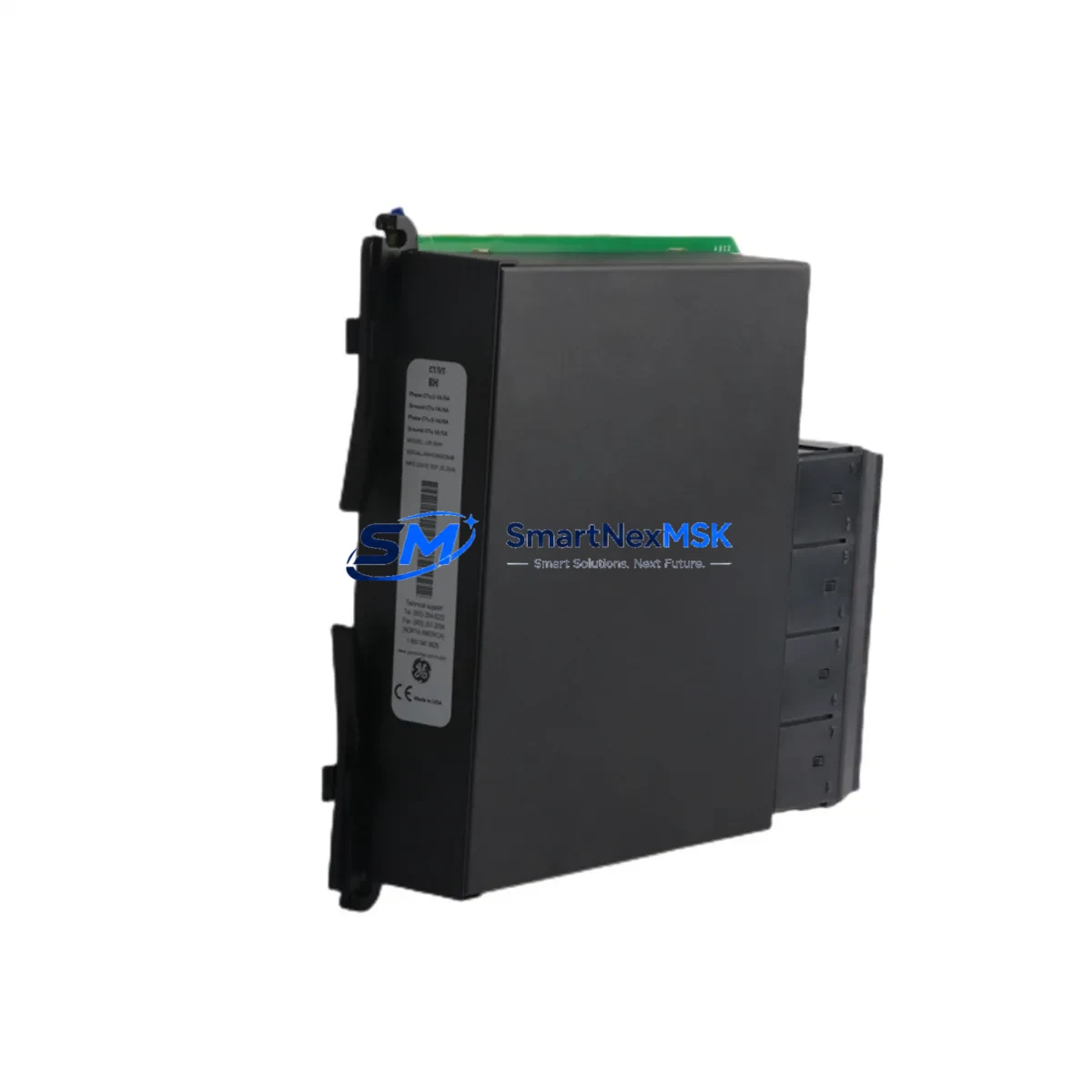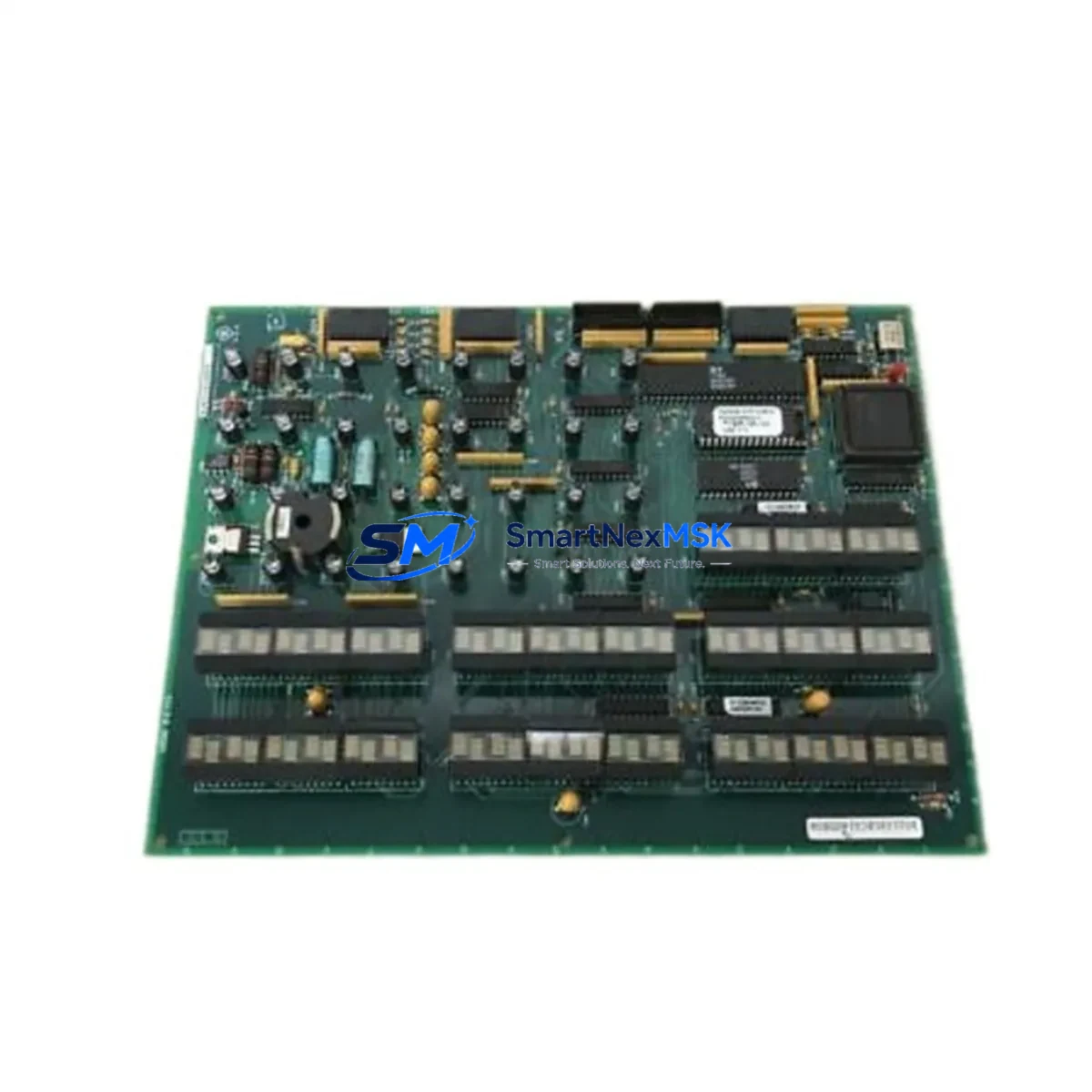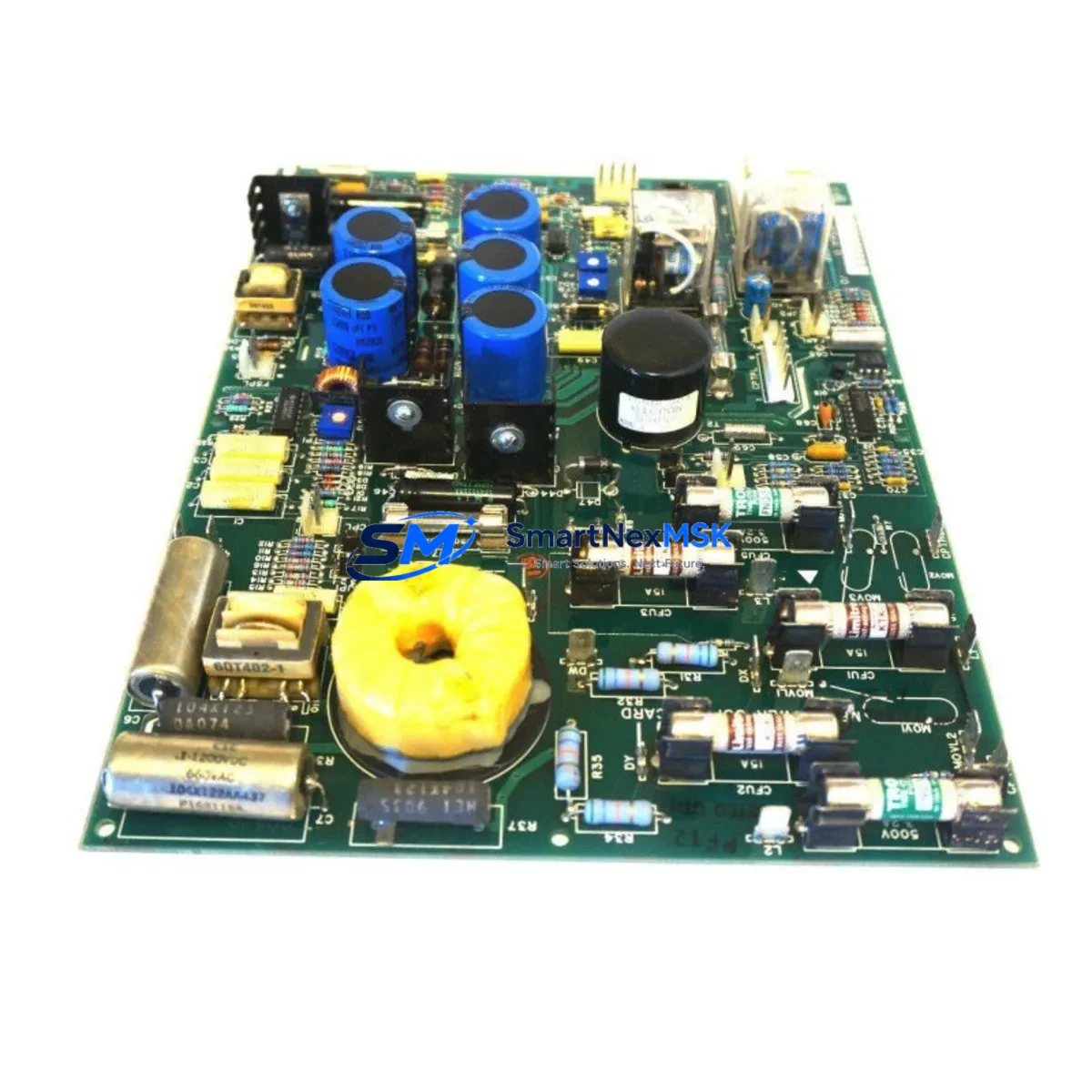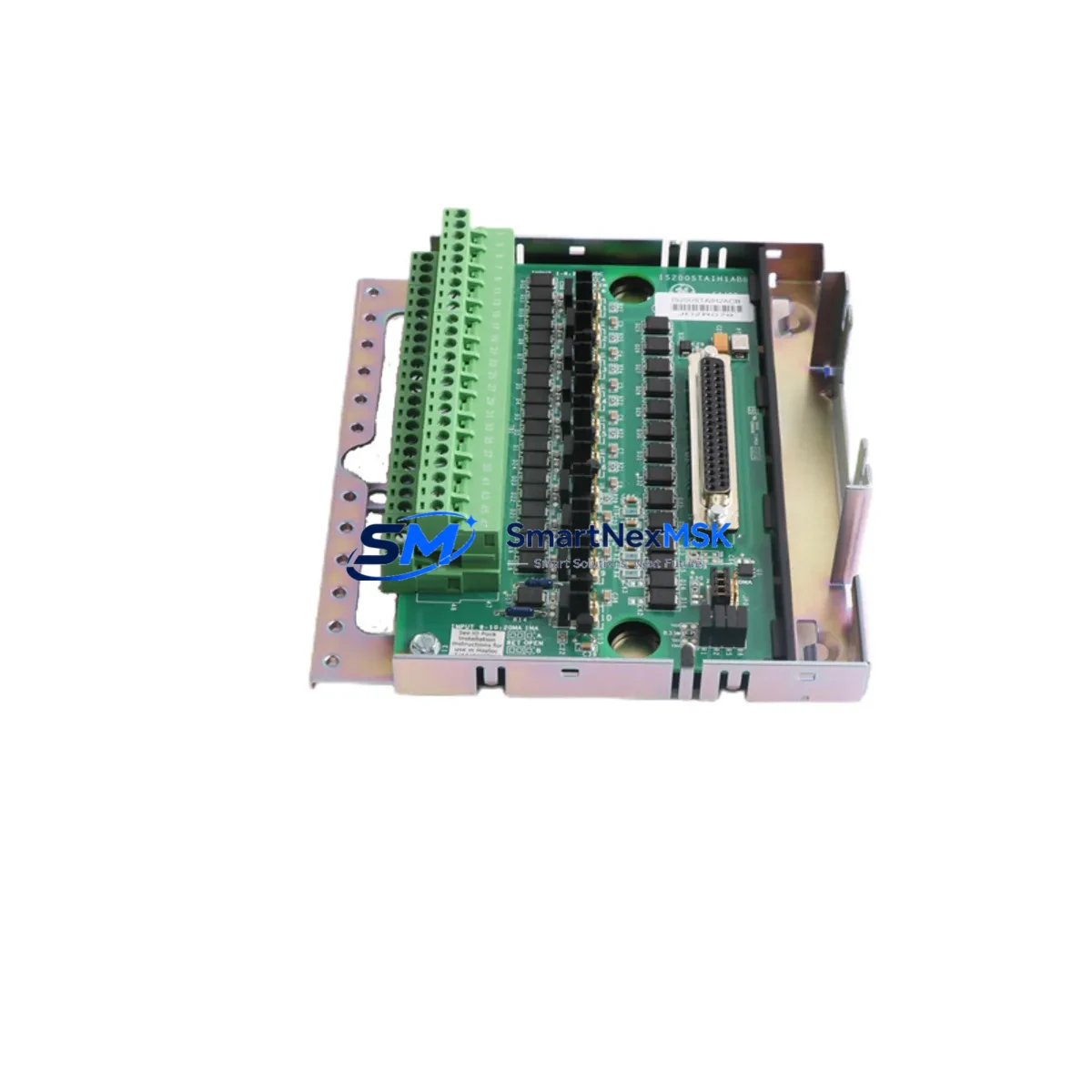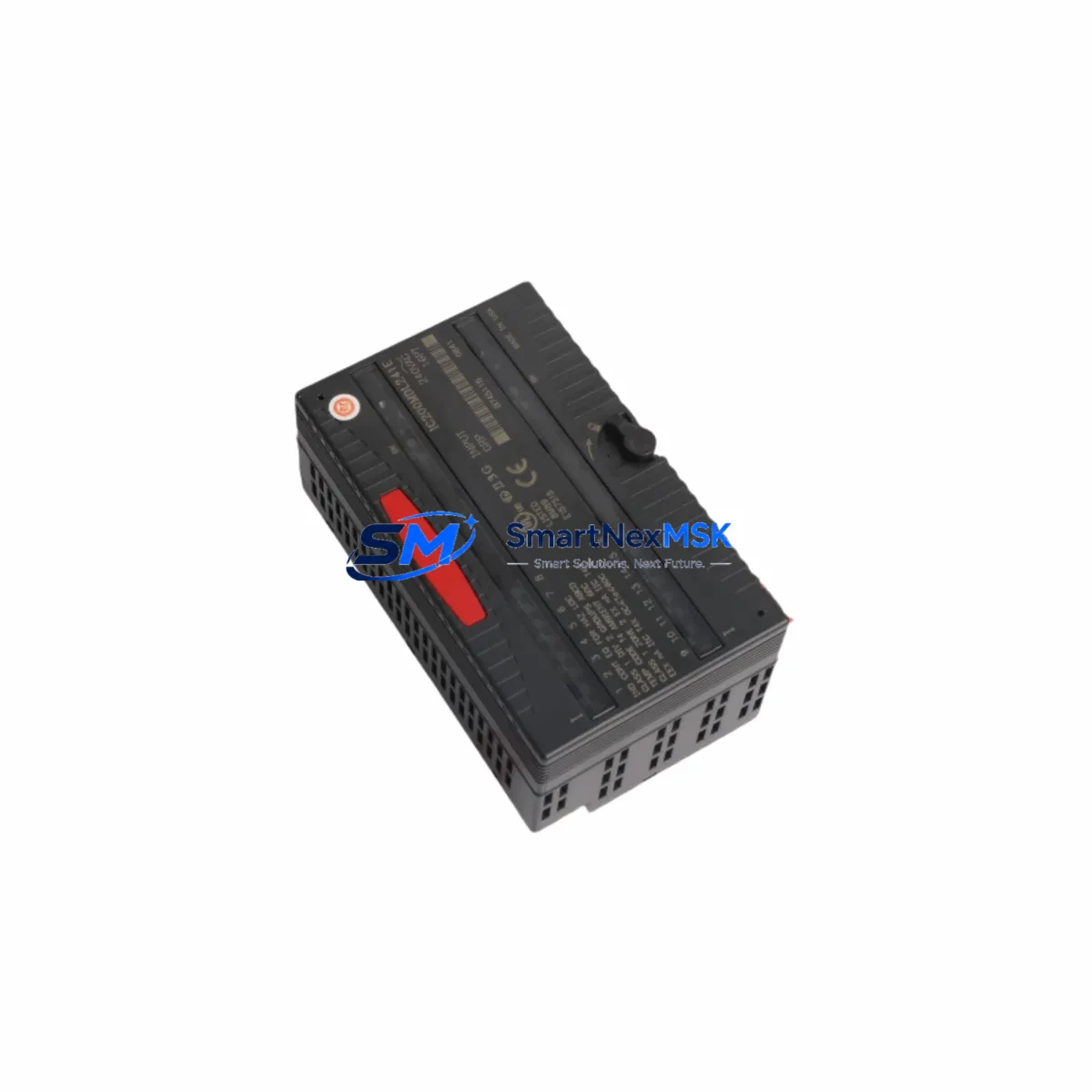
GE IC200MDL241 Maintenance-Ready Spare for VersaMax Automation
The GE IC200MDL241 is a 240VAC 16-point discrete input module designed for the GE VersaMax modular PLC platform. As a critical front-end I/O component in AC-powered field circuits, this module interfaces directly with high-voltage field devices — limit switches, proximity sensors, pushbuttons, and motor starter auxiliary contacts — and converts their status into digital signals processed by the VersaMax CPU. When this module fails or degrades, the entire associated I/O group goes dark, triggering unplanned downtime and forcing maintenance teams into reactive mode.
Sourced as an original spare, the IC200MDL241 is tested prior to shipment and backed by a 12-month warranty. It is stocked to support fast replacement cycles for maintenance engineers managing aging VersaMax installations, legacy GE automation systems, and mixed-generation control cabinets where long lead times on new hardware are not acceptable.
Spare Maintenance Table
| Part Number | IC200MDL241 |
| Brand | General Electric (GE) |
| Series | VersaMax Modular PLC |
| Module Type | Discrete Input Module |
| Input Voltage | 240VAC |
| Number of Input Points | 16 Points |
| Input Signal Type | AC Discrete (On/Off) |
| Backplane Compatibility | VersaMax I/O Carrier (IC200CHS series) |
| Isolation | Optical isolation between field and logic side |
| Operating Temperature | 0°C to 60°C |
| Mounting | Carrier-mounted, DIN rail compatible via VersaMax chassis |
| Application Environment | Industrial control panels, MCC rooms, process automation |
| Compatibility | GE VersaMax CPU (IC200CPU series), NIU (IC200PBI series) |
| Condition | Original, pre-shipment tested |
| Warranty | 12 Months |
| Lead Time | In stock — ships within 1–3 business days |
Maintenance Planning for Continuous Operation
When a maintenance or procurement engineer schedules replacement of the IC200MDL241, the inspection scope should extend beyond the module itself. The 240VAC field wiring feeding this module must be verified for insulation integrity and correct termination torque — loose connections at the field terminal block are a common cause of intermittent input faults that are misdiagnosed as module failure. The IC200CHS022 or IC200CHS014 carrier should be inspected for cracked connector pins or oxidized contacts before the new module is seated.
On the power distribution side, the IC200PWR002 or IC200PWR101 VersaMax power supply module should be load-tested to confirm it can sustain the full I/O complement after the replacement. A degraded power supply is frequently the root cause of cascading module faults. Upstream, the 240VAC branch circuit feeding the control cabinet should be checked at the terminal strip and the associated fuse or miniature circuit breaker — a blown fuse on the AC input rail will disable all 16 points simultaneously and mimic a failed module.
For systems using a VersaMax Network Interface Unit (IC200PBI001) or Ethernet NIU (IC200CPUE05), the communications link between the NIU and the CPU should be verified after module swap to confirm the I/O map is correctly re-established. If the system uses a GE Series 90-30 CPU as the host controller via a remote I/O drop, the rack configuration in the programming software (Proficy Machine Edition) must reflect the correct module type in the correct slot position.
Relay output modules in the same cabinet — such as the IC200MDL940 relay output module — should be inspected for contact wear if they are switching the same field loads that feed back into this input module. Signal isolation barriers or IC200ALG series analog input modules sharing the same backplane should also be checked for firmware compatibility after any VersaMax system update. Maintaining a minimum spare inventory of one IC200MDL241 per VersaMax rack in service is recommended for facilities with 24/7 production requirements.
Site Replacement Workflow
The IC200MDL241 is a direct plug-in replacement for any failed or end-of-life 240VAC 16-point discrete input module in the VersaMax platform. No firmware flashing or hardware configuration is required at the module level — the VersaMax system reads the module type automatically from the carrier slot. The replacement procedure is as follows:
Step 1 — Isolate: De-energize the 240VAC field circuit feeding the module. Verify zero voltage at the module’s field terminals using a calibrated meter before proceeding. Do not rely solely on the CPU’s I/O disable command for safety isolation.
Step 2 — Remove: Unlatch the module from the carrier by pressing the release tab and sliding the module out. Inspect the carrier connector for damage before inserting the replacement.
Step 3 — Insert: Seat the new IC200MDL241 firmly into the carrier slot until the latch clicks. Reconnect field wiring to the terminal block, verifying correct point-to-terminal mapping against the as-built wiring diagram.
Step 4 — Restore and Verify: Re-energize the field circuit. From the CPU or HMI (such as a QuickPanel+ IC755CSS series or legacy IC754VSL06CTD VersaMax HMI), confirm that all 16 input points are reading correctly. Cross-check against the field device status to rule out wiring errors.
Step 5 — Document: Log the replacement in the maintenance management system with the module serial number, installation date, and technician ID. Update the spare parts inventory to trigger reorder of a replacement unit.
This workflow minimizes downtime to under 30 minutes for a trained technician and eliminates the need for system reprogramming, making the IC200MDL241 one of the most maintenance-friendly modules in the VersaMax family.
Spare Parts Support FAQ
Q1: Is the IC200MDL241 still in production, and how long can I source it?
GE has transitioned the VersaMax line to end-of-life status, but original spare modules remain available through authorized industrial spare parts distributors. We maintain stock specifically to support legacy system operators who cannot migrate to newer platforms on short notice. Long-term supply continuity is a core part of our service model.
Q2: How do I verify compatibility before ordering?
Confirm your existing module’s part number from the label on the module face or from the rack configuration in Proficy Machine Edition. The IC200MDL241 is compatible with all VersaMax I/O carriers (IC200CHS series) and any VersaMax CPU or NIU acting as the rack controller. If your system uses a different AC voltage range (e.g., 120VAC), the correct module would be the IC200MDL240 — please verify before ordering.
Q3: What pre-shipment testing is performed on each unit?
Each IC200MDL241 is powered up and functionally tested prior to shipment. Input point continuity, optical isolation integrity, and backplane communication are verified. A test report is available upon request. Units are shipped in anti-static packaging with protective covers on the carrier connector.
Q4: What does the 12-month warranty cover?
The 12-month warranty covers all functional defects arising from normal industrial use. It does not cover damage from incorrect installation voltage, reversed polarity, physical impact, or moisture ingress. Warranty claims are processed with a replacement-first policy — we ship a verified replacement unit before requiring return of the defective module, minimizing your downtime exposure.
© 2026 SMARTNEXMSK. All rights reserved.
Original Source: https://smartnexmsk.com
Contact: [email protected] | +86 18259474341