
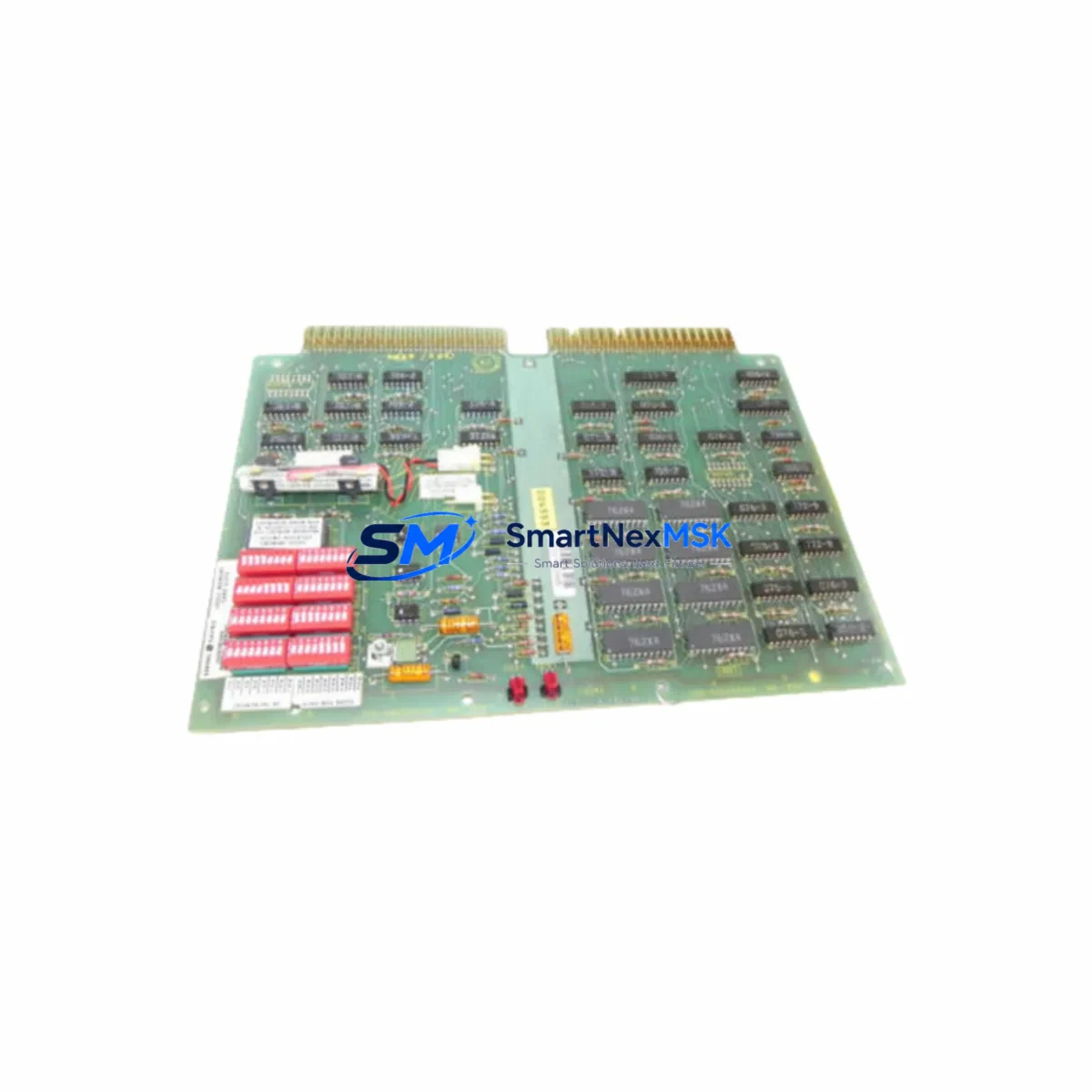
GE IC600BF949L Retrofit-Ready ASCII Serial I/O for Series Six Control Systems
The GE IC600BF949L is an ASCII Serial I/O Module originally designed for the GE Series Six Programmable Logic Controller platform — one of the most widely deployed industrial control architectures in process manufacturing, utilities, and heavy industry. As GE Fanuc transitioned its automation portfolio toward the Series 90-30, Series 90-70, and later PACSystems RX3i platforms, the IC600BF949L became a critical retrofit component for facilities that must maintain operational continuity on aging Series Six control cabinets while planning a phased migration to modern systems.
This module handles ASCII serial communications between the Series Six CPU and peripheral devices such as barcode readers, printers, operator terminals, and third-party instrumentation. Its role in legacy control architectures makes it one of the most sought-after discontinued spare parts in the industrial automation aftermarket. Our stock of IC600BF949L units is sourced from verified industrial surplus channels, inspected for physical integrity, and function-tested prior to shipment. Each unit ships with a 12-month warranty covering manufacturing defects and functional failure under normal operating conditions.
Upgrade Compatibility Table
| Parameter | IC600BF949L Specification | Retrofit Notes |
|---|---|---|
| Compatible Platform | GE Series Six PLC | Direct slot replacement; no backplane adapter required |
| Communication Type | ASCII Serial (RS-232 / RS-422) | Verify baud rate and parity settings match existing device configuration |
| Backplane Interface | Series Six I/O Bus | Incompatible with Series 90-30 or RX3i backplanes without gateway conversion |
| Module Address | Configurable via DIP switch | Match address settings from original module before installation |
| Power Consumption | Verify against IC600PM504 or IC600PM506 power supply capacity | Audit total rack power budget before adding modules |
| Terminal Wiring | DB-25 / DB-9 serial connector | Retain original cable harness; confirm pinout against device manual |
| Program Compatibility | Series Six Ladder Logic (Logicmaster 6) | No program rewrite required for direct replacement; verify I/O table references |
| HMI Integration | Compatible with legacy CIMPLICITY and third-party SCADA via serial link | Confirm COM port assignments in HMI driver configuration |
| Installation Environment | Panel-mount rack, 0–60°C operating range | Inspect rack ventilation and ambient temperature before commissioning |
| Warranty | 12-Month Warranty — functional failure and manufacturing defects covered from date of shipment | |
Retrofit Planning for Existing Automation Systems
Replacing the IC600BF949L in an operational Series Six control cabinet requires a structured approach to avoid unplanned downtime and configuration drift. Before pulling the original module, engineers should document the existing DIP switch address settings, record the serial port parameters (baud rate, data bits, stop bits, parity) from the Logicmaster 6 programming terminal, and photograph the terminal wiring at the DB-25 or DB-9 connector. This documentation becomes the baseline for the replacement module configuration.
The Series Six rack — typically an IC600CH series chassis such as the IC600CH485 or IC600CH486 — must be audited for available slot capacity and power headroom before the retrofit begins. The rack’s power supply, commonly an IC600PM504 or IC600PM506, has a defined current budget across all installed modules. Adding or replacing I/O modules without verifying this budget can cause intermittent faults or CPU resets under load. If the power supply is already near capacity, a parallel upgrade to a higher-rated supply should be scheduled as part of the same maintenance window.
For facilities running mixed racks that include analog input modules such as the IC600BF831 or discrete output modules like the IC600BF844, the I/O table in the Series Six CPU must be reviewed to confirm that the replacement IC600BF949L occupies the same logical slot address as the original. Mismatched slot addressing will cause the CPU to flag a configuration fault on the next power cycle, preventing the control program from entering RUN mode. The IC600CPU772 or equivalent Series Six CPU module should be placed in STOP mode before any module swap to protect the running program and prevent unintended output activation.
If the retrofit is part of a broader migration toward a GE PACSystems RX3i platform, the serial communications handled by the IC600BF949L may eventually be replaced by an IC695CMM002 serial communications module on the RX3i backplane. However, this transition requires a full program conversion from Logicmaster 6 to Proficy Machine Edition, remapping of all I/O references, and reconfiguration of any connected HMI screens built on CIMPLICITY or a third-party SCADA package. For facilities not yet ready for that level of migration, maintaining the IC600BF949L as a like-for-like replacement is the lowest-risk path to restoring serial communications without disrupting the existing control architecture.
Programming cables such as the IC690ACC901 serial programming cable are required to connect a laptop running Logicmaster 6 to the Series Six CPU for any program verification or I/O table edits following the module swap. Ensure the programming software version matches the CPU firmware revision to avoid communication handshake failures during the online connection.
Downtime Control During System Migration
Minimizing control system downtime during a Series Six module replacement begins with pre-staging the replacement IC600BF949L and verifying its configuration before the maintenance window opens. All DIP switch settings should be replicated from the original module on the bench, and the serial port parameters should be confirmed against the device documentation before the unit is installed in the rack.
Where process conditions allow, the CPU should be placed in STOP mode with outputs held in their last state using the appropriate Logicmaster 6 command. This preserves the output state of connected discrete and analog modules — including any IC600BF844 discrete output modules or IC600BF831 analog input modules in the same rack — while the serial I/O module is swapped. After installation, the CPU should be returned to RUN mode and the serial link verified by monitoring the communication status bits in the I/O table from the programming terminal.
For critical processes where even a brief STOP is unacceptable, a hot-standby strategy using a parallel Series Six rack with a redundant IC600CPU772 and a mirrored I/O configuration can maintain control continuity during the swap. This approach requires pre-existing redundancy infrastructure but eliminates the risk of process interruption entirely. In either case, the original program logic — including all timer presets, counter values, and data register contents — should be uploaded and saved to the programming terminal before the swap begins, providing a recovery baseline if the replacement module requires any configuration adjustment.
Retrofit Support FAQ
Q: Is the IC600BF949L a direct drop-in replacement for the original module in my Series Six rack?
A: Yes, for same-slot replacements within a Series Six chassis. The module uses the same backplane connector, occupies the same physical slot, and requires no changes to the CPU program or I/O table provided the DIP switch address settings are replicated from the original unit. Verify the serial port parameters (baud rate, parity, stop bits) match your connected device before returning the CPU to RUN mode.
Q: What wiring checks are required before installing the replacement module?
A: Inspect the DB-25 or DB-9 serial cable for damaged pins or loose terminations. Confirm the cable pinout matches the IC600BF949L port specification — particularly if the connected device uses a non-standard null-modem or crossover wiring configuration. Do not assume the existing cable is correctly wired without verifying against the original device documentation.
Q: How do I verify the module is communicating correctly after installation?
A: After returning the CPU to RUN mode, monitor the communication status bits assigned to the IC600BF949L in the Series Six I/O table using Logicmaster 6. A healthy serial link will show the status bits in their expected active state. If the status bits indicate a fault, check the baud rate, parity, and module address settings before escalating to a hardware fault diagnosis.
Q: What does the 12-month warranty cover?
A: The 12-month warranty covers functional failure and manufacturing defects under normal operating conditions from the date of shipment. Each IC600BF949L unit is inspected and function-tested prior to dispatch. Warranty claims are processed through our sales team with a standard RMA procedure. Physical damage caused by incorrect installation, overvoltage, or environmental exposure outside the module’s rated operating range is not covered.
© 2026 SMARTNEXMSK. All rights reserved.
Original Source: https://smartnexmsk.com
Contact: [email protected] | +86 18259474341



