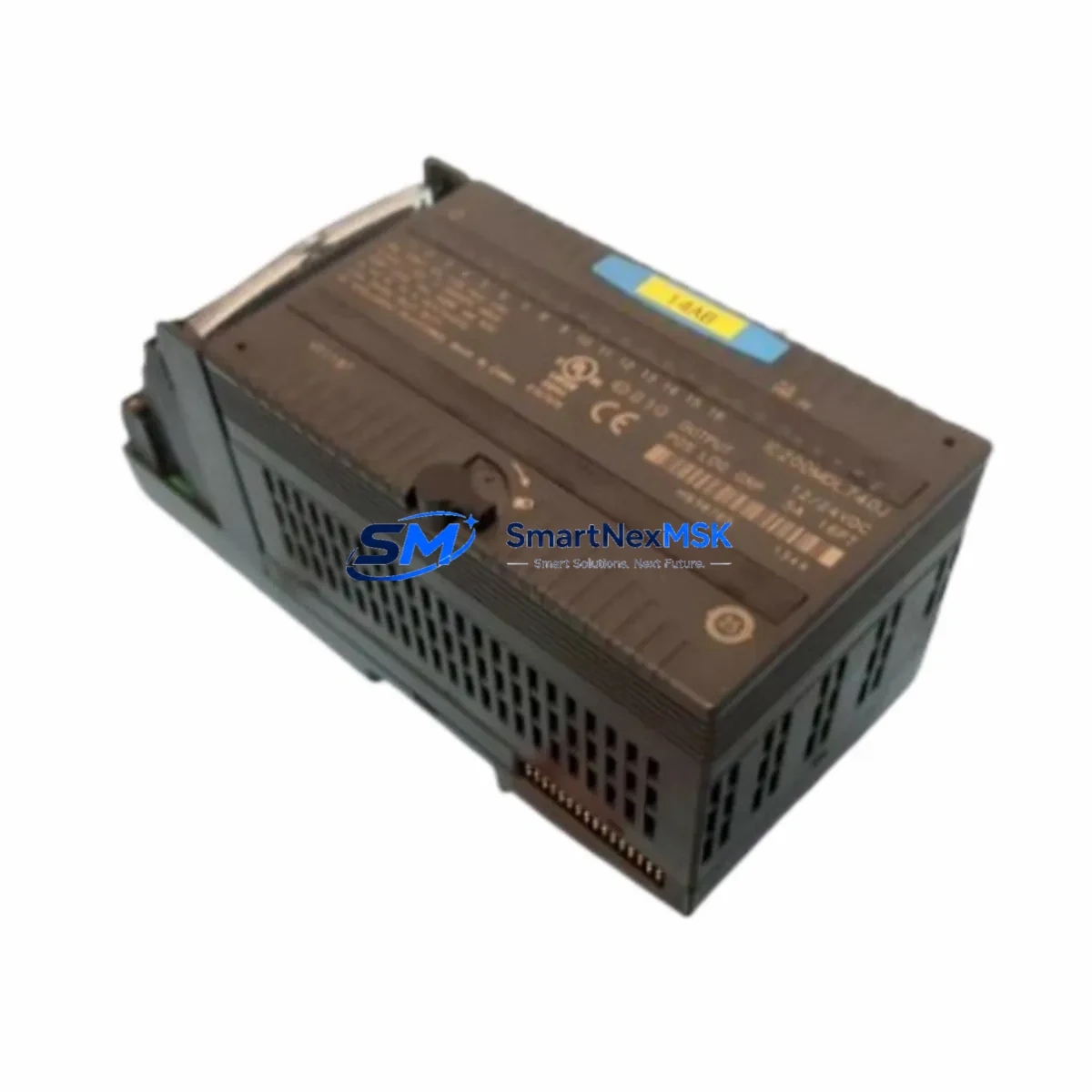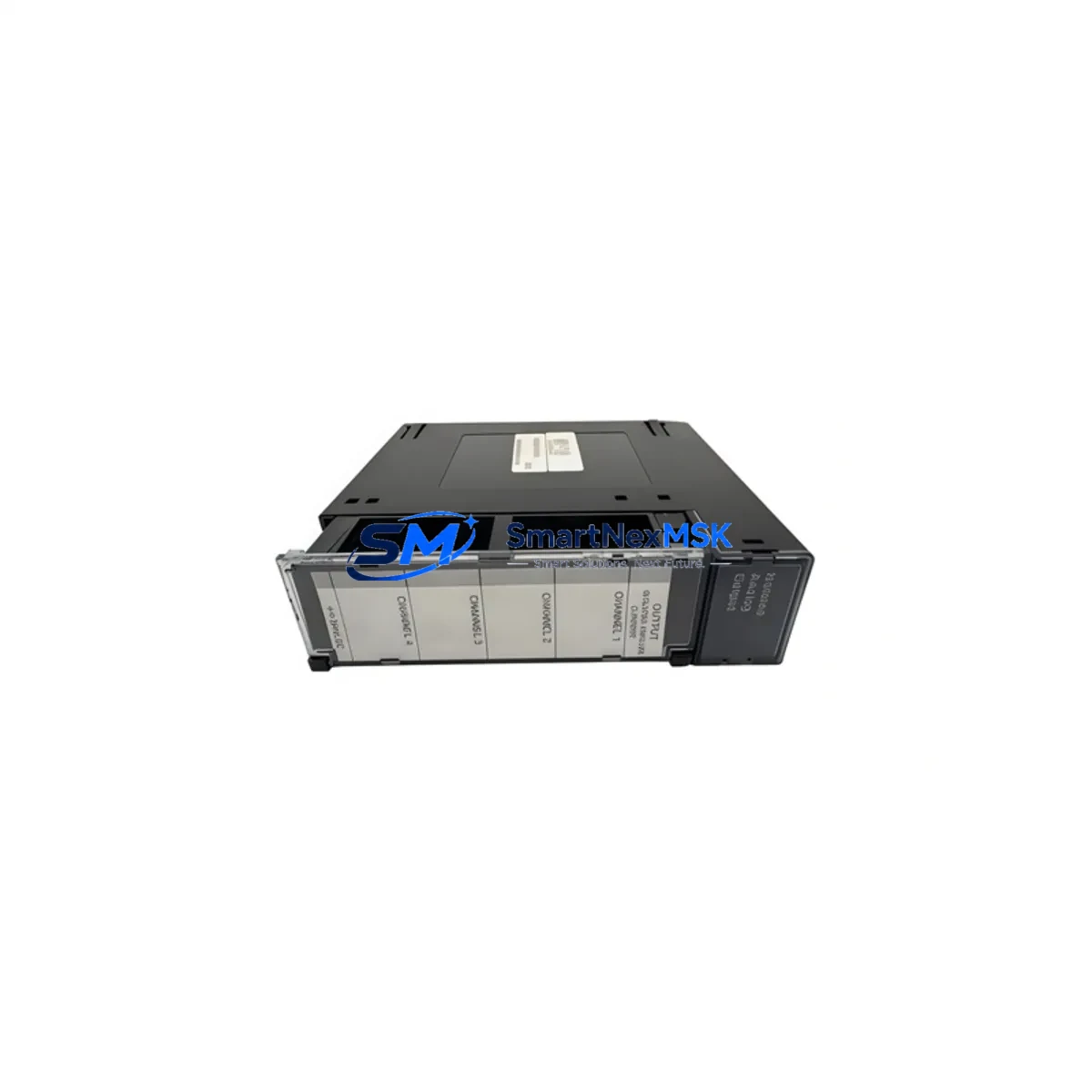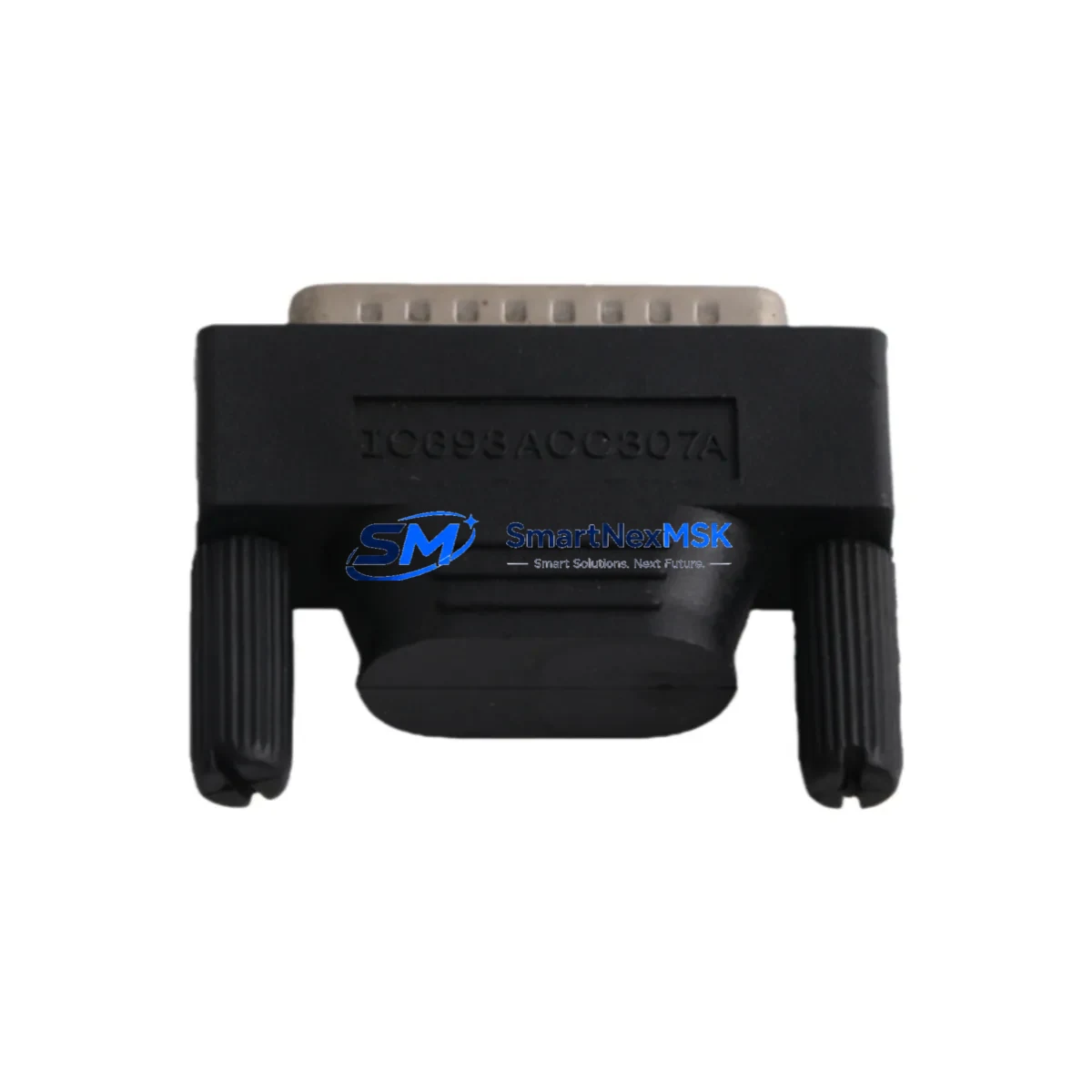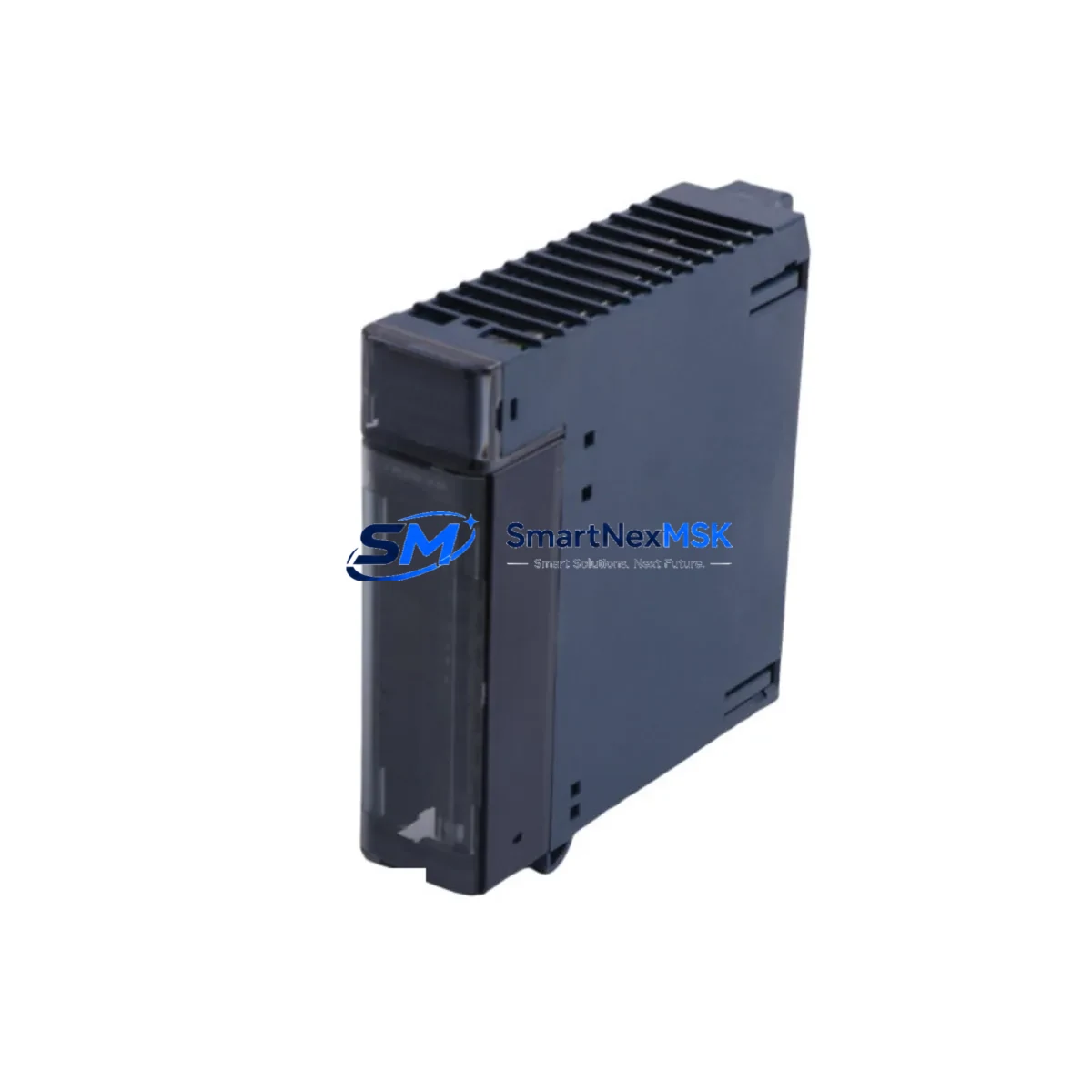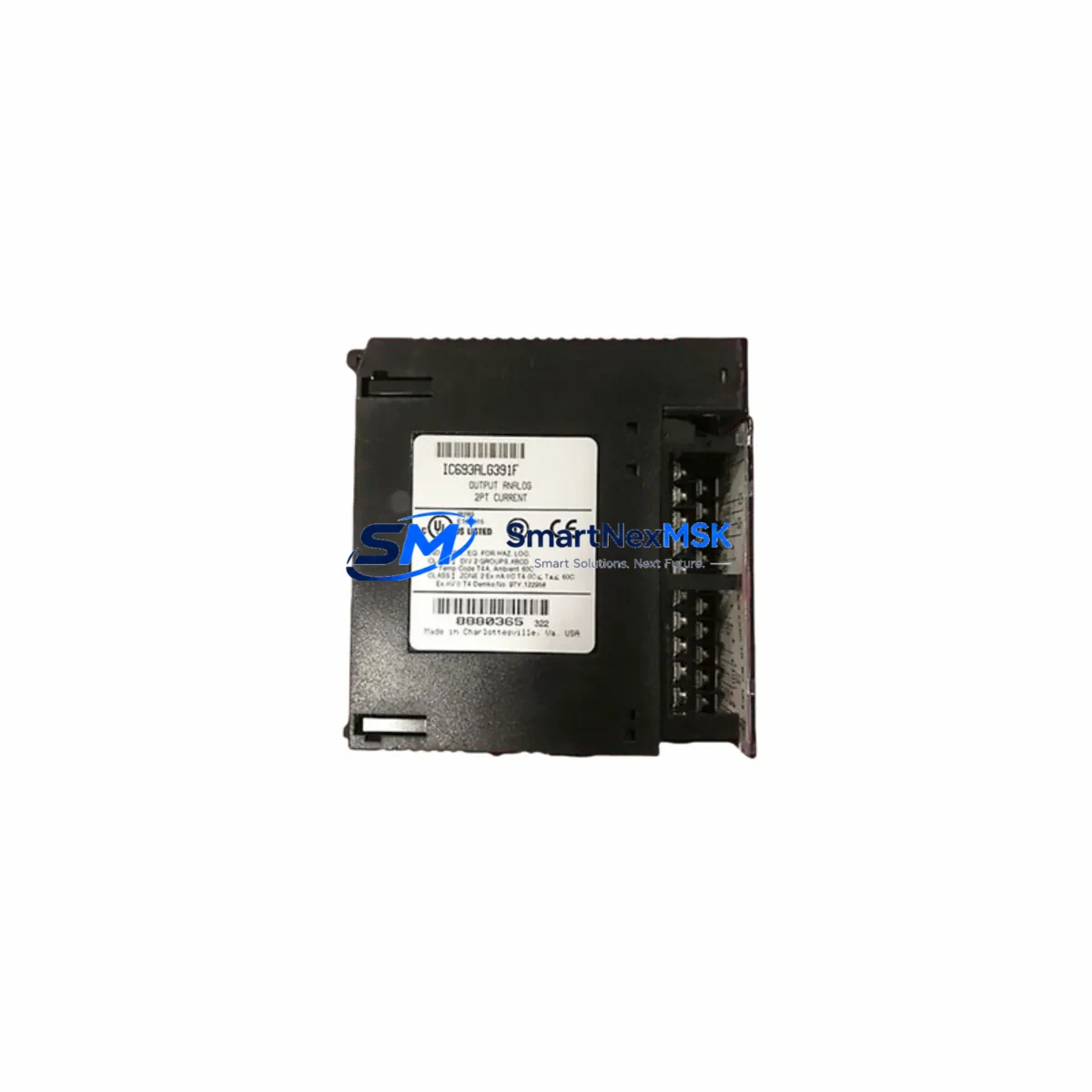
GE IC600FP801A Maintenance-Ready Spare for Series Six Automation
The GE Fanuc IC600FP801A is an original Remote I/O Receiver Module designed for the Series Six PLC platform — one of GE Fanuc’s most widely deployed industrial control architectures in process manufacturing, utilities, and heavy industry. As aging Series Six systems continue to operate in facilities worldwide, maintaining a verified spare of the IC600FP801A is a critical element of any proactive maintenance strategy. Unplanned downtime caused by a failed Remote I/O module can cascade across an entire control loop, halting production and triggering costly emergency procurement. Stocking a tested, original IC600FP801A eliminates that risk.
This module serves as the communication bridge between the Series Six CPU and distributed field I/O racks. It receives I/O data from remote drop locations and relays it to the central processor over the Series Six I/O bus. When this module fails or degrades, the CPU loses visibility into field devices — sensors, actuators, drives, and safety interlocks — making rapid replacement essential. Maintenance engineers familiar with Series Six architecture understand that the IC600FP801A is not a commodity item; it must be sourced as an original GE Fanuc component to ensure bus timing compatibility and firmware alignment with the host CPU.
Every IC600FP801A unit supplied by SMARTNEXMSK is individually tested prior to shipment, verified for communication integrity, and backed by a 12-month warranty. Units are shipped with full inspection documentation, supporting your incoming goods verification process and internal maintenance records.
Spare Maintenance Table
| Parameter | Specification / Detail |
|---|---|
| Part Number | IC600FP801A |
| Brand | GE Fanuc Automation |
| Series | Series Six (6) |
| Module Type | Remote I/O Receiver Module |
| Bus Interface | Series Six I/O Bus |
| Compatibility | GE Fanuc Series Six PLC CPU modules and I/O expansion racks |
| Installation | Rack-mounted; compatible with standard Series Six backplane slots |
| Operating Voltage | Per Series Six rack power supply specification (typically 5 VDC backplane) |
| Application Environment | Industrial control panels, process automation, utilities, heavy manufacturing |
| Condition | Original / Genuine GE Fanuc — tested before shipment |
| Maintenance Role | Remote I/O communication; field device data relay to CPU |
| Warranty | 12 Months — covers functional failure under normal operating conditions |
| Origin | USA |
| Weight | Approx. 470 g |
Maintenance Planning for Continuous Operation
When scheduling a planned replacement or responding to an unplanned failure of the IC600FP801A, maintenance and procurement engineers should treat this event as a trigger for a broader control cabinet inspection. The Series Six Remote I/O Receiver does not operate in isolation — its performance depends on the health of several interconnected components that should be evaluated concurrently.
Begin with the Series Six CPU module (such as the IC600CPU105 or IC600CPU106) to confirm that the processor is correctly scanning the remote I/O drop and that no bus fault codes are latched. Next, inspect the Series Six rack power supply module (e.g., IC600PM501 or IC600PM502) — an under-voltage or ripple condition on the backplane 5 VDC rail is a common root cause of intermittent I/O communication faults that are misdiagnosed as receiver module failures.
Check the I/O bus cable and termination resistors connecting the CPU rack to the remote drop. Degraded shielding, loose connectors, or missing termination on the Series Six coaxial I/O bus will cause the replacement IC600FP801A to exhibit the same fault symptoms as the original failed unit. Inspect discrete input modules (IC600BF901 or equivalent) and discrete output modules (IC600BF831 or equivalent) seated in the remote rack — a shorted output card can stress the backplane and contribute to receiver module degradation over time.
For facilities running mixed analog and digital I/O, verify the condition of analog input modules (such as IC600BF801) and their associated signal isolators or signal conditioners on the field wiring side. Noise injection from poorly isolated 4–20 mA loops can corrupt I/O data frames and trigger nuisance faults at the receiver. Review terminal block assemblies and field wiring terminations in the remote I/O cabinet — loose or corroded terminals are a leading cause of intermittent I/O errors in aging Series Six installations.
If the facility uses a GE Fanuc Series Six programmer or HMI for local diagnostics, confirm that the programming device can successfully communicate with the CPU after the IC600FP801A replacement and that all I/O status indicators return to normal scan. Finally, document the replacement in your CMMS and update your spare parts inventory immediately — the IC600FP801A is a long-lead item in the open market, and maintaining at least one verified spare on the shelf is the single most effective measure against extended downtime in Series Six-based systems.
Site Replacement Workflow
Step 1 — Pre-replacement verification: Confirm the fault is isolated to the IC600FP801A by checking CPU diagnostic LEDs and I/O bus fault indicators. Document the current module slot position and rack address before removal.
Step 2 — Safe isolation: Follow your site LOTO (Lockout/Tagout) procedure. De-energize the remote I/O rack power supply before removing the module. Do not hot-swap the IC600FP801A unless your site procedure explicitly permits it for Series Six hardware.
Step 3 — Physical replacement: Remove the failed IC600FP801A from the backplane slot. Inspect the backplane connector for bent pins or contamination. Seat the replacement module firmly and verify the ejector latch is fully engaged.
Step 4 — Power-up and scan verification: Re-energize the rack. Observe the module status LEDs — the IC600FP801A should indicate normal I/O bus communication within the CPU scan cycle. Confirm all remote I/O points are visible and correctly mapped in the CPU I/O table.
Step 5 — Functional test: Exercise representative input and output points from the HMI or programmer to confirm end-to-end signal integrity. Clear any latched fault codes in the CPU. Log the replacement date, module serial number, and test results in your maintenance record system.
This workflow minimizes mean time to repair (MTTR) and ensures the replacement IC600FP801A is fully validated before returning the system to automatic operation — reducing the risk of a repeat fault event caused by an installation error rather than a component defect.
Spare Parts Support FAQ
Q1: Is the IC600FP801A compatible with all Series Six CPU variants?
The IC600FP801A is designed for the GE Fanuc Series Six I/O bus architecture and is compatible with the standard range of Series Six CPU modules. If your installation uses a non-standard bus configuration or a modified rack, contact our technical team with your full system configuration for compatibility confirmation before ordering.
Q2: How is the IC600FP801A tested before shipment?
Each unit undergoes functional communication testing on a Series Six-compatible test bench. We verify I/O bus handshake, module identification, and data frame integrity. A test report is available upon request and can be included with the shipment for your incoming inspection records.
Q3: What is the warranty coverage and how do I make a claim?
All IC600FP801A units are covered by a 12-month warranty from the date of shipment. The warranty covers functional failure under normal operating conditions and excludes damage caused by incorrect installation, overvoltage, or physical impact. To initiate a warranty claim, contact [email protected] with your order number and a description of the fault.
Q4: How should I manage IC600FP801A inventory for a multi-site Series Six installation?
For facilities operating multiple Series Six systems, we recommend maintaining a minimum of one IC600FP801A spare per site, with a centralized buffer stock for regional coverage. Given the age of the Series Six platform and the declining availability of original modules in the secondary market, early procurement and periodic stock replenishment are strongly advised. SMARTNEXMSK supports long-term supply agreements for customers requiring guaranteed availability over a 12–36 month horizon.
© 2026 SMARTNEXMSK. All rights reserved.
Original Source: https://smartnexmsk.com
Contact: [email protected] | +86 18259474341