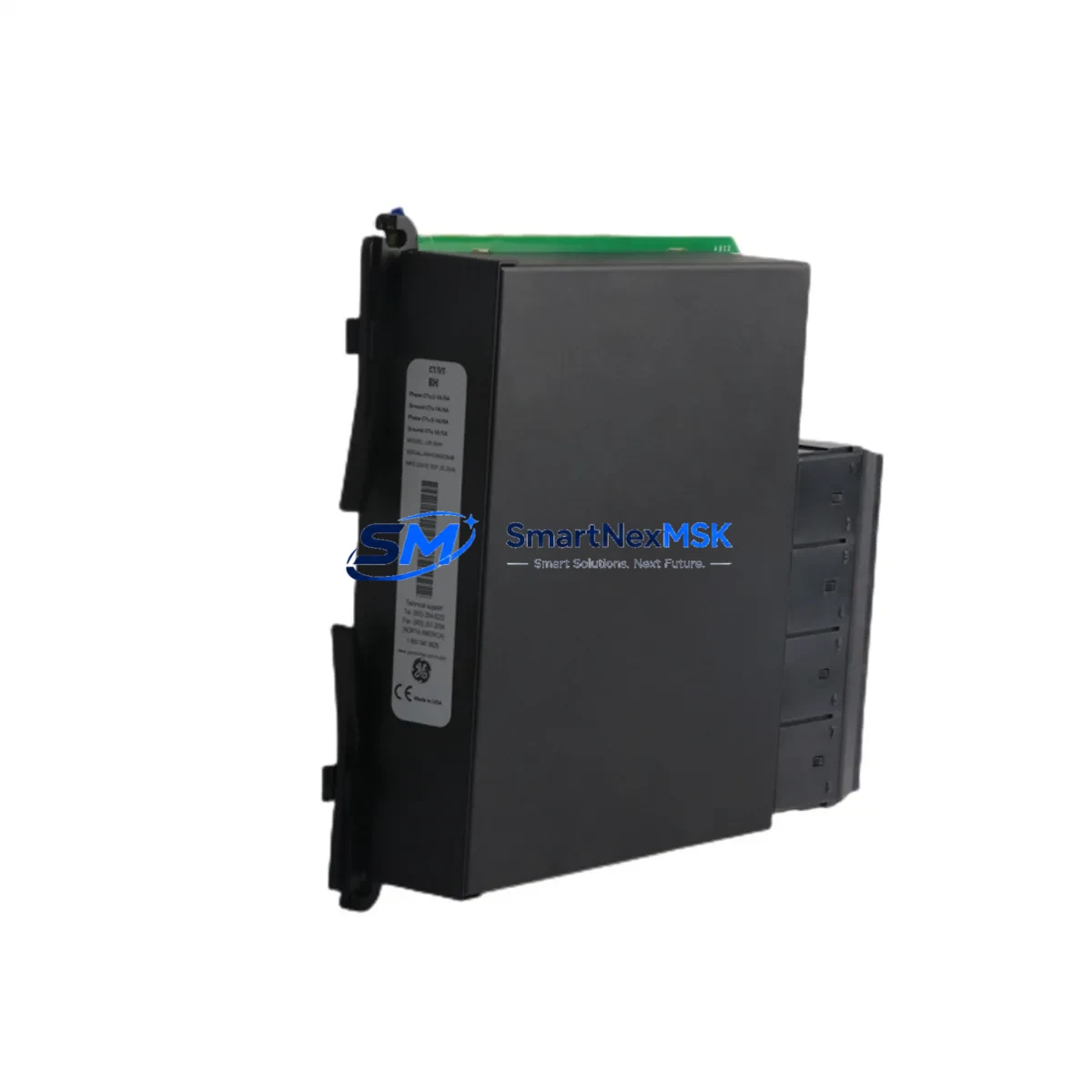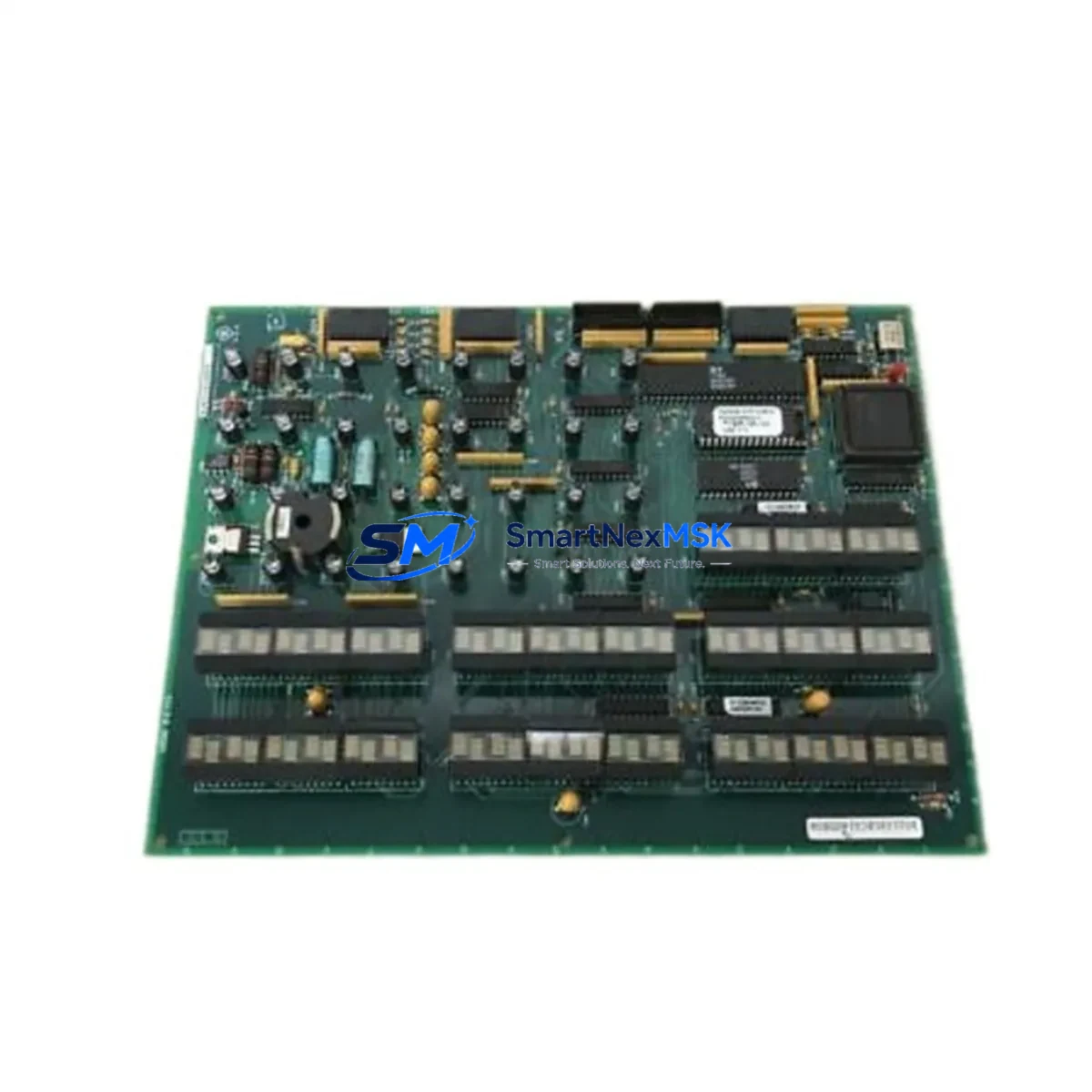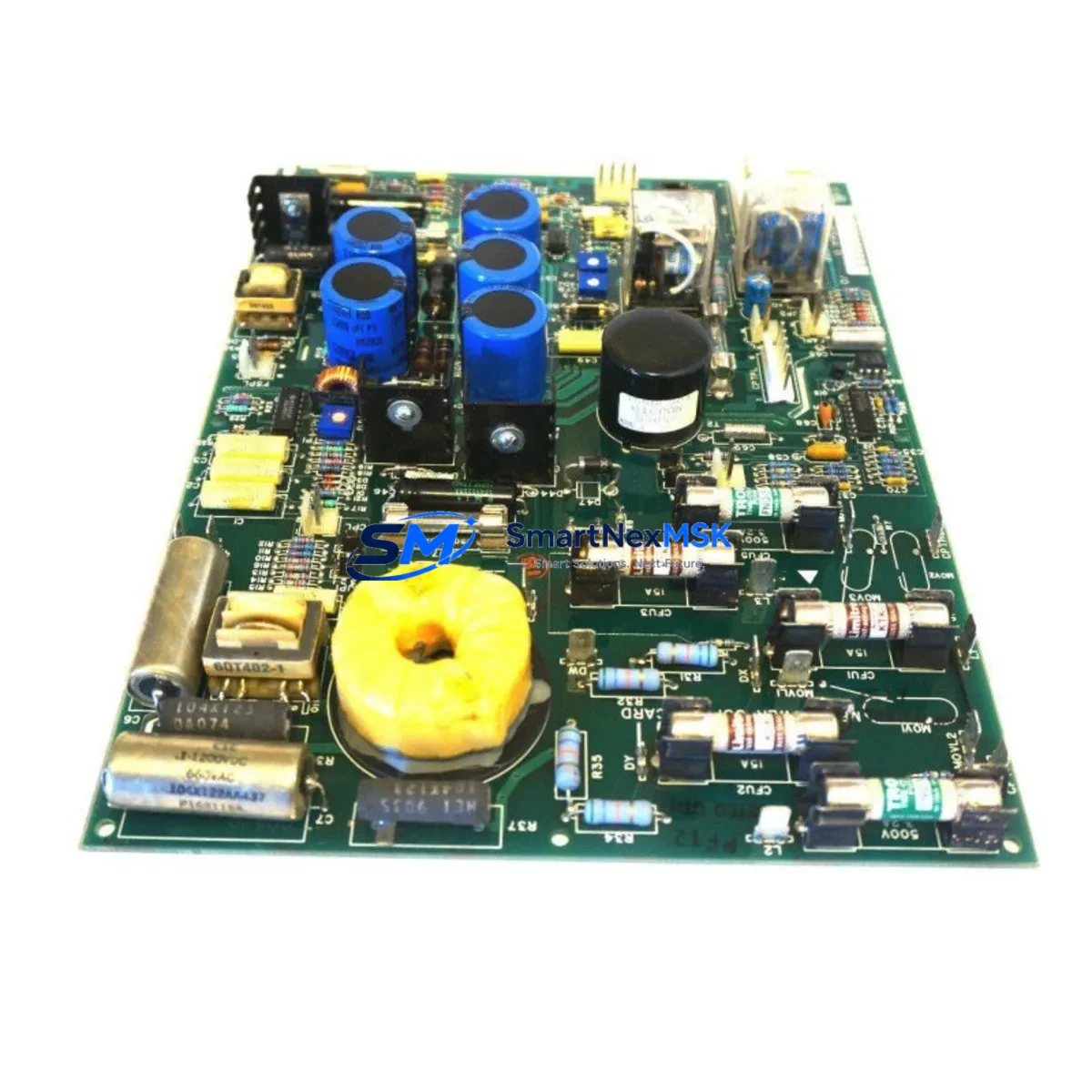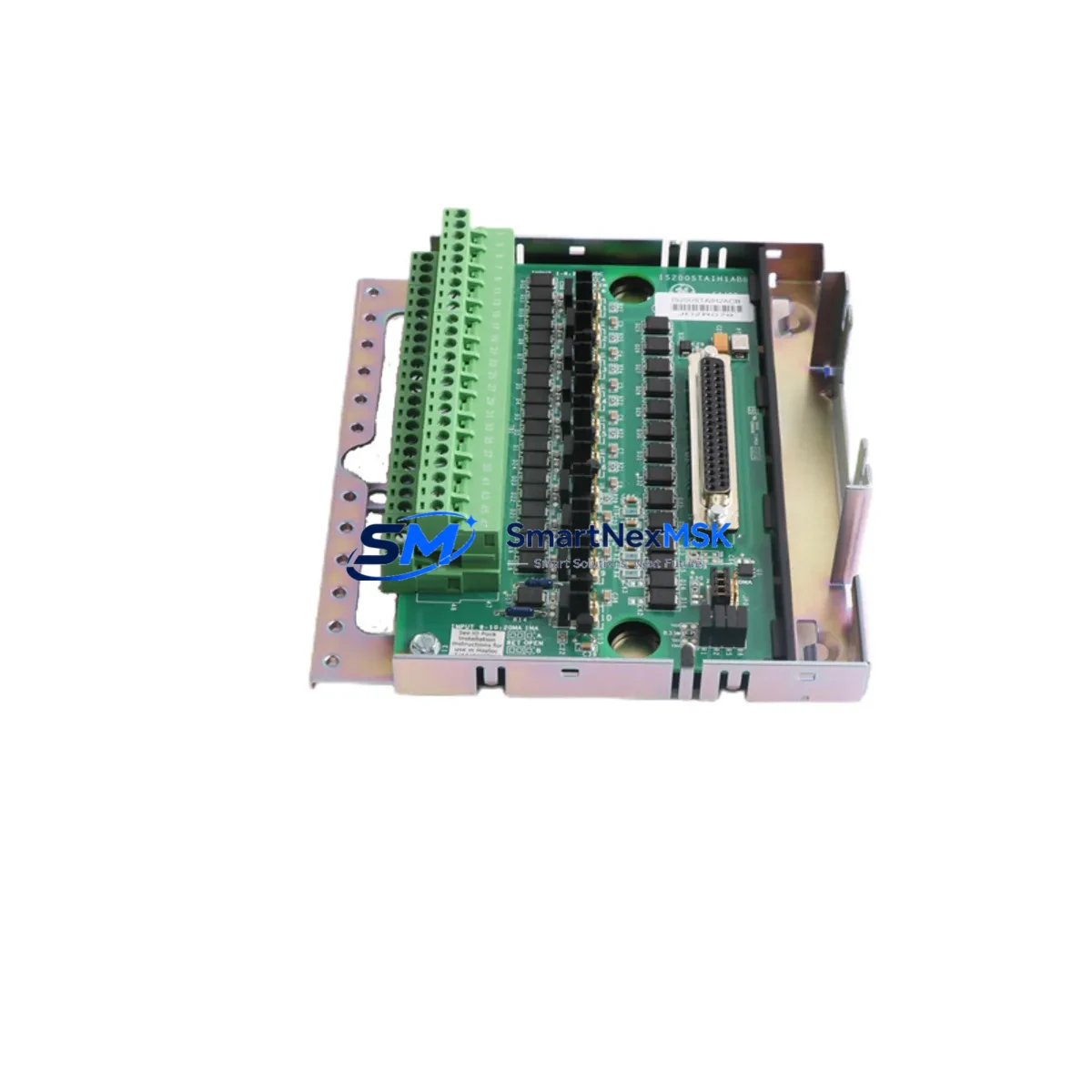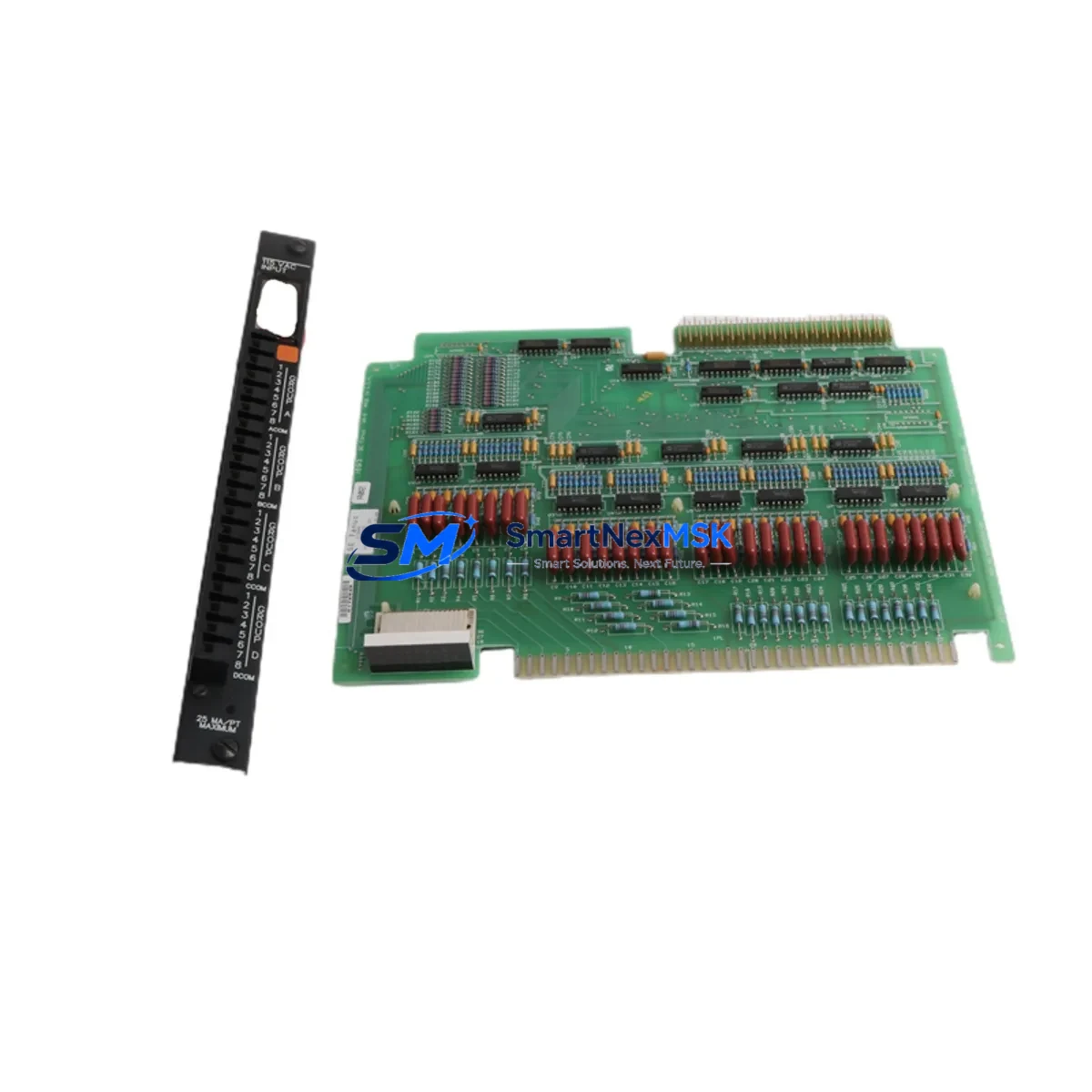
GE IC600FP832K Maintenance-Ready Spare for Series Six Automation
The GE IC600FP832K is a 32-point, 120VAC discrete input module engineered for the General Electric Series Six programmable logic controller platform — one of the most widely deployed legacy PLC architectures in heavy industrial, utilities, and process manufacturing environments. As original production lines age and OEM support windows close, maintaining a verified, tested spare of the IC600FP832K becomes a critical pillar of any plant’s uptime strategy. Whether you are managing a scheduled turnaround, responding to an unplanned fault, or building a long-term spare parts inventory for an aging Series Six rack, sourcing a genuine IC600FP832K from a reliable supplier with documented testing and a 12-month warranty eliminates the guesswork from your maintenance planning.
The IC600FP832K accepts 32 discrete 120VAC field signals and interfaces directly with the Series Six CPU backplane, providing the I/O density required for high-channel-count control applications such as motor starter feedback, valve position sensing, conveyor interlocks, and safety circuit monitoring. Its companion model IC600BF832K shares the same functional specification and is fully interchangeable in most Series Six rack configurations, giving maintenance engineers a broader sourcing path when the primary SKU is on allocation.
Spare Maintenance Table
| Parameter | Specification |
|---|---|
| Part Number | IC600FP832K / IC600BF832K |
| Brand | General Electric (GE) |
| Series | Series Six PLC |
| Module Type | Discrete Input Module |
| Input Points | 32-Point |
| Input Voltage | 120VAC |
| Signal Type | AC Discrete (Isolated) |
| Backplane Compatibility | GE Series Six Rack (IC600 Platform) |
| Installation | Direct rack-mount, keyed module slot |
| Operating Temperature | 0°C to 60°C (32°F to 140°F) |
| Application Environment | Industrial plant floor, control room, MCC enclosure |
| Maintenance Recommendation | Inspect field wiring terminals, verify LED input status indicators, confirm backplane connector seating annually |
| Warranty | 12 Months — Tested before shipment |
| Origin | USA (Original GE manufacture) |
| Condition | Original spare — tested and verified |
Maintenance Planning for Continuous Operation
When a Series Six discrete input module such as the IC600FP832K is flagged for replacement during a planned inspection or after a fault event, experienced maintenance engineers know that the module itself is rarely the only component that warrants attention. A disciplined replacement workflow should extend to the surrounding electrical circuit and control cabinet infrastructure to prevent repeat failures and ensure the restored system performs reliably through the next maintenance interval.
Begin with the IC600FP832K field wiring terminal block — corrosion, loose terminations, or insulation breakdown at the 120VAC input terminals are a common root cause of intermittent input faults that are misdiagnosed as module failure. Inspect and torque all terminal connections before installing the replacement module. Next, verify the IC600 Series Six power supply module (such as the IC600PM501 or IC600PM502) is delivering stable 5VDC backplane power and 120VAC field supply within specification; a degraded power supply will stress the new input module immediately upon installation.
Check the Series Six CPU module (IC600CPU772 or equivalent) for active fault codes referencing the I/O slot. Clear the fault log after module swap and confirm the CPU re-establishes communication with the new IC600FP832K within the expected scan cycle. If the rack houses a Series Six communications module (such as the IC600CM552 for Genius Bus or IC600CM562 for Ethernet), verify that the network topology remains intact and that no I/O map changes are required after the module replacement.
For cabinets with mixed I/O, also inspect adjacent IC600FP841 or IC600FP843 discrete output modules sharing the same rack segment — output modules in the same control loop as the replaced input module should be exercised through a full on/off cycle to confirm relay contact integrity. Where signal isolators or signal conditioners are installed between field devices and the IC600FP832K input terminals, verify isolator output levels are within the module’s 120VAC threshold range. Fuse holders and branch circuit fuses protecting the 120VAC field supply rail should be inspected and replaced if discoloration or thermal stress is evident.
Finally, if the plant uses a GE Cimplicity or iFIX SCADA/HMI connected to the Series Six system, confirm that all 32 input points are correctly mapped and displaying live status after the module swap. A full I/O force test on the replacement IC600FP832K before returning the system to automatic mode is strongly recommended as the final step in any site replacement workflow.
Site Replacement Workflow
Step 1 — Isolate and document. Place the Series Six CPU in STOP mode. Record the current I/O configuration and fault log. Photograph the existing IC600FP832K wiring before disconnection.
Step 2 — Remove the faulted module. Disconnect the field wiring terminal block. Release the module locking tab and extract the IC600FP832K from the rack slot. Inspect the backplane connector pins for damage or contamination.
Step 3 — Install the replacement. Seat the new IC600FP832K firmly into the same rack slot. Reconnect the field wiring terminal block, verifying each conductor against the documented wiring photograph. Torque all terminals to specification.
Step 4 — Power-up and verify. Return the power supply to service. Place the CPU in RUN mode. Confirm all 32 input LEDs reflect the correct field device states. Clear any residual fault codes.
Step 5 — Functional test. Exercise each input point through its full operating cycle. Verify SCADA/HMI displays update correctly. Document the replacement in the plant maintenance log with the new module serial number and warranty start date.
This workflow minimizes downtime, preserves system compatibility, and ensures the replacement IC600FP832K is fully validated before the process returns to automatic control — a critical requirement in continuous-process and safety-critical applications where unverified I/O can trigger cascading faults.
Spare Parts Support FAQ
Q1: Is the IC600FP832K still available as a new original spare, or only as refurbished?
We supply the IC600FP832K as an original spare sourced from verified industrial surplus and authorized distribution channels. Each unit undergoes functional testing prior to shipment. All units are covered by a 12-month warranty regardless of manufacture date, giving you confidence in long-term system reliability even for legacy Series Six installations.
Q2: Can the IC600BF832K be used as a direct replacement for the IC600FP832K?
Yes. The IC600BF832K is the functionally equivalent companion model and is interchangeable with the IC600FP832K in standard Series Six rack configurations. Both models accept 32-point 120VAC discrete inputs and use the same backplane interface. Always confirm the rack slot keying and firmware revision of your CPU module before installation to ensure full compatibility.
Q3: What is your recommended spare parts stocking strategy for Series Six I/O modules?
For plants operating more than one Series Six rack, we recommend maintaining a minimum of one IC600FP832K per rack as a hot spare, stored in an ESD-safe environment at controlled temperature. Given the discontinuation of Series Six as an active product line, lead times for sourcing replacement modules can be unpredictable. Proactive stocking of critical I/O modules, power supplies, and CPU modules significantly reduces the risk of extended unplanned downtime.
Q4: How is the IC600FP832K tested before shipment?
Each IC600FP832K is bench-tested in a live Series Six rack environment. Input channel continuity, LED indicator function, and backplane communication are verified across all 32 points. A test report is available upon request. The 12-month warranty covers functional failure under normal operating conditions and begins from the date of shipment.
© 2026 SMARTNEXMSK. All rights reserved.
Original Source: https://smartnexmsk.com
Contact: [email protected] | +86 18259474341