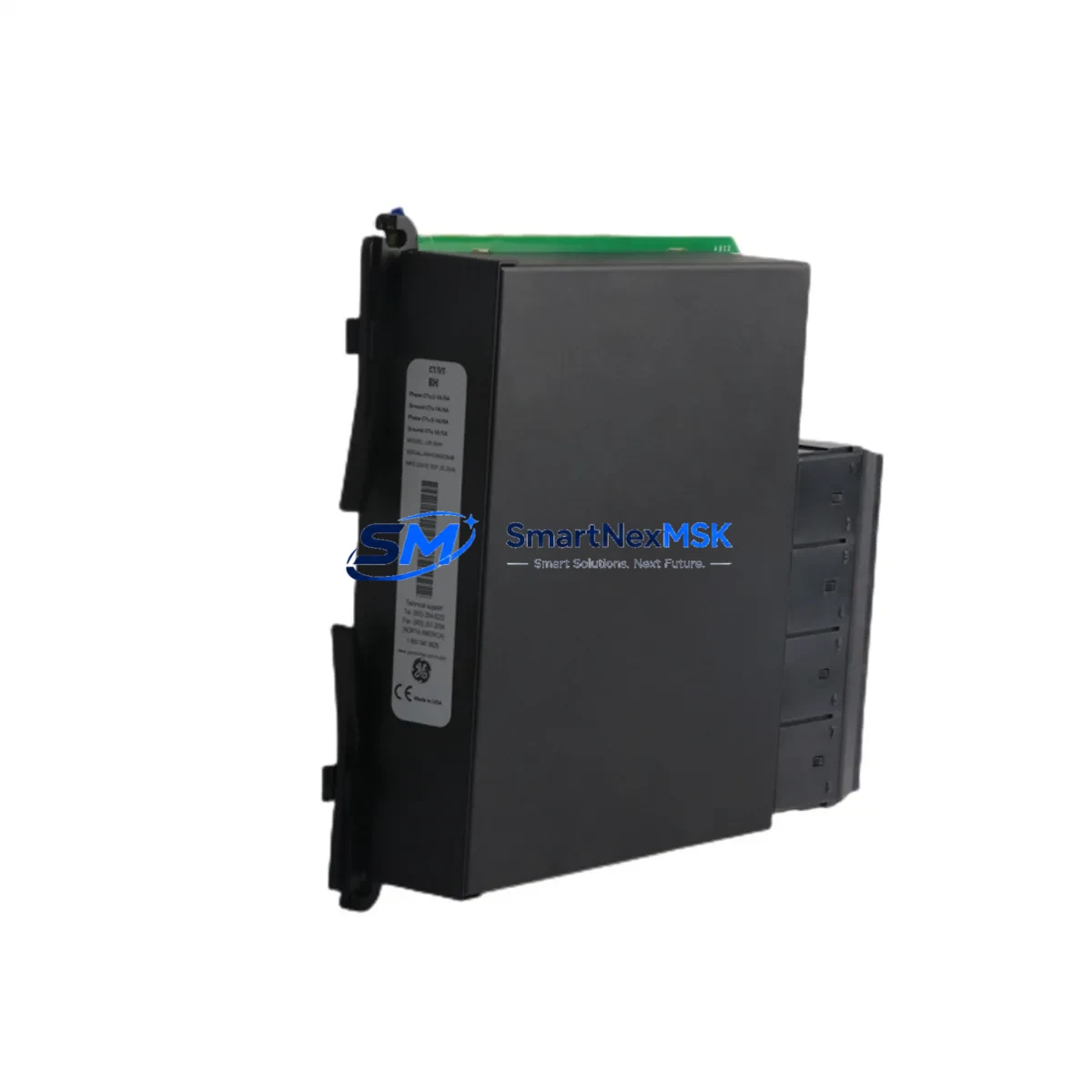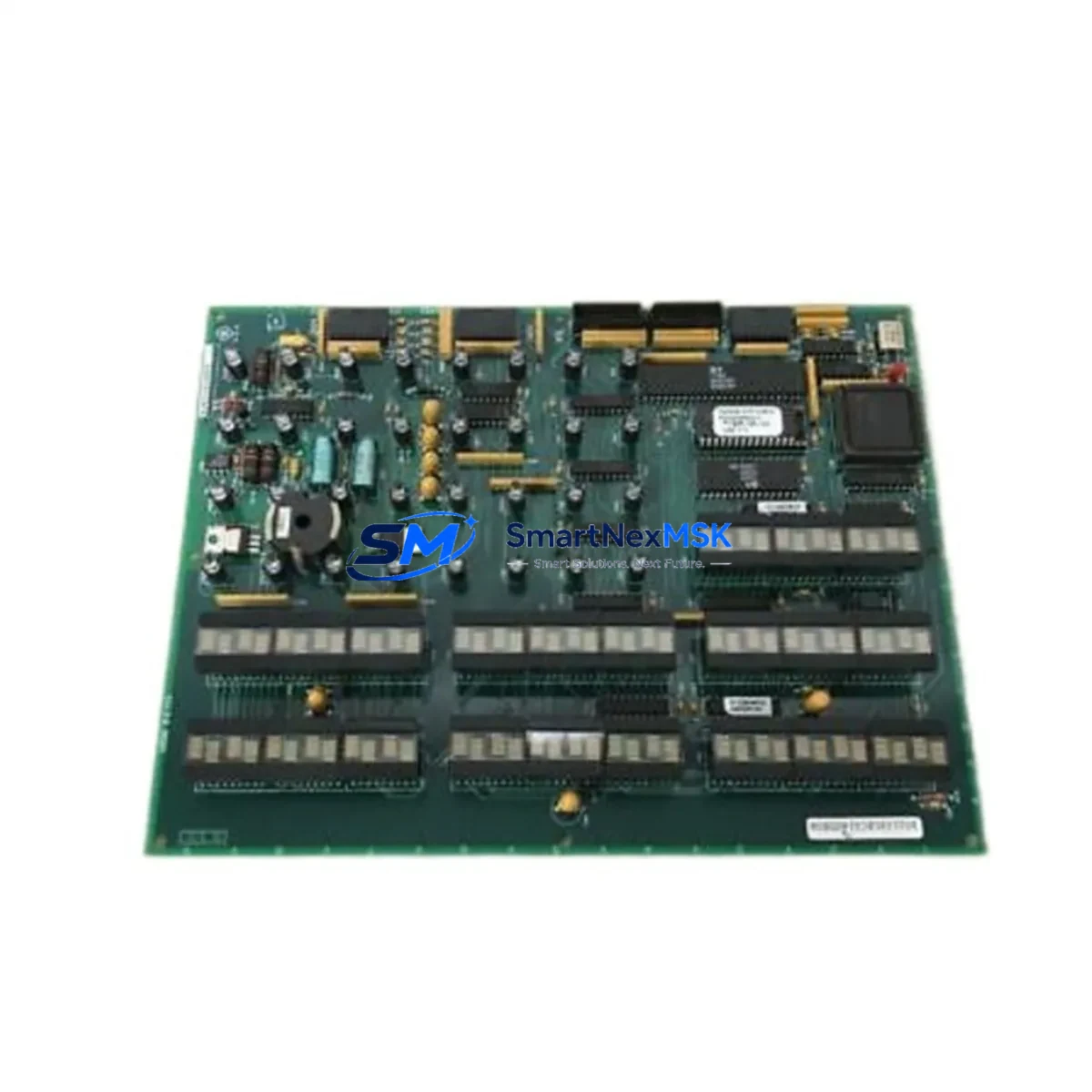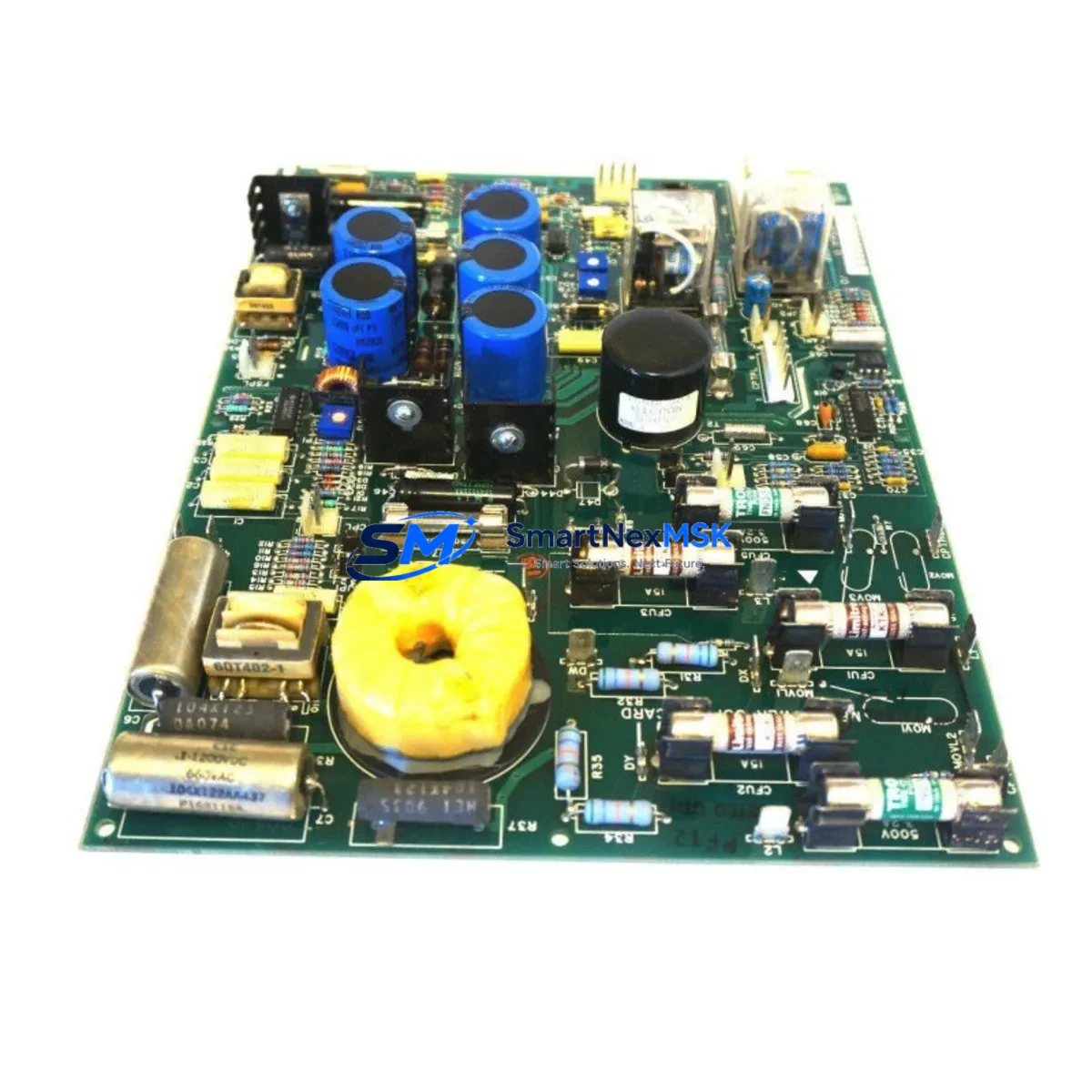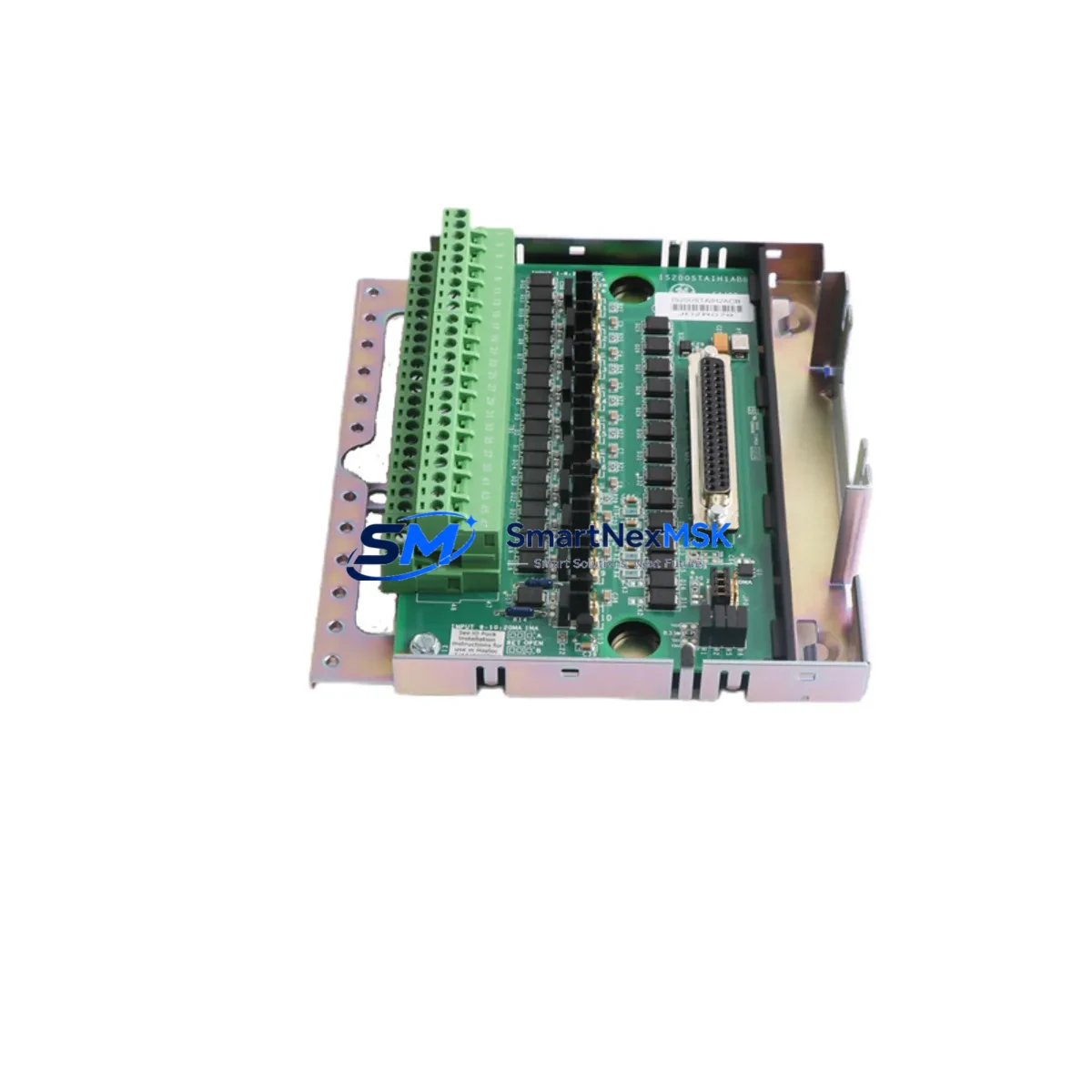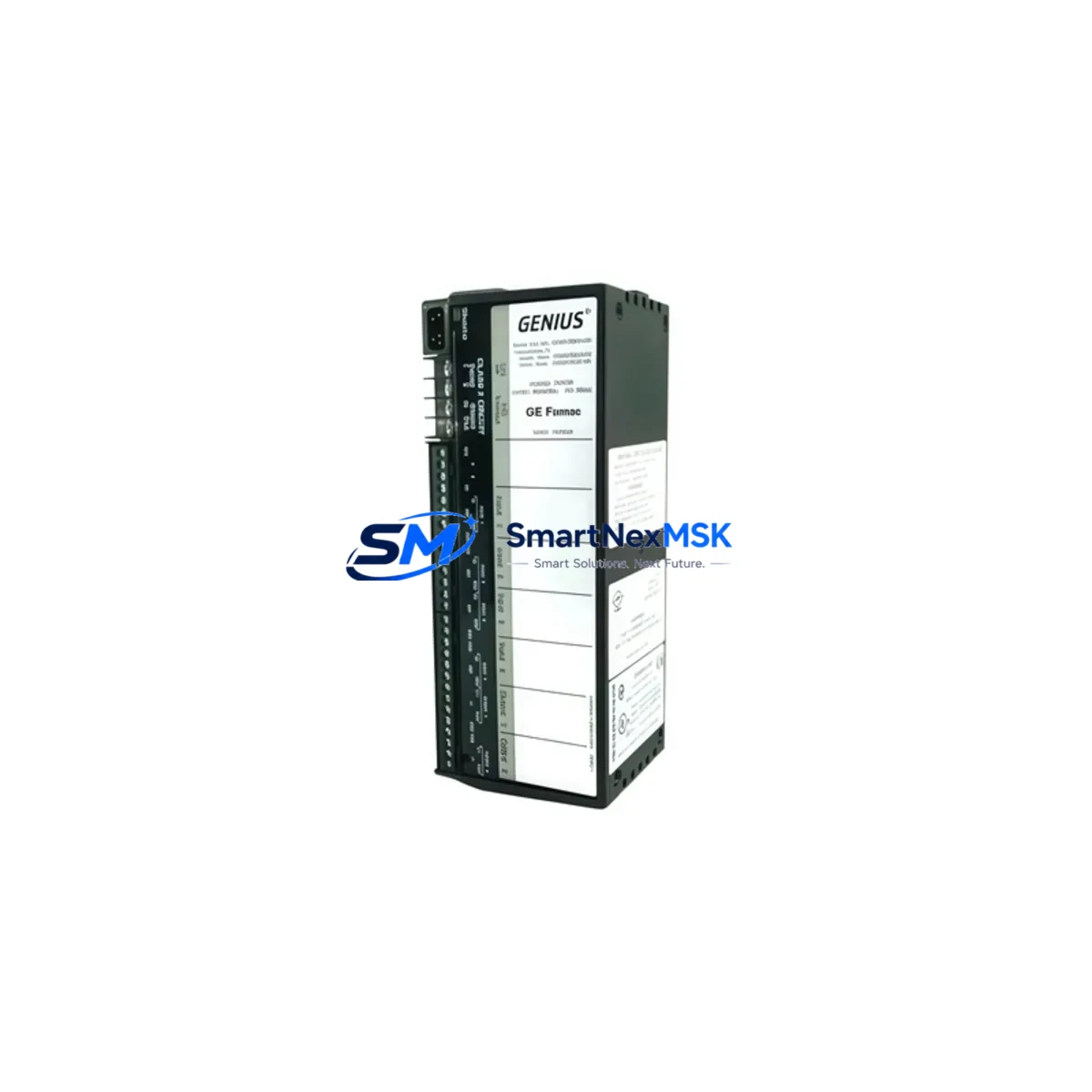
GE IC660BBA100 Maintenance-Ready Spare Genius I/O Automation
The GE IC660BBA100 is a 16-channel analog input block designed for the GE Genius I/O distributed I/O system. As a maintenance-ready original spare, it supports rapid replacement in active production environments where unplanned downtime carries significant operational and financial risk. Whether you are managing a scheduled shutdown, responding to a field fault, or building a strategic spare parts inventory for aging GE Series Six or Series 90 control architectures, the IC660BBA100 delivers verified compatibility and reliable signal acquisition for analog field devices including 4–20 mA transmitters and voltage-based sensors.
Each unit is sourced, inspected, and dispatched with full functional verification. SMARTNEXMSK maintains long-term stock of the IC660BBA100 to support maintenance engineers and procurement teams who cannot afford lead-time uncertainty on critical automation components.
Spare Maintenance Table
| Parameter | Specification |
|---|---|
| SKU / Part Number | IC660BBA100 |
| Brand | General Electric (GE) |
| Series | Genius I/O |
| Module Type | 16-Channel Analog Input Block |
| Input Signal Range | 4–20 mA / 0–10 VDC (configurable per channel) |
| Resolution | 12-bit A/D conversion |
| Bus Interface | Genius Bus (serial, 153.6 kbps) |
| Supply Voltage | 24 VDC nominal |
| Operating Temperature | 0°C to 60°C |
| Mounting | DIN rail or panel mount via Genius Bus Interface Unit |
| Compatibility | GE Series Six, Series 90-30, Series 90-70, PACSystems (via legacy gateway) |
| Certifications | UL Listed, CE (original GE production) |
| Origin | United States (original GE manufacture) |
| Warranty | 12 Months — covers functional failure under normal operating conditions |
| Inspection | Pre-shipment functional test and visual inspection |
| Lead Time | In stock — ships within 1–3 business days |
Maintenance Planning for Continuous Operation
When replacing the IC660BBA100 in a Genius I/O node, a thorough maintenance review of the surrounding electrical circuit is essential to prevent repeat failures and ensure system stability. Maintenance engineers should begin by inspecting the IC660BBA020 or IC660BBA021 analog output blocks on the same Genius Bus segment — shared bus faults can degrade both input and output modules simultaneously. The IC660CBB900 Bus Interface Unit (BIU) should be checked for firmware revision compatibility and connector integrity, as a degraded BIU is a common root cause of intermittent analog channel faults that are incorrectly attributed to the input block itself.
The 24 VDC field power supply feeding the IC660BBA100 should be load-tested; voltage sag under full 16-channel load is a known cause of A/D conversion drift. If the cabinet includes a GE IC693PWR321 or IC693PWR330 power supply module, verify output ripple and regulation before commissioning the replacement block. Terminal blocks and field wiring should be inspected for corrosion, loose ferrules, and shield grounding continuity — particularly on long cable runs from remote field instruments.
For systems using GE IC693MDL655 or IC693MDL752 discrete I/O modules in the same control cabinet, confirm that the backplane bus is free of ground loops that could introduce noise into the analog signal chain. Where signal integrity is critical, consider installing DIN-rail signal isolators (such as Phoenix Contact MINI MCR or equivalent) on high-noise analog loops. If the system communicates upstream via a GE IC693CMM321 or IC693CMM311 communications module, verify that the Genius Bus scan rate and block address configuration are correctly restored after module swap.
For facilities running legacy GE Series 90-30 racks, it is advisable to maintain a co-stocked spare of the IC693CPU374 or IC693CPU364 CPU module alongside the IC660BBA100, as CPU firmware versions directly affect Genius Bus block recognition. HMI panels connected via GE Cimplicity or iFIX SCADA should be monitored post-replacement to confirm that analog tag scaling and alarm limits are correctly re-established after the module comes online.
Site Replacement Workflow
Step 1 — Isolation: De-energize the Genius Bus segment containing the faulty IC660BBA100. Document the block address (set via rotary switches on the module) before removal — this is critical for correct re-commissioning.
Step 2 — Physical Swap: Disconnect field wiring terminals. Remove the module from the Bus Interface Unit. Install the replacement IC660BBA100, ensuring the block address switches are set identically to the removed unit. Reconnect field wiring per the original termination schedule.
Step 3 — Power-Up and Verification: Re-energize the bus segment. Confirm the block appears on the Genius Bus scan in the PLC programmer (Logicmaster 90 or Proficy Machine Edition). Verify all 16 analog channels report expected engineering-unit values within ±0.5% of calibrated reference.
Step 4 — Documentation: Update the maintenance log with the replacement date, new module serial number, and post-swap channel verification results. Flag the removed module for bench testing or disposal per site procedures.
This workflow minimizes bus downtime to under 30 minutes for a prepared maintenance team and eliminates the need for full system reconfiguration, preserving existing PLC logic and HMI tag mappings.
Spare Parts Support FAQ
Q1: Is the IC660BBA100 still in production, and how long can I source it?
GE has discontinued active production of the IC660BBA100 as part of the legacy Genius I/O line. SMARTNEXMSK maintains a dedicated inventory of original, unused, and tested surplus units to support long-term maintenance programs. We recommend customers with active Genius I/O installations establish a minimum 2-unit on-site buffer to mitigate sourcing risk during extended procurement cycles.
Q2: How do I verify compatibility before installation?
Confirm the Genius Bus block address range supported by your CPU firmware version. The IC660BBA100 is compatible with all standard Genius Bus configurations used in GE Series Six, Series 90-30, and Series 90-70 systems. If integrating into a PACSystems RX3i environment, a Genius Bus Controller (IC695GCG001) is required as an intermediary. Contact our technical team with your CPU catalog number for a pre-sale compatibility check.
Q3: What pre-shipment testing is performed on each unit?
Every IC660BBA100 dispatched by SMARTNEXMSK undergoes a functional power-on test, bus communication verification, and visual inspection for connector damage, corrosion, and component integrity. Units that do not pass all checks are quarantined and not offered for sale. A test report is available upon request for critical applications.
Q4: What does the 12-month warranty cover?
The 12-month warranty covers functional failure of the IC660BBA100 under normal operating conditions — correct supply voltage, rated temperature range, and proper installation per GE documentation. It does not cover damage resulting from incorrect wiring, overvoltage events, or physical mishandling after delivery. In the event of a warranty claim, SMARTNEXMSK will provide a replacement unit or full refund within 5 business days of fault confirmation.
© 2026 SMARTNEXMSK. All rights reserved.
Original Source: https://smartnexmsk.com
Contact: [email protected] | +86 18259474341