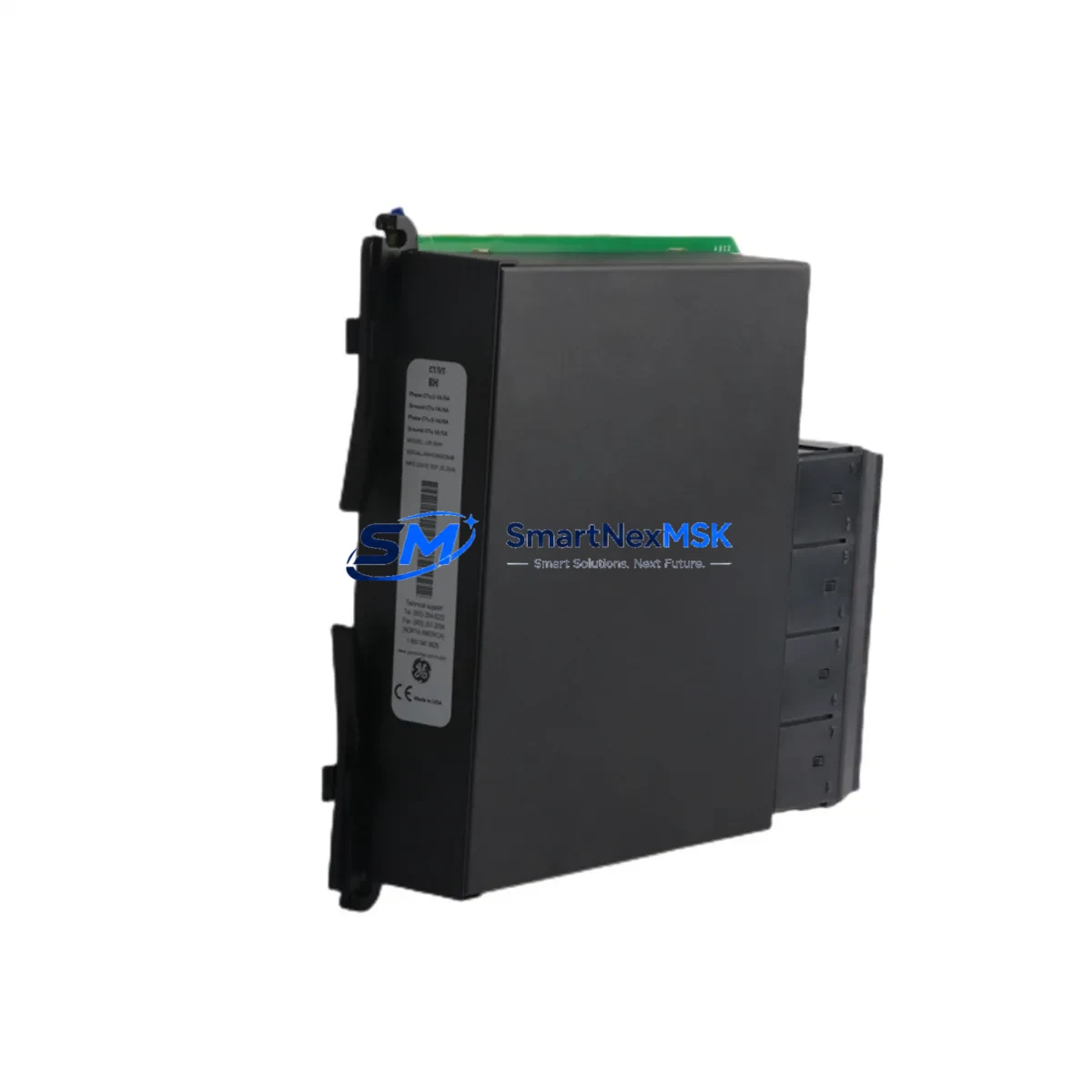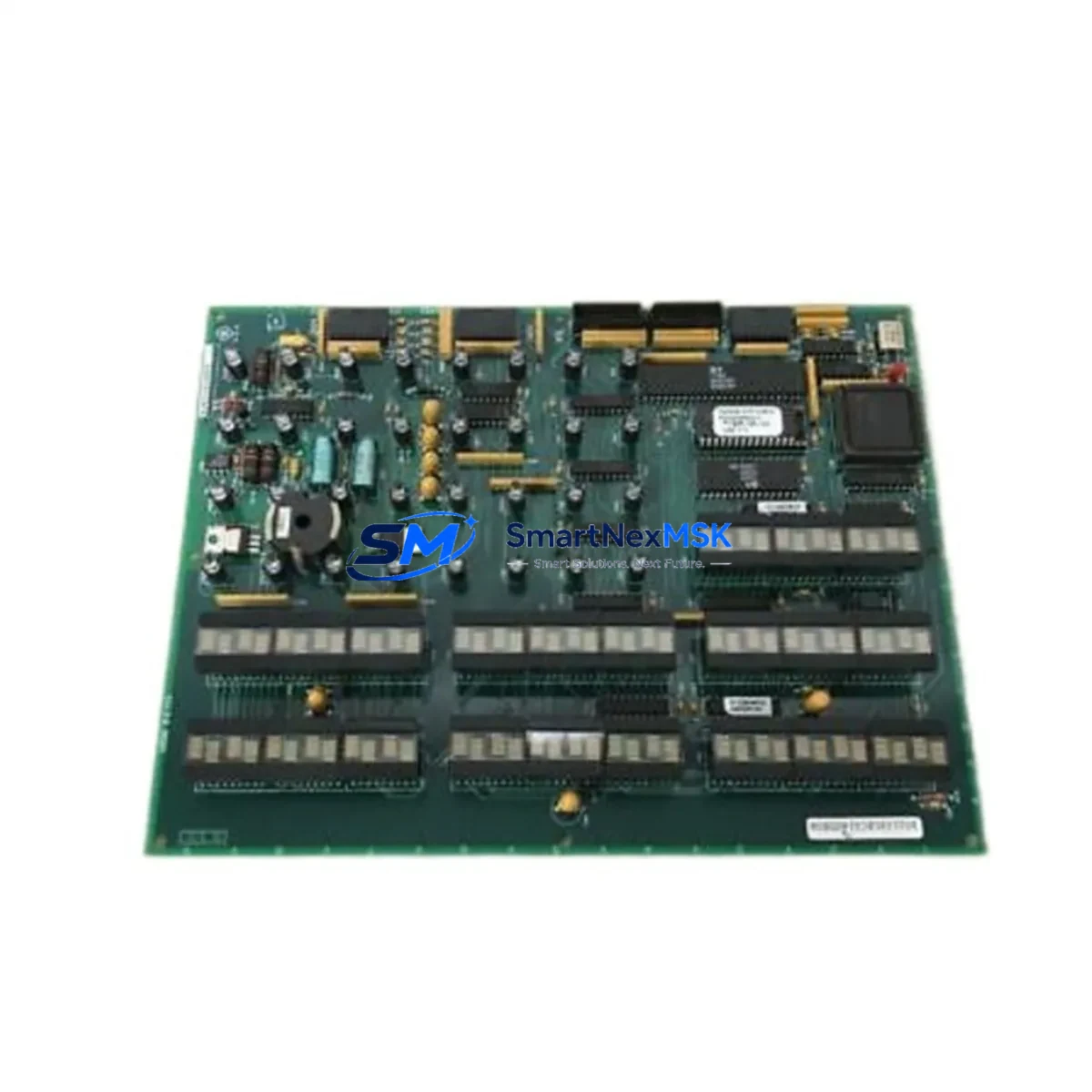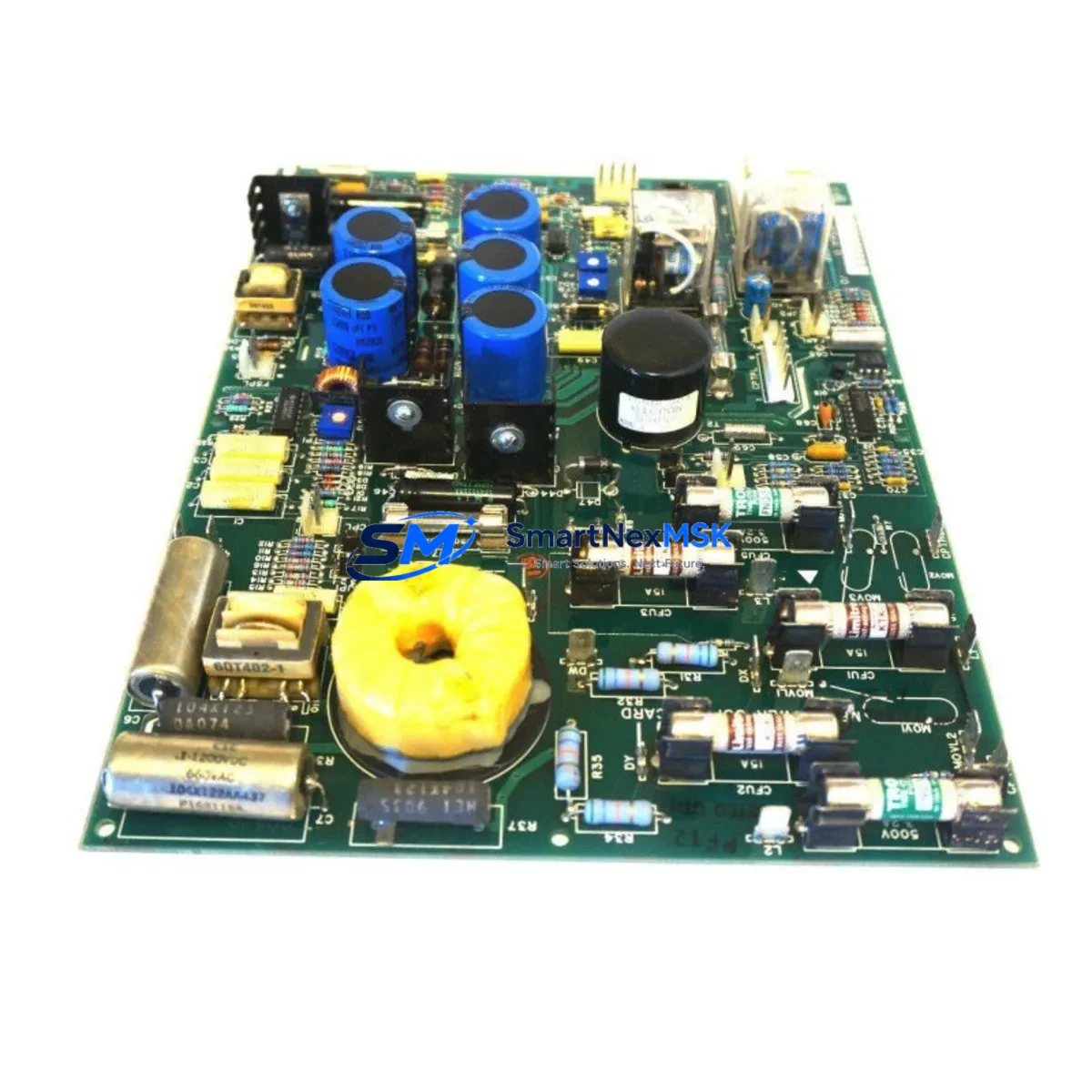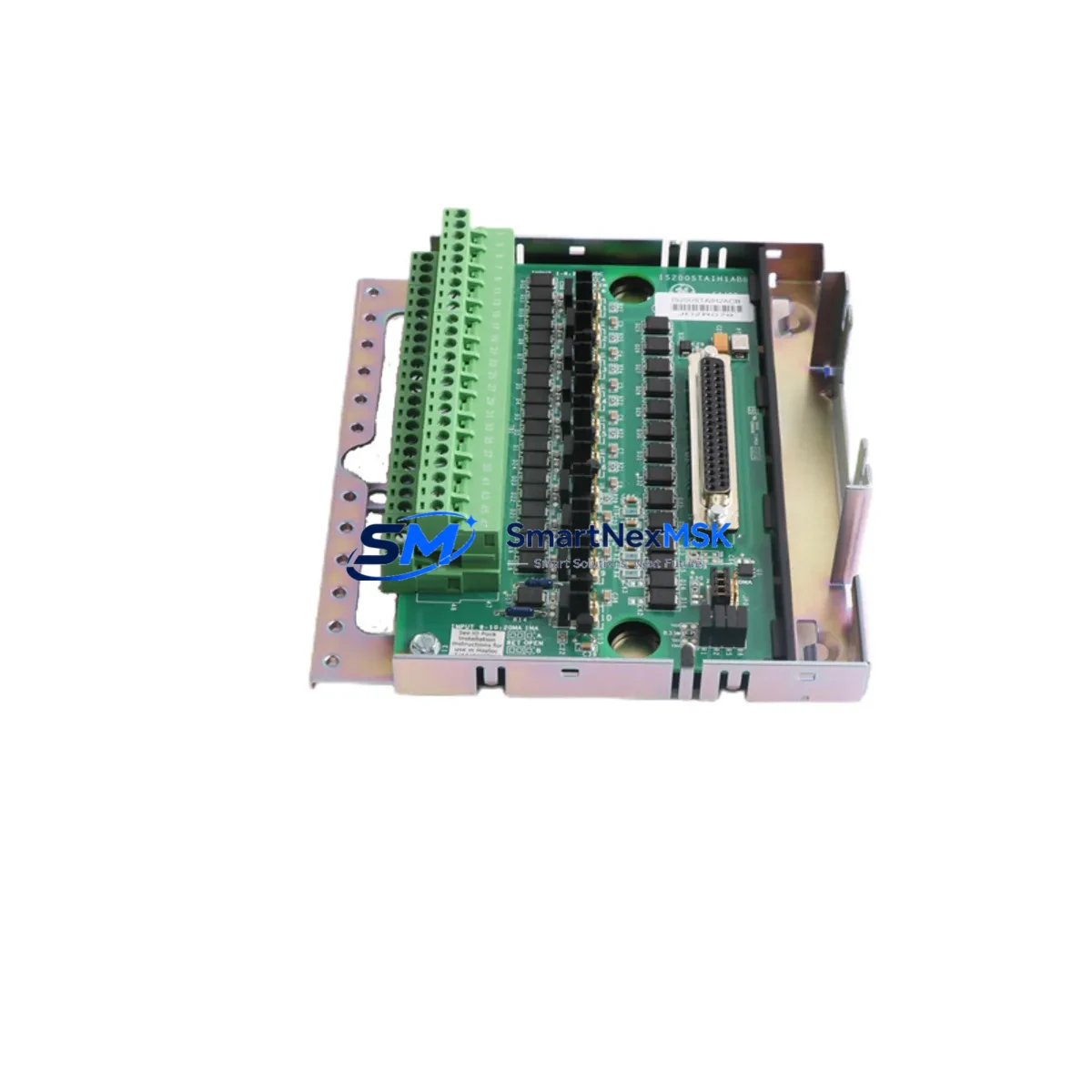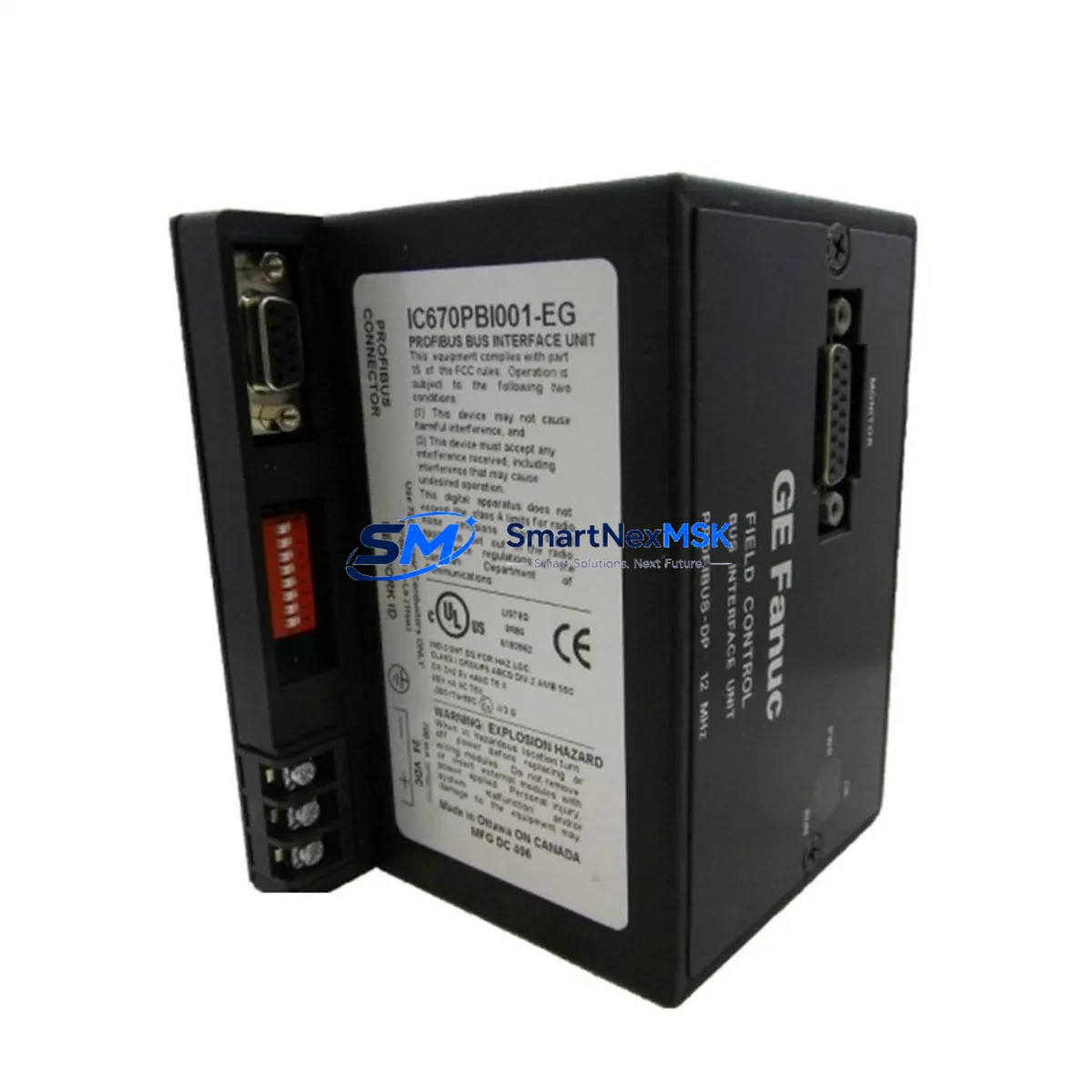
GE IC670PBI001 Maintenance-Ready Spare for Series 90-70 Automation
The GE IC670PBI001 is an original Profibus DP Bus Interface Unit (BIU) designed for the GE Series 90-70 programmable logic controller platform — one of the most widely deployed rack-based PLC architectures in heavy industrial, power generation, and process automation environments. As aging Series 90-70 systems continue to operate well beyond their original design life, maintaining a verified spare of the IC670PBI001 is a critical element of any proactive maintenance strategy. Unplanned downtime caused by a failed bus interface unit can halt an entire production line within minutes; having a tested, ready-to-install replacement on the shelf is the single most effective way to minimize mean time to repair (MTTR).
Each IC670PBI001 unit supplied by SMARTNEXMSK is sourced from original manufacturing channels, subjected to functional power-on and communication verification testing prior to dispatch, and backed by a 12-month warranty covering defects in materials and workmanship. Units are packaged in anti-static protective enclosures and shipped with full traceability documentation to support your incoming inspection and maintenance records.
Spare Maintenance Table
| Parameter | Specification / Value |
|---|---|
| Part Number | IC670PBI001 |
| Manufacturer | General Electric (GE Automation) |
| Series | Series 90-70 |
| Function | Profibus DP Bus Interface Unit (BIU) |
| Communication Protocol | Profibus DP (EN 50170 / IEC 61158) |
| Baud Rate Support | 9.6 kbps – 12 Mbps (auto-detect) |
| Rack Compatibility | GE Series 90-70 VME-based racks (IC697CHS750, IC697CHS782, IC697CHS790) |
| Slot Type | Standard Series 90-70 module slot |
| Power Consumption | Supplied via rack backplane (5 VDC) |
| Operating Temperature | 0 °C to 60 °C |
| Storage Temperature | -40 °C to 85 °C |
| Humidity | 5% – 95% RH, non-condensing |
| Installation Environment | Industrial control cabinet, DIN-rail or rack-mount enclosure |
| Compatibility | GE Series 90-70 CPU modules (IC697CPX935, IC697CPU772, IC697CPU781) |
| Maintenance Recommendation | Inspect bus connectors and termination resistors every 12 months; verify Profibus segment integrity during planned shutdowns |
| Warranty | 12 Months — covers manufacturing defects and functional failure under normal operating conditions |
| Pre-shipment Testing | Power-on verification, Profibus DP communication handshake test, visual inspection |
| Condition | Original / Refurbished-to-OEM-spec (clearly stated per order) |
Maintenance Planning for Continuous Operation
When a maintenance or reliability engineer identifies the IC670PBI001 as a replacement candidate — whether during a scheduled outage, a fault-code investigation, or a control cabinet audit — the replacement scope should never be limited to the BIU alone. The Profibus DP segment connected through this interface unit is a shared communication backbone, and a degraded or failed BIU is frequently a symptom of broader electrical stress in the cabinet.
Begin by inspecting the IC697PWR711 or IC697PWR724 rack power supply module that feeds the Series 90-70 backplane. A power supply operating near its rated output or exhibiting voltage ripple can cause intermittent BIU resets that mimic a faulty IC670PBI001. Simultaneously, check the IC697BEM711 or IC697BEM713 bus expansion module if the system uses a multi-rack configuration — a degraded expansion bus can corrupt Profibus DP traffic upstream of the BIU.
On the field side, verify the Profibus DP cable termination resistors at both ends of the segment. Improperly terminated segments are a leading cause of intermittent communication faults that are incorrectly attributed to the IC670PBI001 itself. If the segment includes IC670MDL640 or IC670MDL740 discrete I/O modules as Profibus slaves, confirm their station addresses and GSD file configurations have not drifted after a power cycle.
For systems that include analog process signals, inspect any IC670ALG230 or IC670ALG320 analog I/O modules on the Profibus segment. Signal drift or calibration loss in these modules can trigger nuisance alarms that lead maintenance teams to suspect the BIU when the root cause lies in the I/O layer. Where signal isolation is required between field instruments and the PLC, check the signal isolator barriers (such as MTL or P+F HART isolators) installed in the marshalling cabinet — degraded isolation can introduce ground loops that affect Profibus signal integrity.
If the Series 90-70 system communicates upstream to a SCADA or DCS via an IC697CMM711 or IC697CMM742 communications module, verify that the communication module’s firmware and configuration remain intact after the BIU replacement. In systems where an IC697CGR772 or IC697CGR935 CPU redundancy module is installed, confirm that the redundancy switchover logic is functioning correctly before returning the system to automatic mode.
Finally, if the control cabinet includes an IC697ACC701 or IC697ACC724 memory backup module, verify that the CPU program and configuration data are current and backed up before performing any module swap. A complete spare parts kit for a Series 90-70 Profibus node should include the IC670PBI001 BIU, at least one rack power supply, a set of Profibus DP bus connectors with integrated termination, and a spare CPU module — ensuring that any single-point failure can be resolved within one planned maintenance window.
Site Replacement Workflow
Step 1 — Pre-replacement verification: Document the current Profibus DP network configuration, including station addresses, baud rate, and segment topology. Export or photograph the CPU program version and I/O configuration from the programming software (Proficy Machine Edition or GE Logicmaster 90) before touching any hardware.
Step 2 — Safe isolation: Follow your site’s lockout/tagout (LOTO) procedure. De-energize the rack power supply feeding the slot occupied by the IC670PBI001. Do not rely on software-only shutdown for module removal in live racks unless the system design explicitly supports hot-swap for this module type.
Step 3 — Physical replacement: Remove the faulty IC670PBI001 by releasing the module latch and sliding it clear of the backplane connector. Inspect the backplane connector pins for corrosion or mechanical damage before inserting the replacement unit. Seat the new IC670PBI001 firmly and re-engage the latch.
Step 4 — Re-energization and verification: Restore rack power and observe the module status LEDs. The IC670PBI001 should indicate a healthy Profibus DP link within 30 seconds of power-up. Verify all slave devices on the segment are communicating correctly from the CPU diagnostic screen or SCADA system. Confirm I/O data is updating at the expected scan rate before releasing the system to production.
Step 5 — Documentation and stock replenishment: Record the replacement in your CMMS (Computerized Maintenance Management System), including the date, technician, replaced part serial number, and post-replacement test results. Immediately initiate a purchase order to replenish the IC670PBI001 spare — maintaining at least one verified spare on the shelf at all times is the minimum recommended stock level for critical Profibus interface nodes.
Spare Parts Support FAQ
Q1: Is the IC670PBI001 still available as a new original part, or only as a refurbished spare?
GE has transitioned the Series 90-70 platform to end-of-life status, meaning new original production units are no longer manufactured. SMARTNEXMSK supplies IC670PBI001 units sourced from original production stock (new-old-stock) or professionally refurbished to OEM functional specifications. The condition of each unit is clearly stated at the time of order confirmation. All units — regardless of condition classification — undergo pre-shipment functional testing and are covered by a 12-month warranty.
Q2: How do I verify compatibility between the IC670PBI001 and my existing Series 90-70 rack and CPU?
The IC670PBI001 is compatible with all standard Series 90-70 VME racks and CPU modules that support Profibus DP I/O expansion. Compatibility is determined by the rack type (IC697CHS series), the CPU firmware revision, and the Profibus DP configuration defined in your I/O configuration tool. Provide your CPU part number and rack model when placing your order, and our technical team will confirm compatibility before shipment. We also recommend cross-referencing GE publication GFK-1504 (Series 90-70 Profibus DP Master User’s Manual) for detailed compatibility matrices.
Q3: What is included in the 12-month warranty, and what is the process for a warranty claim?
The 12-month warranty covers functional failure and manufacturing defects under normal operating conditions — defined as operation within the published electrical and environmental specifications of the IC670PBI001. Physical damage caused by incorrect installation, overvoltage events, or environmental contamination is excluded. To initiate a warranty claim, contact [email protected] with your order number, a description of the failure symptom, and any available diagnostic data (LED status, CPU fault codes). SMARTNEXMSK will arrange return shipping and provide a replacement or repair within the agreed lead time.
Q4: Can SMARTNEXMSK support long-term supply of IC670PBI001 units for a multi-year maintenance contract?
Yes. SMARTNEXMSK maintains ongoing sourcing relationships for end-of-life GE Series 90-70 components and can support blanket purchase orders, annual supply agreements, and consignment stock arrangements for customers with recurring spare parts requirements. Contact our sales team to discuss volume pricing, lead time commitments, and dedicated stock reservation for your facility’s maintenance program.
© 2026 SMARTNEXMSK. All rights reserved.
Original Source: https://smartnexmsk.com
Contact: [email protected] | +86 18259474341