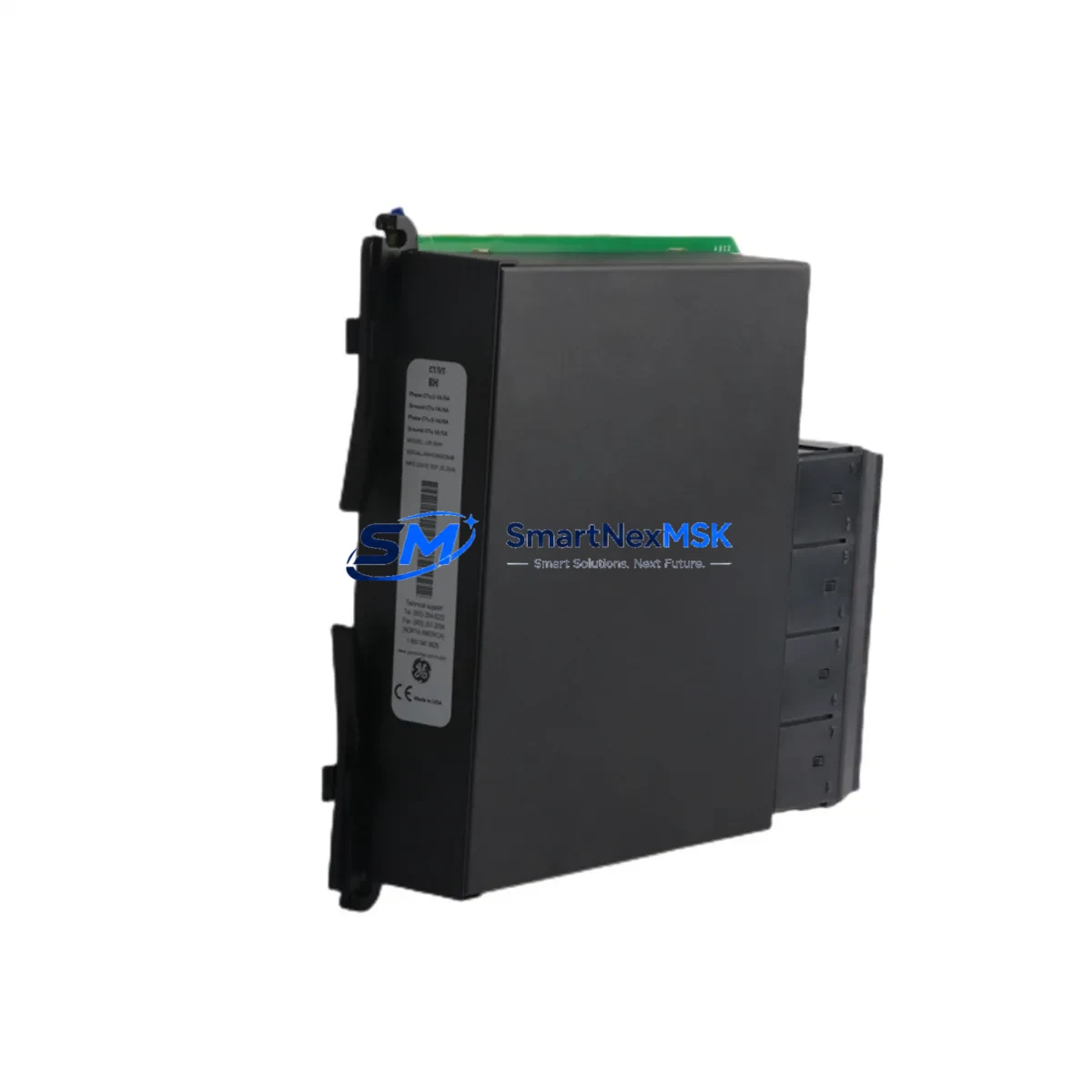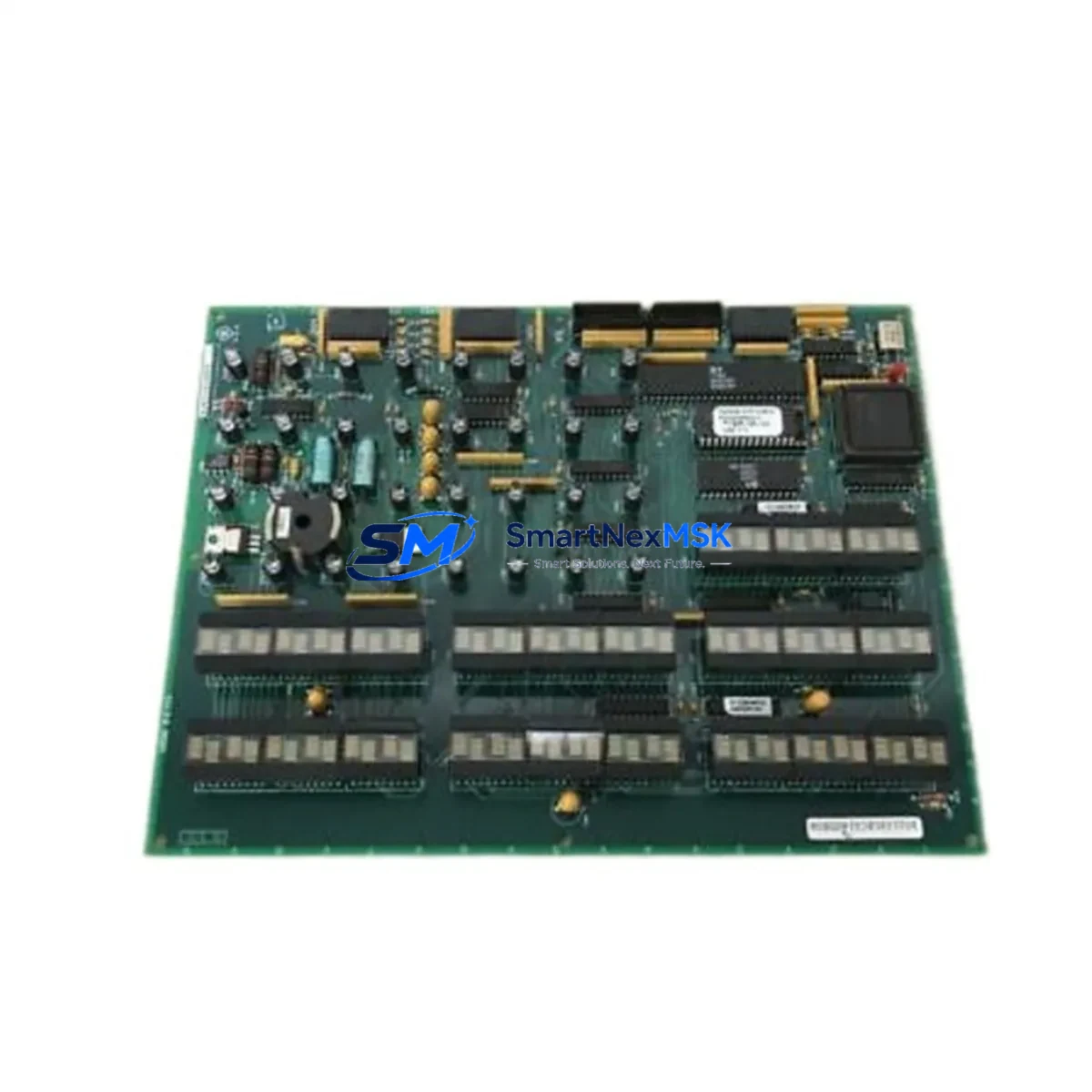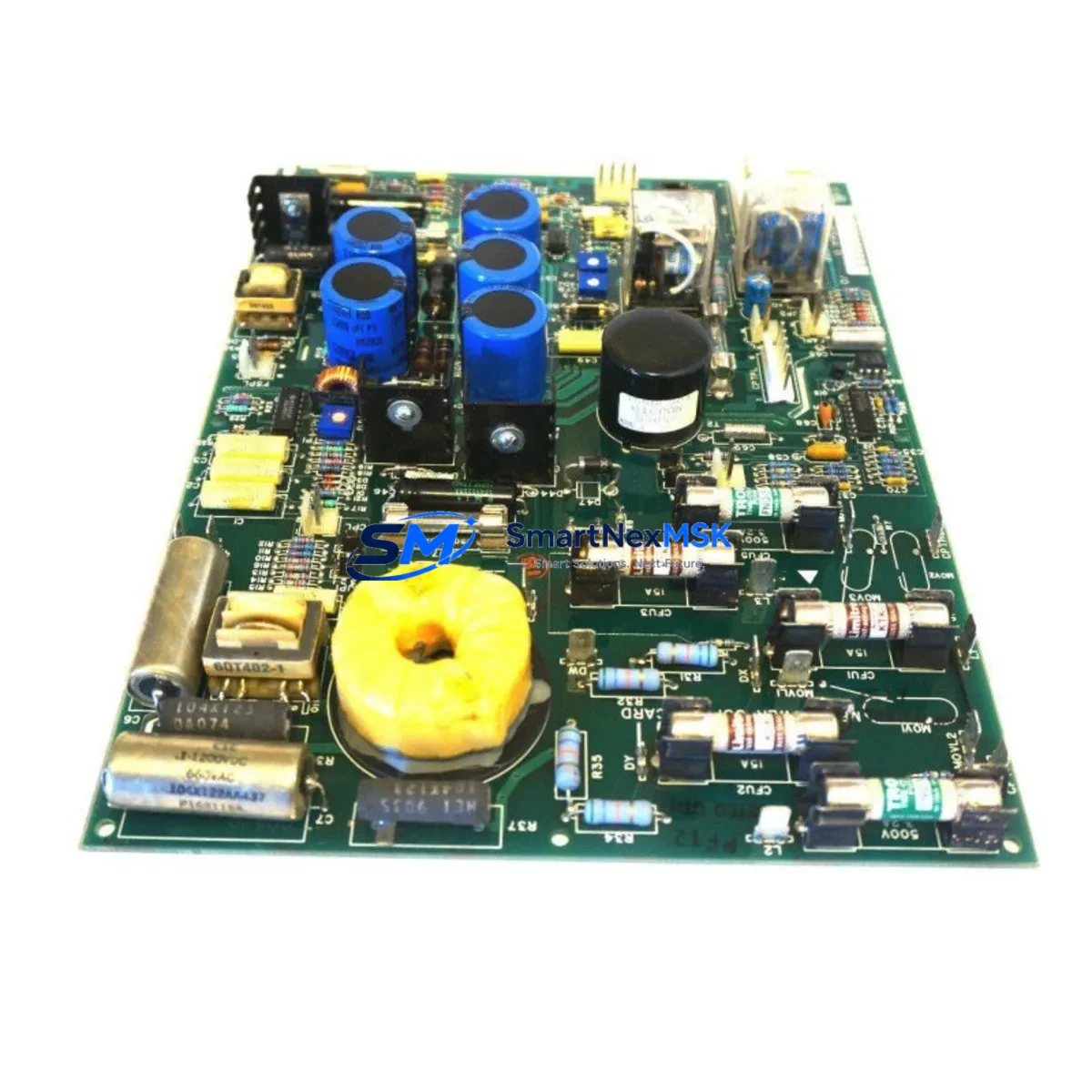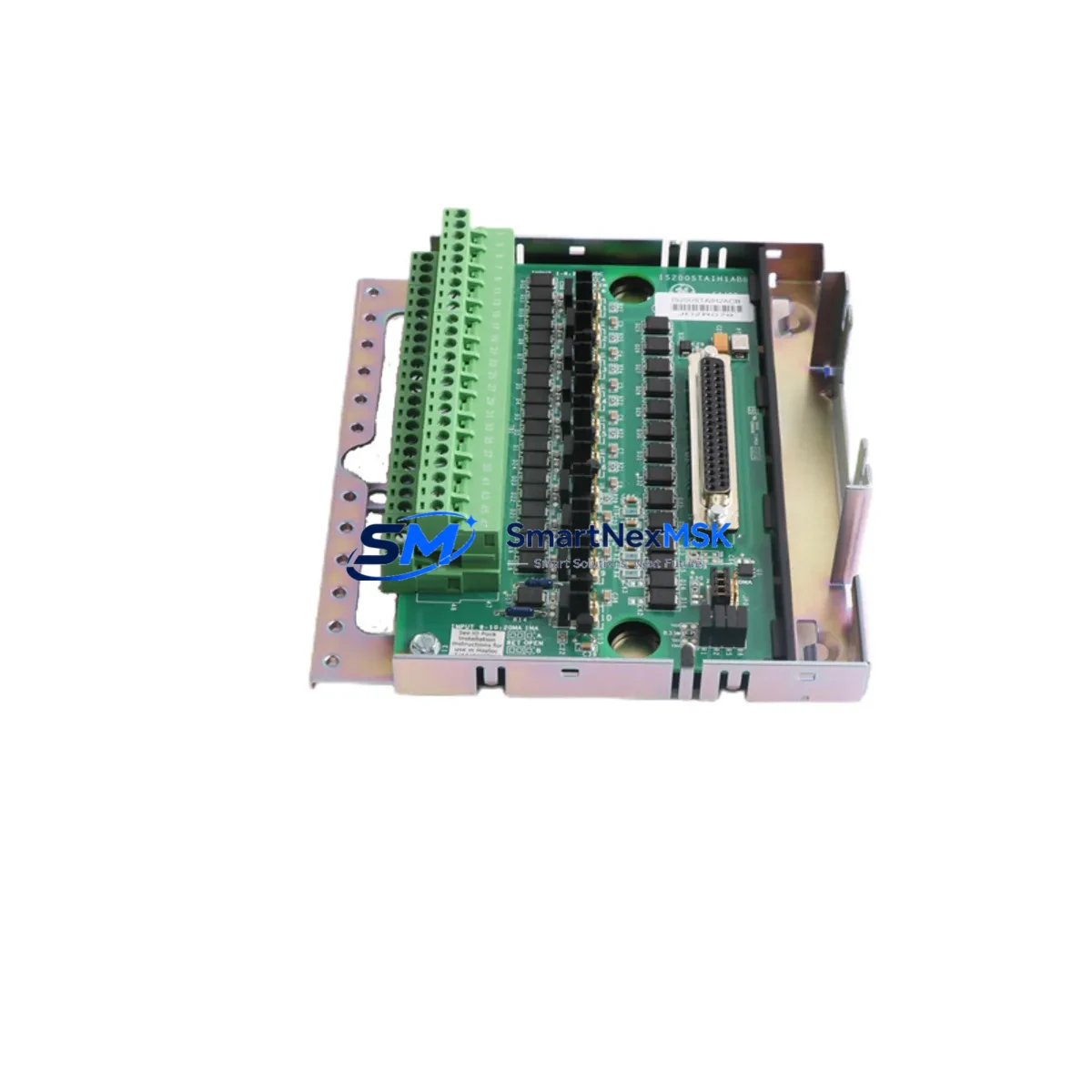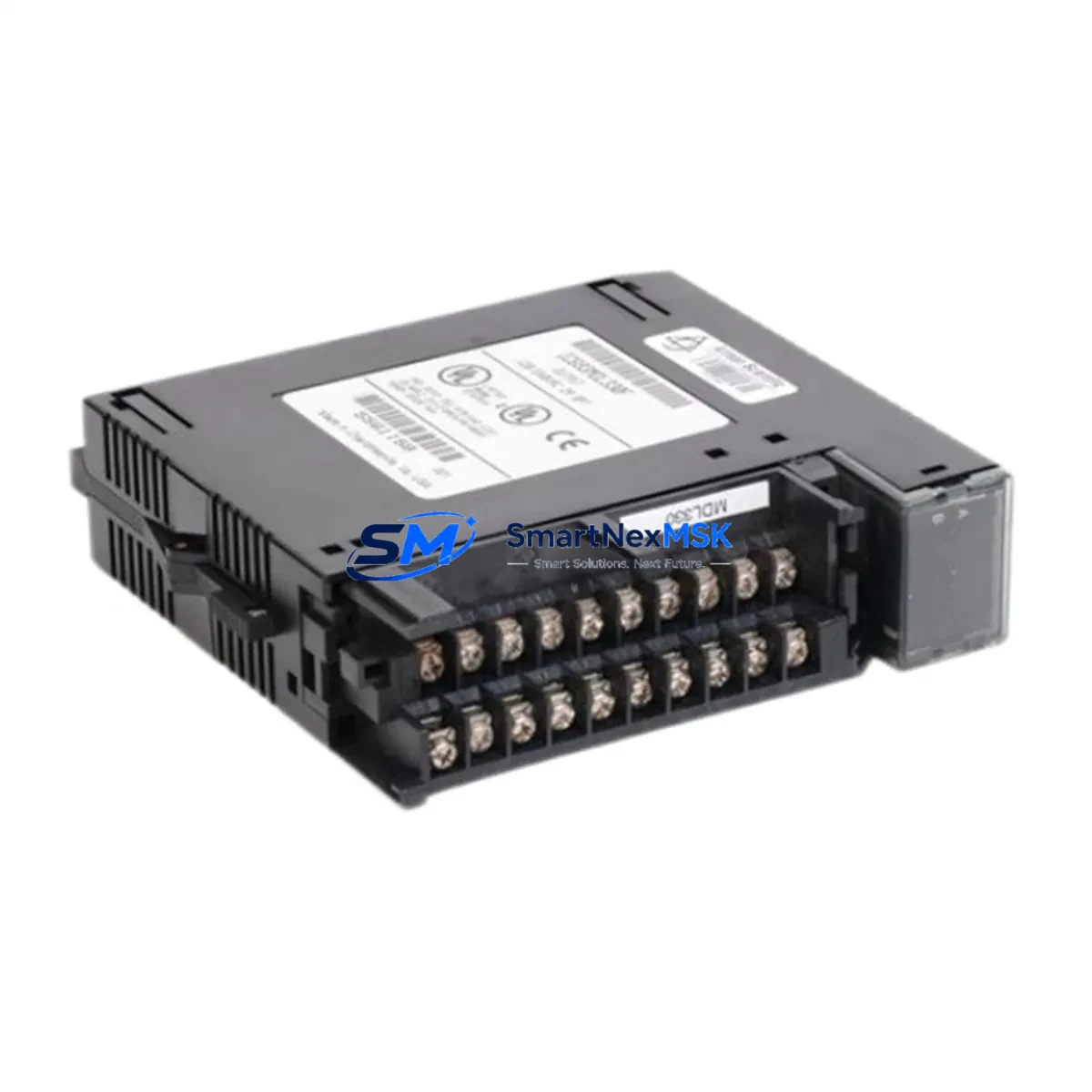
GE IC693MDL330 Retrofit-Ready AC Output Module for Series 90-30 Control Systems
The GE IC693MDL330 is a 120/240VAC discrete output module engineered for the GE Series 90-30 PLC platform. With 16 isolated AC output points rated at 2A per point, this module is a proven retrofit solution for aging control cabinets that rely on discontinued or end-of-life output hardware. Whether you are replacing a failed IC693MDL330 on an active production line or upgrading a legacy panel to extend its operational life by five to ten years, this module delivers the electrical compatibility and mechanical fit that industrial engineers require.
Sourced from verified supply channels and fully tested prior to shipment, each unit is backed by a 12-month warranty covering manufacturing defects and functional failures. Stock is maintained in Xiamen for rapid dispatch to customers across Asia, the Middle East, and Europe.
Upgrade Compatibility Table
| Parameter | IC693MDL330 Specification | Retrofit Notes |
|---|---|---|
| Output Type | Discrete AC Output | Direct replacement for IC693MDL330 and compatible with IC693MDL331 slots in same rack |
| Voltage Range | 120/240 VAC, 47–63 Hz | Verify field wiring voltage before installation; no jumper change required |
| Output Points | 16 isolated outputs, 2A per point | Map existing I/O addresses in Proficy Machine Edition before swapping |
| Rack Compatibility | IC693CHS391, IC693CHS397, IC693CHS398 | Confirm backplane slot assignment; no rack modification needed |
| Communication | Series 90-30 backplane bus | Compatible with IC693CPU374, IC693CPU375, IC693CPU364 controllers |
| Module Address | Configured via CPU rack slot position | Re-confirm %Q address mapping in ladder logic after replacement |
| Installation | Hot-swap not supported; power-down required | Schedule maintenance window; isolate field circuits before removal |
| Warranty | 12-Month Warranty — covers functional failure and manufacturing defects from date of shipment | |
Retrofit Planning for Existing Automation Systems
A successful IC693MDL330 retrofit begins well before the module arrives on site. Engineers should pull the existing rack configuration from the IC693CPU374 or IC693CPU364 controller using Proficy Machine Edition and export the hardware configuration file. This step preserves the original %Q output address assignments and prevents address conflicts after the new module is seated in the IC693CHS391 or IC693CHS397 rack.
Power supply capacity is the next critical checkpoint. The IC693PWR321 or IC693PWR330 rack power supply must have sufficient headroom to support the IC693MDL330’s backplane current draw alongside other installed modules such as the IC693MDL654 DC input module and any IC693ALG220 analog input cards sharing the same rack. Overloaded power supplies are a leading cause of intermittent faults during retrofit commissioning and should be load-calculated before the maintenance window begins.
Terminal wiring on the IC693MDL330 uses a removable 20-pin connector. When replacing a failed module, the field wiring connector can be transferred directly to the new unit without rewiring individual terminals — a significant advantage for minimizing downtime on active production lines. Verify that terminal torque specifications are met and that no conductors show signs of heat damage from the previous module’s failure event.
If the retrofit involves migrating from an older IC693MDL310 or IC693MDL320 output module to the IC693MDL330, note that the point count and voltage class are identical, but the output isolation grouping differs. Update the hardware configuration in Proficy Machine Edition to reflect the new module catalog number and download the revised configuration to the CPU before enabling outputs. Any IC693CMM321 communications module or IC693PCM300 coprocessor installed in the same rack will remain unaffected by the output module swap.
For systems that include an IC693MDL940 relay output module in adjacent slots, confirm that the relay coil voltage ratings are compatible with the AC field circuits being controlled. Mixed AC/DC output racks are common in older panel designs and require careful circuit isolation review during the retrofit planning phase.
Downtime Control During System Migration
Minimizing unplanned downtime is the primary concern for any IC693MDL330 replacement on a live production system. The recommended approach is to pre-stage the replacement module, verify its firmware revision against the existing CPU version, and prepare the Proficy Machine Edition project file with the updated hardware configuration — all before the scheduled maintenance window opens.
During the swap, place the Series 90-30 CPU in Stop/Fault mode rather than removing power from the entire panel where possible. This preserves the program logic in battery-backed RAM on the IC693CPU374 and avoids the need to reload the application program from a programmer cable. Once the IC693MDL330 is seated and the field wiring connector is reattached, transition the CPU to Run mode and monitor the output status LEDs on the module face for the first five to ten scan cycles.
If the system uses an IC693CMM321 Ethernet communications module for SCADA connectivity, verify that the HMI screen tags mapped to the affected %Q output addresses are reading correctly after the module replacement. A forced output test on each of the 16 points — conducted with field devices de-energized — confirms electrical continuity before returning the line to production. Document the commissioning test results and retain them with the panel maintenance log as part of the 12-month warranty record.
Retrofit Support FAQ
Q: Is the IC693MDL330 a direct drop-in replacement for a failed unit of the same part number?
A: Yes. The IC693MDL330 is a direct slot-for-slot replacement within any compatible Series 90-30 rack. No hardware modification is required. Confirm the module address assignment in your CPU configuration matches the slot position before returning to Run mode.
Q: What wiring changes are needed when replacing an IC693MDL310 with the IC693MDL330?
A: The field wiring connector pinout is compatible, but the IC693MDL330 has individually isolated output points versus the grouped isolation on the IC693MDL310. Review your circuit protection scheme and update the hardware configuration in Proficy Machine Edition to reflect the new catalog number before downloading.
Q: How is the IC693MDL330 tested before shipment?
A: Each unit undergoes functional output testing across all 16 points under rated AC load conditions. Test records are retained and available upon request. The module ships with a 12-month warranty covering functional failure from the date of shipment.
Q: Can the IC693MDL330 operate in a rack alongside DC input and analog modules?
A: Yes. The IC693MDL330 coexists with DC input modules such as the IC693MDL654 and analog modules such as the IC693ALG220 in the same Series 90-30 rack, provided the rack power supply has sufficient capacity. Calculate total backplane current draw before finalizing the rack layout.
© 2026 SMARTNEXMSK. All rights reserved.
Original Source: https://smartnexmsk.com
Contact: [email protected] | +86 18259474341