
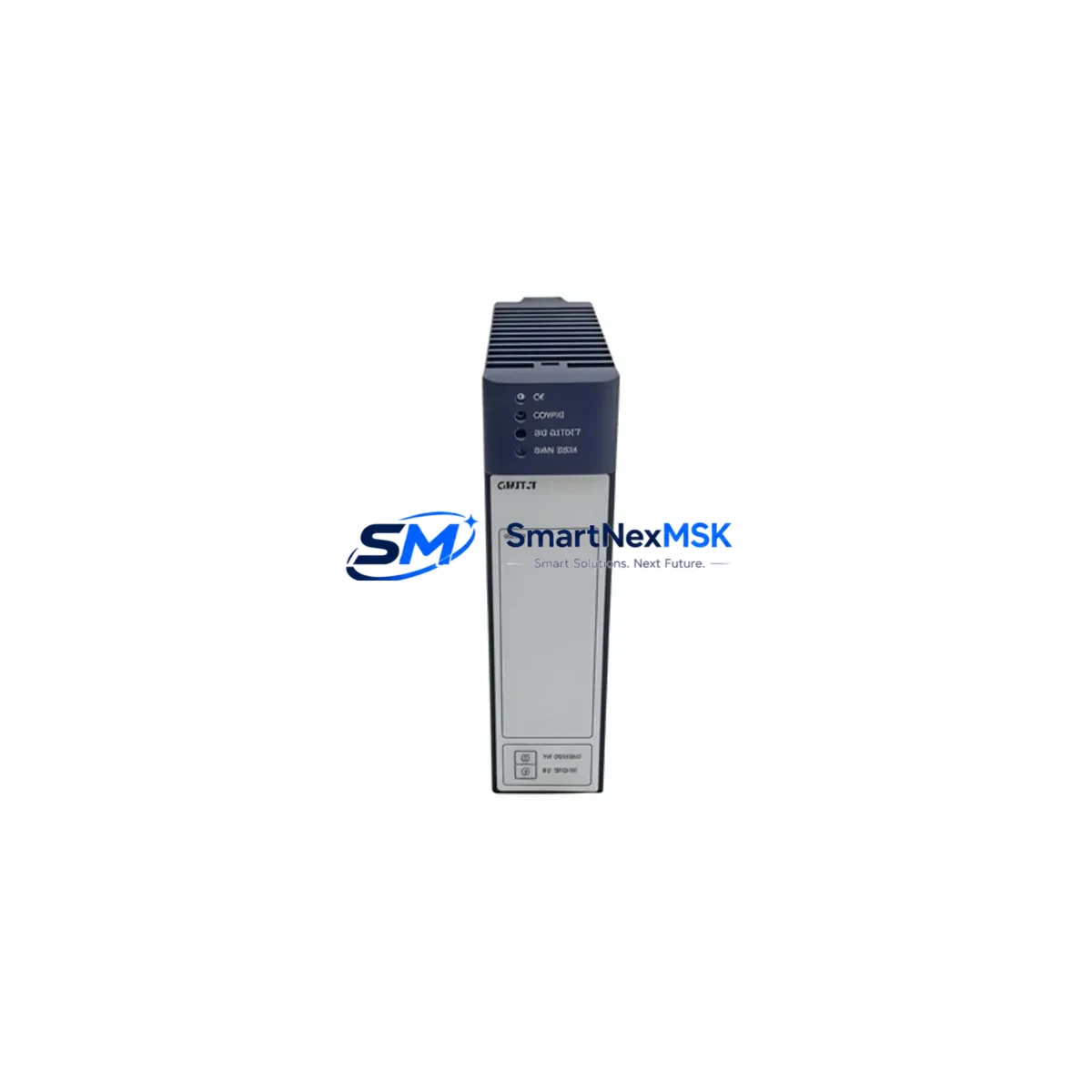
GE IC695CMX128 Maintenance-Ready Spare for RX3i Automation
The GE IC695CMX128 is a 128MB Control Memory Xchange (CMX) module designed for the GE PACSystems RX3i platform — one of the most widely deployed distributed control architectures in process manufacturing, power generation, and heavy industrial automation. As a maintenance-ready original spare, the IC695CMX128 is a critical component for facilities that depend on continuous PLC operation and cannot afford extended downtime during unplanned memory module failures.
For maintenance engineers managing aging RX3i control cabinets, the IC695CMX128 serves as the primary non-volatile memory interface between the CPU and the application program store. When this module degrades or fails — often presenting as CPU fault codes, program loss on power cycle, or erratic scan-time behavior — rapid replacement with a verified original spare is the fastest path to system recovery. Stocking at least one IC695CMX128 per critical RX3i rack is a standard recommendation in any industrial spare parts strategy.
Procurement engineers sourcing this module should confirm the firmware revision compatibility with the installed CPU — typically the IC695CPU310, IC695CPU315, or IC695CPU320 — before deployment. The IC695CMX128 is not interchangeable with the IC695CMX128E or earlier 64MB variants without verifying the CPU’s supported memory map. Our team performs pre-shipment compatibility checks and provides documentation upon request.
Spare Maintenance Table
| Parameter | Specification |
|---|---|
| Part Number | IC695CMX128 |
| Series | PACSystems RX3i |
| Brand | GE (General Electric / Emerson Automation) |
| Module Type | Control Memory Xchange (CMX) |
| Memory Capacity | 128 MB |
| Form Factor | RX3i Universal Backplane Module |
| Compatible CPUs | IC695CPU310, IC695CPU315, IC695CPU320 |
| Compatible Backplanes | IC695CHS012, IC695CHS016, IC694CHS392 |
| Operating Temperature | 0°C to 60°C |
| Humidity | 5% to 95% non-condensing |
| Power Consumption | Supplied via RX3i backplane bus |
| Installation | Hot-swap capable (with CPU in Stop mode) |
| Condition | Original, New or Tested Surplus |
| Pre-shipment Test | Yes — functional verification before dispatch |
| Warranty | 12 Months |
| Lead Time | In-stock, ships within 1–3 business days |
Maintenance Planning for Continuous Operation
When replacing the IC695CMX128 in a live RX3i control cabinet, a thorough inspection of adjacent modules is essential to prevent repeat failures and ensure system stability. Maintenance engineers should treat this replacement as an opportunity for a full cabinet health check.
Begin with the power supply — the IC695PSA040 or IC695PSD040 power supply module should be verified for output voltage stability and ripple, as undervoltage conditions are a leading cause of premature memory module degradation. Next, inspect the CPU module itself (IC695CPU310 / IC695CPU315 / IC695CPU320) for firmware currency and battery backup status; a depleted CPU battery can cause program loss that mimics a CMX module failure.
I/O modules in the same rack — including IC694MDL645 discrete input modules and IC694MDL754 discrete output modules — should be checked for loose seating and connector corrosion, particularly in high-vibration or high-humidity environments. Communication modules such as the IC695ETM001 Ethernet interface or IC695PBM300 PROFIBUS master should be verified for active network status after the CMX replacement, as a CPU restart may require re-initialization of fieldbus communications.
Terminal blocks and wiring harnesses connected to analog I/O modules like the IC695ALG600 should be inspected for insulation integrity. Signal isolators on 4–20mA loops feeding the RX3i analog inputs are often overlooked during memory module replacements but can introduce ground loops that corrupt scan data. If the cabinet includes an HMI panel — such as a QuickPanel+ or third-party operator terminal — verify that the HMI communication driver reconnects cleanly after the CPU returns to Run mode.
For facilities running legacy RX3i systems beyond their original design life, the IC695CMX128 replacement is also an appropriate time to audit the backplane (IC695CHS012 / IC695CHS016) for slot connector wear and to verify that all module retaining clips are secure. Proactive replacement of aging fuses in the power distribution section of the control cabinet further reduces the risk of cascade failures.
Site Replacement Workflow
Step 1 — Pre-replacement backup: Before removing the IC695CMX128, use the GE Proficy Machine Edition programming software to perform a full program upload and save the project to a secure engineering workstation. Confirm the backup includes all logic blocks, hardware configuration, and variable tables.
Step 2 — CPU to Stop mode: Place the CPU in Stop/Halt mode via the keyswitch or software command. Do not remove the CMX module while the CPU is in Run mode, even if the module is rated for hot-swap, as this risks program corruption.
Step 3 — Module extraction: Release the module locking tab, slide the IC695CMX128 out of its backplane slot, and inspect the slot connector for debris or bent pins before inserting the replacement unit.
Step 4 — Replacement insertion: Seat the new IC695CMX128 firmly until the locking tab engages. Verify the module’s LED status indicators show normal initialization within 30 seconds of power-up.
Step 5 — Program download and verification: Download the saved project from the engineering workstation to the CPU. Perform a full I/O force test on critical outputs before returning the system to automatic Run mode. Document the replacement date, module serial number, and post-replacement test results in the site maintenance log.
This workflow minimizes downtime to under 30 minutes for experienced maintenance teams and ensures full system compatibility is maintained without requiring hardware reconfiguration.
Spare Parts Support FAQ
Q1: Is the IC695CMX128 compatible with all PACSystems RX3i CPU variants?
The IC695CMX128 is compatible with the IC695CPU310, IC695CPU315, and IC695CPU320. It is not compatible with RX7i CPUs or earlier Series 90-30 controllers. Always verify the CPU firmware version against GE’s compatibility matrix before installation. Our technical team can assist with compatibility confirmation prior to order.
Q2: What is your stock availability and lead time for the IC695CMX128?
We maintain standing inventory of the IC695CMX128 to support emergency maintenance scenarios. In-stock units ship within 1–3 business days. For facilities requiring guaranteed same-day dispatch, please contact our sales team directly to confirm real-time stock status.
Q3: How is the IC695CMX128 tested before shipment?
Every IC695CMX128 unit undergoes functional verification on a live RX3i test rack prior to dispatch. Testing includes power-on initialization, memory read/write cycle validation, and CPU communication handshake confirmation. A test report is available upon request.
Q4: What does the 12-month warranty cover?
Our 12-month warranty covers manufacturing defects and functional failures under normal operating conditions. It does not cover damage resulting from incorrect installation, overvoltage events, or physical mishandling. Warranty claims are processed with priority turnaround — replacement units are dispatched within 5 business days of claim approval.
© 2026 SMARTNEXMSK. All rights reserved.
Original Source: https://smartnexmsk.com
Contact: [email protected] | +86 18259474341



