
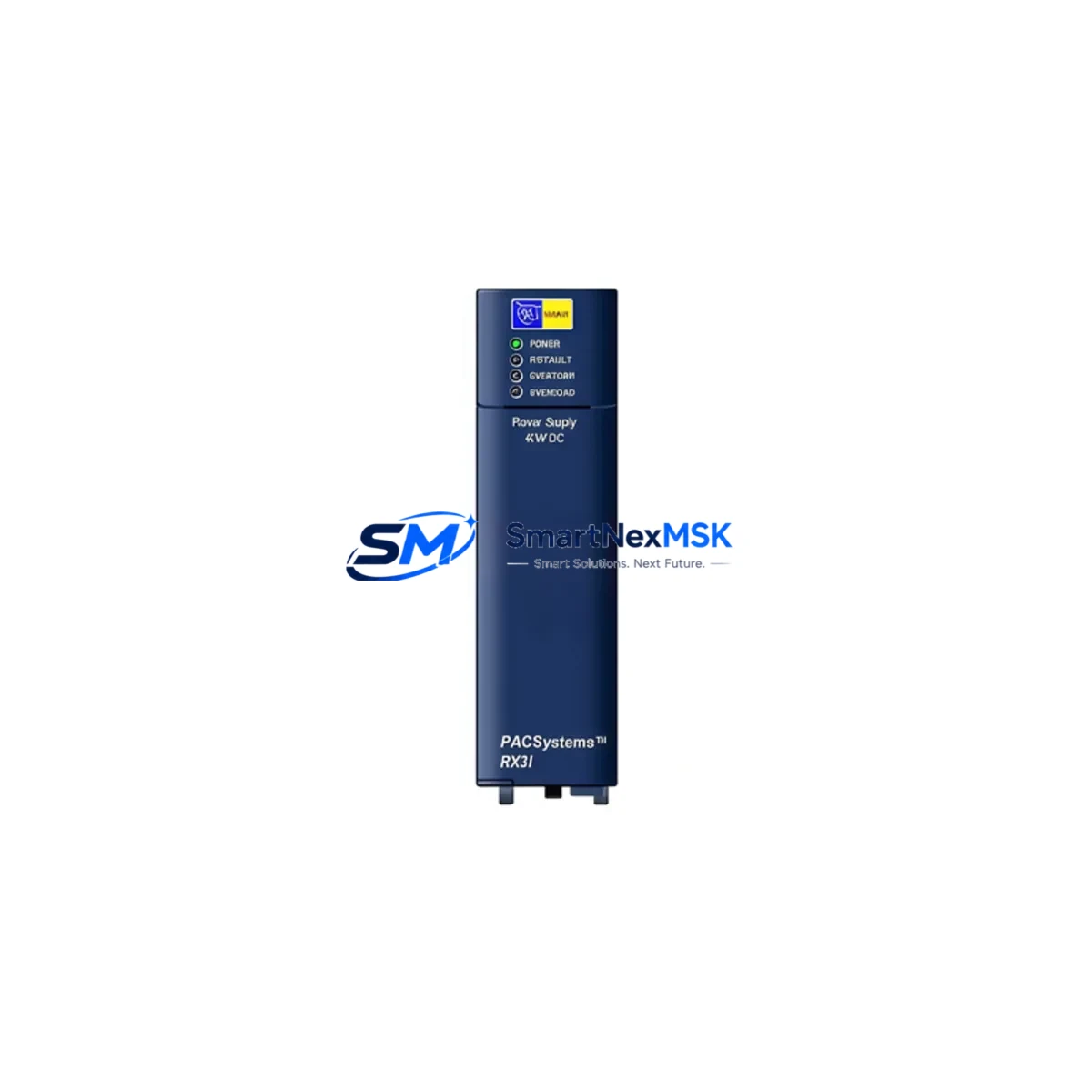
GE IC695PSD140LT Maintenance-Ready Spare for RX3i Automation
The GE IC695PSD140LT is an original redundant power supply module designed for the GE PACSystems RX3i control platform. In industrial automation environments where unplanned downtime translates directly into production loss, maintaining a verified spare of the IC695PSD140LT in your parts inventory is a fundamental risk-control measure. This module provides 24VDC input power with hot-swap capability, allowing maintenance engineers to replace a failed unit without shutting down the entire control rack — a critical advantage in continuous-process industries such as oil and gas, chemical processing, water treatment, and discrete manufacturing.
At SMARTNEXMSK, every IC695PSD140LT unit is sourced from verified supply channels, inspected against GE factory specifications, and tested prior to shipment. Each unit ships with a 12-month warranty and full documentation support. Whether you are building a planned maintenance kit, responding to an emergency fault, or extending the operational life of an aging RX3i system, the IC695PSD140LT is a direct, compatible replacement that requires no firmware changes or rack reconfiguration.
Spare Maintenance Table
| Parameter | Specification |
|---|---|
| Part Number | IC695PSD140LT |
| Brand | GE (General Electric / Emerson Automation) |
| Series | PACSystems RX3i |
| Module Type | Redundant Power Supply Module |
| Input Voltage | 24VDC Nominal |
| Output | Backplane power for RX3i rack |
| Hot-Swap Capable | Yes — no rack shutdown required |
| Compatibility | GE PACSystems RX3i (IC695 series rack) |
| Installation | Slot-mount into IC695CHS012 / IC695CHS016 chassis |
| Operating Temperature | 0°C to 60°C |
| Relative Humidity | 5% to 95% non-condensing |
| Origin | USA |
| Condition | Original / New Surplus / Tested |
| Warranty | 12 Months — SMARTNEXMSK |
| Pre-Ship Testing | Yes — functional verification before dispatch |
| Lead Time | In stock — ships within 1–3 business days |
Maintenance Planning for Continuous Operation
When a maintenance or procurement engineer schedules a replacement of the IC695PSD140LT, the inspection scope should extend beyond the power supply module itself. A thorough control cabinet audit at the time of replacement significantly reduces the risk of secondary failures and repeat downtime events.
Begin by verifying the input power feed: check the 24VDC supply rail, confirm fuse integrity on the power distribution board, and inspect terminal blocks (such as Phoenix Contact or Weidmüller DIN-rail terminals) for signs of oxidation or loose torque. The IC695PSD140LT feeds the RX3i backplane, so the IC695CHS012 or IC695CHS016 chassis should be inspected for backplane connector wear and slot alignment. If the system runs a redundant CPU configuration, confirm that the companion IC695CPE330 or IC695CPE400 CPU module is operating normally and that the redundancy sync cable is intact.
I/O modules in the same rack — such as the IC695ALG600 analog input module or IC695MDL654 discrete output module — should be checked for proper seating and LED status. A power supply fault can sometimes cause transient I/O errors that persist after the PSU is replaced if modules were not properly reseated. For systems using IC695ETM001 Ethernet communication modules, verify that network connectivity is restored and that the module’s IP configuration has not been lost due to the power event.
If the cabinet includes signal isolators or loop-powered transmitters, inspect the 24VDC signal isolation barriers (e.g., Phoenix Contact MINI Analog series) for any indication of overvoltage stress. Relay output modules such as the IC695MDL940 should be checked for contact wear if the power fault caused unexpected coil cycling. For systems with IC695PNC001 PROFINET controllers or IC695PBS301 PROFIBUS slave modules, confirm that fieldbus communication has re-established cleanly after the PSU swap.
Finally, if the site operates an IC695CMM002 serial communication module for legacy device integration, verify that baud rate and parity settings are retained. Documenting the full replacement event — including pre- and post-swap voltage readings, module serial numbers, and test results — supports both warranty claims and future planned maintenance cycles.
Site Replacement Workflow
The IC695PSD140LT is designed for in-service hot-swap replacement, but a structured workflow minimizes risk during the procedure:
Step 1 — Verify Redundancy Status: Before removing the faulty PSU, confirm that the redundant power supply (if installed) is carrying the load and that the RX3i rack is operating normally. Check the CPU status LEDs and the HMI (e.g., GE QuickPanel+ or Cimplicity SCADA) for any active alarms.
Step 2 — Isolate and Remove: Disconnect the 24VDC input connector from the faulty IC695PSD140LT. Loosen the module retaining screws and slide the module out of the chassis slot. Do not disturb adjacent modules.
Step 3 — Inspect and Insert Replacement: Visually inspect the replacement IC695PSD140LT for shipping damage. Confirm the label matches the ordered part number. Slide the new module into the slot, seat firmly, and tighten retaining screws to the specified torque.
Step 4 — Reconnect and Verify: Reconnect the 24VDC input connector. Observe the module’s OK LED — it should illuminate green within seconds. Confirm on the CPU and HMI that the redundant power status has returned to normal. Log the replacement in the site maintenance record.
Step 5 — Return Faulty Unit: Tag the removed module with the fault date, symptoms, and system ID. If under warranty, contact SMARTNEXMSK for RMA processing. Replenish your spare parts inventory immediately to maintain coverage for the next event.
Spare Parts Support FAQ
Q1: Is the IC695PSD140LT compatible with all RX3i chassis configurations?
The IC695PSD140LT is compatible with the standard GE PACSystems RX3i chassis family, including the IC695CHS012 (12-slot) and IC695CHS016 (16-slot) configurations. It is not interchangeable with RX7i or RX3i High-Availability CPU-specific power supplies. Always verify the chassis model before ordering.
Q2: What pre-shipment testing does SMARTNEXMSK perform on the IC695PSD140LT?
Each unit undergoes functional power-on testing, output voltage verification, and visual inspection against GE factory cosmetic standards before dispatch. A test report is available upon request. Units are packed in anti-static ESD bags with foam protection to prevent transit damage.
Q3: How should I manage IC695PSD140LT inventory for a multi-site operation?
For operations running three or more RX3i systems across multiple sites, we recommend maintaining at least one IC695PSD140LT spare per site, with a central buffer stock of two to three units. Given the module’s role in power redundancy, a stockout during a simultaneous multi-site fault event carries significant production risk. SMARTNEXMSK offers volume pricing and reserved-stock agreements for qualified accounts.
Q4: What is covered under the 12-month warranty?
The 12-month warranty covers manufacturing defects and functional failures under normal operating conditions. It does not cover damage caused by incorrect installation, overvoltage events beyond the module’s rated input range, or physical mishandling. Warranty claims are processed through SMARTNEXMSK’s RMA procedure — contact [email protected] with the order number and fault description to initiate a claim.
© 2026 SMARTNEXMSK. All rights reserved.
Original Source: https://smartnexmsk.com
Contact: [email protected] | +86 18259474341



