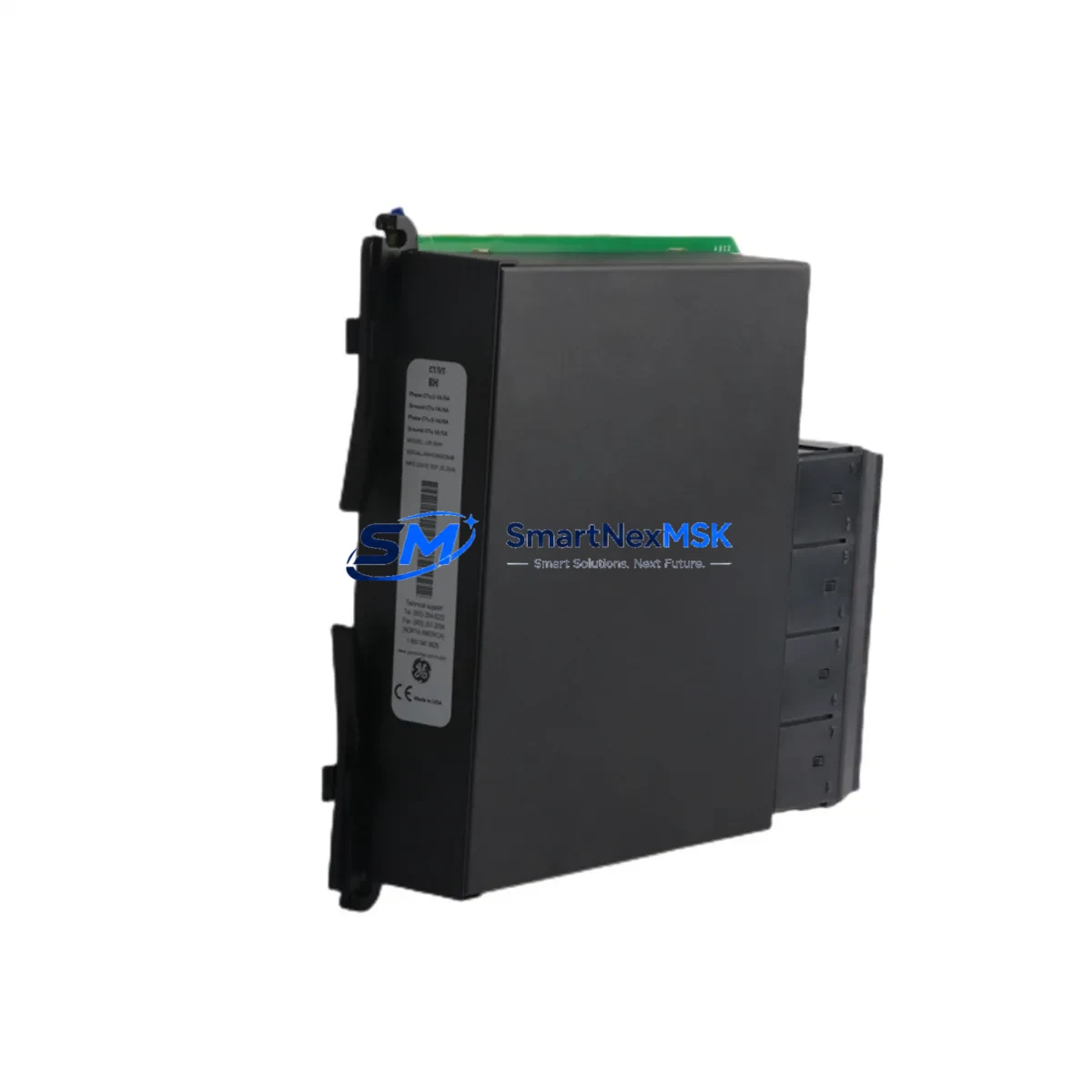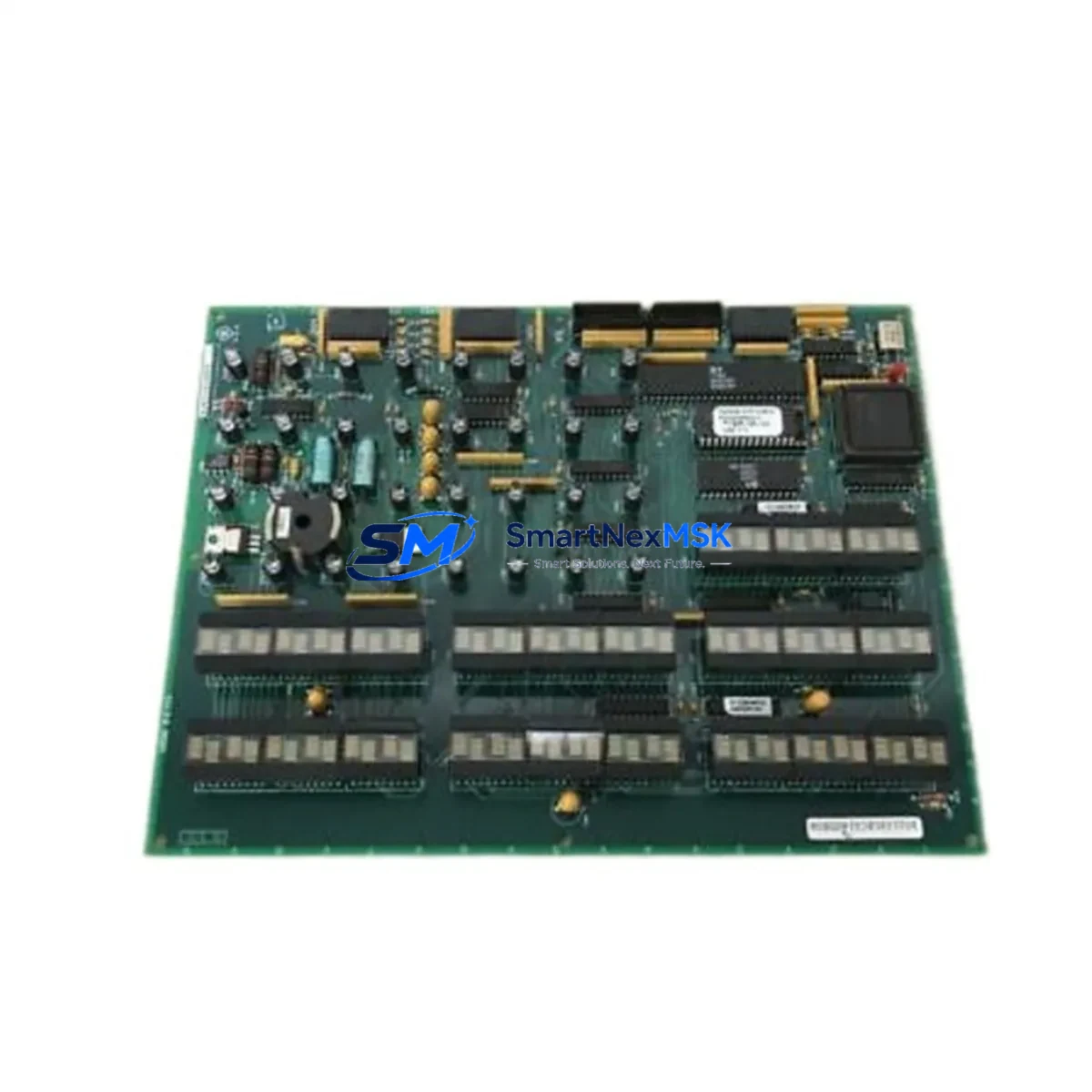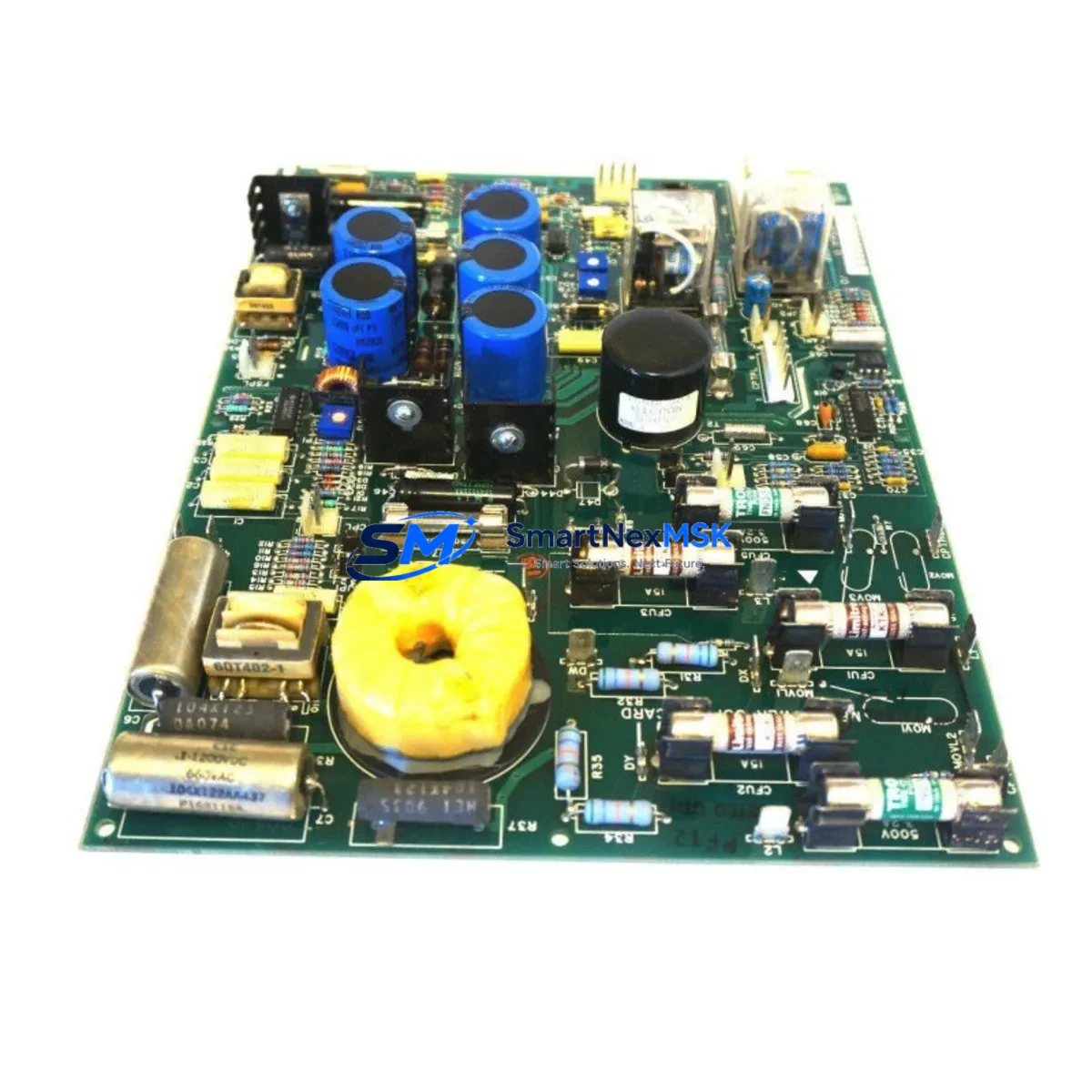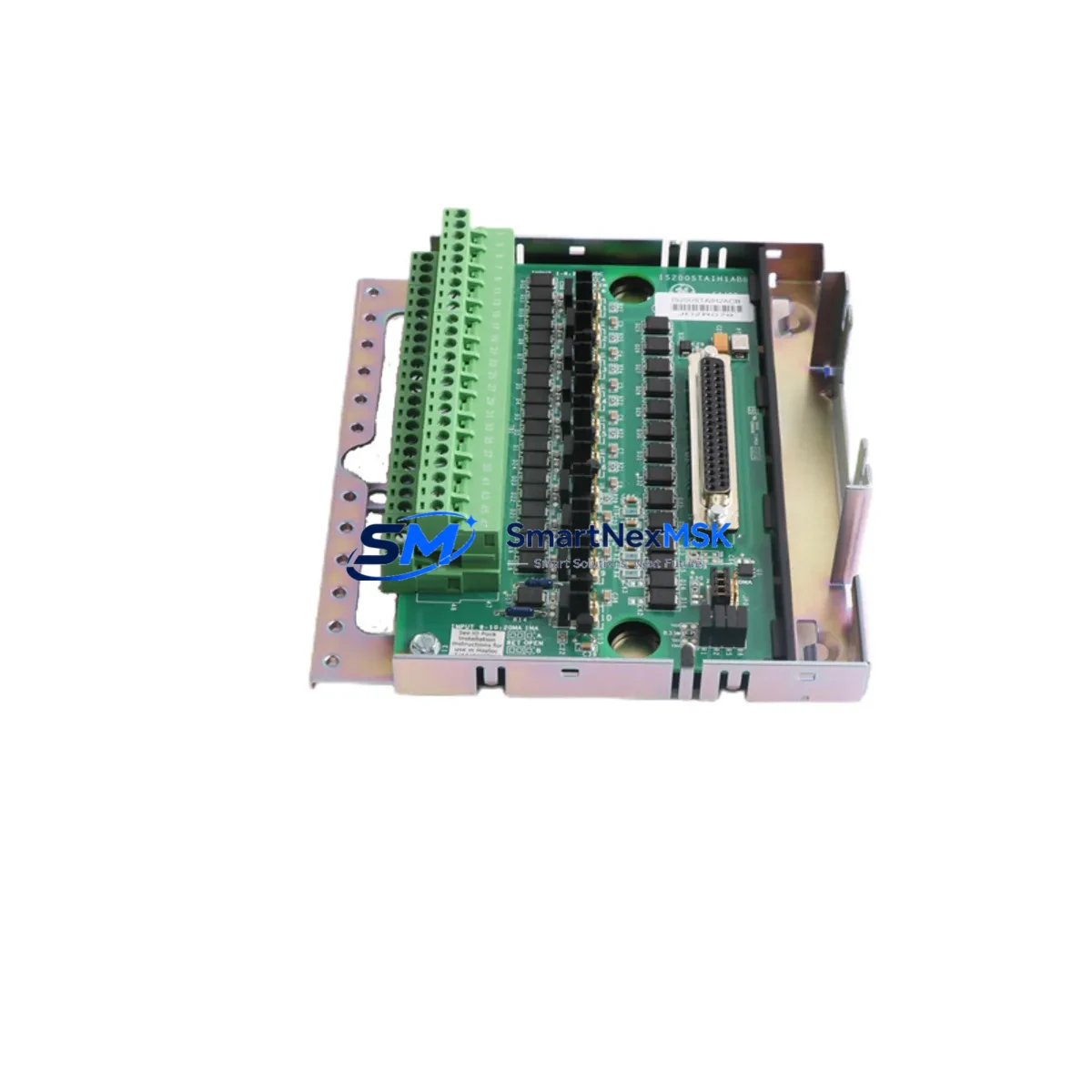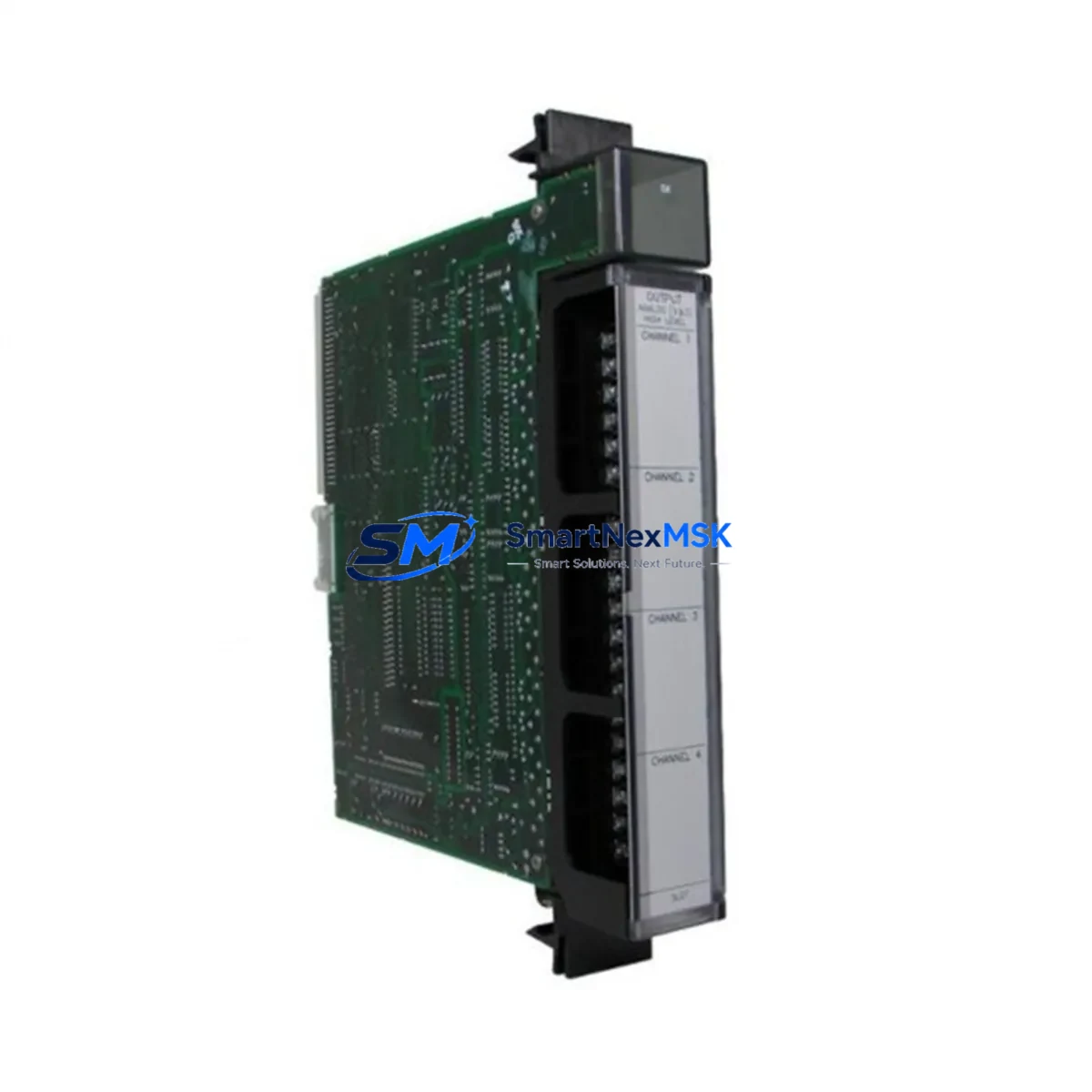
GE IC697ALG321 Maintenance-Ready Spare for Series 90-70 Automation
The GE IC697ALG321 is a 16-channel analog input module engineered for the GE Series 90-70 PLC platform — one of the most widely deployed distributed control architectures in heavy industry, power generation, and process manufacturing. As a maintenance-ready original spare, the IC697ALG321 is stocked and tested to support rapid field replacement, minimizing unplanned downtime and protecting the continuity of critical automation loops.
For maintenance engineers managing aging Series 90-70 control systems, sourcing a verified original IC697ALG321 is often the fastest path to restoring full analog signal acquisition capability. This module handles voltage and current input signals across 16 independent channels, making it a cornerstone component in process control cabinets where temperature, pressure, flow, and level signals are continuously monitored. When this module fails or degrades, the consequences can cascade across the entire control loop — triggering alarms, forcing manual overrides, or halting production entirely.
Procurement engineers should note that the IC697ALG321 is a long-lifecycle component with a well-established footprint in the Series 90-70 rack. It is backward-compatible with standard IC697 backplanes and integrates directly with the GE Logicmaster 90-70 and Proficy Machine Edition programming environments without requiring firmware reconfiguration in most replacement scenarios.
Spare Maintenance Table
| Parameter | Specification |
|---|---|
| SKU / Part Number | IC697ALG321 |
| Brand | GE (General Electric) / GE Fanuc |
| Series | Series 90-70 PLC |
| Module Type | 16-Channel Analog Input Module |
| Input Channels | 16 (voltage and current configurable) |
| Input Range | ±10 VDC / 4–20 mA (channel-configurable) |
| Resolution | 12-bit (typical for Series 90-70 analog) |
| Backplane Compatibility | IC697 Series 90-70 standard rack |
| Programming Environment | Logicmaster 90-70 / Proficy Machine Edition |
| Installation | Direct rack insertion, no external wiring adapter required |
| Operating Temperature | 0°C to 60°C |
| Application Environment | Industrial process control, power generation, manufacturing automation |
| Origin | USA (Original GE / GE Fanuc manufacture) |
| Condition | Original spare — tested prior to shipment |
| Warranty | 12 Months |
| Lead Time | Ships within 1–3 business days |
Maintenance Planning for Continuous Operation
When replacing the IC697ALG321 in a Series 90-70 control cabinet, a thorough maintenance inspection of the surrounding components is strongly recommended. Analog input failures are rarely isolated events — signal degradation, ground loops, or power rail instability often affect multiple modules simultaneously.
Begin by verifying the IC697PWR711 or IC697PWR724 power supply module output rails. A sagging +5 VDC or +24 VDC bus is a common root cause of intermittent analog input errors and should be measured before the new IC697ALG321 is installed. Alongside the power supply, inspect the IC697CHS750 or IC697CHS782 rack/backplane for bent connector pins, corrosion, or signs of thermal stress — a damaged backplane slot will cause recurring failures regardless of how many modules are replaced.
Check the IC697MDL340 or IC697MDL341 discrete output modules in the same rack for shared ground reference issues, particularly in mixed analog/digital cabinets where ground separation is not always maintained. Review the IC697BEM731 or IC697CMM742 communications module to confirm that the CPU is still receiving valid analog data after the swap — a communications fault can mask a successful hardware replacement.
For field wiring, inspect the terminal blocks and signal cables connected to the analog input channels. Shielded twisted-pair cables should be verified for continuity and shield grounding integrity. If the system uses signal isolators or signal conditioners upstream of the IC697ALG321, these should be tested for output accuracy — a failed isolator will deliver an out-of-range signal that mimics a module fault.
In cabinets where the IC697ALG321 operates alongside an IC697ALG320 (8-channel analog input) or an IC697ALG440 analog output module, cross-check the channel configuration registers in the CPU program to ensure the replacement module’s slot address and channel assignments match the original. Finally, confirm that any IC697CPU772 or IC697CPU781 CPU module firmware is compatible with the replacement module revision to avoid unexpected I/O scan errors after restart.
Site Replacement Workflow
Replacing the IC697ALG321 on-site is a straightforward procedure when the correct spare is on hand and the replacement is planned in advance. Begin by documenting the existing channel configuration — input type (voltage or current), scaling parameters, and alarm setpoints — from the active CPU program before powering down the rack slot.
Power down the affected rack or isolate the slot using the system’s hot-standby or redundancy features if available. Remove the field wiring connector from the module face, label all wires if not already marked, and extract the IC697ALG321 from the backplane. Insert the replacement module, reconnect the field wiring connector, and restore power. The Series 90-70 CPU will automatically recognize the module in its configured slot and resume analog data acquisition without requiring a full program download in most cases.
After restoration, verify each channel’s live value against a known reference signal or process instrument reading. Confirm that no analog input alarms are active and that the CPU’s I/O fault table is clear. Log the replacement in the site maintenance record, noting the module serial number, replacement date, and post-installation test results. Stocking a second IC697ALG321 as an on-site cold spare is strongly recommended for systems where analog input availability is critical to process safety or production continuity.
Spare Parts Support FAQ
Q: Is the IC697ALG321 compatible with all Series 90-70 rack configurations?
A: Yes. The IC697ALG321 is designed for the standard IC697 Series 90-70 backplane and is compatible with all standard rack sizes including the IC697CHS750 (5-slot), IC697CHS782 (9-slot), and IC697CHS790 (9-slot with fan). Slot position is software-configurable and does not affect hardware compatibility.
Q: What is the warranty coverage and how is it validated?
A: Every IC697ALG321 shipped from our inventory carries a 12-month warranty covering manufacturing defects and functional failures under normal operating conditions. Each unit undergoes functional testing prior to shipment. Warranty claims are supported with a replacement or refund process initiated within 48 hours of a confirmed fault report.
Q: Can this module replace an older IC697ALG321 revision without reprogramming?
A: In the majority of field replacement scenarios, yes. The IC697ALG321 maintains backward compatibility across revisions within the Series 90-70 platform. However, if the CPU firmware is significantly older, a firmware compatibility check is recommended. Our technical team can assist with revision matching prior to shipment upon request.
Q: How quickly can the IC697ALG321 be shipped for emergency maintenance situations?
A: In-stock units are dispatched within 1–3 business days. For urgent downtime recovery situations, expedited shipping options are available. Contact our sales team directly to confirm current stock availability and arrange priority dispatch.
© 2026 SMARTNEXMSK. All rights reserved.
Original Source: https://smartnexmsk.com
Contact: [email protected] | +86 18259474341