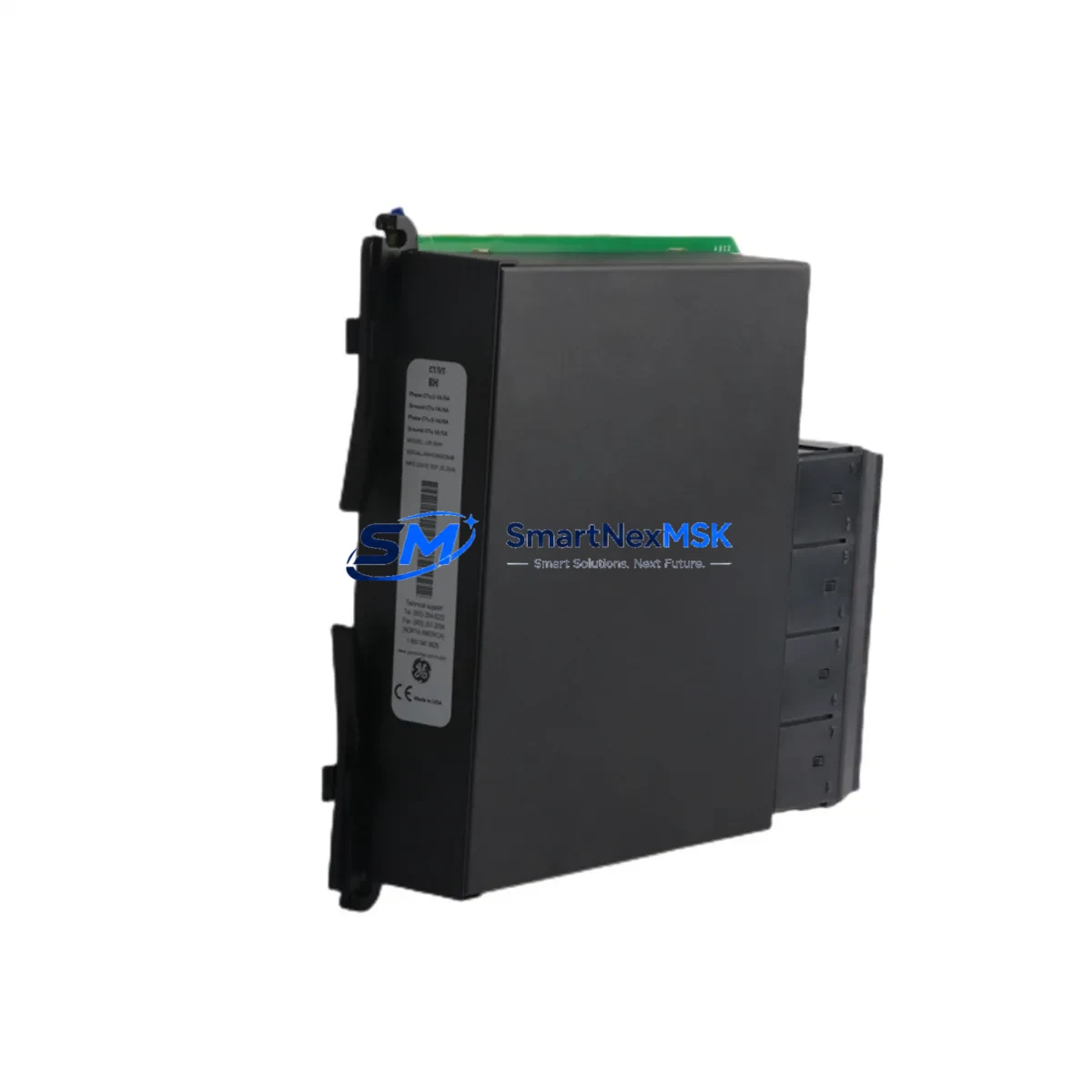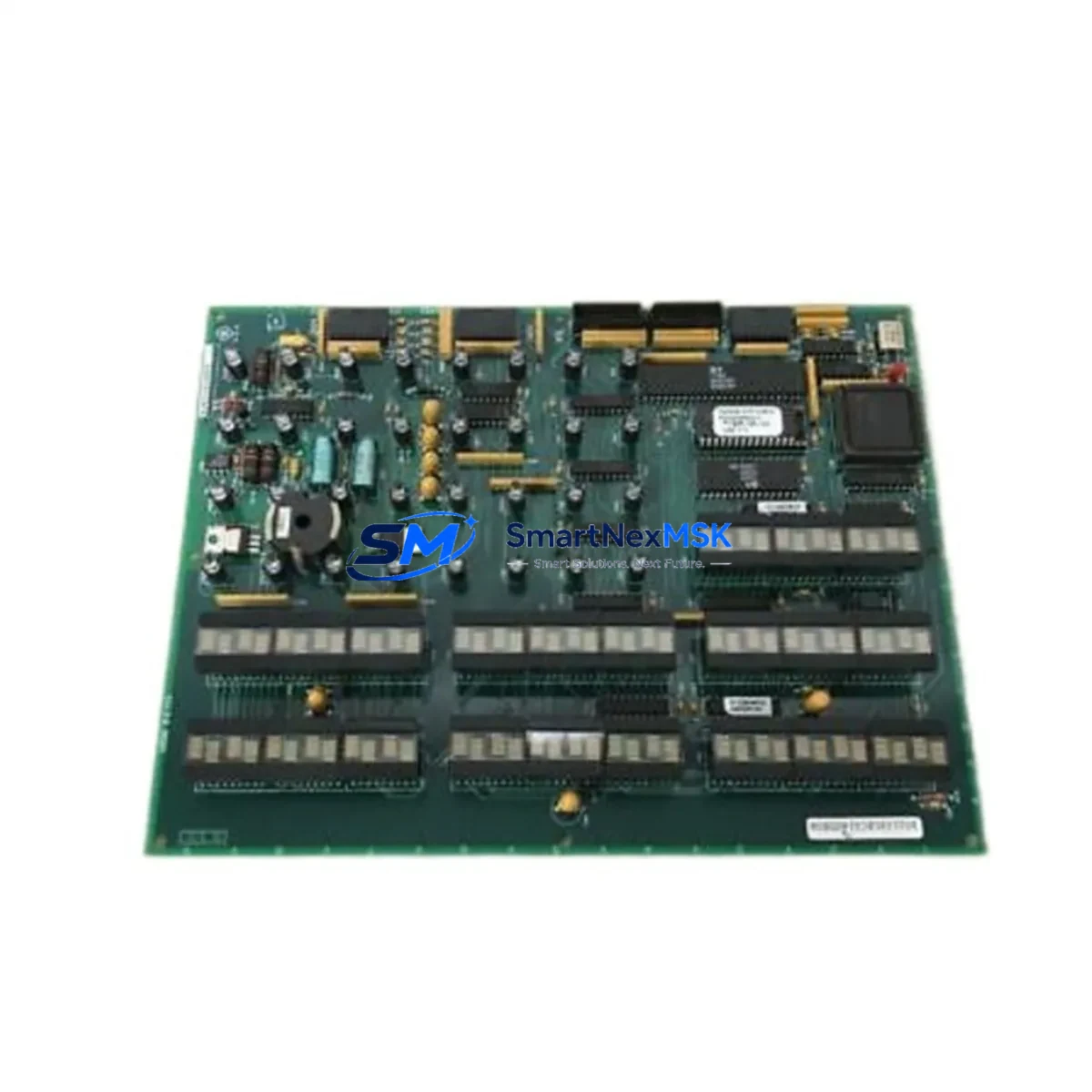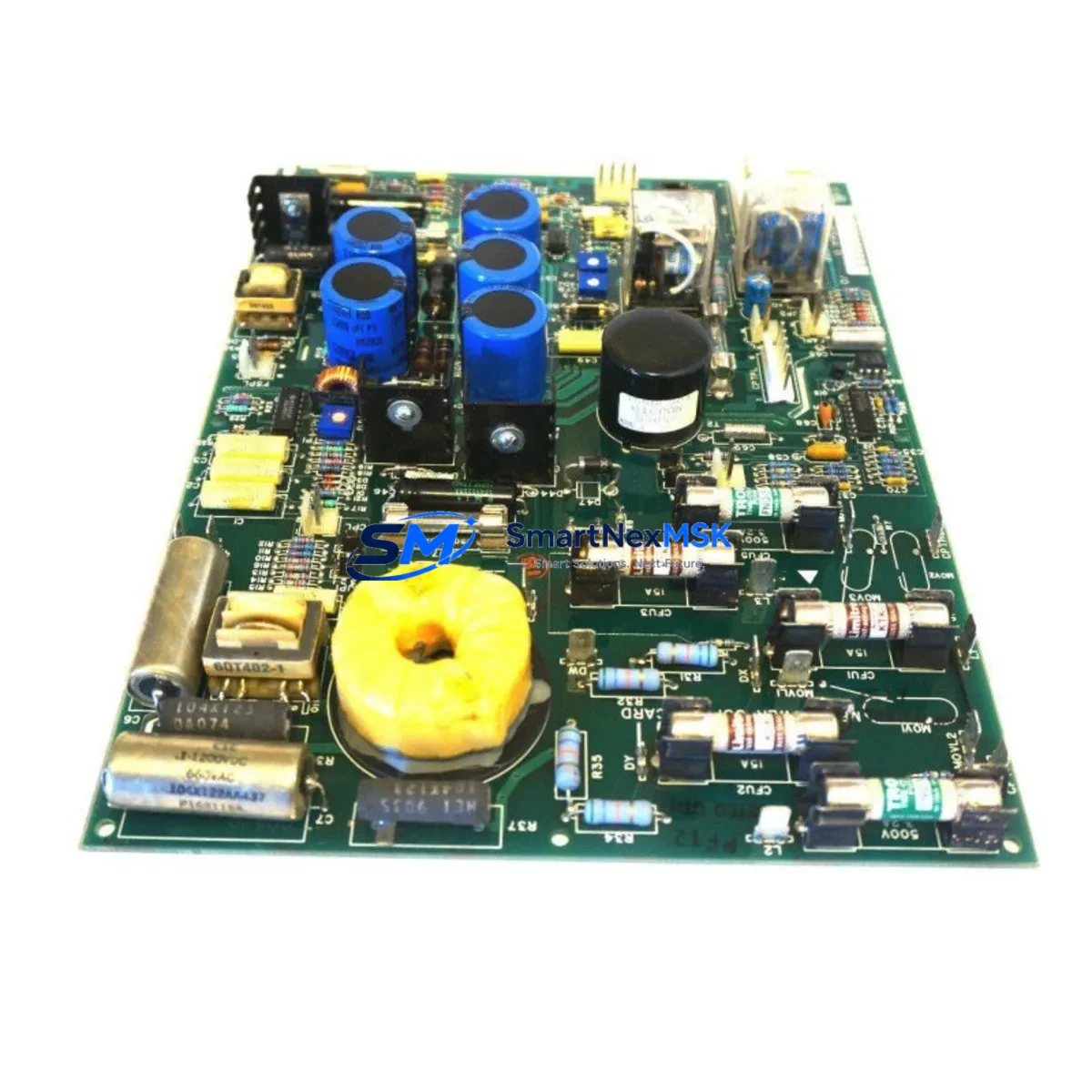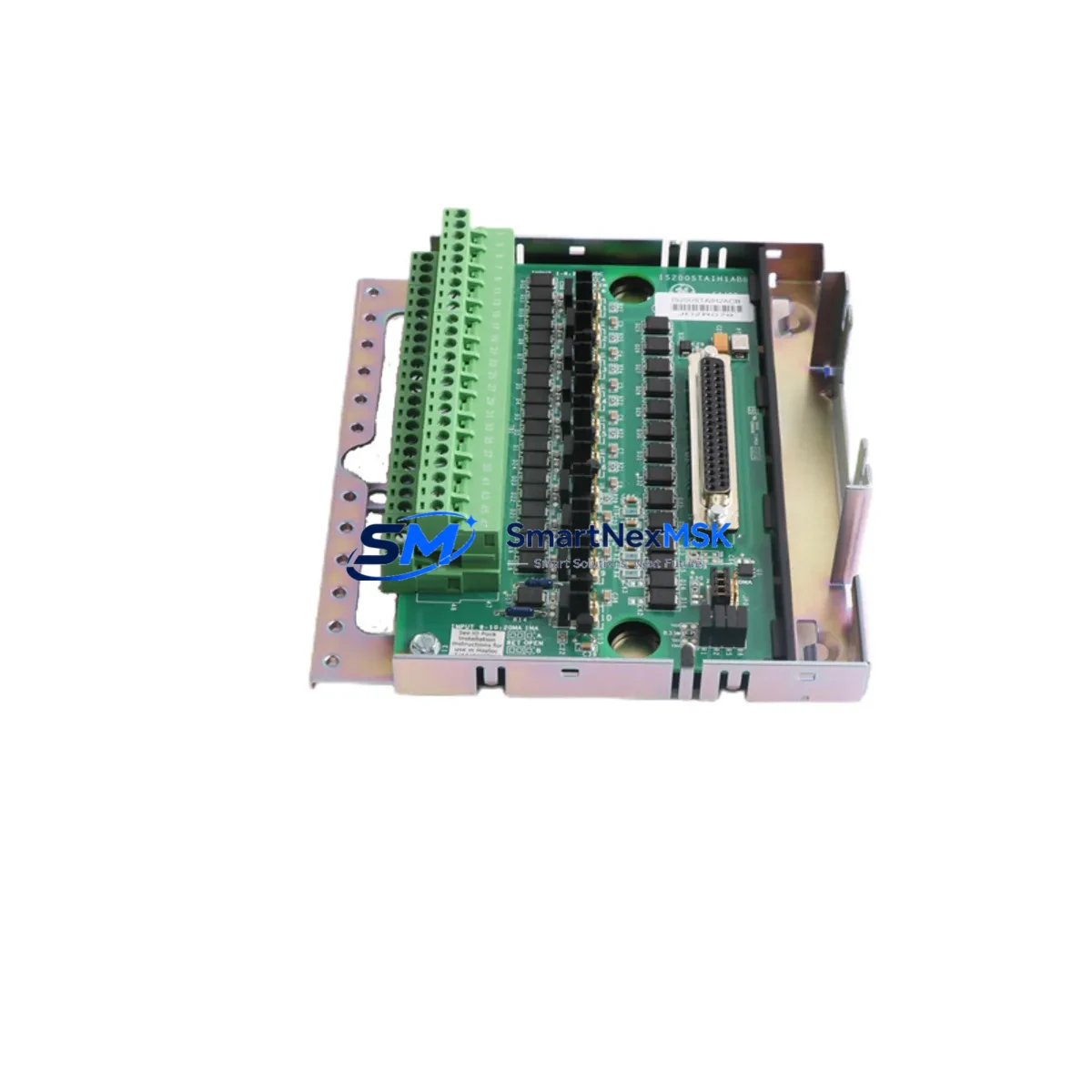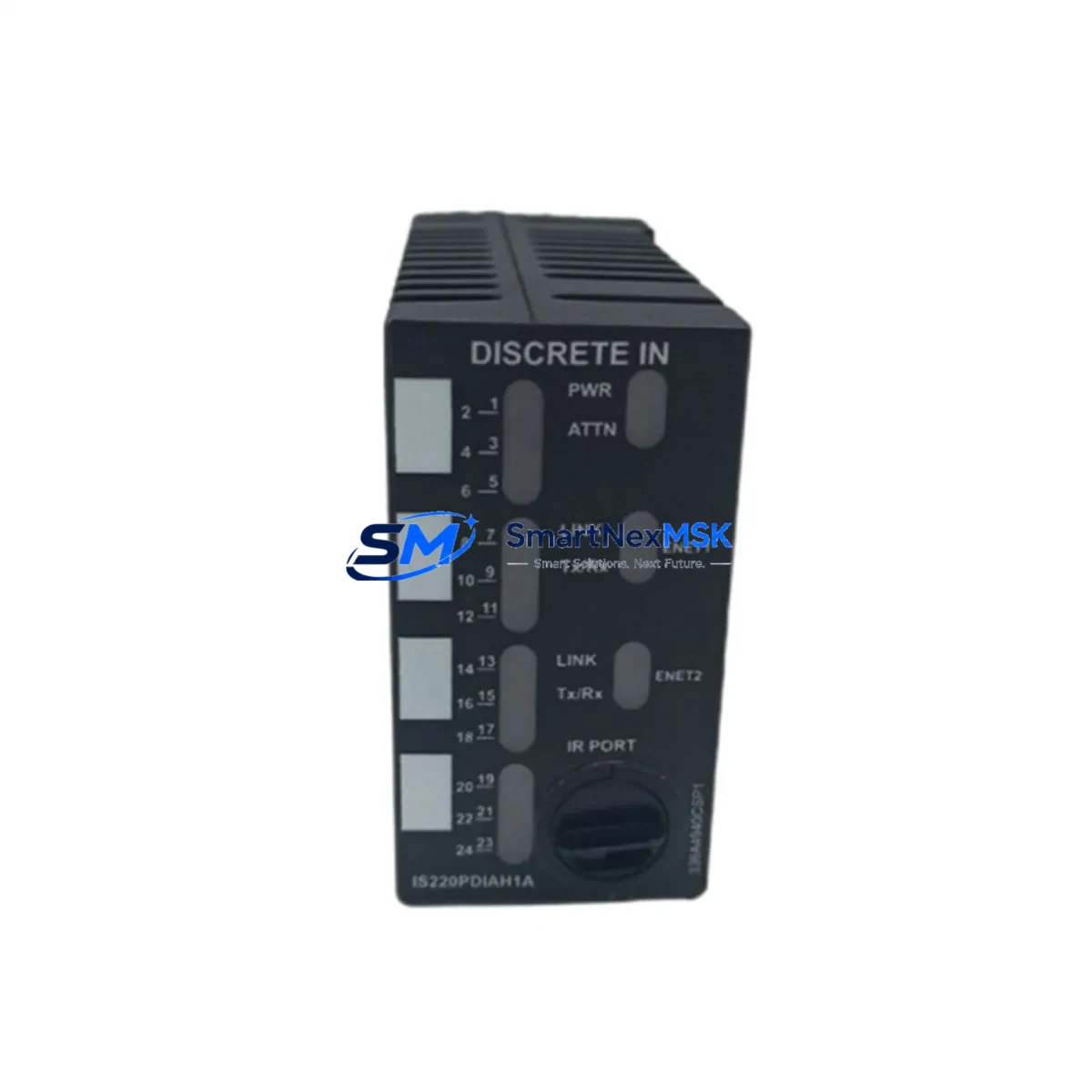
GE IS220PDIAH1AD Retrofit-Ready Discrete Input Module: Compatible Upgrade for Mark VIe Control Systems
The GE IS220PDIAH1AD (also referenced as IS220PDIAH1A) is a high-density discrete input module engineered for the GE Mark VIe turbine control platform. As legacy Mark V and Mark VI installations reach end-of-service milestones, the IS220PDIAH1AD has become a critical retrofit component for power generation facilities, petrochemical plants, and industrial process sites undertaking control system modernization. Whether you are replacing a failed module in an emergency shutdown scenario or executing a planned migration from an older Mark VI rack to a Mark VIe architecture, this module delivers the I/O compatibility and signal integrity required for seamless integration.
The IS220PDIAH1AD accepts 24 VDC discrete input signals and interfaces directly with the Mark VIe VCMI (VME Communication and Memory Interface) backplane. Its compact form factor fits standard Mark VIe I/O packs and racks without mechanical modification, making it a preferred choice for brownfield upgrades where panel space and wiring infrastructure must be preserved. Engineers replacing the older IS200PDIAH1A or transitioning from a Mark VI DS200PDIAH1AEB will find the IS220PDIAH1AD a functionally compatible successor with enhanced diagnostics and improved noise immunity.
Upgrade Compatibility Table
| Parameter | IS220PDIAH1AD Specification | Retrofit Notes |
|---|---|---|
| Module Type | Discrete Input (DI), 24 VDC | Direct replacement for IS220PDIAH1A and IS200PDIAH1A |
| Platform Compatibility | GE Mark VIe | Compatible with Mark VIe VCMI backplane; verify rack revision |
| Backplane Interface | Mark VIe I/O Pack Connector | Not interchangeable with Mark V TMR backplane without adapter |
| Communication Protocol | IONet (Ethernet-based, proprietary GE) | Confirm IONet switch (IS420UCSBH1A or equivalent) is present |
| Terminal Wiring | Screw-terminal I/O terminal board (PDIAH) | Existing field wiring typically reusable; verify terminal torque spec |
| Module Address | Configured via ToolboxST | Re-import module configuration from ToolboxST project backup |
| Installation | Hot-swap capable (with Mark VIe redundancy enabled) | Confirm redundancy mode before hot-swap; cold-swap recommended for simplex |
| Diagnostics | LED status indicators + ToolboxST online diagnostics | Check for I/O fault alarms post-installation in HMI |
| Warranty | 12 Months | Covers manufacturing defects; includes pre-shipment functional test |
Retrofit Planning for Existing Automation Systems
A successful IS220PDIAH1AD retrofit begins well before the module arrives on site. The first step is a thorough audit of the existing Mark VIe rack configuration using ToolboxST, GE’s engineering workstation software. Engineers should export the current I/O configuration, document all signal assignments mapped to the PDIAH terminal board, and verify that the replacement module’s firmware revision is compatible with the installed VCMI controller (IS420UCSBH1A or IS420UCSBH2A). Mismatched firmware between the VCMI and a new I/O pack is one of the most common causes of post-replacement communication faults.
Power budget verification is equally important. The Mark VIe rack’s IS420YPASAH1A power supply module must have sufficient headroom to support the IS220PDIAH1AD alongside other installed I/O packs. In dense rack configurations — particularly those also hosting IS220PRTDH1A RTD input modules, IS220PAICH1A analog input modules, or IS220PTCCH1A thermocouple modules — the aggregate current draw can approach the power supply’s rated output. Always calculate the total rack load before commissioning.
Terminal board wiring should be inspected and re-torqued during the replacement window. The PDIAH terminal board uses standard screw terminals compatible with the existing field cable looms in most Mark VIe installations. If the site is migrating from a Mark VI system using a DS200PDIAH1AEB terminal board, a wiring adapter or re-termination may be required. Document all wire labels before disconnection and photograph the terminal layout as a reference for post-installation verification.
For sites running GE Proficy HMI/SCADA or third-party SCADA systems connected via OPC DA/UA, confirm that the discrete input tag addresses remain consistent after module replacement. If the module slot address changes — for example, when moving from a failed module in slot 3 to a spare in slot 5 — all associated HMI faceplates, alarm setpoints, and historian tags referencing that slot must be updated. This is a frequently overlooked step that can cause spurious alarms or data gaps in the historian immediately after restart.
Sites using IS220PSCAH1A serial communication modules or IS420ESWAH1A Ethernet switches within the same control cabinet should verify that the IONet network topology remains intact after the replacement. The IS220PDIAH1AD communicates exclusively over IONet; any disruption to the IONet switch or cabling during the replacement procedure will result in a module communication fault that may be misdiagnosed as a hardware failure.
Downtime Control During System Migration
Minimizing unplanned downtime is the primary operational concern when replacing a discrete input module in a live turbine or process control environment. For Mark VIe systems configured in TMR (Triple Modular Redundancy) mode, the IS220PDIAH1AD supports hot-swap replacement without a full system shutdown, provided the remaining two redundant channels remain healthy and the rack’s redundancy management is active. Before initiating a hot-swap, confirm the system’s redundancy status in ToolboxST and ensure no other I/O faults are present that could mask a second failure during the swap window.
For simplex Mark VIe configurations, a controlled cold-swap is the recommended approach. Schedule the replacement during a planned maintenance window, export a full ToolboxST project backup immediately before shutdown, and retain a copy of the current application program on a secure engineering workstation. After installing the IS220PDIAH1AD, use ToolboxST to download the module configuration, verify all discrete input channels report correctly in the online diagnostic view, and confirm signal states match field device status before returning the unit to automatic control.
Pre-shipment functional testing of the IS220PDIAH1AD ensures the replacement module is verified operational before it reaches the site, eliminating the risk of receiving a defective unit during a time-critical outage. All units supplied by SMARTNEXMSK undergo bench-level power-on and I/O channel verification prior to dispatch. The 12-month warranty covers manufacturing defects and provides a clear recourse path if any latent fault emerges after installation.
Retrofit Support FAQ
Q1: Is the IS220PDIAH1AD a direct drop-in replacement for the IS220PDIAH1A?
Yes. The IS220PDIAH1AD is the current revision of the IS220PDIAH1A and is fully backward compatible at the hardware and firmware level. The terminal board wiring, backplane connector, and ToolboxST configuration are identical. No application program changes are required when replacing IS220PDIAH1A with IS220PDIAH1AD.
Q2: Can the IS220PDIAH1AD replace a Mark VI DS200PDIAH1AEB module?
Not directly without a rack migration. The Mark VI and Mark VIe platforms use different backplane architectures and communication protocols. A full rack migration from Mark VI to Mark VIe is required, which typically involves replacing the controller, VCMI, power supply, and I/O packs as a coordinated upgrade. The IS220PDIAH1AD is the correct discrete input module for the Mark VIe target platform in such a migration.
Q3: What commissioning steps are required after installing the IS220PDIAH1AD?
After physical installation, connect to the Mark VIe system via ToolboxST, navigate to the I/O pack configuration for the replaced slot, and perform an online download of the module parameters. Verify that all discrete input channels display correct signal states in the diagnostic view. Check the HMI for any residual I/O fault alarms and clear them after confirming normal operation. Conduct a loop check on critical input signals before returning the system to automatic mode.
Q4: What does the 12-month warranty cover, and how is a claim processed?
The 12-month warranty covers manufacturing defects and functional failures under normal operating conditions. It does not cover damage resulting from incorrect installation, overvoltage, or physical mishandling. To initiate a warranty claim, contact SMARTNEXMSK with the order reference, a description of the fault, and ToolboxST diagnostic screenshots if available. Replacement or repair will be coordinated promptly to minimize site downtime.
© 2026 SMARTNEXMSK. All rights reserved.
Original Source: https://smartnexmsk.com
Contact: [email protected] | +86 18259474341