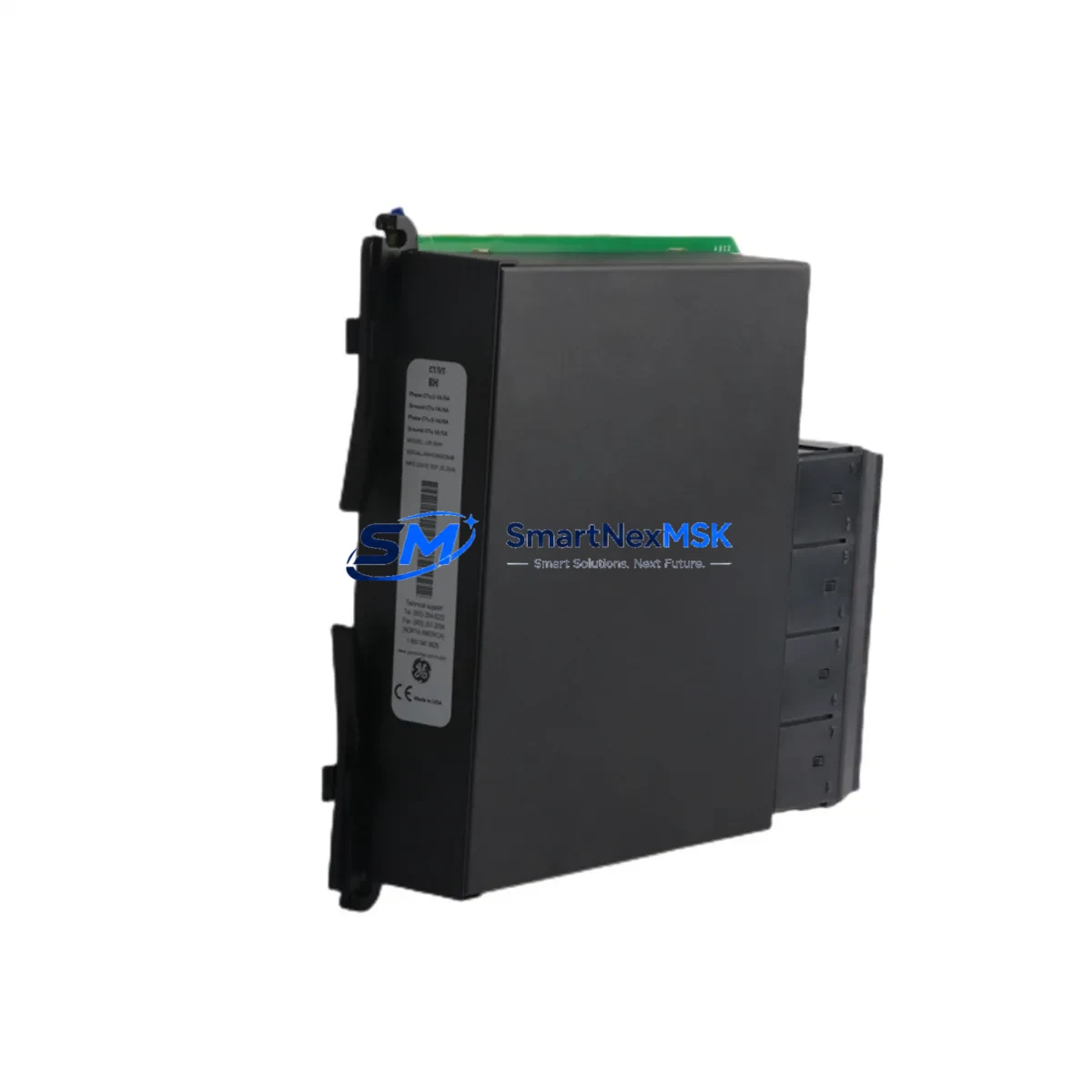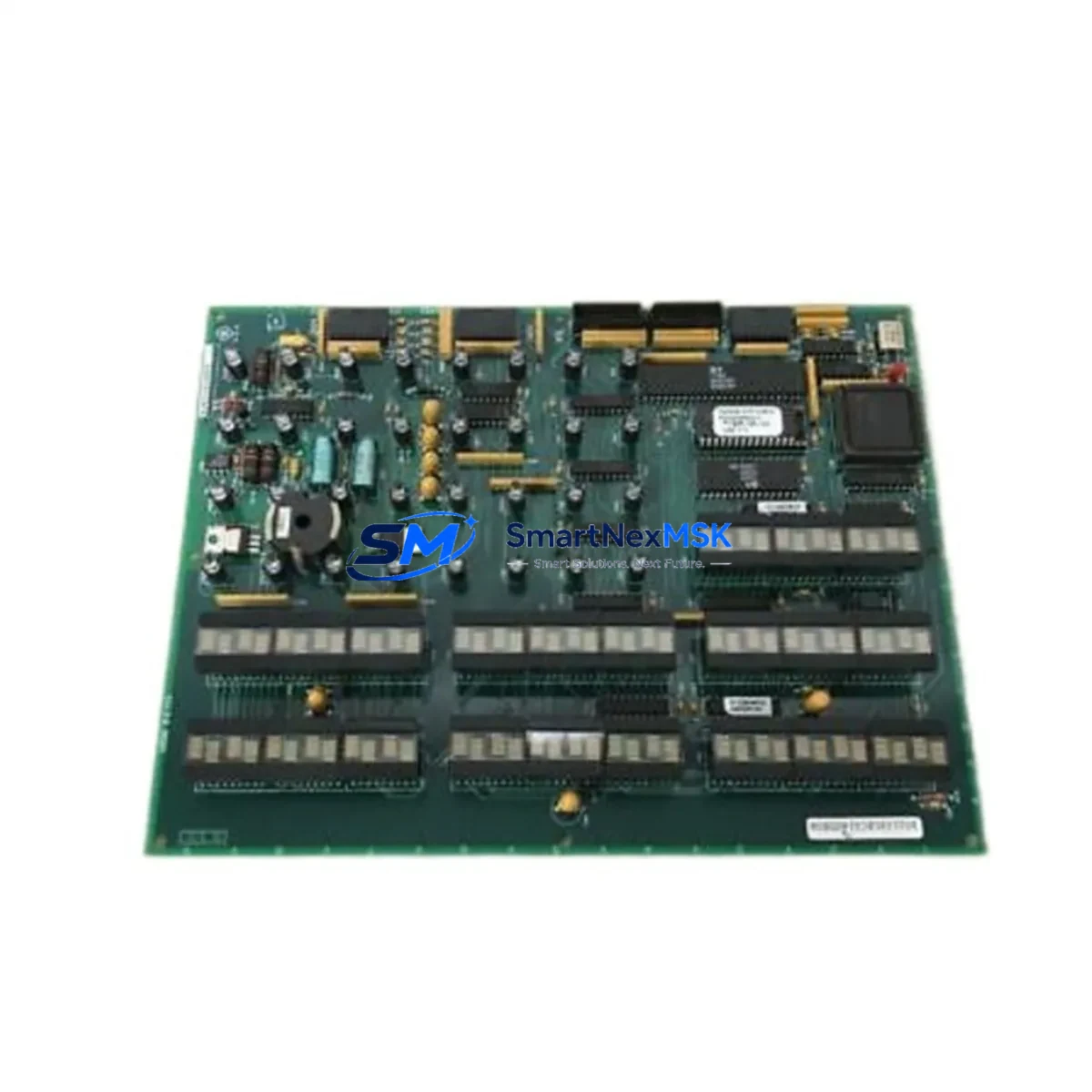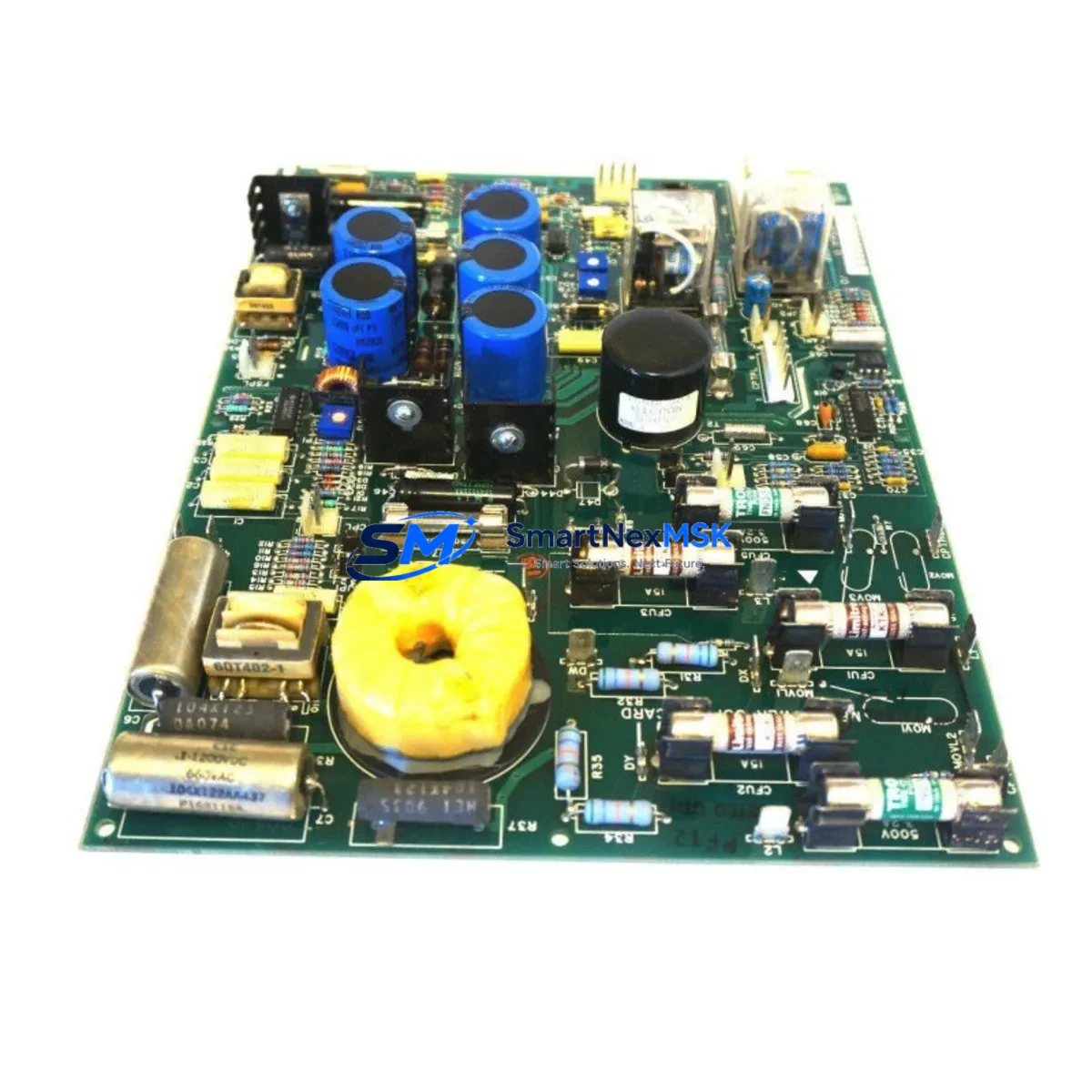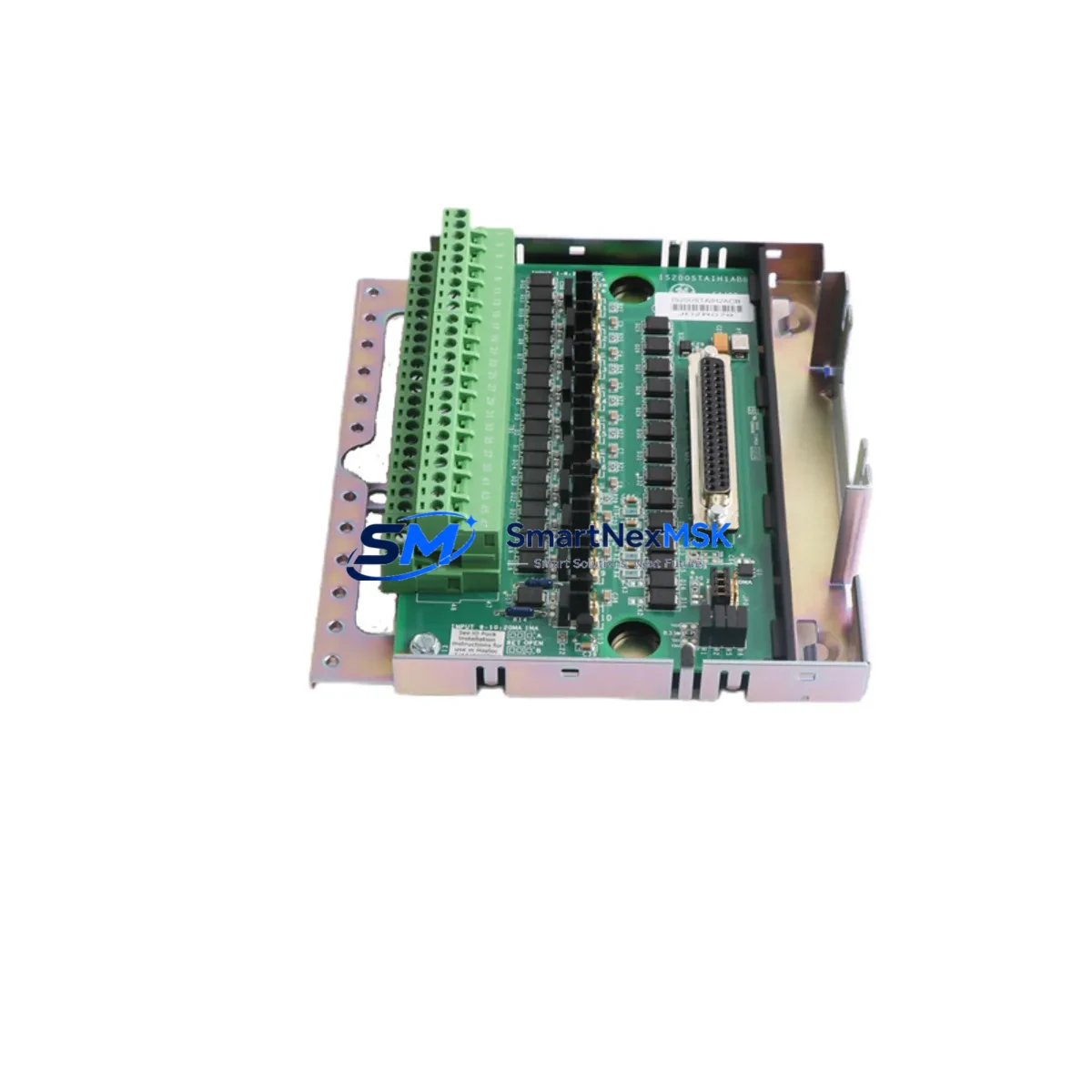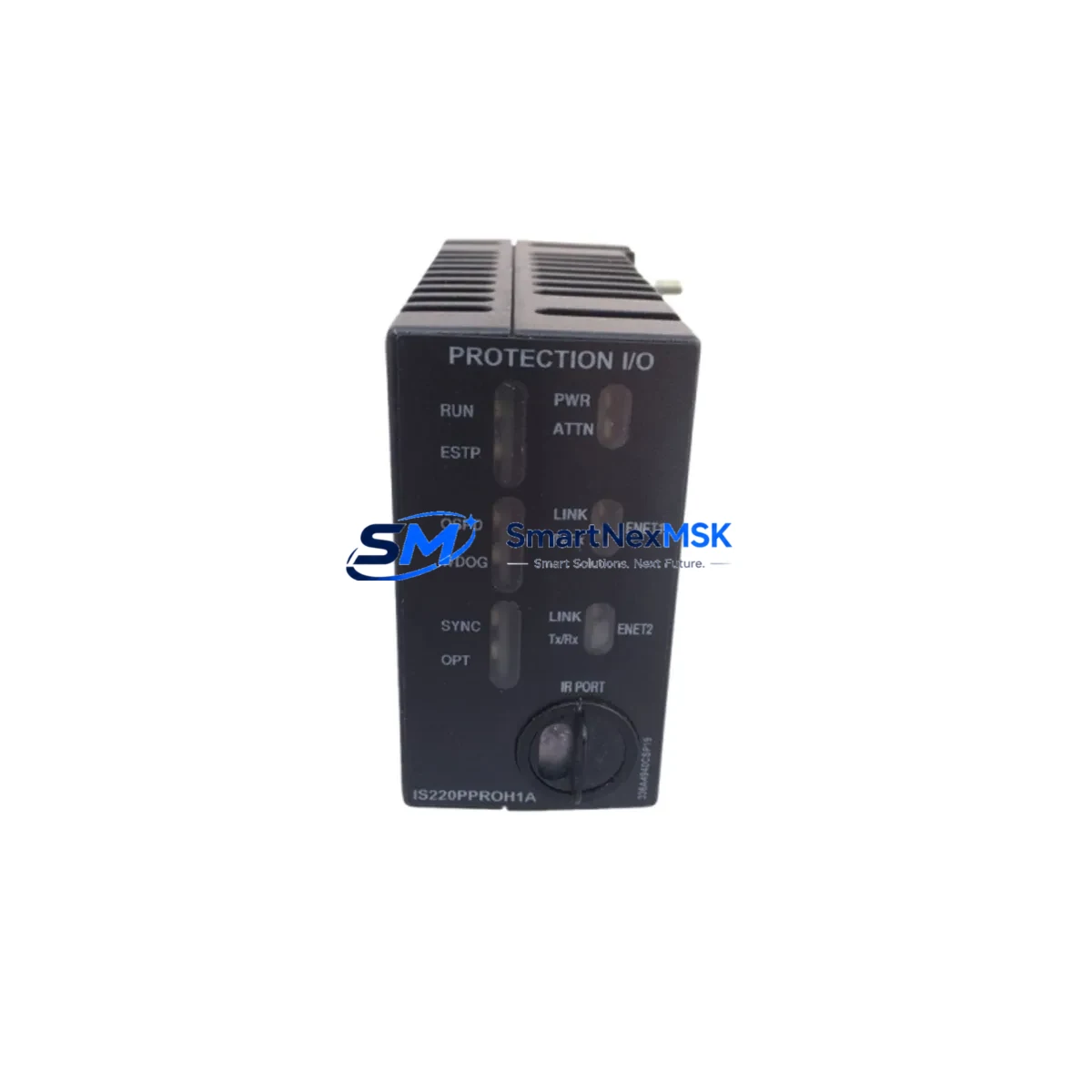
GE IS220PPROH1A Retrofit-Ready I/O Module for Mark VIe Control Systems
The GE IS220PPROH1A is a proven protection and I/O module designed for the GE Mark VIe distributed control platform, widely deployed in gas turbine, steam turbine, and combined-cycle power generation facilities. As legacy Mark V and Mark VI systems approach end-of-life, plant engineers and control system integrators increasingly rely on the IS220PPROH1A as a direct retrofit solution — enabling smooth migration without full panel redesign or PLC replacement.
Whether you are replacing a failed module in an emergency shutdown scenario, upgrading a Mark VI rack to Mark VIe architecture, or executing a planned outage retrofit, the IS220PPROH1A delivers the I/O density, backplane compatibility, and firmware alignment required for a reliable, low-risk transition. Our inventory is sourced from verified channels, fully tested prior to shipment, and backed by a 12-month warranty.
Upgrade Compatibility Table
| Parameter | IS220PPROH1A (Mark VIe) | Legacy Mark VI / Mark V Reference |
|---|---|---|
| Backplane Interface | Mark VIe VCMI / VTUR rack | Mark VI VMIO / VPRO rack (adapter may be required) |
| Communication Protocol | IONet Ethernet (100 Mbps) | Mark VI serial I/O bus (protocol migration required) |
| Terminal Wiring | Standard JR terminal board (IS200 series) | Verify JR vs. JS terminal board compatibility before swap |
| Module Address | Configured via ToolboxST software | DIP switch / jumper-based addressing on older racks |
| Power Supply Requirement | 28 VDC from IS215 power supply module | Confirm rack PSU capacity before installation |
| HMI Integration | Cimplicity / iFIX via OPC-DA or OPC-UA | Legacy Cimplicity screens may require tag remapping |
| Installation Format | Plug-in module, Mark VIe rack slot | Verify slot pitch and keying before insertion |
| Retrofit Recommendation | Direct replacement within Mark VIe architecture | Requires rack and terminal board assessment for Mark V/VI |
| Commissioning Focus | ToolboxST configuration, I/O loop check, alarm verification | Full I/O re-mapping and HMI screen validation required |
| Warranty | 12-Month Warranty — All units tested before shipment | |
Retrofit Planning for Existing Automation Systems
A successful IS220PPROH1A retrofit begins well before the module arrives on site. The first step is a thorough audit of the existing Mark VIe rack configuration — identifying which slots are occupied by modules such as the IS215VCMIH2B (VCMI controller module) and IS215VTURH2A (turbine control module), and confirming that the target slot is keyed and addressed correctly for the PPROH1A function block.
Terminal board compatibility is a frequent source of delay. The IS220PPROH1A mates with the IS200JPDFG1A or equivalent JR-series terminal board. If the existing installation uses a JS-series board, a terminal board swap must be planned as part of the outage scope. All field wiring — including thermocouple inputs, RTD circuits, and discrete I/O — must be documented and verified against the new module’s I/O map before reconnection.
Power supply capacity is another critical checkpoint. The IS215PSDAG1A or IS215PSDAH1A rack power supply must be confirmed to have sufficient headroom to support the IS220PPROH1A alongside other installed modules such as the IS220PTURH1B (turbine protection module) and IS220PTCCH1A (thermocouple input module). Overloading the rack PSU is a common cause of intermittent faults post-retrofit.
For sites migrating from Mark VI to Mark VIe architecture, the IONet Ethernet communication infrastructure must be in place before the IS220PPROH1A can be commissioned. This typically involves installing or verifying the IS215UCVEH2A (UCVE controller) and confirming that the IONet switch fabric supports the additional node. The IS220PPROH1A is assigned a unique IONet node address within ToolboxST, and the application code must be updated to reflect the new module’s I/O variable assignments.
HMI integration should not be treated as an afterthought. Cimplicity or iFIX screens that reference legacy Mark VI tag names will require point remapping after the IS220PPROH1A is commissioned. Coordinate with the HMI engineer to prepare a tag cross-reference table before the outage window begins. Where the site uses a GE CIMPLICITY SCADA system, ensure that the OPC server configuration is updated to reflect the new module’s data points.
Finally, confirm that the programming cable and laptop loaded with ToolboxST (version compatible with the installed VCMI firmware) are available on site. A GE IS200CABFG1A or equivalent USB-to-serial programming cable may be required for initial module configuration if the IONet link is not yet active.
Downtime Control During System Migration
Minimizing unplanned downtime during a Mark VIe I/O module retrofit requires a structured pre-outage preparation process. Before the maintenance window opens, the existing application program should be exported from ToolboxST and archived. This backup preserves all I/O variable assignments, alarm setpoints, and control logic — ensuring that if the retrofit encounters an unexpected issue, the original configuration can be restored rapidly.
Where the plant operates in a redundant control architecture — for example, with dual VCMI controllers and mirrored I/O — it may be possible to perform a hot-swap or rolling replacement of non-critical I/O modules without a full unit trip. Consult the site’s control system modification procedure and GE’s Mark VIe redundancy guidelines before attempting any live module swap.
During the outage, follow a structured sequence: isolate the field circuits, remove the failed or legacy module, inspect the backplane connector for damage, insert the IS220PPROH1A, restore power, and verify the module’s LED status indicators before reconnecting field wiring. Once field wiring is restored, perform a complete I/O loop check — verifying each input and output against the process instrumentation — before releasing the unit to operations.
Post-retrofit, monitor the system for the first 24–48 hours of operation, paying particular attention to alarm annunciation, communication health on the IONet segment, and any unexpected I/O faults. All units supplied by SMARTNEXMSK are pre-tested and shipped with a test report, reducing the risk of infant failure and supporting a faster return to normal operation.
Retrofit Support FAQ
Q1: Is the IS220PPROH1A a direct drop-in replacement for a failed module in an existing Mark VIe rack?
A: Yes, within the same Mark VIe rack architecture, the IS220PPROH1A is a slot-compatible replacement. Confirm the slot address and terminal board type before installation. No firmware re-flash is required if the replacement module ships with compatible firmware; ToolboxST will prompt for a download if a version mismatch is detected.
Q2: What wiring changes are required when retrofitting from a Mark VI to a Mark VIe system?
A: The primary wiring consideration is terminal board compatibility. Mark VIe uses IS200-series JR terminal boards, while Mark VI may use JS-series boards with different pin assignments. A terminal board swap and full field wiring re-termination is typically required. Always refer to the GE Mark VIe I/O module wiring diagram specific to the IS220PPROH1A before beginning termination work.
Q3: How is the IS220PPROH1A configured after installation?
A: Configuration is performed using GE’s ToolboxST software. The module is assigned an IONet node address, I/O variables are mapped to the application program, and alarm setpoints are verified. A full I/O loop check and functional test should be completed before the unit is returned to service. SMARTNEXMSK can provide basic commissioning guidance as part of after-sales support.
Q4: What does the 12-month warranty cover, and how are units tested before shipment?
A: All IS220PPROH1A units supplied by SMARTNEXMSK undergo functional testing prior to shipment, including power-on verification, communication interface check, and I/O channel validation where applicable. The 12-month warranty covers manufacturing defects and functional failures under normal operating conditions. Units that fail within the warranty period are replaced or repaired at no charge. Contact our team with your order reference for warranty claims.
© 2026 SMARTNEXMSK. All rights reserved.
Original Source: https://smartnexmsk.com
Contact: [email protected] | +86 18259474341