
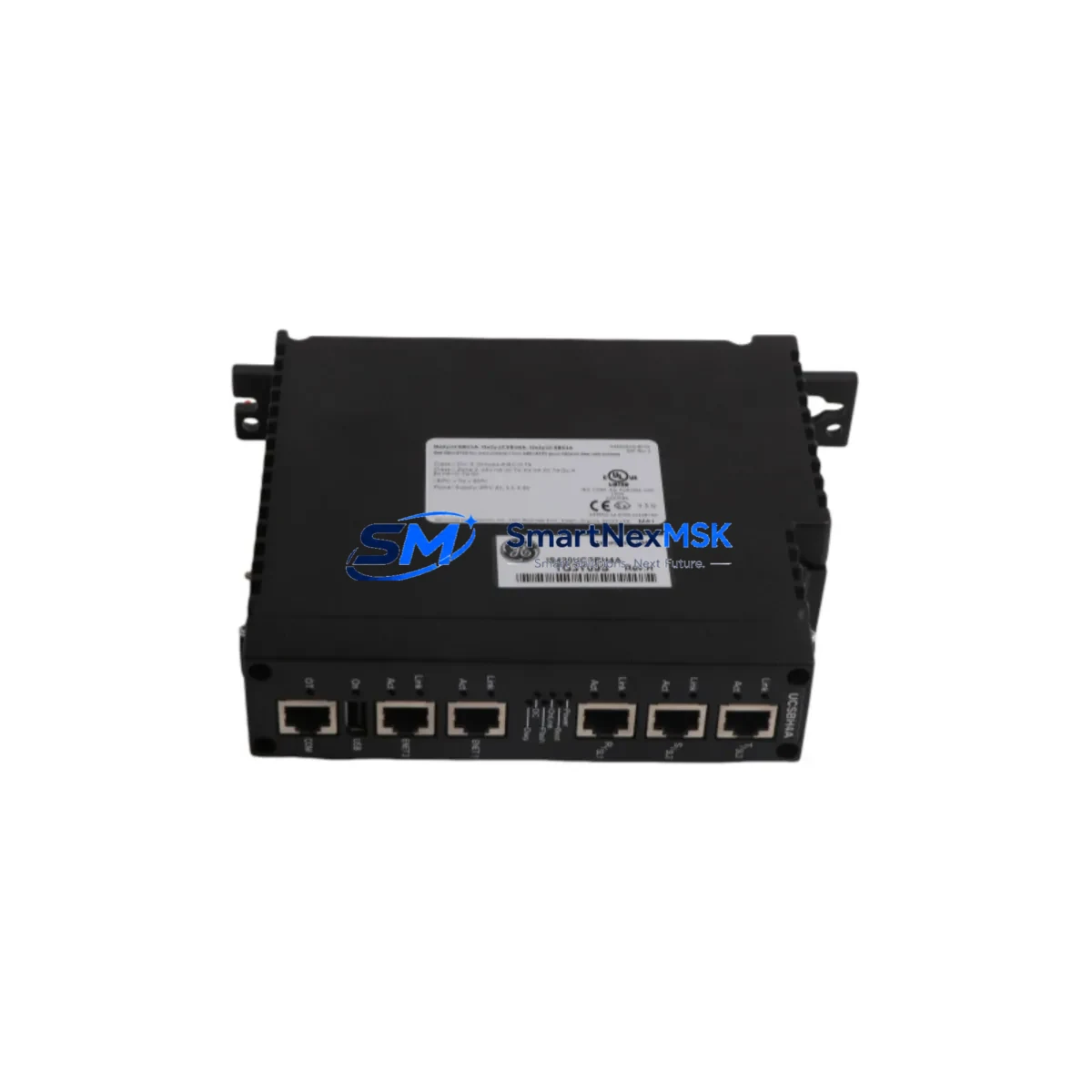
GE IS420UCSBH4A Retrofit-Ready Controller for Mark VIe UCSB Control Systems
The GE IS420UCSBH4A is a Unit Controller Simplex Board (UCSB) designed for the Mark VIe distributed control platform, widely deployed in gas turbine, steam turbine, and combined-cycle power generation facilities. As legacy Mark VI and early Mark VIe installations approach end-of-support milestones, the IS420UCSBH4A has become a critical retrofit component for engineers tasked with extending operational life, replacing failed boards, or migrating from discontinued hardware without a full system overhaul.
This module serves as the primary unit controller in simplex Mark VIe configurations, handling real-time turbine sequencing, protection logic, I/O coordination, and communication with the operator HMI. When sourcing a replacement IS420UCSBH4A, buyers must verify firmware revision compatibility, backplane connector alignment, and rack slot assignment before installation. SMARTNEXMSK supplies tested, serialized units with full functional verification and a 12-month warranty covering defects in hardware and firmware integrity.
Upgrade Compatibility Table
| Parameter | IS420UCSBH4A Details |
|---|---|
| Series Compatibility | GE Mark VIe (UCSB simplex architecture) |
| Replaces / Supersedes | IS420UCSBH1A, IS420UCSBH2A, IS420UCSBH3A (earlier hardware revisions) |
| Backplane Interface | Mark VIe standard VME-style backplane; verify slot position with rack layout drawing |
| Communication Protocols | IONET (GE proprietary), Ethernet/IP, Modbus TCP (via gateway configuration) |
| Power Supply Requirement | +5 VDC / +24 VDC via backplane; confirm IS420PSAH1A or IS420PSAH2A PSU capacity |
| I/O Coordination | Interfaces with IS200 and IS420 series I/O modules via IONET |
| HMI Compatibility | Compatible with Mark VIe ToolboxST-configured HMI screens; no screen rebuild required for same-revision swap |
| Installation Requirement | ToolboxST software required for module address assignment and application download |
| Commissioning Note | Verify I/O module addresses, confirm IONET link status, validate protection trip setpoints post-swap |
| Warranty | 12 months — covers hardware defects and firmware integrity from ship date |
Retrofit Planning for Existing Automation Systems
A successful IS420UCSBH4A retrofit begins well before the module arrives on site. Engineers should pull the existing rack layout drawing and confirm the UCSB slot position, backplane revision, and adjacent module assignments. In a typical Mark VIe simplex cabinet, the IS420UCSBH4A occupies a dedicated controller slot flanked by I/O interface modules such as the IS200IOCIH1A or IS200TRLYH1A relay output module. The power distribution rail feeding the controller slot must be verified against the IS420PSAH1A or IS420PSAH2A power supply output capacity — insufficient headroom after adding replacement hardware is a common commissioning failure point.
On the communication side, the IS420UCSBH4A connects to the plant IONET ring via dual-redundant Ethernet ports. Before swapping the board, document the existing IONET node address and confirm it matches the replacement unit’s ToolboxST configuration. If the site also runs a Modbus TCP link to a third-party SCADA or historian, verify the gateway mapping table — typically managed through an IS420UCSBH-series controller application — remains intact after the firmware download. Sites migrating from older Mark VI hardware using the IS200VCMIH1A VME controller module will need to rebuild the application in ToolboxST and remap all I/O signal tags before the IS420UCSBH4A can assume control.
For I/O expansion during the retrofit, the IS420UCSBH4A supports coordination with IS200-series analog input modules such as the IS200AIAAH1A and thermocouple input modules like the IS200TTURH1A, both commonly retained from the original installation. Terminal block wiring on these I/O modules is typically preserved during a controller-only swap, reducing field rewiring time significantly. However, if the retrofit includes upgrading from a simplex to a TMR (Triple Modular Redundant) architecture, additional IS420UCSBH4A units and a compatible IS420UCSBH-series voter module must be sourced and configured simultaneously.
HMI continuity is another key planning item. Mark VIe systems running GE’s ToolboxST-based operator displays do not require screen rebuilds for a same-revision controller swap, but engineers should export and archive the existing application before removing the failed board. If the site uses a third-party HMI connected via OPC-DA or OPC-UA, confirm the tag server remains online during the swap window to avoid alarm floods at the control room. Programming cables compatible with the IS420UCSBH4A use standard RJ45 Ethernet — no proprietary serial adapter is required, simplifying on-site access for the commissioning engineer.
Downtime Control During System Migration
Minimizing turbine or process downtime during an IS420UCSBH4A swap requires a structured pre-outage checklist. Before taking the unit offline, export the full ToolboxST application package including all I/O configurations, protection setpoints, sequence logic, and IONET node assignments. Store this backup on an isolated engineering workstation — not on the controller itself — so it remains accessible if the replacement unit requires a clean application download.
During the physical swap, follow GE’s ESD handling procedures for the IS420UCSBH4A board. Seat the module firmly into the backplane, confirm the locking lever engages, and restore power before connecting the IONET Ethernet cables. ToolboxST will detect the new module and prompt for application download — use the archived package to restore the exact pre-outage configuration. After download, verify all I/O module IONET links show green status, confirm analog input readings match pre-outage baseline values, and perform a manual trip test to validate protection logic before returning the unit to automatic control.
For sites where even a brief outage is operationally sensitive, SMARTNEXMSK can pre-configure the IS420UCSBH4A with the customer-supplied ToolboxST application prior to shipment, reducing on-site commissioning time to board swap and link verification only. All units ship with a functional test report and are serialized for traceability. The 12-month warranty period begins from the ship date and covers any hardware or firmware defect identified during installation or normal operation.
Retrofit Support FAQ
Q: Is the IS420UCSBH4A a direct drop-in replacement for the IS420UCSBH1A or IS420UCSBH3A?
A: In most cases, yes — the H4A hardware revision is backward compatible with earlier UCSB revisions at the backplane and I/O interface level. However, firmware version alignment must be confirmed in ToolboxST before downloading the application. If the existing application was built on an older ToolboxST version, a project upgrade step may be required before the H4A revision is recognized.
Q: What wiring changes are needed when installing the IS420UCSBH4A?
A: For a controller-only swap in an existing Mark VIe rack, no field wiring changes are required. Terminal block connections on I/O modules such as the IS200AIAAH1A or IS200TRLYH1A remain undisturbed. Wiring changes are only necessary if the retrofit includes adding new I/O points or reconfiguring the power distribution rail.
Q: How do I verify IONET communication is restored after the swap?
A: After the ToolboxST application download completes, navigate to the IONET diagnostics view and confirm all expected I/O module node addresses appear with active link status. Any missing nodes indicate a cable seating issue or an address conflict that must be resolved before returning to automatic control. The IS420UCSBH4A’s dual IONET ports support ring redundancy — confirm both ports show active link if the site uses a redundant IONET ring topology.
Q: What does the 12-month warranty cover?
A: The warranty covers all hardware defects and firmware integrity issues identified from the ship date through 12 months of normal operation. Units that fail functional verification during installation are eligible for priority replacement. The warranty does not cover damage resulting from incorrect installation, ESD mishandling, or operation outside the module’s rated environmental specifications. All warranty claims are processed directly through SMARTNEXMSK with a target response time of one business day.
© 2026 SMARTNEXMSK. All rights reserved.
Original Source: https://smartnexmsk.com
Contact: [email protected] | +86 18259474341



