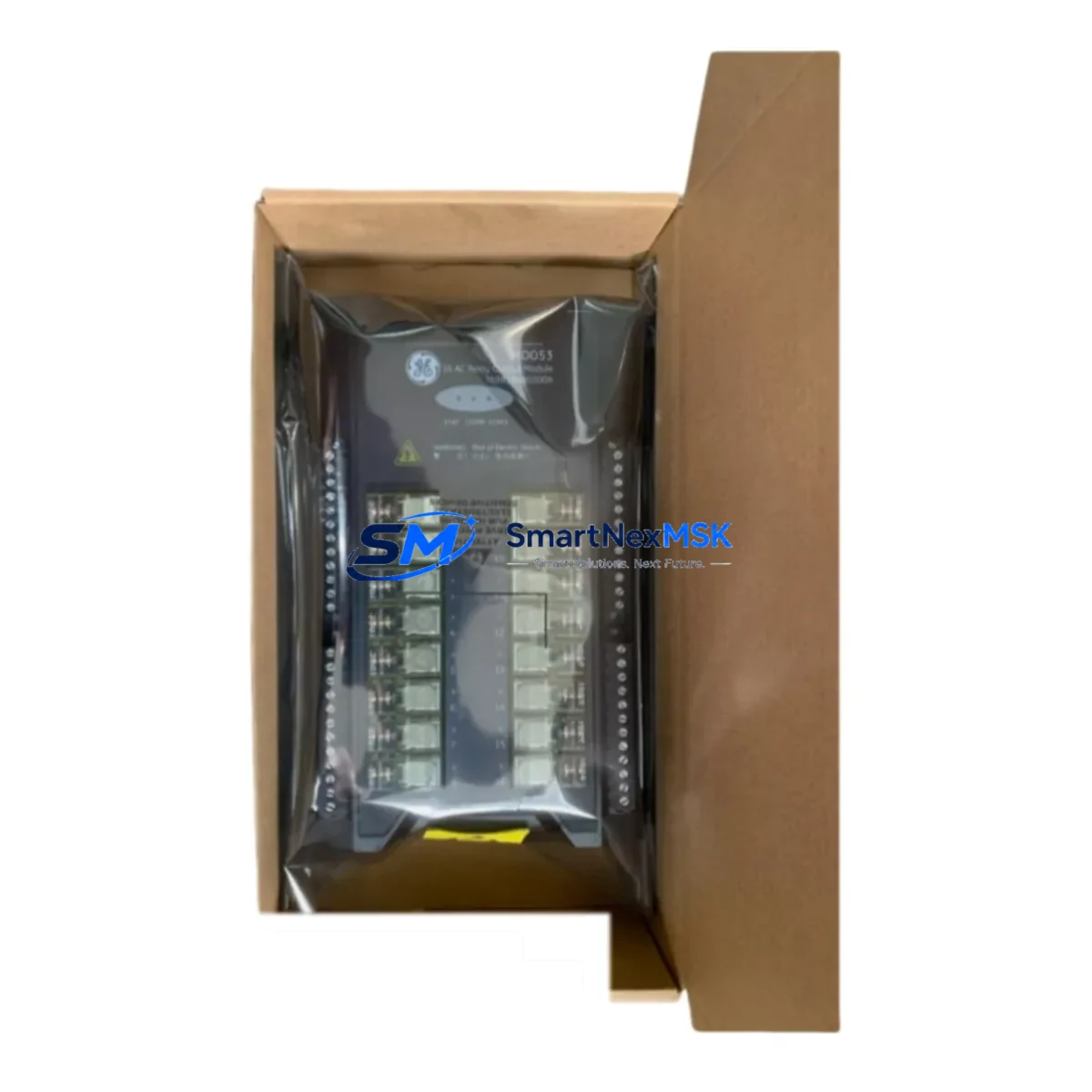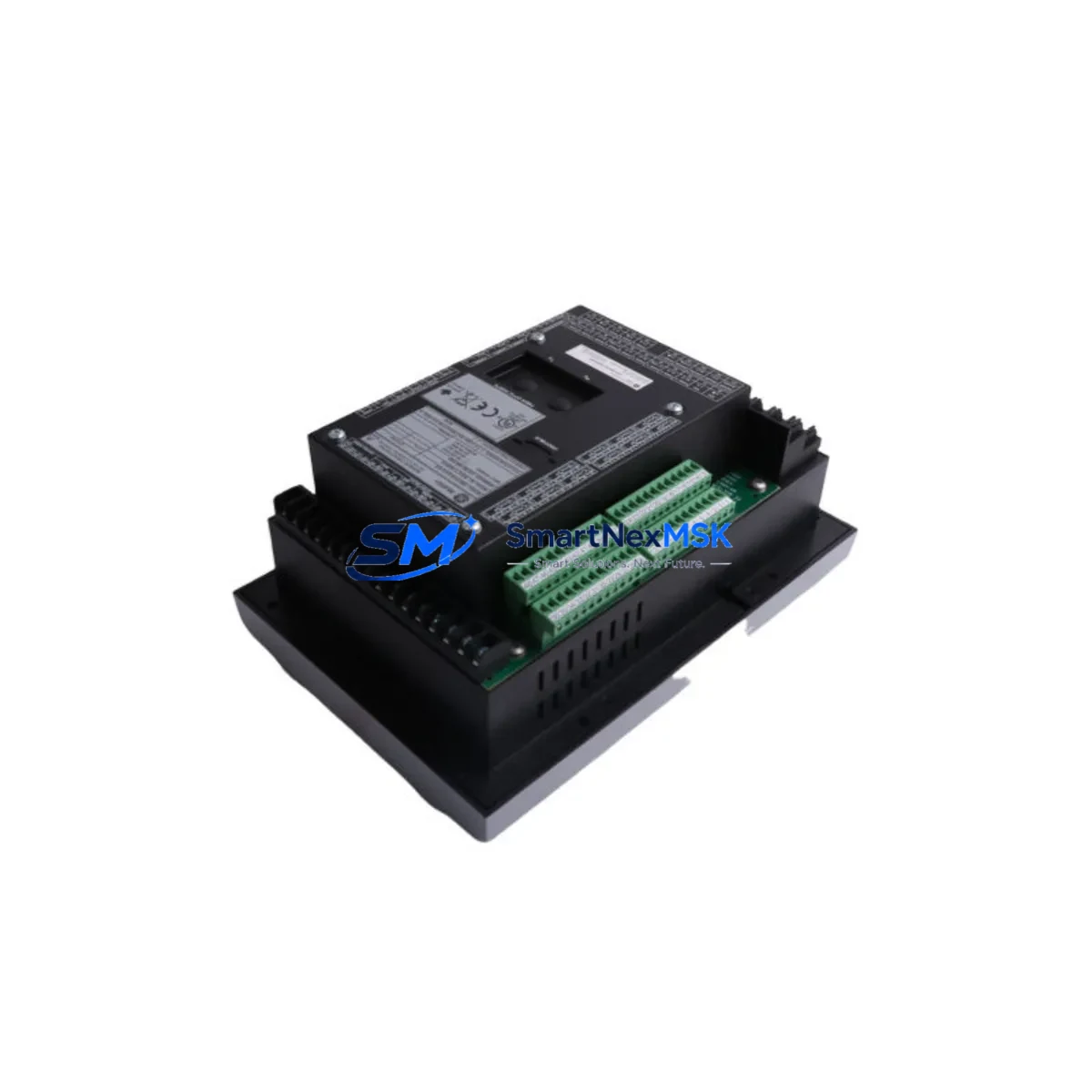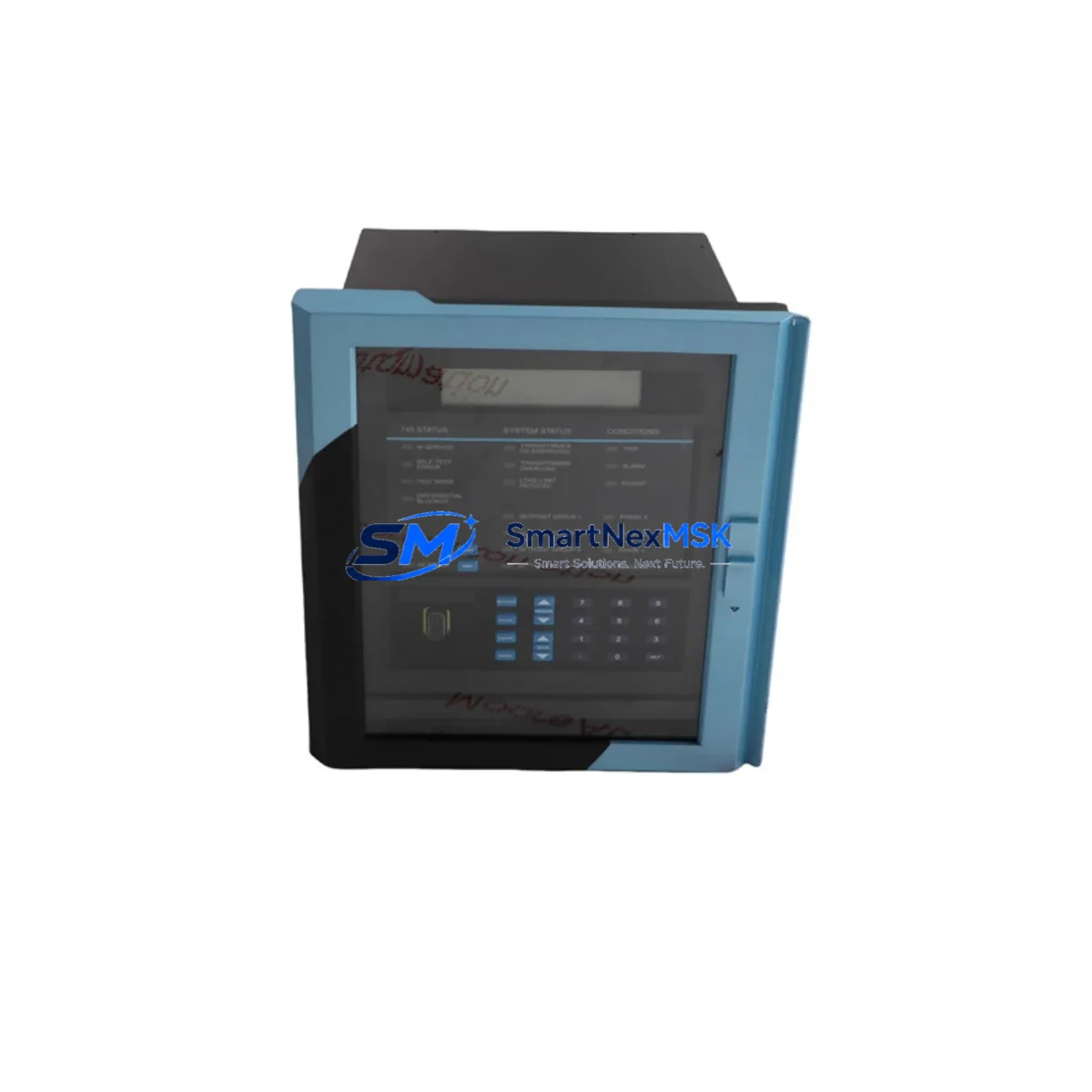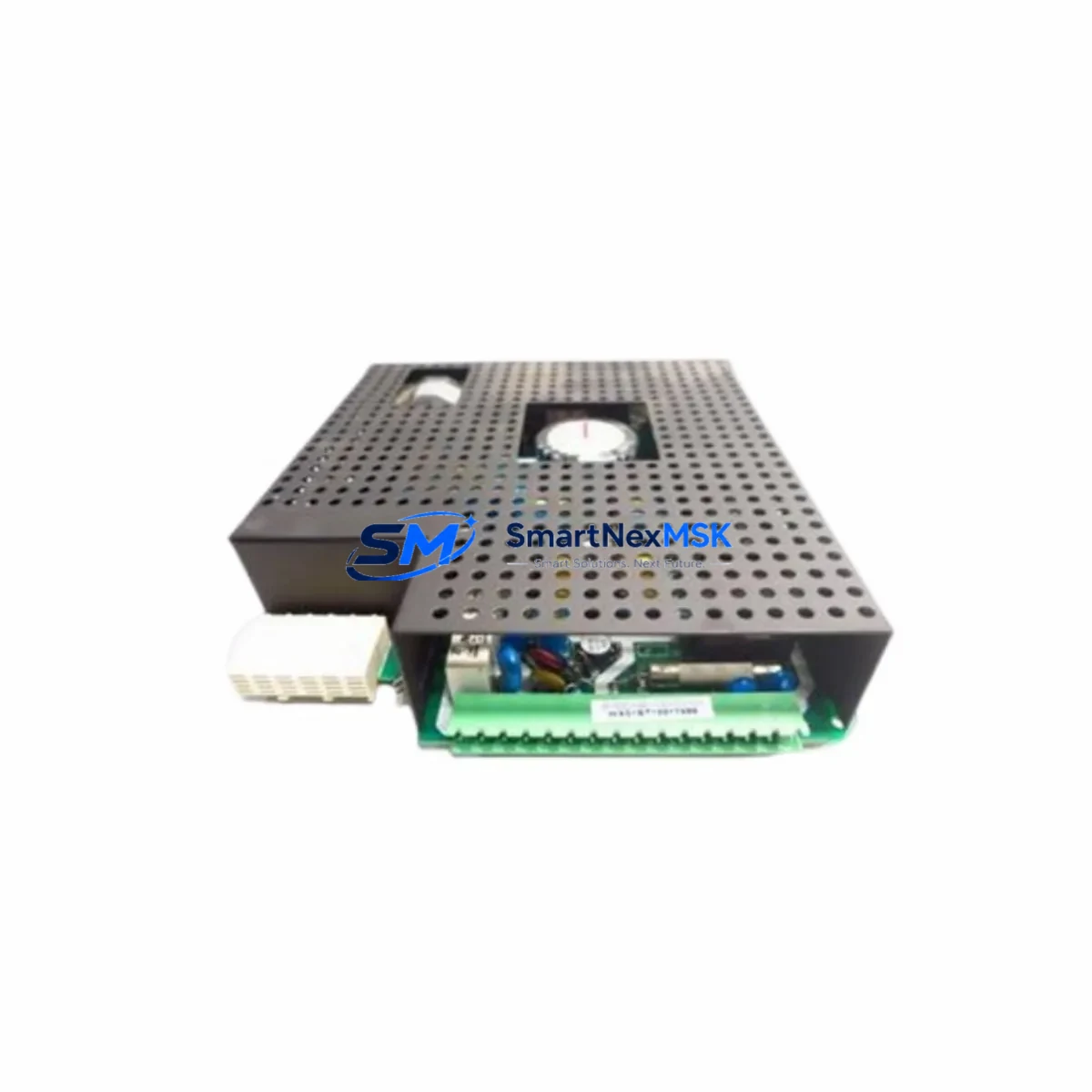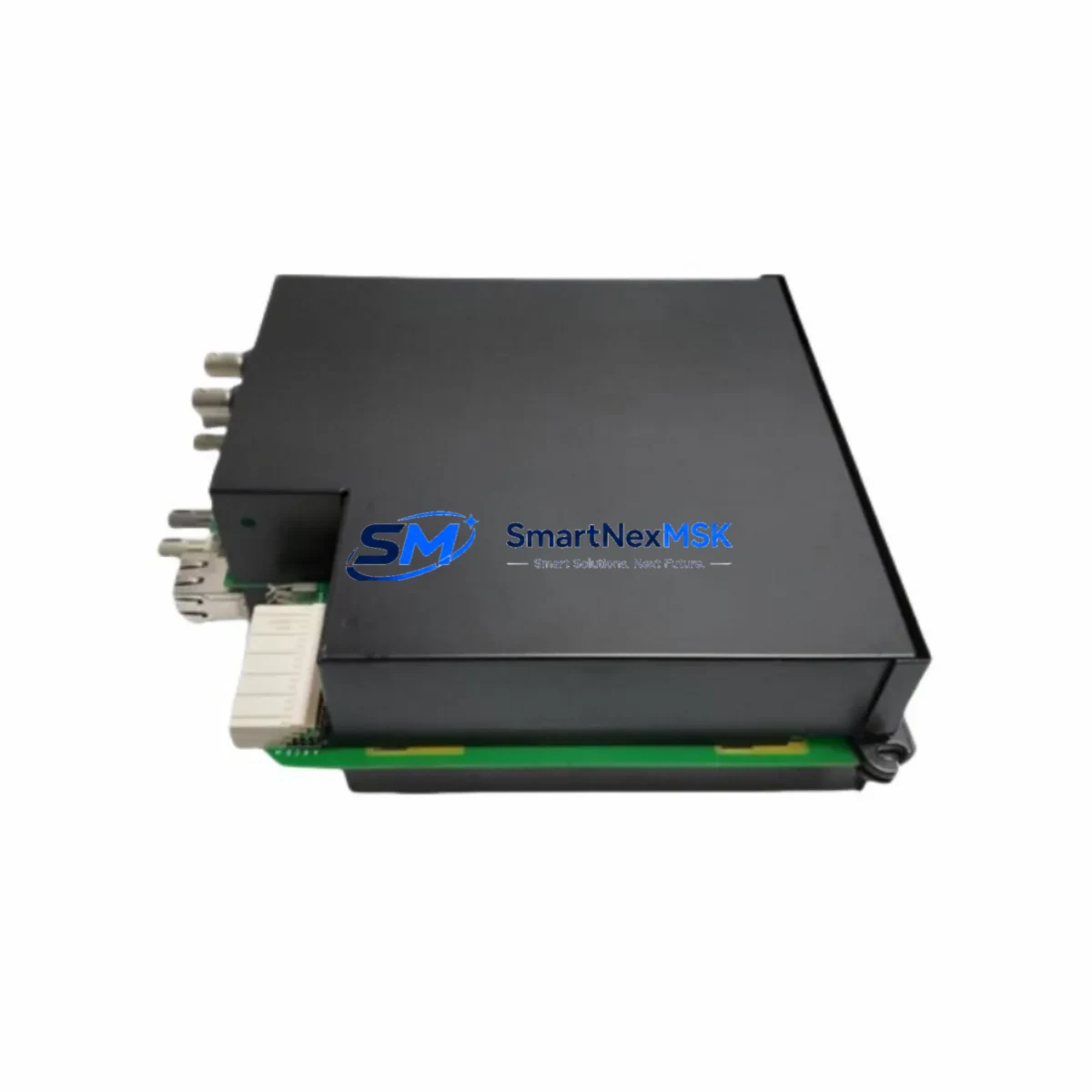
GE Multilin UR6DV Retrofit-Ready Digital I/O Module for UR Series Control Systems
The GE Multilin UR6DV is a high-density Digital I/O Module engineered for the Universal Relay (UR) Series protection and control platform. As legacy UR-family relays approach end-of-life or require capacity expansion, the UR6DV serves as the definitive retrofit solution — offering a direct hardware replacement path that preserves existing wiring infrastructure, rack geometry, and protection logic without forcing a full system redesign. Whether you are modernizing an aging substation automation cabinet, recovering from an unplanned module failure, or expanding I/O capacity on a live protection panel, the UR6DV delivers the compatibility, reliability, and supply assurance that industrial operators demand.
Sourced directly from authorized distribution channels and subject to full functional testing prior to shipment, every UR6DV unit we supply is backed by a 12-month warranty covering manufacturing defects and operational failures under normal service conditions. Our inventory is maintained in Xiamen, China, with rapid dispatch capability to support time-critical maintenance windows across Asia-Pacific, the Middle East, and global project sites.
Upgrade Compatibility Table
| Parameter | Detail |
|---|---|
| Module Model | GE Multilin UR6DV |
| Platform Compatibility | GE Multilin UR Series (C30, C60, C70, D30, D60, F35, F60, G30, G60, L30, L60, L90, M60, N60, T35, T60) |
| Module Type | Digital I/O (Voltage-Sensing Inputs / Output Contacts) |
| Backplane Interface | UR Series internal backplane slot — direct plug-in replacement |
| Communication Compatibility | Modbus RTU, Modbus TCP/IP, DNP3, IEC 61850 GOOSE (relay-level, via host relay CPU) |
| Installation Requirement | Standard UR rack slot; no additional mounting hardware required |
| Wiring Compatibility | Existing terminal block wiring retained; verify input voltage range before energizing |
| Firmware Dependency | Compatible with UR firmware v4.xx and above; confirm relay firmware revision before swap |
| Replacement Recommendation | Direct drop-in for failed or end-of-life UR6DV units; verify slot address assignment in EnerVista UR Setup |
| Commissioning Focus | Module address, I/O mapping, FlexLogic operand re-verification, HMI faceplate update |
| Warranty | 12 Months — covers manufacturing defects and operational failure under rated conditions |
Retrofit Planning for Existing Automation Systems
Integrating the UR6DV into an existing protection scheme requires a structured approach that accounts for both hardware and software dependencies across the entire control architecture. Before removing the failed or obsolete module, engineers should document the current I/O assignment table from EnerVista UR Setup, capturing every digital input operand and output contact assignment mapped to the UR6DV slot. This record becomes the baseline for post-swap verification and prevents logic gaps during the commissioning phase.
On the hardware side, the UR6DV occupies a standard UR backplane slot and connects via the relay’s internal communication bus to the host CPU module — typically a UR CPU card such as the 9E or 9F revision — which manages all inter-module addressing and protection logic execution. The backplane itself, whether a 4-slot or 8-slot UR chassis, does not require modification; the UR6DV seats directly into the vacated position and is recognized automatically upon relay power-up, provided the firmware revision supports the module type.
Terminal wiring connected to the UR6DV’s I/O block should be carefully inspected before reconnection. Digital input circuits sourced from external DC supplies — commonly 24 VDC, 48 VDC, 110 VDC, or 125 VDC station battery — must be verified against the UR6DV’s rated input voltage range. Output contacts, which may be wired into trip circuits, alarm annunciators, or interlock schemes involving devices such as the GE Multilin 750/760 feeder protection relay or third-party RTUs, should be continuity-tested before re-energization.
For sites running IEC 61850 GOOSE messaging, the UR6DV’s I/O operands may be mapped to GOOSE datasets published by the host relay. After module replacement, the IED configuration file (CID/SCD) should be re-imported into the relay using EnerVista UR Setup to confirm that GOOSE subscriptions and publications referencing UR6DV-sourced operands remain intact. Sites using DNP3 or Modbus TCP/IP for SCADA integration — for example, connecting to a GE D20MX or GE D400 substation controller — should verify that the DNP3 point list or Modbus register map referencing UR6DV I/O points has not shifted due to slot re-addressing.
Power budget verification is a frequently overlooked step in UR module retrofits. Each UR6DV draws a defined load from the relay’s internal power supply module. If the existing UR power supply — such as a 9A or 9B series supply card — is already operating near capacity due to the presence of other modules like a UR6AH analog I/O module, a UR6PT transducer input module, or a UR6CS communications module, adding or replacing a UR6DV may push the supply into an overload condition. Always review the UR relay’s power budget worksheet in EnerVista before finalizing the retrofit bill of materials.
HMI faceplate configurations on UR relays with front-panel display should also be reviewed. User-defined pushbuttons and LED indicators mapped to UR6DV output operands may require re-assignment if the module slot address changes. Similarly, any SCADA one-line diagrams or DCS faceplate graphics — for example, on a GE iFIX or Wonderware InTouch HMI system — that display UR6DV-sourced status points should be updated to reflect the verified post-retrofit tag mapping.
Downtime Control During System Migration
Minimizing protection system downtime during a UR6DV swap requires advance preparation that begins well before the maintenance window opens. The most effective approach is to pre-configure a spare UR6DV unit offline using EnerVista UR Setup, loading the relay’s current settings file and verifying that the module’s I/O assignments, FlexLogic equations, and operand labels match the production configuration exactly. This pre-staged unit can then be swapped into the rack within minutes, reducing the live outage window to the time required for physical installation, wiring reconnection, and a brief functional test.
Where protection redundancy exists — for example, in dual-bus or breaker-and-a-half schemes where a GE Multilin L90 line differential relay or a GE Multilin D60 distance protection relay provides backup coverage — the primary protection zone can often be maintained on the redundant relay while the UR6DV replacement is performed on the primary relay. This approach eliminates the need for a full protection outage and is strongly recommended for transmission-level assets.
For sites without redundant protection, a temporary bypass of non-critical alarm outputs wired through the UR6DV may allow the primary protection trip circuits to remain active during the swap. This requires careful coordination with the site’s protection engineer and SCADA operator to ensure that bypassed alarms are monitored manually during the maintenance window. All bypasses must be documented and removed immediately after the UR6DV is restored to service.
Post-swap commissioning should follow a structured checklist: confirm module recognition in EnerVista, verify I/O operand mapping, perform a contact wetting test on all output circuits, inject test signals into digital inputs to confirm operand activation, and validate SCADA/DCS point status against the expected post-retrofit state. A complete settings printout should be archived as the new baseline configuration document for the relay.
Retrofit Support FAQ
Q1: Is the UR6DV a direct drop-in replacement for an existing UR6DV in my relay rack?
Yes. The UR6DV is a slot-compatible replacement for any existing UR6DV module within the GE Multilin UR Series platform. No rack modification is required. After installation, use EnerVista UR Setup to confirm module recognition and verify that all I/O operand assignments are intact. If the relay firmware is below v4.xx, a firmware update may be required before the module is recognized correctly.
Q2: What wiring changes are needed when replacing a failed UR6DV?
In most cases, no wiring changes are required. The UR6DV’s terminal block layout is consistent across production runs, allowing existing field wiring to be reconnected directly. However, engineers should verify the input voltage range of each digital input circuit against the station battery voltage in use at the site (24 V, 48 V, 110 V, or 125 VDC) and confirm that output contact ratings are compatible with the connected trip or alarm circuits before re-energization.
Q3: How do I verify communication compatibility after replacing the UR6DV in an IEC 61850 or DNP3 environment?
After the physical swap, re-import the relay’s IED configuration file (CID) using EnerVista UR Setup and confirm that all GOOSE dataset mappings referencing UR6DV operands are correctly bound. For DNP3 or Modbus TCP/IP environments, verify the point list against the SCADA master database and perform a live poll to confirm that all UR6DV-sourced status and control points are responding correctly. Any discrepancies should be resolved before the relay is returned to service.
Q4: What does the 12-month warranty cover, and what is the process for a warranty claim?
Our 12-month warranty covers manufacturing defects and operational failures occurring under rated service conditions, including failures attributable to component quality or assembly. It does not cover damage resulting from incorrect installation, overvoltage, or physical mishandling. To initiate a warranty claim, contact our sales team with the module serial number, a description of the failure mode, and photographic evidence of the installation condition. Replacement units are dispatched from our Xiamen warehouse upon claim approval, with expedited shipping available for critical maintenance situations.
© 2026 SMARTNEXMSK. All rights reserved.
Original Source: https://smartnexmsk.com
Contact: [email protected] | +86 18259474341