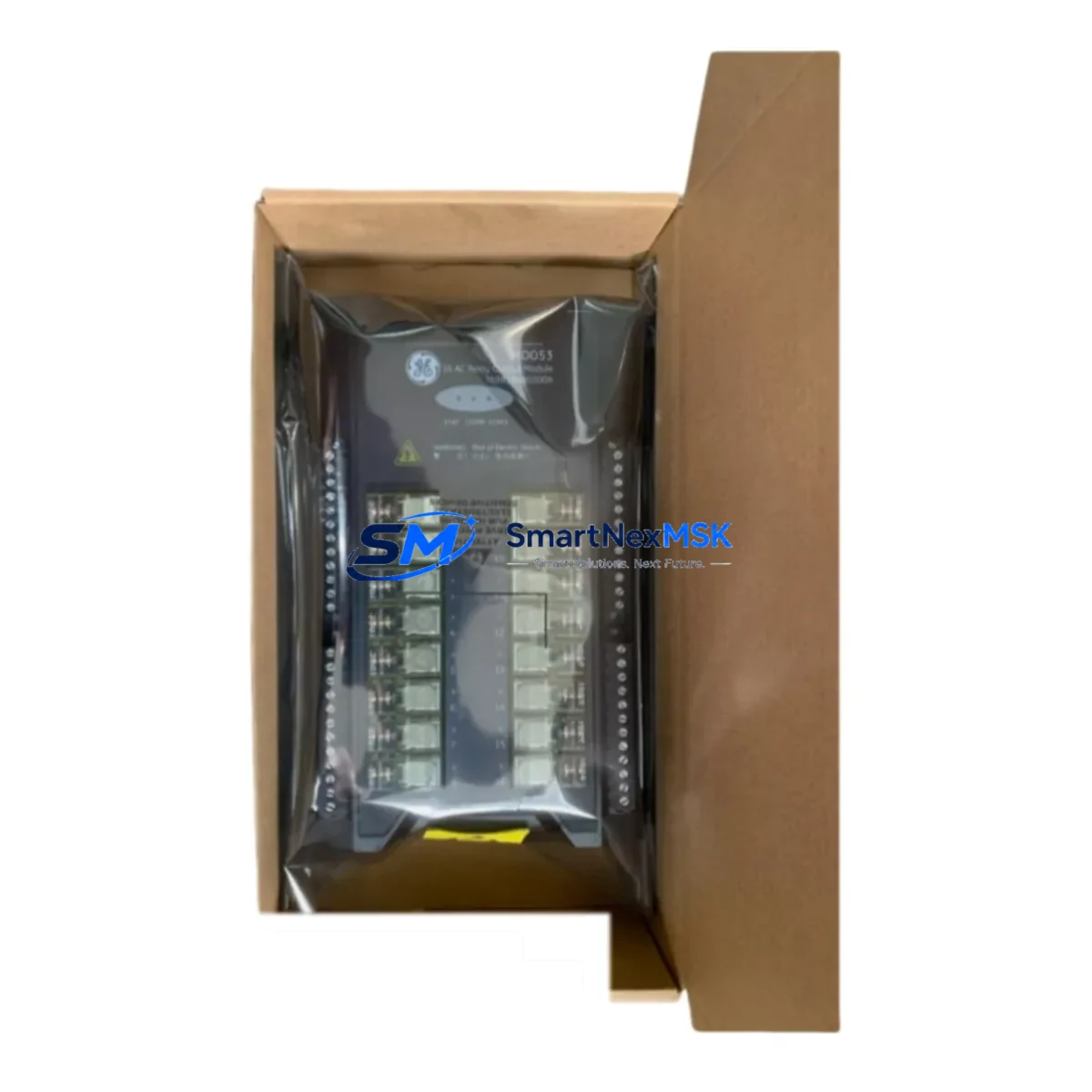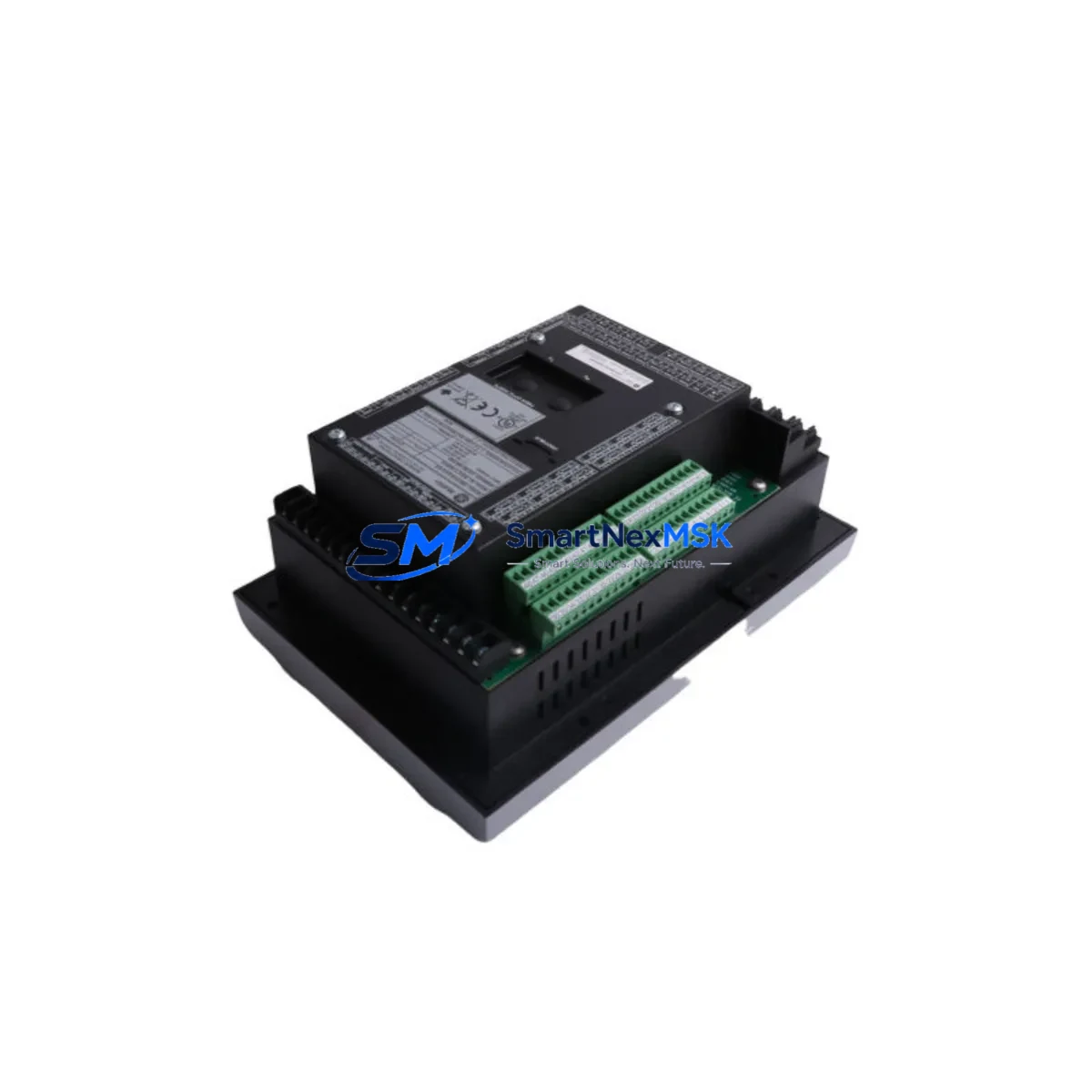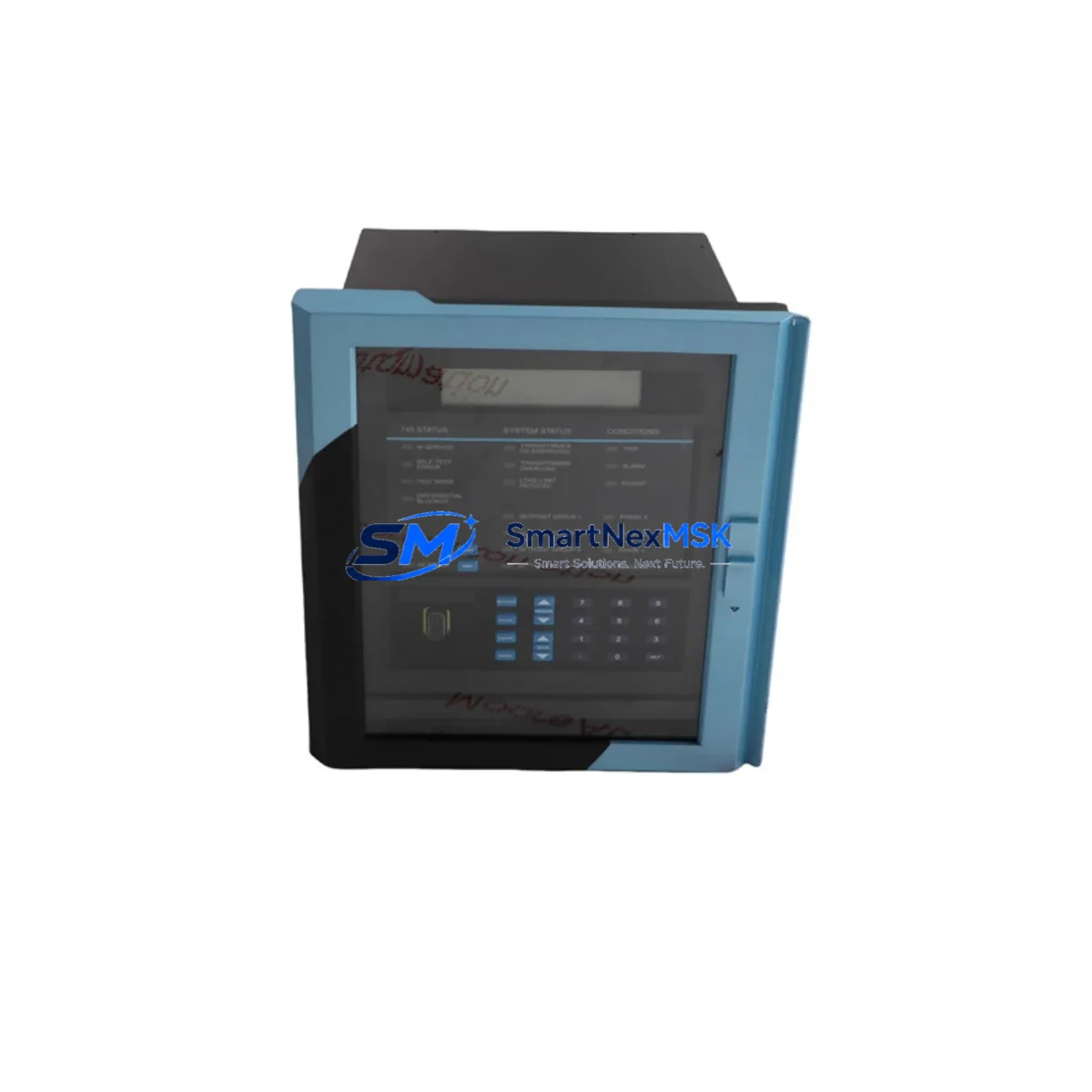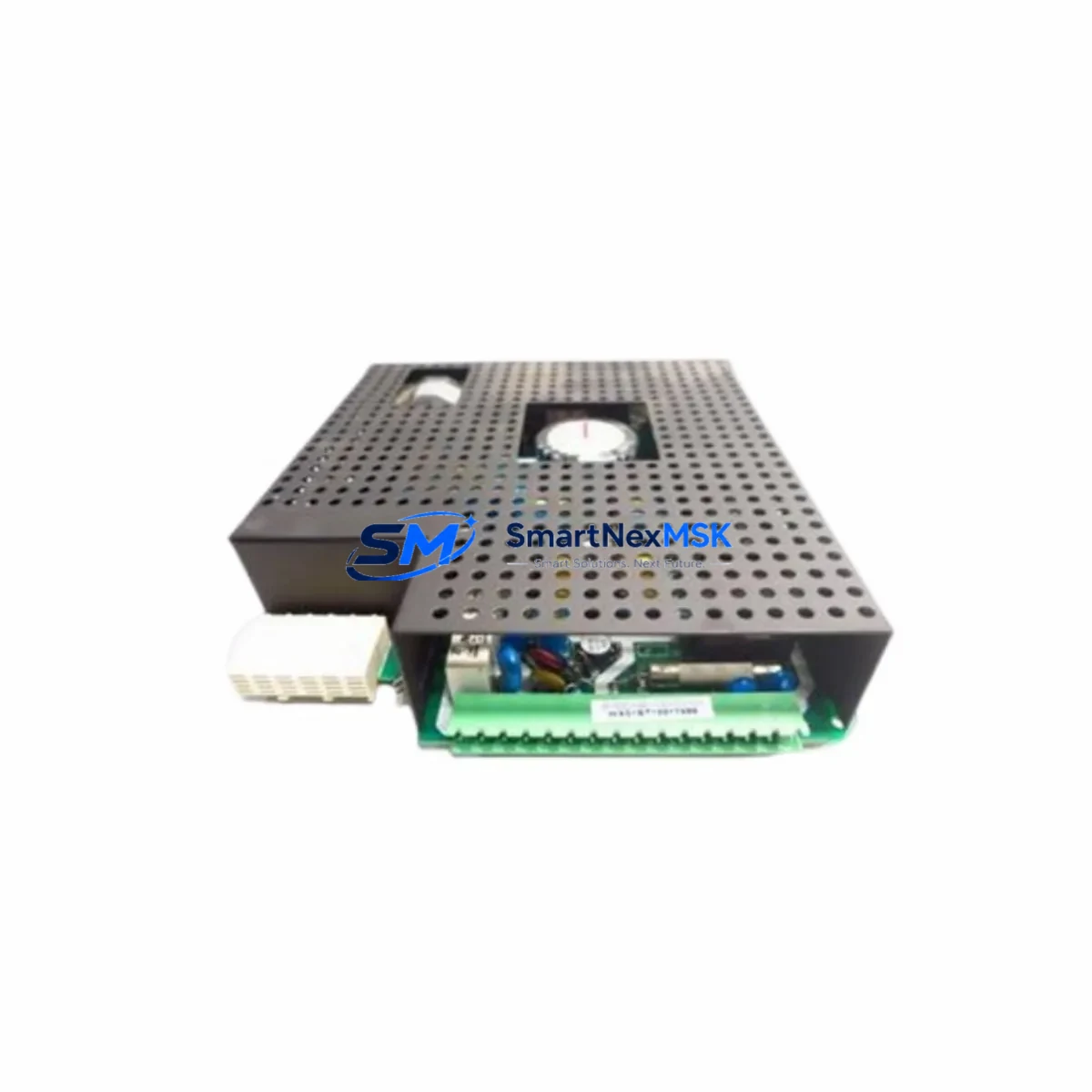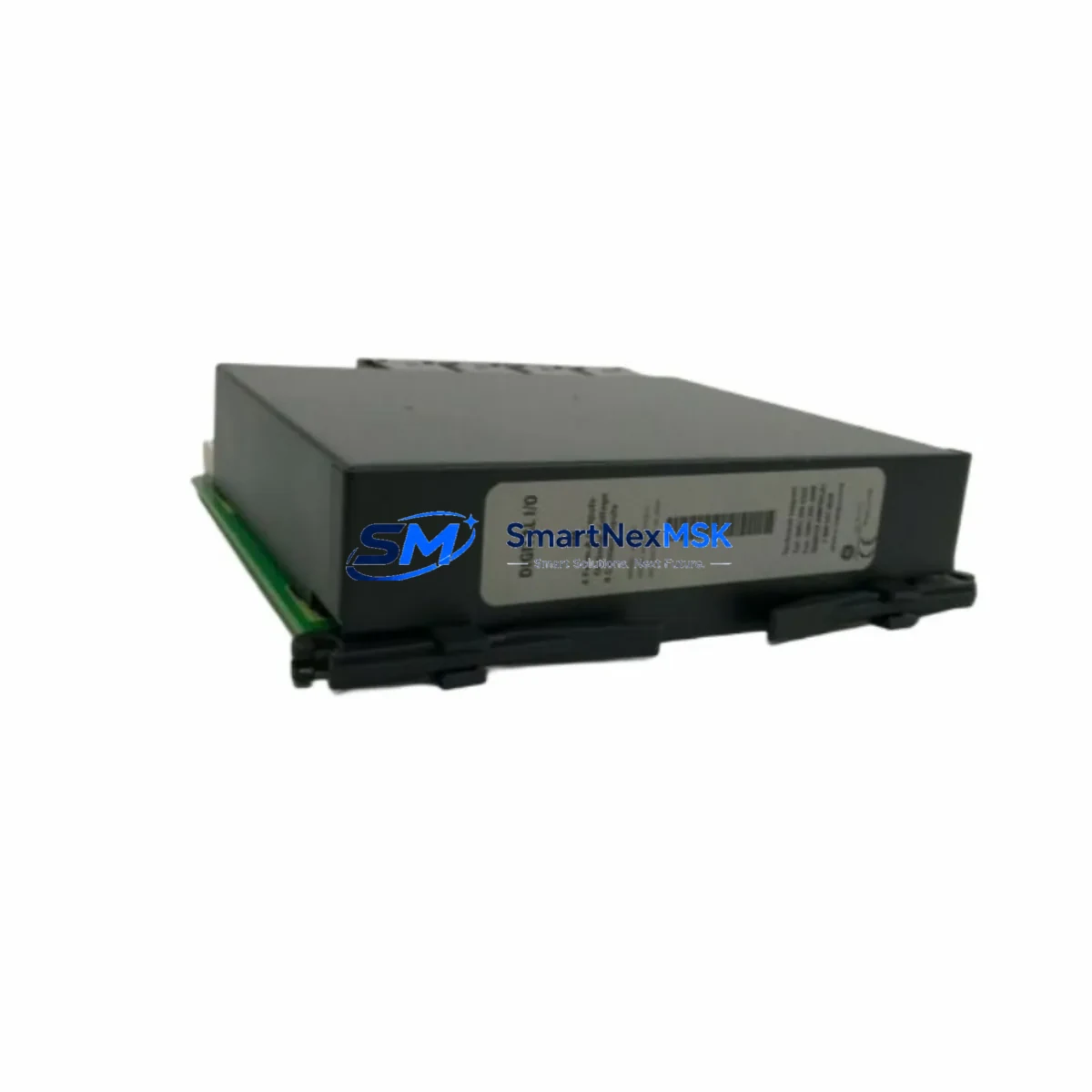
GE Multilin UR6NH Maintenance-Ready Spare for UR Series Automation
The GE Multilin UR6NH is an original Digital I/O module designed for the UR Series protection and control platform — one of the most widely deployed relay architectures in power utility substations, industrial switchgear, and critical infrastructure control systems. When a UR6NH fails or reaches end-of-service life, unplanned downtime in protection circuits can cascade into costly outages. Stocking a verified replacement ensures your maintenance team can execute a rapid swap without waiting on extended lead times from OEM channels.
This unit is sourced as an original GE Multilin spare, individually tested prior to dispatch, and backed by a 12-month warranty. It is compatible with the full UR Series chassis family, including the C60, C30, D60, F60, L90, M60, N60, T60, and related platform variants. Whether you are managing a planned outage window, responding to a protection relay alarm, or building a strategic spare parts inventory for aging UR-based panels, the UR6NH is a direct-fit replacement that requires no firmware modification or hardware reconfiguration when installed in a matching slot.
Spare Maintenance Table
| Parameter | Specification / Detail |
|---|---|
| Part Number / SKU | UR6NH |
| Manufacturer | GE Multilin (now GE Grid Solutions) |
| Module Type | Digital I/O Module |
| Platform Compatibility | UR Series (C60, C30, D60, F60, L90, M60, N60, T60 and variants) |
| Origin | Canada |
| I/O Configuration | Digital inputs and output contacts per UR Series slot specification |
| Operating Voltage | Per UR Series chassis power supply rating (24–250 VDC / 120–240 VAC) |
| Contact Rating | Output contacts rated for industrial switching loads per GE Multilin datasheet |
| Installation | Hot-swap capable in powered UR chassis; slot-specific assignment via UR Setup software |
| Environmental Rating | Industrial: –40°C to +85°C operating range; IEC 61850 / IEEE C37.90 compliant platform |
| Maintenance Interval | Inspect contacts and wiring terminations every 12–24 months; replace on alarm or contact degradation |
| Warranty | 12 Months — covers manufacturing defects and functional failure under normal operating conditions |
| Pre-shipment Testing | Functional I/O verification performed before dispatch |
| Lead Time | In-stock units ship within 1–3 business days |
Maintenance Planning for Continuous Operation
A UR6NH replacement should never be treated in isolation. The UR Series platform is a modular, slot-based architecture, and a Digital I/O module failure often signals stress on adjacent components that share the same wiring harness, backplane bus, or power rail. Maintenance engineers should treat a UR6NH swap as an opportunity to inspect the broader control circuit.
Begin with the UR Series power supply module — typically a 9A or 9B slot unit — and verify output voltage stability under load. A degraded power supply can cause intermittent I/O faults that mimic module failure. Next, inspect the UR Series CPU module (commonly the 9C or 9D slot) for firmware currency and communication health; an outdated CPU firmware version can cause I/O mapping errors after a module replacement.
Check all terminal block wiring on the I/O module’s field-side connectors. Loose or corroded terminations on digital input circuits are a leading cause of nuisance trips and false alarms in protection relay panels. If the panel uses signal isolators between field devices and the UR chassis, verify isolator output levels are within the UR6NH’s input threshold range.
For panels with communications modules — such as the UR Series 9E Ethernet module or IEC 61850 GOOSE messaging cards — confirm that the I/O module’s logical node assignments are correctly mapped in the relay’s configuration file after replacement. A mismatch here can silently disable protection functions without triggering a hardware alarm.
If the UR chassis is part of a busbar protection or transformer differential scheme, also inspect the analog input modules (CT/VT input cards) in adjacent slots. Vibration, thermal cycling, and aging can affect multiple modules simultaneously in high-cycle environments. Replacing the UR6NH while leaving a marginal CT input module in service is a common source of repeat callouts.
Finally, review the HMI panel interface — whether a local UR Series front panel display or a remote SCADA/DCS workstation — to confirm that all I/O status points are correctly reflected after the replacement. Discrepancies between field state and HMI indication after a module swap often point to a configuration file that was not re-downloaded post-installation.
Recommended companion spares to stock alongside the UR6NH include: UR Series power supply modules, CPU/communication modules, analog input (CT/VT) cards, Ethernet communication modules, terminal block assemblies, and chassis backplane connectors. Maintaining a minimum of one spare per module type per installed chassis is the industry-standard recommendation for critical protection relay panels.
Site Replacement Workflow
Step 1 — Isolation and Safety: Coordinate with operations to place the protection zone in a safe state. Inhibit auto-reclose and trip functions via the relay’s front panel or SCADA before opening the panel door. Follow your site’s LOTO (Lockout/Tagout) procedure for the control cabinet.
Step 2 — Configuration Backup: Using GE Multilin’s UR Setup software, retrieve and save the current relay settings file (.urs) from the unit before removing any hardware. This backup is essential for restoring the exact I/O mapping, protection element settings, and communications parameters after the module swap.
Step 3 — Module Removal: The UR6NH is a plug-in module secured by a front-panel latch. Release the latch, disconnect the field-wiring connector block (which can be unplugged without disturbing individual wire terminations if the connector is the removable type), and slide the module out of its chassis slot.
Step 4 — Replacement Installation: Insert the new UR6NH into the same slot. The UR Series chassis uses slot-specific module recognition — confirm the replacement module’s order code suffix matches the original (e.g., UR6NH vs. UR6NF are different I/O configurations). Reconnect the field-wiring connector block and secure the front-panel latch.
Step 5 — Configuration Restore and Verification: Download the saved settings file to the relay using UR Setup. Perform a full I/O functional test: energize each digital input from the field side and confirm the relay’s I/O status display reflects the correct state. Test each output contact with a continuity tester or by commanding a test trip through the relay’s test mode.
Step 6 — Return to Service: Re-enable protection functions, confirm event log is clear of new alarms, and document the replacement in your maintenance management system (CMMS) with the new module’s serial number and installation date.
Spare Parts Support FAQ
Q1: Is the UR6NH compatible with all UR Series relay models?
The UR6NH is designed for the GE Multilin UR Series modular chassis platform. Compatibility depends on the specific slot assignment and I/O configuration required by your relay model. Verify the module order code against your relay’s existing module list (visible in UR Setup under the Order Codes tab) before installation. If you are unsure, provide your relay model number and we will confirm compatibility before shipment.
Q2: What pre-shipment testing is performed on the UR6NH?
Each unit undergoes functional I/O verification prior to dispatch — digital inputs are stimulated and output contacts are tested for continuity and switching integrity. Units that do not pass functional testing are not shipped. A test report is available upon request for critical infrastructure procurement requirements.
Q3: What does the 12-month warranty cover?
The warranty covers manufacturing defects and functional failure under normal operating conditions for 12 months from the date of shipment. It does not cover damage resulting from incorrect installation, overvoltage events, or physical mishandling. In the event of a warranty claim, we provide a replacement unit or full refund after fault verification — no extended RMA delays.
Q4: How should I manage UR6NH inventory for a fleet of UR Series relays?
For sites with 5 or more UR Series relays, the recommended minimum stock is one UR6NH per I/O module variant in use across your fleet. For critical protection applications (busbar, transformer differential, line distance), consider holding two units per variant. Modules stored in original anti-static packaging in a climate-controlled environment maintain full functionality for 5+ years without degradation.
© 2026 SMARTNEXMSK. All rights reserved.
Original Source: https://smartnexmsk.com
Contact: [email protected] | +86 18259474341