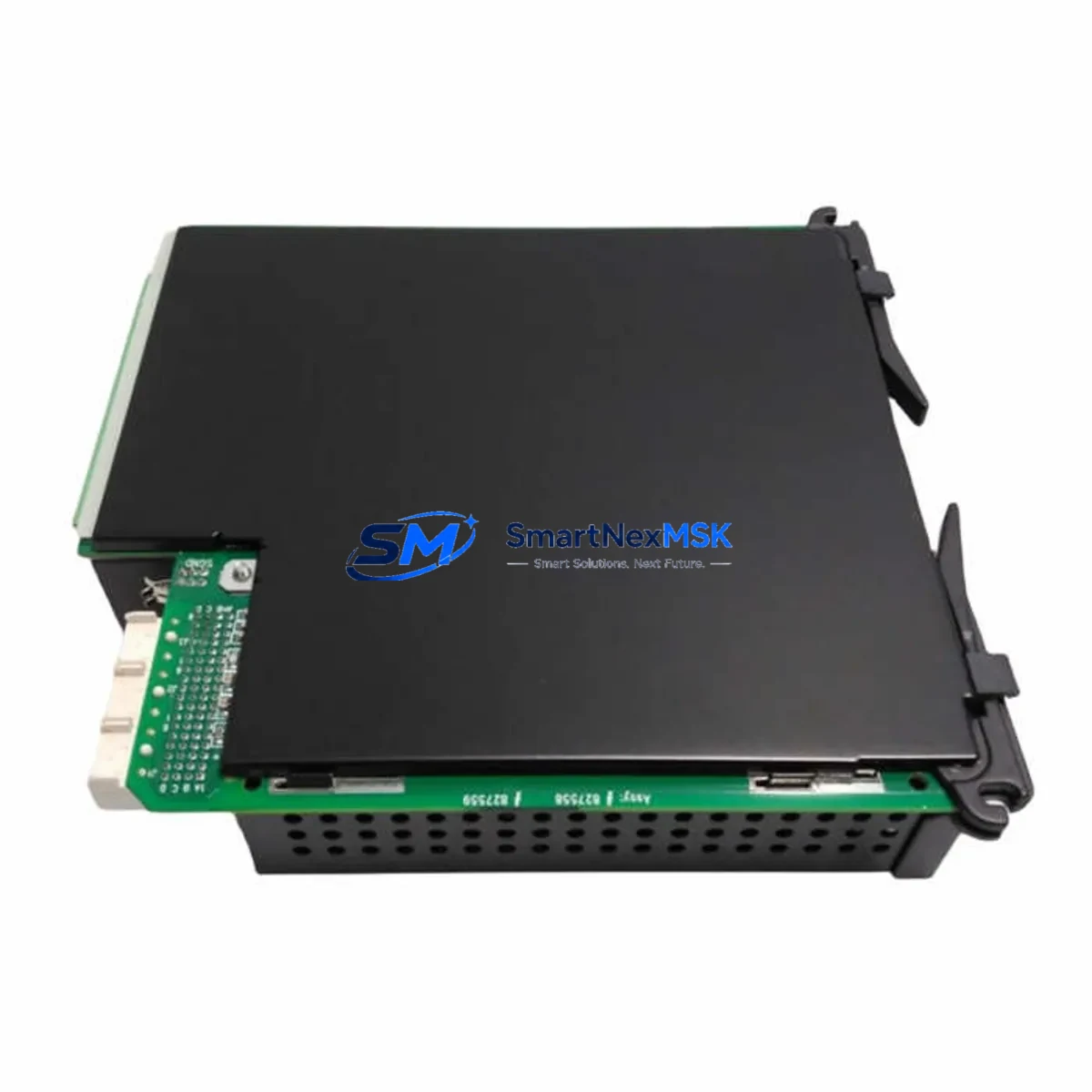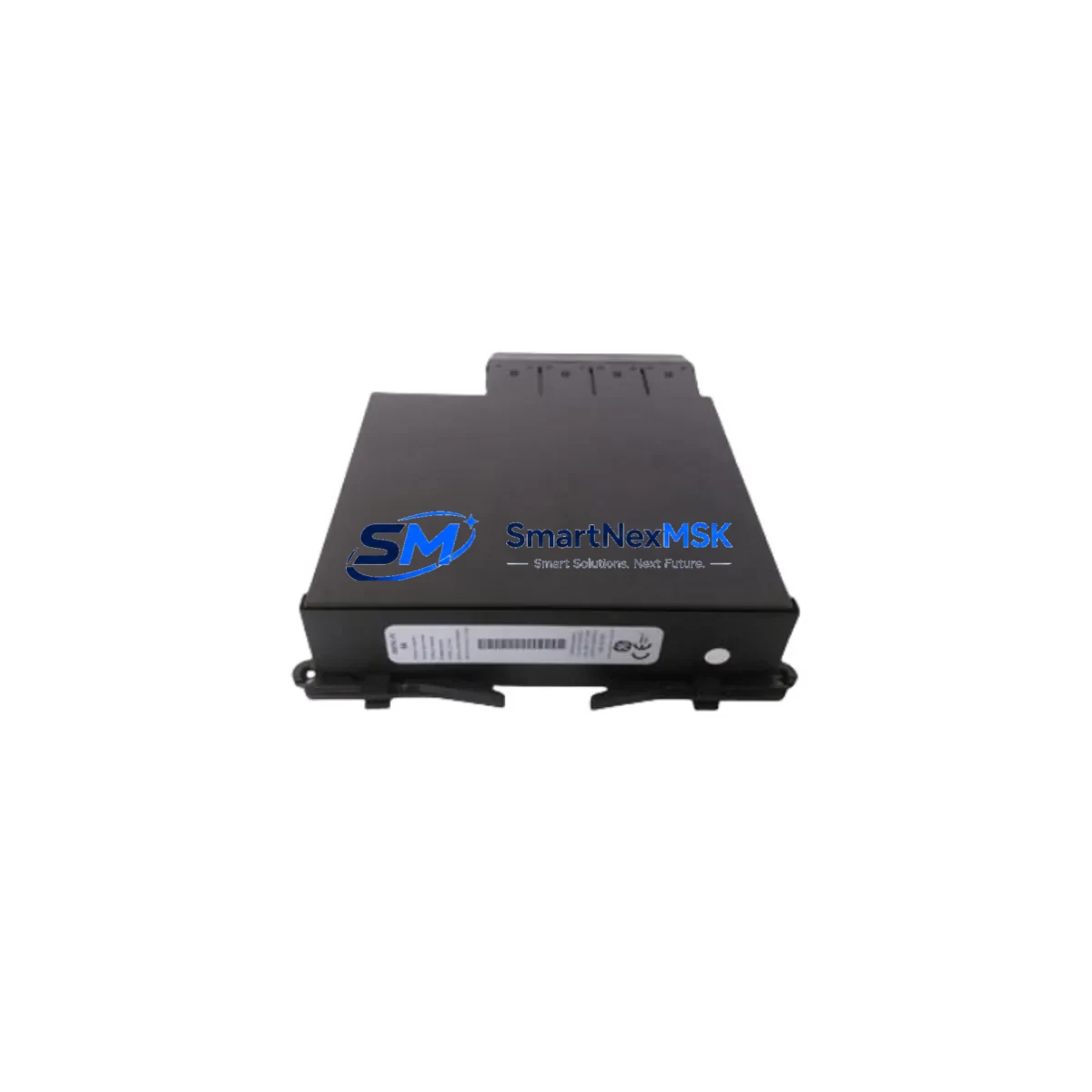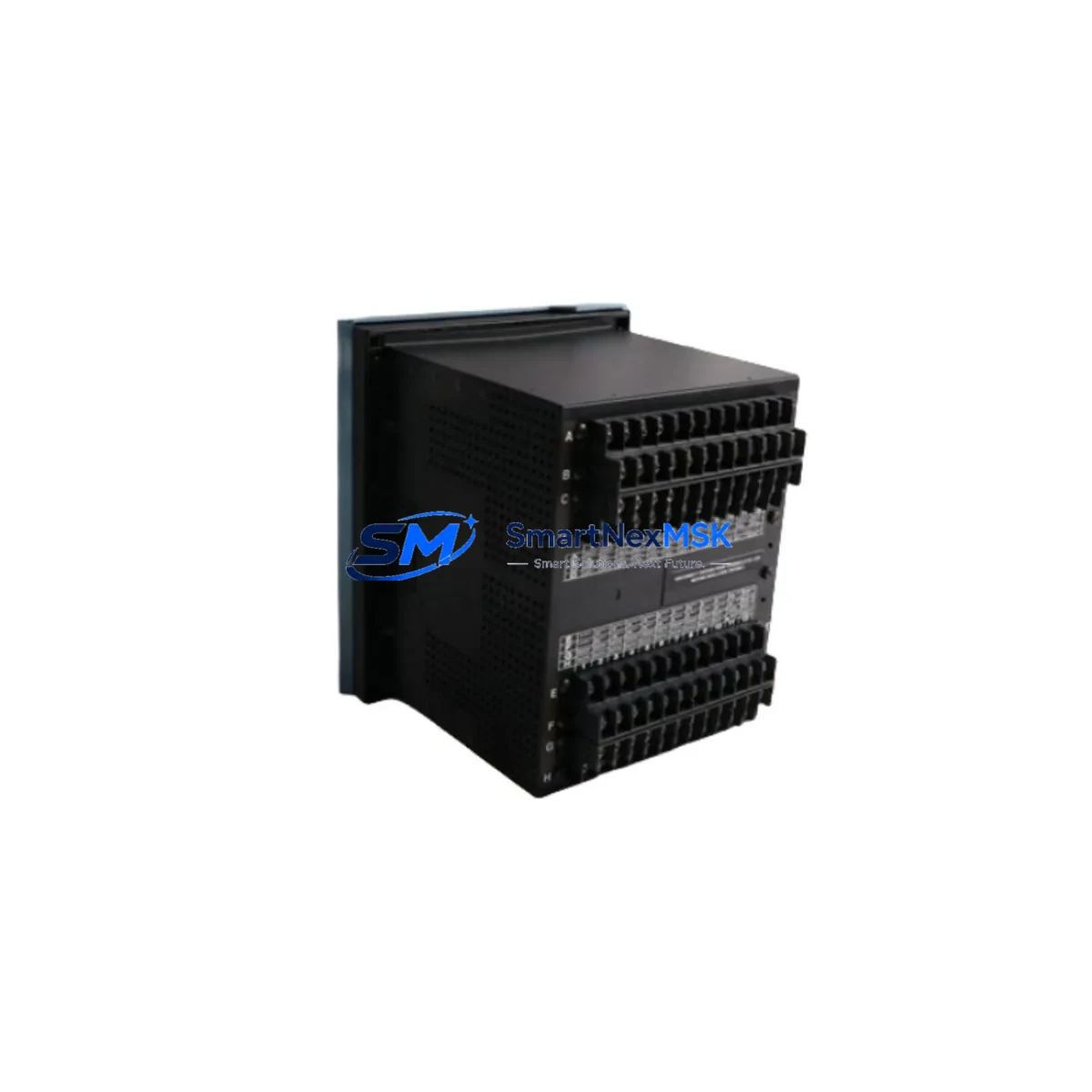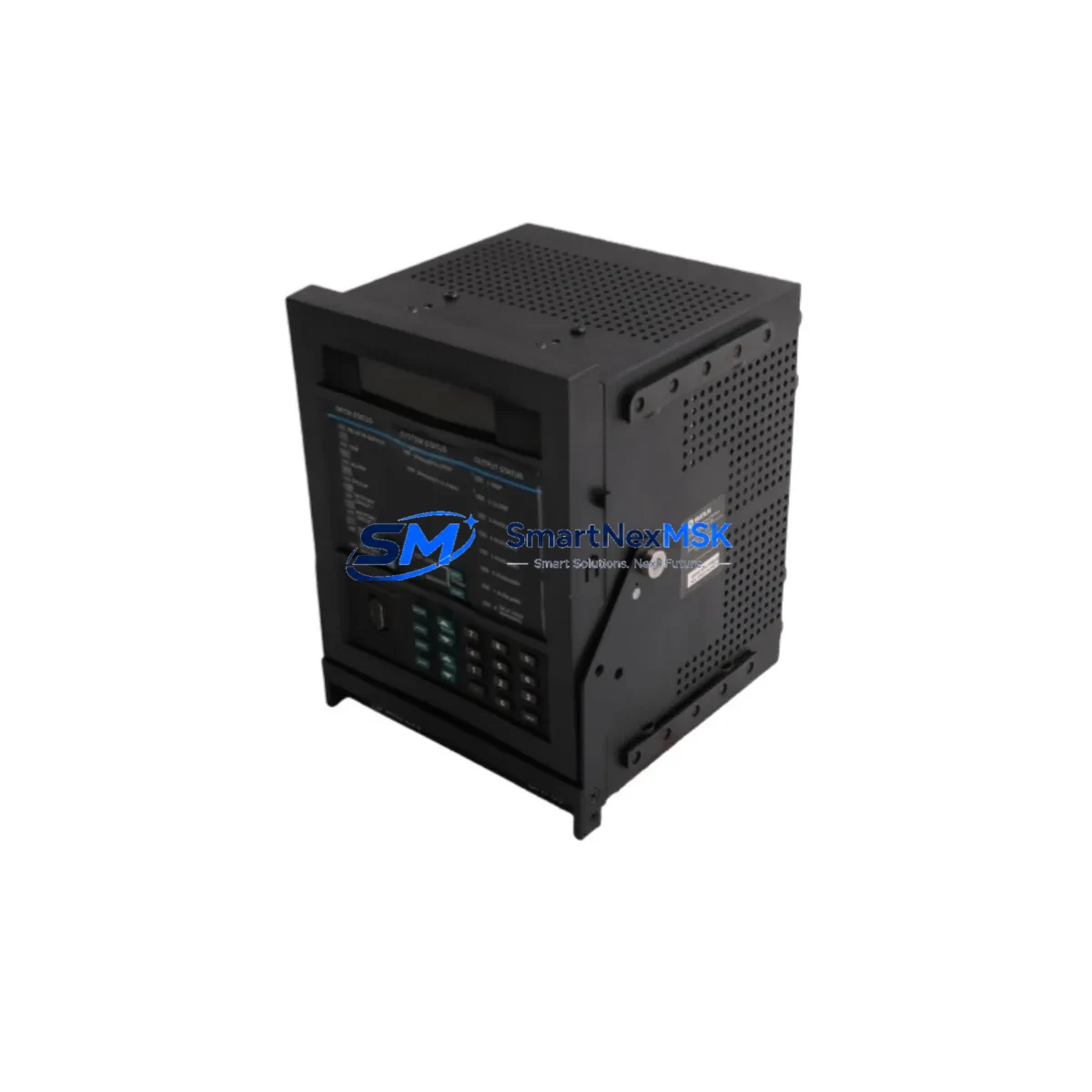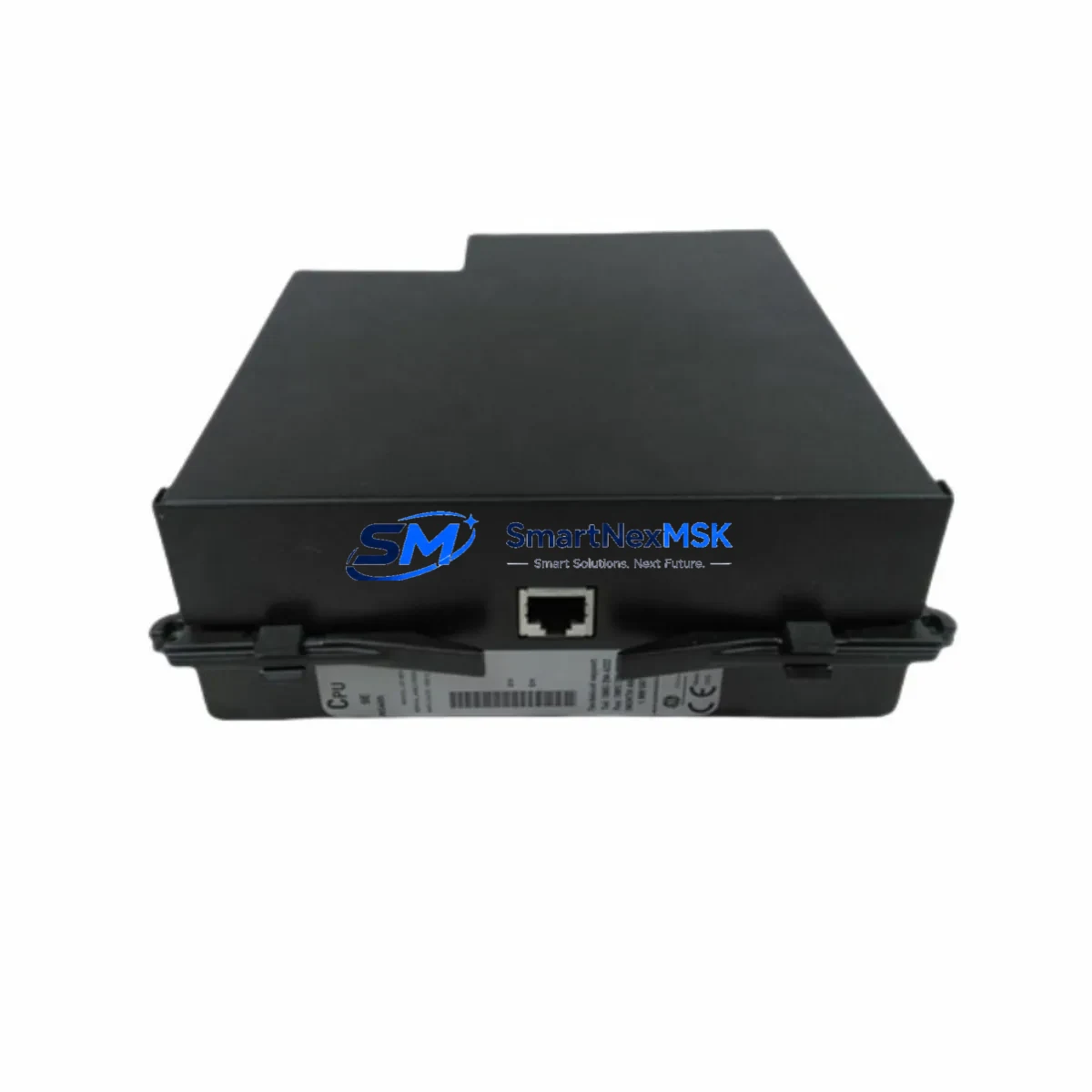
GE UR5CH Maintenance-Ready Spare for UR Series Automation
The GE UR5CH is a communication module designed for the GE UR Series protection relay platform — one of the most widely deployed digital protection and control systems in power generation, transmission, and industrial automation environments. When a UR5CH fails or reaches end-of-service life, the impact is immediate: loss of relay communication, disrupted SCADA visibility, and potential forced outage of the protected feeder or transformer bay. Stocking a verified original UR5CH spare is the most effective strategy to minimize mean time to repair (MTTR) and restore system integrity without waiting on extended lead times from OEM channels.
This listing supplies original GE UR5CH units sourced through established industrial distribution channels. Each unit undergoes functional verification prior to shipment and is covered by a 12-month warranty against manufacturing defects. Whether you are managing a planned outage window, responding to an unplanned trip, or building a critical spare inventory for aging UR Series panels, the UR5CH available here is ready for immediate deployment.
Spare Maintenance Table
| Parameter | Specification / Detail |
|---|---|
| Part Number | UR5CH |
| Brand | GE Grid Solutions (General Electric) |
| Series | UR Series (Universal Relay) |
| Module Function | Communication Module — relay-to-SCADA / relay-to-relay data exchange |
| Compatible Platforms | GE UR Series: C60, C70, D60, F60, G60, L60, L90, M60, N60, T60 |
| Communication Protocols | IEC 61850, DNP3, Modbus RTU/TCP, GOOSE (platform-dependent) |
| Installation Type | Plug-in module, rear-slot installation in UR chassis |
| Operating Temperature | -20°C to +60°C (standard industrial range) |
| Power Supply | Supplied by UR chassis backplane (no external power required) |
| Condition | Original / New — functionally tested before shipment |
| Warranty | 12 Months from date of shipment |
| Lead Time | In-stock: ships within 1–3 business days |
| Application Environment | Substation automation, power plant protection, industrial switchgear |
| Maintenance Recommendation | Inspect communication link status quarterly; replace on first sign of intermittent loss |
Maintenance Planning for Continuous Operation
A UR5CH replacement should never be treated in isolation. The communication module sits at the intersection of the protection relay, the station bus, and the control room — meaning a failure here can mask or propagate faults across multiple systems. When scheduling a UR5CH swap, maintenance engineers should use the opportunity to inspect and verify the condition of adjacent components in the same control cabinet and electrical circuit.
Start with the UR chassis backplane and power supply module (such as the UR6PP or equivalent UR Series PSU card), since backplane voltage irregularities are a common root cause of communication module degradation. Verify that the fiber optic or copper communication cables connected to the UR5CH port are free of damage, contamination, or excessive bend radius — degraded fiber patch cords are frequently overlooked during relay maintenance. Check the Ethernet switch or serial concentrator that aggregates UR relay data upstream; a failing managed switch port can produce symptoms identical to a failed UR5CH.
On the I/O side, inspect the UR Series digital input and output modules (such as UR8IO or equivalent I/O cards) for contact wear or wiring termination issues, particularly on trip and close circuits. Terminal blocks and wiring ferrules in the relay panel should be torqued to specification and checked for oxidation, especially in humid or coastal environments. If the UR relay communicates via IEC 61850 GOOSE messaging to peer relays or bay controllers, verify that the GOOSE subscription configuration remains intact after the module swap — a common post-replacement oversight that can leave protection schemes incomplete.
For sites running older UR firmware, a UR5CH replacement is also an appropriate trigger to review firmware compatibility between the new module and the installed relay version. Coordinate with your protection engineer to confirm that the replacement module’s firmware baseline is aligned with the relay’s current settings file. Additionally, check the HMI or operator workstation running EnerVista UR Setup software to confirm that communication parameters (IP address, port, protocol) are correctly configured for the replacement unit before returning the relay to service.
Facilities managing multiple UR Series relays — C60 feeder protection, T60 transformer protection, L90 line differential, or G60 generator protection — should consider maintaining at least one UR5CH spare per relay type in the site spare parts kit. Pairing the UR5CH with a spare UR Series CPU module and a set of pre-configured fiber patch cords creates a rapid-response spare kit capable of restoring full relay functionality within a single maintenance shift.
Site Replacement Workflow
Step 1 — Isolation and Permit: Obtain a switching permit and isolate the UR relay from the protected circuit per site safety procedures. Do not remove the UR5CH with the relay energized unless the chassis design explicitly supports hot-swap for that slot — consult the UR Hardware Manual for your specific relay model.
Step 2 — Record Configuration: Before removal, use EnerVista UR Setup to export the full relay settings file and record the communication module’s current configuration (IP address, VLAN, protocol settings, GOOSE datasets). This ensures the replacement can be configured identically without relying on memory or incomplete documentation.
Step 3 — Physical Replacement: Remove the failed UR5CH by releasing the module locking mechanism and sliding it from the rear chassis slot. Insert the replacement UR5CH, ensuring the module is fully seated and the locking tab is engaged. Reconnect all fiber or copper communication cables, verifying connector type and port assignment match the original installation.
Step 4 — Configuration Restore: Using EnerVista UR Setup, restore the saved settings file to the relay. Verify that the UR5CH communication parameters are correctly applied and that the relay establishes communication with the upstream SCADA system or substation automation controller.
Step 5 — Functional Test: Confirm that all communication links are active, GOOSE subscriptions are healthy, and relay event logs show no active alarms related to the communication module. Perform a loop test on DNP3 or Modbus data points if required by site commissioning procedures.
Step 6 — Return to Service: Remove the switching permit, restore the relay to normal service, and update the site maintenance log with the replacement date, new module serial number, and post-replacement test results.
This workflow is applicable whether replacing a failed UR5CH in an emergency outage scenario or performing a planned swap during a scheduled maintenance window. The structured approach ensures system compatibility is maintained and reduces the risk of post-replacement communication failures.
Spare Parts Support FAQ
Q1: Is this UR5CH an original GE part or a third-party replacement?
This is an original GE Grid Solutions UR5CH module sourced through established industrial distribution channels. It is not a third-party clone or aftermarket substitute. Each unit is functionally tested prior to shipment to confirm communication link establishment and module self-diagnostics pass without fault codes.
Q2: What is the warranty coverage and what does it include?
All UR5CH units supplied carry a 12-month warranty from the date of shipment. The warranty covers manufacturing defects and functional failures under normal operating conditions. It does not cover damage resulting from incorrect installation, overvoltage events, or physical mishandling. In the event of a warranty claim, we provide a replacement unit or full refund based on the confirmed fault condition.
Q3: How do I verify compatibility with my specific UR Series relay model before ordering?
The UR5CH is designed for the GE UR Series chassis platform. Compatibility depends on your relay model (C60, D60, F60, G60, L60, L90, M60, N60, T60) and the specific communication slot assignment in your chassis. Provide your relay model number and existing module slot configuration when contacting us — our technical team will confirm compatibility before shipment to eliminate the risk of an incompatible installation.
Q4: Can you support long-term or recurring supply for fleet maintenance programs?
Yes. We maintain ongoing inventory of UR5CH and related UR Series spare modules to support fleet maintenance programs, annual spare replenishment contracts, and emergency stock requirements. For utilities, EPCs, or industrial facilities managing multiple UR relay installations, we can provide volume pricing, reserved stock allocation, and scheduled delivery to align with your planned maintenance calendar. Contact our sales team to discuss a long-term supply arrangement.
© 2026 SMARTNEXMSK. All rights reserved.
Original Source: https://smartnexmsk.com
Contact: [email protected] | +86 18259474341