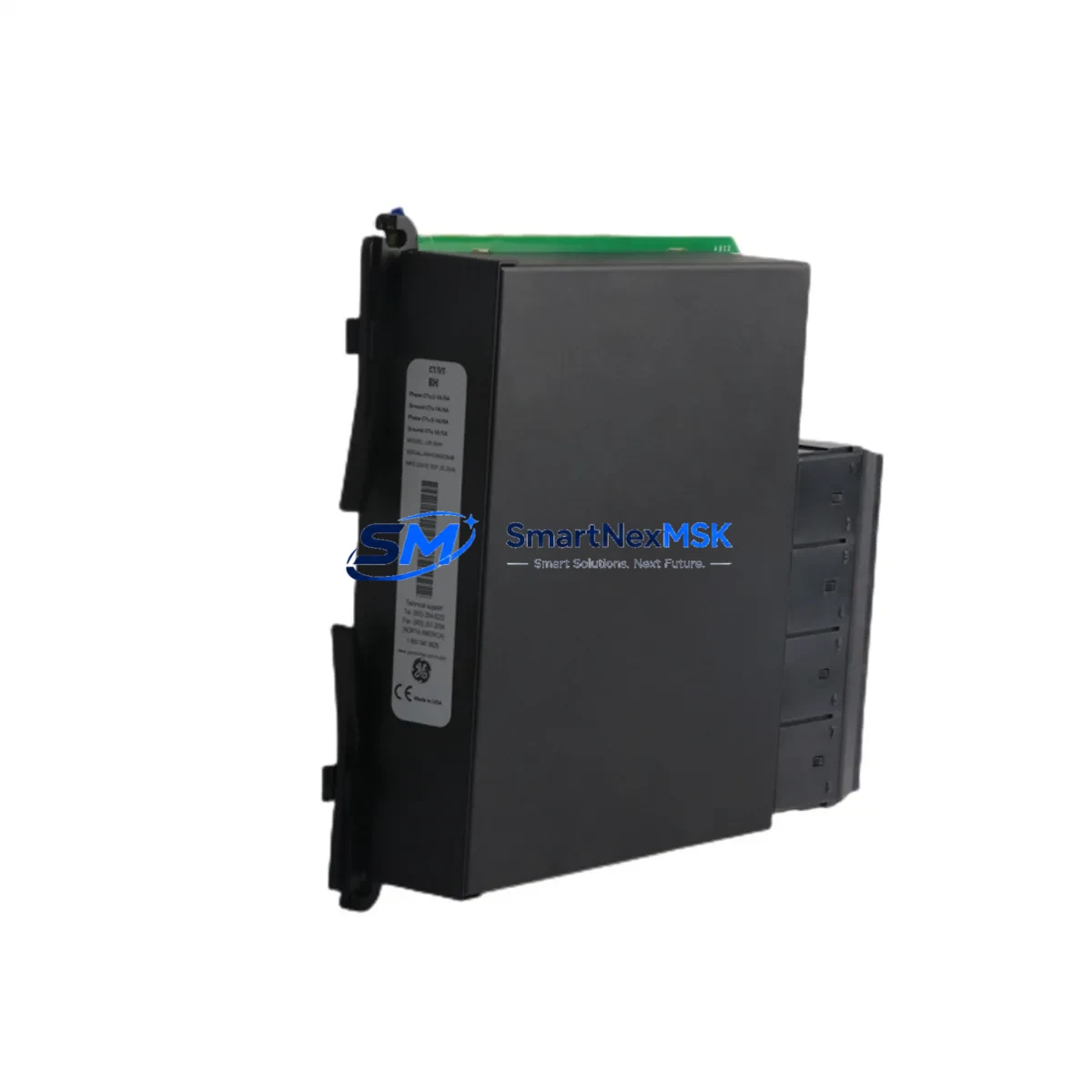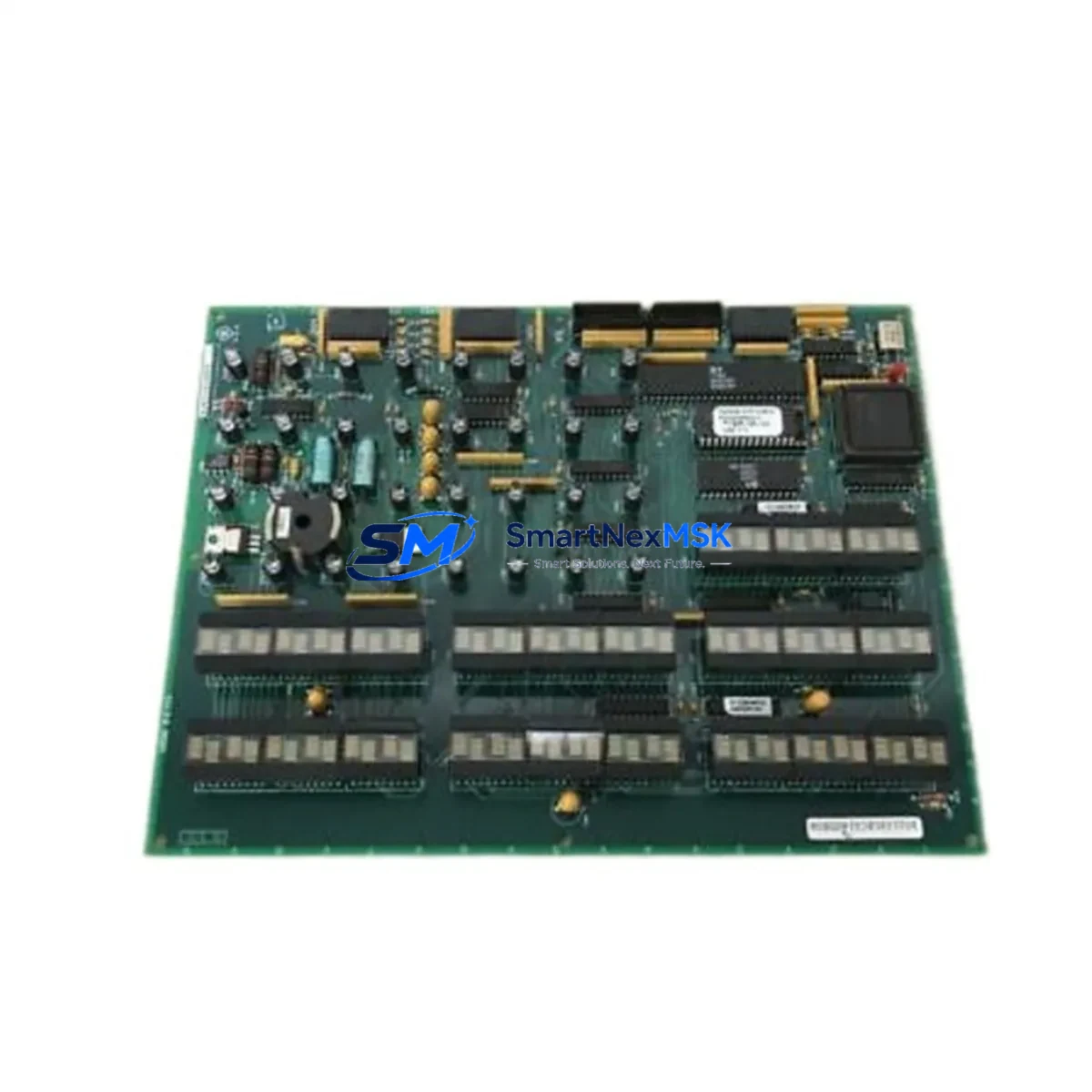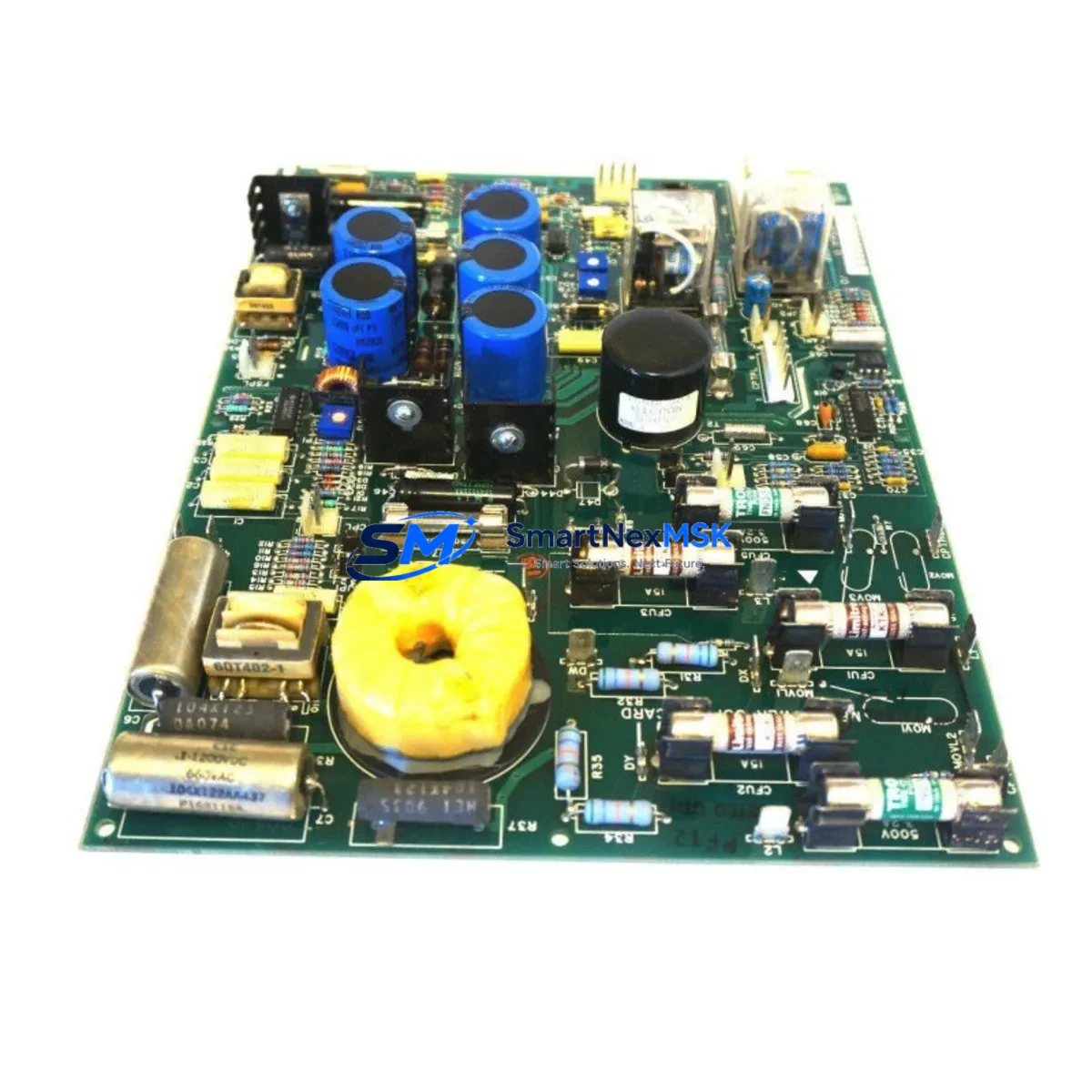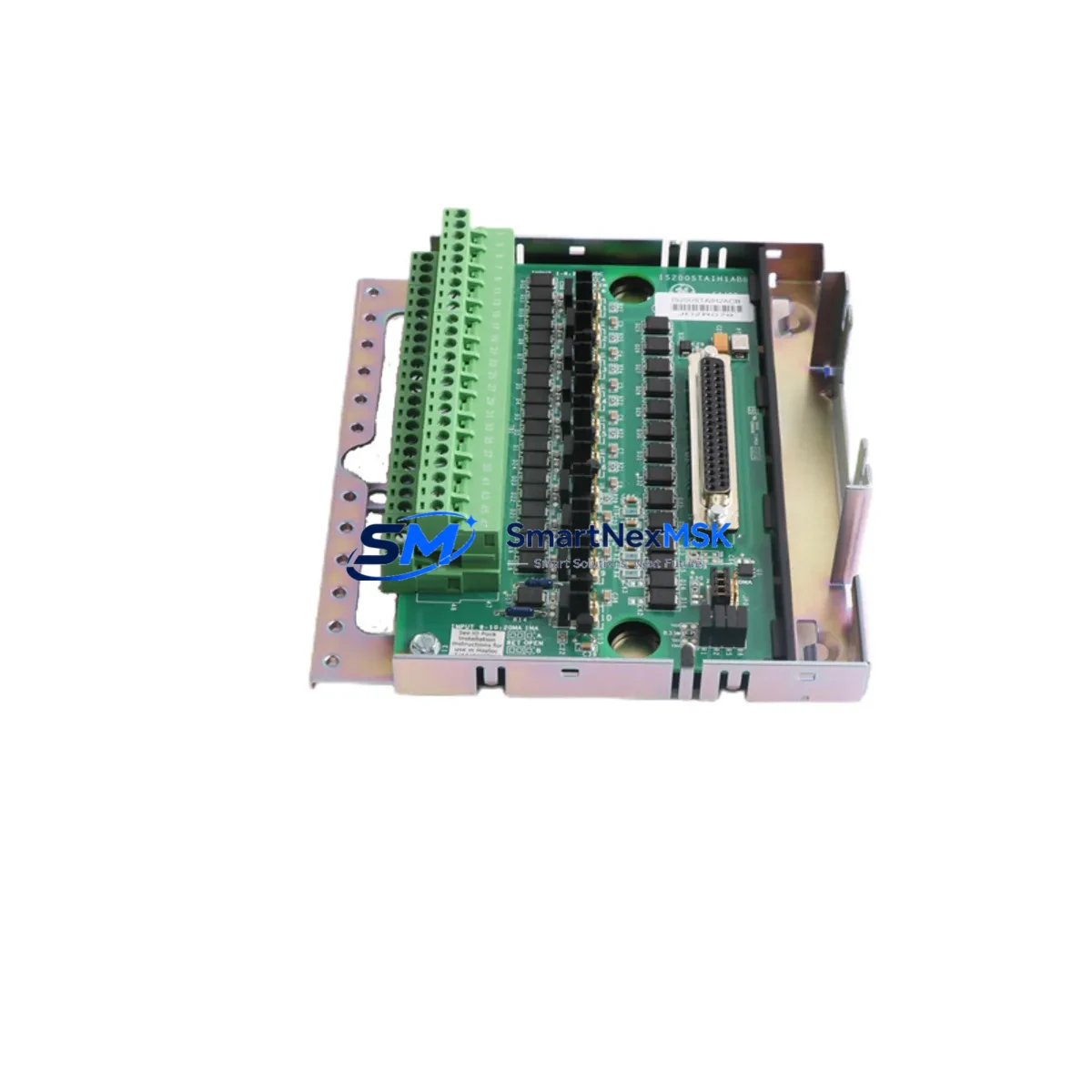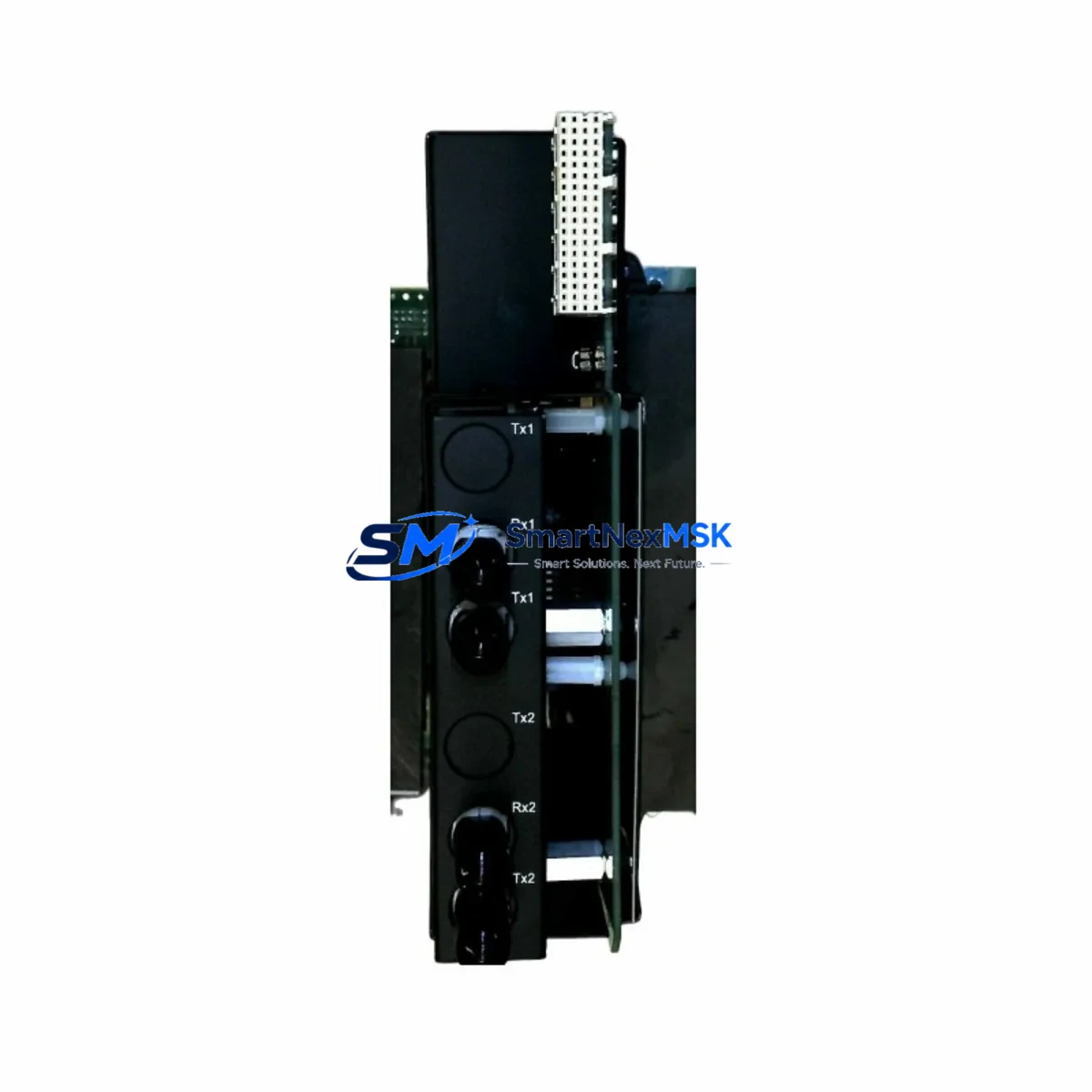
GE UR73FH Retrofit-Ready Protection Relay for UR Series: Seamless Compatibility and Legacy System Upgrade
The GE UR73FH is a high-performance protection relay engineered for the Universal Relay (UR) Series platform — one of General Electric’s most widely deployed digital protection and control architectures in power generation, transmission, and industrial automation environments. As aging UR Series installations approach end-of-life or require component-level replacement, the UR73FH stands out as a retrofit-ready solution that preserves existing wiring infrastructure, rack mounting geometry, and communications topology without requiring a full panel redesign.
For facilities operating legacy UR-series protection schemes — including those built around the UR6FH, UR7FH, UR8FH, or earlier UR5xx-series modules — the UR73FH provides a validated upgrade path that minimizes engineering rework. Its rear-panel terminal layout is compatible with standard UR chassis backplane connectors, allowing direct substitution in most applications. Before installation, engineers should verify the firmware revision of the host UR chassis, confirm the module slot address assignment, and review the existing settings file for relay element mapping to ensure seamless program continuity.
Upgrade Compatibility Table
| Parameter | Details |
|---|---|
| Compatible Series | GE UR Series (Universal Relay Platform) |
| Typical Replaced Models | UR6FH, UR7FH, UR8FH, UR5xx-series modules |
| Backplane Interface | Standard UR chassis rear-panel connector — verify slot position before installation |
| Mounting | Standard UR rack form factor; no panel modification required in most cases |
| Communications Compatibility | IEC 61850, DNP3, Modbus RTU/TCP — confirm protocol version with host chassis firmware |
| Firmware Requirement | Verify host UR chassis firmware version supports UR73FH module type |
| Settings Migration | Export existing settings file via EnerVista UR Setup software before replacement |
| Wiring Adaptation | Terminal block layout compatible; verify CT/VT secondary wiring polarity |
| Commissioning Focus | Module address, element mapping, protection group settings, HMI display binding |
| Warranty | 12-Month Warranty — covers manufacturing defects and functional failures |
Retrofit Planning for Existing Automation Systems
Successful integration of the UR73FH into an existing protection scheme requires a structured pre-replacement audit. Begin by documenting the current module’s slot position within the UR chassis — typically a 19-inch rack-mounted enclosure housing multiple function-specific modules such as the CPU/communications module, AC input module, digital I/O module, and power supply module. Each slot is addressed individually, and the UR73FH must be assigned the correct module address to be recognized by the host processor.
Power supply capacity is a critical verification point. The UR chassis power supply module — often a redundant DC/DC converter rated for 125 VDC or 250 VDC station battery systems — must have sufficient headroom to support the UR73FH’s power draw alongside other installed modules. Review the chassis power budget before insertion, particularly in densely populated UR racks where multiple protection and I/O modules share a common backplane bus.
Terminal wiring for current transformer (CT) and voltage transformer (VT) secondary circuits must be carefully verified. The UR73FH’s AC input module connections follow the standard UR terminal block layout, but polarity, phasing, and CT shorting procedures must be observed during hot-swap or scheduled outage replacement. Incorrect CT secondary wiring can result in open-circuit conditions and potential equipment damage.
For facilities using IEC 61850 GOOSE messaging or peer-to-peer communications between UR relays — for example, between a UR73FH and adjacent line differential or bus protection relays — the communications module configuration must be reviewed. IED naming, logical node mapping, and dataset bindings within the SCL/CID configuration file must be updated to reflect the replacement module’s identity. Similarly, if the protection scheme includes a DNP3 or Modbus link to a SCADA system or RTU, the data point mapping table should be validated post-replacement.
HMI display panels connected to the UR chassis — whether a local front-panel display or a remote operator workstation running EnerVista Viewpoint Monitoring — may require screen configuration updates to correctly reflect the UR73FH’s element status, metering values, and alarm annunciation. Confirm that all display bindings reference the correct module slot and logical device instance before returning the protection scheme to service.
For I/O-intensive applications, the digital I/O module installed in adjacent chassis slots must be verified for compatibility with the UR73FH’s output contact assignments. Binary output contacts used for trip, close, alarm, and control functions should be mapped and tested against the existing protection logic before live commissioning. Where the retrofit involves migrating from an older UR platform to a current-generation UR73FH, a programming cable and laptop running EnerVista UR Setup software are essential tools for settings upload, functional testing, and event log review.
Downtime Control During System Migration
Minimizing protection system downtime during a UR73FH retrofit requires advance preparation and a disciplined change management process. The most effective approach is to pre-configure the replacement module offline — loading the exported settings file, verifying element assignments, and performing a bench-level functional test — before the scheduled outage window begins.
During the outage, follow a structured sequence: isolate the protection zone, short CT secondary circuits at the terminal block, remove the existing module, insert the UR73FH into the correct chassis slot, restore CT connections, and power up the chassis. The UR platform’s self-diagnostic routines will verify module recognition and backplane communication integrity within seconds of power application.
Where parallel protection paths exist — for example, a redundant relay scheme using a second UR chassis or a backup electromechanical relay — these should remain in service throughout the replacement to maintain protection continuity. Once the UR73FH is online and settings are confirmed, perform a staged functional test: inject test currents and voltages using a relay test set, verify trip output operation, confirm SCADA data point integrity, and review the event log for any unexpected alarms before declaring the relay in service.
For sites with strict outage duration limits, pre-staging the UR73FH with a cloned settings file and pre-tested firmware reduces in-field commissioning time to under 30 minutes in most standard UR chassis configurations. All units supplied by SMARTNEXMSK are pre-tested prior to shipment and backed by a 12-month warranty, supporting rapid deployment with confidence.
Retrofit Support FAQ
Q1: Is the UR73FH a direct drop-in replacement for older UR Series modules such as the UR6FH or UR7FH?
In most UR chassis configurations, the UR73FH is physically and electrically compatible with earlier UR-series function modules sharing the same form factor. However, firmware version compatibility between the UR73FH and the host chassis CPU module must be confirmed using GE’s UR Series compatibility matrix. Settings files from older modules can typically be imported into EnerVista UR Setup and adapted for the UR73FH with minor element remapping.
Q2: What wiring checks are required before installing the UR73FH?
Prior to installation, verify CT secondary circuit continuity and polarity, VT secondary fuse status, DC control power voltage level (typically 125 VDC or 250 VDC), and terminal block torque specifications. Ensure CT shorting links are in place before removing the existing module to prevent open-circuit CT conditions. After insertion, restore connections in reverse order and perform a secondary injection test to confirm correct current and voltage measurement.
Q3: How is the UR73FH commissioned after installation, and what tools are required?
Commissioning requires a laptop with EnerVista UR Setup software, a USB or RS-232 programming cable compatible with the UR front-panel port, and a relay test set for secondary injection. Upload the pre-configured settings file, verify module address and slot recognition, check IEC 61850 or DNP3 communications link status, and perform a trip output functional test. Review the relay’s event log and oscillography records to confirm normal operation before returning to service.
Q4: What does the 12-month warranty cover, and what is the shipping lead time?
All UR73FH units supplied by SMARTNEXMSK are covered by a 12-month warranty against manufacturing defects and functional failures under normal operating conditions. Units are pre-tested prior to shipment. Standard lead time is 3–7 business days for in-stock units, with expedited shipping available for urgent retrofit projects. Contact our team for availability confirmation and technical pre-sales support.
© 2026 SMARTNEXMSK. All rights reserved.
Original Source: https://smartnexmsk.com
Contact: [email protected] | +86 18259474341