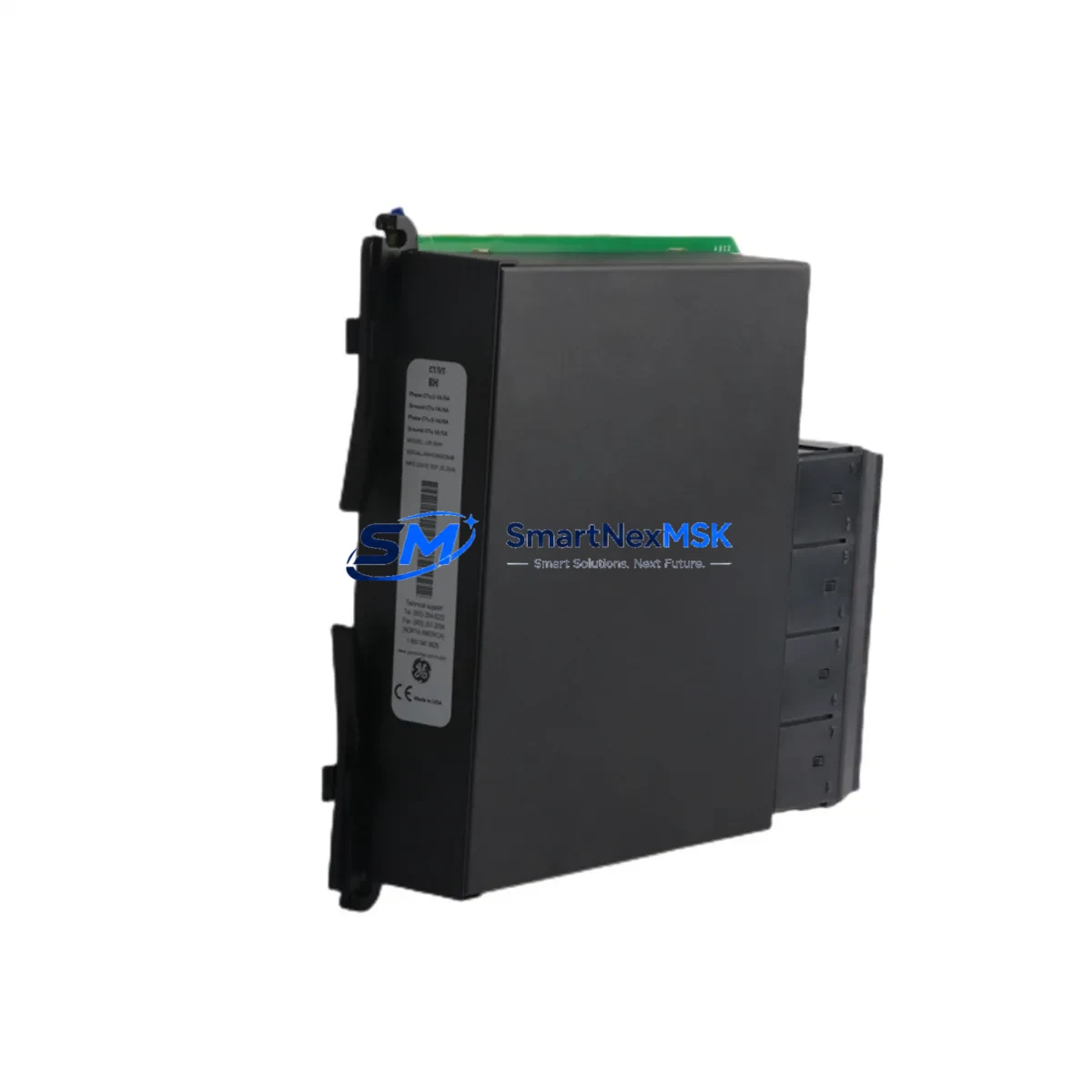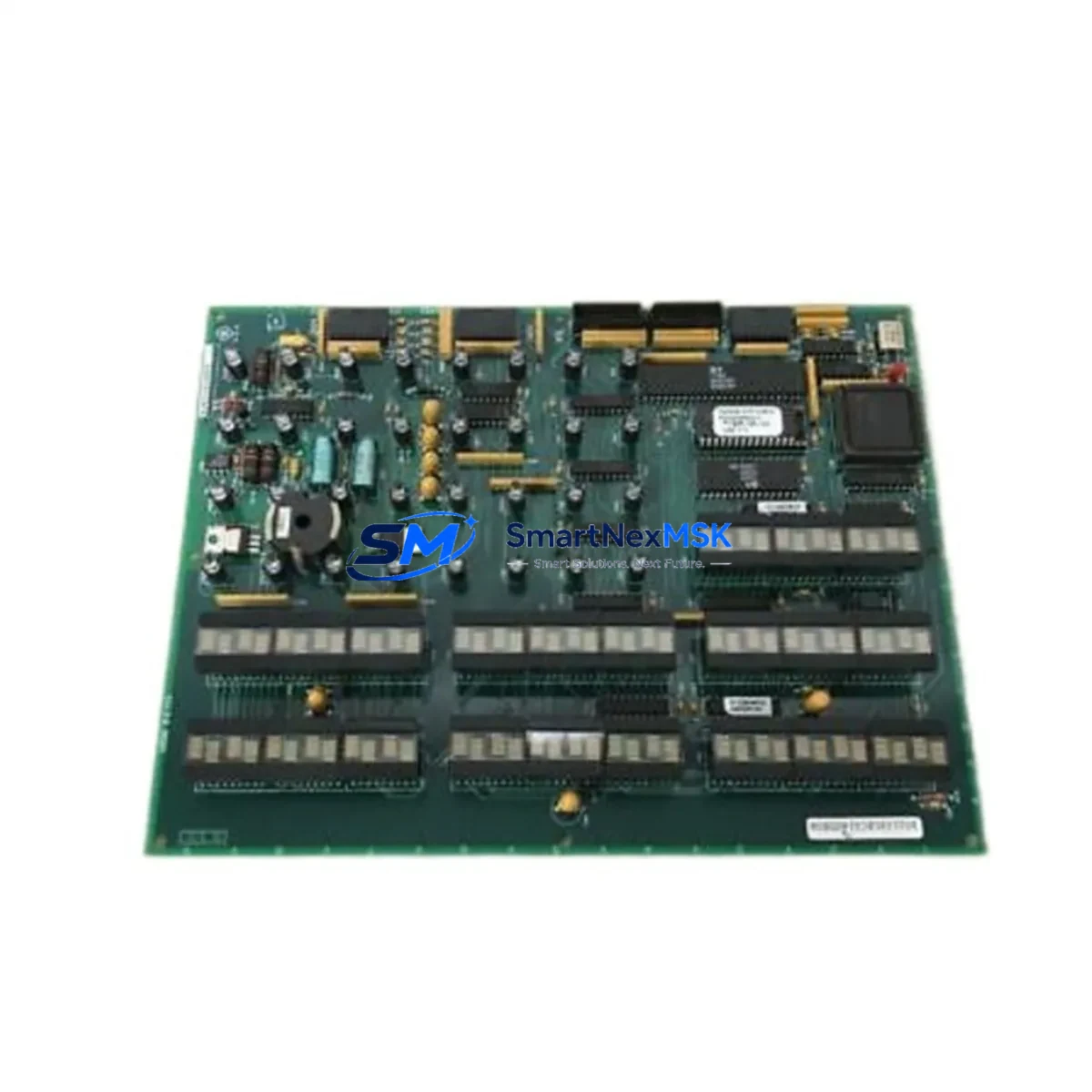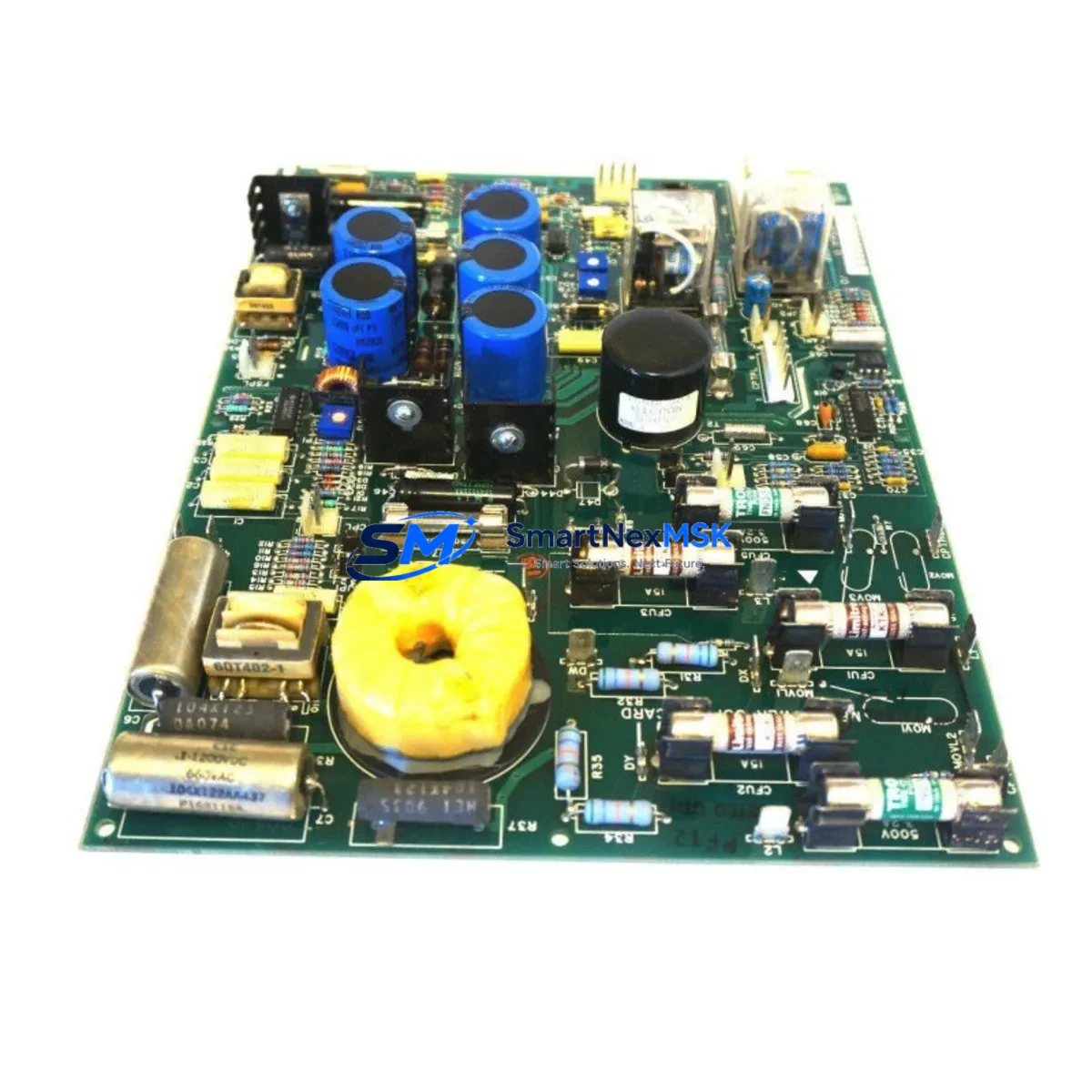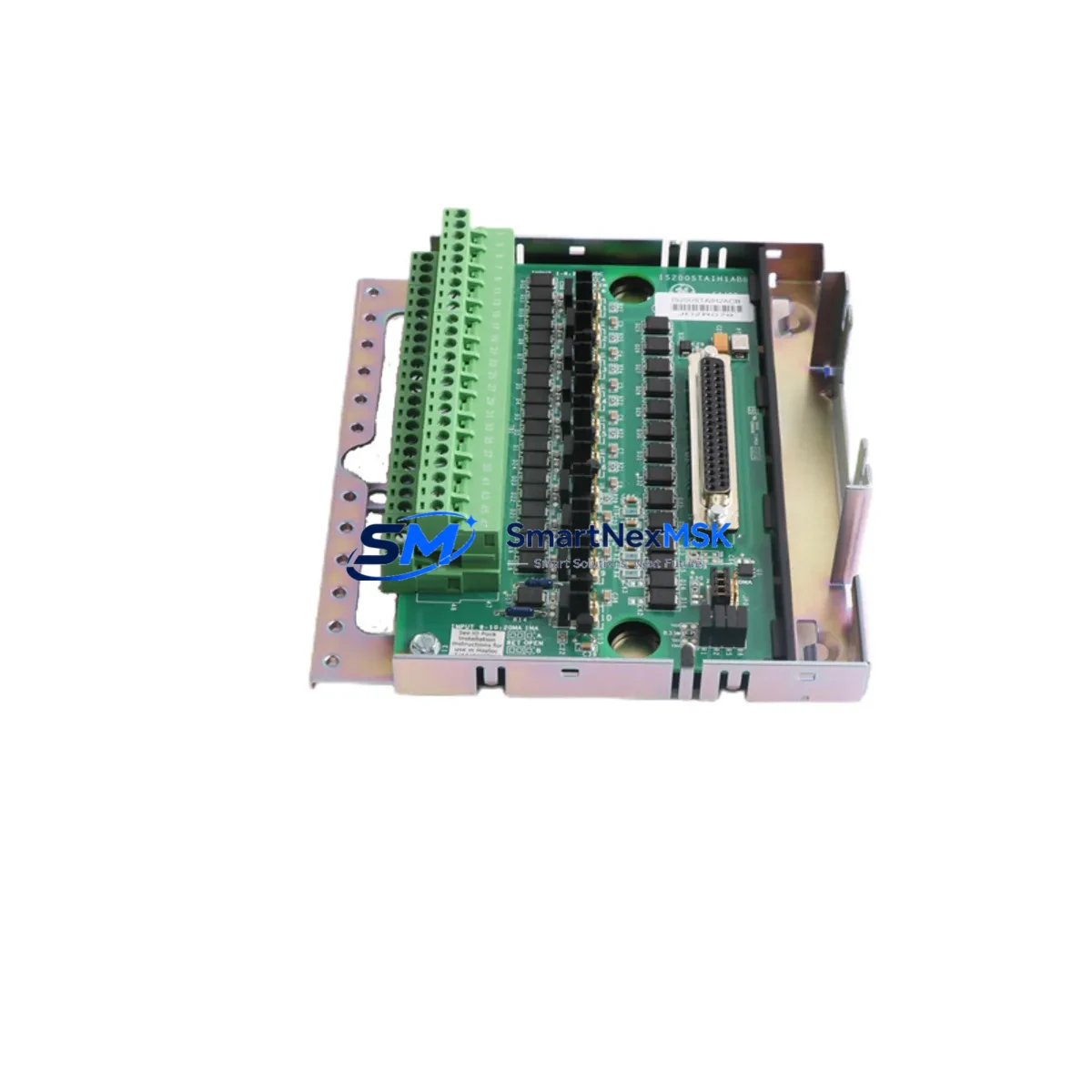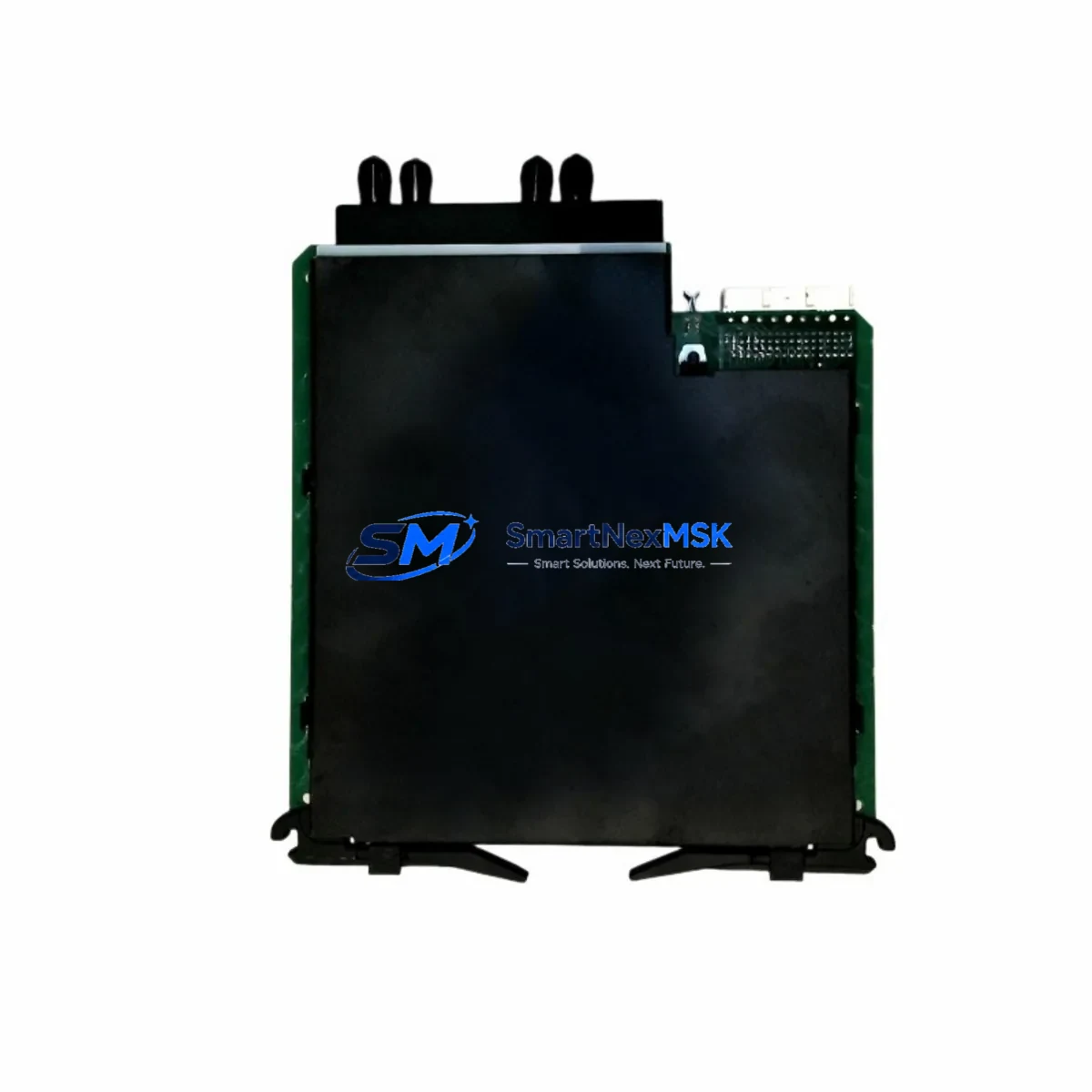
GE UR7IH Retrofit-Ready Protection Relay for UR Series Control Systems
The GE UR7IH is a high-performance universal protection relay module engineered for seamless integration into existing GE UR Series control architectures. Designed with retrofit compatibility at its core, the UR7IH addresses the growing demand for reliable, drop-in replacements in aging protection and automation systems — without requiring full panel redesigns or costly engineering overhauls. Whether you are replacing a discontinued UR6IH, migrating from an older UR5 platform, or expanding protection coverage in a live substation environment, the UR7IH delivers the functional continuity and protocol flexibility that modern industrial operations demand.
The UR7IH supports both IEC 61850 GOOSE messaging and traditional ANSI/IEEE protection schemes, making it an ideal candidate for communication protocol migration projects where legacy serial-based SCADA links must be transitioned to Ethernet-based architectures. Its modular I/O design is compatible with the standard UR chassis backplane, allowing engineers to retain existing terminal wiring, CT/VT connections, and binary input/output assignments with minimal rework. This significantly reduces commissioning time and limits exposure to human error during live system changeovers.
For facilities managing aging GE D60 Line Distance Relays, GE T60 Transformer Protection Relays, or GE F60 Feeder Protection Relays within the same UR platform, the UR7IH integrates directly into the shared protection scheme without requiring firmware re-architecture. Engineers can retain existing EnerVista UR Setup configuration files, reducing re-commissioning scope and protecting years of accumulated relay logic investment.
Upgrade Compatibility Table
| Parameter | Details |
|---|---|
| Compatible Chassis | GE UR Series standard 19″ rack chassis (3U / 6U) |
| Backplane Interface | Standard UR backplane connector — no adapter required |
| Communication Protocols | IEC 61850 (GOOSE/MMS), DNP3, Modbus RTU/TCP, IEC 60870-5-103 |
| Typical Replacements | UR6IH, UR5IH, older UR-platform protection modules |
| Terminal Wiring | Compatible with existing CT/VT and binary I/O terminal blocks |
| Installation Requirement | Standard UR chassis slot; verify power supply capacity before insertion |
| Firmware Compatibility | EnerVista UR Setup v7.x and above recommended |
| Commissioning Tool | EnerVista UR Setup software (USB or Ethernet connection) |
| Warranty | 12 Months — covers manufacturing defects and functional failure |
| Pre-shipment Testing | Full functional test performed prior to dispatch |
Retrofit Planning for Existing Automation Systems
A successful UR7IH retrofit begins well before the module arrives on site. Engineers should audit the existing GE UR chassis power supply module — typically a GE PSM-A or equivalent — to confirm that available DC output capacity can support the UR7IH’s power draw alongside other installed modules such as the GE C70 Controller or any co-installed GE M60 Motor Protection Relay. Undersized power supplies are a leading cause of unexplained relay resets during post-retrofit commissioning.
Terminal block mapping is the next critical step. The UR7IH uses the same physical terminal layout as its predecessors, but engineers must verify that existing CT secondary circuits, VT secondary circuits, and binary input wiring are correctly documented before disconnection. Where original as-built drawings are unavailable, a point-to-point continuity check using a GE UR test plug or equivalent relay test set is strongly recommended before any wiring is disturbed.
For systems that include a GE C30 Controller or GE B30 Bus Differential Relay sharing the same protection zone, inter-relay communication links — whether via hardwired binary outputs or IEC 61850 GOOSE subscriptions — must be re-validated after the UR7IH is installed. GOOSE dataset mappings, logical node references, and dataset member sequences should be compared against the original IED configuration files using a CID/SCD editor before the protection scheme is re-energized.
Where the existing system uses a GE UR communications module for DNP3 or Modbus polling, the UR7IH’s communications card slot assignment and device address must be confirmed against the SCADA master database. Address conflicts between the replacement module and any surviving legacy devices on the same serial bus are a common source of communication failures that can delay return-to-service by hours. Pre-staging the UR7IH on a bench test rack with a laptop running EnerVista UR Setup and a simulated DNP3 master is the most reliable way to validate the configuration before field installation.
Downtime Control During System Migration
Minimizing protection outage windows during a UR7IH swap requires a structured pre-outage preparation protocol. All relay settings, logic equations, FlexLogic operands, and communications parameters should be exported from the existing relay using EnerVista UR Setup and archived before the outage begins. This export serves both as a rollback baseline and as the source file for the UR7IH import — provided the firmware versions are compatible.
Where the outage window is constrained to less than four hours, a pre-configured and bench-tested UR7IH should be staged at the switchboard before the protection zone is taken out of service. This eliminates configuration time from the critical path and reduces the outage to the physical swap, wiring verification, and functional test sequence only. A relay test set capable of injecting three-phase current and voltage — such as a OMICRON CMC or equivalent — should be on site to perform a post-installation trip test before the protection zone is re-energized.
For systems where the UR7IH is replacing a relay that participates in a busbar differential or transformer differential scheme, the differential restraint and operate characteristics must be re-verified after installation. Differential relay schemes are particularly sensitive to CT ratio mismatches and wiring polarity errors that may not be apparent during visual inspection alone. A staged primary injection test, even at reduced current levels, provides the highest confidence that the protection scheme will operate correctly under fault conditions.
Throughout the migration, field personnel should maintain continuous communication with the control room to ensure that any unexpected binary output state changes — caused by relay initialization sequences — do not result in unintended trip commands to circuit breakers or interlock systems. Temporarily blocking trip outputs at the relay output relay level during the initialization phase is a standard precaution that protects against nuisance operations during the commissioning window.
Retrofit Support FAQ
Q1: Is the GE UR7IH a direct drop-in replacement for the UR6IH?
In most installations, yes. The UR7IH uses the same UR chassis backplane connector and terminal block layout as the UR6IH. However, engineers should verify that the existing chassis firmware and EnerVista UR Setup version support the UR7IH module type before proceeding. A settings file exported from the UR6IH can typically be imported into the UR7IH with minor revision, subject to firmware compatibility checks.
Q2: What commissioning steps are required after installing the UR7IH?
After physical installation, the recommended commissioning sequence includes: (1) import and verify relay settings using EnerVista UR Setup, (2) confirm communications link integrity via DNP3/Modbus/IEC 61850 poll from the SCADA master, (3) perform a secondary injection test to verify protection element pickup and timing, and (4) confirm binary input and output wiring by exercising each I/O point against the as-built terminal schedule. A signed commissioning record should be completed before the protection zone is returned to service.
Q3: Can the UR7IH be used in systems with mixed IEC 61850 and legacy serial communications?
Yes. The UR7IH supports simultaneous operation of IEC 61850 (GOOSE/MMS) over Ethernet and legacy serial protocols including DNP3 and Modbus RTU on its serial communications ports. This makes it well-suited for phased migration projects where some devices in the protection scheme have already been upgraded to IEC 61850 while others remain on legacy serial links.
Q4: What does the 12-month warranty cover, and is pre-shipment testing performed?
Every UR7IH unit is subject to a full functional test prior to dispatch, covering power-up self-diagnostics, protection element response, and communications port operation. The 12-month warranty covers manufacturing defects and functional failures under normal operating conditions. Units are shipped with test records available upon request. For warranty claims, contact our technical support team with the unit serial number and a description of the observed fault.
© 2026 SMARTNEXMSK. All rights reserved.
Original Source: https://smartnexmsk.com
Contact: [email protected] | +86 18259474341