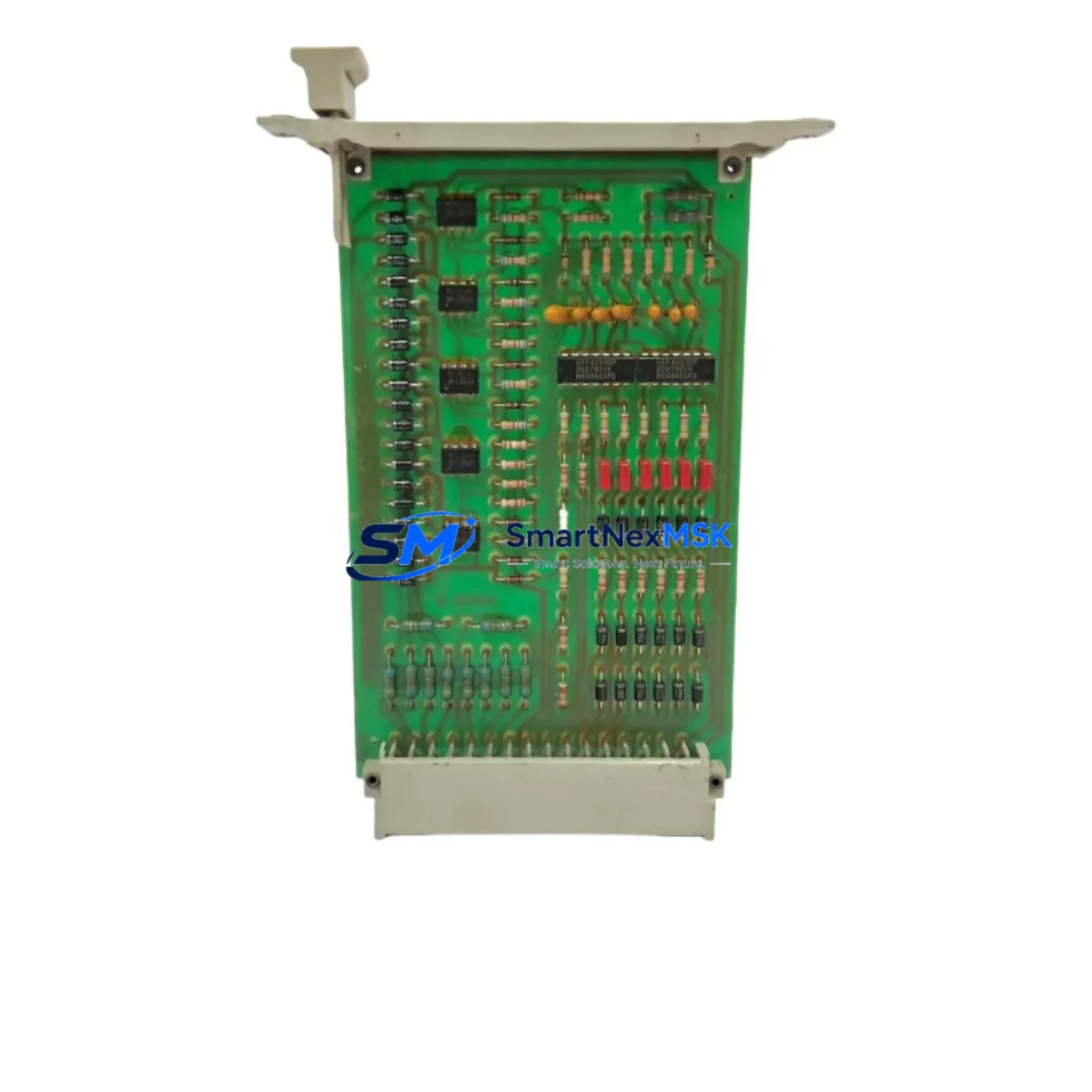
HIMA F2201 Maintenance-Ready Spare for F2 Series Automation
The HIMA F2201 is a SIL3-rated Safety CPU Module designed for the HIMA F2 Series safety PLC platform, widely deployed in process industries including oil & gas, chemical, power generation, and offshore installations. As a maintenance-ready original spare, the F2201 is engineered to support rapid field replacement, minimize unplanned downtime, and sustain the functional safety integrity of your safety instrumented system (SIS). Whether you are executing a planned turnaround, responding to a critical fault, or building a strategic spare parts inventory, the F2201 delivers the reliability and compatibility that maintenance and procurement engineers demand.
Sourced from authorized supply channels and subjected to pre-shipment functional verification, every F2201 unit shipped by SMARTNEXMSK is backed by a 12-month warranty and full traceability documentation. Our inventory is maintained to support both emergency same-day dispatch and long-term supply agreements for aging F2 Series installations.
Spare Maintenance Table
| Parameter | Specification |
|---|---|
| Part Number / SKU | F2201 |
| Brand | HIMA |
| Series | F2 Series Safety PLC |
| Module Type | Safety CPU Module |
| Safety Integrity Level | SIL3 (IEC 61508) |
| Supply Voltage | 24 V DC (via backplane) |
| Communication Interface | HIMA SAFEETHERNET / Ethernet |
| Operating Temperature | 0 °C to +60 °C |
| Mounting | F2 Series backplane rack |
| Origin | Germany |
| Weight | 160 g (approx.) |
| Compatibility | HIMA F2 Series racks and I/O modules |
| Application Environment | Process safety, SIS, ESD, F&G systems |
| Maintenance Recommendation | Inspect every 12 months; replace on fault or SIL proof-test failure |
| Warranty | 12 Months — SMARTNEXMSK |
| Pre-Shipment Test | Functional verification performed before dispatch |
Maintenance Planning for Continuous Operation
When a HIMA F2201 CPU module is flagged for replacement during a proof test, routine inspection, or unplanned fault event, experienced maintenance engineers know that the CPU is rarely the only component requiring attention. A thorough site assessment should accompany every F2201 swap to prevent repeat failures and ensure the safety system returns to full SIL3 integrity.
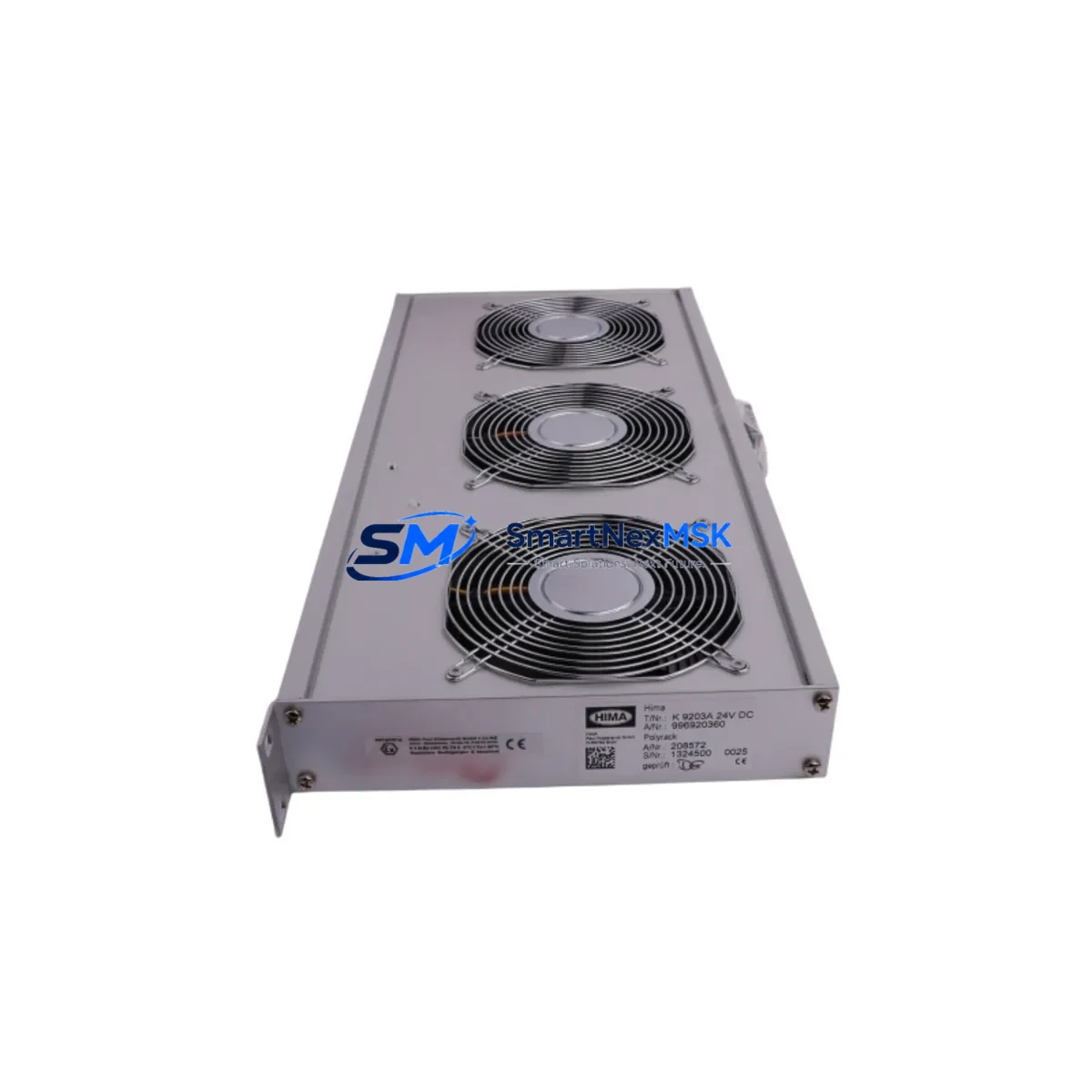
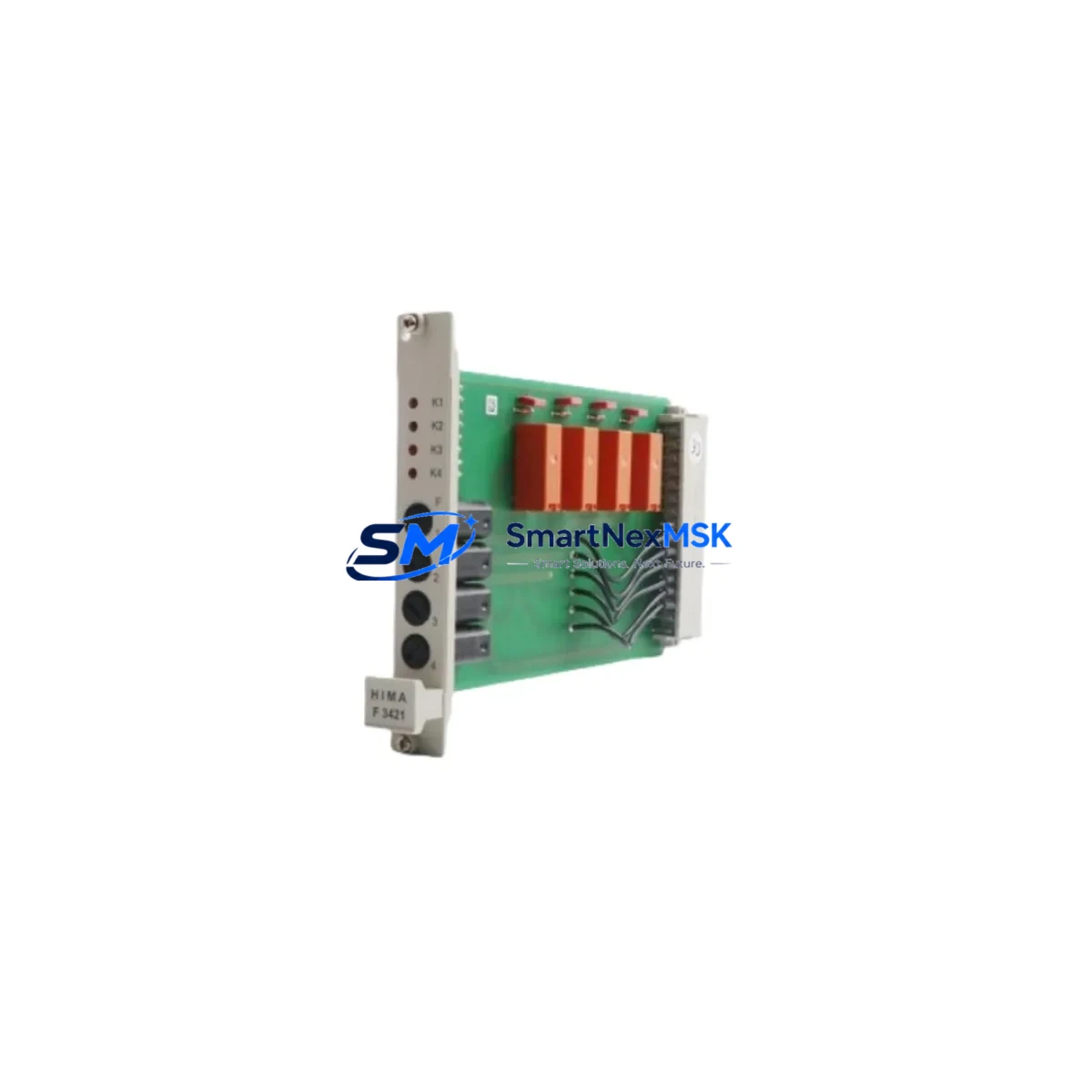
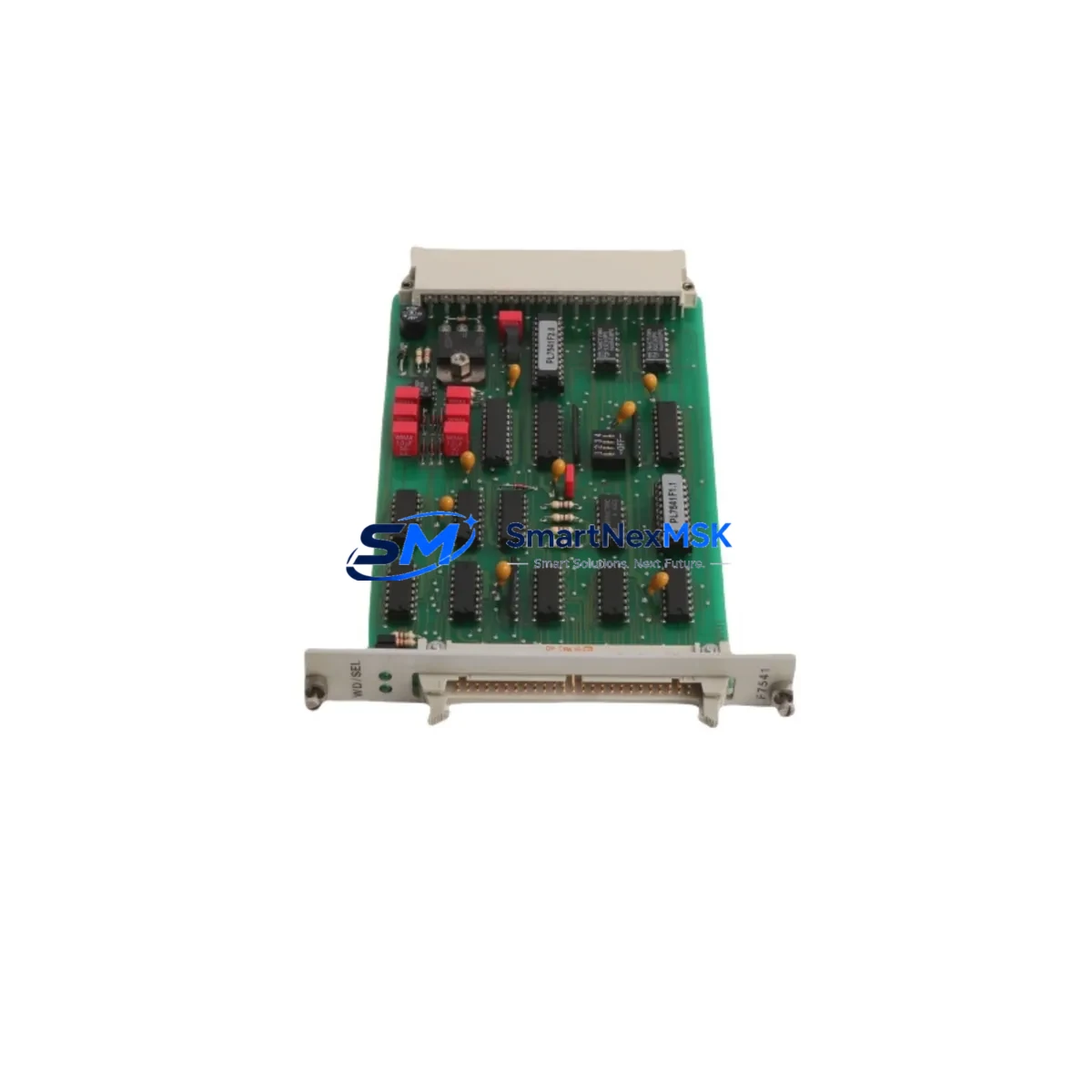
Begin by inspecting the F2 Series backplane and rack assembly for signs of corrosion, loose connectors, or mechanical damage — a compromised backplane can cause intermittent CPU faults that are misdiagnosed as module failures. Check the 24 V DC power supply module (such as the HIMA F7553 or equivalent redundant PSU) for output stability; voltage ripple or transient drops are a common root cause of CPU resets in safety controllers. Verify that the F2 Series I/O modules — including digital input modules, digital output modules, and analog signal modules — are seated correctly and showing no diagnostic alarms in the HIMA SILworX engineering tool.
Communication integrity is equally critical. Inspect the SAFEETHERNET communication module and associated Ethernet switches or fiber media converters for link errors or packet loss. If the F2201 participates in a peer-to-peer safety network, verify that the remote I/O gateway or F2 Series communication coupler is operating within specification. For installations with legacy serial links, check the RS-485 or PROFIBUS DP interface module for termination resistance and cable shielding continuity.
On the field wiring side, inspect terminal blocks and marshalling panels for loose terminations, especially on SIL-rated input loops connected to pressure transmitters, temperature sensors, or valve position switches. Review the condition of signal isolators and safety barriers in the I/O loop — degraded isolators can introduce ground loops that corrupt digital input states and trigger spurious shutdowns. Check fuse holders and miniature circuit breakers in the control cabinet for signs of overheating or intermittent contact.
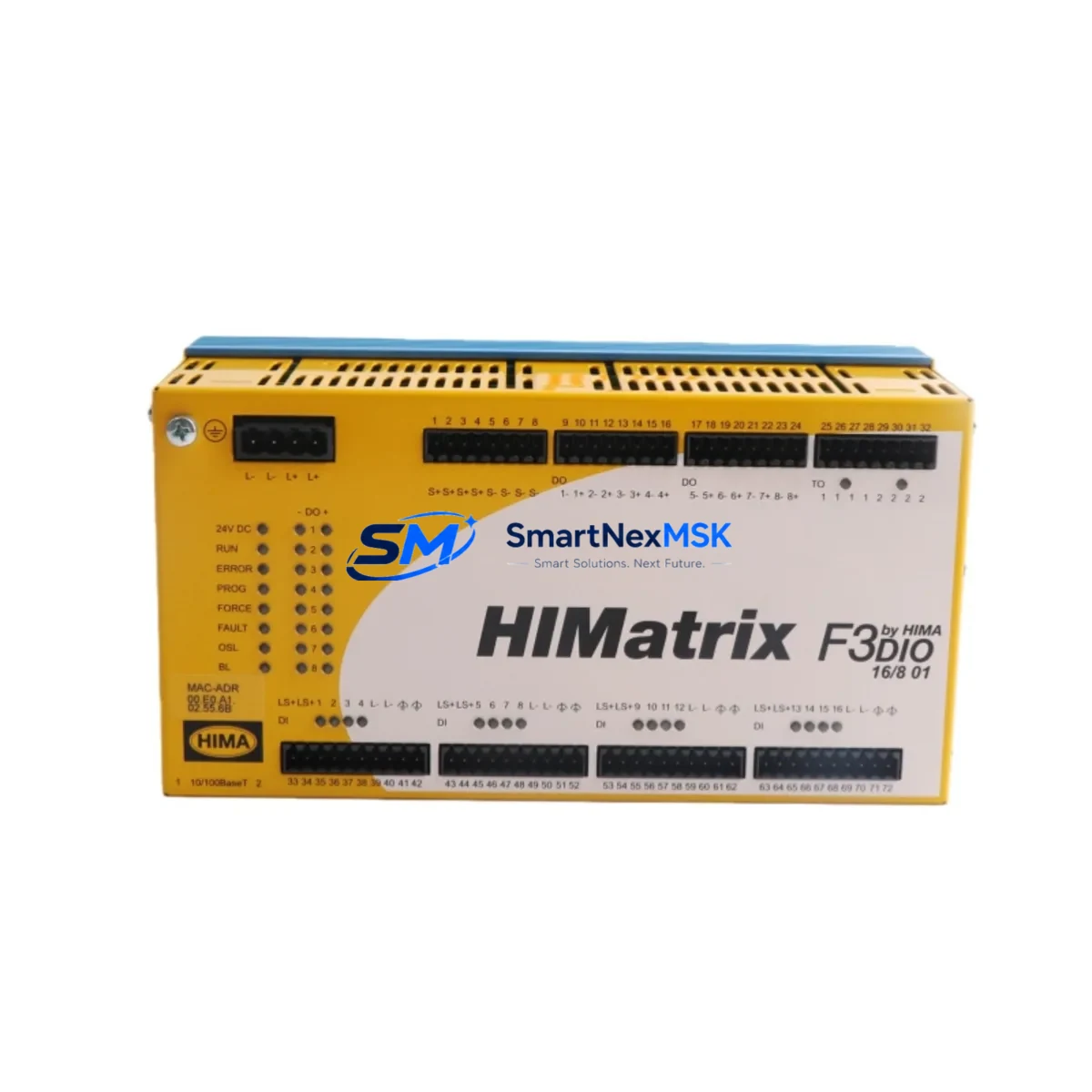
For sites running HIMA HIMatrix or HIQuad controllers alongside the F2 Series, ensure that any cross-system communication links and shared HMI connections (such as HIMA PADT or third-party SCADA via OPC-DA/UA) remain stable after the CPU replacement. Finally, update the SILworX project configuration to reflect the new module serial number and re-validate the safety function response times before returning the system to operational service.
Site Replacement Workflow
Step 1 — Pre-Replacement Verification: Confirm the F2201 part number against the installed module label and the SILworX hardware configuration. Verify that the replacement unit firmware version is compatible with the existing project. If the site runs a redundant CPU configuration, initiate a controlled switchover to the standby CPU before removing the faulty module to maintain safety function continuity.
Step 2 — Safe Isolation: Follow the site’s permit-to-work and LOTO (Lockout/Tagout) procedure. De-energize the affected rack slot via the backplane power distribution if hot-swap is not supported by the installed firmware version. Document the current diagnostic state from the HIMA operator panel or PADT before disconnection.
Step 3 — Module Exchange: Remove the F2201 by releasing the front-panel locking mechanism and sliding the module from the rack. Insert the replacement F2201, ensuring full backplane connector engagement. The module will perform an automatic self-test sequence on power-up — observe the LED status indicators for READY and RUN states.
Step 4 — Configuration Restore: Using SILworX, download the validated project to the new CPU. Confirm that all I/O module assignments, safety function parameters, and communication peer addresses are correctly loaded. Perform a partial stroke test or functional test of connected field devices as required by the site’s SIL maintenance plan.
Step 5 — Return to Service: Re-enable the safety function, confirm normal operation via the HMI or SCADA display, and update the maintenance log with the replacement date, new module serial number, and next proof-test due date. Retain the replaced F2201 for failure analysis if required by your quality management system.
Spare Parts Support FAQ
Q1: Is the HIMA F2201 supplied by SMARTNEXMSK a new original module or a refurbished unit?
All F2201 units are sourced as original HIMA components. Each unit undergoes pre-shipment functional verification. Condition and traceability documentation are provided upon request. Contact our sales team for specific batch or certification requirements.
Q2: What is the warranty coverage and what does it include?
Every F2201 supplied by SMARTNEXMSK carries a 12-month warranty from the date of shipment. The warranty covers manufacturing defects and functional failures under normal operating conditions. It does not cover damage resulting from incorrect installation, overvoltage events, or unauthorized modification. Warranty claims are processed with priority dispatch of a replacement unit.
Q3: How do I confirm compatibility before ordering if my F2 Series system is an older revision?
Provide your existing F2201 module label details (including hardware revision and firmware version if visible) and your SILworX project version to our technical team at [email protected]. We will confirm compatibility before shipment. For legacy F2 Series installations, we maintain stock of multiple hardware revisions to support older rack configurations.
Q4: Can SMARTNEXMSK support long-term or blanket purchase agreements for F2201 spare parts?
Yes. We offer long-term supply agreements for critical spare parts including the F2201, with reserved stock allocation, fixed pricing, and priority dispatch terms. This is particularly suited for plant operators managing multiple F2 Series installations or executing multi-year maintenance contracts. Contact us to discuss your inventory strategy and annual volume requirements.
—
© 2026 SMARTNEXMSK. All rights reserved.
Original Source: https://smartnexmsk.com
Contact: [email protected] | +86 18259474341