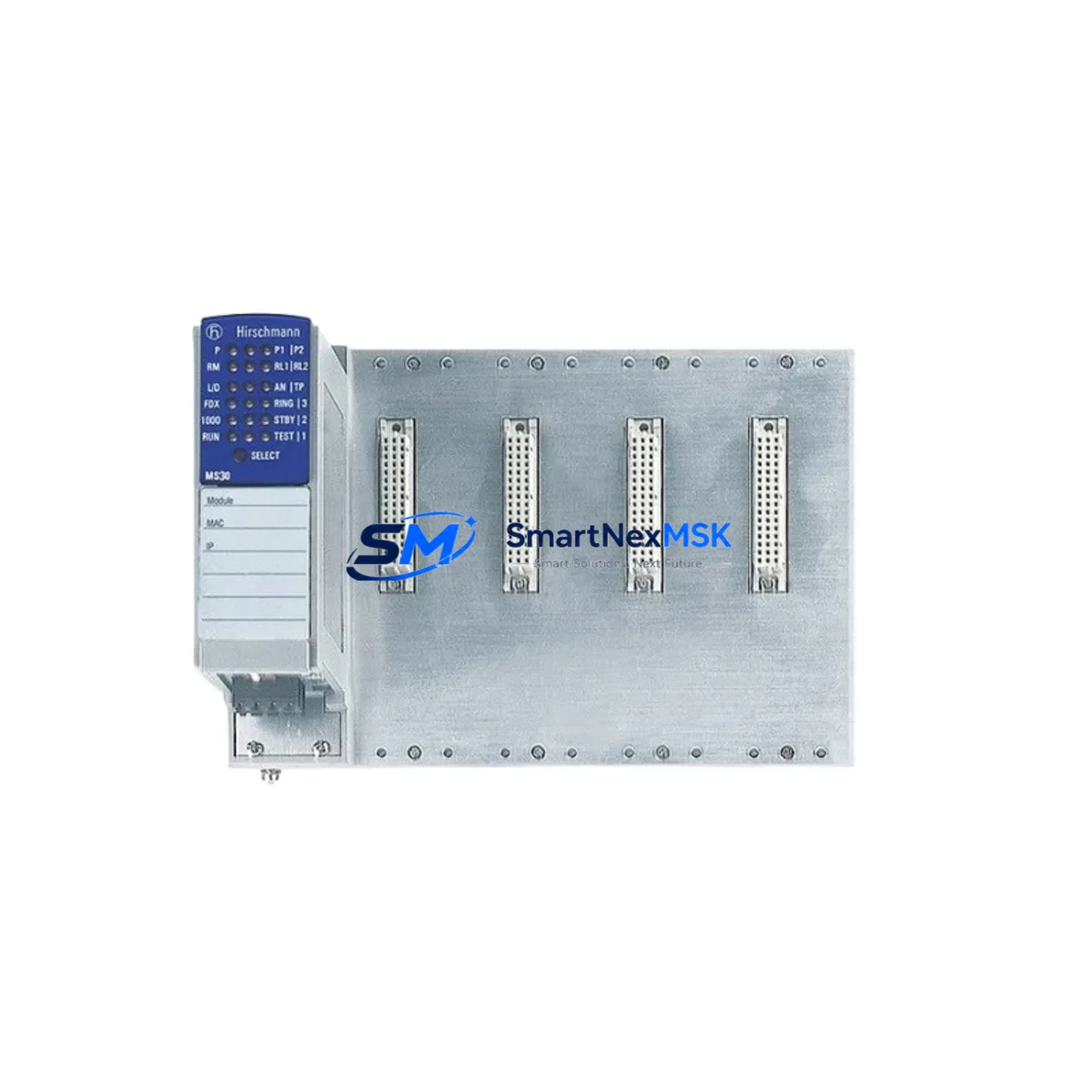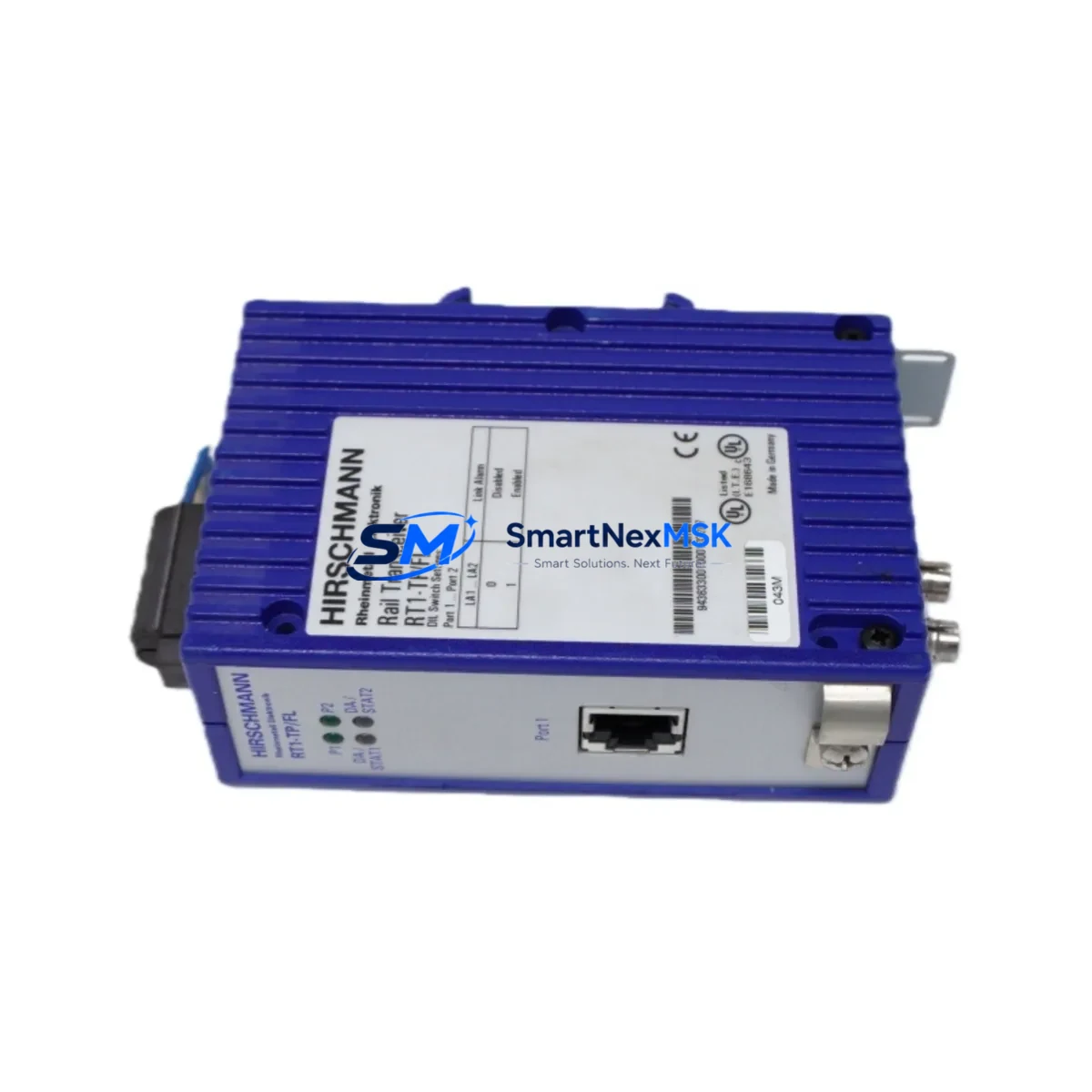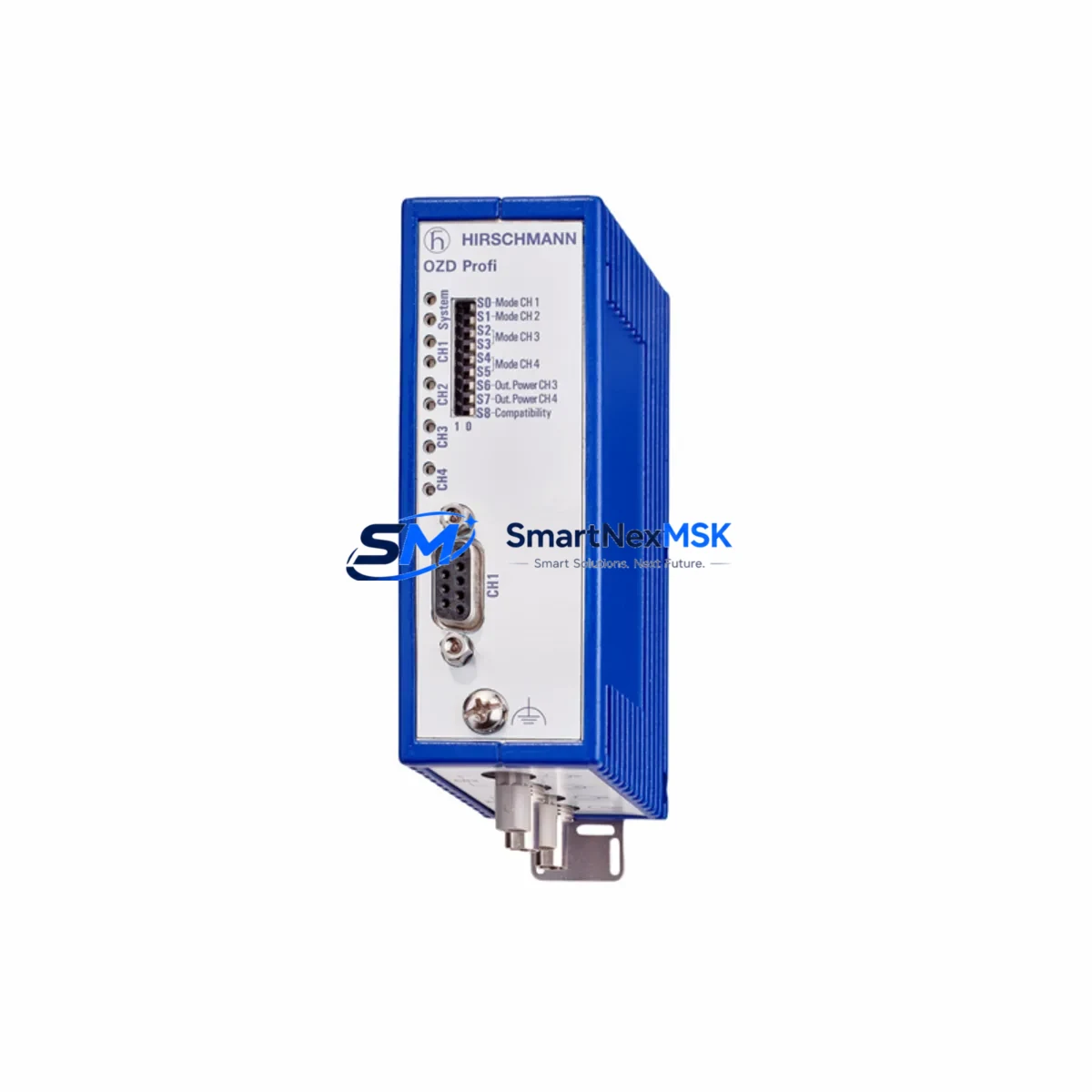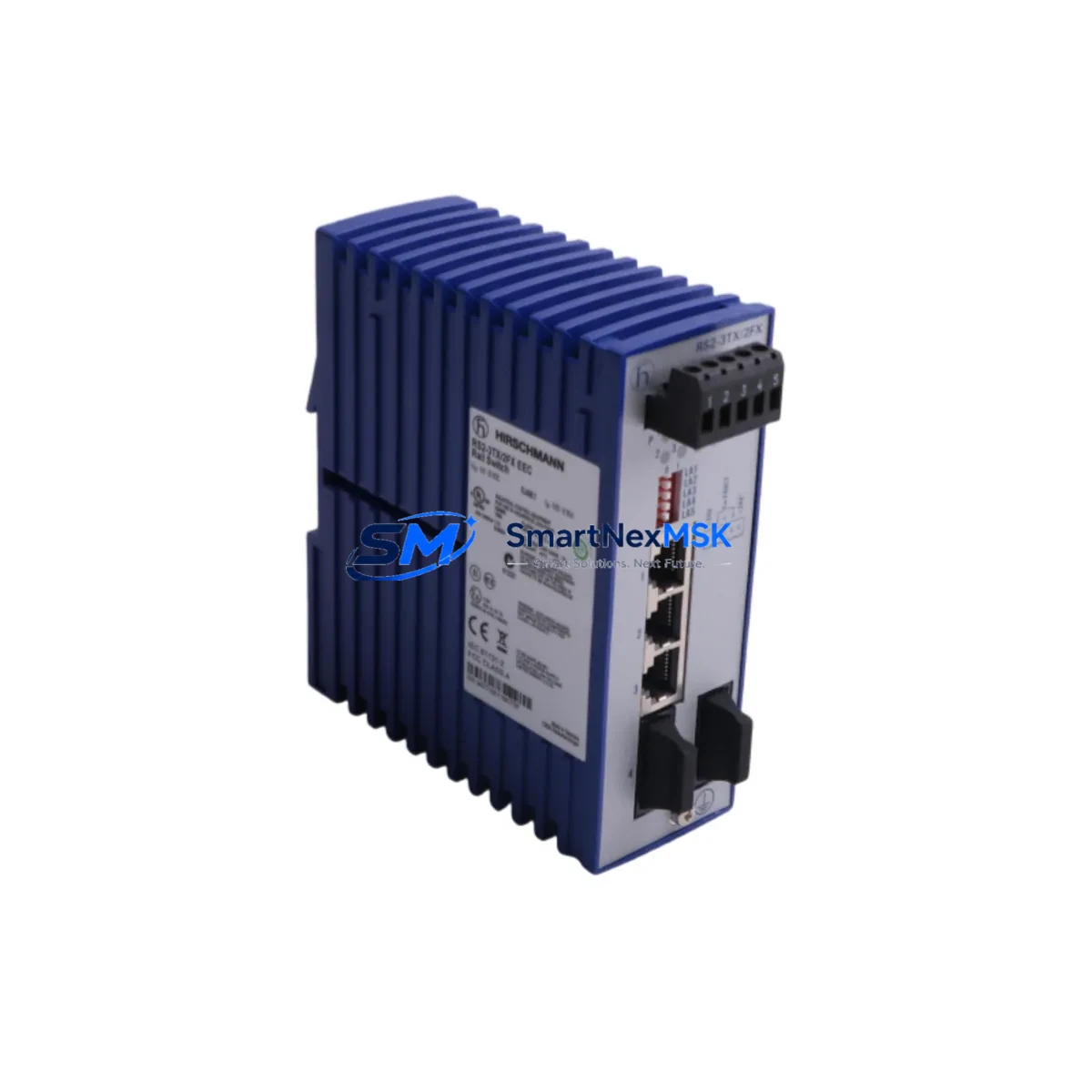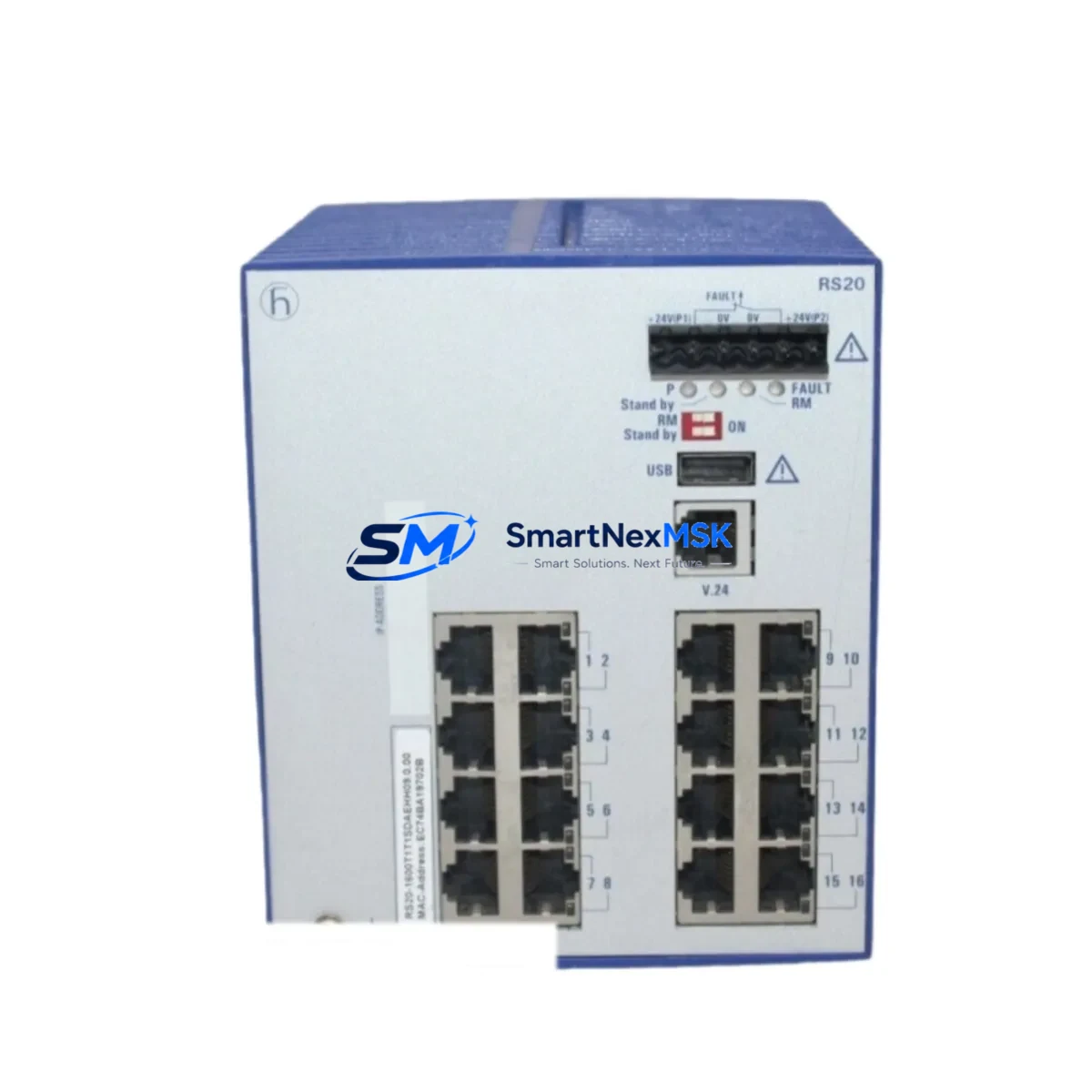
Hirschmann RS20-1600T1T1SDAEHH09.0.00 Spare RS20 Switch: Spare Replacement & Industrial Downtime Risk Control
The Hirschmann RS20-1600T1T1SDAEHH09.0.00 is a managed industrial Ethernet switch from the RS20 Series, engineered for demanding automation environments including manufacturing cells, process control networks, DCS backbone segments, and PLC-linked communication rings. When this switch fails or reaches end-of-service life, the impact on production continuity can be immediate and severe. Sourcing a verified, pre-tested original spare is the fastest path to restoring network integrity and resuming operations.
At SMARTNEXMSK, every RS20-1600T1T1SDAEHH09.0.00 unit is inspected, function-tested, and shipped with a 12-month warranty. Our inventory is maintained specifically to support maintenance engineers and procurement teams who cannot afford extended lead times on critical network infrastructure components.
Spare Maintenance Table
| Parameter | Specification / Detail |
|---|---|
| Part Number / SKU | RS20-1600T1T1SDAEHH09.0.00 |
| Brand | Hirschmann (Belden) |
| Series | RS20 (MICE RS20) |
| Product Type | Managed Industrial Ethernet Switch |
| Port Configuration | 16 × 10/100BASE-TX RJ45 ports |
| Management | Full Layer 2 managed (SNMP, Web, CLI) |
| Redundancy Protocol | HIPER-Ring, MRP, RSTP/STP |
| Power Supply Input | 24 VDC (18–32 VDC), dual redundant input |
| Operating Temperature | -10°C to +60°C |
| Protection Rating | IP30, DIN-rail mountable |
| Origin | Germany (DE) |
| Compatibility | RS20 Series; drop-in replacement for RS20-1600 variants |
| Application Environment | Industrial automation, process control, DCS/PLC networks, SCADA backbones |
| Maintenance Recommendation | Replace proactively at 7–10 year service interval or upon port/ring fault detection |
| Pre-shipment Testing | Power-on, port link, ring redundancy, management access verified |
| Warranty | 12 Months — SMARTNEXMSK Quality Guarantee |
Maintenance Planning for Continuous Operation
When a maintenance or procurement engineer identifies the RS20-1600T1T1SDAEHH09.0.00 as a replacement requirement, the replacement scope should never be limited to the switch alone. Industrial Ethernet switches of this class sit at the intersection of power distribution, field device communication, and supervisory control — meaning adjacent components in the same control cabinet or network segment are equally subject to wear and should be evaluated simultaneously.
Begin with the 24 VDC power supply module feeding the switch. Hirschmann RS20 switches require stable dual-redundant 24 VDC input; a degraded SITOP PSU8200 or Phoenix Contact QUINT power supply can cause intermittent switch resets that mimic network faults. Inspect and, if necessary, replace the power supply alongside the switch.
Next, verify the DIN-rail terminal blocks and wiring harness at the power input terminals. Loose or corroded terminal connections — particularly on Phoenix Contact or Weidmüller terminal strips — are a common root cause of switch instability in high-vibration environments. Torque all terminals to specification during the replacement procedure.
For plants running HIPER-Ring or MRP redundancy, the RS20-1600T1T1SDAEHH09.0.00 typically operates as a ring manager or ring client. After replacement, confirm that the adjacent ring nodes — which may include other RS20, RS30, or MACH100 series switches — are correctly configured and that ring reconfiguration time is within acceptable limits. A misconfigured ring manager after a switch swap is a frequent cause of post-maintenance network outages.
If the switch interfaces with a Siemens S7-300/S7-400 PLC or a Siemens ET 200 distributed I/O rack via PROFINET, verify that the PROFINET device name and IP address are correctly assigned to the replacement unit before going live. PROFINET name mismatches will prevent I/O communication from restoring even if the physical network is intact.
For systems using serial-to-Ethernet converters or signal isolators — such as Hirschmann BAT or Moxa NPort units — connected to the RS20 switch, inspect the converter firmware version and port settings. A switch firmware mismatch can cause autonegotiation failures on legacy serial-linked devices.
Finally, check the cabinet-level surge protection and fusing. If the original RS20-1600T1T1SDAEHH09.0.00 failed due to a transient overvoltage event, replacing the switch without inspecting the upstream fuse block or surge arrester (e.g., Phoenix Contact TRABTECH or Dehn surge protectors) risks damaging the replacement unit under the same conditions.
Site Replacement Workflow
Step 1 — Pre-replacement documentation: Export the current switch configuration (SNMP, Web UI, or HiDiscovery tool) before powering down. Save the configuration file to a maintenance laptop or USB drive. This file will be loaded onto the replacement RS20-1600T1T1SDAEHH09.0.00 to restore all VLAN, QoS, port, and ring settings without manual re-entry.
Step 2 — Safe isolation: Notify the control room and SCADA operators before disconnecting the switch. In ring topologies, the network will automatically reconfigure to a linear path upon switch removal — confirm that all critical nodes remain reachable during this transition window.
Step 3 — Physical swap: Remove the failed unit from the DIN rail. Mount the replacement RS20-1600T1T1SDAEHH09.0.00 and reconnect all RJ45 patch cables in the same port sequence as the original. Reconnect the 24 VDC power terminals.
Step 4 — Configuration restore: Power on the replacement switch. Use HiDiscovery or the Web UI to load the saved configuration file. Verify that the management IP address, VLAN assignments, and ring role (manager/client) are correctly restored.
Step 5 — Ring and link verification: Confirm HIPER-Ring or MRP ring closure. Check that all port link LEDs are active and that PROFINET or Modbus TCP communication to connected PLCs and I/O devices is restored. Run a brief ping sweep across all ring nodes before returning the system to production.
Step 6 — Spare stock update: Log the replacement event in your CMMS and update your spare parts inventory. Consider stocking one additional RS20-1600T1T1SDAEHH09.0.00 unit to maintain a minimum one-unit buffer for future unplanned failures.
Spare Parts Support FAQ
Q1: Is the RS20-1600T1T1SDAEHH09.0.00 a direct drop-in replacement for other RS20-1600 variants?
Yes, within the RS20-1600 sub-family, units sharing the same port count and media type (T1T1 = 10/100BASE-TX copper) are generally configuration-compatible. However, always verify the firmware version and ring protocol settings before deployment, as minor hardware revisions may affect specific feature availability.
Q2: What pre-shipment testing does SMARTNEXMSK perform on this unit?
Every RS20-1600T1T1SDAEHH09.0.00 shipped by SMARTNEXMSK undergoes power-on verification, all-port link testing, ring redundancy protocol activation check, and management interface (Web/SNMP) access confirmation. A test report is available upon request.
Q3: What does the 12-month warranty cover?
The 12-month warranty covers hardware defects and functional failures under normal industrial operating conditions. It does not cover physical damage caused by incorrect installation, overvoltage events beyond rated input, or unauthorized modification. Warranty claims are processed within 5 business days of receipt of the returned unit.
Q4: How quickly can this spare be shipped, and do you support long-term supply agreements?
In-stock units are dispatched within 1–2 business days via DHL Express or equivalent international courier. For customers requiring guaranteed long-term supply of RS20-1600T1T1SDAEHH09.0.00 or other RS20 Series spares, SMARTNEXMSK offers blanket order and reserved inventory agreements — contact our team to discuss terms.
© 2026 SMARTNEXMSK. All rights reserved.
Original Source: https://smartnexmsk.com
Contact: [email protected] | +86 18259474341