
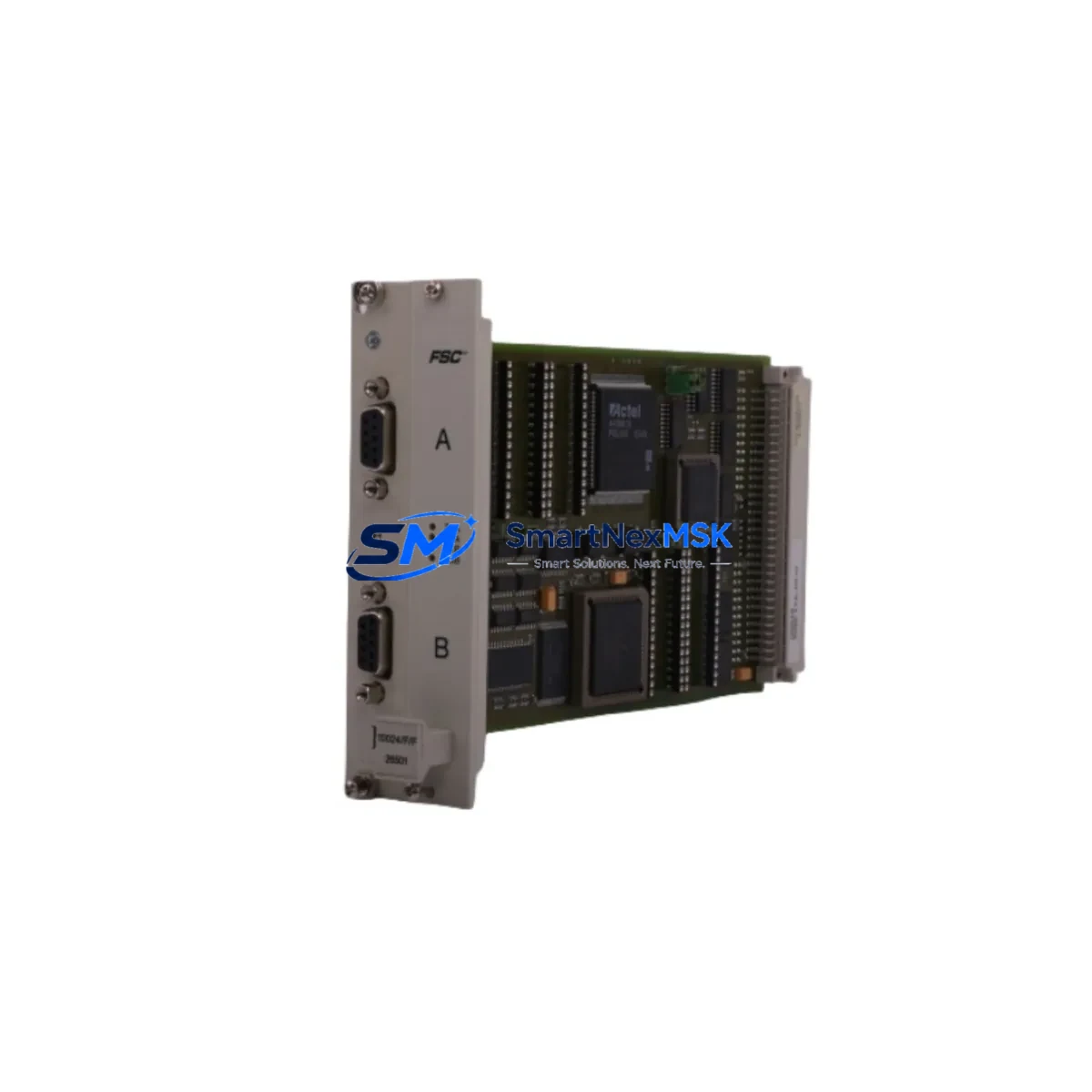
Honeywell 10311/2/1 Retrofit-Ready Safety Shutdown Module for Fail Safe Series Control Systems
The Honeywell 10311/2/1 is a SIL-rated safety shutdown module engineered for seamless integration into legacy Fail Safe Series control architectures. Whether you are managing a planned system upgrade, responding to an end-of-life notification, or sourcing a discontinued spare to restore a critical production line, the 10311/2/1 delivers the electrical compatibility, diagnostic depth, and field-proven reliability that industrial safety engineers demand. SMARTNEXMSK maintains verified stock of this module with full pre-shipment functional testing and a 12-month warranty on every unit shipped.
Designed for direct retrofit into existing Honeywell Fail Safe controller racks, the 10311/2/1 preserves original terminal wiring layouts, backplane connector pinouts, and module addressing schemes — dramatically reducing the engineering effort required during a like-for-like replacement. Field teams can swap the module without rewiring terminal blocks or modifying the safety application program, provided the replacement unit is sourced from the same hardware revision family. Where revision differences exist, SMARTNEXMSK technical support provides a pre-delivery compatibility check at no additional cost.
Upgrade Compatibility Table
| Parameter | Details |
|---|---|
| Module SKU | Honeywell 10311/2/1 |
| Series Compatibility | Honeywell Fail Safe Series (FSC / TÜV-certified safety controllers) |
| Backplane Interface | Standard Fail Safe rack backplane — direct slot insertion, no adapter required |
| Terminal Wiring | Compatible with existing field wiring; verify terminal torque spec before re-termination |
| Communication Protocol | Internal rack bus; compatible with Modbus RTU and proprietary FSC diagnostic links |
| SIL Rating | Suitable for SIL 2 / SIL 3 safety loop applications (verify with your SIL assessment) |
| Installation Requirement | DIN rail or rack-mount per original panel layout; no mechanical modification required |
| Module Addressing | Hardware address switches — retain original address settings from removed module |
| Replacement Recommendation | Like-for-like swap; confirm firmware revision with SMARTNEXMSK before ordering |
| Commissioning Focus | Loop test, diagnostic self-check, HMI alarm mapping verification, and proof-test cycle |
| Warranty | 12-Month Warranty — covers manufacturing defects and functional failure under normal operating conditions |
Retrofit Planning for Existing Automation Systems
A successful retrofit of the Honeywell 10311/2/1 begins well before the module arrives on site. Engineering teams should audit the existing Fail Safe rack configuration, documenting the slot position, module address, and field wiring schedule for the unit being replaced. In multi-rack installations, the 10311/2/1 typically shares a chassis with the Honeywell FSC Main Processor, Honeywell 10305/2/1 digital input modules, and Honeywell 10306/2/1 digital output modules. Confirming that the rack power supply — often a Honeywell 10302/1/1 or equivalent redundant PSU — can sustain the additional inrush current during hot-swap or cold-start scenarios is a critical pre-installation step.
For sites running older Honeywell FSC communication cards such as the 10310/2/1 Modbus interface module, verify that the replacement 10311/2/1 does not alter the rack’s I/O map or interrupt the polling cycle of the supervisory SCADA system. Where the control system interfaces with a Honeywell FSC Engineering Workstation via the proprietary FSC programming cable, ensure the application program backup is current before removing the original module. Any changes to the safety application — even a module swap — should be treated as a modification event under IEC 61511 management of change procedures.
In control cabinet upgrades where the 10311/2/1 is being installed alongside new Honeywell HC900 hybrid controllers or third-party safety PLCs, pay close attention to earthing continuity, cabinet thermal management, and EMC segregation between safety and non-safety wiring. Terminals should be re-torqued to manufacturer specification, and all field loops should be individually tested before the system is returned to automatic mode. Where HMI faceplates reference the original module’s diagnostic tags, update the Honeywell HMIWeb or equivalent display pages to reflect the new module’s tag structure before commissioning sign-off.
Downtime Control During System Migration
Minimizing unplanned downtime during a safety system module replacement requires a structured migration plan. For the Honeywell 10311/2/1, the recommended approach is to pre-configure and bench-test the replacement module against a known-good rack simulator or spare chassis before the scheduled maintenance window. This allows the field team to confirm module self-diagnostics, address switch settings, and communication link integrity without time pressure on the live plant.
During the maintenance window, place the safety controller in bypass mode according to the site’s approved bypass management procedure. Remove the failed or end-of-life 10311/2/1, insert the replacement unit, and restore power in a controlled sequence. The FSC system’s built-in self-test routines will execute automatically on power-up; monitor the diagnostic LEDs and engineering workstation status display to confirm a clean startup. Once the module passes its internal proof test, release the bypass and verify that all field-connected safety loops are responding correctly before returning the system to normal operation. SMARTNEXMSK ships all 10311/2/1 units with a pre-shipment functional test report, reducing the risk of receiving a non-conforming unit and shortening the on-site commissioning cycle.
For sites where a cold-swap is not feasible due to continuous process requirements, consult your Honeywell FSC system integrator regarding hot-standby or redundant module configurations. In redundant architectures, the standby module can absorb control responsibility while the primary slot is serviced, achieving near-zero process interruption.
Retrofit Support FAQ
Q1: Is the Honeywell 10311/2/1 a direct drop-in replacement for the original module in my Fail Safe rack?
In most cases, yes. The 10311/2/1 is designed for like-for-like replacement within the Honeywell Fail Safe Series rack family. Before ordering, confirm the hardware revision and firmware version of your existing module with SMARTNEXMSK. Our technical team will cross-reference your unit’s serial number or nameplate data to ensure full compatibility and advise on any address switch or configuration differences.
Q2: Do I need to modify my safety application program after replacing the module?
A like-for-like replacement of the 10311/2/1 should not require changes to the safety application program, provided the replacement unit is from the same hardware revision family and the module address settings are preserved. However, any module swap must be treated as a management-of-change event under IEC 61511, and a functional proof test of the affected safety loops is required before returning the system to service.
Q3: What wiring checks should I perform before and after installation?
Verify terminal block torque values against the Honeywell FSC wiring specification before removal. After installing the 10311/2/1, perform a point-to-point continuity check on all field-connected terminals, confirm shield earthing continuity, and validate loop resistance for analog-connected channels. Check that no wiring has been disturbed in adjacent terminal blocks during the swap.
Q4: What does the 12-month warranty cover, and what is the claims process?
All Honeywell 10311/2/1 units supplied by SMARTNEXMSK carry a 12-month warranty covering manufacturing defects and functional failure under normal operating conditions from the date of shipment. Each unit is functionally tested prior to dispatch and ships with a test report. To initiate a warranty claim, contact [email protected] with your order reference, the unit’s serial number, and a description of the fault. SMARTNEXMSK will arrange return logistics and either repair or replace the unit at no charge within the warranty period.
© 2026 SMARTNEXMSK. All rights reserved.
Original Source: https://smartnexmsk.com
Contact: [email protected] | +86 18259474341



