
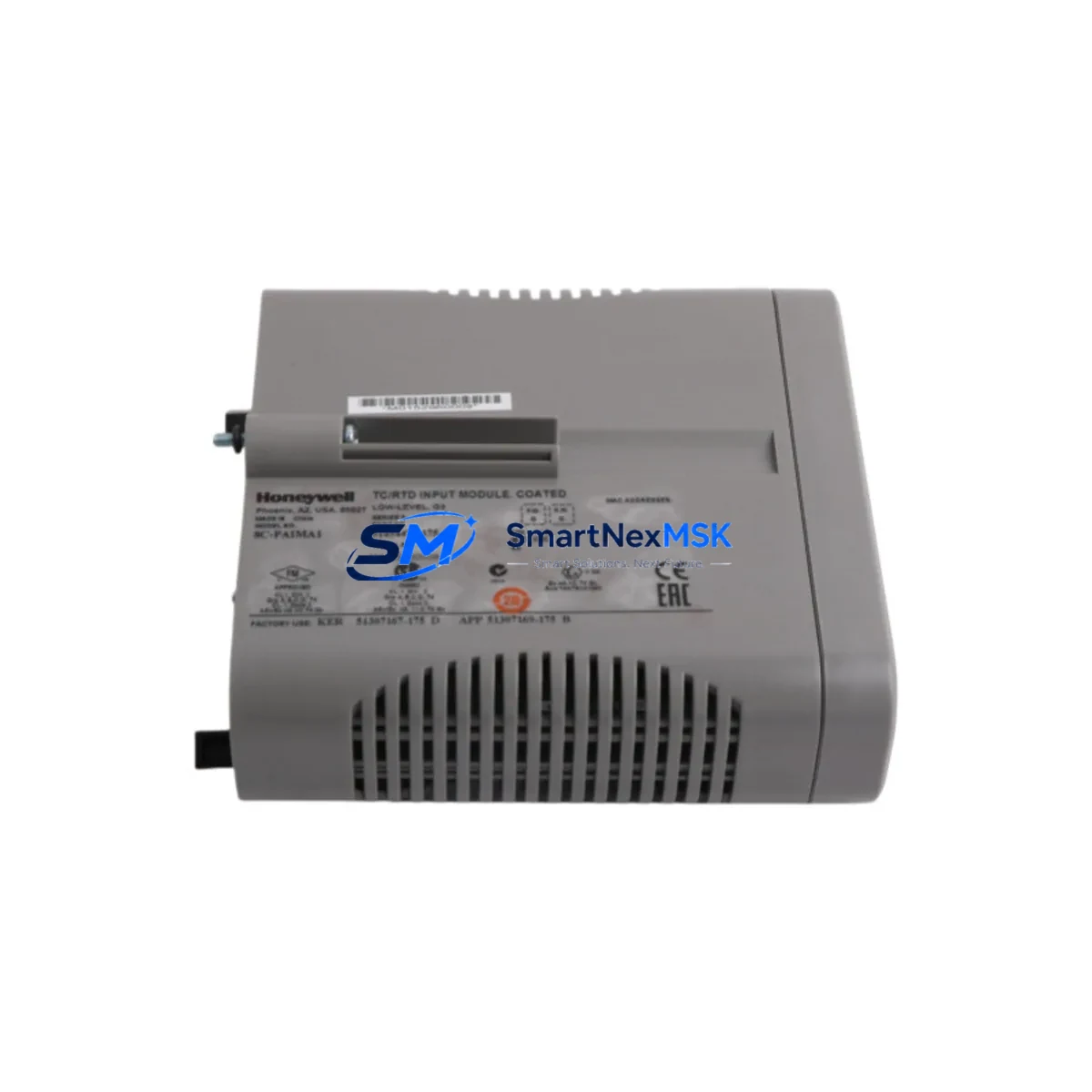
Honeywell 8C-PAIMA1 51454473-175: Retrofit-Ready Analog Input Module for HC900 Control Systems
The Honeywell 8C-PAIMA1 (P/N 51454473-175) is an 8-channel analog input module engineered for the HC900 Hybrid Controller platform. As legacy process control systems face end-of-life pressures, this module serves as a verified drop-in replacement for discontinued or degraded analog input cards across HC900 rack-based architectures. Whether you are restoring a failed control loop, expanding I/O capacity in an existing control cabinet, or executing a phased migration from an older DCS platform, the 8C-PAIMA1 delivers the signal conditioning, resolution, and backplane compatibility required to maintain continuous process control without rewriting your application logic.
Each unit is sourced from authorized supply channels, undergoes pre-shipment functional testing, and is backed by a 12-month warranty. Global shipping from Xiamen ensures lead times that support both emergency breakdown recovery and planned maintenance windows.
Upgrade Compatibility Table
| Parameter | Details |
|---|---|
| Part Number | 8C-PAIMA1 / 51454473-175 |
| Compatible Platform | Honeywell HC900 Hybrid Controller |
| Channel Count | 8 Analog Input Channels |
| Signal Types | 4–20 mA, 0–10 V, Thermocouple, RTD (configuration-dependent) |
| Backplane Interface | HC900 standard rack backplane — direct slot insertion, no adapter required |
| Installation Requirement | HC900 rack (4-slot, 8-slot, or 12-slot); controller firmware ≥ R4.x recommended |
| Communication Compatibility | Modbus RTU, Modbus TCP/IP via HC900 controller; HART pass-through not supported on this module |
| Replacement Recommendation | Direct replacement for 51454473-175 and functionally equivalent to earlier 51454473-150 revisions |
| Commissioning Notes | Verify module address assignment in HC Designer; re-download configuration after slot insertion |
| Warranty | 12 Months — covers manufacturing defects and functional failure under normal operating conditions |
Retrofit Planning for Existing Automation Systems
Replacing or expanding analog input capacity in an HC900-based system requires a structured approach to avoid process interruptions. Before removing the existing module, document all terminal wiring assignments — the HC900 uses a removable terminal block design, which simplifies field wiring transfer to the replacement 8C-PAIMA1 without re-terminating individual conductors. Confirm that the rack’s HC900 Power Supply module (such as the 900P01-0001 or 900P02-0001) provides sufficient current budget for the expanded I/O count, particularly when adding modules to a previously under-utilized rack.
For systems running the HC900 Controller module (900C50-0143-00 or 900C30 series), verify that the firmware revision supports the module revision level of the 8C-PAIMA1. Use HC Designer software to open the existing project, navigate to the rack configuration view, and confirm the slot assignment before physically installing the module. If the slot was previously occupied by a different module type, delete the old module definition and insert the 8C-PAIMA1 type before downloading the updated configuration.
In control cabinets where the HC900 rack shares enclosure space with HC900 Analog Output modules (such as the 8C-PAOHA1) or Digital I/O modules (8C-PDIDA1 for discrete input, 8C-PDODA1 for discrete output), ensure that the cabinet’s thermal management remains within specification after adding the new module. Analog input modules generate minimal heat, but dense rack configurations in sealed enclosures may require airflow verification.
For plants migrating from older Honeywell TDC 3000 or PlantScape systems to HC900, the 8C-PAIMA1 is frequently deployed as part of a broader I/O migration strategy. In these projects, HC900 Communication modules — including the 900CS-0001 for Ethernet connectivity — are typically installed alongside new analog I/O modules to bridge legacy field devices to modern SCADA or DCS supervisory layers. If your migration involves Profibus DP field devices, the HC900 Profibus module (900RMD-0001) may be required in addition to the analog input expansion.
When the retrofit involves updating HMI screens built on Honeywell’s Station or on third-party SCADA platforms (such as Wonderware InTouch or Ignition), confirm that the analog input tag addresses remain consistent after the module swap. HC900 uses slot-based tag addressing; if the replacement module occupies the same rack slot as the original, tag addresses are preserved and HMI faceplates require no modification. If the slot position changes, update all affected tag references in the SCADA project before going live.
For sites using HC900 programming cables (900MK-0001 or USB-to-serial adapters) for local configuration access, ensure the laptop running HC Designer has the correct COM port mapping before attempting a configuration download during the retrofit window.
Downtime Control During System Migration
Minimizing unplanned downtime during an analog input module replacement on an HC900 system begins with preparation, not execution. Before the maintenance window opens, export a full backup of the HC900 project from HC Designer and store it on an offline medium. This backup preserves all loop tuning parameters, alarm setpoints, analog scaling factors, and PID configurations — ensuring that a failed download or unexpected controller reset does not result in loss of process knowledge.
During the swap, the HC900 controller can remain powered if the rack supports hot-swap for I/O modules in your firmware revision. Consult the HC900 Hardware Installation Guide to confirm whether your controller revision supports bumpless I/O replacement. If hot-swap is not supported, coordinate with the process team to place affected control loops in manual mode at the DCS or SCADA level before removing the module, preserving field actuator positions and preventing process upsets.
After inserting the 8C-PAIMA1, perform a channel-by-channel signal verification using a loop calibrator before returning loops to automatic mode. Confirm that each channel’s engineering unit scaling, zero/span calibration, and alarm limits match the pre-retrofit configuration. For critical loops — such as reactor temperature inputs or flow measurement channels — a 15-minute observation period in manual mode after signal verification is recommended before enabling automatic control.
Document the as-found and as-left signal readings for each channel as part of your maintenance record. This supports future audits, insurance requirements, and regulatory compliance in process industries operating under IEC 61511 or ISA-84 functional safety standards.
Retrofit Support FAQ
Q1: Is the 8C-PAIMA1 (51454473-175) a direct replacement for the earlier 51454473-150 revision?
Yes. The -175 revision is backward-compatible with the -150 revision at the rack slot level. No wiring changes or configuration modifications are required when replacing a -150 with a -175 in the same slot. Verify firmware compatibility in HC Designer before downloading if your controller is running firmware below R4.0.
Q2: What pre-shipment testing is performed on each unit?
Each 8C-PAIMA1 undergoes functional power-on testing and channel signal verification before shipment. Units are inspected for physical integrity, connector condition, and firmware revision. A test report is available upon request for quality-critical procurement processes.
Q3: Can this module be installed without shutting down the HC900 controller?
Hot-swap capability depends on your HC900 controller firmware revision and rack configuration. Refer to the HC900 Hardware Installation Guide (Document 51-52-25-107) for your specific revision. If hot-swap is not confirmed, place affected loops in manual mode before module removal to protect process continuity.
Q4: What does the 12-month warranty cover?
The 12-month warranty covers manufacturing defects and functional failure under normal operating conditions from the date of shipment. It does not cover damage resulting from incorrect installation, overvoltage, or environmental conditions outside the module’s rated specifications. Warranty claims are processed via RMA with a typical turnaround of 7–14 business days.
© 2026 SMARTNEXMSK. All rights reserved.
Original Source: https://smartnexmsk.com
Contact: [email protected] | +86 18259474341



