
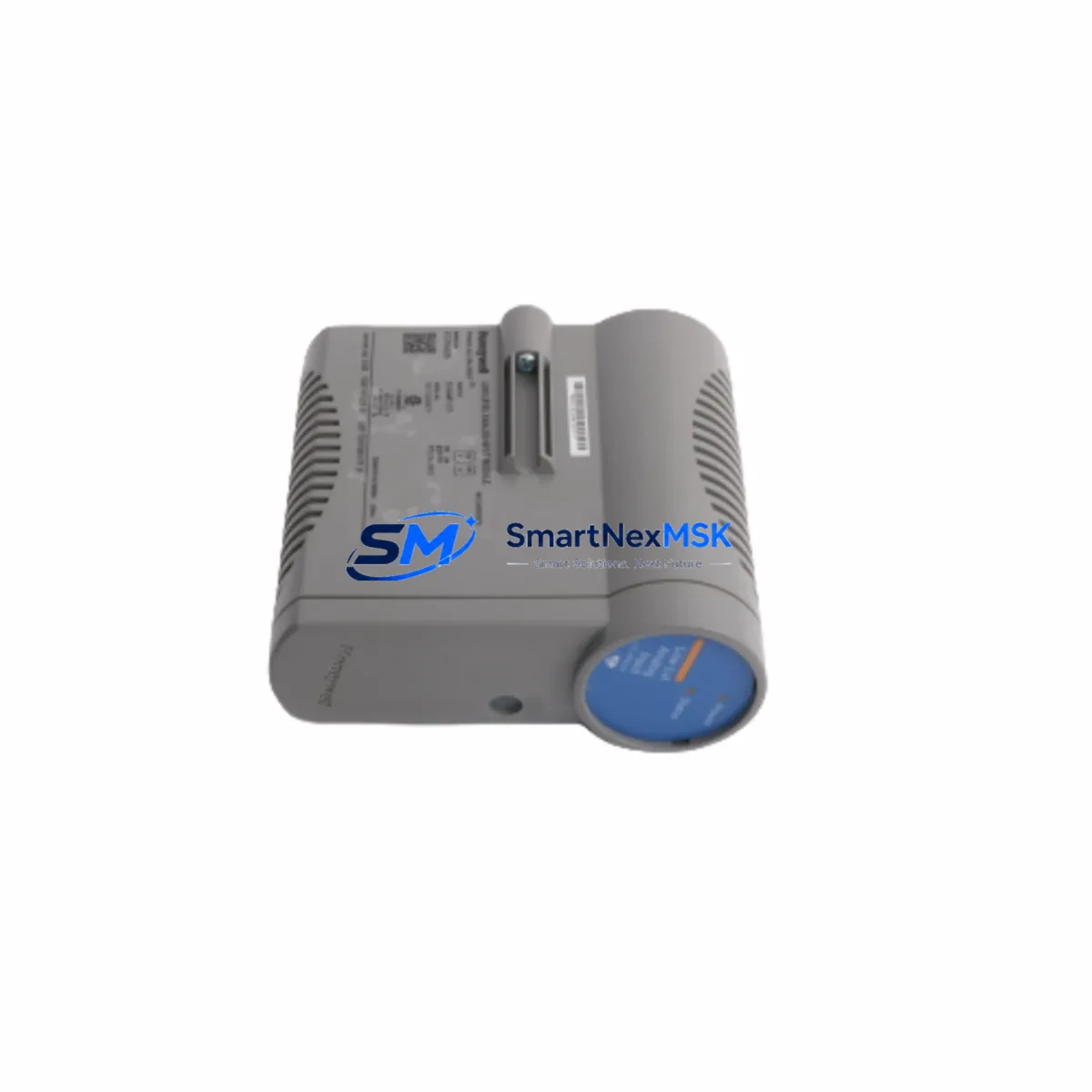
Honeywell CC-PAIL51 51454487-175 Retrofit-Ready Analog Input for Experion PKS Control Systems
The Honeywell CC-PAIL51 (part number 51454487-175) is a high-density analog input module engineered for the Experion PKS platform, specifically designed to integrate with the C300 Controller architecture. As legacy DCS installations age and original spare parts become increasingly scarce, the CC-PAIL51 has emerged as a critical retrofit component for facilities seeking to extend the operational life of their Experion PKS infrastructure without committing to a full system overhaul. Whether you are replacing a failed module in an active production environment or pre-positioning inventory for a planned control system upgrade, the CC-PAIL51 51454487-175 delivers the signal fidelity, HART communication capability, and backplane compatibility required for seamless integration into existing C300 control cabinets.
Each unit supplied by SMARTNEXMSK undergoes pre-shipment functional verification, including channel-level signal integrity checks, HART pass-through validation, and backplane connector inspection. All modules are covered by a 12-month warranty from the date of shipment, providing procurement teams and maintenance engineers with the confidence needed to authorize replacement orders for critical process control infrastructure.
Upgrade Compatibility Table
| Parameter | CC-PAIL51 51454487-175 | Notes / Retrofit Guidance |
|---|---|---|
| Compatible Controller | Honeywell C300 (Experion PKS) | Verify firmware revision on C300 matches Experion R310 or later for full HART support |
| Backplane Interface | CIOM-A / Series C I/O Link | Confirm CIOM-A carrier is installed; not compatible with legacy CIOM-B carriers without adapter |
| Channel Count | 16 AI channels (4–20 mA / HART) | Map existing field wiring to new terminal assignments before hot-swap |
| Communication Protocol | HART (rev 5/6/7), Series C I/O Link | HART multi-drop supported; verify FTA wiring configuration |
| Power Consumption | Supplied via CIOM-A backplane | Verify CIOM-A power budget before adding modules to a populated carrier |
| Installation Format | Plug-in module, CIOM-A carrier slot | No tools required; locking tab secures module to carrier |
| Replacement for | CC-PAIL01, CC-PAIH01 (legacy AI variants) | Confirm channel density and HART revision compatibility before substitution |
| Commissioning Requirement | Module address auto-assigned via I/O Link | Reload channel configuration from Experion Control Builder after insertion |
| Warranty | 12 Months from shipment date | Covers manufacturing defects; includes pre-shipment functional test certificate |
Retrofit Planning for Existing Automation Systems
Successful integration of the CC-PAIL51 51454487-175 into an operating Experion PKS system requires methodical pre-installation planning. Begin by auditing the existing CIOM-A carrier population in the target control cabinet. Each CIOM-A carrier supports a defined number of I/O module slots, and the power budget must be recalculated whenever a new module is added or an existing module is replaced with a higher-density variant. If the cabinet houses a mix of CC-PAIL51 analog input modules, CC-PAOH01 analog output modules, and CC-PDIL01 digital input modules, the aggregate current draw on the CIOM-A backplane must remain within the rated capacity of the installed CC-PWR001 or CC-PWR002 power supply module.
Terminal wiring is the most time-sensitive element of any analog input retrofit. The CC-PAIL51 connects to the field via a dedicated Field Termination Assembly (FTA), typically the MC-TAIH04 or equivalent HART-capable FTA. Before disconnecting any existing wiring, photograph and document all terminal assignments, shield connections, and jumper positions on the FTA. If the legacy installation used a non-HART FTA, a wiring adapter or FTA replacement may be required to support the HART pass-through capability of the CC-PAIL51. Verify that each 4–20 mA loop is correctly sourced or sunk according to the transmitter type installed in the field.
Module addressing in the Experion PKS architecture is handled automatically through the Series C I/O Link protocol. Once the CC-PAIL51 is seated in the CIOM-A carrier, the C300 Controller will detect the module and assign it a slot address based on its physical position. However, the channel-level configuration — including engineering unit ranges, HART tag assignments, alarm limits, and signal conditioning parameters — must be reloaded from the Experion Control Builder project database. Ensure that the Control Builder project file is current and that any recent field changes have been committed before initiating the module swap. If the installation involves migrating from an older CC-PAIL01 module, verify that the channel count mapping is consistent, as differences in channel density between legacy and current-generation modules can cause address offset errors in the C300 scan list.
For facilities also upgrading their HMI layer, the CC-PAIL51 retrofit is an appropriate time to review Experion Station display assignments. HART device variables surfaced through the CC-PAIL51 can be mapped to Experion Station faceplate displays, enabling operators to access secondary process variables, device diagnostics, and loop calibration data without additional field instrumentation. If the site runs a parallel Honeywell Safety Manager or Safety Manager SC system, confirm that any safety-rated analog inputs are handled by dedicated SIL-rated modules and are not routed through the standard CC-PAIL51, which is not rated for safety instrumented function applications.
Communication link integrity between the C300 Controller and the CIOM-A carrier should be verified using the Experion Server diagnostic tools before and after module installation. The CC-LINK01 or CC-LINK02 communication interface modules installed in the C300 chassis manage the I/O Link traffic; confirm that no link errors are present in the Experion Event Journal prior to the retrofit window. If the site uses redundant C300 controllers, the module swap should be performed during a scheduled maintenance window with the redundant controller in primary control to minimize process impact.
Downtime Control During System Migration
Minimizing unplanned downtime during a CC-PAIL51 module replacement requires a structured change management approach. The Experion PKS platform supports online module replacement for non-redundant I/O configurations, meaning the C300 Controller can continue executing the control strategy while a failed module is removed and a replacement is inserted — provided the replacement module is of the same type and the channel configuration is pre-loaded in the Control Builder project. This capability significantly reduces the exposure window for process upsets during routine spare-part replacements.
For planned upgrades involving a change in module type — for example, migrating from a CC-PAIL01 to the higher-density CC-PAIL51 — a brief control transfer to manual mode on the affected loops is recommended. Coordinate with the process operations team to place all affected PID controllers in manual mode and hold the last good output value before initiating the physical module swap. Once the CC-PAIL51 is installed and the channel configuration is confirmed in Control Builder, return each loop to automatic mode individually, verifying the process variable reading against a calibrated reference instrument before releasing the loop to automatic control.
Original program logic stored in the C300 Controller is not affected by a module swap at the I/O level. The control strategy, function block connections, and interlock logic remain intact in the C300 memory. Only the I/O channel configuration layer — managed through Control Builder — requires updating to reflect the new module’s channel assignments. This architecture protects the integrity of years of accumulated control logic and alarm rationalization work, ensuring that the retrofit does not inadvertently alter process safety or regulatory compliance configurations.
SMARTNEXMSK maintains in-stock inventory of the CC-PAIL51 51454487-175 to support emergency replacement scenarios. Standard lead time for in-stock units is 3–5 business days to most destinations, with expedited shipping available for critical process outage situations. Each shipment includes a pre-shipment test report and is packaged in ESD-protective materials to prevent electrostatic damage during transit.
Retrofit Support FAQ
Q: Can the CC-PAIL51 51454487-175 directly replace a CC-PAIL01 without hardware modifications?
A: In most cases, yes — both modules use the CIOM-A carrier interface and are compatible with the C300 I/O Link architecture. However, the CC-PAIL51 offers 16 channels versus the 8 channels of the CC-PAIL01, so the FTA wiring and Control Builder channel configuration must be updated to reflect the expanded channel map. Verify that the installed FTA supports the additional channels before proceeding.
Q: What commissioning steps are required after installing the CC-PAIL51?
A: After physical installation, open Experion Control Builder and perform a module download to push the channel configuration to the new module. Verify each channel’s engineering unit range, HART tag assignment, and alarm limits. Confirm HART communication by polling each connected transmitter from the Control Builder HART Device Manager. Finally, verify the process variable reading on each channel against a calibrated reference before returning loops to automatic control.
Q: Is the CC-PAIL51 compatible with both HART revision 5 and HART revision 7 field devices?
A: Yes. The CC-PAIL51 supports HART revisions 5, 6, and 7, making it compatible with the broad installed base of HART-enabled transmitters, control valves, and analyzers found in most process plants. Multi-drop HART configurations are also supported, subject to the standard HART multi-drop addressing constraints.
Q: What does the 12-month warranty cover, and how is a warranty claim initiated?
A: The 12-month warranty covers manufacturing defects and functional failures under normal operating conditions. Each unit is tested prior to shipment, and a test certificate is included with the delivery. To initiate a warranty claim, contact SMARTNEXMSK at [email protected] with the order number, module serial number, and a description of the observed fault. Replacement units are dispatched upon fault confirmation, and failed units are returned for root cause analysis.
© 2026 SMARTNEXMSK. All rights reserved.
Original Source: https://smartnexmsk.com
Contact: [email protected] | +86 18259474341



