
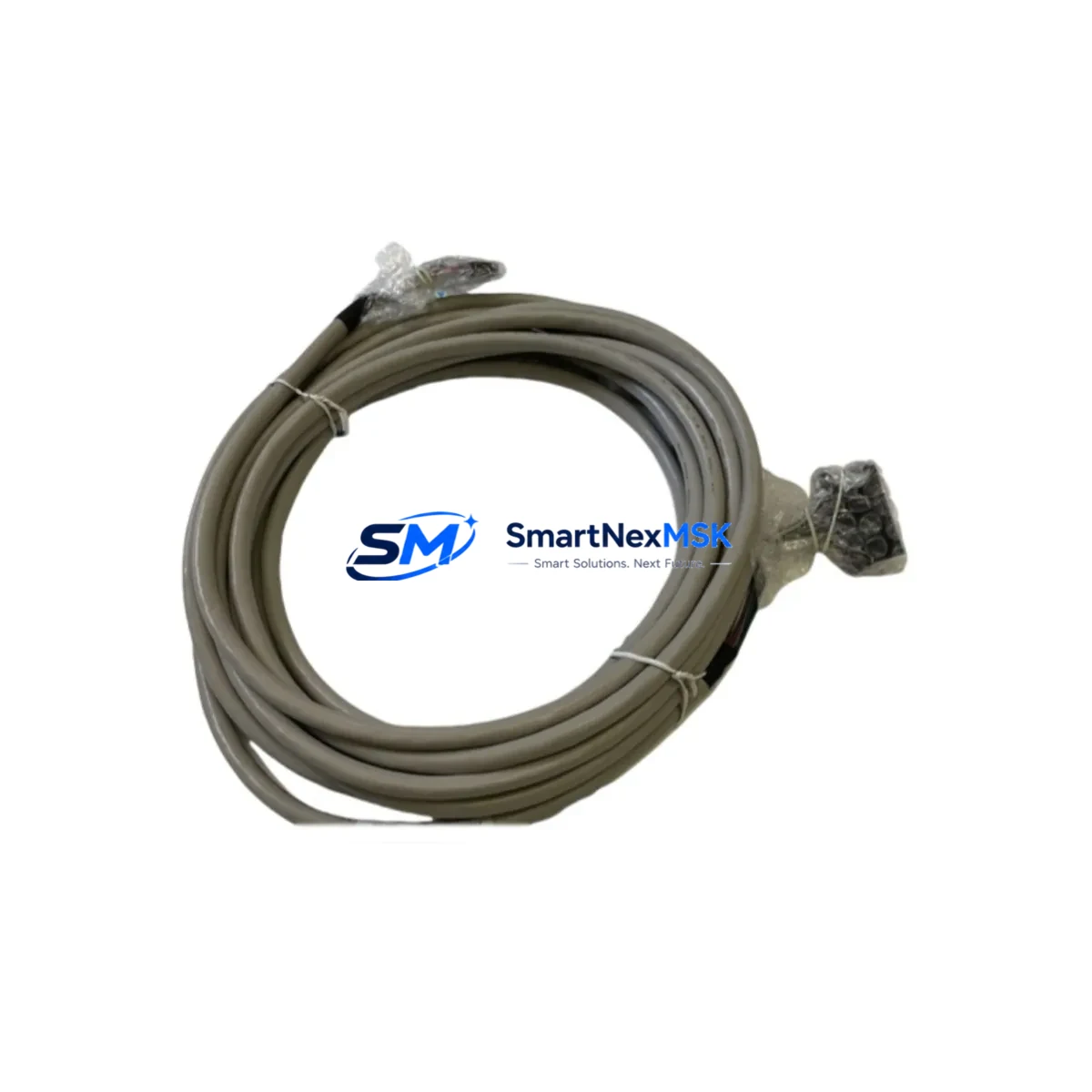
Honeywell FC-SIC2030 Maintenance-Ready Spare for FC Series Automation
The Honeywell FC-SIC2030 System Interface Controller is a critical communication and coordination component within Honeywell FC Series fire and industrial control systems. For maintenance engineers managing aging control infrastructure, sourcing a verified, original-specification FC-SIC2030 spare is the single most effective step toward minimizing unplanned downtime and ensuring system continuity. This listing provides a factory-specification replacement unit, fully tested prior to shipment, backed by a 12-month warranty, and available for rapid dispatch to support emergency replacement or planned maintenance schedules.
The FC-SIC2030 serves as the interface bridge between the FC Series control panel and connected field devices, subsystems, and network segments. Its failure — whether due to component aging, power surge, or firmware corruption — can render an entire control loop unresponsive. Maintenance teams operating in process plants, building automation environments, or industrial facilities with legacy Honeywell FC infrastructure must treat this module as a Tier-1 spare: one that should be stocked on-site or available through a reliable supplier with short lead times.
Spare Maintenance Table
| Parameter | Specification / Detail |
|---|---|
| SKU / Part Number | FC-SIC2030 |
| Brand | Honeywell |
| Series | FC Series |
| Product Type | System Interface Controller |
| Origin | United States |
| Compatibility | Honeywell FC Series control panels and associated FC Series network architecture |
| Mounting | DIN rail / panel-mount per FC Series cabinet standard |
| Communication Interface | FC Series proprietary bus; refer to FC Series system documentation for protocol details |
| Operating Environment | Industrial control cabinet; temperature and humidity per Honeywell FC Series specification |
| Pre-Shipment Testing | Functional verification performed on every unit prior to dispatch |
| Warranty | 12 Months from date of shipment |
| Lead Time | In-stock units ship within 1–3 business days; contact for availability confirmation |
| Maintenance Recommendation | Inspect annually; replace proactively at first sign of communication fault or LED error indication |
Maintenance Planning for Continuous Operation
When a maintenance or procurement engineer schedules replacement of the FC-SIC2030, the replacement event should be treated as a broader system health checkpoint — not an isolated swap. The FC-SIC2030 operates within an interconnected electrical and communication environment, and adjacent components are subject to the same aging and stress cycles.
During the same maintenance window, engineers should inspect and, where appropriate, stock spares for the following associated components:
- FC Series Power Supply Module — Verify output voltage stability and ripple. A degraded power supply is a leading cause of interface controller faults and should be replaced concurrently if it shows signs of wear.
- FC Series Loop Controller / Main CPU Module — Confirm firmware version compatibility with the replacement FC-SIC2030 unit. Mismatched firmware revisions can cause communication handshake failures.
- FC Series I/O Expansion Modules — Inspect digital input and output cards for contact wear, especially in high-cycle environments. Faulty I/O modules can generate false fault signals that mask the true source of a system alarm.
- FC Series Communication Gateway / Network Interface Card — If the FC-SIC2030 bridges to a supervisory network (BACnet, Modbus, or proprietary FC network), verify the upstream gateway module is operating within specification.
- Relay Output Modules — Check relay contact resistance and coil integrity on any relay modules connected to the FC-SIC2030’s output channels. Relay degradation is a common secondary fault in aging control cabinets.
- Terminal Blocks and Field Wiring Connectors — Inspect all screw-terminal connections on the FC-SIC2030 and adjacent modules for oxidation, loose torque, or insulation breakdown. Re-torque to specification during replacement.
- Signal Isolators and Surge Protection Devices — Verify that any signal isolators or transient voltage suppressors installed on field signal lines are intact. These devices protect the FC-SIC2030 from field-side surges and should be replaced if they show signs of prior activation.
- Fuses and Circuit Protection — Replace any panel fuses associated with the FC-SIC2030 power feed as a matter of routine during the maintenance window. Fuse degradation under repeated fault conditions is common in industrial environments.
- HMI / Operator Panel Interface — If the FC Series system includes a local HMI or annunciator panel, confirm that the replacement FC-SIC2030 restores correct status display and alarm acknowledgment functionality after installation.
- FC Series Backplane / Rack Assembly — Inspect the backplane connector for pin damage or contamination. A damaged backplane connector can cause intermittent faults that are difficult to diagnose without physical inspection.
Stocking these components alongside the FC-SIC2030 in your on-site spare parts inventory significantly reduces mean time to repair (MTTR) and supports a proactive maintenance posture rather than a reactive one.
Site Replacement Workflow
Replacing the FC-SIC2030 in a live FC Series installation requires a structured approach to avoid extended downtime and ensure system integrity is maintained throughout the process.
Step 1 — Pre-Replacement Verification: Confirm the replacement unit’s SKU (FC-SIC2030) matches the installed unit exactly. Verify firmware revision requirements with the FC Series system documentation. Photograph the existing wiring and connector positions before disconnection.
Step 2 — Safe Isolation: Follow your site’s lockout/tagout (LOTO) procedure for the control cabinet. De-energize the FC-SIC2030 circuit per the FC Series panel wiring diagram. Do not assume the module is de-energized based on LED status alone.
Step 3 — Module Removal and Inspection: Remove the faulty FC-SIC2030 and inspect the backplane connector, terminal block, and adjacent wiring for damage. Address any secondary damage before installing the replacement unit.
Step 4 — Replacement Installation: Install the replacement FC-SIC2030, reconnect all field wiring per the original configuration, and re-torque terminal connections to specification. Restore power and observe LED status indicators during system initialization.
Step 5 — Functional Verification: Confirm that the FC Series system recognizes the replacement module, that all communication links are restored, and that no residual fault codes remain. Test all I/O channels associated with the FC-SIC2030 before returning the system to normal operation.
This workflow is applicable whether replacing a failed unit in an emergency or executing a planned swap as part of a scheduled maintenance cycle. The same process supports old-model-to-new-model transitions where the FC-SIC2030 replaces an earlier-generation interface controller in an upgraded FC Series panel.
Spare Parts Support FAQ
Q1: What is the expected service life of the FC-SIC2030, and when should I plan for proactive replacement?
The FC-SIC2030, like most industrial control modules, has a design life influenced by operating environment, thermal cycling, and power quality. In typical industrial cabinet environments, proactive replacement is recommended at 8–12 years of continuous service, or immediately upon observation of communication faults, LED error codes, or intermittent system alarms that cannot be resolved through configuration. Maintaining one spare unit on-site eliminates lead-time risk when replacement becomes necessary.
Q2: How do I verify compatibility between a replacement FC-SIC2030 and my existing FC Series panel?
Compatibility is confirmed by matching the full part number (FC-SIC2030) and verifying the firmware revision requirements documented in your FC Series system manual. If your panel has been upgraded or modified, consult the revision history in your system documentation. Our team can assist with compatibility verification prior to shipment — contact us with your panel model and firmware version for confirmation.
Q3: Is the FC-SIC2030 tested before shipment, and what does the 12-month warranty cover?
Every FC-SIC2030 unit is functionally tested prior to dispatch. The 12-month warranty covers manufacturing defects and functional failures under normal operating conditions. It does not cover damage resulting from incorrect installation, overvoltage events, or operation outside the specified environmental parameters. Warranty claims are supported with direct technical assistance and replacement unit dispatch.
Q4: Can I source the FC-SIC2030 for long-term inventory stocking, and what are the lead times?
Yes. We support both single-unit emergency orders and multi-unit stocking orders for maintenance departments and MRO procurement teams. In-stock units are dispatched within 1–3 business days. For bulk or scheduled stocking orders, contact our sales team to discuss availability, pricing, and delivery scheduling. Long-term supply agreements are available for facilities managing multiple FC Series installations.
© 2026 SMARTNEXMSK. All rights reserved.
Original Source: https://smartnexmsk.com
Contact: [email protected] | +86 18259474341



