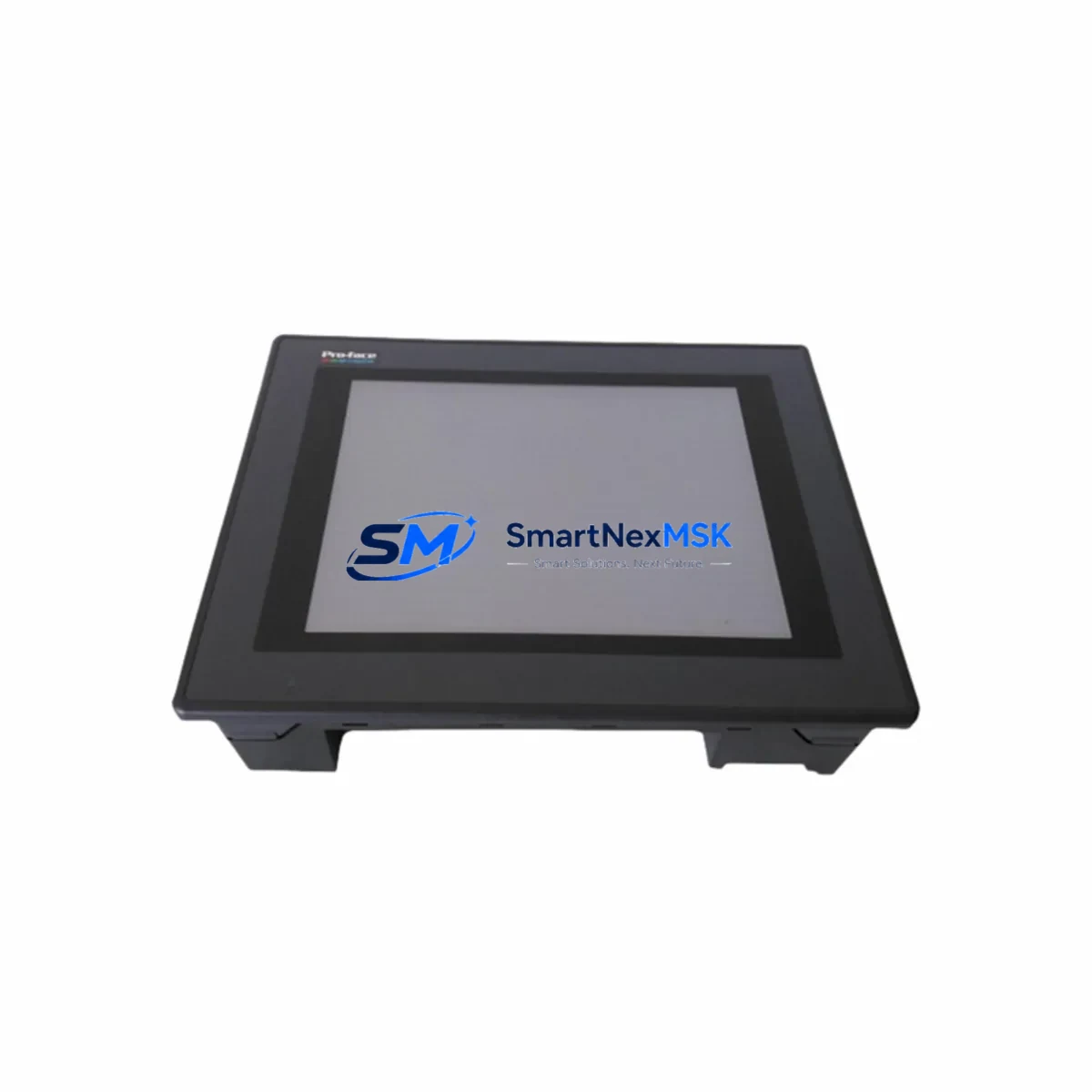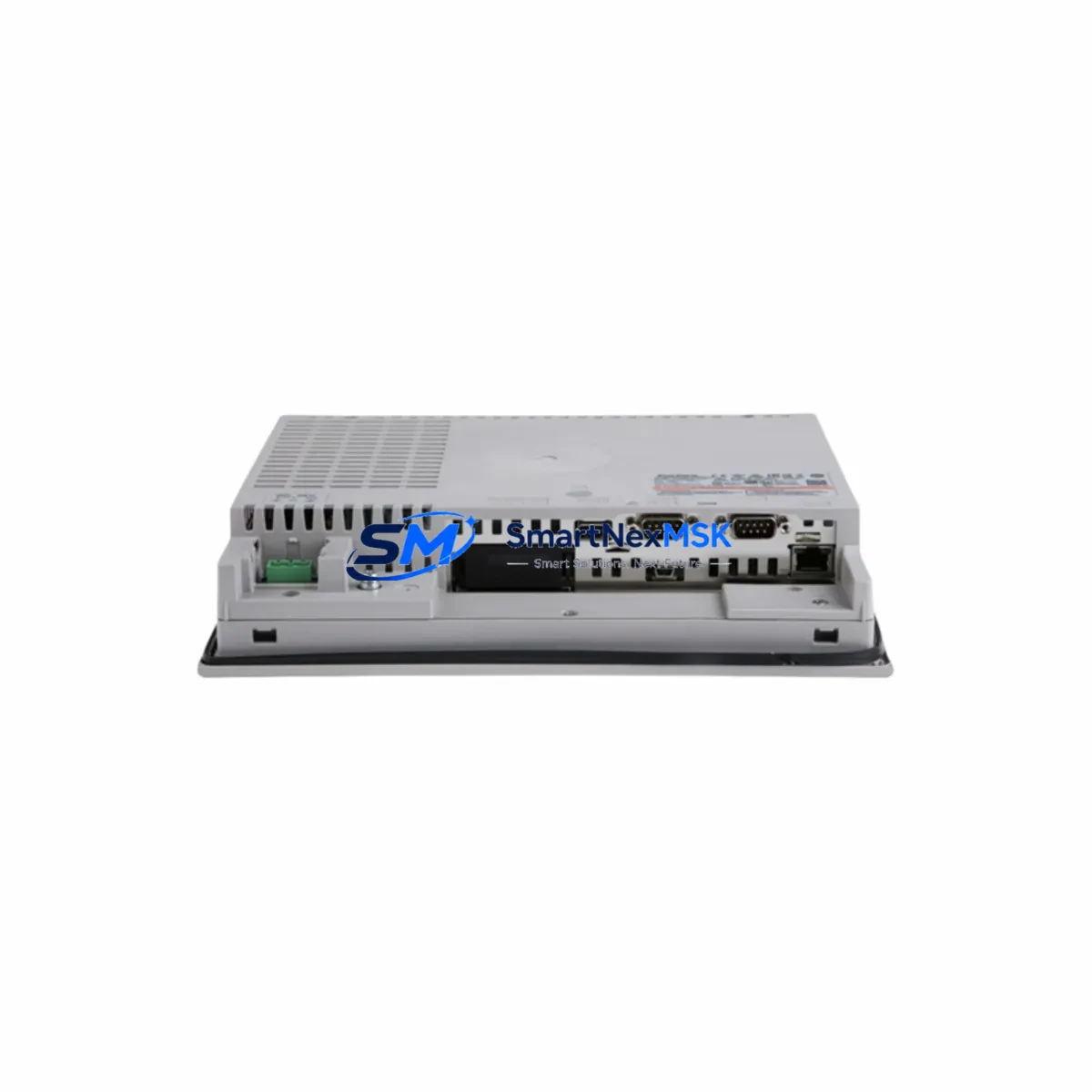
Pro-face PFXGP4501TAD Retrofit-Ready HMI for GP4000 Series Control Systems
The Pro-face PFXGP4501TAD is a 10.4-inch color TFT touch panel HMI designed for seamless integration into GP4000 Series control architectures. As legacy GP2000 and GP3000 panels reach end-of-life and spare parts become increasingly scarce, the PFXGP4501TAD has become the preferred retrofit solution for system integrators and plant engineers managing aging automation infrastructure. Whether you are replacing a failed panel on a packaging line, upgrading a batch control station, or modernizing a legacy SCADA-connected cabinet, this unit delivers the compatibility and reliability your operation demands.
Sourced from verified supply channels and fully tested prior to shipment, each PFXGP4501TAD unit is backed by a 12-month warranty covering hardware defects and functional failures. Our inventory is maintained to support urgent replacement scenarios, with same-day dispatch available for in-stock units.
Upgrade Compatibility Table
| Parameter | Legacy GP3000 / GP2000 | PFXGP4501TAD (GP4000) |
|---|---|---|
| Display Size | 10.4″ STN / TFT | 10.4″ Color TFT |
| Resolution | 640×480 (VGA) | 640×480 (VGA) |
| Communication Ports | RS-232C / RS-422 | RS-232C, RS-422/485, Ethernet (RJ-45) |
| USB Interface | Not available on most models | USB-A (host) + USB-B (programming) |
| CF Card Slot | Optional / model-dependent | Built-in CF card slot |
| Panel Cutout | 261×201 mm (GP3000 standard) | 261×201 mm — direct drop-in fit |
| Power Supply | 24 VDC | 24 VDC (verify existing PSU capacity ≥1.5A) |
| Programming Software | GP-PRO/PB III | GP-Pro EX (backward-compatible project import) |
| PLC Protocol Support | Mitsubishi, Omron, Siemens, Modbus | Mitsubishi, Omron, Siemens, Modbus, Ethernet/IP, and 100+ drivers |
| Warranty | N/A (discontinued) | 12 Months |
| Retrofit Recommendation | Direct replacement — panel cutout, power wiring, and communication terminals are compatible. Screen project conversion required via GP-Pro EX. | |
Retrofit Planning for Existing Automation Systems
A successful PFXGP4501TAD retrofit begins well before the unit arrives on-site. Engineers should start by auditing the existing control cabinet layout, confirming that the 24 VDC power supply — typically a unit such as the Pro-face PS-3711A or equivalent DIN-rail PSU — can deliver at least 1.5A continuous to the new panel. Undersized power supplies are a common cause of intermittent resets and communication dropouts after panel replacement.
Terminal wiring from the legacy panel should be documented before disconnection. The PFXGP4501TAD uses a standard DB9 serial connector for RS-232C and a 5-pin terminal block for RS-422/485, which is compatible with most existing cable harnesses used on GP3000 installations. If the legacy system communicates via a Mitsubishi Q Series CPU or FX3U PLC over RS-422, the existing cable can typically be reused without modification. For Ethernet-connected systems — particularly those interfacing with Siemens S7-300 or S7-1200 controllers via PROFINET — verify IP address assignments and subnet configurations before powering up the new panel.
Backplane and rack considerations are relevant when the HMI is part of a larger control enclosure. If the cabinet also houses a Pro-face GP4000 Series remote I/O unit or a Flex Network adapter, confirm that the communication address settings on those modules are preserved during the swap. Module address conflicts are a frequent source of startup failures in multi-drop configurations.
Screen project migration is handled through GP-Pro EX software. Projects created in GP-PRO/PB III for GP3000 panels can be imported and converted, though engineers should review alarm tag mappings, recipe data blocks, and trend display configurations after conversion. HMI screen layouts referencing Omron CJ2M or CJ1M CPU tag databases may require driver version updates within GP-Pro EX to maintain full read/write compatibility.
For systems that include a Pro-face programming cable CA3-USBCB-01 or the USB-B port for direct laptop connection, the PFXGP4501TAD supports direct project download without additional hardware. This simplifies on-site commissioning and reduces the tools required during a planned maintenance window.
Downtime Control During System Migration
Minimizing production downtime during an HMI replacement requires a structured pre-outage preparation process. Before scheduling the cutover, engineers should complete the GP-Pro EX project conversion on a bench unit or simulator, validate all PLC communication links in offline simulation mode, and prepare a printed terminal wiring diagram for reference during the physical swap.
The PFXGP4501TAD’s panel cutout dimensions match the GP3000 standard, which means mechanical installation typically takes under 30 minutes. The majority of migration time is spent on communication verification — confirming that the PLC, whether a Mitsubishi Q03UDE, Omron NJ501, or Siemens S7-300 with CP343-1 communication module, is responding correctly to the new panel’s driver queries.
To protect original program logic, always back up the existing PLC program to a laptop or CF card before beginning the panel swap. If the legacy HMI stored recipe data or historical trend logs locally, export these to a USB drive prior to removal. The PFXGP4501TAD’s built-in CF card slot allows recipe data to be restored immediately after commissioning, maintaining production continuity without requiring a full system restart.
For critical processes where even brief interruptions are unacceptable, consider staging the new panel in parallel — powered and communicating — before cutting over the operator interface. This approach allows full validation of screen navigation, alarm acknowledgment, and setpoint entry before the legacy panel is removed from service.
Retrofit Support FAQ
Q: Is the PFXGP4501TAD a direct drop-in replacement for my GP3000 Series panel?
A: Yes, in most cases. The panel cutout dimensions (261×201 mm), 24 VDC power input, and serial communication terminals are compatible with standard GP3000 installations. You will need to convert your screen project using GP-Pro EX software, which supports import from GP-PRO/PB III project files.
Q: What communication protocols does the PFXGP4501TAD support?
A: The unit supports RS-232C, RS-422/485, and 100BASE-TX Ethernet. Compatible protocols include Mitsubishi MC Protocol, Omron FINS, Siemens S7 MPI/Ethernet, Modbus RTU/TCP, Ethernet/IP, and over 100 additional PLC drivers via GP-Pro EX. Confirm your specific PLC model is listed in the GP-Pro EX driver library before ordering.
Q: Has this unit been tested before shipment?
A: Yes. Every PFXGP4501TAD unit undergoes functional power-on and display verification testing before dispatch. Units are shipped with protective packaging to prevent transit damage. A 12-month warranty covers hardware defects from the date of receipt.
Q: What if I need help with wiring or commissioning after installation?
A: Our technical team is available to assist with terminal wiring diagrams, GP-Pro EX driver configuration, and communication troubleshooting. Contact us at [email protected] or call +86 18259474341 with your PLC model and existing wiring documentation for pre-installation support.
© 2026 SMARTNEXMSK. All rights reserved.
Original Source: https://smartnexmsk.com
Contact: [email protected] | +86 18259474341