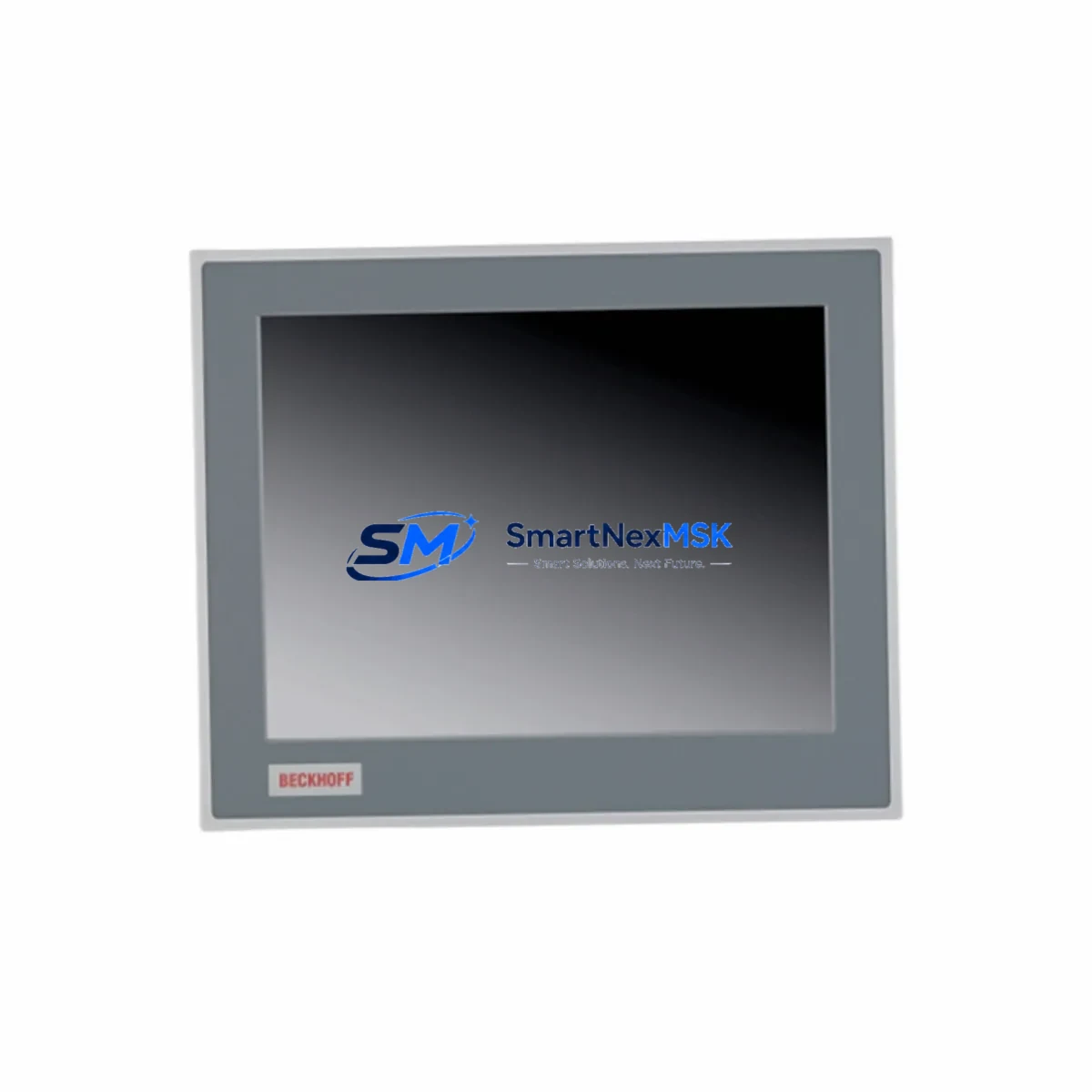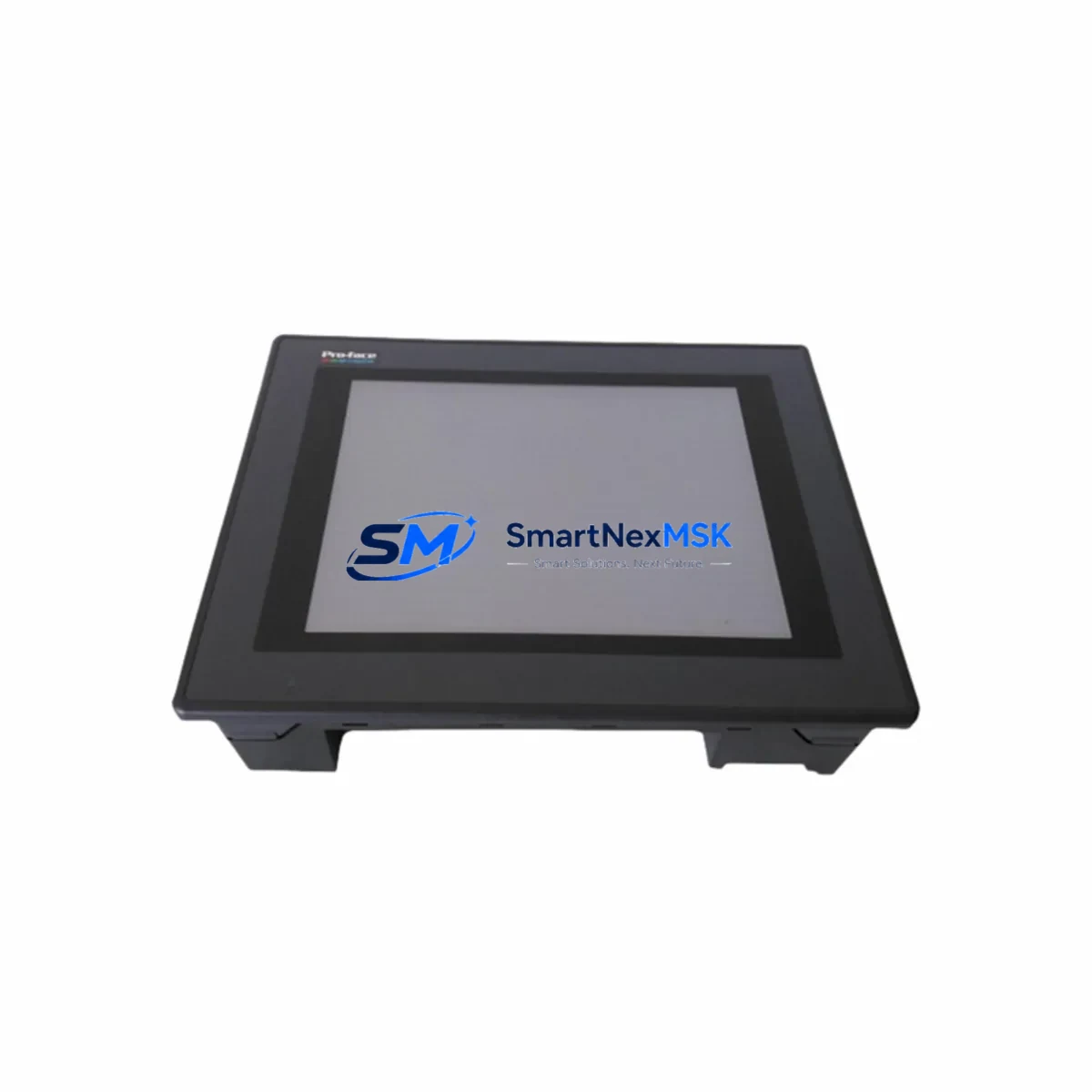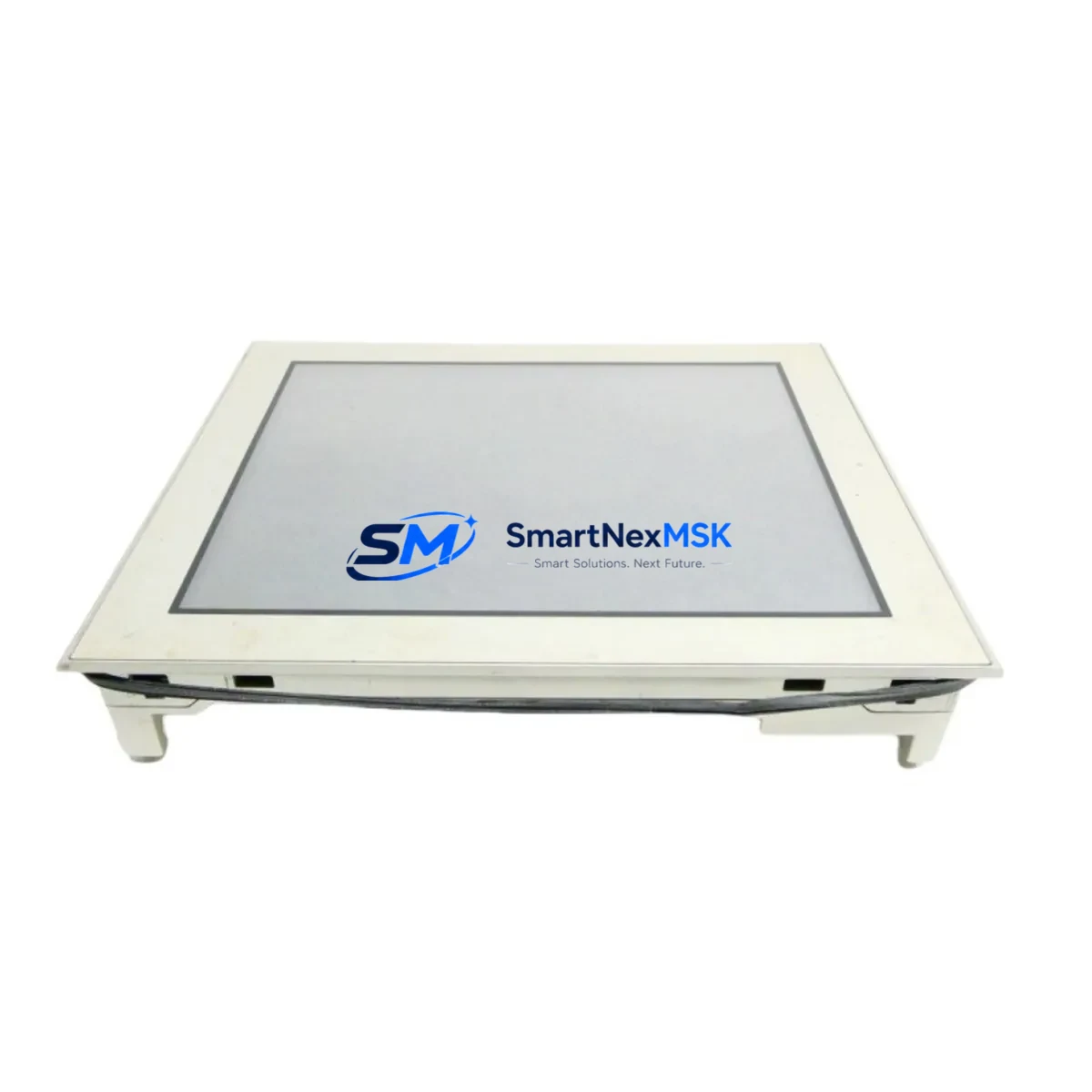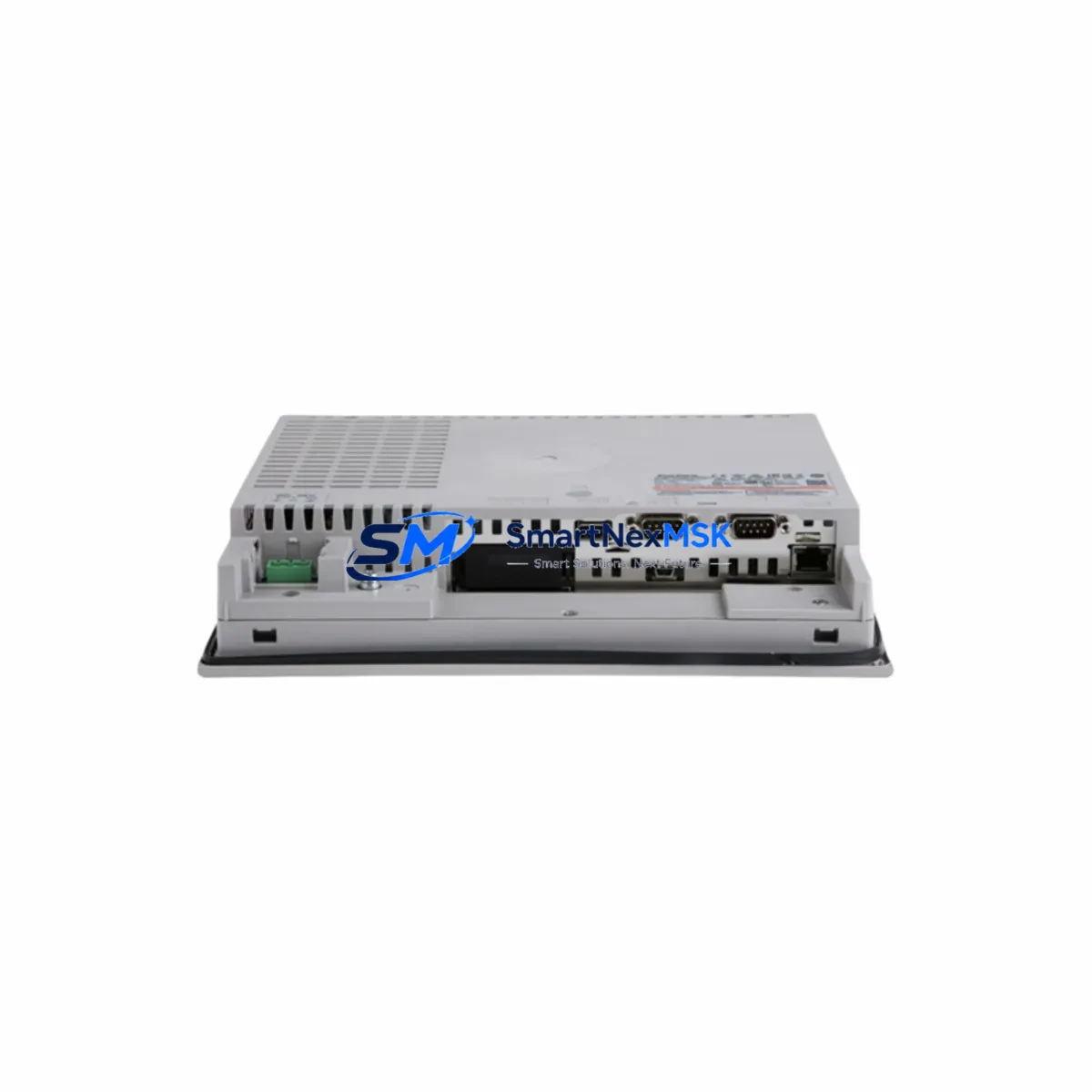
PRO-FACE PFXPB1B1CD20N00N00 Spare for GP4000 Automation: Spare Replacement & Industrial Downtime Risk Control
The PRO-FACE PFXPB1B1CD20N00N00 is an original GP4000 Series HMI Box PC designed for demanding industrial automation environments. As a maintenance-ready spare, this unit enables rapid panel replacement, minimizes unplanned downtime, and ensures continuity of machine operation across manufacturing lines, process control systems, and factory automation cells. Whether you are managing a scheduled overhaul, responding to an emergency panel failure, or building a strategic spare parts inventory, the PFXPB1B1CD20N00N00 delivers the compatibility, reliability, and long-term supply assurance that maintenance and procurement engineers require.
This unit is sourced as an original PRO-FACE component, tested prior to shipment, and backed by a 12-month warranty. It is fully compatible with GP4000 Series installations and serves as a direct replacement for aging or failed HMI Box PC modules in existing control cabinet configurations.
Spare Maintenance Table
| Parameter | Specification |
|---|---|
| SKU / Part Number | PFXPB1B1CD20N00N00 |
| Compatible Alternate SKU | PFXPB1B1CD24D00N00 |
| Brand | PRO-FACE (Schneider Electric) |
| Series | GP4000 Series HMI Box PC |
| Product Type | HMI Box PC (Panel Computer) |
| Origin | Japan |
| Display Interface | External monitor via VGA/DVI (Box PC, no integrated display) |
| Operating System | Windows Embedded Standard (GP-Pro EX compatible) |
| Communication Ports | Ethernet, RS-232C, USB; supports Profibus, DeviceNet, CC-Link via expansion |
| Power Supply Input | 24 VDC (typical GP4000 Series requirement) |
| Mounting | Panel mount / DIN rail compatible enclosure |
| Operating Temperature | 0°C to 50°C |
| Protection Rating | IP65 (front panel) |
| Application Environment | Factory automation, process control, SCADA, machine HMI |
| Compatibility | Direct replacement for GP4000 Series HMI Box PC installations |
| Pre-shipment Testing | Yes — function verified before dispatch |
| Warranty | 12 Months |
| Supply Availability | Long-term spare parts support |
Maintenance Planning for Continuous Operation
When replacing the PFXPB1B1CD20N00N00 in a GP4000 Series control cabinet, a thorough maintenance inspection of the surrounding electrical system is essential to prevent repeat failures and ensure stable resumed operation. Maintenance engineers should treat this replacement as an opportunity for a full control cabinet audit.
Begin by verifying the 24 VDC power supply module feeding the HMI Box PC — voltage ripple, output stability, and connector integrity are common root causes of HMI panel failures. Inspect the power distribution terminal blocks and fuse holders within the cabinet for signs of overheating, loose connections, or blown protection elements. A degraded power rail will shorten the service life of any replacement unit.
Next, audit the Ethernet communication cables and managed switches connecting the GP4000 HMI to the PLC or DCS network. Damaged RJ45 connectors, marginal cable shielding, or misconfigured network switches can cause intermittent communication faults that are often misdiagnosed as HMI hardware failures. If the system uses RS-232C serial communication to legacy PLCs or drives, inspect the serial cable, DB9 connectors, and any signal isolators in the communication loop — these components degrade over time in electrically noisy environments.
For systems using Profibus DP or DeviceNet expansion modules installed in the GP4000 Box PC, confirm that the fieldbus termination resistors are correctly set and that the bus cable is intact. A faulty fieldbus connection will prevent the replacement HMI from communicating with remote I/O stations or drives after installation.
Inspect all I/O wiring harnesses and connector blocks at the rear of the panel. Loose or corroded I/O connectors are a frequent source of signal errors that appear as HMI software faults. If the system includes relay output modules or solid-state relay (SSR) banks controlled via the HMI, verify their switching status and coil voltage before restoring power. Relay contacts in high-cycle applications may require replacement concurrent with the HMI Box PC.
Finally, if the installation includes a GP-Pro EX project file stored on the original unit, ensure the project backup is available before decommissioning the failed panel. Restoring the correct screen project, tag database, and communication driver configuration to the PFXPB1B1CD20N00N00 is a critical step in the replacement workflow. Procurement engineers building spare parts kits for GP4000 installations should also consider stocking a compatible CF card or USB storage device pre-loaded with the project file, alongside the replacement Box PC unit.
Site Replacement Workflow
Step 1 — Isolation & Backup: Power down the control cabinet following site LOTO procedures. Before removing the failed PFXPB1B1CD20N00N00, back up the GP-Pro EX project file from the unit’s internal storage or CF card if the unit is still partially functional. Document all communication port assignments, IP addresses, and fieldbus node IDs.
Step 2 — Physical Removal: Disconnect all cables in sequence — power, Ethernet, serial, USB, and any expansion module connectors. Remove the Box PC from its panel mount or enclosure bracket. Note the orientation and cable routing for reinstallation reference.
Step 3 — Inspection & Cleaning: Before installing the replacement unit, clean the panel cutout and inspect the mounting gasket. Verify that the enclosure maintains its IP65 rating. Check that the ventilation path around the Box PC is unobstructed.
Step 4 — Installation of Replacement Unit: Mount the new PFXPB1B1CD20N00N00 and reconnect all cables in reverse order. Confirm that the 24 VDC power supply output is within specification before applying power to the new unit.
Step 5 — Project Restore & Commissioning: Load the GP-Pro EX project file onto the replacement unit. Verify all communication links — Ethernet, serial, and fieldbus — are established. Confirm that all HMI screens, tag values, and alarm functions operate correctly before returning the system to production.
Step 6 — Documentation: Record the replacement date, new unit serial number, and any configuration changes in the site maintenance log. Update the spare parts inventory to reflect the consumed unit and initiate a reorder to maintain buffer stock.
The PFXPB1B1CD20N00N00 is also a compatible replacement reference for the alternate part number PFXPB1B1CD24D00N00, which shares the same GP4000 Series platform. Maintenance teams managing mixed installations with both SKUs can standardize on a single spare unit to reduce inventory complexity.
Spare Parts Support FAQ
Q1: What is the service life and spare parts availability for the PFXPB1B1CD20N00N00?
The GP4000 Series HMI Box PC has reached end-of-production status from PRO-FACE, but original spare units remain available through authorized industrial spare parts suppliers. SMARTNEXMSK maintains long-term stock of the PFXPB1B1CD20N00N00 to support legacy system maintenance. We recommend procuring at least one buffer unit per production line to avoid extended lead times during emergency replacements.
Q2: How is the PFXPB1B1CD20N00N00 tested before shipment?
Every unit undergoes functional verification prior to dispatch, including power-on testing, communication port checks, and visual inspection for physical damage. Units are shipped with protective packaging to prevent transit damage. A 12-month warranty covers defects in materials and workmanship from the date of delivery.
Q3: Can the PFXPB1B1CD20N00N00 directly replace the PFXPB1B1CD24D00N00 in an existing installation?
Both SKUs are based on the GP4000 Series HMI Box PC platform and share the same mechanical form factor and communication architecture. Compatibility should be verified against the specific GP-Pro EX project version and communication driver configuration used in your installation. Contact our technical team with your project file version and PLC model for a compatibility confirmation before ordering.
Q4: What information should I provide when ordering a spare PFXPB1B1CD20N00N00?
To ensure the correct unit is supplied, please provide: the full part number (PFXPB1B1CD20N00N00), the GP-Pro EX software version in use, the connected PLC or DCS model, and any expansion modules installed in the Box PC. This allows our team to confirm compatibility and, where required, pre-configure the unit before shipment to minimize your on-site commissioning time.
© 2026 SMARTNEXMSK. All rights reserved.
Original Source: https://smartnexmsk.com
Contact: [email protected] | +86 18259474341