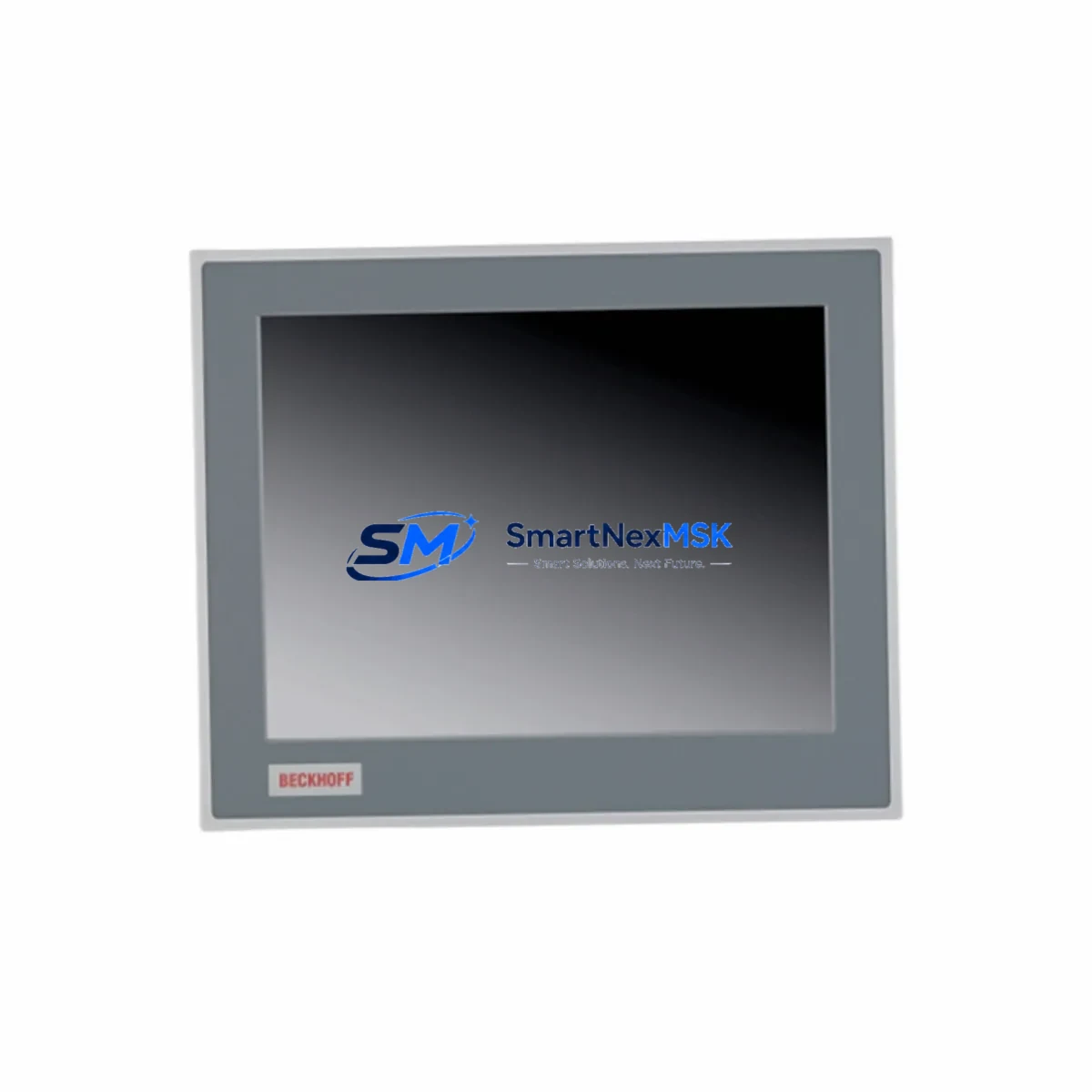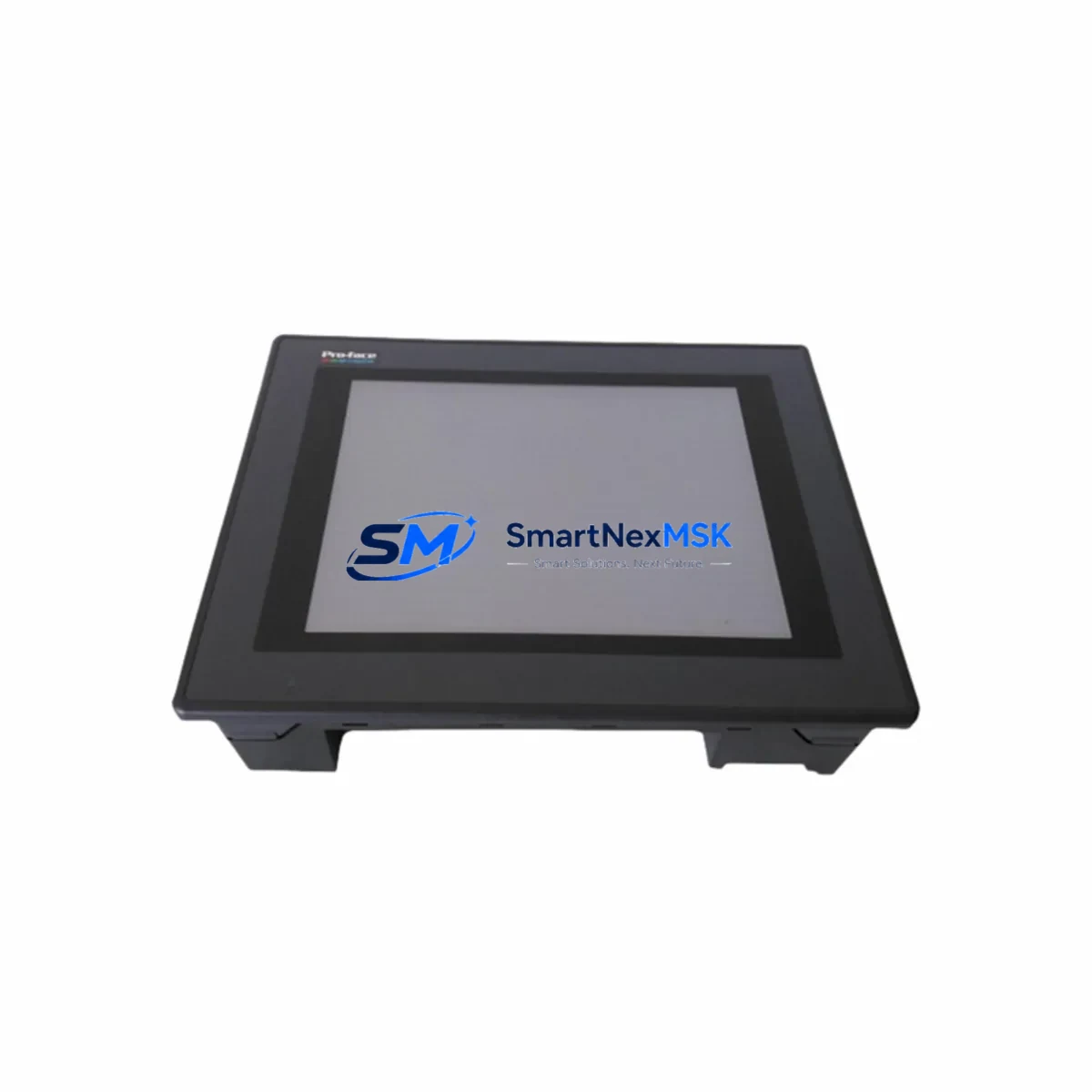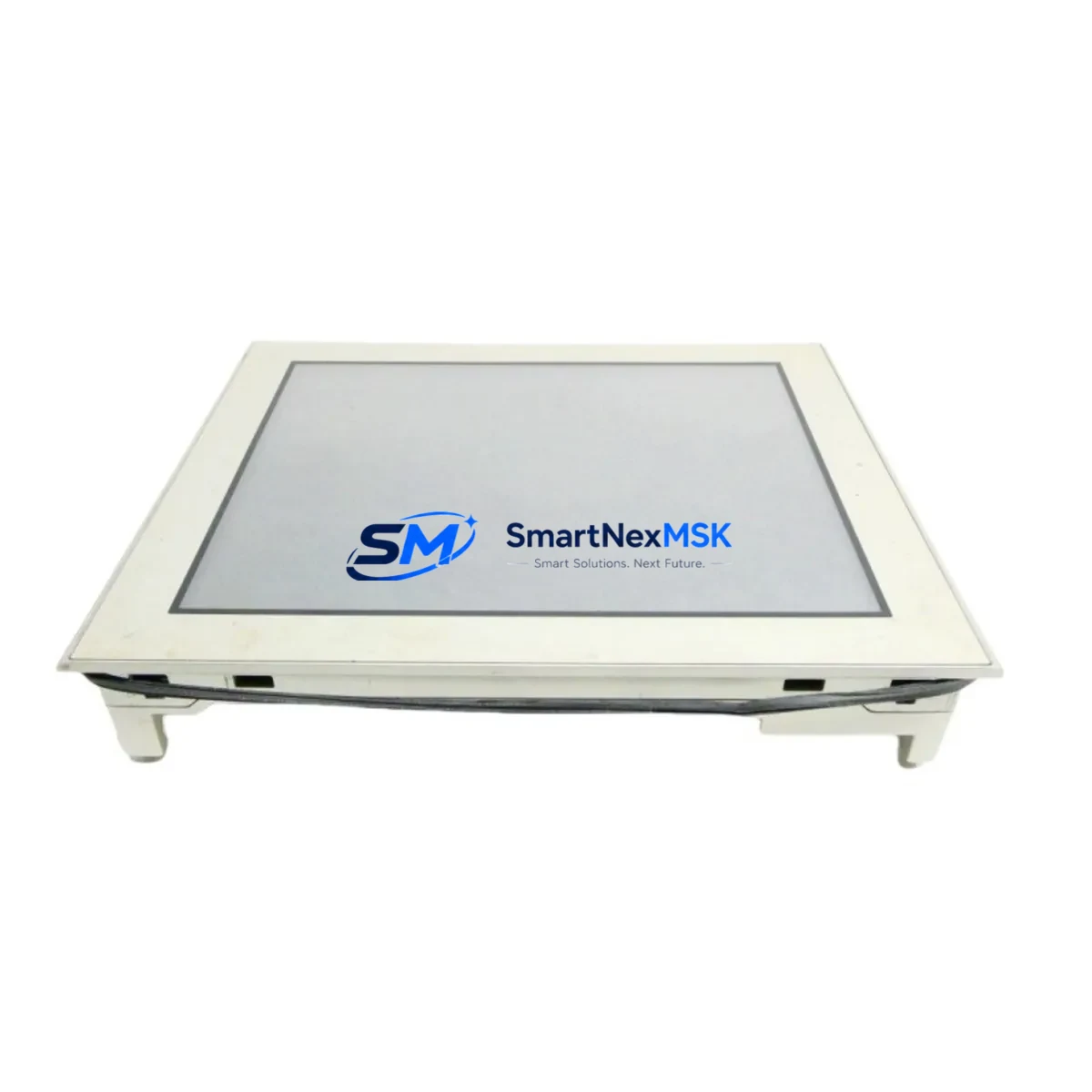
Pro-face AGP3600-T1-D24 Retrofit-Ready HMI for AGP3600 Control Systems
The Pro-face AGP3600-T1-D24 is a high-performance Human Machine Interface (HMI) touch panel engineered for seamless integration into existing AGP3600 Series control architectures. As legacy automation systems approach end-of-life and OEM support for discontinued models becomes increasingly scarce, the AGP3600-T1-D24 provides a verified, drop-in retrofit solution that preserves your existing wiring infrastructure, screen project files, and communication topology — minimizing engineering rework and unplanned downtime.
Designed for industrial environments where control continuity is non-negotiable, this unit supports direct replacement of obsolete AGP3600 variants across a wide range of manufacturing, process control, and machine automation applications. Whether you are upgrading a legacy control cabinet, migrating from an end-of-support panel, or restoring a critical production line, the AGP3600-T1-D24 delivers the compatibility and reliability your operation demands.
Upgrade Compatibility Table
| Parameter | Details |
|---|---|
| Replacement Target | Pro-face AGP3600 Series (discontinued variants) |
| Display Interface | TFT LCD Touch Panel, 24VDC Power Input |
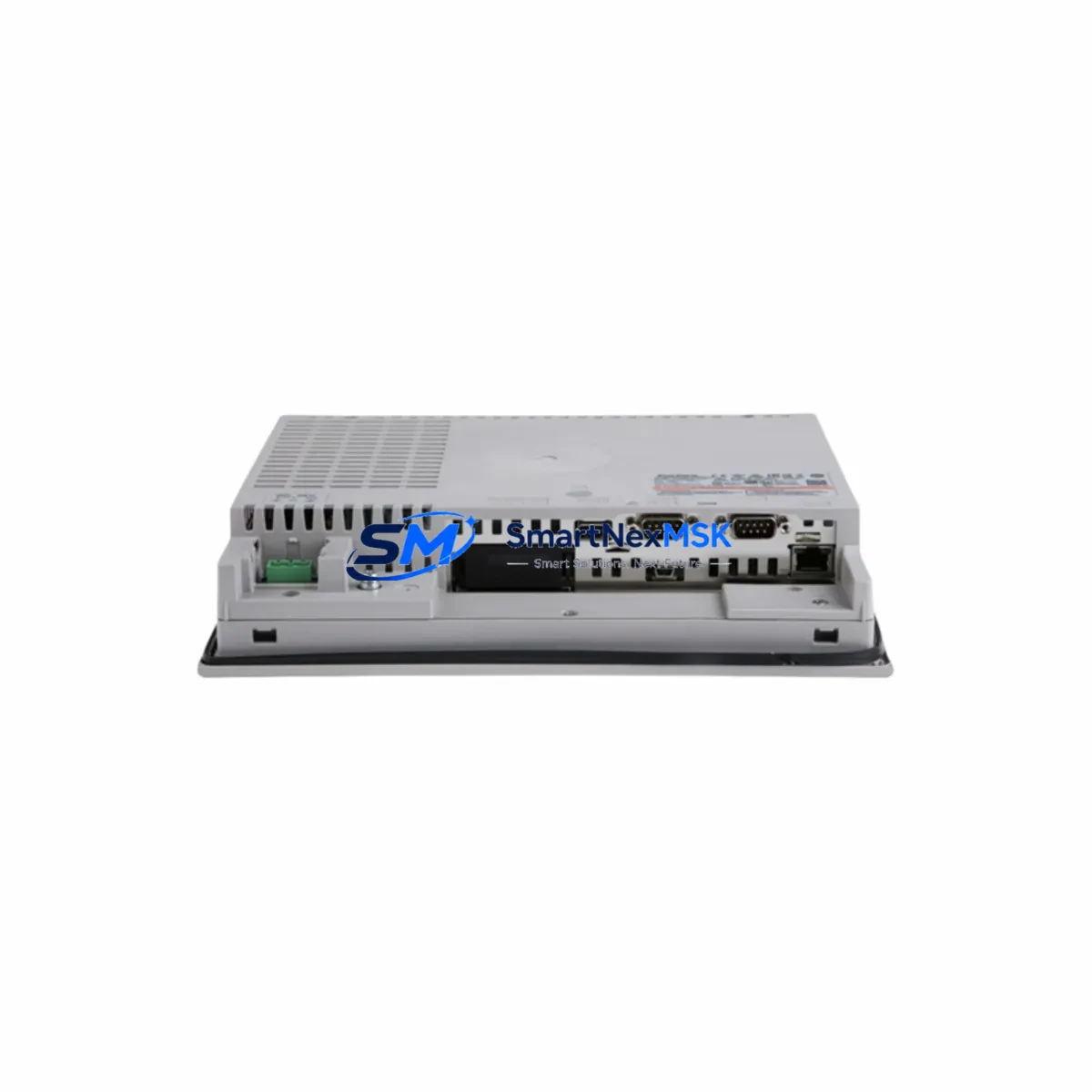
| Communication Ports | RS-232C, RS-422/485, Ethernet (varies by firmware) |
| Mounting Compatibility | Panel cutout compatible with AGP3600 Series standard dimensions |
| Programming Software | GP-Pro EX (screen project migration supported) |
| Protocol Compatibility | Modbus RTU/TCP, PROFIBUS DP (via adapter), Ethernet/IP |
| Installation Requirement | Verify terminal block pinout against existing wiring diagram before installation |
| Commissioning Note | Re-upload GP-Pro EX project; verify tag addresses and alarm thresholds post-swap |
| Warranty | 12-Month Warranty — covers manufacturing defects and functional failures |
Retrofit Planning for Existing Automation Systems
A successful AGP3600-T1-D24 retrofit begins well before the panel arrives on-site. Engineers should pull the original wiring diagram and cross-reference the 24VDC power supply terminals, COM port assignments, and Ethernet port configuration against the replacement unit’s terminal layout. In most AGP3600 Series installations, the power supply module feeding the HMI is a dedicated 24VDC rail — confirm that the existing power supply unit (PSU) can sustain the inrush current of the new panel without voltage sag.
For systems running serial communication links — such as RS-232C or RS-422/485 connections to a PLC CPU or remote I/O rack — verify that the baud rate, parity, stop bits, and station address settings in the GP-Pro EX project match the connected controller’s port configuration. In AGP3600 Series deployments commonly paired with Mitsubishi MELSEC Q-Series PLCs or Omron CJ-Series controllers, the communication driver settings are stored within the GP-Pro EX screen project and must be re-validated after any hardware swap.
Where the legacy system uses a backplane-mounted I/O expansion rack — such as a remote I/O unit connected via DeviceNet or CC-Link — the HMI’s network node address must be re-confirmed to avoid address conflicts. If the control cabinet also houses a communication gateway module bridging legacy fieldbus protocols to modern Ethernet/IP or PROFINET, ensure the gateway’s IP address table is updated to reflect any changes in the HMI’s network identity.
Screen project migration from an older AGP3600 variant to the AGP3600-T1-D24 is handled through GP-Pro EX’s hardware conversion wizard. Most tag mappings, alarm lists, trend displays, and recipe data blocks transfer cleanly, though engineers should audit any device-type-specific function blocks that may reference deprecated hardware addresses. Analog input scaling, PID loop display screens, and motor control interlock pages are common areas requiring post-migration verification.
For control cabinets that also contain a programming cable interface — such as the CA3-USBCB1 USB-to-serial adapter used for direct GP-Pro EX download — confirm that the cable driver is installed on the engineering workstation before beginning the screen upload. Having a spare CF card or USB memory loaded with the validated project file provides a fast recovery path if the primary download method encounters issues during commissioning.
Downtime Control During System Migration
Minimizing production downtime during an HMI swap requires a structured pre-outage preparation protocol. Before taking the line down, back up the existing screen project from the AGP3600 panel using GP-Pro EX’s upload function and store a verified copy on both the engineering workstation and a removable USB drive. Photograph or document all terminal wiring connections, DIP switch positions, and communication port settings on the outgoing unit.
During the physical swap, work systematically: disconnect power, remove the panel from the cutout, transfer terminal blocks in sequence, and seat the AGP3600-T1-D24 into the same cutout without modification. Reconnect power and communication cables in reverse order. On first power-up, the unit will boot to a blank project state — immediately upload the pre-validated GP-Pro EX project file to restore all HMI screens, tag bindings, and alarm configurations.
Conduct a point-to-point communication test with the connected PLC or DCS controller before releasing the line. Verify that all I/O status displays, setpoint entry screens, and alarm annunciator pages respond correctly to live process signals. Where the system includes a SCADA link or historian connection, confirm that the HMI’s data logging tags are transmitting correctly before declaring the migration complete. A structured commissioning checklist — covering power-up, communication link, screen navigation, alarm acknowledgment, and data logging — ensures no functional gaps are left undetected before production resumes.
Retrofit Support FAQ
Q1: Is the AGP3600-T1-D24 a direct drop-in replacement for other AGP3600 Series models?
In most cases, yes. The AGP3600-T1-D24 shares the same panel cutout dimensions and 24VDC power input as other AGP3600 Series variants. However, you should verify the communication port configuration (RS-232C vs. RS-422/485) and confirm that your GP-Pro EX project’s hardware type setting is updated to match the T1-D24 model before downloading the screen project.
Q2: Can I reuse my existing GP-Pro EX screen project without rebuilding from scratch?
Yes. GP-Pro EX includes a hardware conversion utility that migrates screen projects between AGP3600 Series models. Tag addresses, alarm settings, and display pages are preserved in most cases. Post-migration, audit any device-specific function blocks and re-test all communication links before returning the system to production.
Q3: What wiring changes are required during installation?
In standard AGP3600 Series retrofits, no wiring changes are required if the replacement unit uses the same terminal block layout. Confirm the 24VDC power terminals, FG (frame ground) connection, and COM port pinout against the original wiring diagram. If the communication interface differs (e.g., RS-232C to RS-422/485), a wiring adapter or cable modification may be needed.
Q4: What does the 12-month warranty cover?
The 12-month warranty covers manufacturing defects and functional failures under normal operating conditions. Each unit undergoes pre-shipment functional testing including power-up verification, touch panel calibration, and communication port continuity checks. Warranty claims are supported with replacement or repair, subject to inspection. Contact our team at [email protected] for warranty registration and claim procedures.
© 2026 SMARTNEXMSK. All rights reserved.
Original Source: https://smartnexmsk.com
Contact: [email protected] | +86 18259474341