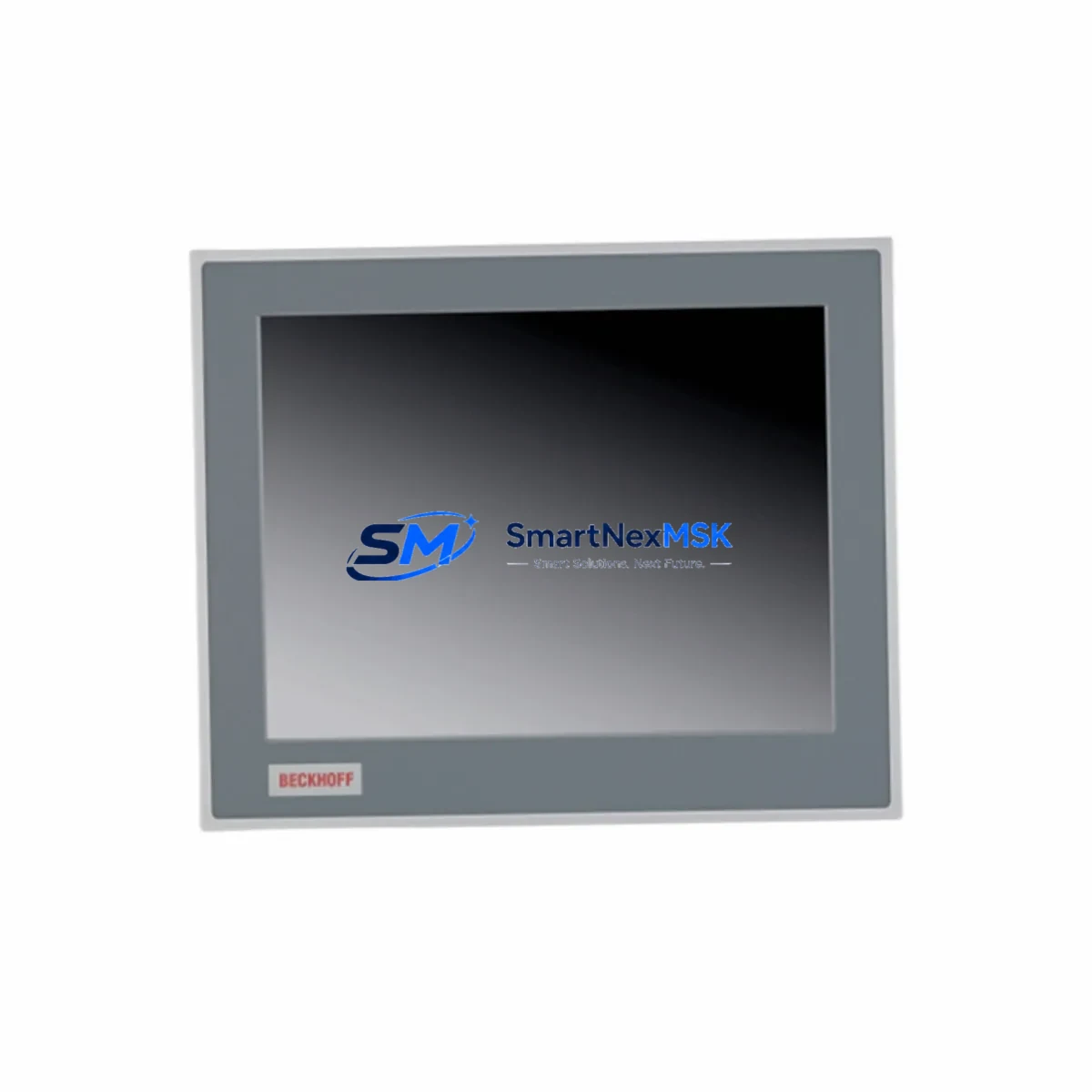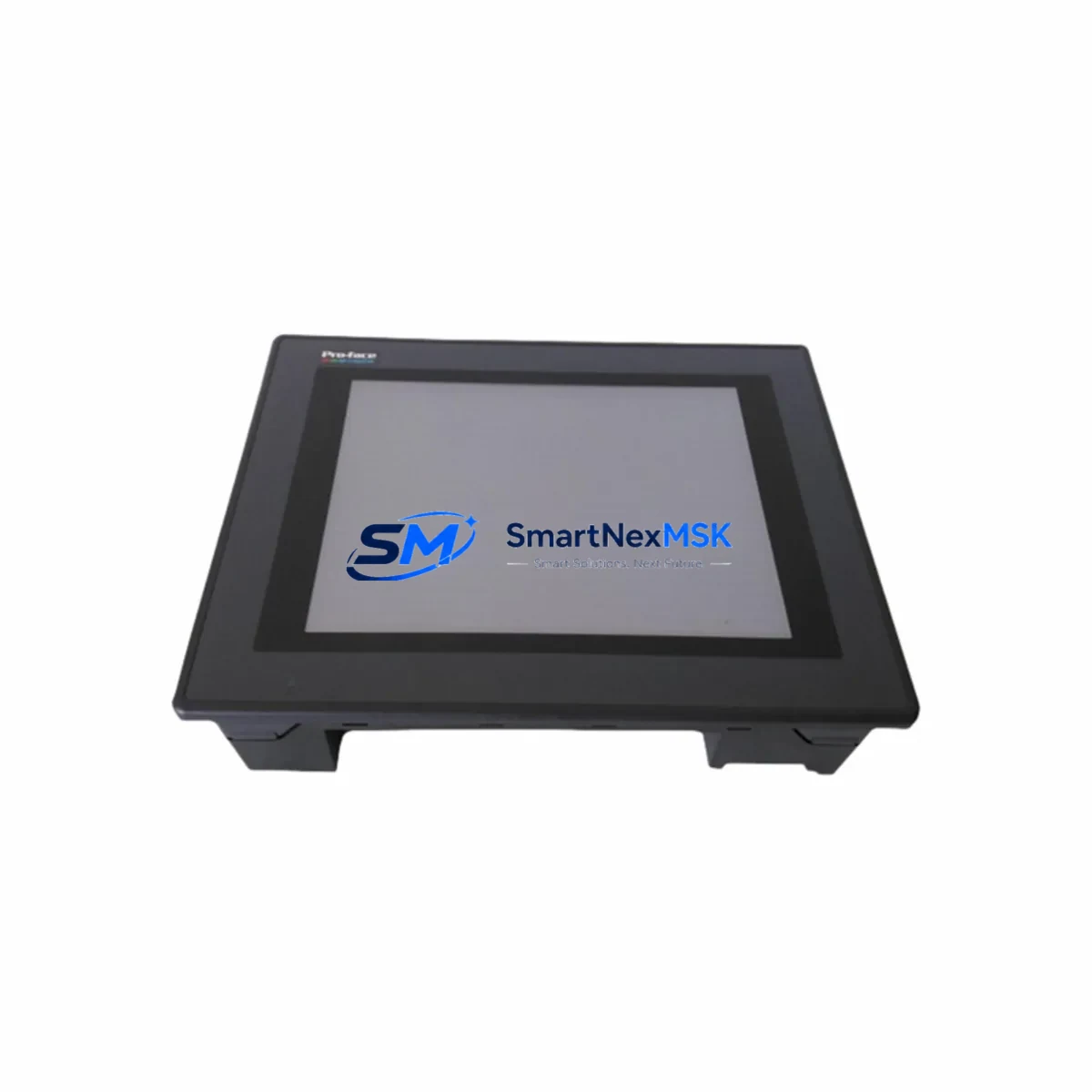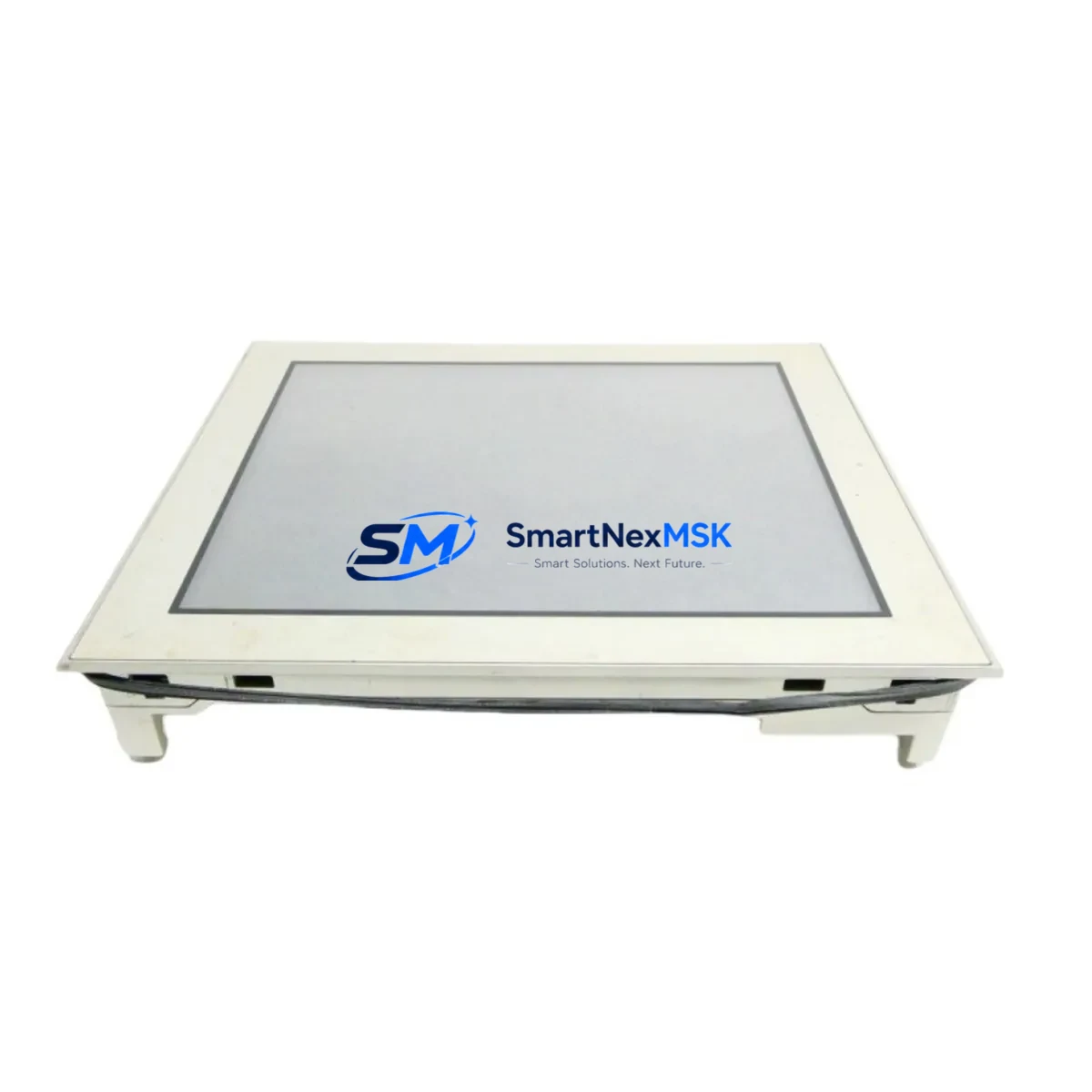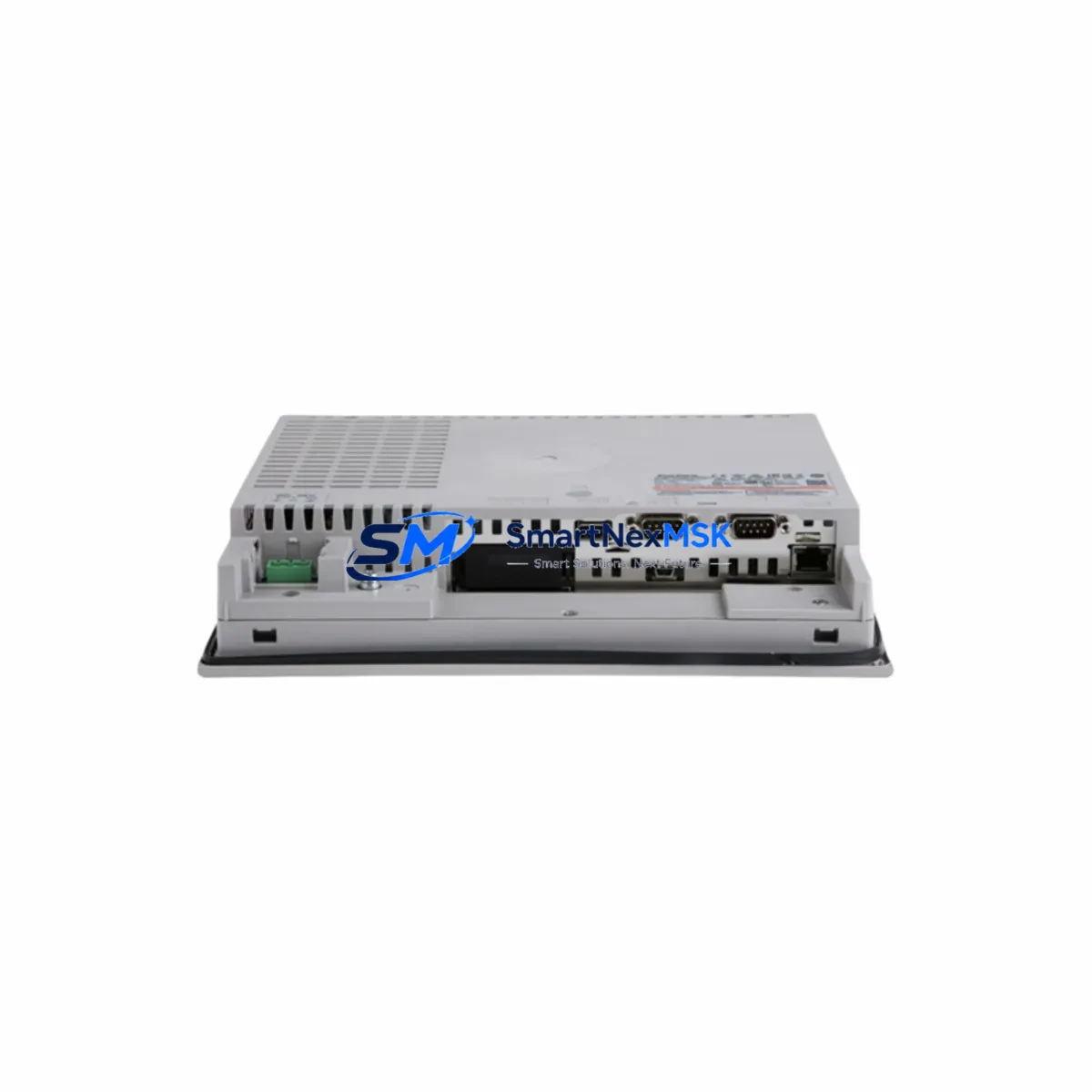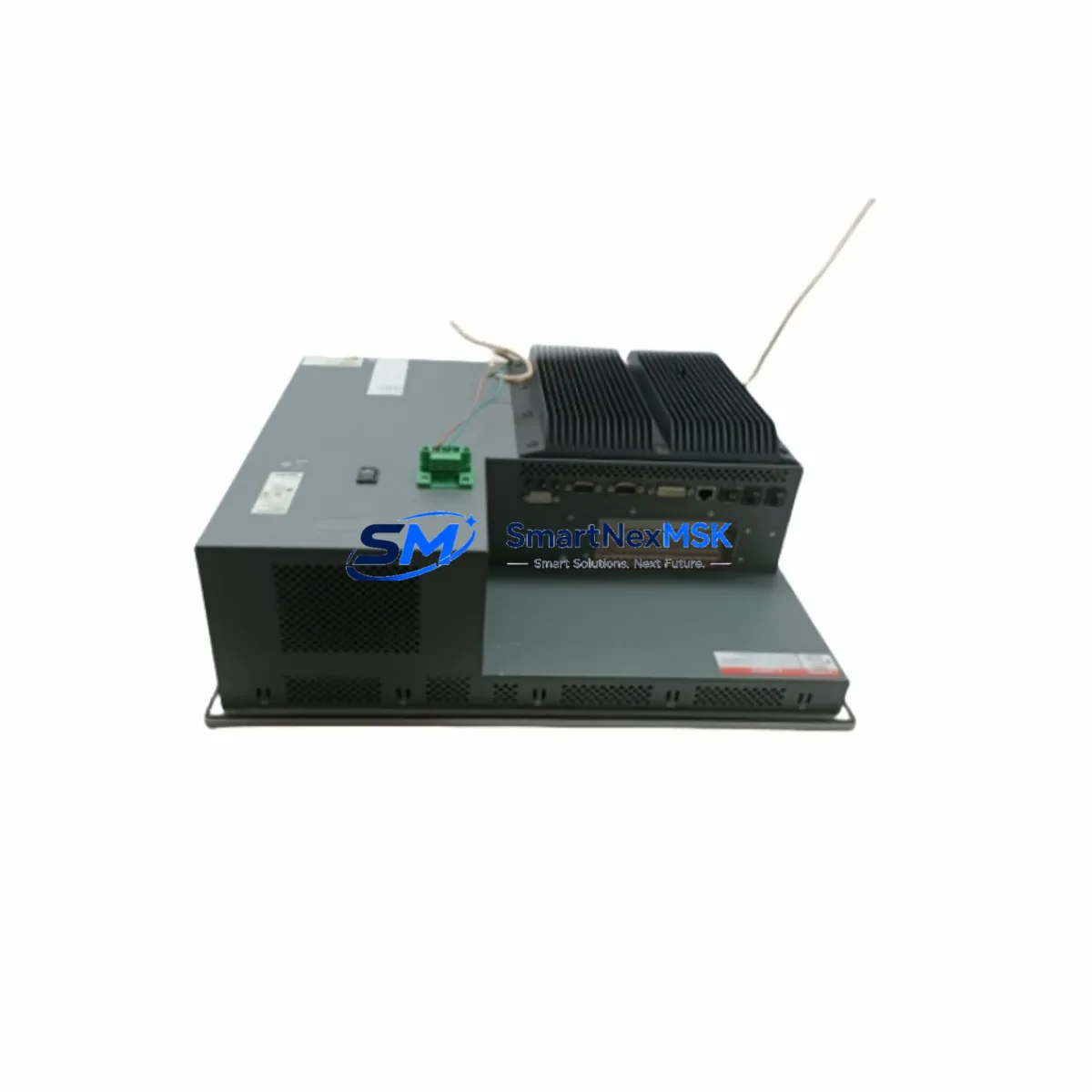
Pro-face PFXPP161EA25P00G00 Retrofit-Ready HMI for SP5000 Control Systems
The Pro-face PFXPP161EA25P00G00 is a high-performance Human Machine Interface (HMI) panel engineered for seamless integration into SP5000 series control architectures. Designed with legacy system modernization in mind, this unit serves as a direct retrofit replacement for aging GP3000 and GP4000 series panels that have reached end-of-life or are no longer supported under active maintenance contracts. Whether your facility is executing a phased control system upgrade, recovering from an unplanned panel failure, or migrating from a discontinued platform, the PFXPP161EA25P00G00 delivers the compatibility, communication flexibility, and operational continuity your production environment demands.
Industrial facilities running legacy Pro-face GP-PRO/PBIII or GP-Pro EX projects will find that the PFXPP161EA25P00G00 supports project migration with minimal rework. The panel retains backward-compatible screen object libraries and tag address structures, significantly reducing the engineering hours required to adapt existing HMI programs. Before commissioning, engineers should verify the GP-Pro EX software version used to compile the original project, confirm that all device driver packages for the connected PLC or DCS are available in the target software release, and validate that custom macro scripts and alarm history configurations transfer correctly to the new hardware environment.
For facilities operating Mitsubishi MELSEC Q-series or iQ-R series PLCs, Siemens S7-300/S7-400 controllers, or Omron CJ/CS-series CPUs alongside their Pro-face HMI infrastructure, the PFXPP161EA25P00G00 maintains full driver compatibility across these platforms. Communication links via Ethernet/IP, Modbus TCP/RTU, PROFIBUS DP, and serial RS-232C/RS-422/RS-485 are all supported, allowing the panel to slot into existing network topologies without requiring gateway devices or protocol converters in most standard retrofit scenarios.
When planning a retrofit involving the PFXPP161EA25P00G00, the following system components typically require coordinated review: the 24VDC power supply module feeding the HMI panel (verify output current capacity meets the panel’s rated consumption), the terminal block wiring harness connecting to the control cabinet backplane, the Ethernet switch or managed hub serving the HMI network segment, and any CF card or USB storage media used for recipe data, alarm logs, or screen transfer operations. If the existing installation uses a Pro-face GP4000 series unit with a built-in CF card slot, confirm that data migration procedures are completed before decommissioning the legacy panel.
Facilities that rely on PROFIBUS DP networks connecting field devices such as Siemens ET 200S distributed I/O stations, Phoenix Contact Inline I/O modules, or Beckhoff EtherCAT terminal blocks should verify that the PFXPP161EA25P00G00’s PROFIBUS interface is configured with the correct station address and baud rate to match the existing network master settings. Address conflicts during commissioning are among the most common causes of extended downtime in HMI retrofit projects and can be avoided through pre-migration network audits.
For control cabinets that house both the HMI panel and associated components such as a Pro-face GP-4301TW or GP-4501TW auxiliary display, a Moxa NPort serial device server, or a Weidmuller terminal marking system, panel cutout dimensions and DIN rail mounting configurations should be verified against the PFXPP161EA25P00G00 mechanical specification sheet prior to ordering. The unit’s front-panel bezel dimensions and rear-mount depth are critical parameters when retrofitting into existing enclosures with limited clearance.
Upgrade Compatibility Table
| Parameter | Legacy Unit (GP3000 / GP4000) | PFXPP161EA25P00G00 (SP5000) | Retrofit Notes |
|---|---|---|---|
| Display Interface | TFT LCD, varies by model | High-brightness TFT LCD | Verify panel cutout dimensions before installation |
| Communication Ports | RS-232C / RS-422 / Ethernet (model-dependent) | Ethernet/IP, Modbus TCP/RTU, PROFIBUS DP, RS-232C/422/485 | Multi-protocol support eliminates most gateway requirements |
| Power Supply | 24VDC nominal | 24VDC nominal | Confirm PSU current capacity; upgrade if marginal |
| Programming Software | GP-PRO/PBIII or early GP-Pro EX | GP-Pro EX (current release) | Project migration required; validate macro and tag compatibility |
| Mounting | Panel-mount, rear-mount bracket | Panel-mount, rear-mount bracket | Check rear-depth clearance in existing enclosure |
| Storage Media | CF card (GP4000) / internal flash | USB / SD card / internal flash | Migrate recipe and alarm log data before decommissioning legacy unit |
| PLC Compatibility | Mitsubishi, Siemens, Omron, Rockwell (driver-dependent) | Mitsubishi, Siemens, Omron, Rockwell, Schneider, and others | Confirm driver package version in GP-Pro EX before commissioning |
| Warranty | Manufacturer warranty (expired on legacy units) | 12-Month Warranty | Covered from date of shipment; includes functional testing |
Retrofit Planning for Existing Automation Systems
A successful retrofit using the PFXPP161EA25P00G00 begins with a structured pre-migration audit of the existing control system. Start by documenting all communication links currently active on the legacy HMI, including PLC driver types, IP addresses or station addresses, baud rates, and data block mappings. This audit should extend to every connected device on the HMI network segment — including Mitsubishi Q06UDEHCPU or iQ-R series CPU modules, Omron NJ/NX series controllers, Siemens S7-400 racks with CP 443-1 Ethernet modules, and any Rockwell ControlLogix L7x processors sharing the same Ethernet/IP network.
Within the control cabinet, identify all terminal blocks, cable trays, and wiring harnesses that interface with the legacy HMI panel. The PFXPP161EA25P00G00 uses standard M3 screw terminal connections for its serial communication ports; verify that existing cable assemblies are compatible or plan for re-termination. If the cabinet includes a Pro-face GP-4301TW secondary display or a dedicated Pro-face LT3000 series compact HMI for auxiliary monitoring, confirm that the SP5000 platform can serve as the master HMI for both display nodes under the GP-Pro EX multi-display configuration.
For systems that include distributed I/O expansion via PROFIBUS DP — such as Siemens ET 200M racks with SM 321/SM 322 digital I/O modules or Phoenix Contact IB IL 24 DI 16 inline modules — the PFXPP161EA25P00G00’s PROFIBUS interface must be configured as a Class 1 master or slave consistent with the existing network role of the legacy panel. Confirm GSD file versions and ensure the new panel’s firmware supports the I/O module profiles in use on the network.
Power distribution within the cabinet should also be reviewed. If the existing 24VDC rail is shared between the HMI panel, a Wago 750-352 fieldbus coupler, a Moxa EDS-308 managed Ethernet switch, and multiple I/O modules, calculate the total current draw to confirm the power supply module has sufficient headroom after the PFXPP161EA25P00G00 is added. Undersized power supplies are a frequent root cause of intermittent HMI resets and communication timeouts in retrofitted systems.
Downtime Control During System Migration
Minimizing production downtime during an HMI retrofit requires a phased approach that preserves the original control logic and field device communication throughout the transition. Before removing the legacy GP3000 or GP4000 panel, complete a full backup of the existing HMI project using GP-Pro EX’s project export function, and store the backup on both a local workstation and an external USB drive. If the legacy unit uses a CF card for recipe storage, copy all recipe files and alarm history logs to a secure location before powering down.
Where production schedules permit, perform the physical panel swap during a planned maintenance window rather than in response to an unplanned failure. Pre-stage the PFXPP161EA25P00G00 by loading the migrated GP-Pro EX project, configuring all communication parameters, and completing a bench-level functional test against a simulator or offline PLC before bringing the unit to the production floor. This approach allows the engineering team to resolve software compatibility issues, tag address mismatches, and screen rendering anomalies in a controlled environment rather than under production pressure.
During the physical installation, label all communication cables before disconnection and photograph the existing wiring configuration for reference. Reconnect cables to the PFXPP161EA25P00G00 in the same sequence, verify Ethernet link status LEDs, and confirm PLC communication is established before releasing the system to operators. Conduct a structured walkthrough of all HMI screens with the operations team to verify that alarm setpoints, trend displays, and recipe parameters are correctly represented on the new panel. Document the completed retrofit in the facility’s maintenance management system and retain the 12-month warranty certificate for the PFXPP161EA25P00G00 in the equipment file.
Retrofit Support FAQ
Q: Can the PFXPP161EA25P00G00 directly replace a Pro-face GP-4501TW or GP-4301TW without hardware modification?
A: In most cases, yes — the SP5000 series shares the same panel-mount form factor family as the GP4000 series, but panel cutout dimensions and rear-depth clearance must be verified against the specific enclosure. Communication wiring is generally compatible, though serial cable pinouts should be confirmed against the PFXPP161EA25P00G00 port specification before reconnection.
Q: What commissioning steps are required after installing the PFXPP161EA25P00G00?
A: After physical installation, verify 24VDC power supply voltage at the panel terminals, confirm Ethernet link status, establish PLC communication using the configured driver, and perform a full screen navigation test covering all HMI pages. Validate alarm acknowledgment functions, recipe read/write operations, and any custom macro scripts included in the migrated project. Log all commissioning results before returning the system to production.
Q: Is the PFXPP161EA25P00G00 compatible with Modbus RTU devices connected via RS-485?
A: Yes. The PFXPP161EA25P00G00 supports Modbus RTU over RS-485 through its serial communication ports. Configure the baud rate, data bits, stop bits, and parity settings in GP-Pro EX to match the existing Modbus device parameters. If the legacy HMI was acting as a Modbus master polling multiple slave devices, the same polling configuration can be replicated in the SP5000 project with minimal modification.
Q: What does the 12-month warranty cover, and how is it claimed?
A: The 12-month warranty covers manufacturing defects and functional failures under normal operating conditions from the date of shipment. Each unit undergoes pre-shipment functional testing to verify display, communication port operation, and power input performance. To initiate a warranty claim, contact [email protected] with the order reference number, unit serial number, and a description of the observed fault. Replacement or repair will be coordinated within the warranty period at no additional charge.
© 2026 SMARTNEXMSK. All rights reserved.
Original Source: https://smartnexmsk.com
Contact: [email protected] | +86 18259474341