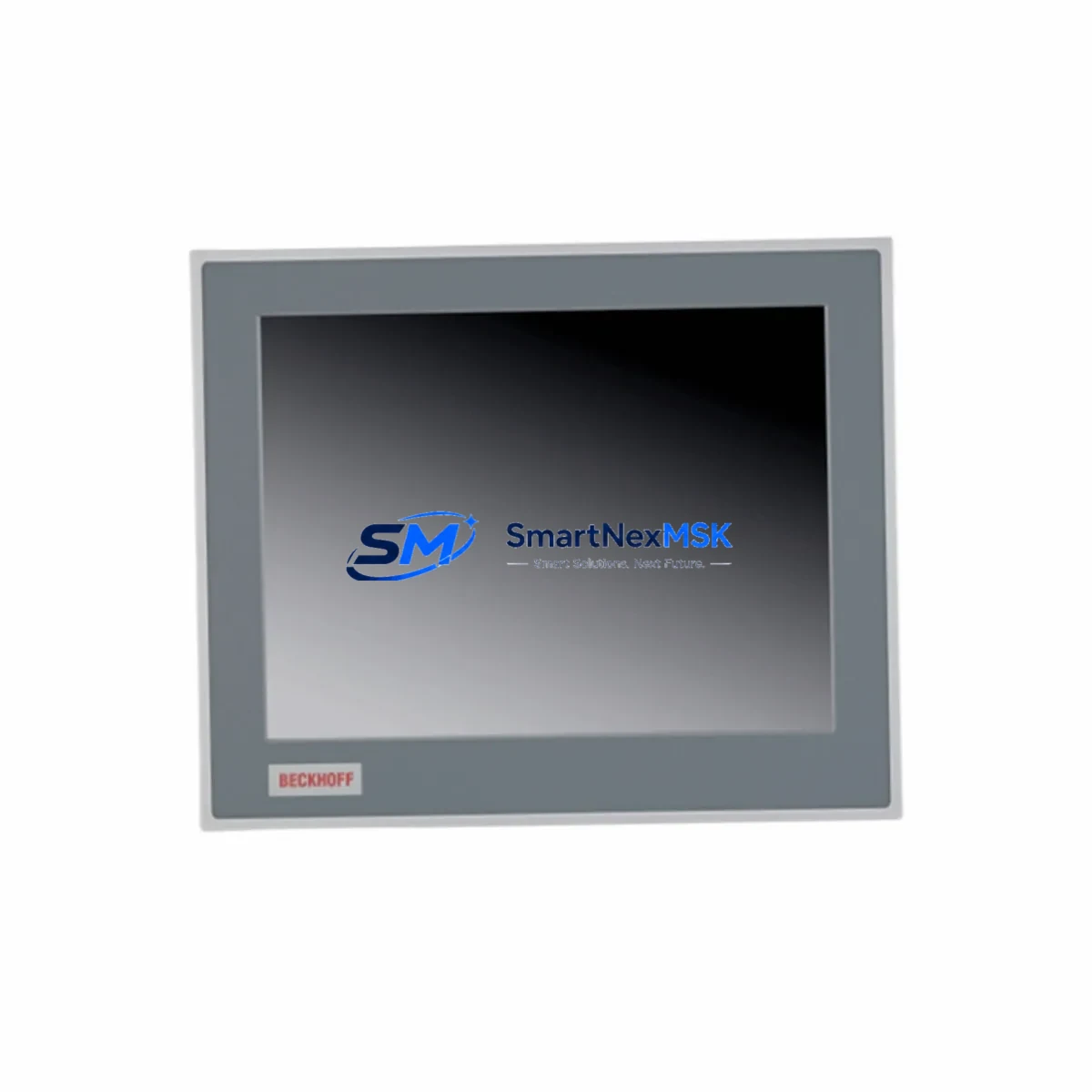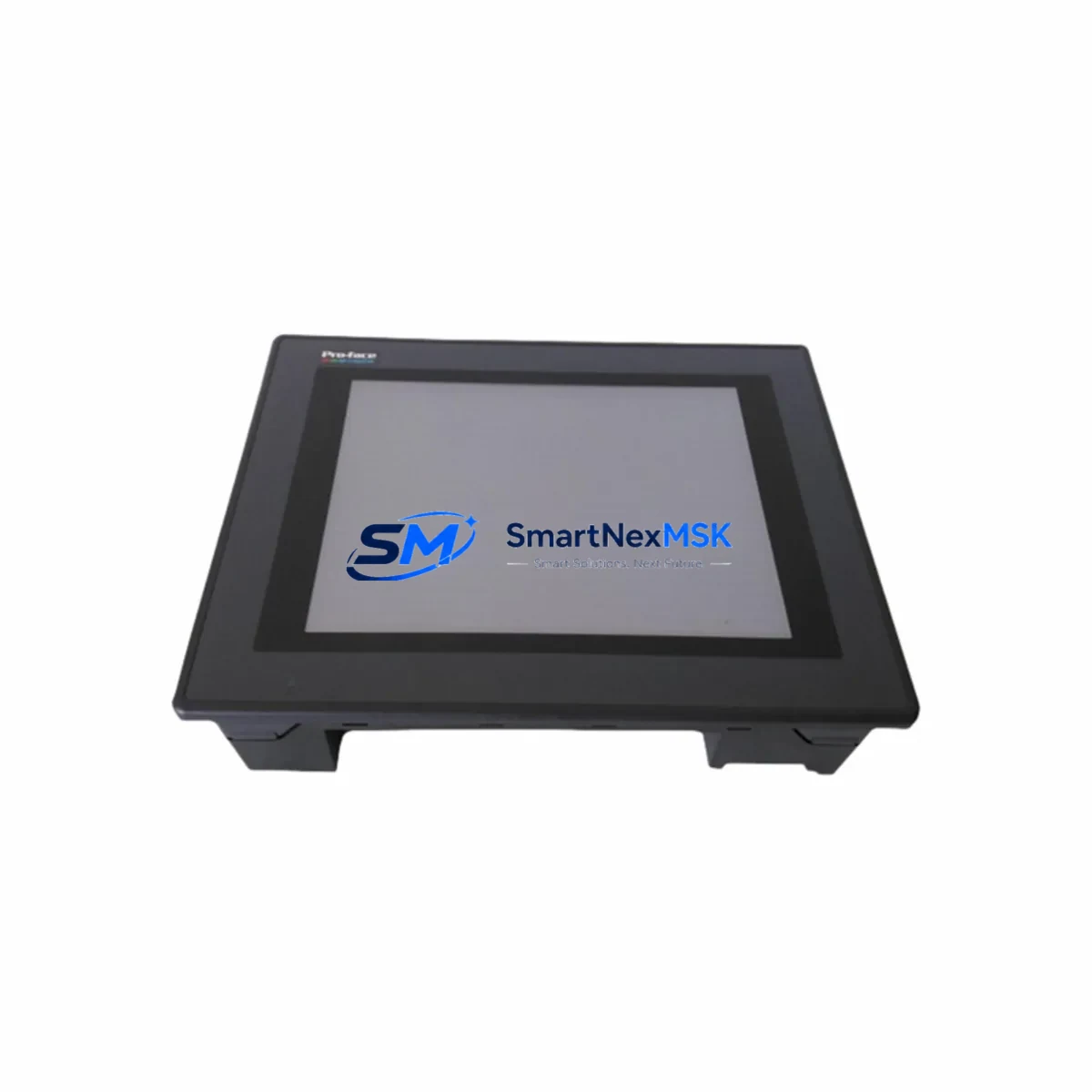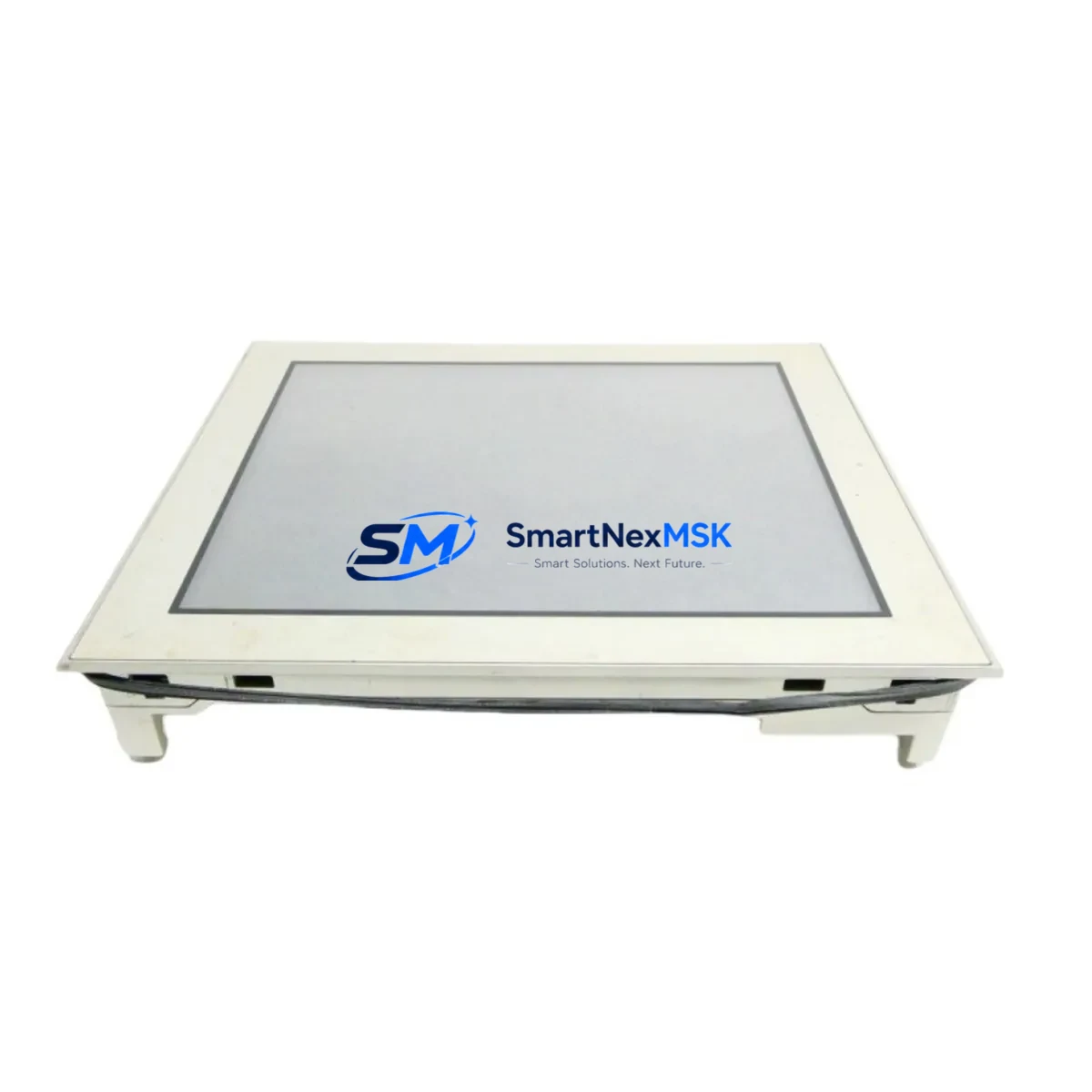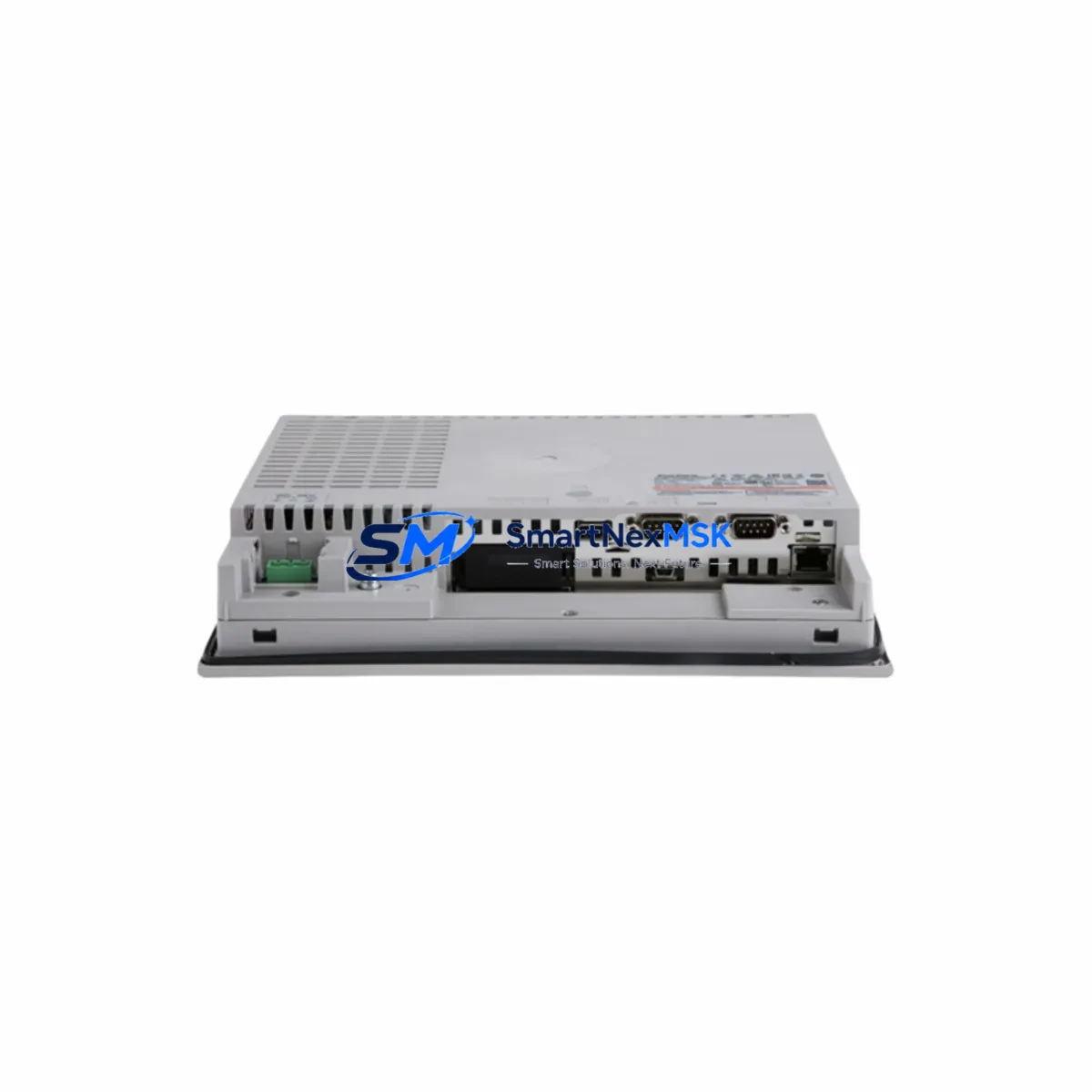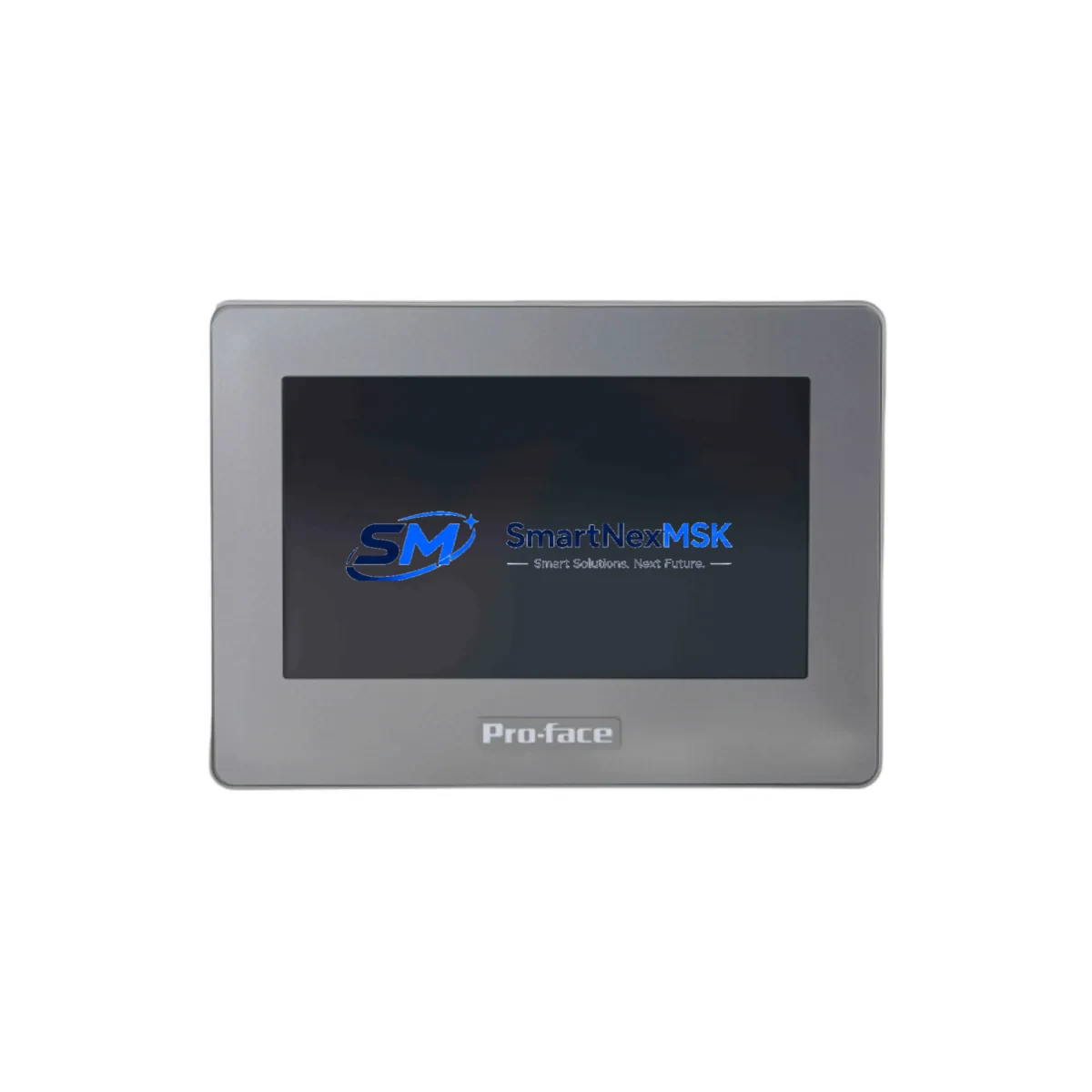
Pro-face GP4100 Maintenance-Ready Spare for GP4100 Series Automation
In continuous manufacturing and process-critical environments, unplanned HMI downtime can cascade into full production stoppages within minutes. The Pro-face GP4100 is a proven operator interface terminal widely deployed across factory automation, water treatment, food processing, and discrete manufacturing control cabinets. When a GP4100 unit fails — whether from display degradation, touchscreen unresponsiveness, backlight failure, or communication dropout — having a verified, ready-to-ship replacement in your spare parts inventory is the single most effective strategy for minimizing mean time to repair (MTTR).
SMARTNEXMSK maintains in-stock inventory of the Pro-face GP4100, sourced as original units and subject to pre-shipment functional testing. Each unit is verified for display integrity, touch calibration, communication port operation, and power-on self-test before dispatch. This ensures that maintenance engineers receive a field-ready replacement, not a unit that requires additional bench testing upon arrival.
Spare Maintenance Table
| Parameter | Specification |
|---|---|
| Model / SKU | GP4100 (Pro-face GP4100 Series) |
| Product Type | HMI Operator Touch Panel |
| Series | GP4100 Series |
| Manufacturer | Pro-face (Schneider Electric / Digital Electronics) |
| Origin | Japan |
| Display Type | TFT Color LCD Touch Panel |
| Communication Ports | RS-232C / RS-422/485, Ethernet (model-dependent) |
| Power Supply | 24 VDC (typical GP4100 series input) |
| Operating Temperature | 0°C to 50°C |
| Storage Temperature | -20°C to 60°C |
| Protection Rating | IP65 (front panel, panel-mount installation) |
| Compatibility | GP4100 Series; backward-compatible with GP3000 Series projects via GP-Pro EX |
| Programming Software | GP-Pro EX (Pro-face) |
| Warranty | 12 Months — covers manufacturing defects, functional failure under normal operating conditions |
| Condition | Original, pre-shipment tested |
| Availability | In stock — long-term supply commitment |
Maintenance Planning for Continuous Operation
Replacing a Pro-face GP4100 in a live control cabinet is rarely an isolated task. Experienced maintenance engineers understand that an HMI failure is often symptomatic of broader electrical stress in the panel — and a planned replacement is the right moment to inspect and, where necessary, replace adjacent components before the next failure event.
The GP4100 operates on a 24 VDC supply rail shared with other panel devices. Before installing a replacement unit, verify the output voltage and ripple of the 24V DC power supply module feeding the HMI circuit. Voltage sag or excessive ripple is a leading cause of premature HMI failure and display anomalies. If the power supply is aging or undersized, replacing it concurrently with the GP4100 prevents a repeat failure within weeks.
Communication integrity is equally critical. The GP4100 typically connects to PLCs — such as Mitsubishi MELSEC Q-series or FX-series, Omron CP/CJ-series, or Siemens S7-series — via RS-232C, RS-422/485, or Ethernet. During replacement, inspect the communication cable connectors and shielding for corrosion or mechanical damage. A degraded RS-485 cable or a loose RJ45 connector can cause intermittent communication errors that are difficult to diagnose after the HMI is reinstalled.
For panels using serial communication, signal isolators installed between the GP4100 and the PLC communication port protect both devices from ground loop interference and surge events — particularly important in environments with variable-frequency drives (VFDs) or large motor starters nearby. If a signal isolator is not already present in the circuit, this is the recommended time to add one.
Relay output modules and I/O terminal blocks adjacent to the HMI mounting position should also be inspected during the replacement procedure. Loose terminal screws, oxidized contacts on relay modules, and cracked terminal block housings are common findings during planned HMI maintenance windows. Addressing these during the same maintenance event avoids a secondary unplanned outage.
If the control cabinet includes a PLC CPU module — such as a Mitsubishi Q06UDEH or an Omron CJ2M-CPU — verify that the PLC program and HMI screen data are backed up before disconnecting the GP4100. GP-Pro EX project files should be archived and version-controlled as part of the site’s maintenance documentation. This ensures that if the replacement HMI requires re-flashing, the correct project version is immediately available without delay.
For sites running older GP3000 Series HMIs alongside GP4100 units, the GP-Pro EX software supports project migration, allowing maintenance teams to standardize on GP4100 hardware while preserving existing screen logic. This simplifies spare parts inventory management by reducing the number of distinct HMI models held in stock.
Ethernet-connected GP4100 units should have their IP address, subnet mask, and gateway settings documented in the site’s network register before replacement. Reconfiguring network parameters on a new unit without this documentation can extend downtime unnecessarily. Where managed switches are used in the control network, verify port configuration and VLAN assignments are compatible with the replacement unit.
Site Replacement Workflow
A structured replacement workflow minimizes downtime and reduces the risk of configuration errors during GP4100 swap-out:
Step 1 — Pre-Replacement Preparation: Obtain the GP-Pro EX project file for the affected HMI. Confirm the firmware version currently running on the failed unit (if accessible). Prepare the replacement GP4100 by loading the correct project file and verifying screen navigation and PLC communication in a bench test environment before taking it to site.
Step 2 — Safe Isolation: Follow site lockout/tagout (LOTO) procedures. Isolate the 24 VDC supply to the HMI circuit. Disconnect communication cables, labeling each connector to ensure correct reconnection. Remove the failed GP4100 from the panel cutout.
Step 3 — Inspection Window: With the panel open, inspect the 24V power supply output, communication cable condition, terminal block integrity, and any adjacent relay or I/O modules. Replace any components showing signs of wear, corrosion, or thermal stress.
Step 4 — Installation and Commissioning: Install the replacement GP4100 into the panel cutout. Reconnect communication cables and power. Restore the 24 VDC supply and verify the HMI powers on correctly. Confirm PLC communication is established and all screen functions operate as expected. Document the replacement in the site maintenance log.
Step 5 — Post-Replacement Verification: Run the process through a full operational cycle to confirm HMI data display, alarm acknowledgment, and operator control functions are fully restored. Update the spare parts inventory record to reflect the consumed unit and initiate a reorder to maintain minimum stock levels.
This workflow is applicable whether the GP4100 is installed in a standalone machine control panel, a distributed control cabinet, or a centralized SCADA operator station. The same structured approach reduces average replacement time and ensures that the replacement unit performs reliably from first power-on.
Spare Parts Support FAQ
Q1: What does the 12-month warranty cover for the GP4100?
The 12-month warranty covers manufacturing defects and functional failures under normal operating conditions, including display failure, touchscreen malfunction, communication port failure, and power input faults. It does not cover damage resulting from incorrect installation voltage, physical impact, or exposure to conditions outside the rated operating range. Warranty claims are supported by SMARTNEXMSK directly — contact [email protected] with the unit serial number and fault description.
Q2: How is the GP4100 tested before shipment?
Each GP4100 unit undergoes a pre-shipment functional test covering power-on self-test, display and backlight verification, touchscreen calibration check, and communication port continuity. Units that do not pass all test criteria are not dispatched. A test record is available upon request for quality-critical procurement processes.
Q3: Is the GP4100 compatible with existing GP3000 Series HMI projects?
GP-Pro EX supports project migration from GP3000 Series to GP4100 Series hardware. In most cases, existing screen projects can be converted and loaded onto the GP4100 with minor adjustments for display resolution differences. SMARTNEXMSK recommends verifying the converted project on a bench unit before deploying to a live production environment. Contact our technical team for migration guidance specific to your project.
Q4: Can SMARTNEXMSK support long-term supply of the GP4100 for multi-site maintenance programs?
Yes. SMARTNEXMSK maintains committed inventory of the GP4100 and can support blanket purchase orders, scheduled delivery programs, and multi-site spare parts kitting. For maintenance programs requiring guaranteed stock availability across 12–36 month horizons, contact [email protected] to discuss a supply agreement. Long-term supply commitments help maintenance teams avoid the risk of sourcing delays when the GP4100 reaches end-of-production status.
—
© 2026 SMARTNEXMSK. All rights reserved.
Original Source: https://smartnexmsk.com
Contact: [email protected] | +86 18259474341