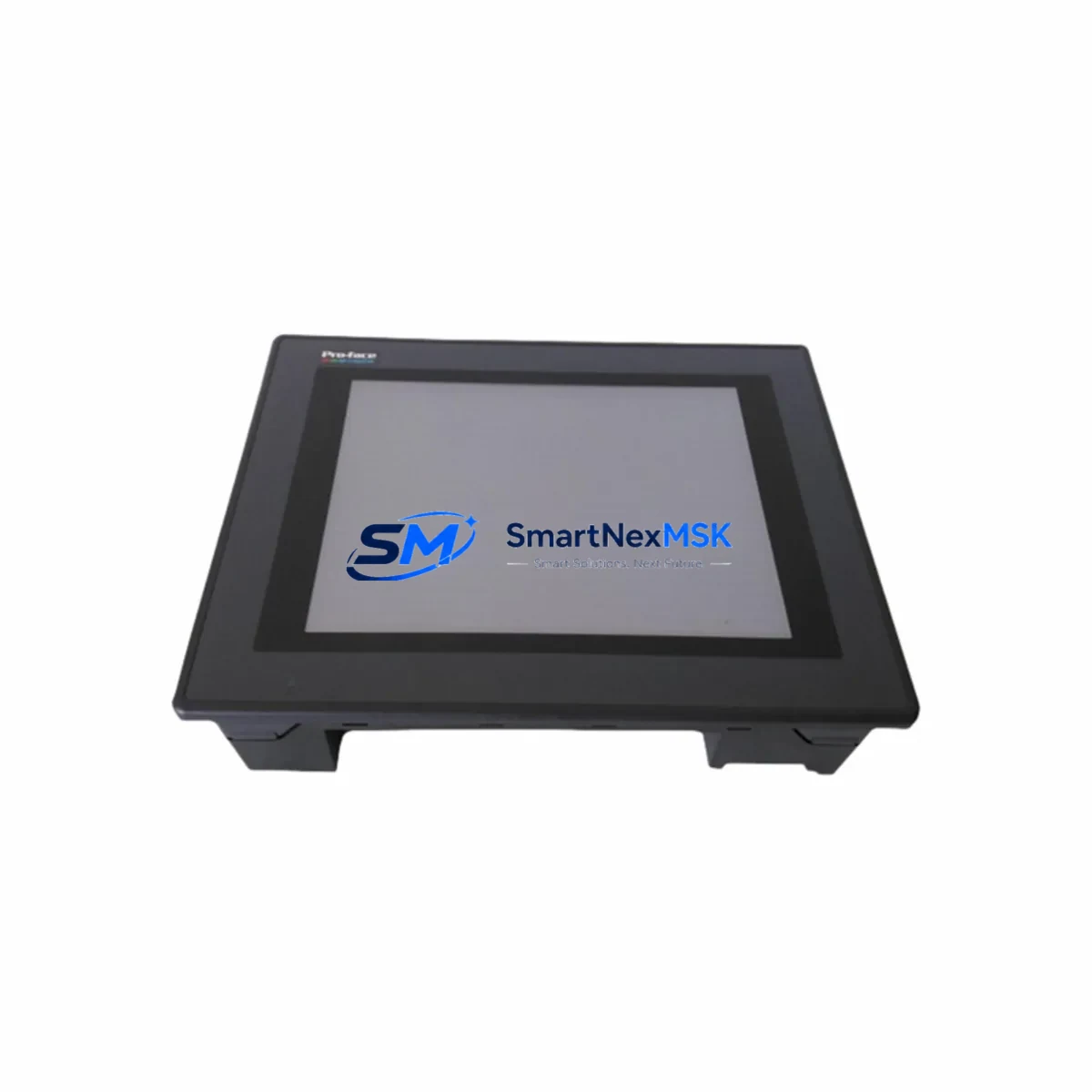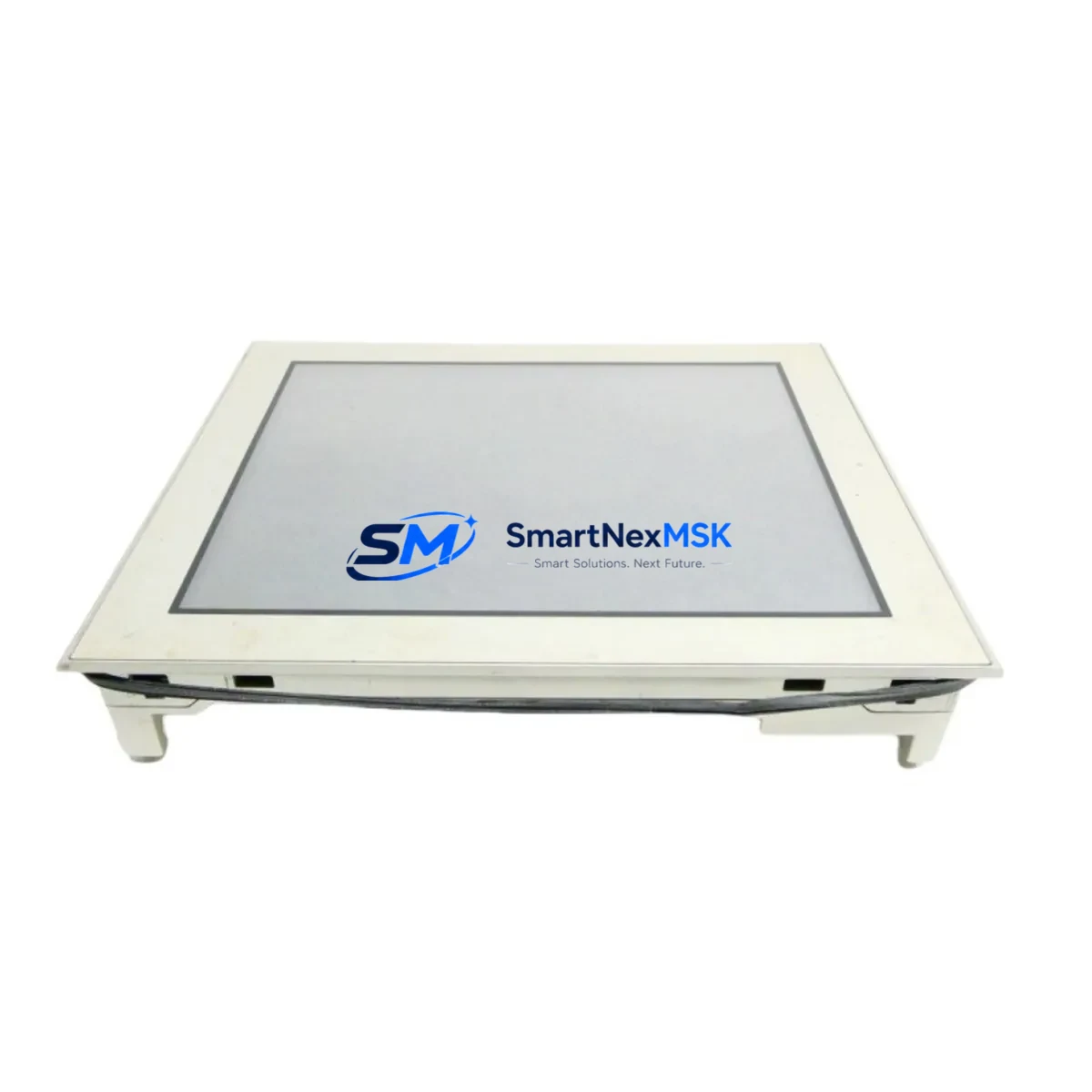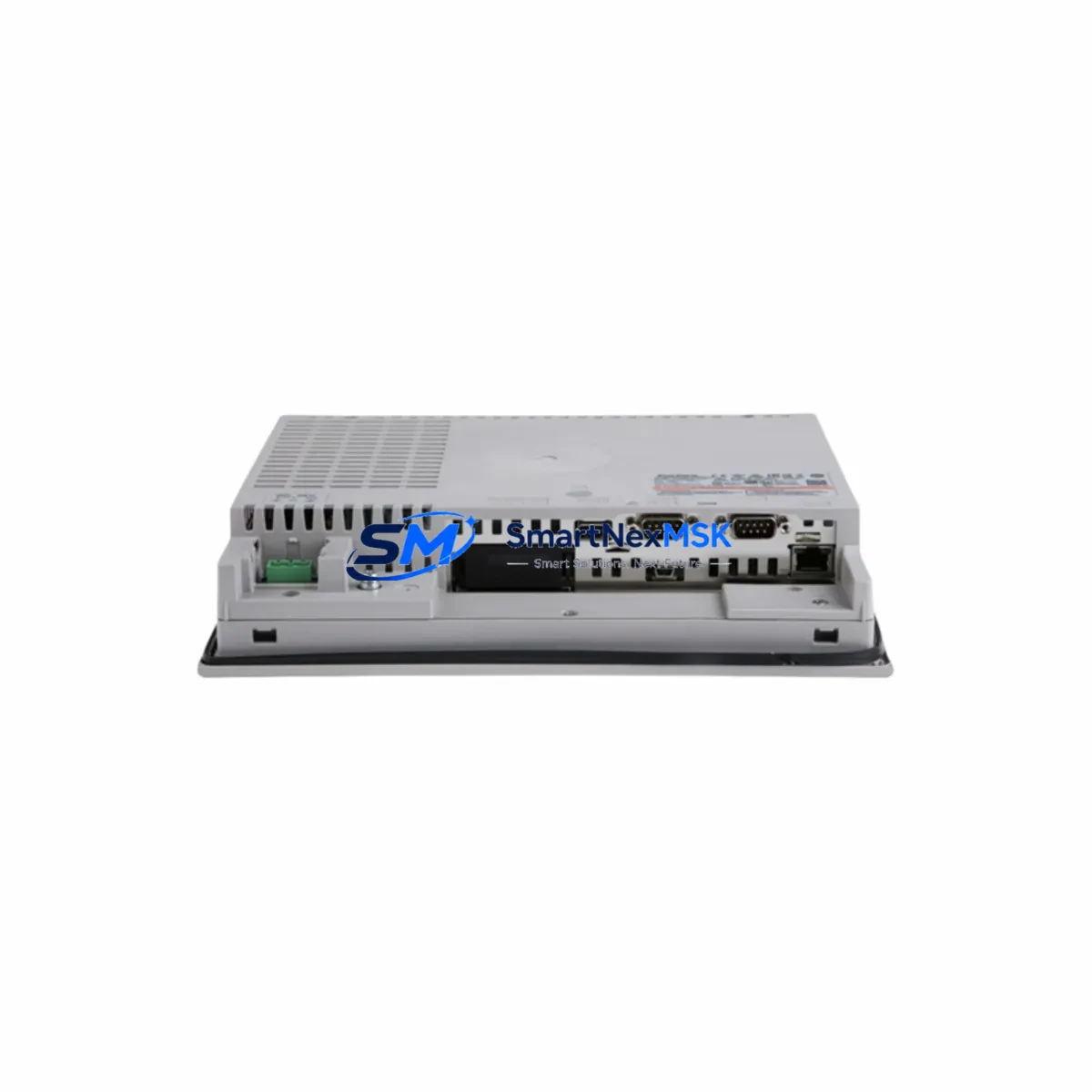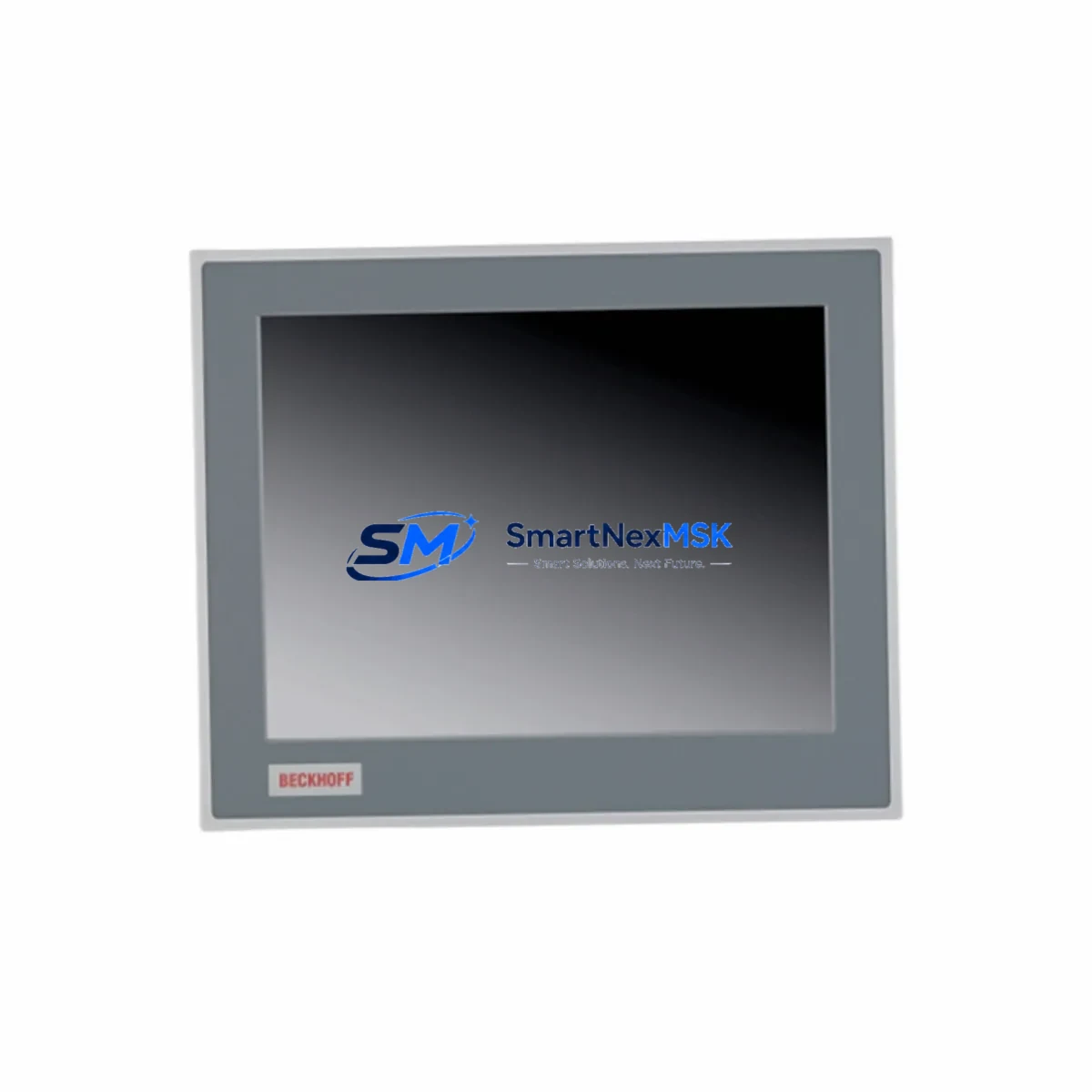
Pro-face PFXPP170CA86K00N00 Maintenance-Ready Spare for SP5000 Automation
Unplanned downtime in industrial automation environments carries significant operational and financial risk. The Pro-face PFXPP170CA86K00N00 is a 17-inch resistive touchscreen industrial panel PC from the SP5000 Series, widely deployed as the primary HMI interface in manufacturing lines, process control cabinets, and machine tool automation systems. Sourced as an original spare, this unit is verified for compatibility, tested prior to shipment, and backed by a 12-month warranty — making it a reliable choice for both emergency replacement and planned maintenance stock.
Maintenance engineers and procurement teams managing aging SP5000-based control systems understand the challenge: the original HMI is discontinued or lead times from the OEM are unacceptably long. Holding a verified spare of the PFXPP170CA86K00N00 in your parts inventory eliminates that risk entirely. Whether you are responding to a screen failure mid-shift or executing a scheduled control cabinet overhaul, this unit ships ready for immediate installation with no firmware reconfiguration required when replacing a like-for-like unit.
Spare Maintenance Table
| Parameter | Specification |
|---|---|
| Model / SKU | PFXPP170CA86K00N00 |
| Brand | Pro-face (Schneider Electric Group) |
| Series | SP5000 Series Industrial Panel PC |
| Display Size | 17-inch TFT LCD |
| Touch Technology | Resistive Touchscreen |
| CPU Platform | Intel Atom / Celeron (SP5000 platform) |
| OS Compatibility | Windows Embedded Standard 7 / WES7 |
| Communication Interfaces | Ethernet (RJ45), USB, RS-232/422/485, DVI |
| Protection Rating | IP65 (front panel) |
| Operating Temperature | 0°C to 50°C |
| Power Supply Input | 24 VDC (nominal) |
| Country of Origin | Japan |
| Compatibility | Direct replacement for SP5000 series panel PC installations |
| Condition | Original spare — new or refurbished-to-spec |
| Pre-shipment Testing | Power-on, display, touch calibration, and communication port verification |
| Warranty | 12 Months |
| Typical Application | HMI replacement, control cabinet upgrade, machine tool automation, process visualization |
| Maintenance Recommendation | Inspect mounting gasket, clean resistive surface, verify 24 VDC supply stability before installation |
Maintenance Planning for Continuous Operation
When a PFXPP170CA86K00N00 panel PC requires replacement, experienced maintenance engineers treat the event as an opportunity to audit the surrounding control architecture. A failed or degraded HMI rarely exists in isolation — the root cause often traces back to upstream power quality, communication faults, or environmental stress affecting adjacent components.
Before or during replacement of this unit, the following components in the same control cabinet or electrical loop should be inspected and, where appropriate, included in the spare parts order:
- 24 VDC Power Supply Module (e.g., Pro-face SP5000 series power adapter or equivalent DIN-rail PSU): Verify output voltage stability under load. Voltage sag or ripple is a leading cause of HMI display corruption and unexpected reboots.
- Ethernet Communication Switch or Hub: The PFXPP170CA86K00N00 relies on Ethernet for SCADA connectivity and PLC data exchange. Inspect the managed switch for port errors, CRC faults, and firmware currency.
- RS-232 / RS-485 Serial Communication Cables and Connectors: Serial links to PLCs or field devices degrade over time due to vibration and thermal cycling. Replace any cables showing insulation wear or intermittent continuity.
- Pro-face SP5000 Series Backplane or Expansion Unit (if installed): Inspect the backplane connector for oxidation and confirm secure seating of all expansion cards.
- I/O Terminal Blocks and Wiring Harnesses: Loose or corroded terminal connections on adjacent I/O modules can introduce ground loops that affect HMI signal integrity.
- Signal Isolators and Surge Protectors: Industrial environments with variable-frequency drives (VFDs) or heavy motor loads generate electrical noise. Verify that signal isolators on analog input channels are functioning correctly.
- UPS or Battery Backup Module: If the control cabinet relies on a UPS for graceful shutdown, test battery capacity and replace if below 80% rated capacity — a weak UPS can cause abrupt power loss that corrupts the HMI operating system.
- Fuse Holders and Circuit Protection: Inspect all fuses in the 24 VDC distribution circuit. Replace any fuse showing signs of thermal stress or discoloration.
- DVI or Video Output Cable (if an external display is connected): Verify cable integrity and connector locking to prevent intermittent display loss.
- USB Peripheral Devices and Hubs: USB keyboards, barcode scanners, or memory sticks connected to the panel PC should be tested for compatibility with the replacement unit’s USB controller.
Proactive inspection of these components during a planned HMI replacement significantly reduces the probability of a secondary failure within the same maintenance window, protecting both uptime and maintenance budget.
Site Replacement Workflow
Replacing the PFXPP170CA86K00N00 in an active production environment requires a structured approach to minimize downtime and ensure system continuity:
- Pre-replacement backup: Export the current HMI project file from the existing unit using Pro-face GP-Pro EX or equivalent software. Store the backup on a verified USB drive and a network share. Confirm the project version matches the replacement unit’s OS and runtime environment.
- Power isolation: Follow LOTO (Lockout/Tagout) procedures. Isolate the 24 VDC supply to the panel PC. Verify zero energy state with a calibrated multimeter before disconnecting any cables.
- Cable labeling and disconnection: Label all Ethernet, serial, USB, and power connectors before removal. Photograph the wiring configuration for reference. Disconnect in reverse order of installation.
- Mechanical removal and installation: Remove the panel PC from the cutout. Inspect the mounting gasket — replace if compressed or cracked to maintain IP65 integrity. Install the replacement PFXPP170CA86K00N00 and torque mounting clamps to specification.
- Reconnection and power-on: Reconnect all cables per the labeled reference. Apply 24 VDC power. Verify display initialization, touch calibration, and communication link establishment with the connected PLC or DCS.
- Project restore and functional test: Load the backed-up HMI project. Execute a full functional test covering all screen pages, alarm displays, data logging, and remote access functions before returning the system to production.
This workflow is compatible with both like-for-like replacement of an identical PFXPP170CA86K00N00 and migration from an older SP5000 variant, ensuring system compatibility is maintained without requiring PLC program modifications.
Spare Parts Support FAQ
Q1: What is the shelf life of the PFXPP170CA86K00N00 spare, and how should it be stored?
When stored in original packaging in a climate-controlled environment (10°C–30°C, relative humidity below 70%, non-condensing), the PFXPP170CA86K00N00 maintains full operational readiness for 3–5 years. Avoid storage near strong magnetic fields or sources of electrostatic discharge. Inspect the unit annually and power it on for a brief functional check to verify battery-backed RTC and display health.
Q2: How is compatibility with my existing SP5000 system verified before shipment?
Each unit undergoes pre-shipment testing covering power-on initialization, display brightness and uniformity, resistive touch calibration, and communication port continuity (Ethernet, USB, RS-232). The firmware and OS version are documented and provided with the shipment. If your application requires a specific GP-Pro EX runtime version or custom BIOS setting, please specify at the time of order so the unit can be pre-configured accordingly.
Q3: Can this unit replace older or discontinued SP5000 variants in my control cabinet?
The PFXPP170CA86K00N00 is designed as a direct mechanical and electrical replacement within the SP5000 platform. For installations using earlier SP5000 models with different OS versions or communication card configurations, a compatibility review is recommended. Our technical team can assist with cross-reference verification to confirm fit, form, and function before shipment, minimizing the risk of on-site incompatibility.
Q4: What does the 12-month warranty cover, and what is the support process?
The 12-month warranty covers manufacturing defects, component failures under normal operating conditions, and DOA (dead-on-arrival) units. It does not cover damage resulting from incorrect installation, overvoltage, physical impact, or unauthorized modification. In the event of a warranty claim, contact our support team with the order reference and a description of the fault. Replacement or repair is initiated within 5 business days of fault confirmation. Extended warranty and long-term supply agreements are available for customers managing large SP5000 fleets.
© 2026 SMARTNEXMSK. All rights reserved.
Original Source: https://smartnexmsk.com
Contact: [email protected] | +86 18259474341